Ally Display
Horloge connectée Familiale
Được thiết kế cho iPhone, iPad, iPod touch
Miễn phí
- Độ tuổi4+
- Danh mụcHiệu Suất
- Nhà phát triểnSenior Shop Sàrl
- Ngôn ngữTiếng Anh+ 28 ngôn ngữ khác
- Kích thước29,7 MB
Liên kết đến trang App Store chính thức
Download.org không lưu trữ tệp nào của Ally Display. Nút này mở trang ứng dụng trên App Store, nơi Senior Shop Sàrl phát hành ứng dụng. Trang được kiểm tra lần cuối: 23/11/2026.
Ảnh chụp màn hình



Giới thiệu
Nhà phát triển chưa cung cấp nội dung này bằng ngôn ngữ của bạn.
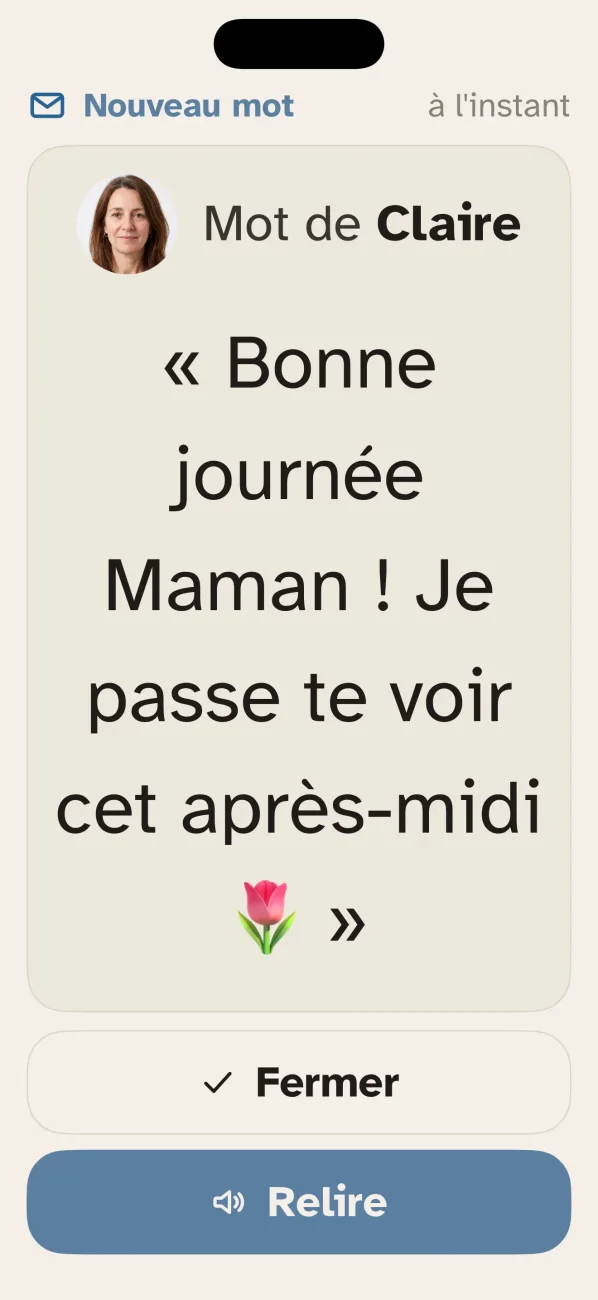
Ally Display turns an iPad or an iPhone into a connected clock for an elderly parent — no menus to learn, no notifications to understand.
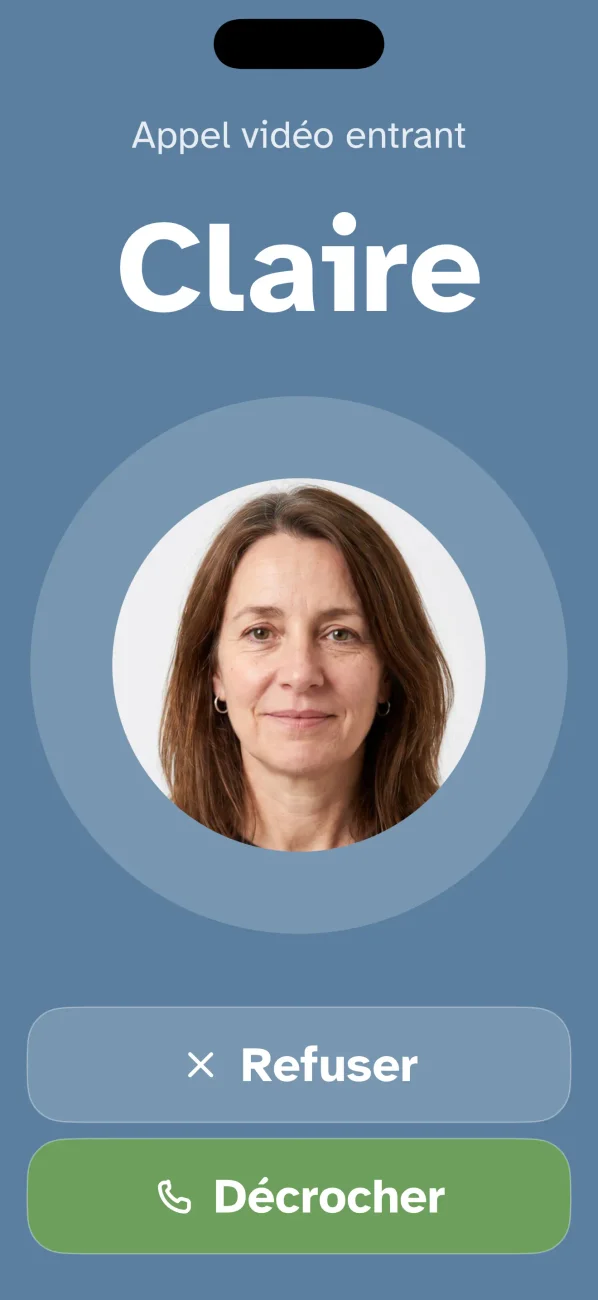
The screen shows the time, very large, all the time. When a loved one sends a photo or voice message from the Ally Companion app, the clock briefly steps aside to display the message full-screen, reads the caption aloud, then returns to the time. For a video call, the tablet rings and shows one large "Answer" button: a single tap is enough.
FOR YOUR LOVED ONE
• The time, always, very large
• Photos and voice messages full-screen
• Simple video calls: "Answer" or "Decline"
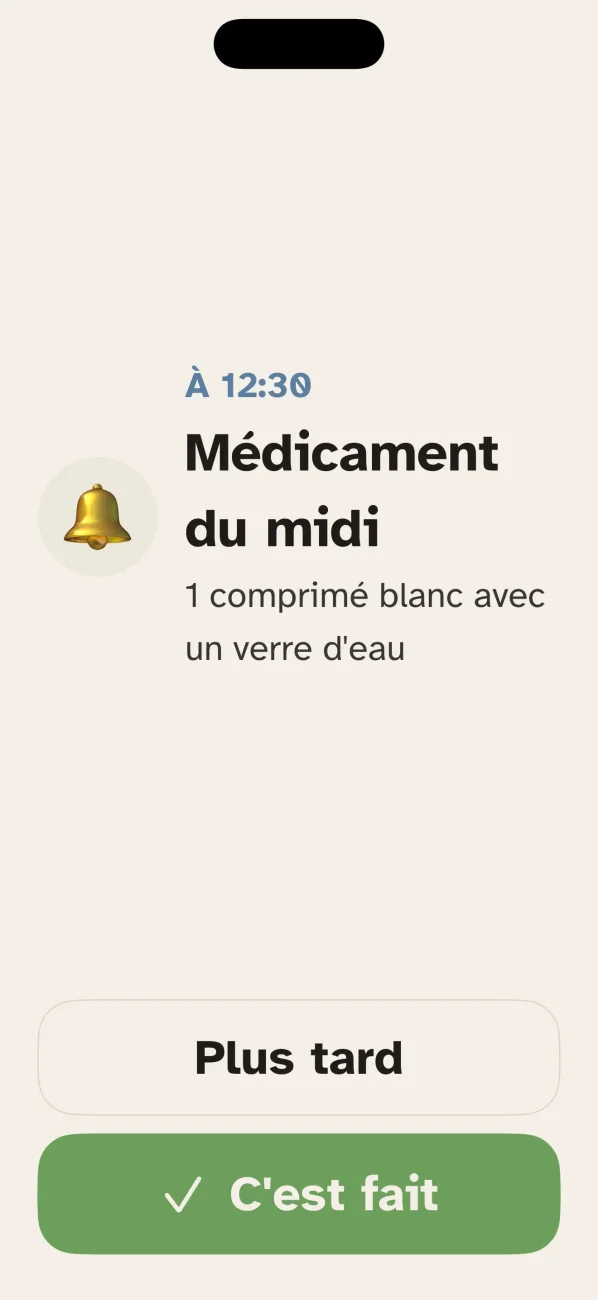
• Routine reminders ("medication 8 AM", "lunch 12:30")
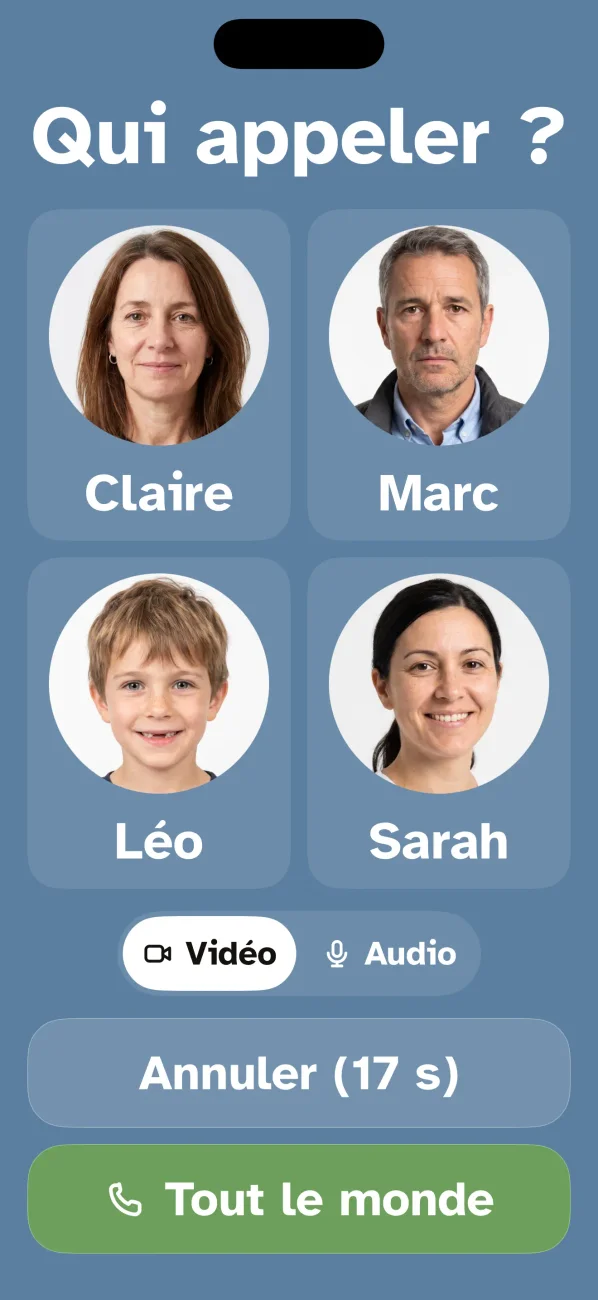
• One button to call the family, in a single tap
FOR YOU AND YOUR FAMILY (via the Ally Companion app on your phone)
• See what's on the screen in real time
• Send photos, voice messages, reminders
• Manage routines across multiple caregivers
• Get your loved one's call when they tap that button
SETUP
1. Also install "Ally Companion" on your phone.
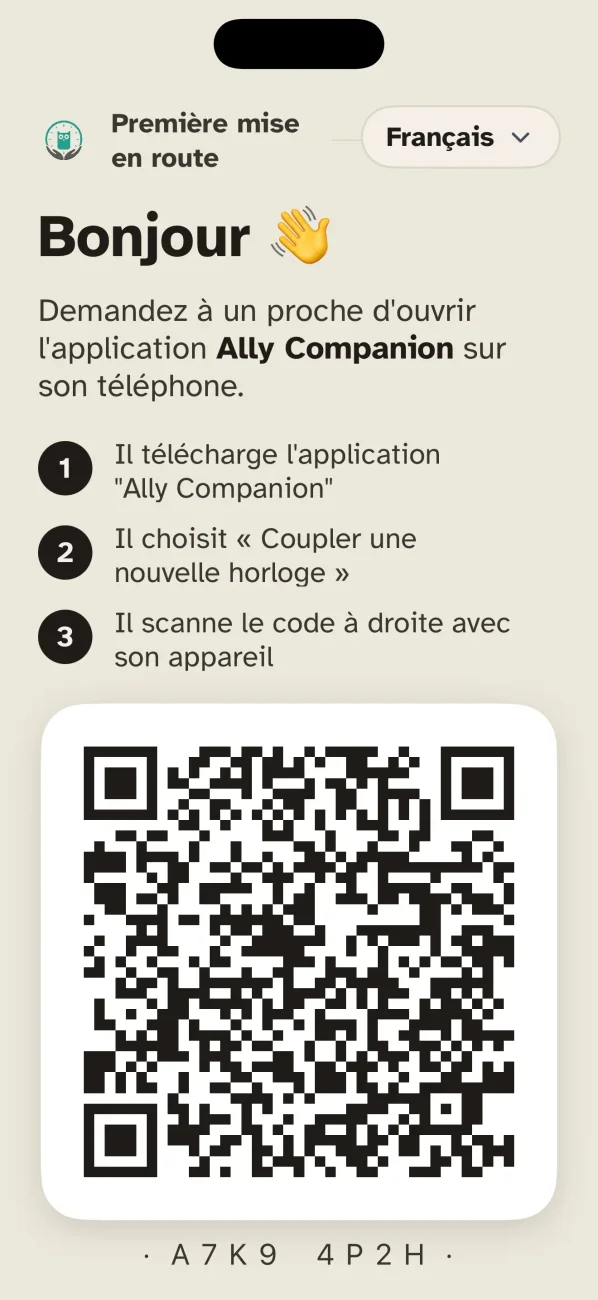
2. Open Ally Display: a QR code appears on screen.
3. Scan the QR with Ally Companion — paired.
4. Enable Guided Access (Settings → Accessibility) so the device stays on Ally Display.
PRIVACY
Ally Display is NOT a medical device. No continuous monitoring, no always-on camera: the mic and camera only activate during a video call. Data stored in Switzerland. See allydisplay.com/privacy for details.
A question? hello@allydisplay.com
Có gì mới
Phiên bản 1.5.0 · 13/11/2026
Choose the sound before the time announcement, including "Ally Display"
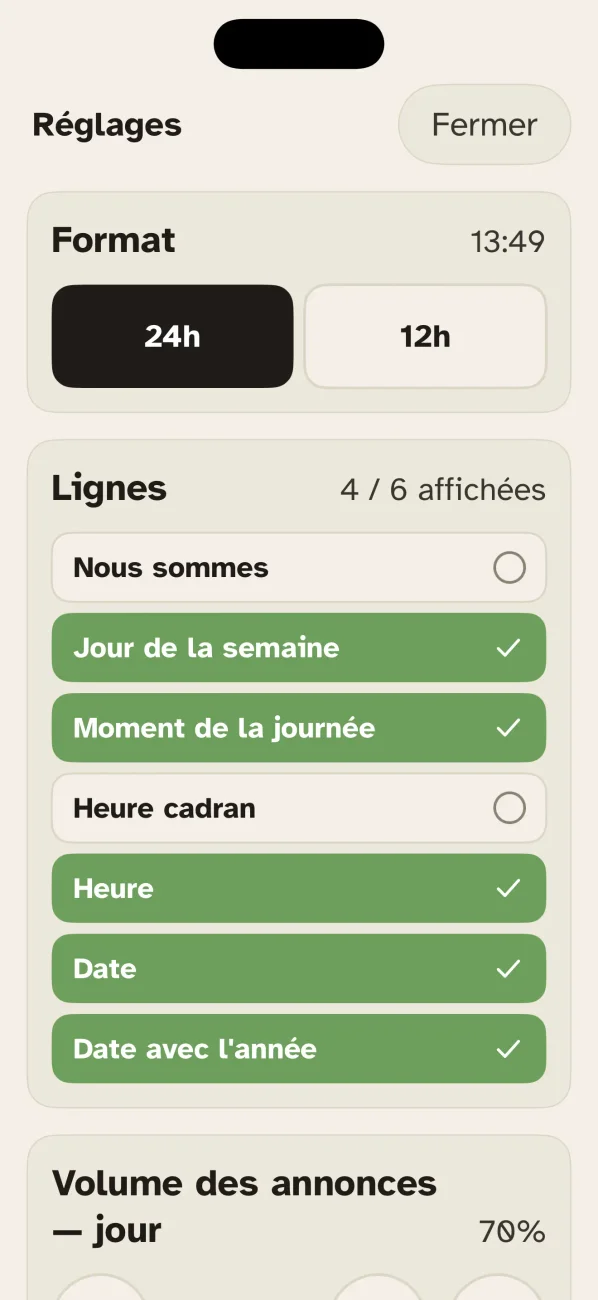
Touching the clock speaks the time, adjustable from the app
The clock shifts gently to protect the screen
Family can control the camera during a call
A new tablet takes the household's settings
Spoken time fixed in German
Quyền riêng tư của ứng dụng
Những gì Senior Shop Sàrl khai báo trên App Store về cách ứng dụng này xử lý dữ liệu.
-
Dữ liệu không được thu thập
Nhà phát triển không thu thập bất kỳ dữ liệu nào từ ứng dụng này.
Phương thức đảm bảo quyền riêng tư có thể khác nhau, chẳng hạn như tuỳ theo các tính năng bạn sử dụng hoặc độ tuổi của bạn.
Thông tin
- Người bán
- LBT Group Sarl
- Danh mục
- Hiệu Suất
- Phiên bản
- 1.5.0
- Cập nhật
- 13/11/2026
- Phát hành
- 31/10/2026
- Kích thước
- 29,7 MB
- Yêu cầu
- iOS 15.1 trở lên
- Độ tuổi
- 4+
- Giá
- Miễn phí
- Ngôn ngữ
- Tiếng Anh, Tiếng Ả Rập, Bulgarian, Tiếng Croatia, Tiếng Séc, Tiếng Đan Mạch, Tiếng Hà Lan, Tiếng Estonia, Tiếng Phần Lan, Tiếng Pháp, Tiếng Đức, Tiếng Hy Lạp + 17 ngôn ngữ khác
- Bản quyền
- © Senior Shop Sàrl