
Auth Code: 2FA Authenticator
OTP, MFA & Secure Login Codes
Projetado para iPhone, iPad
Grátis · Compras no app
- Classificação etária4+
- CategoriaUtilidades
- DesenvolvedorIvanna Koryliak
- IdiomasInglêse mais 17
- Tamanho25,5 MB
Leva à página oficial na App Store
O Download.org não hospeda nenhum arquivo de Auth Code: 2FA Authenticator. O botão abre a página do app na App Store, onde Ivanna Koryliak o publica. Página verificada pela última vez em 10/11/2026.
Capturas de tela

Sobre
O desenvolvedor não forneceu este texto no seu idioma.
Protect your online accounts with simple and secure two-factor authentication.
Auth Code generates one-time verification codes for services that support authenticator-based 2FA. Scan a QR code, import a saved QR image, enter a setup key manually, or transfer your accounts from Google Authenticator.
KEY FEATURES
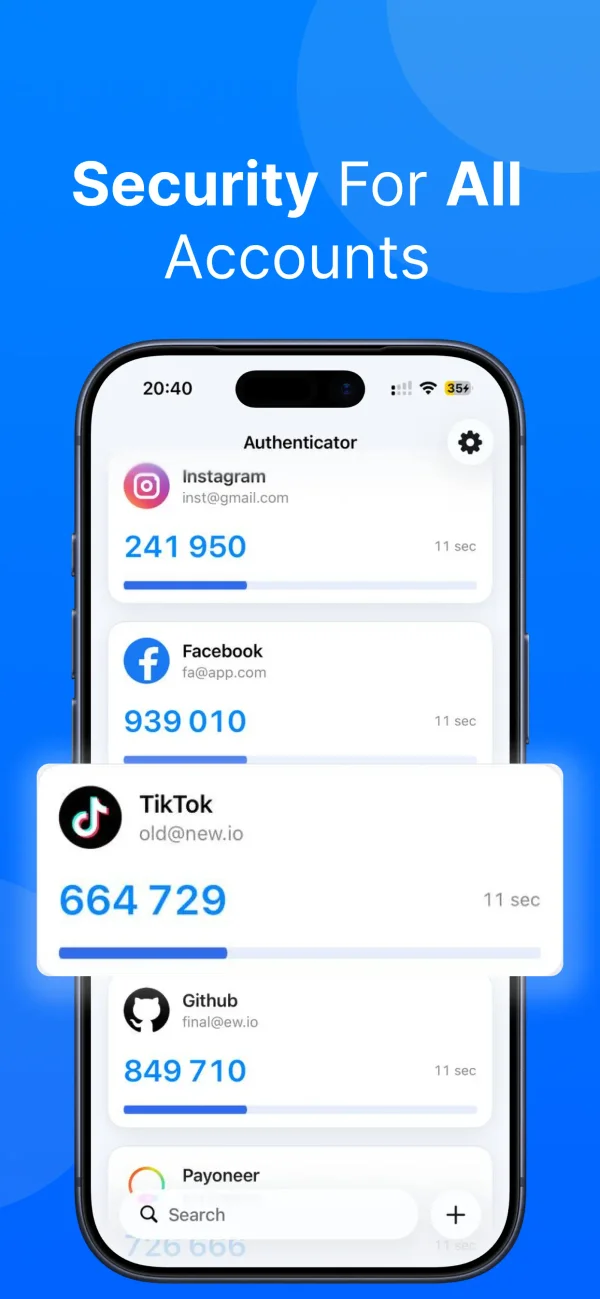
• One-Time Verification Codes
Generate time-based (TOTP) and counter-based (HOTP) codes for compatible websites and services. Generate your codes without an internet connection.
• Easy Account Setup
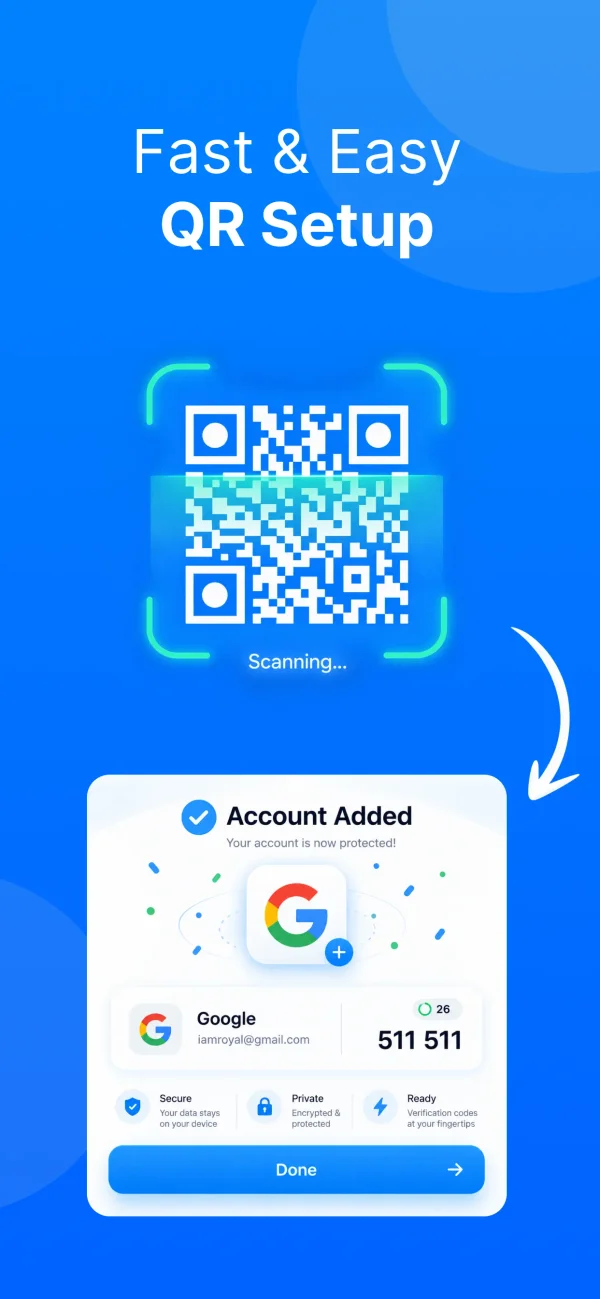
Add accounts by scanning QR codes with your camera, importing QR images from Photos, or entering setup keys manually.
• Import from Google Authenticator
Transfer accounts using Google Authenticator export QR codes, including exports with multiple QR codes.
• Keep Accounts Organized
Find accounts with search and mark frequently used accounts as favorites for quick access.
• App Lock & Privacy Controls
Protect access with Face ID or Touch ID on supported devices, configure automatic locking, and hide codes from view.
• Encrypted Backups
Export backups encrypted with a password you choose and restore your accounts when needed. Keep your backup file and password safe.
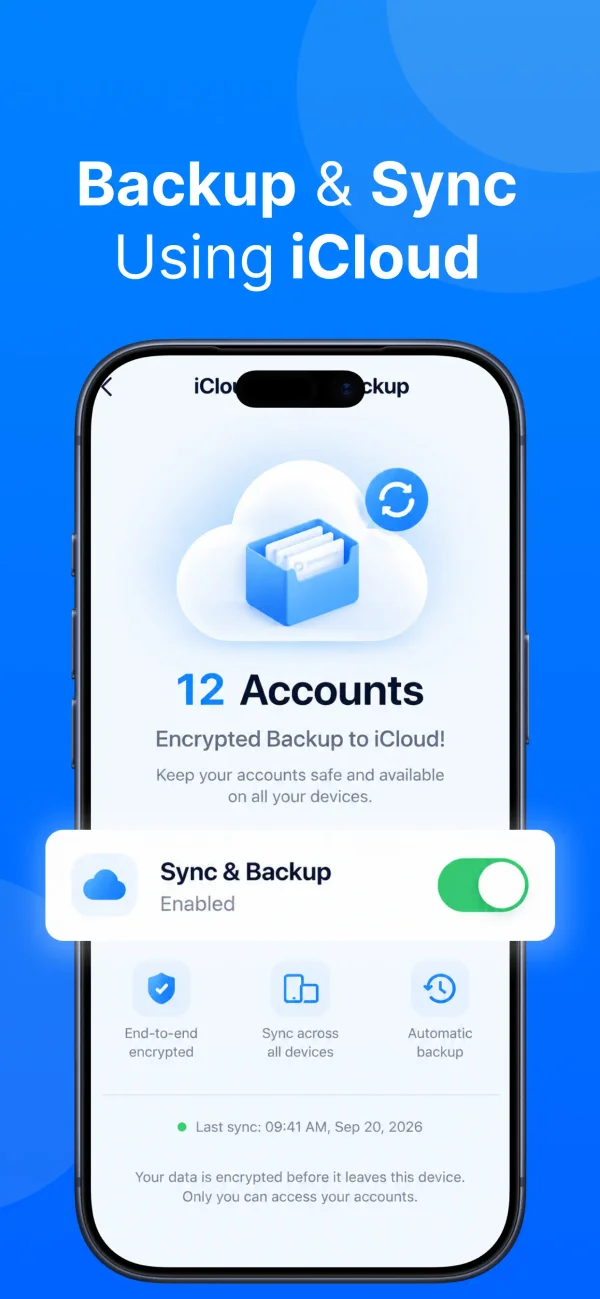
• Optional iCloud Sync
Sync accounts across your devices. Your accounts are encrypted before being stored in your private iCloud database.
• Home Screen Widget
View authentication codes from your Home Screen.
• Light & Dark Appearance
Choose a light theme, a dark theme, or follow your device settings.
HOW IT WORKS
1. Enable authenticator-based two-factor authentication on a supported website or service.
2. Add the account to Auth Code using its QR code or setup key.
3. Enter the generated verification code to complete setup.
4. Open Auth Code whenever you need a code to sign in.
Two-factor authentication adds an extra layer of protection beyond your password.
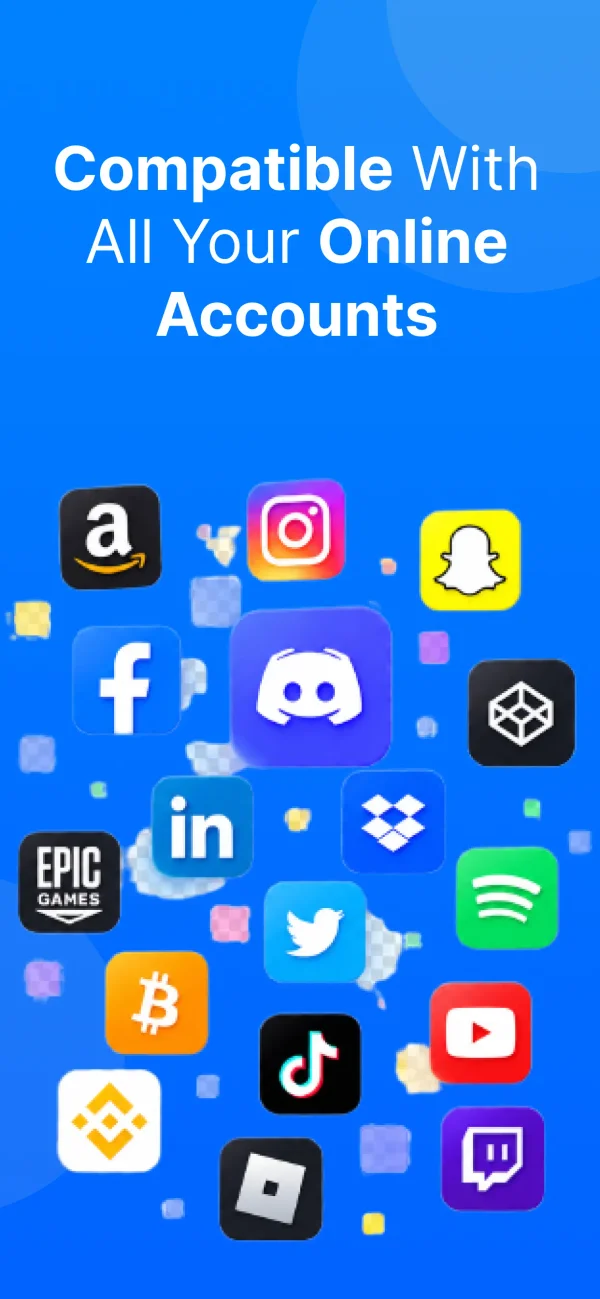
Auth Code works with services that support standard TOTP or HOTP authentication.
PREMIUM FEATURES
Premium unlocks unlimited accounts, encrypted iCloud sync, and password-protected backup export. Restoring an existing encrypted backup is available without Premium.
Privacy Policy:
https://authcode.site/privacy.html
Terms of Use:
https://www.apple.com/legal/internet-services/itunes/dev/stdeula/
Novidades
Versão 1.2 · 15/10/2026
Performance improvements and bug fixes.
Privacidade do app
O que Ivanna Koryliak declara na App Store sobre como este app lida com os dados.
-
Dados usados para rastrear você
Podem ser usados para rastrear você em apps e sites de outras empresas.
- Dados de uso
-
Dados não vinculados a você
Podem ser coletados, mas não são vinculados à sua identidade.
- Dados de uso
As práticas de privacidade podem variar, por exemplo, com base nos recursos que você usa ou na sua idade.
Informações
- Vendedor
- Ivanna Koryliak
- Categoria
- Utilidades
- Versão
- 1.2
- Atualizado
- 15/10/2026
- Lançamento
- 25/09/2026
- Tamanho
- 25,5 MB
- Requer
- iOS 16.6 ou posterior
- Classificação etária
- 4+
- Preço
- Grátis
- Compras no app
- Sim
- Idiomas
- Inglês, Árabe, Francês, Alemão, Grego, Hindi, Indonésio, Italiano, Japonês, Coreano, Polonês, Russo e mais 6
- Copyright
- © AuthCode
Você também pode gostar
-
 Wave - MaritimeUtilidades
-
 Prism: Photo & File SearchUtilidades
-
 Wallby: Widgets & WallpapersUtilidades
-
 lowkeysafe - Password ManagerUtilidades
-
 IDFA PocketUtilidades
-
 Authenticator • 2FA AppCódigos de backup, MFA e OTP
-
 TransUtter: traduzir e ouvirPodcasts, artigos e e-mails
-
 2FA iAtomos: Autenticador2FA grátis para sempre
-
 PDFPilot: Scan, Edit & ConvertUtilidades
-
 Nearon: Bluetooth FinderUtilidades