
- Classificação etária4+
- CategoriaProdutividade
- Desenvolvedor宁 袁
- IdiomasInglêse mais 17
- Tamanho6,5 MB
Leva à página oficial na App Store
O Download.org não hospeda nenhum arquivo de Copymunk. O botão abre a página do app na App Store, onde 宁 袁 o publica. Página verificada pela última vez em 13/11/2026.
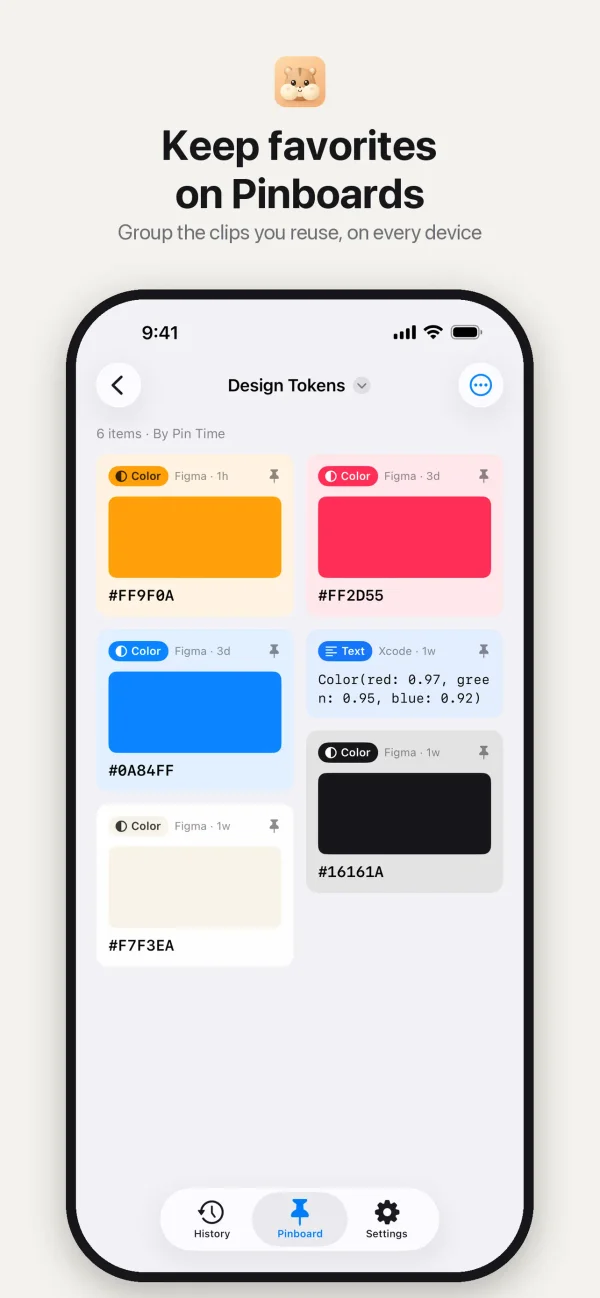
Capturas de tela

Sobre
O desenvolvedor não forneceu este texto no seu idioma.
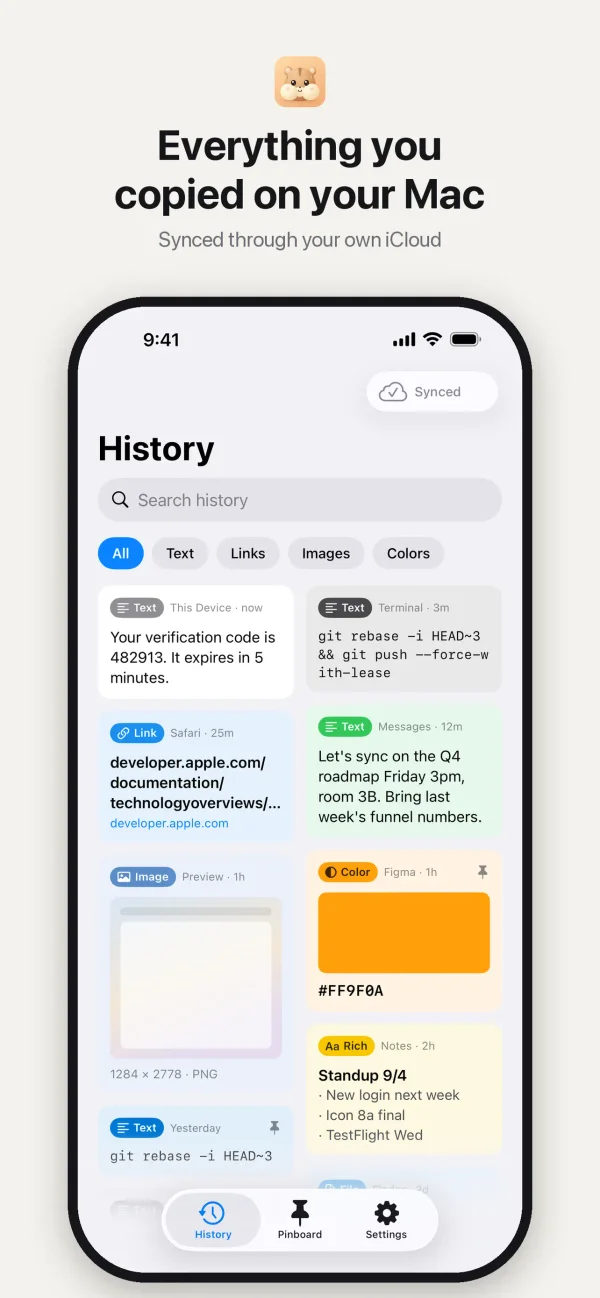
Everything you've copied on your Mac, in your pocket. Copymunk brings your clipboard history to iPhone and iPad through your own iCloud account, so you can search it anywhere and tap any clip to copy it again.
Copymunk is an open-source clipboard manager for Mac, iPhone and iPad.
SEARCH AND COPY
• Text, rich text, links, colors and images, shown as cards
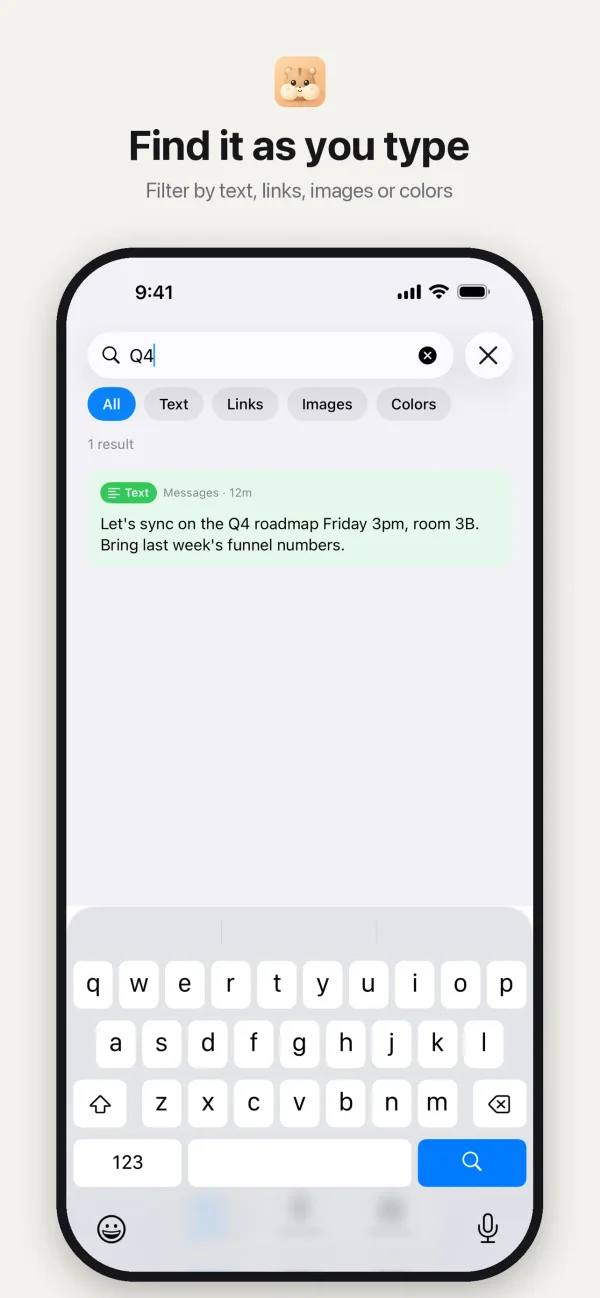
• Type to search, or filter by links, images or colors
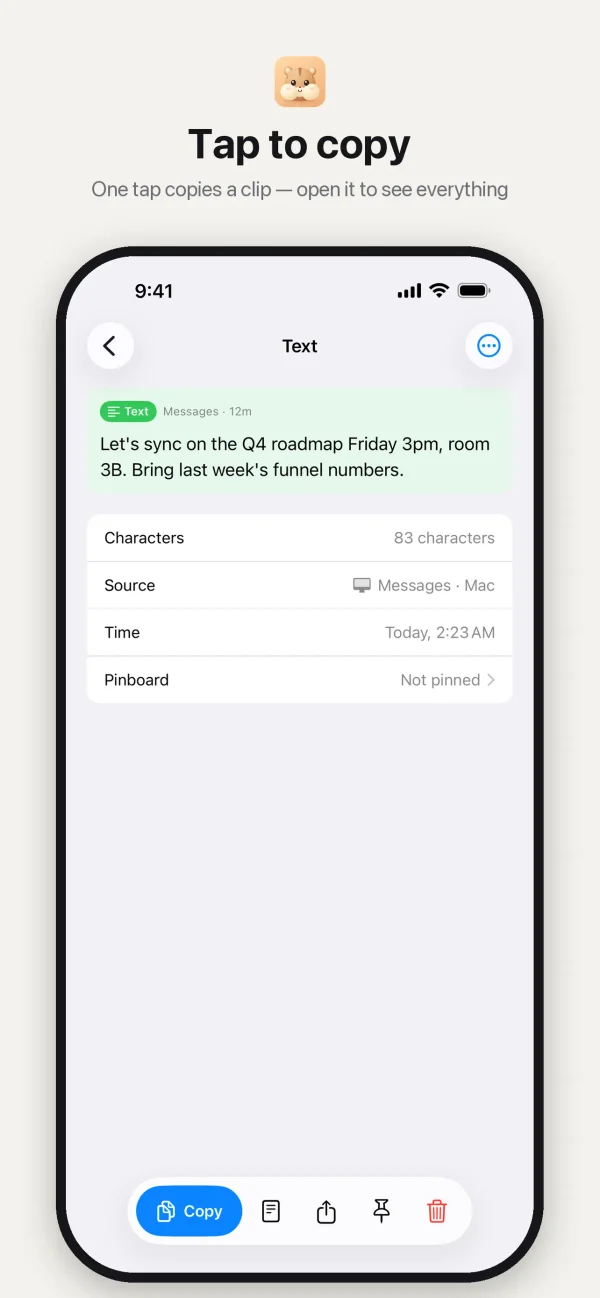
• Tap a card to copy it, then paste it wherever you like
• Copy as plain text, share, or open a full-size preview
• Swipe right to pin, swipe left to delete
• Files copied on your Mac are listed by name and marked "Mac only"
SAVE FROM YOUR iPHONE
iOS doesn't let apps read the clipboard in the background, so Copymunk saves at moments you choose:
• When you open Copymunk, it saves what's on the clipboard. You can turn this off and use the Paste button instead.
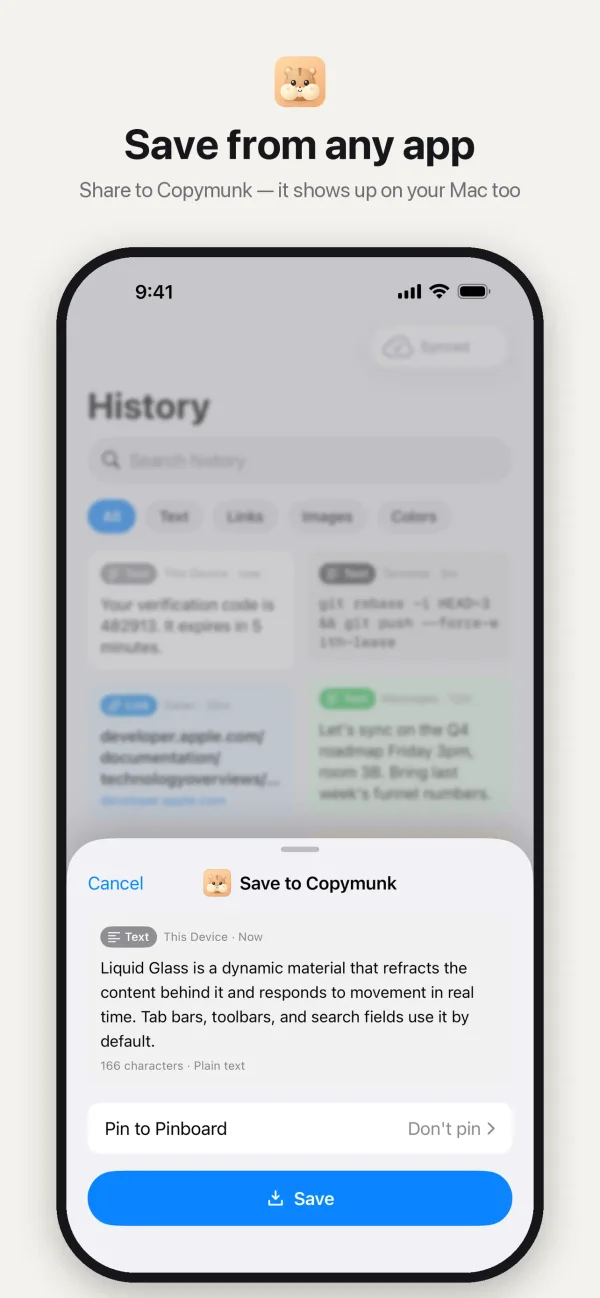
• Share sheet: save text, links and images from any app, straight into a Pinboard if you like
• Quick Save: press and hold the Action Button, tap a Control Center or Lock Screen control, or use Back Tap through a shortcut. Copymunk opens and saves the clipboard.
• "Save Clipboard" is also available in Shortcuts and Siri
PINBOARDS
Keep the clips you use often on Pinboards. Clearing history never touches pinned clips.
WIDGETS
• Recent Clips widget in small and medium sizes. Tap a clip to open Copymunk and copy it.
• Save Clipboard control for Control Center, the Lock Screen and the Action Button
ON iPAD
• Sidebar layout with a grid of cards
• Drag clips into the app next to Copymunk
• Hardware keyboard: Command-F to search, arrow keys to move, Return to copy, Shift-Return for plain text, Space to preview, Command-P to pin
PRIVACY
• Sync goes through Apple's iCloud to a private database in your own Apple Account. We run no server and can't read your clips.
• iCloud sync is on by default on iPhone and iPad so your devices share one history. Turn it off during setup or anytime in Settings, and your clips stay on this device.
• Showing clips in system Search is off by default.
• No account, no sign-in, no ads, no analytics, no third-party SDKs.
• The source code is on GitHub under the GNU GPLv3.
To sync with your Mac, get Copymunk for Mac and turn on iCloud sync in its Settings (it's off by default on the Mac).
Novidades
Versão 1.3.1 · 20/10/2026
Long-press any clip in History for two new options: Preview (a quick look at the full content) and Open Details. Until now, previewing needed a hardware keyboard (Space), and the details page couldn't be opened by touch.
Privacidade do app
O que 宁 袁 declara na App Store sobre como este app lida com os dados.
-
Dados não coletados
O desenvolvedor não coleta nenhum dado deste app.
As práticas de privacidade podem variar, por exemplo, com base nos recursos que você usa ou na sua idade.
Informações
- Vendedor
- 宁 袁
- Categoria
- Produtividade
- Versão
- 1.3.1
- Atualizado
- 20/10/2026
- Lançamento
- 23/09/2026
- Tamanho
- 6,5 MB
- Requer
- iOS 18.0 ou posterior
- Classificação etária
- 4+
- Preço
- Grátis
- Idiomas
- Inglês, Árabe, Holandês, Francês, Alemão, Indonésio, Italiano, Japonês, Coreano, Polonês, Português, Russo e mais 6
- Copyright
- © 2026 Copymunk Contributors
Você também pode gostar
-
 Snippy: Quick Paste KeyboardProdutividade
-
 Vault – Open Source BackupProdutividade
-
 CopyNest: Clipboard ManagerProdutividade
-
 Thoughtree: Mind Map & OutlineProdutividade
-
 Syncer — Clipboard on KeyboardProdutividade
-
 Nexus Mail - All Email LoginProdutividade
-
 Clypy: Clipboard ManagerProdutividade
-
 Clipster: Copiar e ColarSalve, fixe e cole onde quiser
-
 Quest NotesNotas, Checklists e Scanner
-
 Copyo – Clipboard ManagerHistory, keyboard, snippets