
Listen2: Text to Speech Reader
Hear PDFs, Books & Articles
Projetado para iPhone, iPad
Grátis · Compras no app
- Classificação etária4+
- CategoriaLivros
- DesenvolvedorZach Swift
- IdiomasInglês
- Tamanho781,4 MB
Leva à página oficial na App Store
O Download.org não hospeda nenhum arquivo de Listen2: Text to Speech Reader. O botão abre a página do app na App Store, onde Zach Swift o publica. Página verificada pela última vez em 26/11/2026.
Capturas de tela

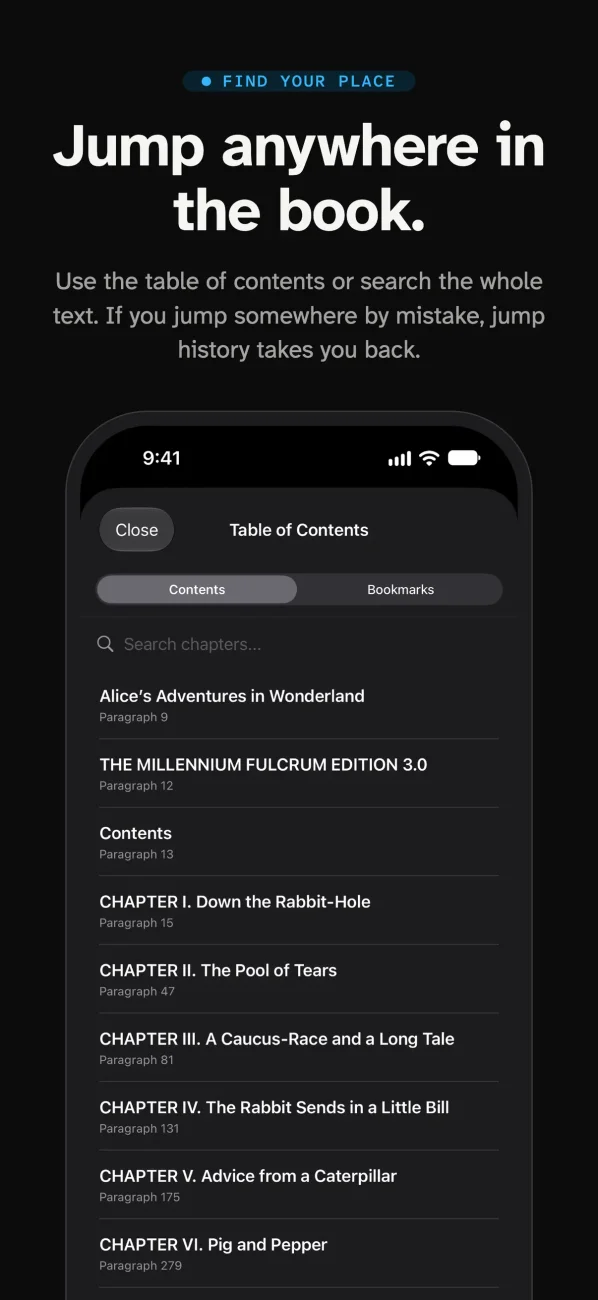
Sobre
O desenvolvedor não forneceu este texto no seu idioma.
Listen2 reads your documents aloud with natural voices that run entirely on your iPhone or iPad. Nothing is sent to a server, so there is nothing to sign up for and nothing to keep paying for. You can try every feature free for 7 days, then buy the app once.
Most text-to-speech apps give you two choices: the familiar system voices, or a monthly subscription for cloud voices that read your documents on someone else's computers. Listen2 runs its voice models on your device instead, so the voices sound natural and your documents stay with you.
WHAT MAKES LISTEN2 DIFFERENT
Listen2 Voices, our own
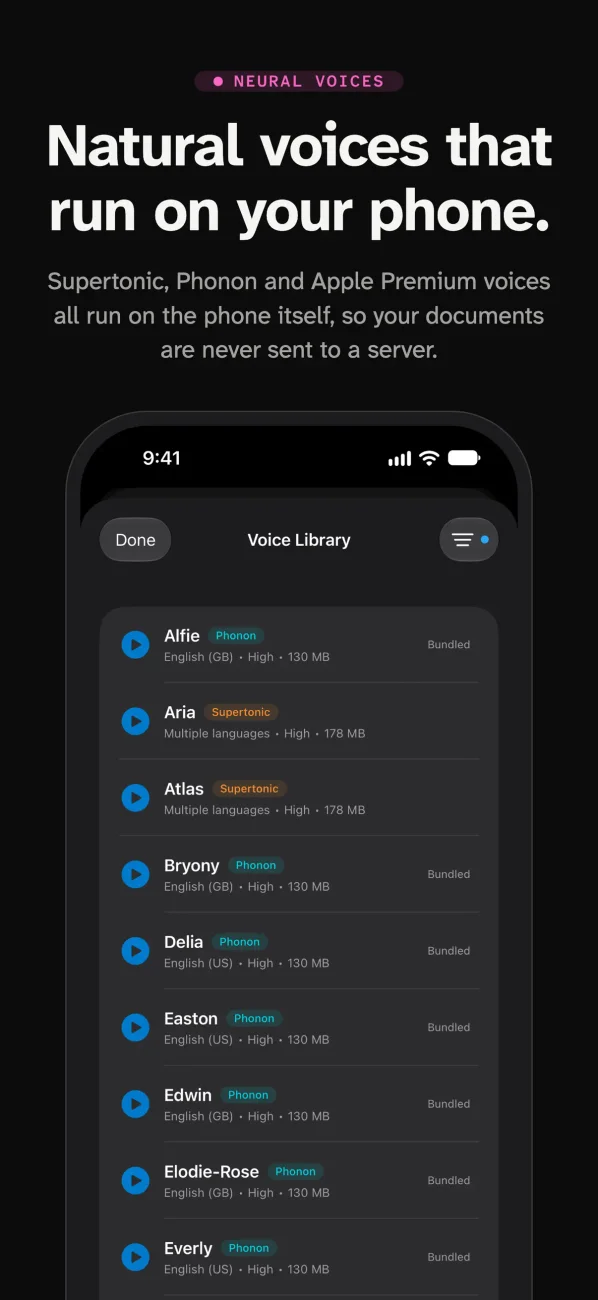
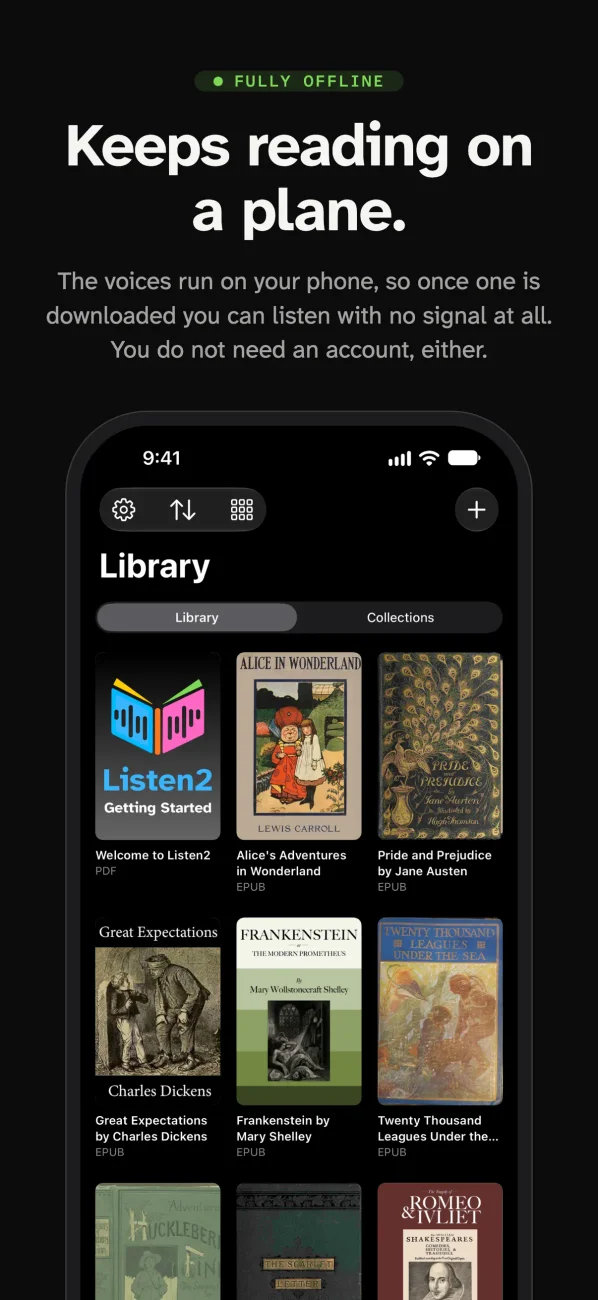
We trained our own voice model from the ground up, and it runs on your device. Listen2 Voices come with 34 English voices, American, British and Australian, female and male. They are built into the app, so you can start listening the moment you open it, even without a connection. They were trained on the text people really read, so names, numbers and dates come out right.
Make a voice of your own
Create a Listen2 Voice from a short recording of your own voice, and it can read any document to you. A voice belongs to the person who speaks it, so before a voice is made, that person reads one short sentence aloud and Listen2 checks that it is the same speaker. The recording and the voice never leave your device.
Words said the way they are meant
English is full of words spelled the same but said two ways, like read, lead and record. Listen2 Voices read them the way the sentence means them. When a name comes out wrong, add a pronunciation rule and write how it sounds.
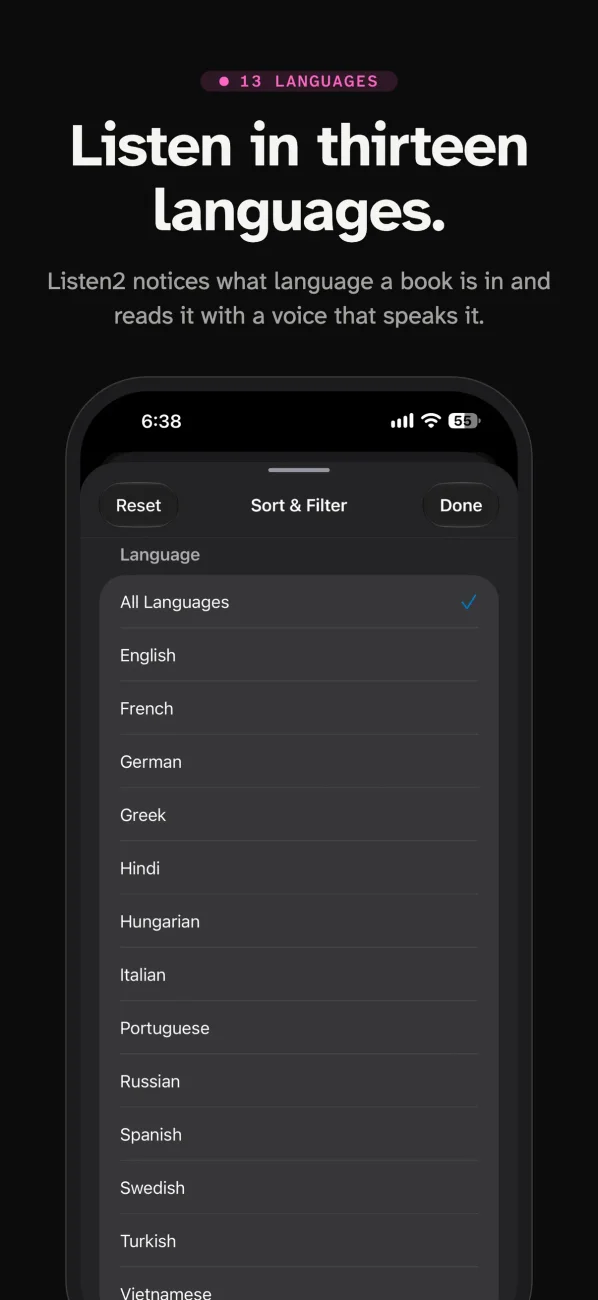
13 languages
Download the Supertonic engine and its 10 voices speak English, Spanish, French, German, Italian, Portuguese, Russian, Turkish, Greek, Hindi, Vietnamese, Swedish and Hungarian. Apple's system voices are available too, including enhanced and premium voices.
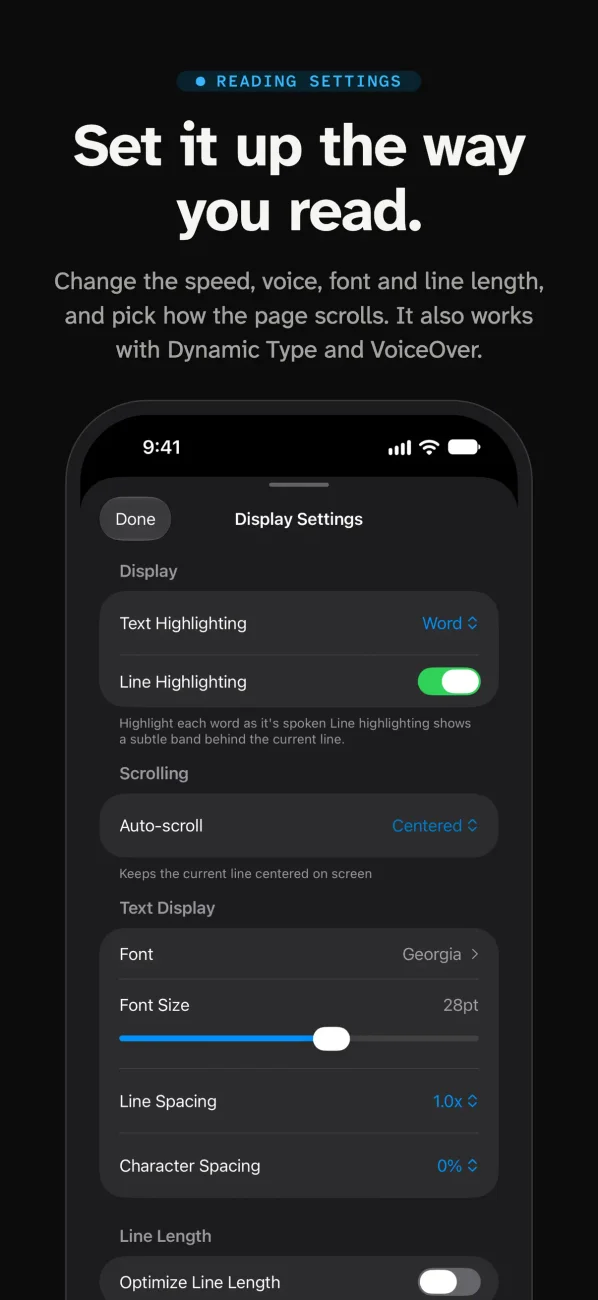
Word-by-word highlighting
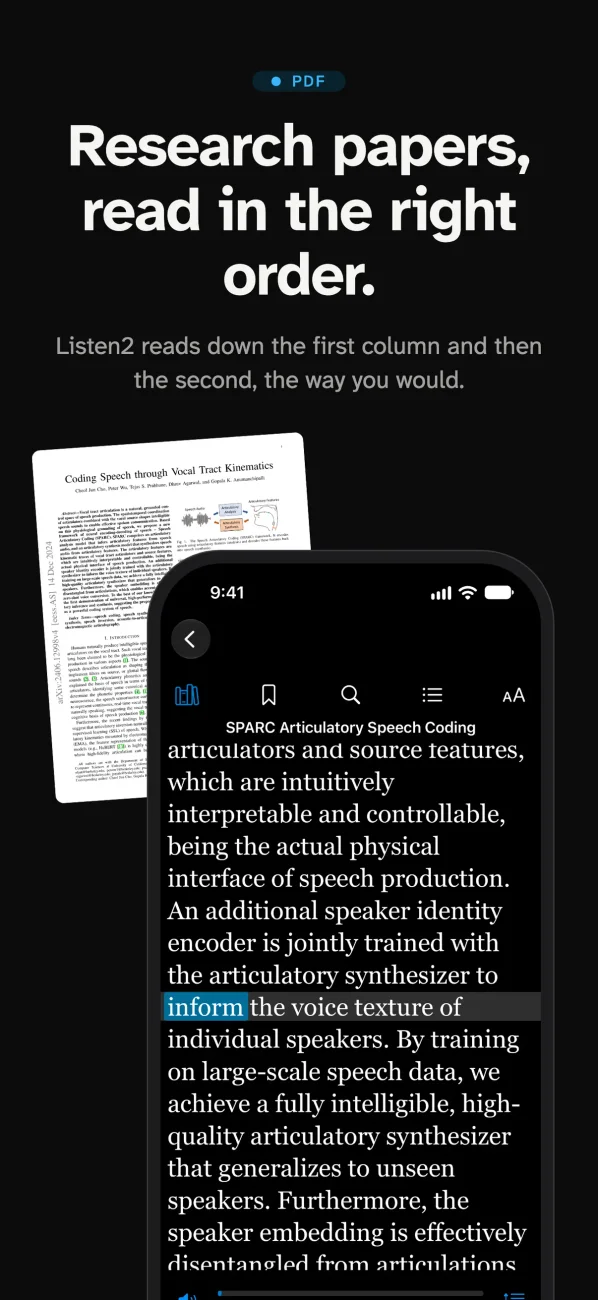
Each word lights up as it is spoken and the page scrolls with you. Or highlight whole sentences.
A reader built for VoiceOver
When VoiceOver is on, Listen2 opens a reader made for it. Every paragraph is its own stop, so you swipe through the text and not the buttons. Double-tap a paragraph to play from there, and a two-finger double-tap pauses or resumes from anywhere.
Your library on every device
Turn on iCloud sync and your documents, reading positions and settings follow you between your iPhone, iPad and Mac. Your files stay in your own iCloud storage.
Import almost anything
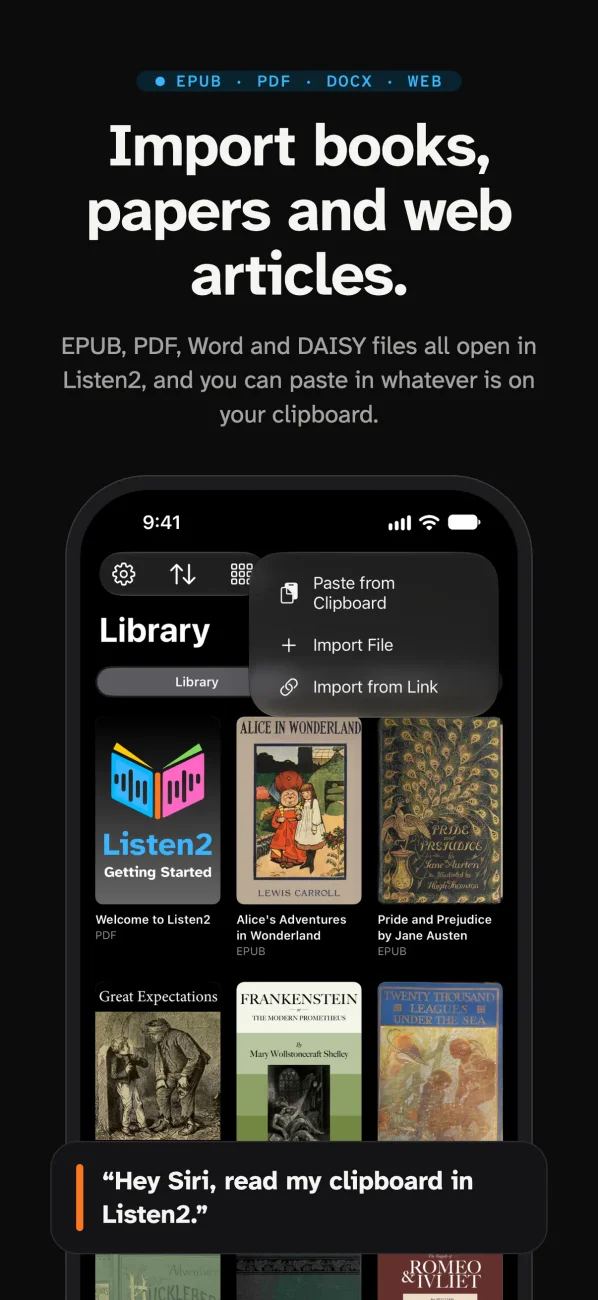
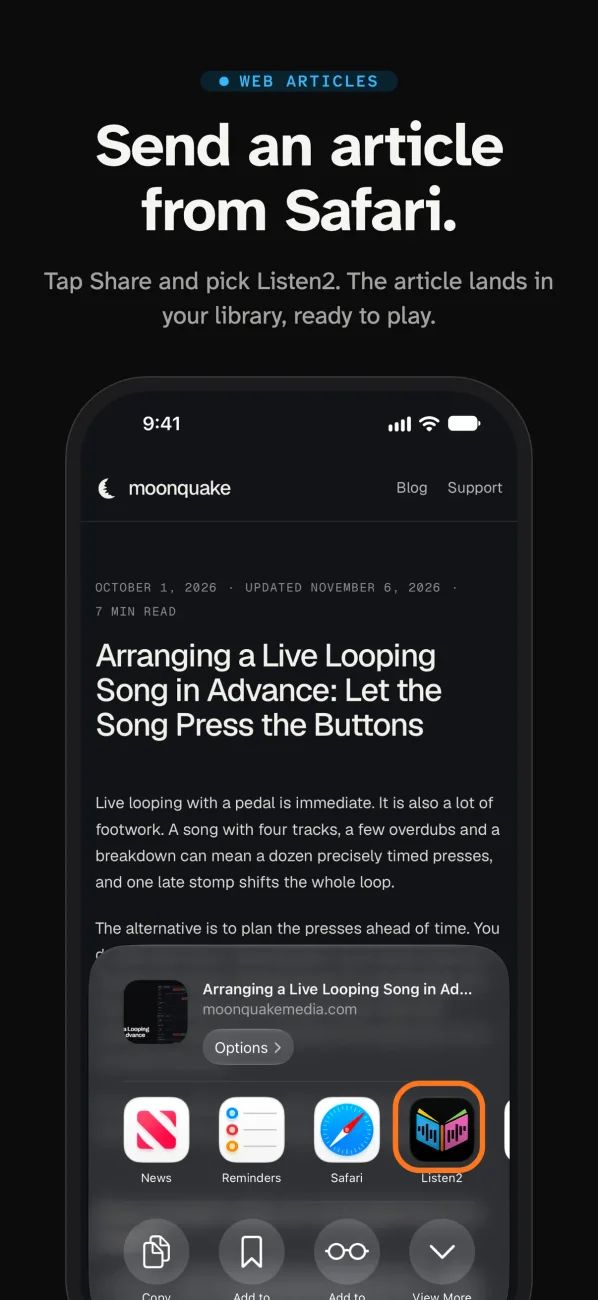
PDF, EPUB, DOCX, DAISY, Markdown, plain text, the clipboard or a web article. Share a page from Safari and Listen2 pulls out the article, even from subscription sites you are signed in to.
Smart document reading
Listen2 handles multi-column layouts, skips footnote markers and rejoins words broken across lines. Scanned PDFs are read with on-device text recognition, and on-device vision describes charts, diagrams and photos aloud.
Private by design
Everything happens on your device. Listen2 has no accounts and does not track you.
FEATURES
- 34 built-in Listen2 Voices, plus downloadable voices in 13 languages
- Create your own voice, with a consent check
- Pace and liveliness controls for each voice
- Word-by-word or sentence highlighting
- PDF, EPUB, DOCX, DAISY, TXT and Markdown
- iCloud sync of documents, positions and settings
- Pronunciation rules, everywhere or for one document
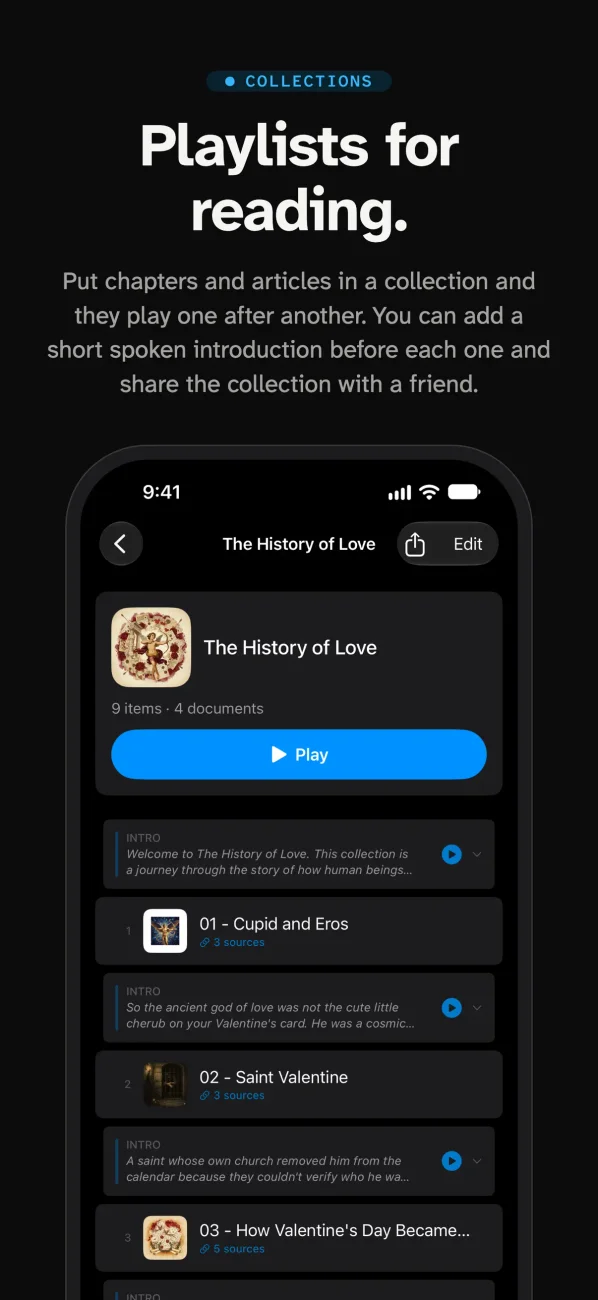
- Collections with intros and auto-advance
- Playback speed from 0.5x to 2.5x
- Background playback with lock screen and headphone controls
- Sleep timer and Siri Shortcuts
- Atkinson Hyperlegible and OpenDyslexic fonts
WHO IT IS FOR
- Commuters turning drive time into reading time
- Students working through papers and textbooks
- Professionals whose documents must stay private
- VoiceOver users who want a reader built around them
- Readers with dyslexia who benefit from seeing and hearing each word together
- Anyone tired of paying for text-to-speech every month
Listen2 is a one-time purchase with a 7-day free trial.
Novidades
Versão 2.0.0 · 25/11/2026
v2.0.0
Listen2 Voices
Listen2 now has voices of its own. We trained the voice model ourselves, from scratch, and it runs entirely on your phone, with no connection needed. There are 34 English voices in the Voice Library, and Graham reads to you first. They were trained on product names, initialisms, numbers and dates, and in our testing about 99 words in 100 came back exactly as written, and in nine hours of test reading they did not skip a single clause.
Each Listen2 voice has a Voice Profile with two controls. Pace sets how fast the voice speaks, and Liveliness sets how much it rises and falls. Set Pace to Voice decides to let the voice choose for each sentence. Each voice keeps its own settings. Find it in Settings, or in Audio Settings while you read.
Your Own Voice
Tap Create a Listen2 Voice at the top of the Voice Library and read a short passage aloud, or choose an audio file. That voice can then read any document to you, with nothing extra to buy. A voice belongs to the person who speaks it, so before Listen2 makes one, that person says one short sentence aloud, live, and Listen2 checks it is the same person. Listen2 asks to use Speech Recognition to hear the sentence, and Bluetooth microphones are not supported. Everything stays on your phone.
iCloud Sync You Can Trust
We rebuilt iCloud sync so your library lives in your iCloud storage, not on a single device. Documents, reading positions and titles move reliably between your devices, and if a download does not finish, the document offers Retry. If many documents disappear from iCloud at once, your other devices keep their copies and ask what to do. Listen2 asks before it turns sync on.
Your settings now sync too: playback speed, presets, voice tuning and pronunciation rules. If you changed the same setting differently on two devices, Listen2 changes neither until you pick one. The voice you chose, your text size and your bookmarks stay on each device.
A Reader for VoiceOver
When VoiceOver is on, Listen2 opens a reader made for it. Every paragraph is its own stop, so you swipe through the text and not the buttons. Double-tap a paragraph to play from there, and a two-finger double-tap pauses or resumes from anywhere.
Words With Two Readings
English is full of words spelled the same but said two ways: read, lead, tear, record. Listen2 Voices now say them the way the sentence means them. To let the voice decide every time, turn off Read Words by Their Meaning under Pronunciation.
Sounds Like Rules
When a name comes out wrong, pronunciation rules now have a Sounds Like option. Write the word the way it sounds, like SEER-shuh, and Listen2 Voices say those sounds. The Sound Key shows what to type.
Voices and Languages
We replaced an outside pronunciation tool with models we trained ourselves, in 13 languages. Some older voices are retired: voices you already downloaded keep working, but a retired voice cannot be downloaded again once you delete it. The Phonon voices are now a free download in the Voice Library.
Bluetooth and Car Controls
Pausing from a car's screen could leave Listen2 stuck with no sound, and some headsets made it start playing on the phone speaker as they disconnected. Both are fixed. After a pause of more than eight seconds, playback starts again from the beginning of the sentence.
Also Fixed
Try OCR on a scanned PDF now imports the document. Supertonic voices no longer drop the end of long sentences in Hindi and Vietnamese or leave long silences in Vietnamese. Word highlighting in Hindi, and in Arabic and Thai with Apple's voices, now covers the whole word. And a new welcome guide replaces the old one in your library.
Privacidade do app
O que Zach Swift declara na App Store sobre como este app lida com os dados.
-
Dados não coletados
O desenvolvedor não coleta nenhum dado deste app.
As práticas de privacidade podem variar, por exemplo, com base nos recursos que você usa ou na sua idade.
Informações
- Vendedor
- Zach Swift
- Categoria
- Livros
- Versão
- 2.0.0
- Atualizado
- 25/11/2026
- Lançamento
- 15/01/2026
- Tamanho
- 781,4 MB
- Requer
- iOS 18.2 ou posterior
- Classificação etária
- 4+
- Preço
- Grátis
- Compras no app
- Sim
- Idiomas
- Inglês
- Copyright
- © 2026 Zach Swift
Você também pode gostar
-
 Vox libriLivros
-
 Start SpeakingLivros
-
 Local NarratorLivros
-
 PageEcho - Leitor de texto IAOuça qualquer texto, offline
-
 Narratorr - Audiobook & TTSVozes de IA grátis e offline
-
 BookCraft AudioLivros
-
 AudiobookifyLivros
-
 Chorus Reader: AudiolivrosLer PDF e EPUB em voz alta
-
 Paperback MobileLivros
-
 Audia: Leitor de texto em vozOuça PDF, EPUB e audiolivros