- Classificação etária4+
- CategoriaUtilidades
- DesenvolvedorSean Kelly
- IdiomasInglêse mais 4
- Tamanho121,2 MB
Leva à página oficial na App Store
O Download.org não hospeda nenhum arquivo de NuKey. O botão abre a página do app na App Store, onde Sean Kelly o publica. Página verificada pela última vez em 26/11/2026.
Capturas de tela


Sobre
O desenvolvedor não forneceu este texto no seu idioma.
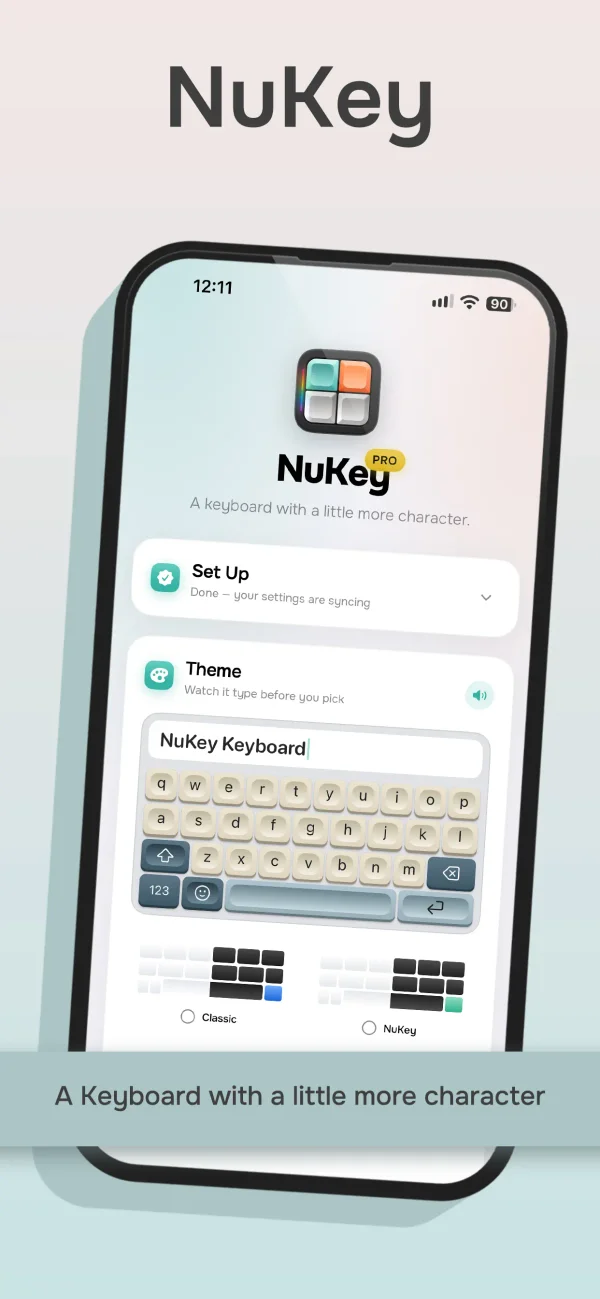
NuKey transforms your iPhone keyboard into a personalised typing experience that looks, sounds and feels like your own.
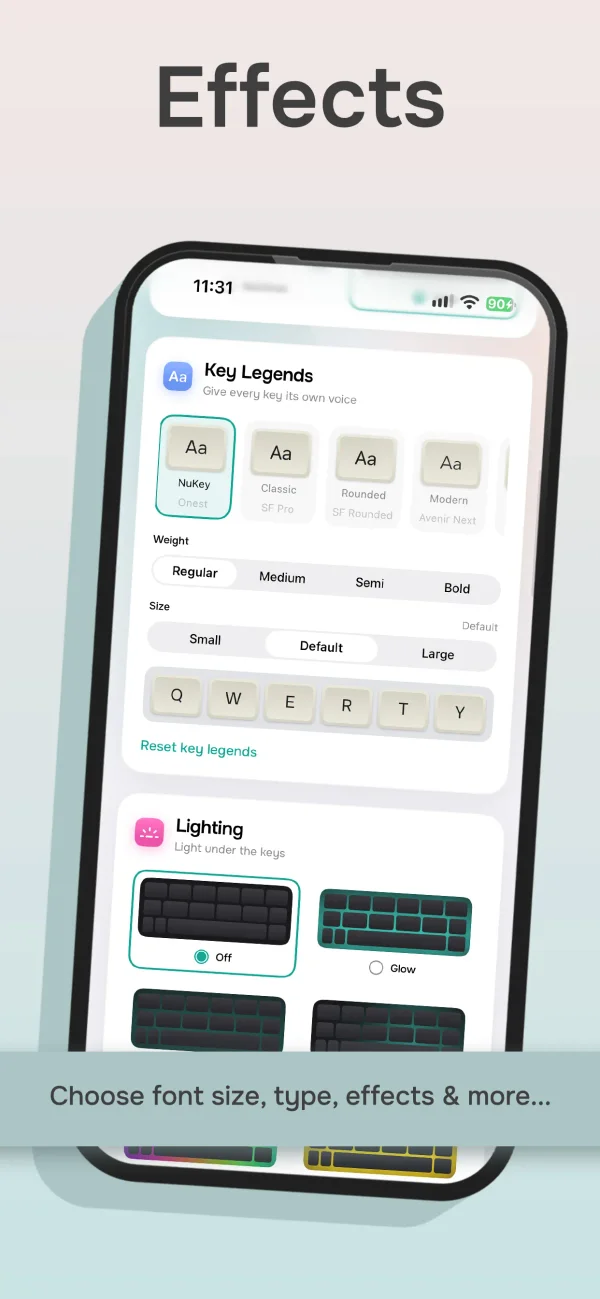
Create a custom keyboard by choosing colours, key styles, legends and animated lighting effects. Add satisfying mechanical switch sounds inspired by popular switch types, then preview your creation before you start typing.
Features include:
• Build and save custom keyboard designs
• Choose from ready-made themes
• Add animated keyboard lighting effects
• Enjoy a collection of mechanical switch sounds
• Personalise key legends and layouts
• Browse and type emoji with ease
• Add your own words for a more personal typing experience
• Select your preferred keyboard language
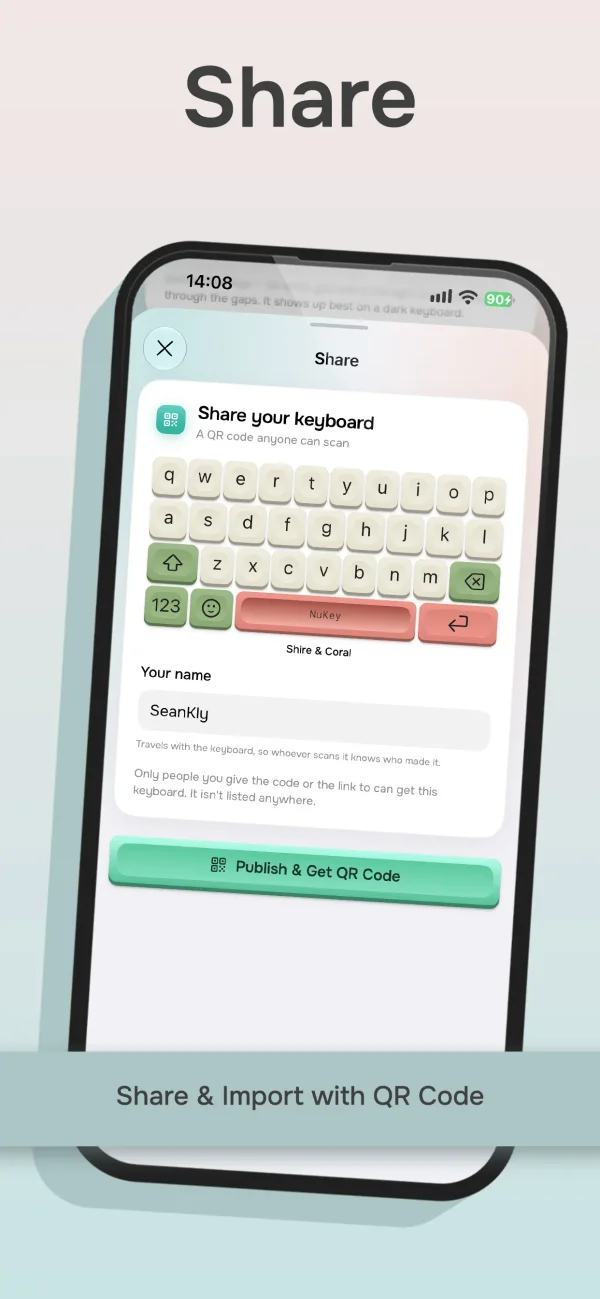
• Share keyboard designs using QR codes
• Preview sounds and themes inside the app
Whether you prefer a clean, understated keyboard or something colourful and expressive, NuKey gives you the tools to make every tap your own.
Some themes, sounds and customisation features may require NuKey Pro.
Novidades
Versão 2.0.6 · 25/11/2026
New in this version
• Dictation. Tap the mic key, speak, then tap the checkmark. It works with NuKey closed. Your words are tidied in the style shown on the bar: Verbatim is free, and Tidy, Message, Email, Bullets and Prompt are Pro. A live waveform reacts as you speak, with sixteen styles to choose from, and you see the last few words as you go. Spelling and grammar are proofread when you finish.
• Help on every screen. A ? button on every section opens the NuKey helper with that section's question already asked.
• Meet Nuke. Our new mascot drops in a short tip the first time you open a section, with an Ask NuKey button for more detail. Want the tips back? Keys menu, Start Over, Show Tips and Explore Again.
• Try next. A new home screen card suggests a section you haven't opened yet and shows how much of NuKey you've explored.
• Keys, redesigned. Keys is now its own screen with every setting laid out as cards. The long Typing list is split into Typing, Autocorrect & Suggestions, Swipe Typing and Key Feel. Your real keyboard is pinned at the top and updates live as you change settings, with demos for the space bar, suggestion bar, swipe trail and key press feel.
• Show & Hide Keys. One card of tappable chips for every optional key, plus a None / Numbers / Emoji chooser for the top row.
• Swipe trails. Six new styles (Comet, Twin, Sparkle, Rainbow, Ripple, Dash) with an animated preview.
• Nuke mode. Keep your own layout, and optionally show word completions and next-word predictions. Nuke mode no longer turns off swipe typing.
• Smarter proofreading. Catches real-word mistakes, such as "fast bought" instead of "enough", and checks the likely alternatives first, so there are fewer wrong corrections.
• Typing improvements. Autocorrect and suggestions are more accurate.
• Speed Test. A new tool in the key area and a space bar extra, with a gauge and results you can insert into your text.
• New keyboard extras. Resident, a little character who lives on your keys and chats in speech bubbles. Pixel Plane. Racer, a new rally car.
• GIFs (Pro). A new GIF panel with My GIFs for your own imports, plus downloadable animated packs. Tap a GIF to copy it, then paste.
• Emoji packs. The pack library has been redesigned.
• Calculator. A calculator pad in the Tools hub, also available as a board control.
• Equalizer styles. New spacebar equalizer looks (LED, bars, wave, mirror, pulse), with choices for what drives it and how fine it is.
• Export themes as images. Long-press a theme to export a PNG or HDR picture, including your layout, companion and board controls.
• Keycap themes. Refined cap themes and new companion styles.
• Numbers. A new switch keeps English numerals (1234567890) on keyboards with their own, such as Arabic, Persian, Urdu and Hindi.
• Quick Text. Shortcuts can now include symbols such as "@@". They still can't contain spaces.
• Layout. Split, One-Hand and Bottom Keys each have their own card.
Fixes
• Smoother scrolling on the Layout screen.
• A key held down when the keyboard was dismissed no longer keeps repeating into the app behind it.
• Fixed an iCloud sync issue that could make the main app lag or crash.
• Fixed crashes in the keyboard and the main app.
Privacidade do app
O que Sean Kelly declara na App Store sobre como este app lida com os dados.
-
Dados não coletados
O desenvolvedor não coleta nenhum dado deste app.
As práticas de privacidade podem variar, por exemplo, com base nos recursos que você usa ou na sua idade.
Informações
- Vendedor
- Sean Kelly
- Categoria
- Utilidades
- Versão
- 2.0.6
- Atualizado
- 25/11/2026
- Lançamento
- 08/09/2026
- Tamanho
- 121,2 MB
- Requer
- iOS 18.0 ou posterior
- Classificação etária
- 4+
- Preço
- Grátis
- Compras no app
- Sim
- Idiomas
- Inglês, Francês, Alemão, Espanhol, Turco
- Copyright
- © Sean Kelly
Você também pode gostar
-
 EFKey – Teclado Swipe & IATradutor, ditado, gestos
-
 MyKeyboard LegacyTeclado clássico
-
 Klava KeyboardUtilidades
-
 Pasta de apps: WidgetLoftWidget, tema e tela
-
 Cling: Pin AnythingUtilidades
-
 Dun: Teclado de Voz IADitado por voz para texto
-
 Liberar Espaço: SpaceFreshArmazenamento cheio no iPhone
-
 Fade: Temp Mail, Fake EmailUtilidades
-
 FoldboardO teclado que segue você
-
 Quick Kibo: Teclado MecânicoDigite, copie, temas