NuKey
A keyboard with character
iPhone için tasarlandı
Ücretsiz · Uygulama içi satın alma
- Yaş sınırı4+
- KategoriYardımcılar
- GeliştiriciSean Kelly
- Dillerİngilizce+ 4 dil daha
- Boyut80,3 MB
Resmi App Store sayfasına bağlanır
Download.org, NuKey için hiçbir dosya barındırmaz. Düğme, uygulamanın App Store üzerindeki sayfasını açar; uygulamayı orada Sean Kelly yayınlar. Sayfanın son kontrolü: 20.11.2026.
Ekran görüntüleri

Hakkında
Geliştirici bu metni dilinizde sunmamış.
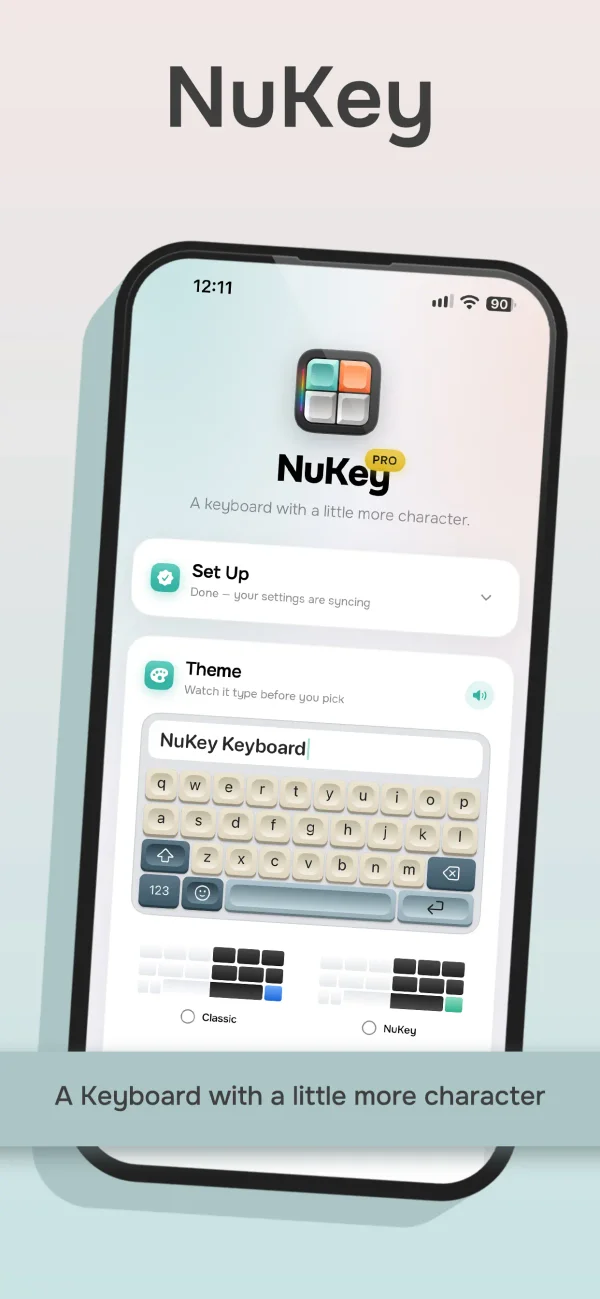
NuKey transforms your iPhone keyboard into a personalised typing experience that looks, sounds and feels like your own.
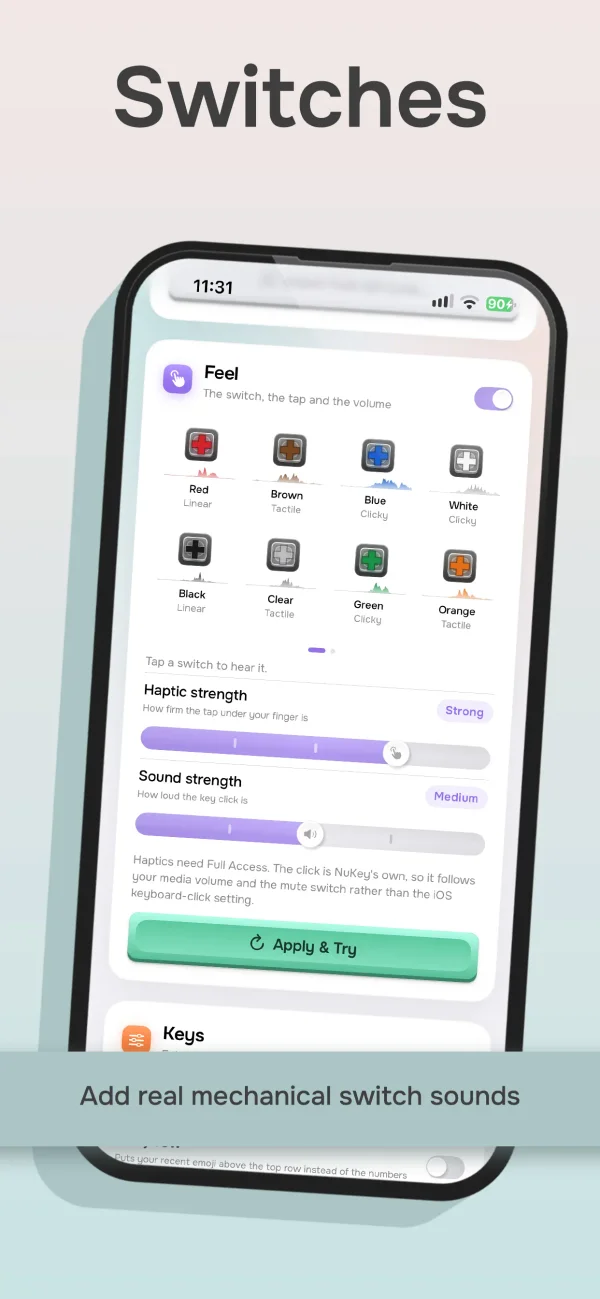
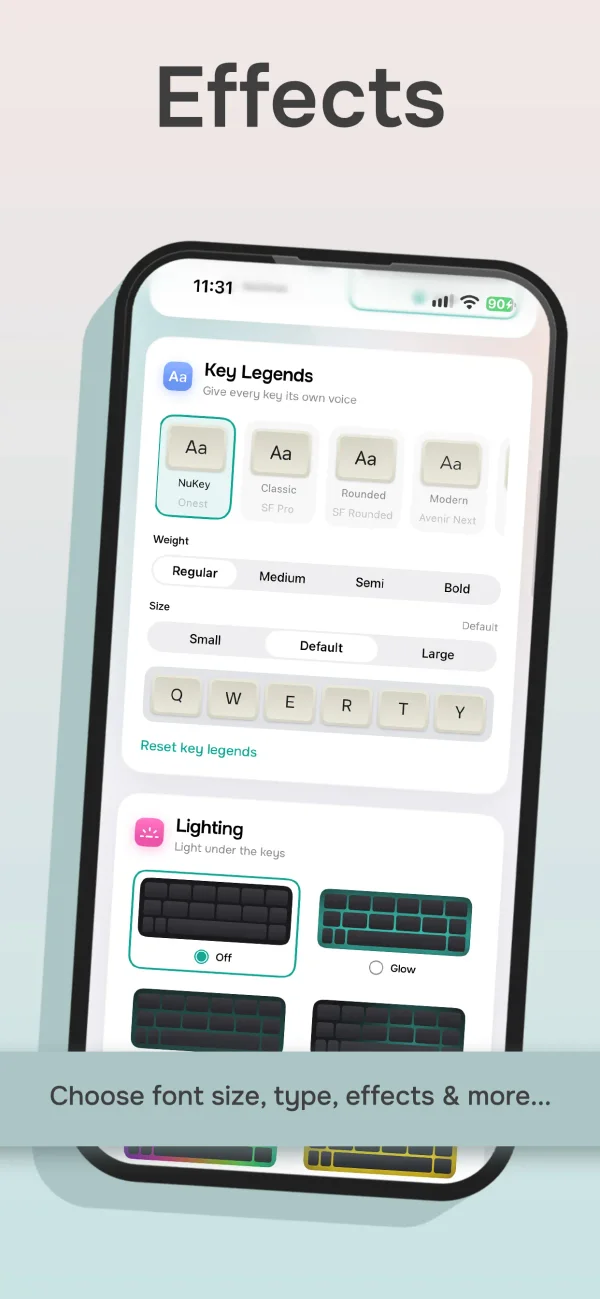
Create a custom keyboard by choosing colours, key styles, legends and animated lighting effects. Add satisfying mechanical switch sounds inspired by popular switch types, then preview your creation before you start typing.
Features include:
• Build and save custom keyboard designs
• Choose from ready-made themes
• Add animated keyboard lighting effects
• Enjoy a collection of mechanical switch sounds
• Personalise key legends and layouts
• Browse and type emoji with ease
• Add your own words for a more personal typing experience
• Select your preferred keyboard language
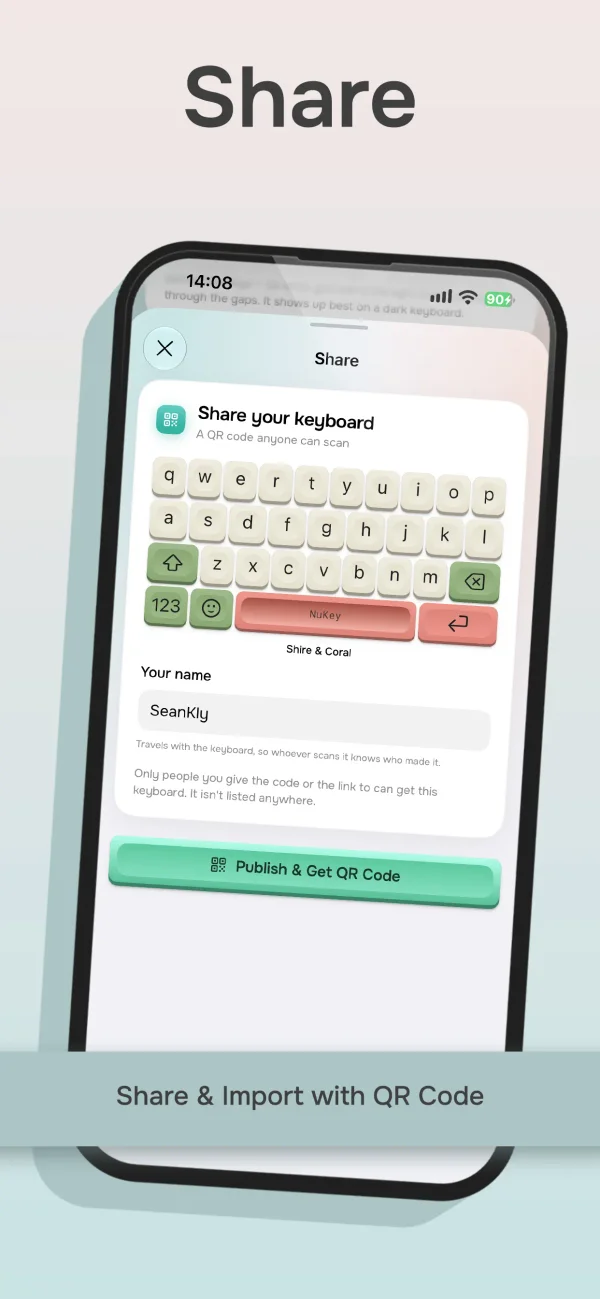
• Share keyboard designs using QR codes
• Preview sounds and themes inside the app
Whether you prefer a clean, understated keyboard or something colourful and expressive, NuKey gives you the tools to make every tap your own.
Some themes, sounds and customisation features may require NuKey Pro.
Yenilikler
Sürüm 2.0.5 · 11.11.2026
HDR is here. Make your keyboard glow!
NuKey now draws in HDR, brighter than white, with the same bright highlights you see in photos and video on iPhone. You choose where and how strong:
• Switch HDR on for individual keys in the keyboard builder
• Give the knob, both toggle switches, the push button, the Dictate button and the toolbar their own HDR setting
• Add HDR to your lighting effects, so the glow itself goes beyond white
• Set the strength yourself, from a gentle lift to a halo
HDR needs iOS 26 or later and an iPhone with an HDR display.
NEW: Quick Pad (NuKey Pro)
Hold the emoji key and choose Quick Pad. A pad of your own shortcuts slides out from the right, just like the numpad. Every key starts as a +. Tap one to give it a job, and hold a key to clear it. A key can:
• Step to your next or previous saved layout or keyboard design
• Run Fix grammar, Shorter, Friendlier, Formal and more on what you've written
• List your saved phrases and social posts, ready to tap
• Dictate, open the numpad, undo, delete a word and open any tool
Tap the space bar to put the pad away.
NEW: Draw
Add a Draw key to the Quick Pad and sketch right on the keyboard. Pick a colour and a pen thickness, then hold your finger still to snap a rough circle, oval, triangle, rectangle or line into a perfect one. Tap Copy and your drawing goes to the clipboard as a transparent PNG, ready to paste. (Copying needs Allow Full Access.)
Layout, your way
• New layout options for iPhone and iPhone Duo: change a slider and get the layout you want
• New top row height adjustment in Layout
Emoji
• New custom emoji section: tap the cube at the end of the emoji row
• New emoji download section to install custom emoji packs
Smarter writing
• Proofreading is improved and now has its own dedicated section
• Next Move is much smarter at picking up dates, reminders, calls, places and more from what you type
Quick Text, tidied up
• New Show in Phrases switch: choose which saved phrases appear in the keyboard's Phrases list, with an optional title for each. Typo fixes can keep expanding as you type without cluttering the list
• Hold a phrase chip to switch Show in Phrases on or off
• Deleting a phrase or word now asks you to confirm first
Thanks for using NuKey. If you like it, a rating or a review means a lot. Got an idea? Tell us from Support in the app.
Uygulama gizliliği
Bu uygulamanın verileri nasıl işlediği hakkında Sean Kelly tarafından App Store üzerinde yapılan beyan.
-
Veri toplanmıyor
Geliştirici bu uygulamadan hiçbir veri toplamıyor.
Gizlilik uygulamaları, örneğin kullandığınız özelliklere veya yaşınıza göre değişiklik gösterebilir.
Bilgiler
- Satıcı
- Sean Kelly
- Kategori
- Yardımcılar
- Sürüm
- 2.0.5
- Güncellendi
- 11.11.2026
- Yayın tarihi
- 08.09.2026
- Boyut
- 80,3 MB
- Gereksinim
- iOS 18.0 veya sonrası
- Yaş sınırı
- 4+
- Fiyat
- Ücretsiz
- Uygulama içi satın alma
- Evet
- Diller
- İngilizce, Fransızca, Almanca, İspanyolca, Türkçe
- Telif hakkı
- © Sean Kelly
Bunları da beğenebilirsiniz
-
 EFKey – Swipe & AI KlavyeÇeviri, sesle yazma, jestler
-
 MyKeyboard LegacyYardımcılar
-
 Klava KeyboardYardımcılar
-
 Uygulama Klasörü: WidgetLoftAna Ekran Widget ve Tema
-
 Cling: Pin AnythingYardımcılar
-
 Dun: Sesten Yazıya AI KlavyeSesli Klavye & Sesten Metne
-
 Fotoğraf Temizleme: SpaceFreshGaleri, Alan Boşaltma, Video
-
 Fade: Temp Mail, Fake EmailYardımcılar
-
 FoldboardYardımcılar
-
 Quick Kibo: Klavye ve TemalarHızlı yaz, pano ve temalar