OCR Scanner Multi Image
Multiple Image OCR Scanner
Projetado para iPhone, iPod touch
Grátis · Compras no app
- Classificação etária4+
- CategoriaProdutividade
- DesenvolvedorZESTSOL TECHNOLOGIES (SMC-PRIVATE) LIMITED
- IdiomasInglêse mais 7
- Tamanho84,9 MB
Leva à página oficial na App Store
O Download.org não hospeda nenhum arquivo de OCR Scanner Multi Image. O botão abre a página do app na App Store, onde ZESTSOL TECHNOLOGIES (SMC-PRIVATE) LIMITED o publica. Página verificada pela última vez em 12/11/2026.
Capturas de tela
Sobre
O desenvolvedor não forneceu este texto no seu idioma.
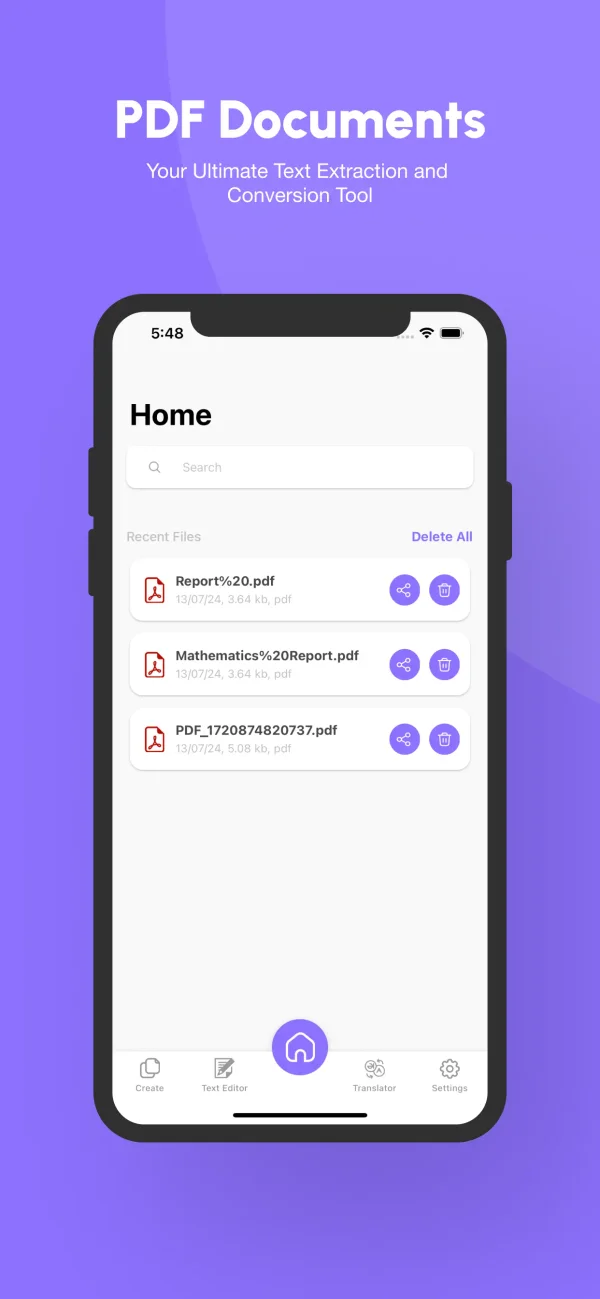
OCR Scanner Multi Image : Your Ultimate Text Extraction and Conversion Tool
Unlock the power of efficient text extraction with OCR Scanner & PDF Converter, a free and comprehensive OCR app designed for iOS. Seamlessly convert multiple images to text with our robust machine learning technology. Our app’s standout feature, Multi-Image OCR, supports exporting text from all Latin-based languages, ensuring you can handle documents in various languages effortlessly.
Transform PNG to TXT, JPG to TXT, and more with our advanced Image to Text capabilities. Our Text Scanner feature is perfect for processing multiple images simultaneously, making it easy to manage large volumes of text extraction efficiently.
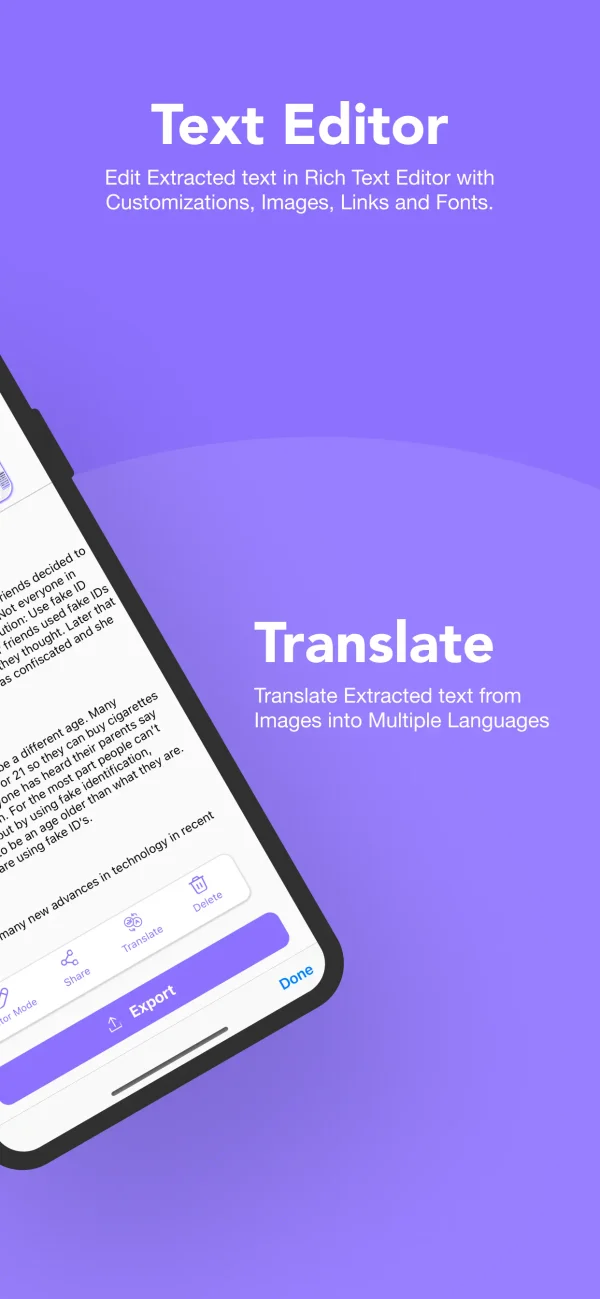
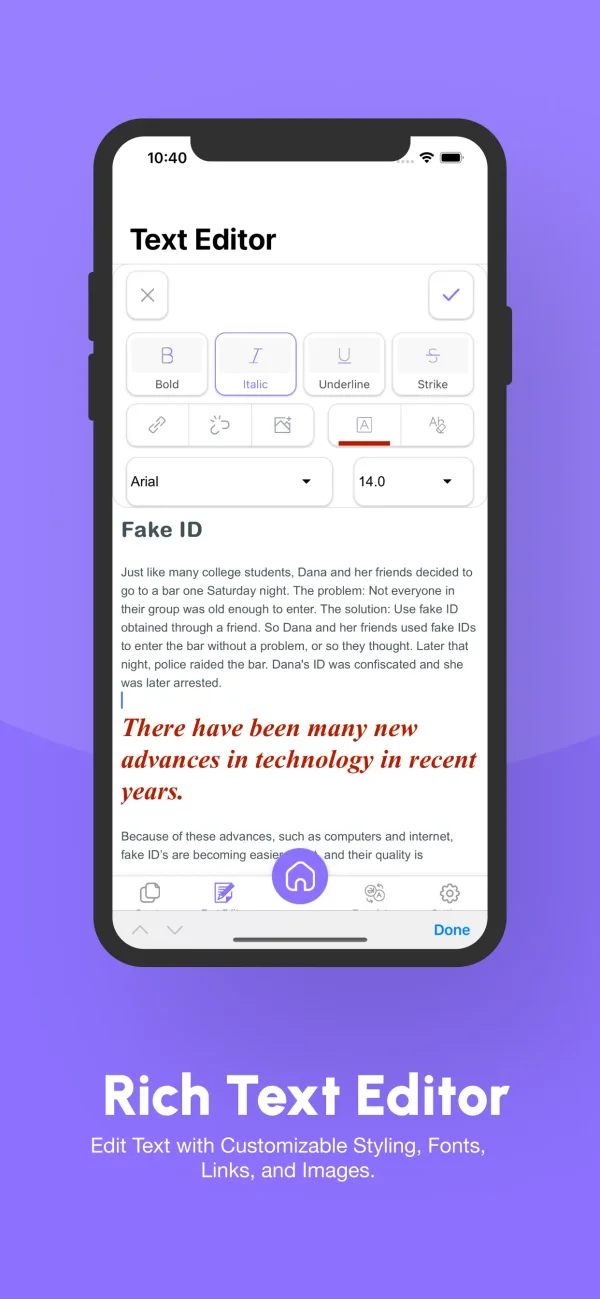
Enhance your productivity with our versatile Rich Text Editor, which allows you to format, edit, and organize your extracted text with ease. From adjusting fonts and colors to adding bullet points and hyperlinks, the editor provides all the tools you need to polish your documents.
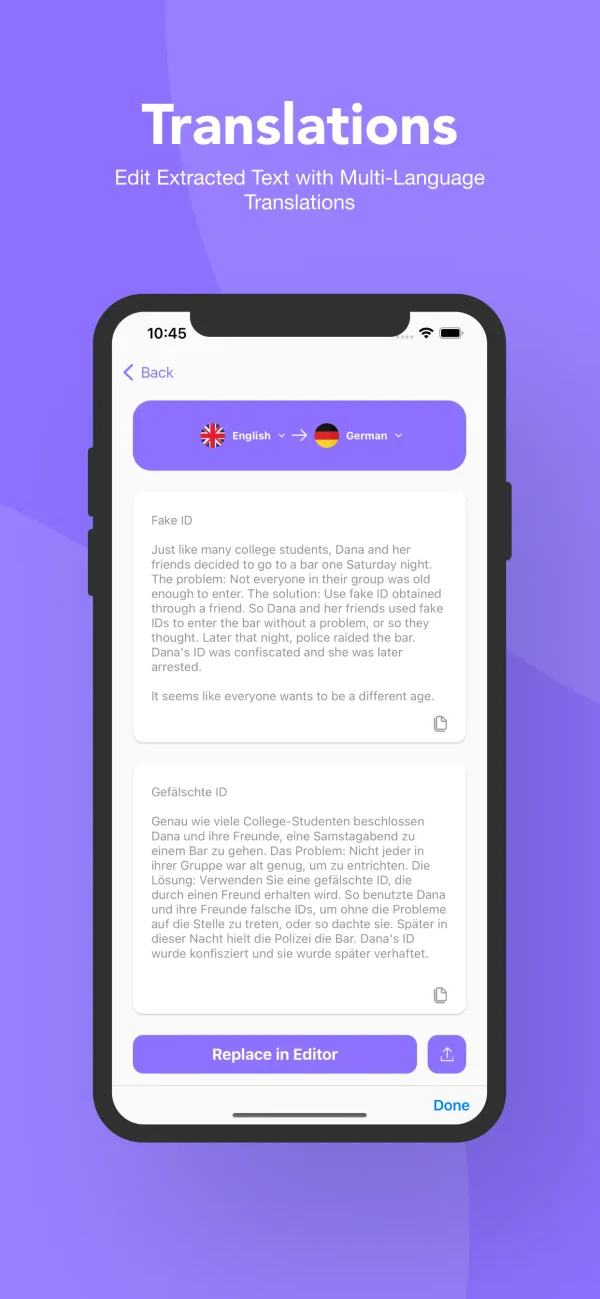
Break down language barriers with our integrated Translation feature. Instantly translate extracted text into a wide array of languages, facilitating smoother communication and understanding across different linguistic backgrounds.
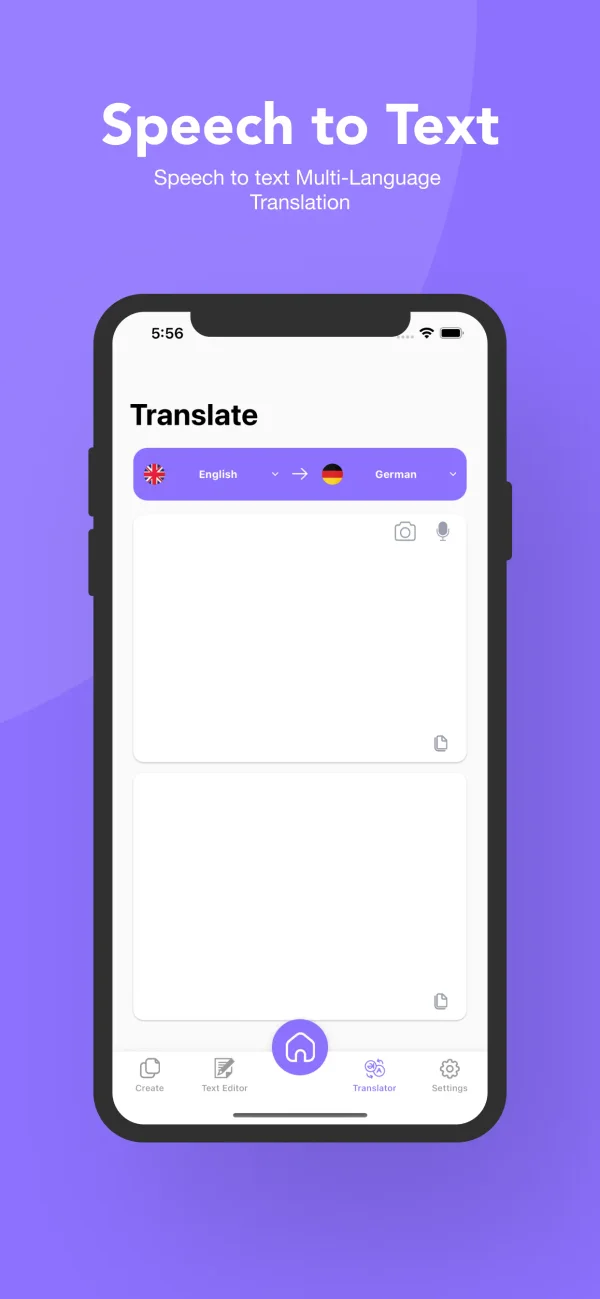
Additionally, our Real-Time Speech-to-Text functionality converts spoken words into written text on the fly, making note-taking and transcription more efficient than ever. Whether you’re dictating notes or converting conversations, this feature ensures you capture every word accurately.
With OCR Scanner & PDF Converter, experience the ultimate convenience in text extraction and conversion, designed to meet all your document handling needs.
Key Features:
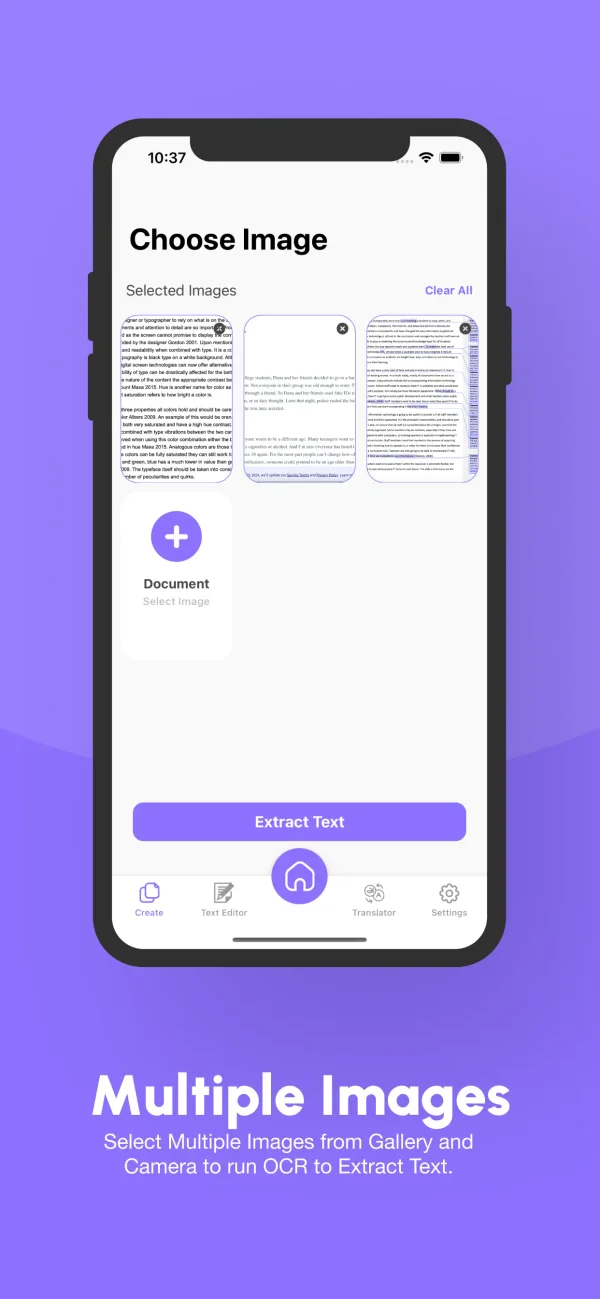
• Image to Text Conversion: Leverage advanced OCR to extract text from multiple photos simultaneously.
• Multi-Language Support: Extract and translate text from various languages using Latin characters.
• Rich Text Editor: Edit extracted text with customizable styling, fonts, links, and images.
• Real-Time Translation: Convert speech to text and translate in real-time using your camera.
• PDF Conversion: Convert extracted text or hard copy documents into single PDF files.
• Secure Storage: Use App Lock to keep your scanned documents secure.
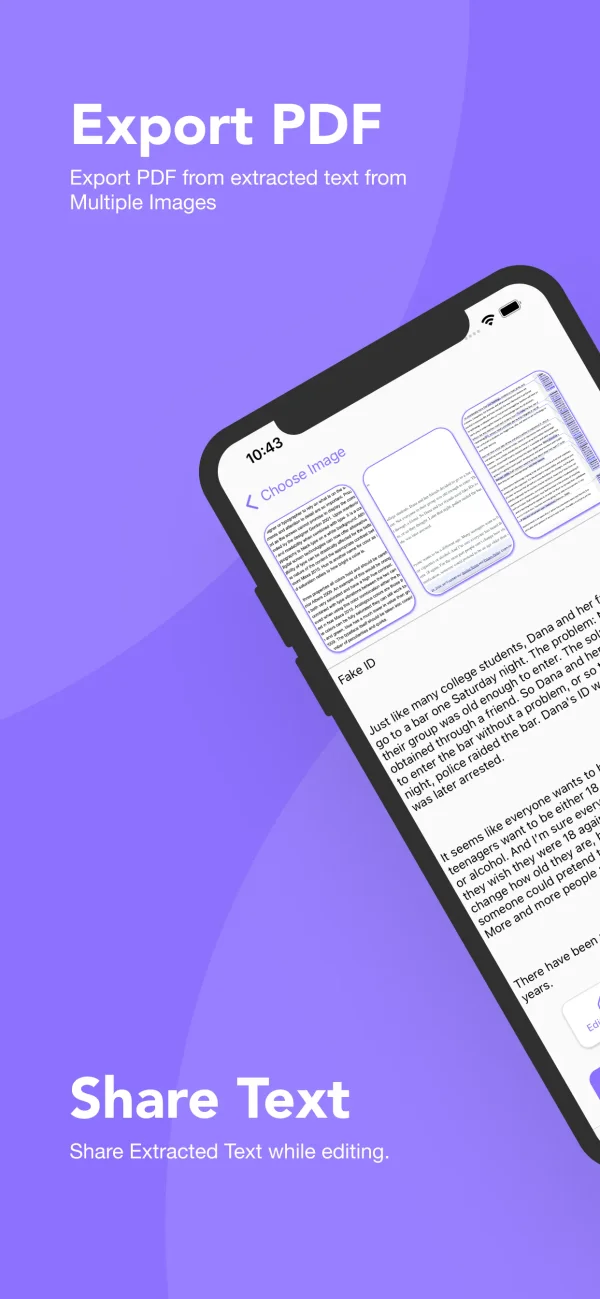
• Easy Sharing: Share extracted text and PDF files directly from the app.
Supported Languages: English, German, Dutch, Turkish, Spanish, Italian, French, Portuguese, Swedish, Romanian, Catalan, Romansh, Norwegian, Urdu, Danish, and many more.
How to Use:
1 Launch the App: Open OCR Scanner on your iPhone.
2 Create Document: Tap the Create button and select multiple images from your camera or gallery.
3 Extract Text: Press "Extract Text" and let OCR Scanner do the rest.
4 Edit and Save: Proofread and edit text, and export as PDF directly or customize in the Rich Text Editor, then export as a PDF.
5 Translate and Use: Translate extracted text and use it in your documents.
6 Share and Manage: Share extracted text or PDF files, and manage your documents directly from the home screen.
For the best results, use clear pictures.
Privacy Policy: "https://docs.google.com/document/d/1L2mYq73UtiuX95jQzvkECG5Q0Jd0fGPBCHursJasfL8"
Terms of Use: "https://docs.google.com/document/d/1L2mYq73UtiuX95jQzvkECG5Q0Jd0fGPBCHursJasfL8"
Novidades
Versão 1.5.36 · 19/10/2025
Improvements and Bug Fixes,
Advance Features in Rich Text Editor
Privacidade do app
O que ZESTSOL TECHNOLOGIES (SMC-PRIVATE) LIMITED declara na App Store sobre como este app lida com os dados.
-
Dados usados para rastrear você
Podem ser usados para rastrear você em apps e sites de outras empresas.
- Dados de uso
-
Dados não vinculados a você
Podem ser coletados, mas não são vinculados à sua identidade.
- Dados de uso
As práticas de privacidade podem variar, por exemplo, com base nos recursos que você usa ou na sua idade.
Informações
- Vendedor
- ZESTSOL TECHNOLOGIES (SMC-PRIVATE) LIMITED
- Categoria
- Produtividade
- Versão
- 1.5.36
- Atualizado
- 19/10/2025
- Lançamento
- 04/10/2022
- Tamanho
- 84,9 MB
- Requer
- iOS 15.0 ou posterior
- Classificação etária
- 4+
- Preço
- Grátis
- Compras no app
- Sim
- Idiomas
- Inglês, Dinamarquês, Holandês, Francês, Alemão, Italiano, Espanhol, Turco
- Copyright
- Copyright © 2026 ZestSol Technologies Limited. All Rights Reserved.
Você também pode gostar
-
 PDF File Translator AppProdutividade
-
 Tradutor PDF: Documentos e OCRTraduzir Word, Excel e scans
-
 PDF Translate ProProdutividade
-
 Scanner + OCR Texto: QuickScanEscanear,Documento,PDF,Assinar
-
 OCR Scanner de Texto de ImagemImagem para Texto Digitaliza
-
 PDF Export: Editor e ConversorFerramenta-Escanear-Comprimir
-
 Text Capture: Image to TextProdutividade
-
 AI Scanner : Image to TextProdutividade
-
 Scanner-Imagem para textoOCR e tradução de fotos
-
 Scan e Traduzir. Tradutor FotoTradução imagem da câmera