OCR Scanner Multi Image
Multiple Image OCR Scanner
Được thiết kế cho iPhone, iPod touch
Miễn phí · Mua hàng trong ứng dụng
- Độ tuổi4+
- Danh mụcHiệu Suất
- Nhà phát triểnZESTSOL TECHNOLOGIES (SMC-PRIVATE) LIMITED
- Ngôn ngữTiếng Anh+ 7 ngôn ngữ khác
- Kích thước84,9 MB
Liên kết đến trang App Store chính thức
Download.org không lưu trữ tệp nào của OCR Scanner Multi Image. Nút này mở trang ứng dụng trên App Store, nơi ZESTSOL TECHNOLOGIES (SMC-PRIVATE) LIMITED phát hành ứng dụng. Trang được kiểm tra lần cuối: 12/11/2026.
Ảnh chụp màn hình
Giới thiệu
Nhà phát triển chưa cung cấp nội dung này bằng ngôn ngữ của bạn.
OCR Scanner Multi Image : Your Ultimate Text Extraction and Conversion Tool
Unlock the power of efficient text extraction with OCR Scanner & PDF Converter, a free and comprehensive OCR app designed for iOS. Seamlessly convert multiple images to text with our robust machine learning technology. Our app’s standout feature, Multi-Image OCR, supports exporting text from all Latin-based languages, ensuring you can handle documents in various languages effortlessly.
Transform PNG to TXT, JPG to TXT, and more with our advanced Image to Text capabilities. Our Text Scanner feature is perfect for processing multiple images simultaneously, making it easy to manage large volumes of text extraction efficiently.
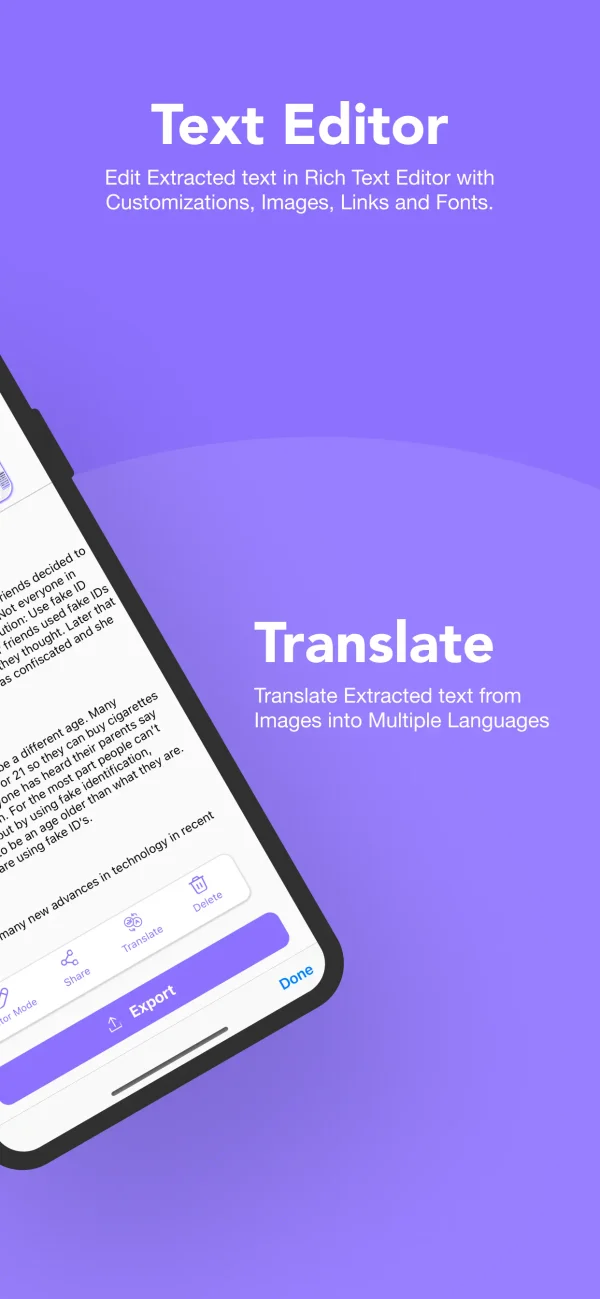
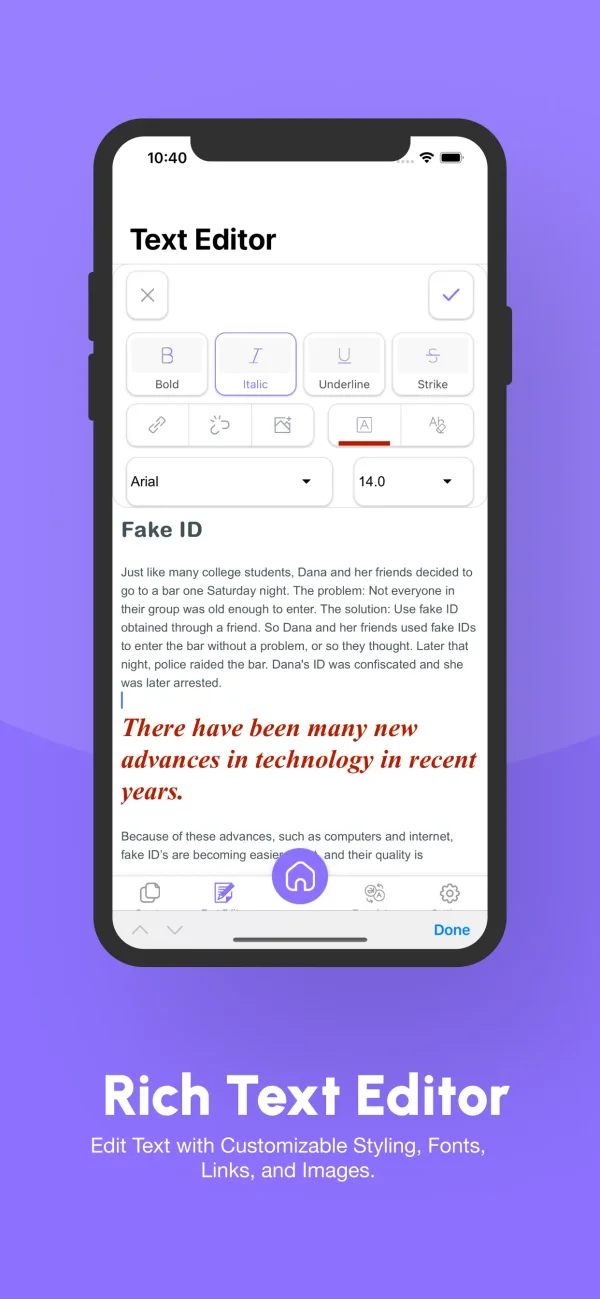
Enhance your productivity with our versatile Rich Text Editor, which allows you to format, edit, and organize your extracted text with ease. From adjusting fonts and colors to adding bullet points and hyperlinks, the editor provides all the tools you need to polish your documents.
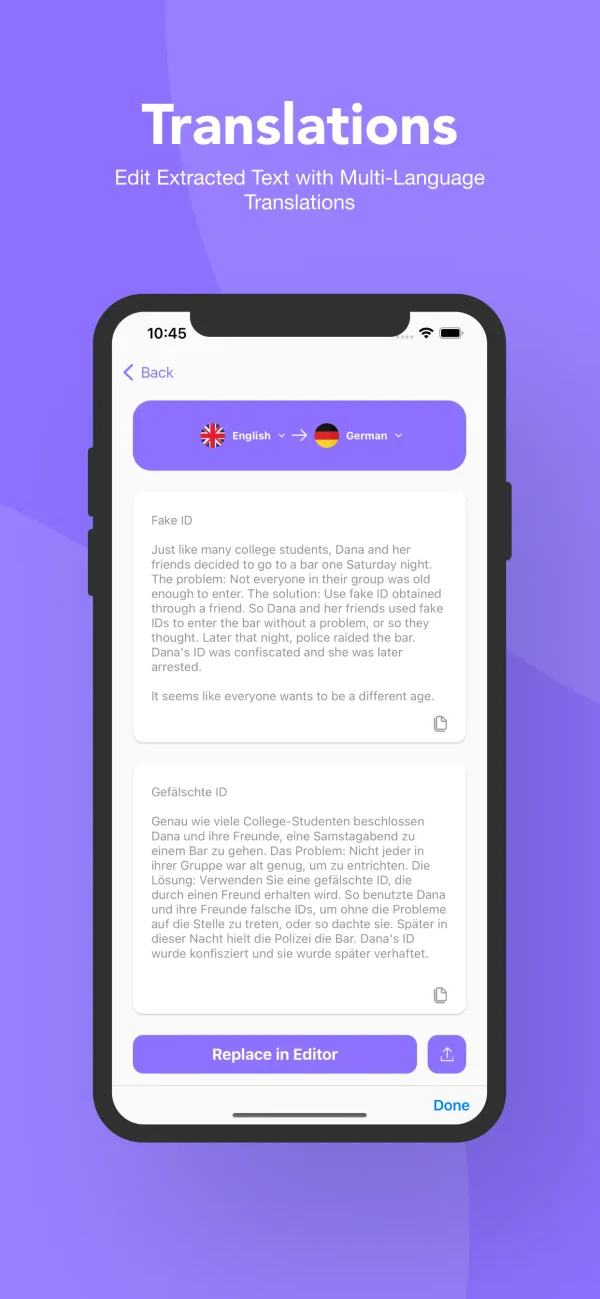
Break down language barriers with our integrated Translation feature. Instantly translate extracted text into a wide array of languages, facilitating smoother communication and understanding across different linguistic backgrounds.
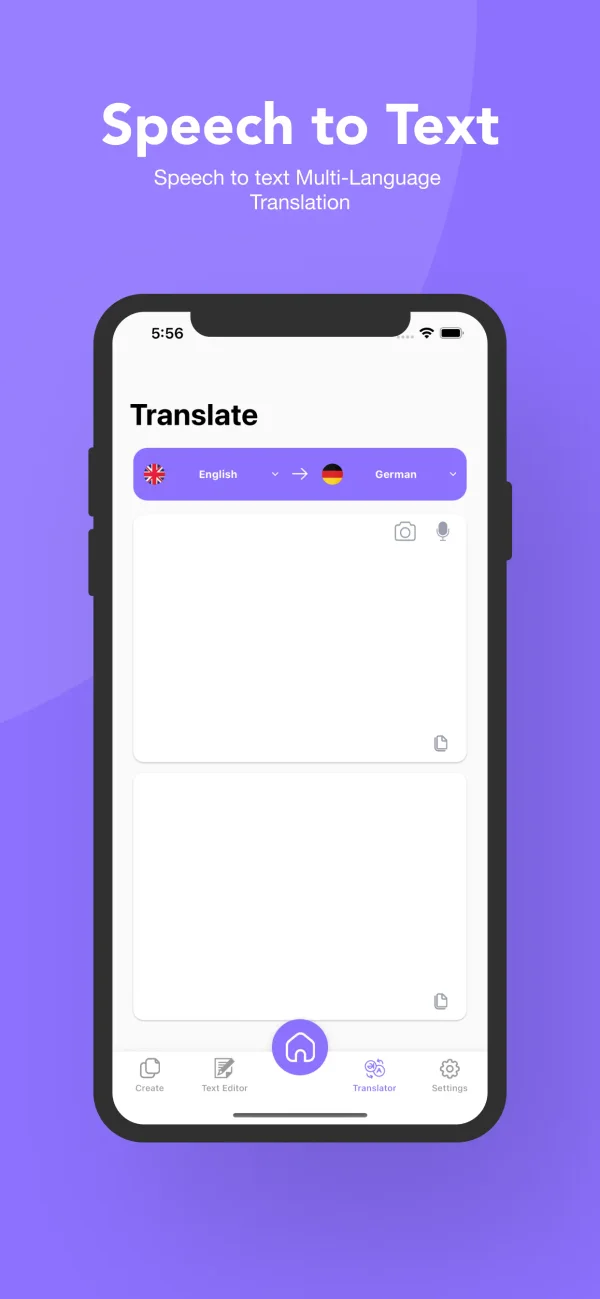
Additionally, our Real-Time Speech-to-Text functionality converts spoken words into written text on the fly, making note-taking and transcription more efficient than ever. Whether you’re dictating notes or converting conversations, this feature ensures you capture every word accurately.
With OCR Scanner & PDF Converter, experience the ultimate convenience in text extraction and conversion, designed to meet all your document handling needs.
Key Features:
• Image to Text Conversion: Leverage advanced OCR to extract text from multiple photos simultaneously.
• Multi-Language Support: Extract and translate text from various languages using Latin characters.
• Rich Text Editor: Edit extracted text with customizable styling, fonts, links, and images.
• Real-Time Translation: Convert speech to text and translate in real-time using your camera.
• PDF Conversion: Convert extracted text or hard copy documents into single PDF files.
• Secure Storage: Use App Lock to keep your scanned documents secure.
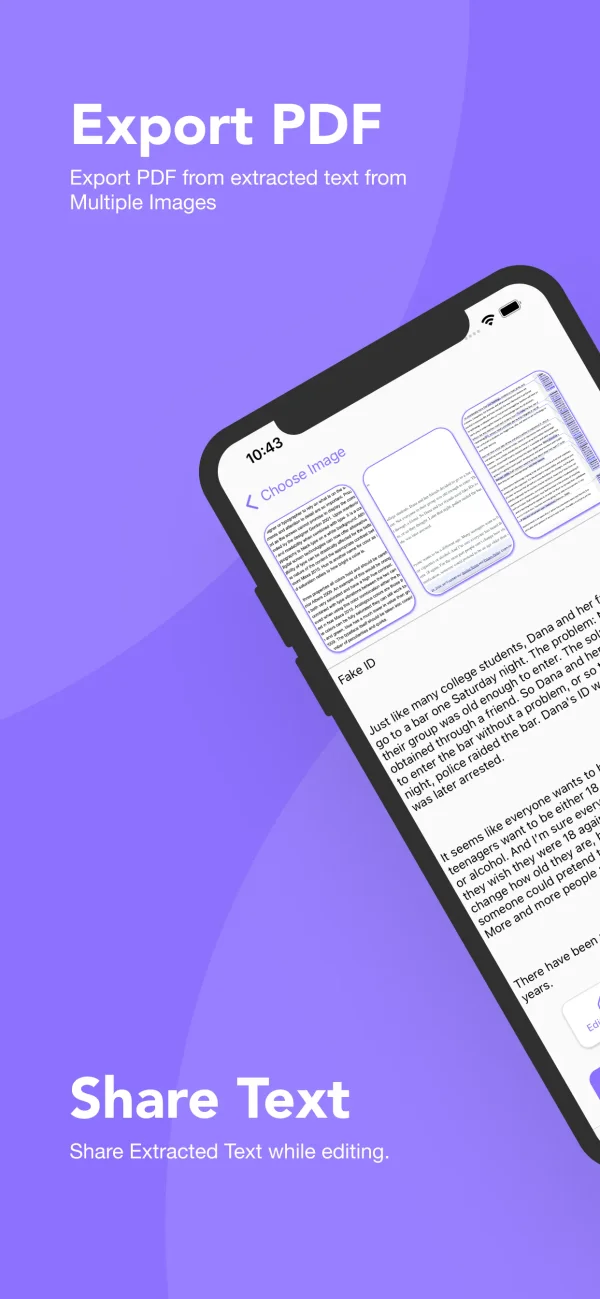
• Easy Sharing: Share extracted text and PDF files directly from the app.
Supported Languages: English, German, Dutch, Turkish, Spanish, Italian, French, Portuguese, Swedish, Romanian, Catalan, Romansh, Norwegian, Urdu, Danish, and many more.
How to Use:
1 Launch the App: Open OCR Scanner on your iPhone.
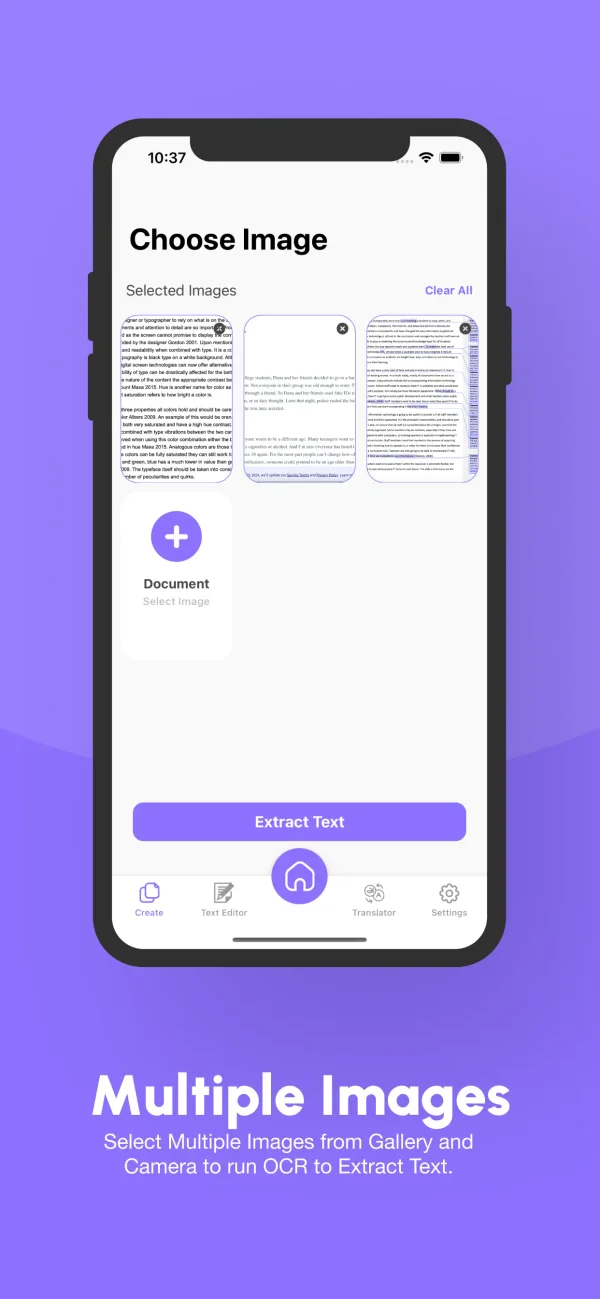
2 Create Document: Tap the Create button and select multiple images from your camera or gallery.
3 Extract Text: Press "Extract Text" and let OCR Scanner do the rest.
4 Edit and Save: Proofread and edit text, and export as PDF directly or customize in the Rich Text Editor, then export as a PDF.
5 Translate and Use: Translate extracted text and use it in your documents.
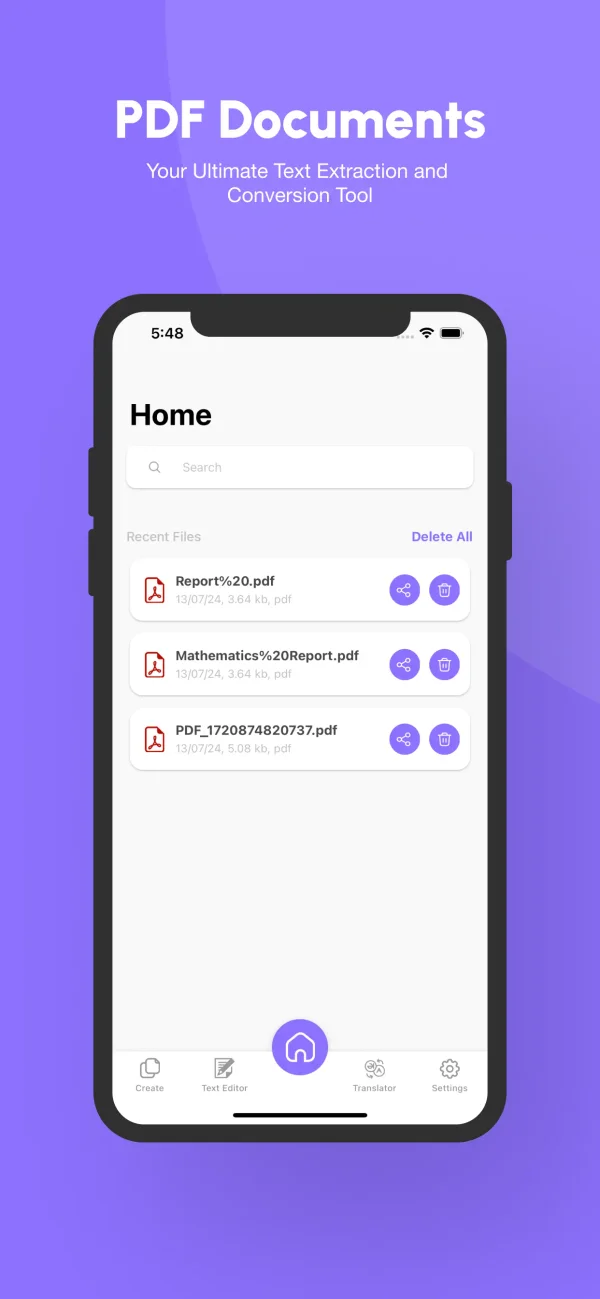
6 Share and Manage: Share extracted text or PDF files, and manage your documents directly from the home screen.
For the best results, use clear pictures.
Privacy Policy: "https://docs.google.com/document/d/1L2mYq73UtiuX95jQzvkECG5Q0Jd0fGPBCHursJasfL8"
Terms of Use: "https://docs.google.com/document/d/1L2mYq73UtiuX95jQzvkECG5Q0Jd0fGPBCHursJasfL8"
Có gì mới
Phiên bản 1.5.36 · 19/10/2025
Improvements and Bug Fixes,
Advance Features in Rich Text Editor
Quyền riêng tư của ứng dụng
Những gì ZESTSOL TECHNOLOGIES (SMC-PRIVATE) LIMITED khai báo trên App Store về cách ứng dụng này xử lý dữ liệu.
-
Dữ liệu được sử dụng để theo dõi bạn
Có thể được sử dụng để theo dõi bạn trên các ứng dụng và trang web do công ty khác sở hữu.
- Dữ liệu sử dụng
-
Dữ liệu không liên kết với bạn
Có thể được thu thập nhưng không liên kết với danh tính của bạn.
- Dữ liệu sử dụng
Phương thức đảm bảo quyền riêng tư có thể khác nhau, chẳng hạn như tuỳ theo các tính năng bạn sử dụng hoặc độ tuổi của bạn.
Thông tin
- Người bán
- ZESTSOL TECHNOLOGIES (SMC-PRIVATE) LIMITED
- Danh mục
- Hiệu Suất
- Phiên bản
- 1.5.36
- Cập nhật
- 19/10/2025
- Phát hành
- 04/10/2022
- Kích thước
- 84,9 MB
- Yêu cầu
- iOS 15.0 trở lên
- Độ tuổi
- 4+
- Giá
- Miễn phí
- Mua hàng trong ứng dụng
- Có
- Ngôn ngữ
- Tiếng Anh, Tiếng Đan Mạch, Tiếng Hà Lan, Tiếng Pháp, Tiếng Đức, Tiếng Ý, Tiếng Tây Ban Nha, Tiếng Thổ Nhĩ Kỳ
- Bản quyền
- Copyright © 2026 ZestSol Technologies Limited. All Rights Reserved.
Có thể bạn cũng thích
-
 PDF File Translator AppHiệu Suất
-
 Dịch PDF: Tài liệu & WordFile scan, Excel, OCR, bố cục
-
 PDF Translate ProHiệu Suất
-
 QuickScan:PDF OCR Text ScannerHiệu Suất
-
 Chuyển hình ảnh thành văn bản:OCR Quét văn bản máy quét ảnh
-
 PDF Export: Editor & ConverterHiệu Suất
-
 Text Capture: Image to TextHiệu Suất
-
 AI Scanner : Image to TextHiệu Suất
-
 Almighty Scanner-Picture2TextHiệu Suất
-
 Scan & Translate+ Text GrabberHiệu Suất