- Classificação etária4+
- CategoriaUtilidades
- DesenvolvedorGrant J Wylie
- IdiomasInglêse mais 6
- Tamanho141,1 MB
Leva à página oficial na App Store
O Download.org não hospeda nenhum arquivo de OmniTAK. O botão abre a página do app na App Store, onde Grant J Wylie o publica. Página verificada pela última vez em 26/11/2026.
Capturas de tela
Sobre
O desenvolvedor não forneceu este texto no seu idioma.
OmniTAK — ATAK-Style Tactical Awareness for iOS
OmniTAK brings the power and familiarity of ATAK to your iPhone and iPad. Built with a high-performance Rust core and native iOS interface, OmniTAK delivers real-time situational awareness with the tactical UI that operators know and trust.
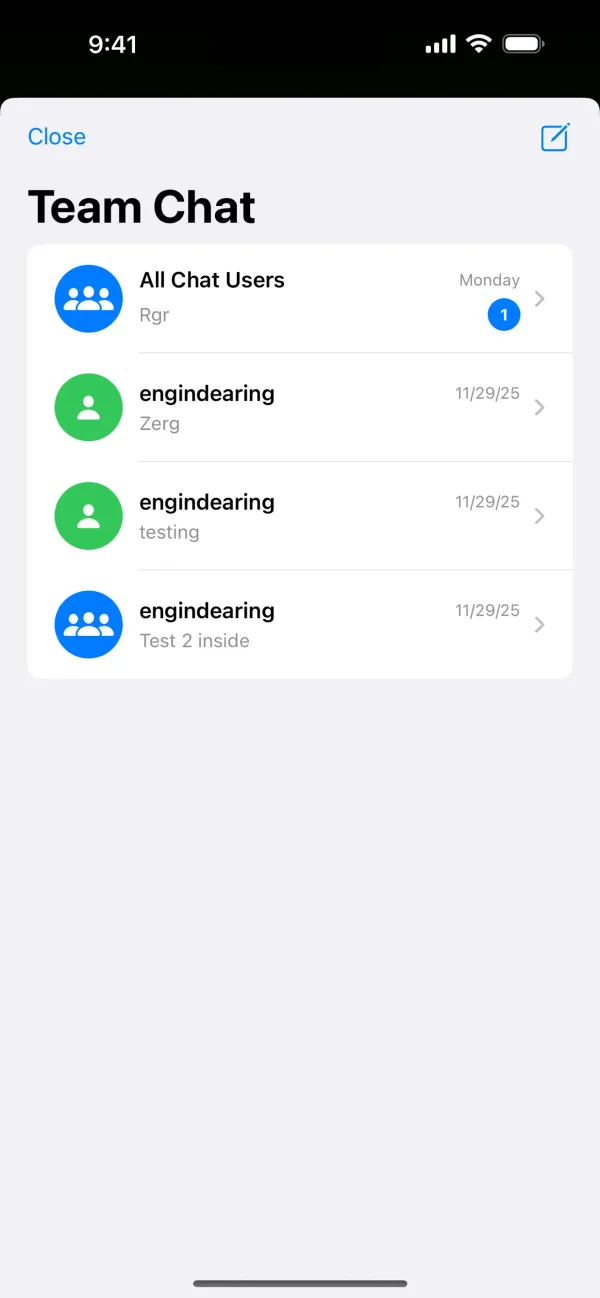
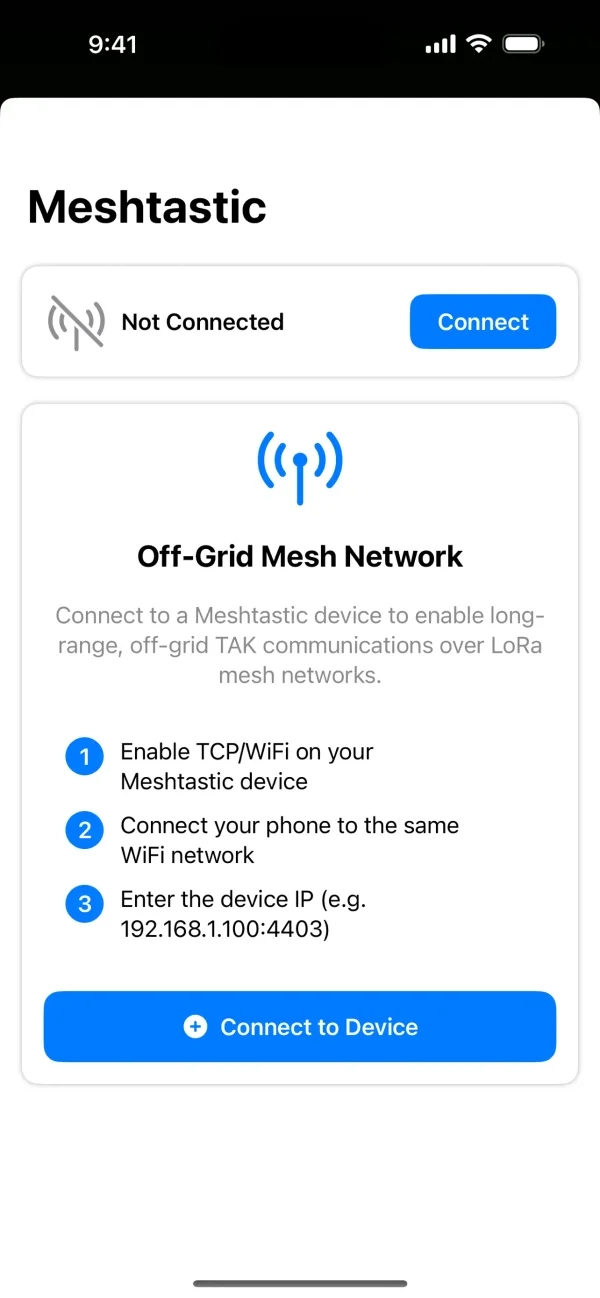
Whether you're coordinating search and rescue, managing field teams, supporting emergency response, or training for tactical scenarios, OmniTAK provides blue force tracking, collaborative mapping, and secure communications—without being locked into a single server or network.
ATAK-FAMILIAR INTERFACE
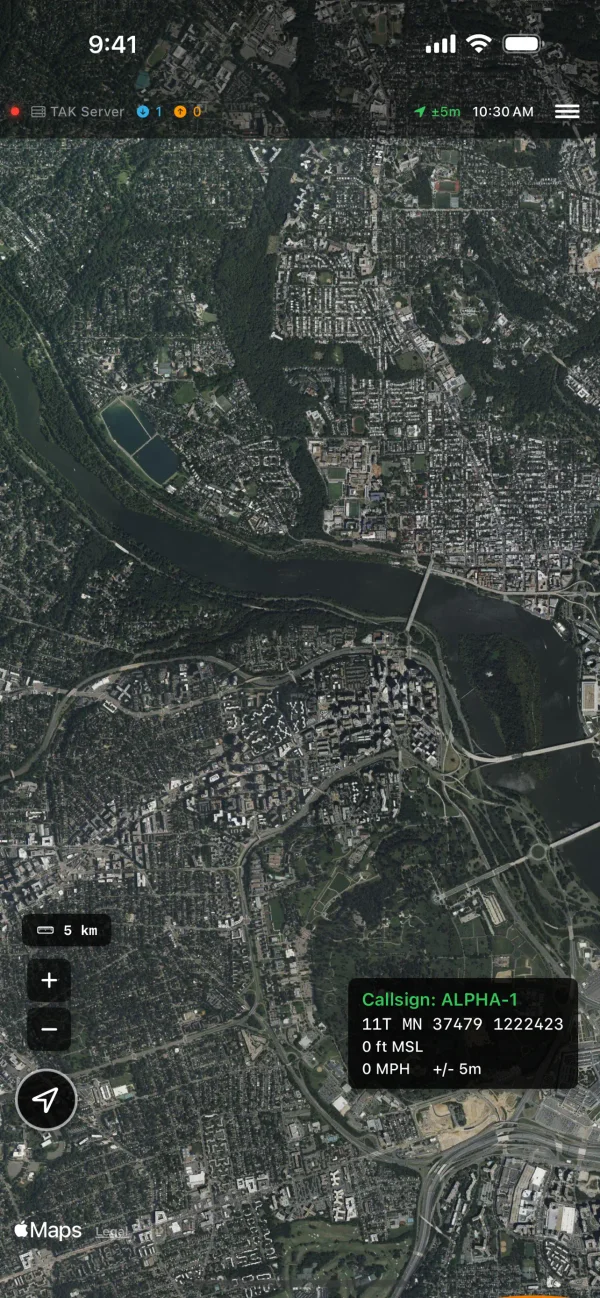
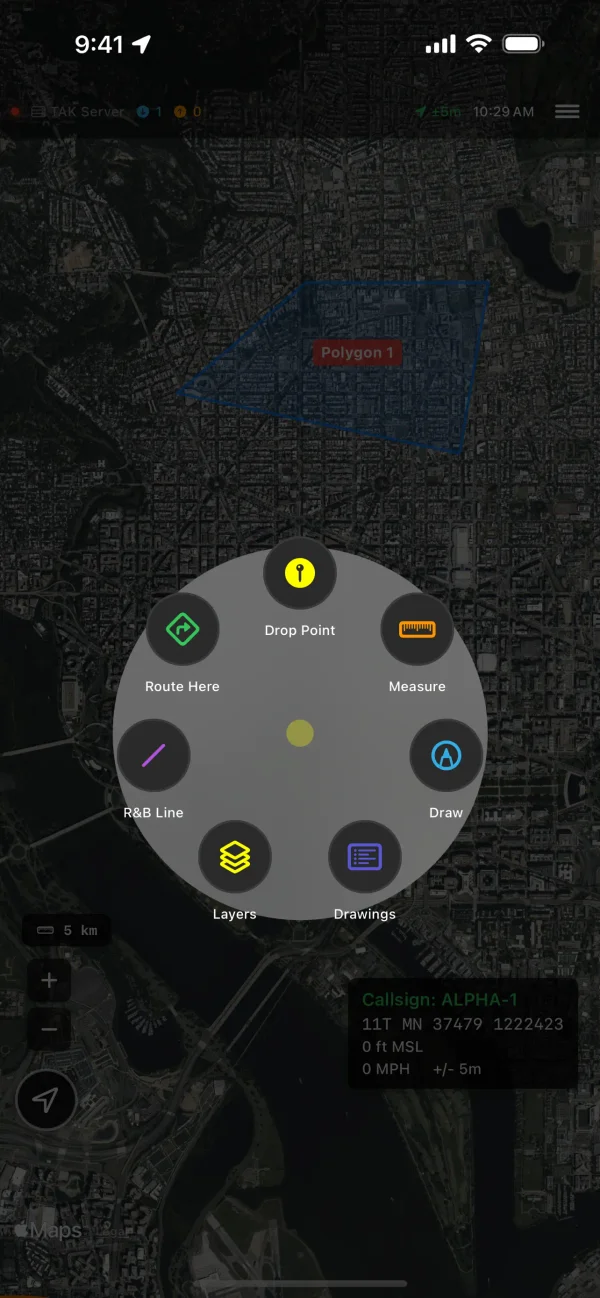
OmniTAK mirrors the ATAK experience that millions of operators have trained on. The professional tactical theme, navigation drawer, bottom toolbar, and status bar feel immediately familiar. If you know ATAK, you know OmniTAK.
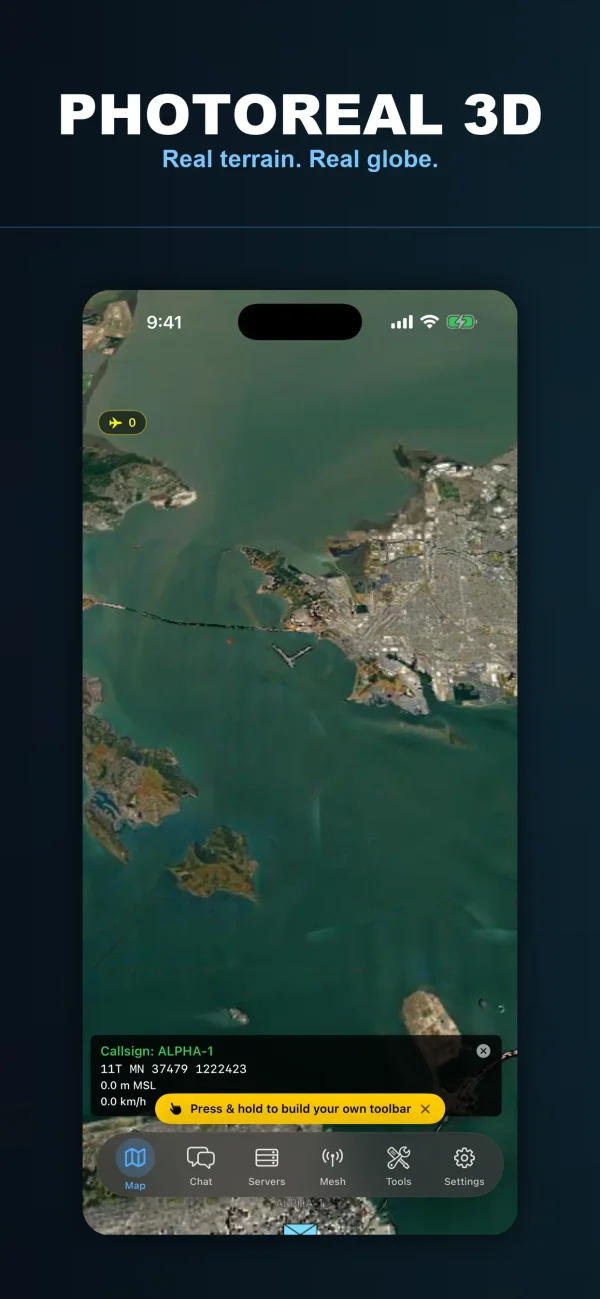
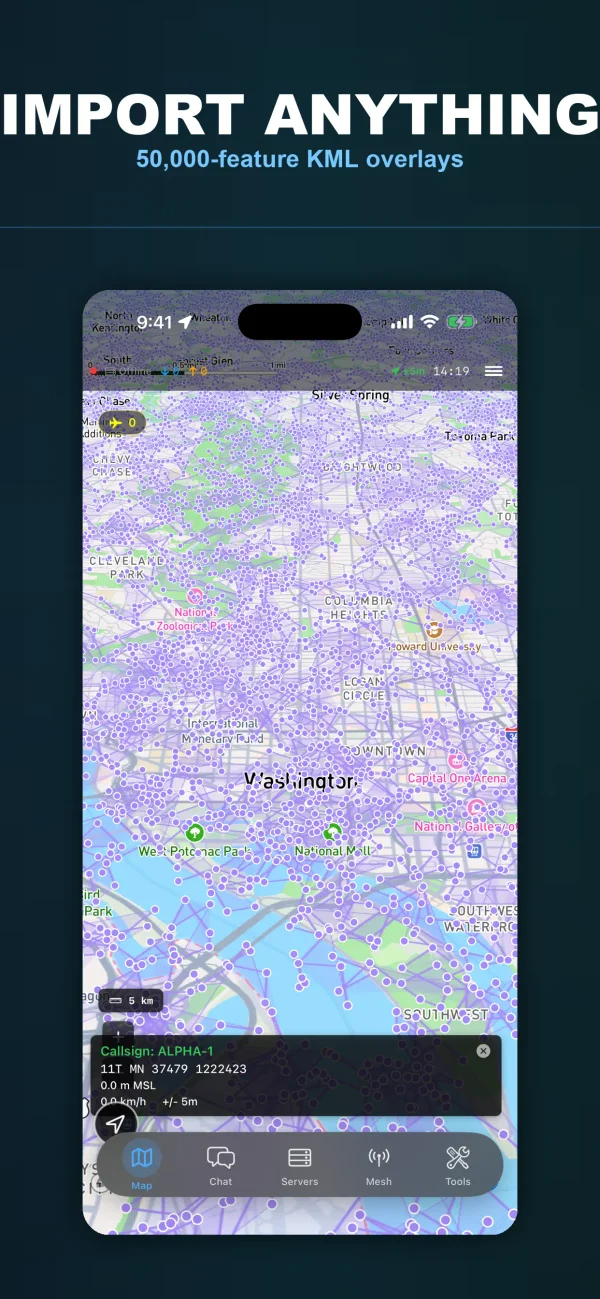
Satellite, hybrid, and standard map views powered by native MapKit deliver smooth performance. Color-coded CoT markers display friendly, hostile, unknown, and neutral units in real-time.
MULTI-SERVER ARCHITECTURE
OmniTAK was built for multi-agency coordination and federated networks.
Configure unlimited TAK server connections. Monitor connection status in real-time. Bridge jurisdictions during disaster response, maintain redundant connectivity, or aggregate feeds from multiple command posts—OmniTAK connects you to every network that matters.
Supports TCP and UDP with optional TLS encryption.
SECURE CERTIFICATE MANAGEMENT
OmniTAK stores all client certificates in the iOS Keychain with hardware-backed protection. Import from .pem, .crt, .key, .p12, and .pfx files, or enroll directly from your TAK server using username/password authentication.
View certificates with validity status and expiration tracking. Full mutual TLS authentication keeps your tactical data encrypted end-to-end.
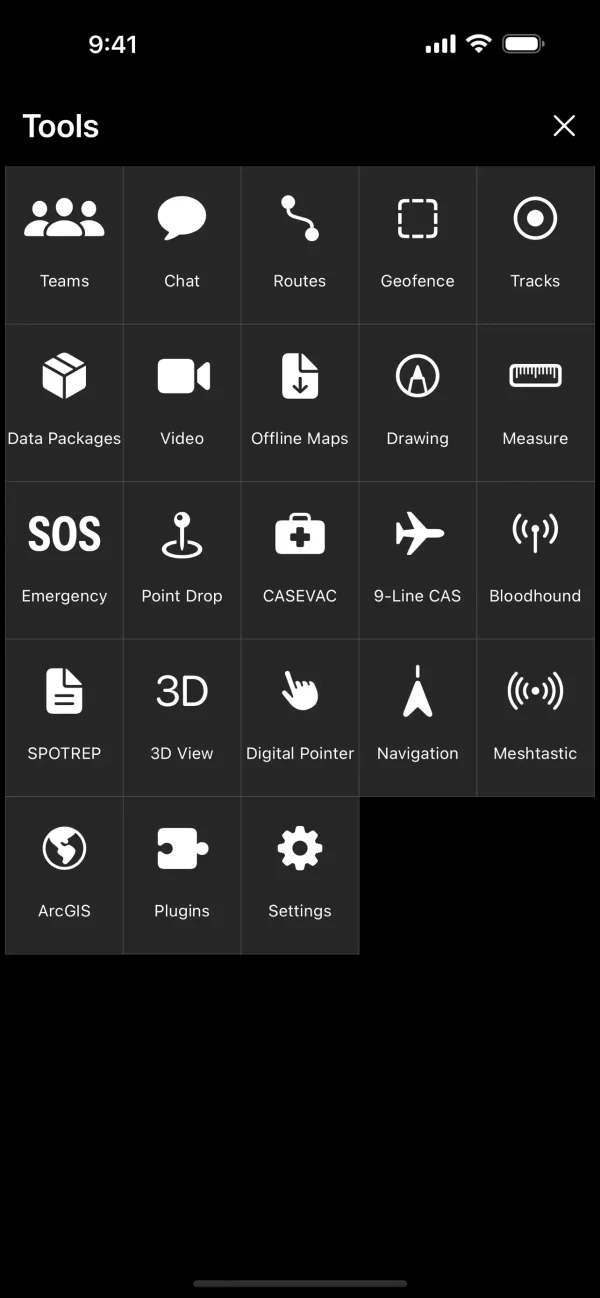
TACTICAL TOOLS
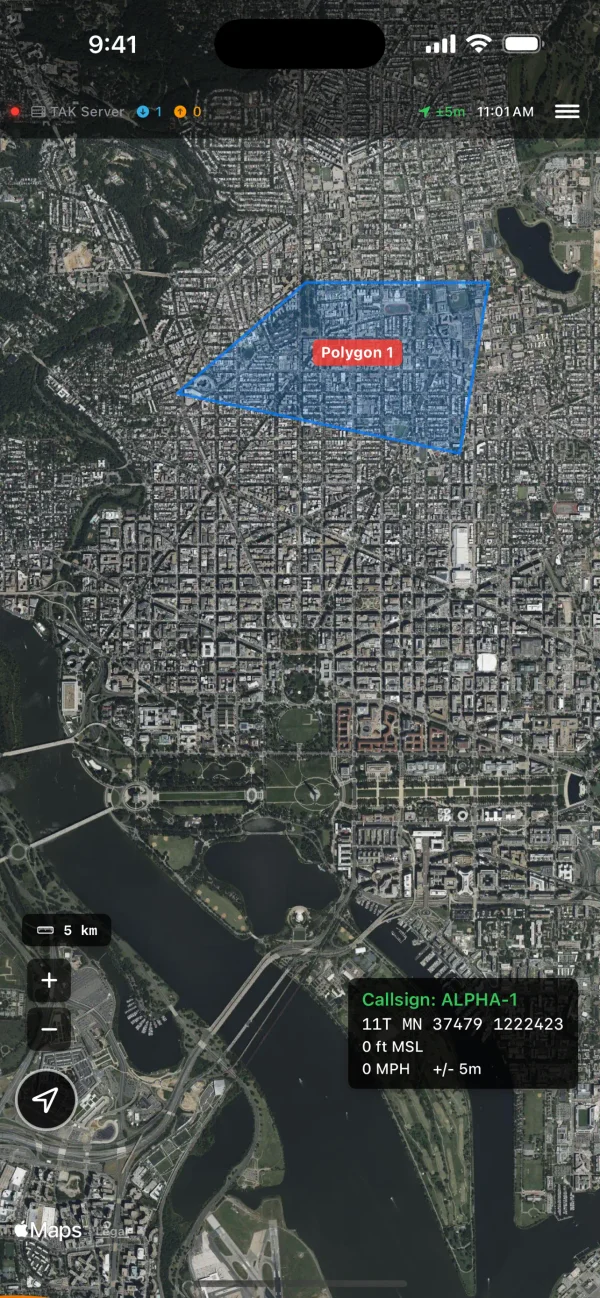
Draw circles and polygons to mark areas of interest, search zones, or operational boundaries. All drawings persist across sessions with high-visibility tactical colors.
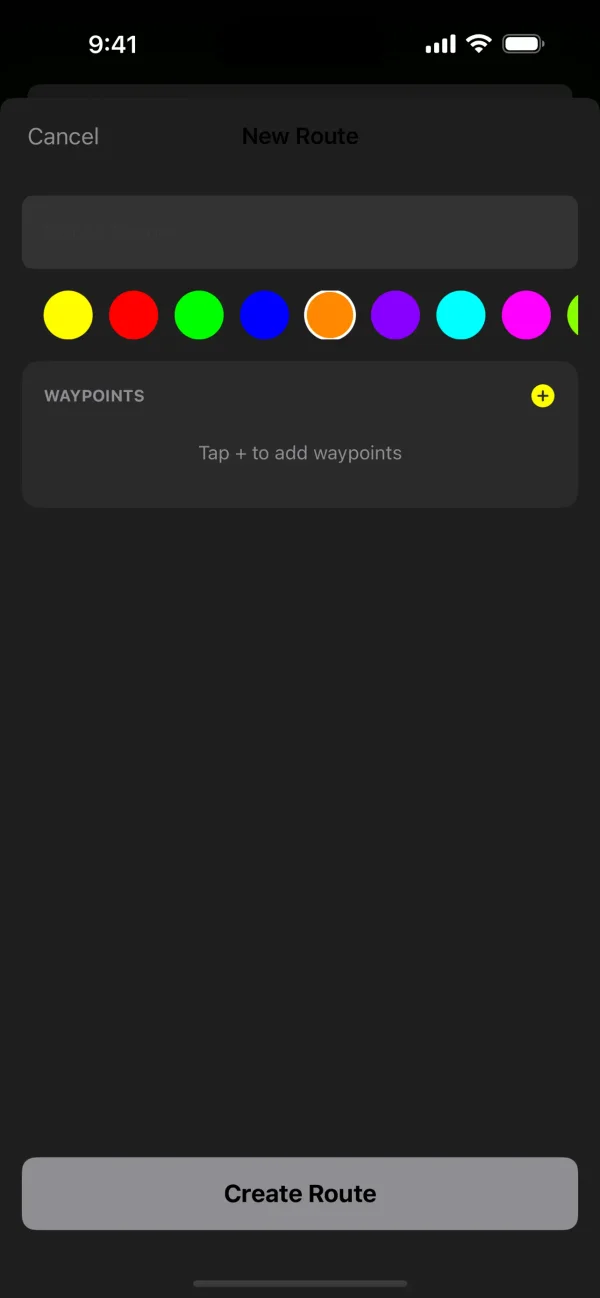
Broadcast your position with configurable metadata. Filter units by affiliation for cleaner operational pictures. Navigate with bearing and distance tools built for tactical operations.
EXTENSIBLE PLUGIN SYSTEM
OmniTAK features a secure plugin architecture for extending functionality. Plugins run in sandboxed contexts with permission-based API access. Create custom CoT handlers, map overlays, UI components, and network integrations.
INTEROPERABILITY
Works with TAK Server, FreeTAKServer, Taky, OpenTAKServer, and any CoT-compatible infrastructure. Full interoperability with ATAK, WinTAK, iTAK, and WebTAK clients.
FEATURES
• ATAK-style tactical interface
• Multi-server management with one-tap switching
• Real-time CoT markers with unit filtering
• GPS tracking with accuracy indicators
• TCP/UDP with optional TLS
• iOS Keychain certificate storage
• Certificate enrollment and file import
• Circle and polygon drawing tools
• Persistent configurations
• Haptic feedback and dark mode
• Portrait and landscape support
• Secure plugin system
OmniTAK is an independent project not affiliated with the TAK Product Center, Department of Defense, or Department of Homeland Security.
Novidades
Versão 2.46.0 · 25/11/2026
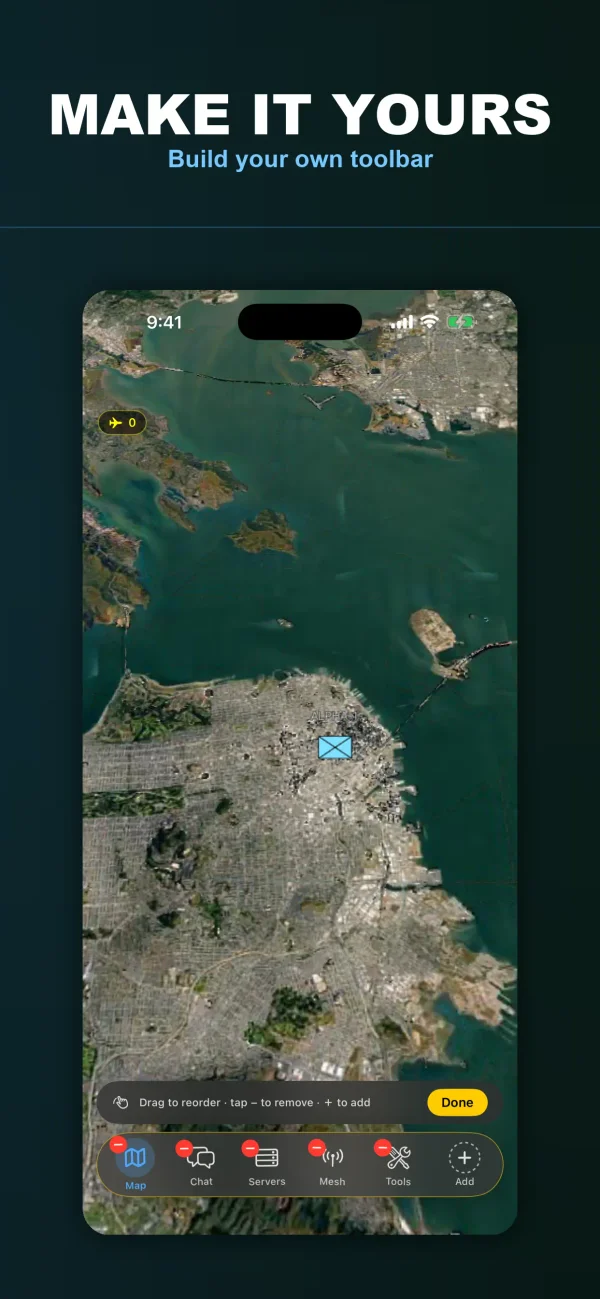
Toolbar editing that follows your finger.
Toolbar
• Press and hold the bottom bar to edit it. A drag now starts anywhere on an icon and the icon follows your finger, in portrait and with the phone on its side.
Privacidade do app
O que Grant J Wylie declara na App Store sobre como este app lida com os dados.
-
Dados não coletados
O desenvolvedor não coleta nenhum dado deste app.
As práticas de privacidade podem variar, por exemplo, com base nos recursos que você usa ou na sua idade.
Informações
- Vendedor
- Grant J Wylie
- Categoria
- Utilidades
- Versão
- 2.46.0
- Atualizado
- 25/11/2026
- Lançamento
- 17/11/2025
- Tamanho
- 141,1 MB
- Requer
- iOS 15.0 ou posterior
- Classificação etária
- 4+
- Preço
- Grátis
- Idiomas
- Inglês, Francês, Alemão, Polonês, Espanhol, Chinês tradicional, Ucraniano
- Copyright
- © 2026 EnginDearing