OmniTAK
Enhanced Situational Awareness
Được thiết kế cho iPhone, iPod touch
Miễn phí
- Độ tuổi4+
- Danh mụcTiện Ích
- Nhà phát triểnGrant J Wylie
- Ngôn ngữTiếng Anh+ 6 ngôn ngữ khác
- Kích thước139,2 MB
Liên kết đến trang App Store chính thức
Download.org không lưu trữ tệp nào của OmniTAK. Nút này mở trang ứng dụng trên App Store, nơi Grant J Wylie phát hành ứng dụng. Trang được kiểm tra lần cuối: 23/11/2026.
Ảnh chụp màn hình
Giới thiệu
Nhà phát triển chưa cung cấp nội dung này bằng ngôn ngữ của bạn.
OmniTAK — ATAK-Style Tactical Awareness for iOS
OmniTAK brings the power and familiarity of ATAK to your iPhone and iPad. Built with a high-performance Rust core and native iOS interface, OmniTAK delivers real-time situational awareness with the tactical UI that operators know and trust.
Whether you're coordinating search and rescue, managing field teams, supporting emergency response, or training for tactical scenarios, OmniTAK provides blue force tracking, collaborative mapping, and secure communications—without being locked into a single server or network.
ATAK-FAMILIAR INTERFACE
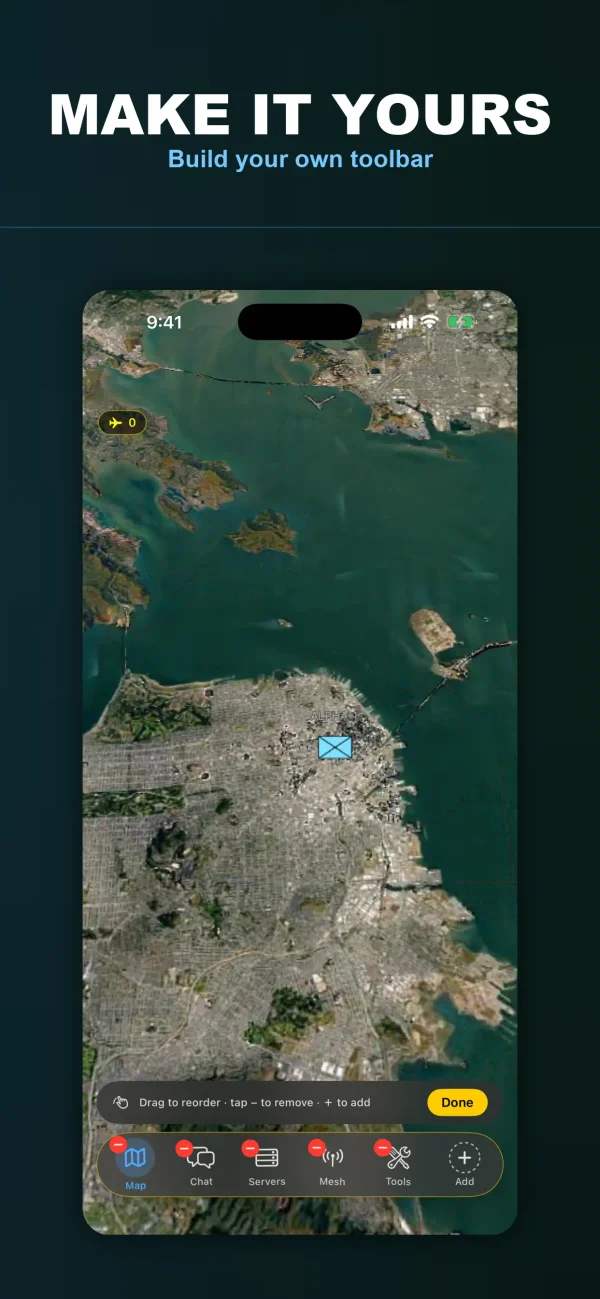
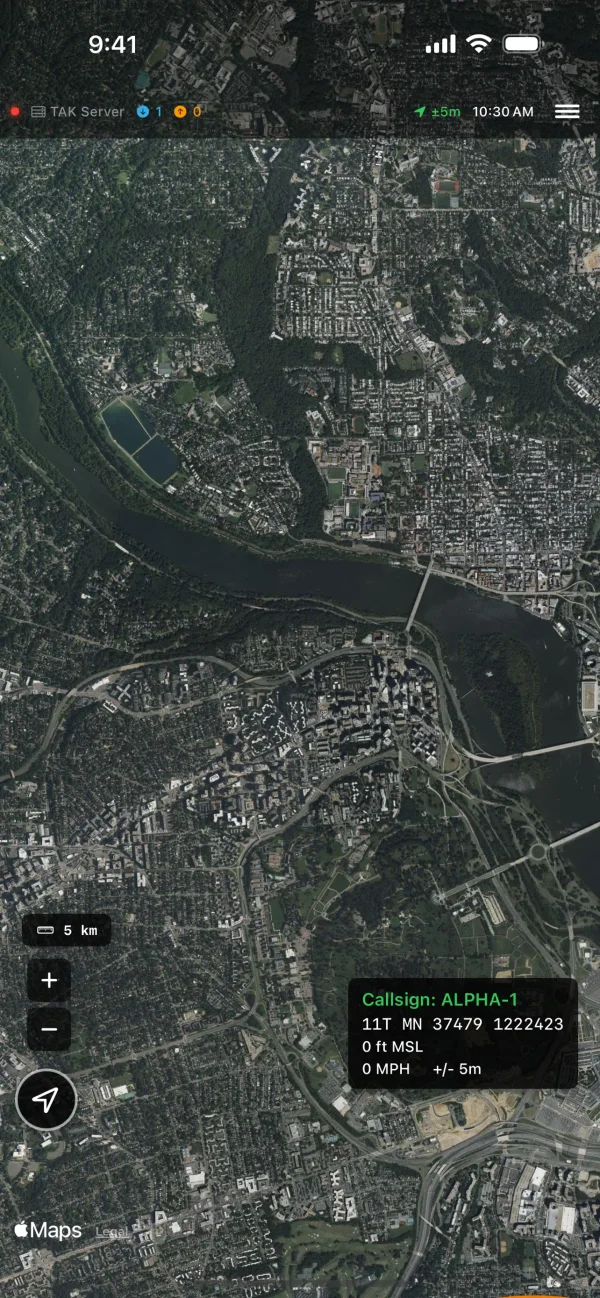
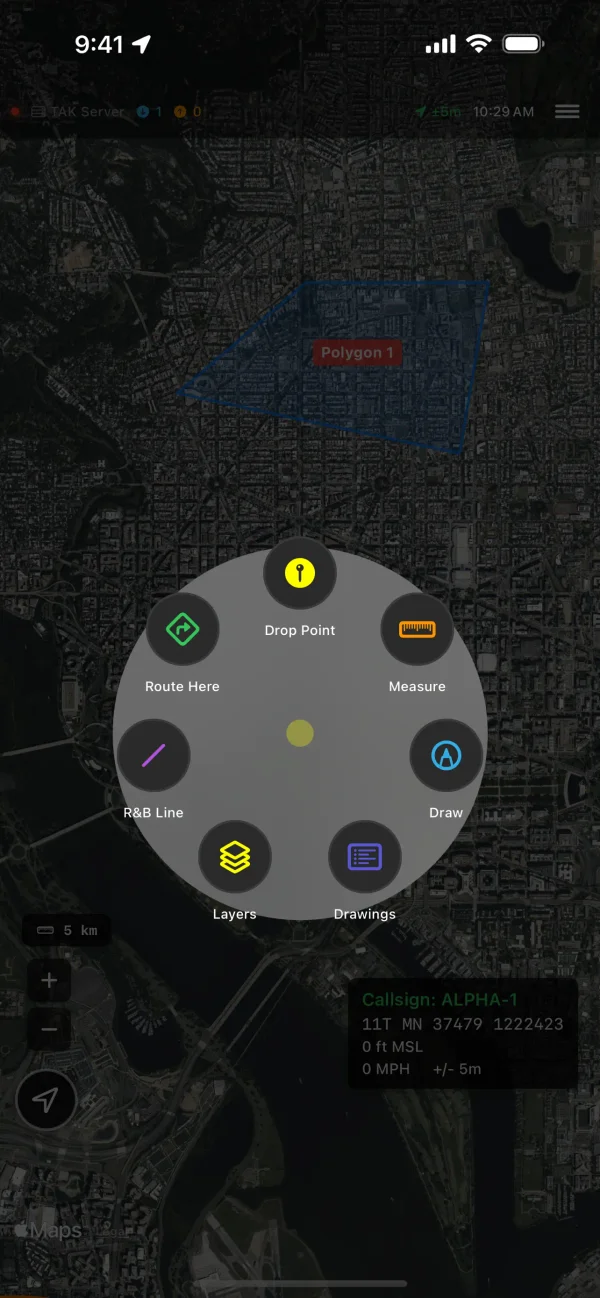
OmniTAK mirrors the ATAK experience that millions of operators have trained on. The professional tactical theme, navigation drawer, bottom toolbar, and status bar feel immediately familiar. If you know ATAK, you know OmniTAK.
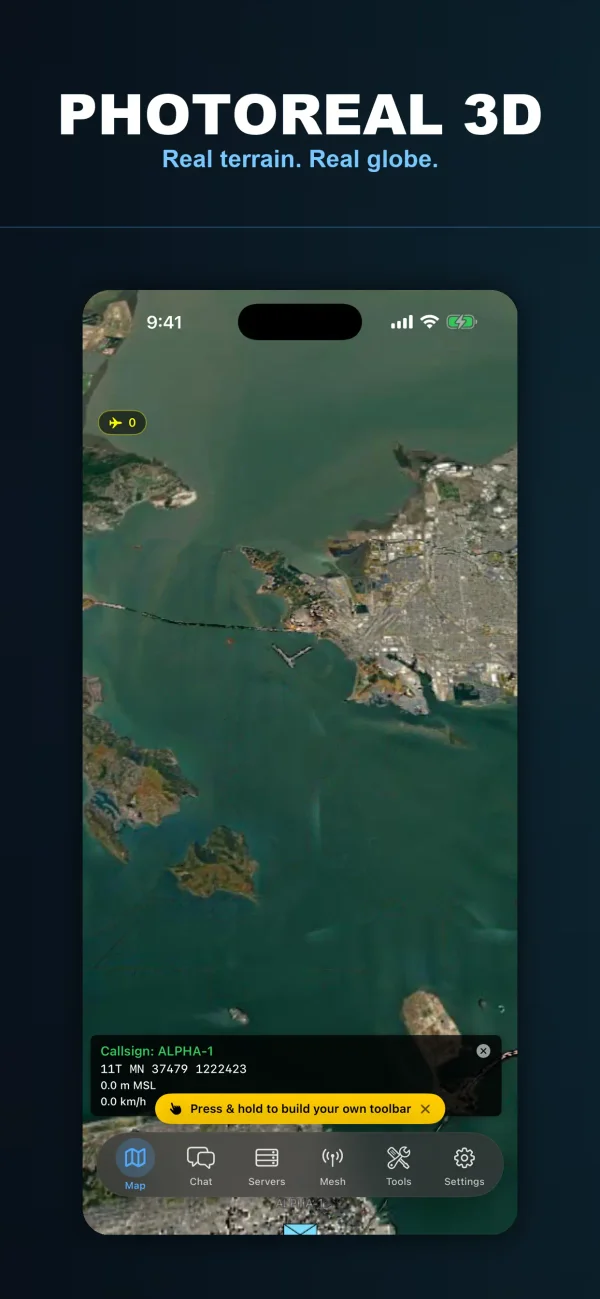
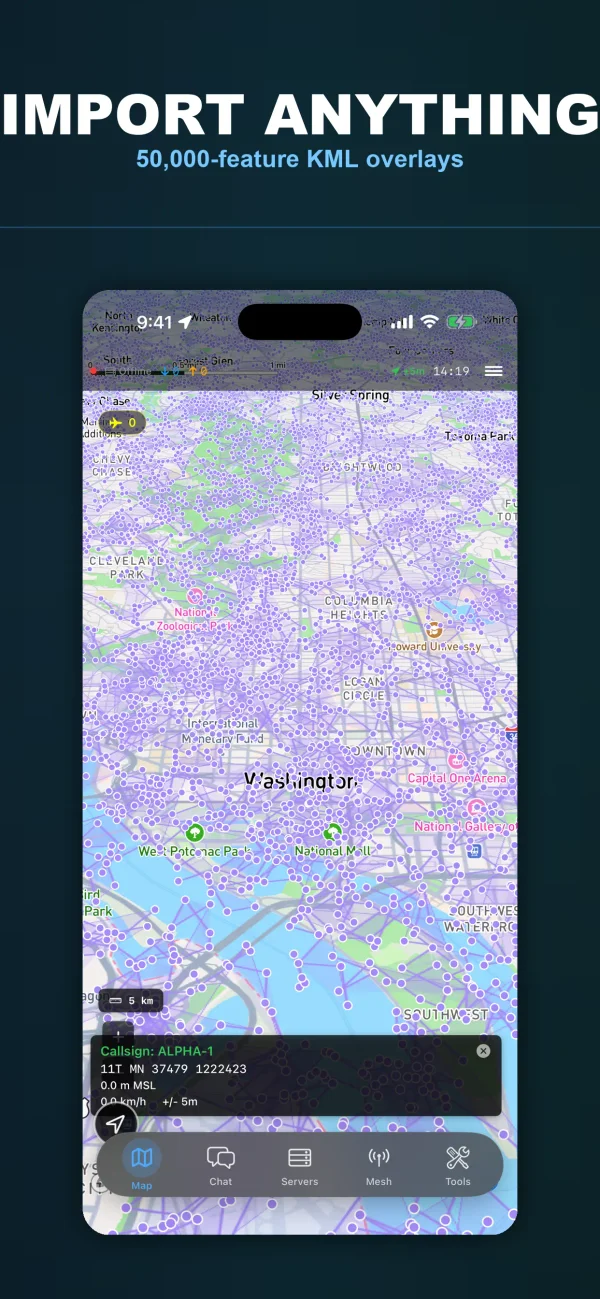
Satellite, hybrid, and standard map views powered by native MapKit deliver smooth performance. Color-coded CoT markers display friendly, hostile, unknown, and neutral units in real-time.
MULTI-SERVER ARCHITECTURE
OmniTAK was built for multi-agency coordination and federated networks.
Configure unlimited TAK server connections. Monitor connection status in real-time. Bridge jurisdictions during disaster response, maintain redundant connectivity, or aggregate feeds from multiple command posts—OmniTAK connects you to every network that matters.
Supports TCP and UDP with optional TLS encryption.
SECURE CERTIFICATE MANAGEMENT
OmniTAK stores all client certificates in the iOS Keychain with hardware-backed protection. Import from .pem, .crt, .key, .p12, and .pfx files, or enroll directly from your TAK server using username/password authentication.
View certificates with validity status and expiration tracking. Full mutual TLS authentication keeps your tactical data encrypted end-to-end.
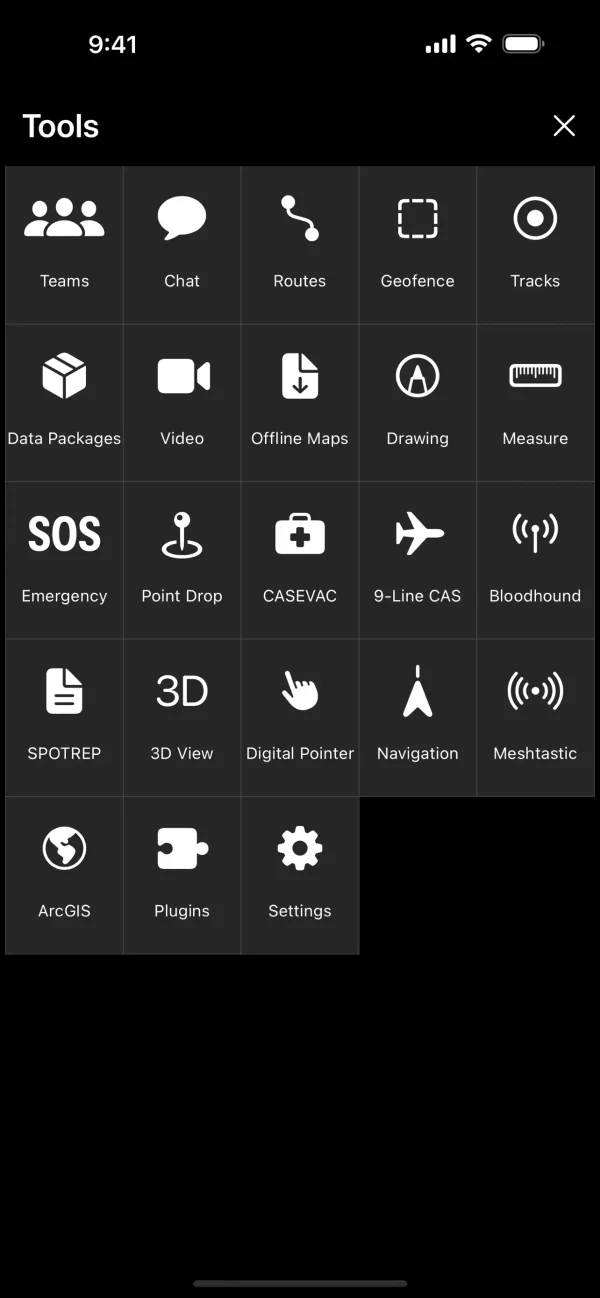
TACTICAL TOOLS
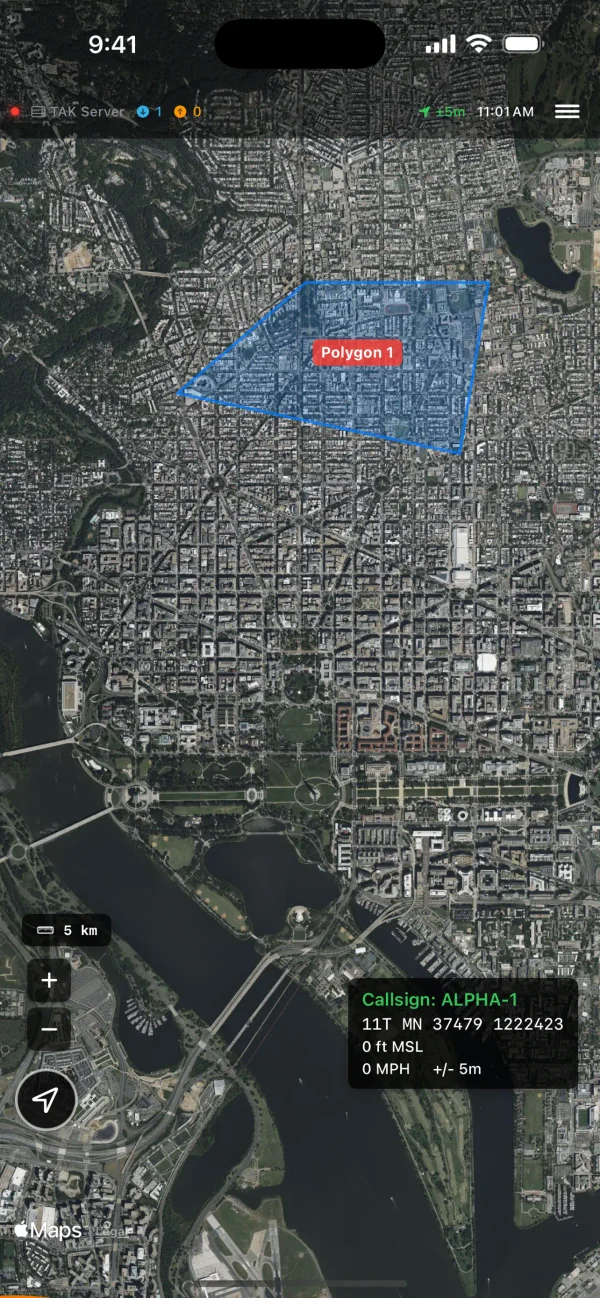
Draw circles and polygons to mark areas of interest, search zones, or operational boundaries. All drawings persist across sessions with high-visibility tactical colors.
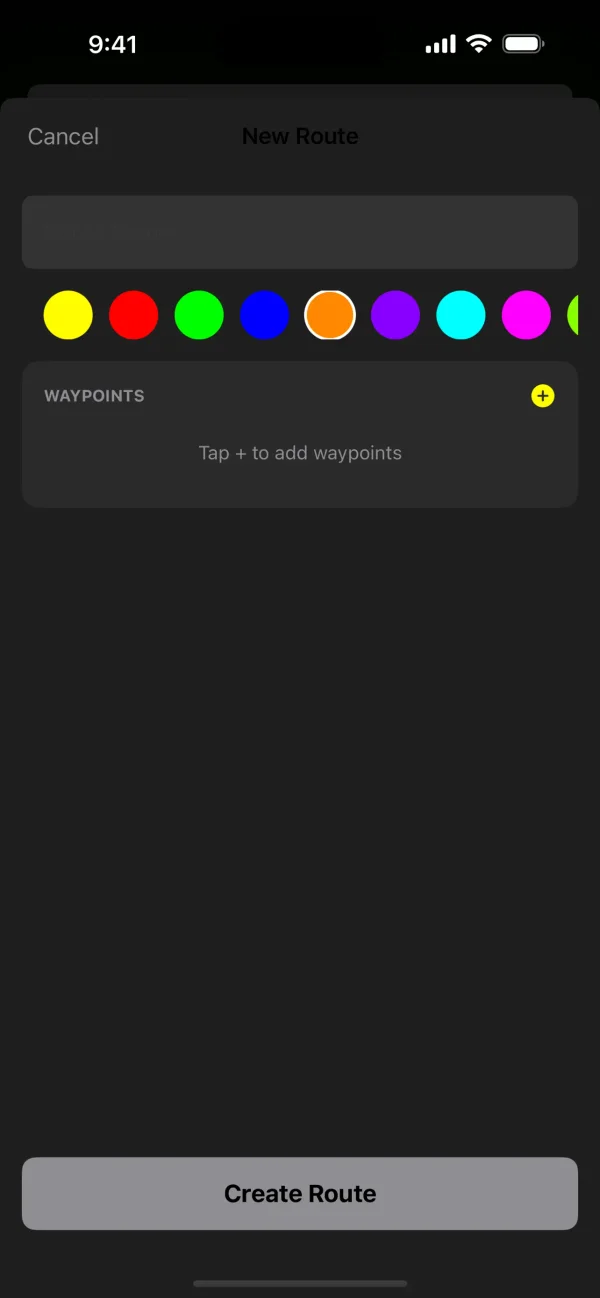
Broadcast your position with configurable metadata. Filter units by affiliation for cleaner operational pictures. Navigate with bearing and distance tools built for tactical operations.
EXTENSIBLE PLUGIN SYSTEM
OmniTAK features a secure plugin architecture for extending functionality. Plugins run in sandboxed contexts with permission-based API access. Create custom CoT handlers, map overlays, UI components, and network integrations.
INTEROPERABILITY
Works with TAK Server, FreeTAKServer, Taky, OpenTAKServer, and any CoT-compatible infrastructure. Full interoperability with ATAK, WinTAK, iTAK, and WebTAK clients.
FEATURES
• ATAK-style tactical interface
• Multi-server management with one-tap switching
• Real-time CoT markers with unit filtering
• GPS tracking with accuracy indicators
• TCP/UDP with optional TLS
• iOS Keychain certificate storage
• Certificate enrollment and file import
• Circle and polygon drawing tools
• Persistent configurations
• Haptic feedback and dark mode
• Portrait and landscape support
• Secure plugin system
OmniTAK is an independent project not affiliated with the TAK Product Center, Department of Defense, or Department of Homeland Security.
Có gì mới
Phiên bản 2.45.0 · 20/11/2026
A calmer first launch, a scale bar you can trust, range rings you can remove, geofences that work, and a batch of server and mesh fixes.
Map
• The scale bar in the bottom left now measures the ground it is drawn over. The old readout could be many times off.
• Range rings can be removed where you placed them: Remove or Keep right after placing, and Clear Rings on the long-press menu. Rings are drawn as outlines.
• Geofences work. Place one at the map centre or from a shape you drew, see it on the map, and get an alert when you or a teammate enters or leaves.
• The map opens on your position. The 3D globe no longer starts over New York, and switching between 2D and 3D keeps your place.
• The buttons at the bottom of the map no longer sit on each other, on the tab bar or on the position box, in portrait or with the phone on its side.
• The status strip at the top is easier to read over light maps.
• On the 3D globe, markers on the far side of the Earth no longer show through, and Center on me comes in close from far out.
• Label size setting for marker names and the position box.
• Teammates not heard from for a while are hidden, then removed. You choose how long.
• A switch to hide your own marker.
First launch
• The app asks for location once, on a page that explains why, and asks about notifications when the first message arrives. It no longer asks for "always" location.
• Fixed a blank white screen at launch when the location service was slow to answer.
Servers
• Mission Sync says why a connection failed, and can sign in with a username and password when the certificate port refuses.
• A newly enrolled server is dialed once, and a re-enrolled one reconnects with its new certificate.
• A dead server connection is noticed and dialed again.
• Diagnostics log with export in Settings.
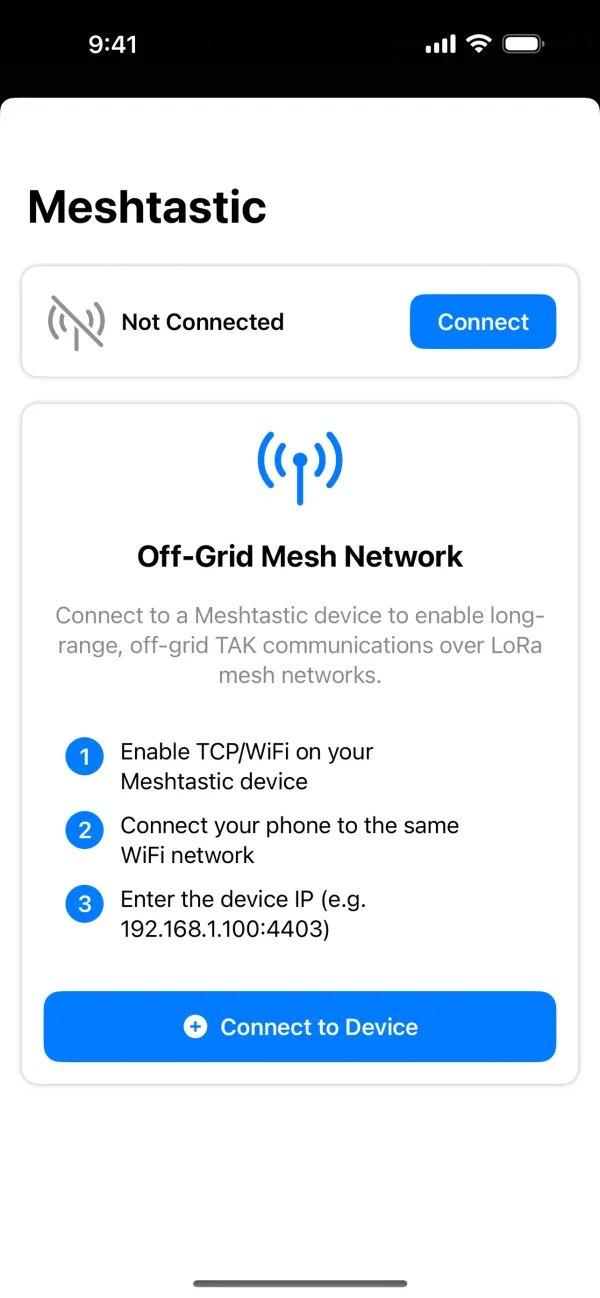
Mesh and Meshtastic
• The node list shows real values for last heard, signal, hops, battery and position.
• Device settings change only what you edited.
• The app says when a short position interval will not hold on the default channel.
• Direct messages are no longer also sent to the mesh radio.
Fixes
• A malformed packet from the mesh can no longer stop the app.
Quyền riêng tư của ứng dụng
Những gì Grant J Wylie khai báo trên App Store về cách ứng dụng này xử lý dữ liệu.
-
Dữ liệu không được thu thập
Nhà phát triển không thu thập bất kỳ dữ liệu nào từ ứng dụng này.
Phương thức đảm bảo quyền riêng tư có thể khác nhau, chẳng hạn như tuỳ theo các tính năng bạn sử dụng hoặc độ tuổi của bạn.
Thông tin
- Người bán
- Grant J Wylie
- Danh mục
- Tiện Ích
- Phiên bản
- 2.45.0
- Cập nhật
- 20/11/2026
- Phát hành
- 17/11/2025
- Kích thước
- 139,2 MB
- Yêu cầu
- iOS 15.0 trở lên
- Độ tuổi
- 4+
- Giá
- Miễn phí
- Ngôn ngữ
- Tiếng Anh, Tiếng Pháp, Tiếng Đức, Tiếng Ba Lan, Tiếng Tây Ban Nha, Tiếng Trung Phồn thể, Tiếng Ukraina
- Bản quyền
- © 2026 EnginDearing