
Postfolio: Carousel Maker
Panorama split & grid maker
Projetado para iPhone, iPod touch
Grátis · Compras no app
- Classificação etária4+
- CategoriaFoto e vídeo
- DesenvolvedorSilvan Rapp
- IdiomasInglês
- Tamanho10,3 MB
Leva à página oficial na App Store
O Download.org não hospeda nenhum arquivo de Postfolio: Carousel Maker. O botão abre a página do app na App Store, onde Silvan Rapp o publica. Página verificada pela última vez em 25/11/2026.
Capturas de tela
Sobre
O desenvolvedor não forneceu este texto no seu idioma.
Postfolio: Carousel Maker is a free Instagram carousel app for photographers. Split a panorama into seamless slides, turn one photo into a 3×3 profile grid, add equal white borders or real film negative edges, build photo dumps and magazine-style carousels in exact Instagram sizes. No account, no watermark, no subscription — Pro is a one-time purchase.
It's 5pm. Prime posting time is 6 — and nothing is ready. The last thing you want now is to open a heavyweight editor and wrestle with layers, artboards and pixel math for one Instagram carousel.
Postfolio was built for exactly that hour. Open it and start — no setup, no googling dimensions. Drop in your photos, pick a layout, and you get an editorial-grade carousel or story: the kind that looks like it came out of a design magazine, not a template app.
No account, no subscription – just results worth posting.
YOUR FEED AS ONE PICTURE
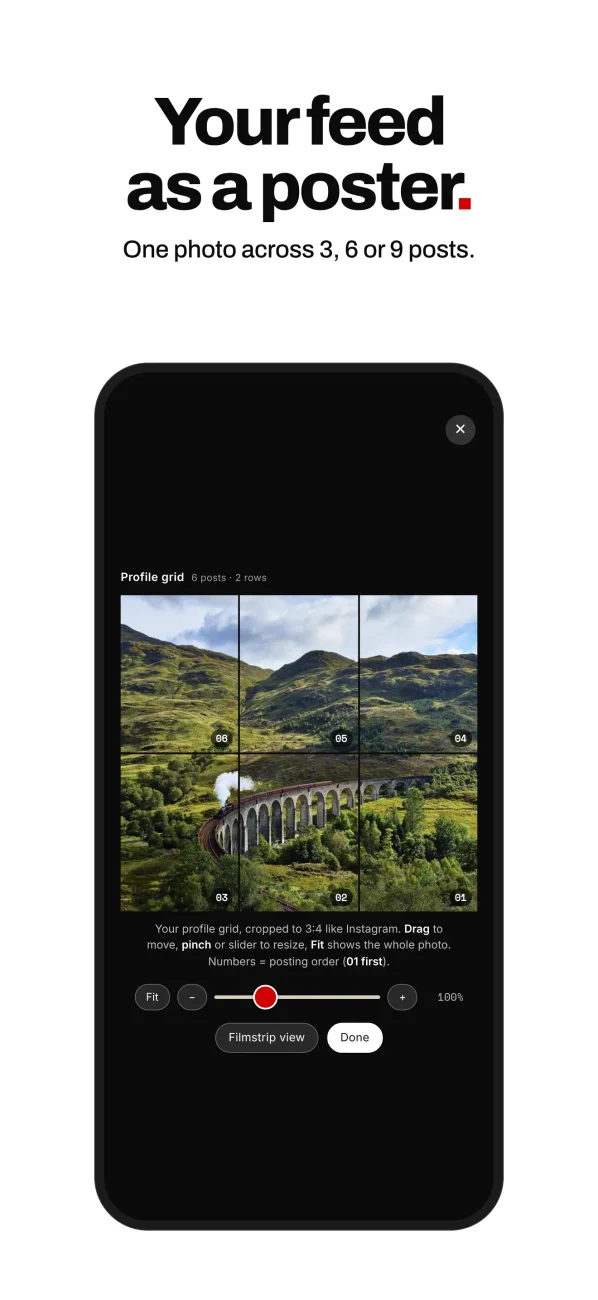
Split one photo across 3, 6 or 9 posts — one row, two rows or a full 3×3 grid — so your profile grid shows one big, continuous image — the grid split look, without slicing anything by hand. Postfolio already crops to the 3:4 profile grid, shows you the whole picture as it will sit in your feed, and lets you move and zoom the photo across all tiles. The export comes out numbered in posting order, so you just upload file 01 first.
STRIPS
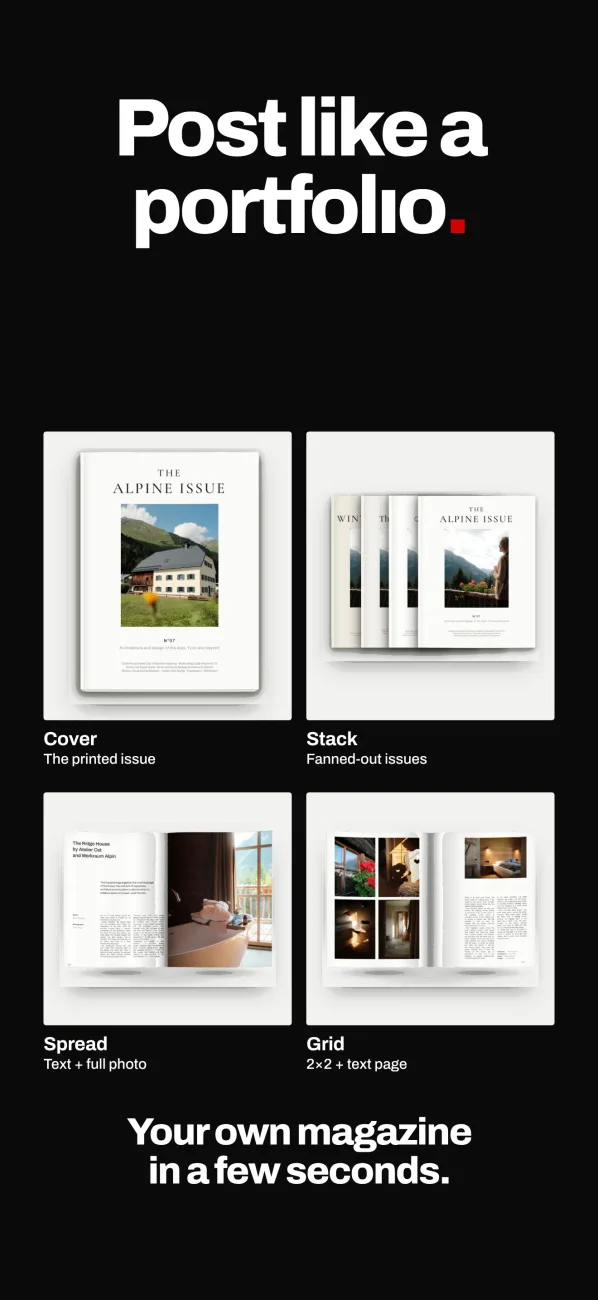
Photos edge to edge: 2 to 6 strips stacked, 2 to 5 side by side, a 2 × 2 grid or a title strip — plus complete issues in one tap. One button flips any strip page between stacked and side by side.
THE FRAMES LOOK
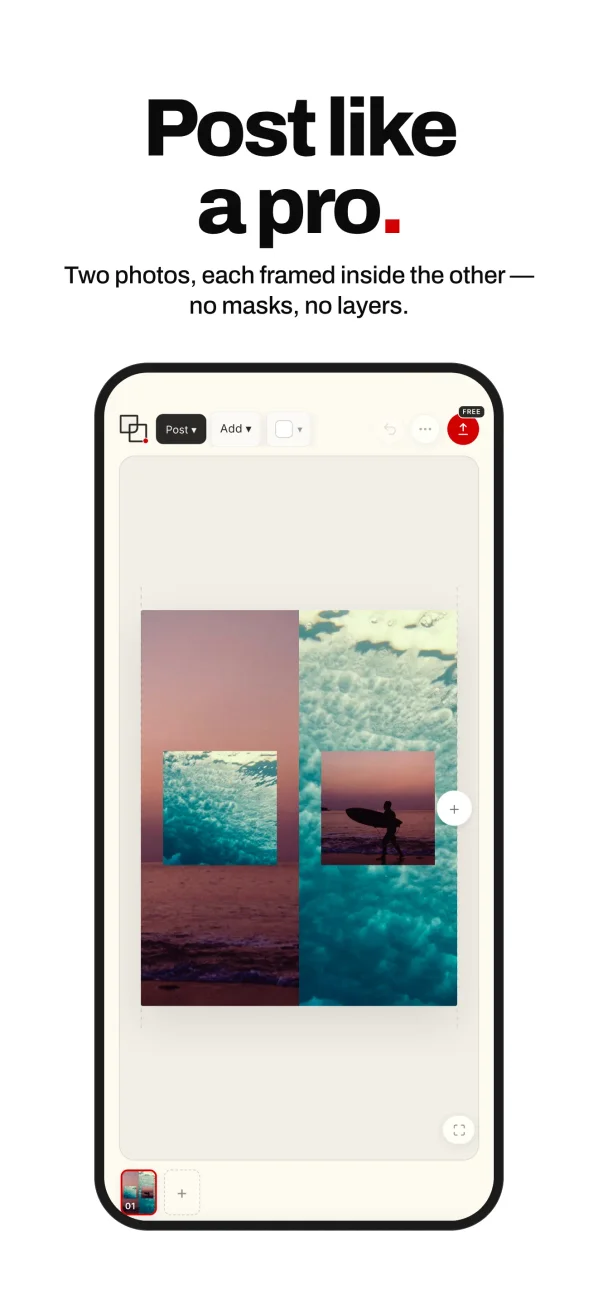
Two framed photos, stacked, each showing a small piece of the other — the editorial look that is all over Instagram right now. Everywhere else that means masks and layers. Here it's a template plus a zoom inside the frame.
SEAMLESS PANORAMAS
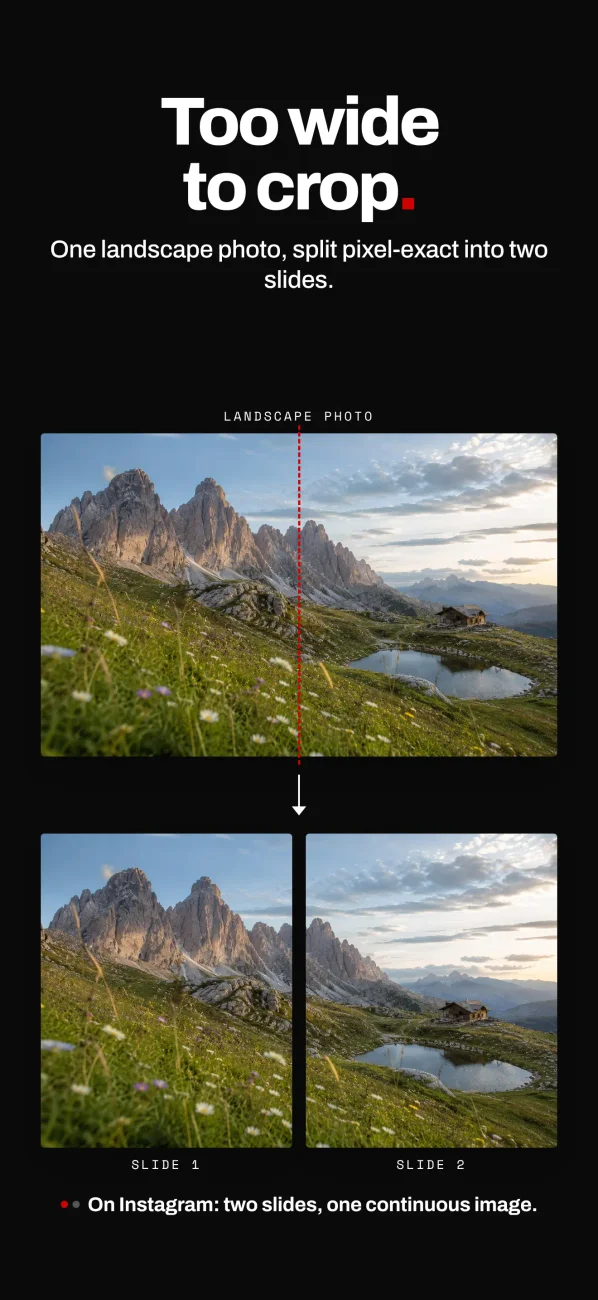
One wide photo, split across two or three slides along a pixel-exact shared edge. Instagram stitches it back together when someone swipes — no visible seam, no artboards, no exporting slides one by one. That wide shot Instagram wanted to crop? It doesn't have to.
WHAT ELSE IS IN THERE
• Film negative borders — real 120 and 35mm film edges with frame numbers, on a clean white page
• Photo dumps — strips, 2 × 2 grids and frames that make a dump look curated, not random
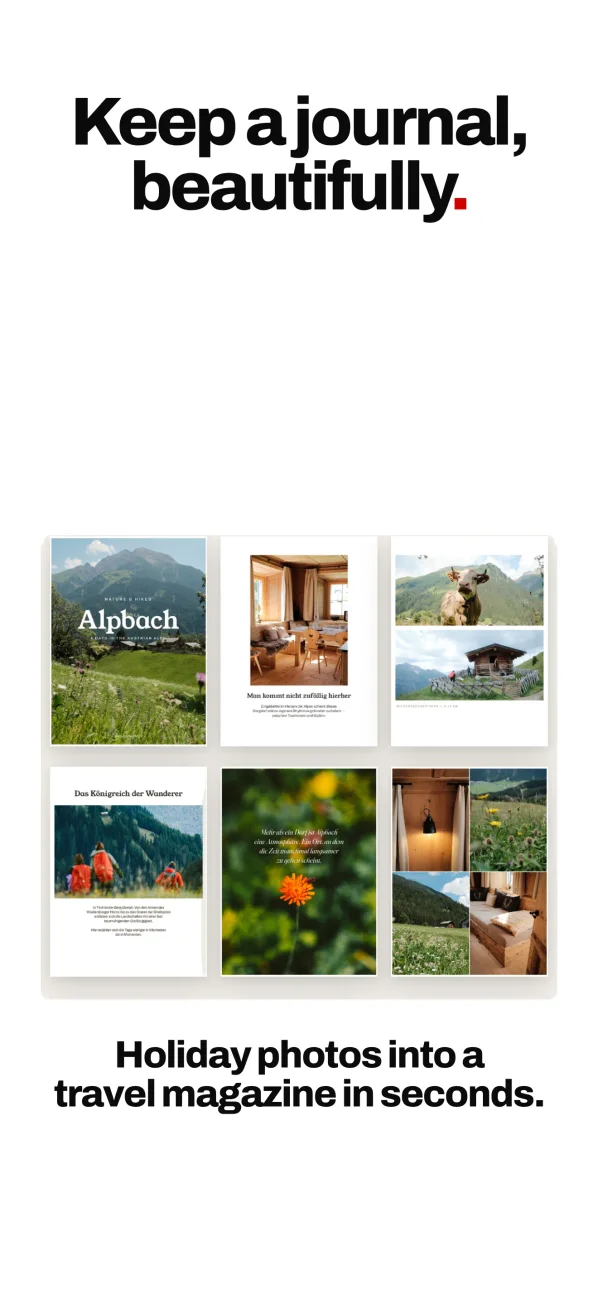
• Editorial templates — Journal, Magazine, Statement, Arthouse, Archive and more, each with its own voice
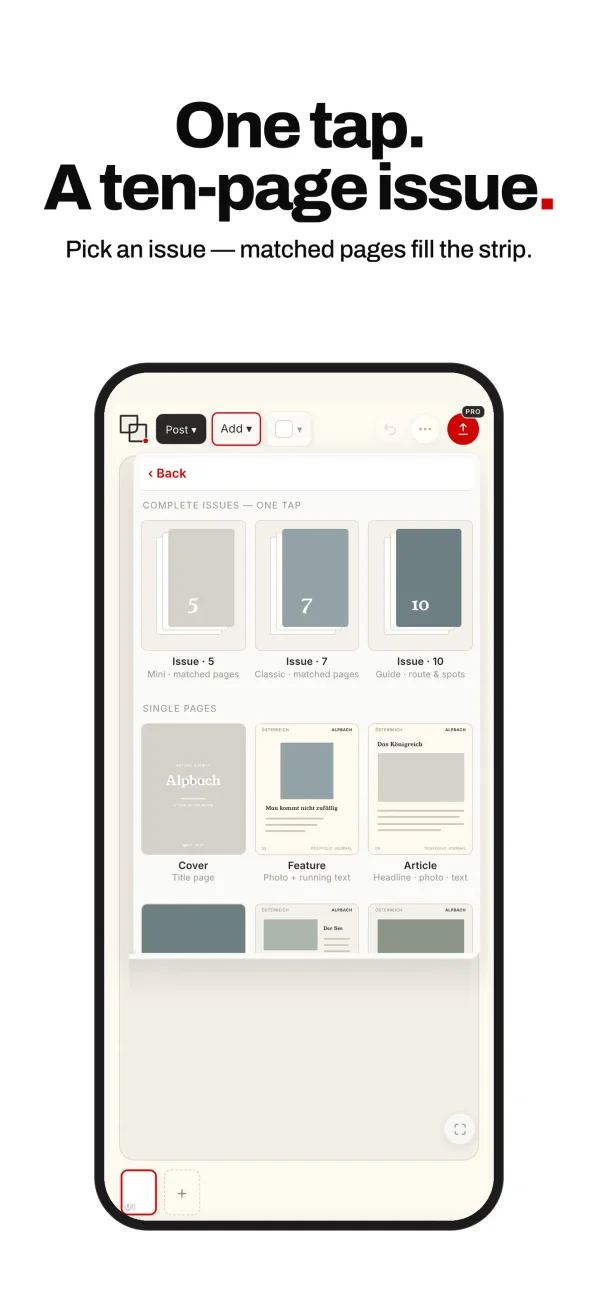
• Complete issues in one tap — pick an issue and every matched page appears, waiting for your photos
• Type with a colour bar that grows with every letter, and text that can run across two slides
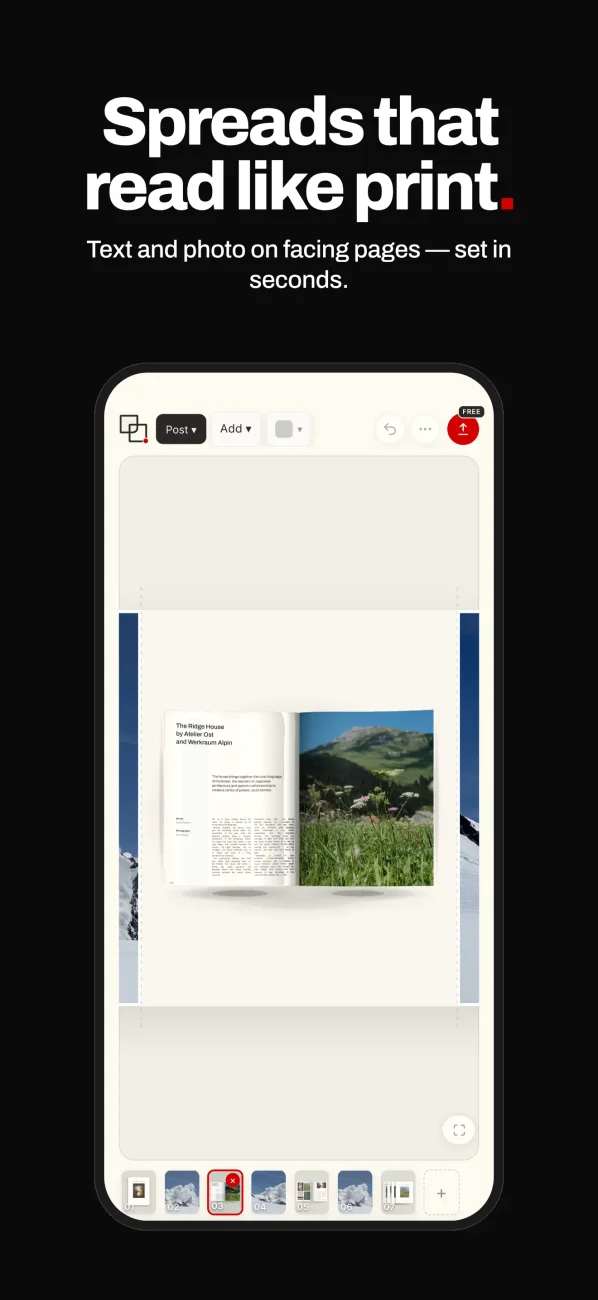
• Magazine spreads — text and photo on facing pages, set like print
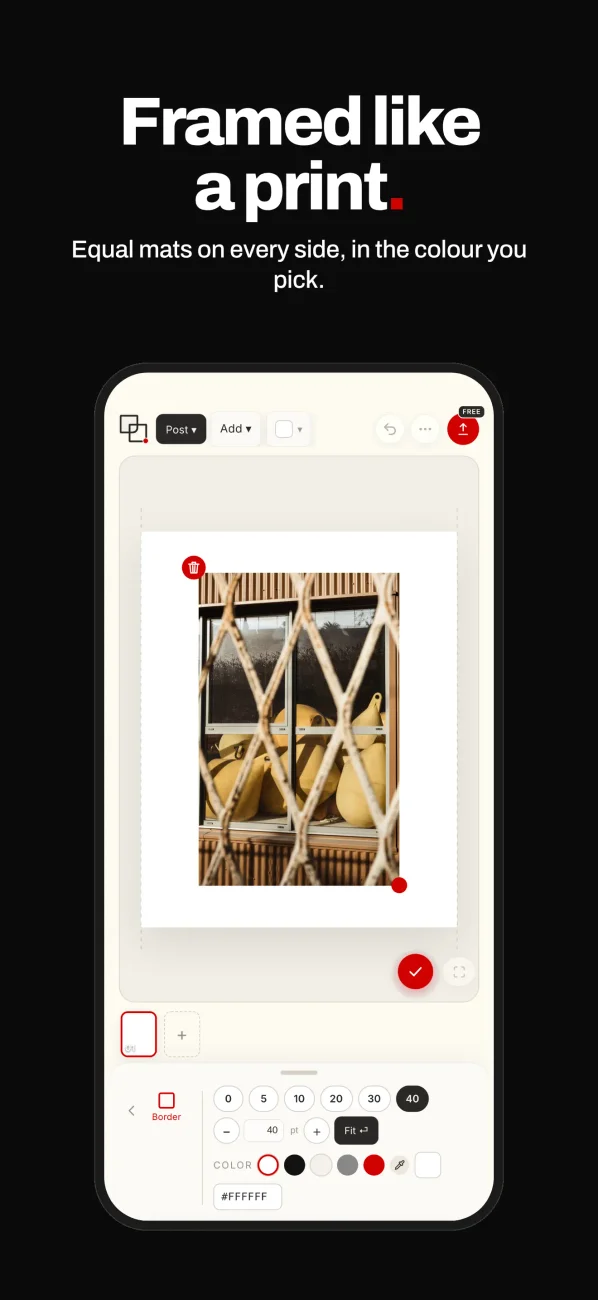
• White borders and gallery frames — equal white mats on every side, in a single tap, like a framed print
• Real typographic control — type that reflows like a word processor, manual line breaks, considered defaults
• Precise photo tools — crop, straighten, zoom, replace, and grid layouts with one clean spacing control
• A photo library — every photo you add is kept, ready to reuse without re-importing
• Cohesive palettes — recolor a single slide or the whole carousel in a tap
PRIVATE BY DESIGN
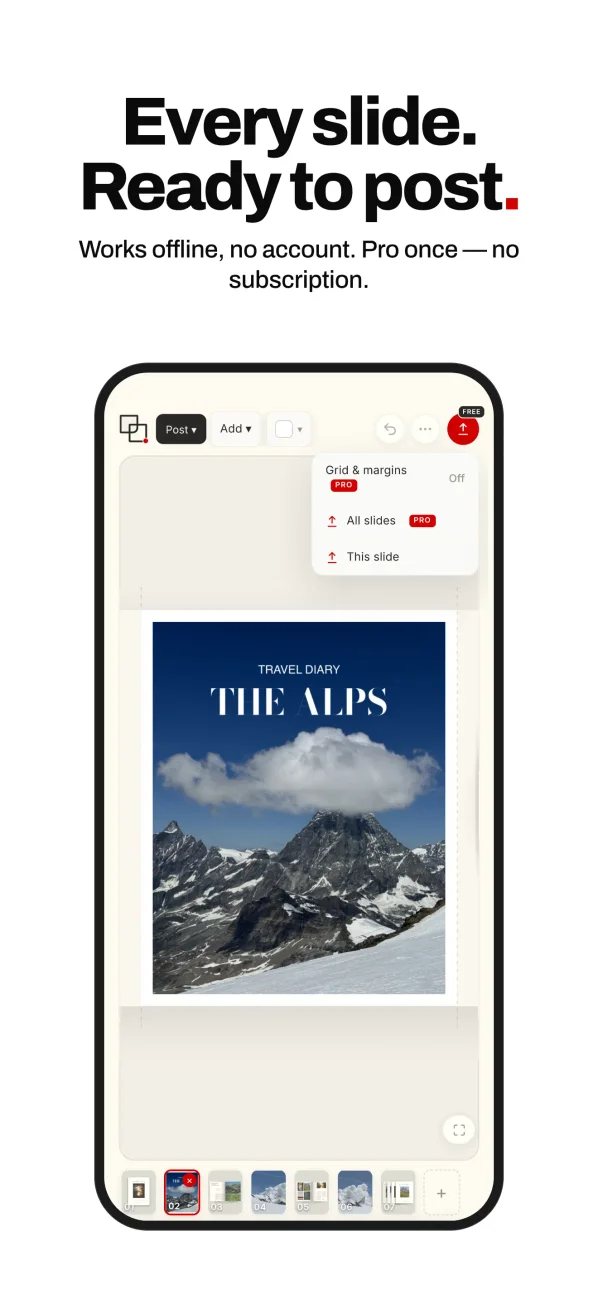
Postfolio works fully offline. No account, no sign-up, no tracking. Your photos never leave your device.
FAIR PRICING
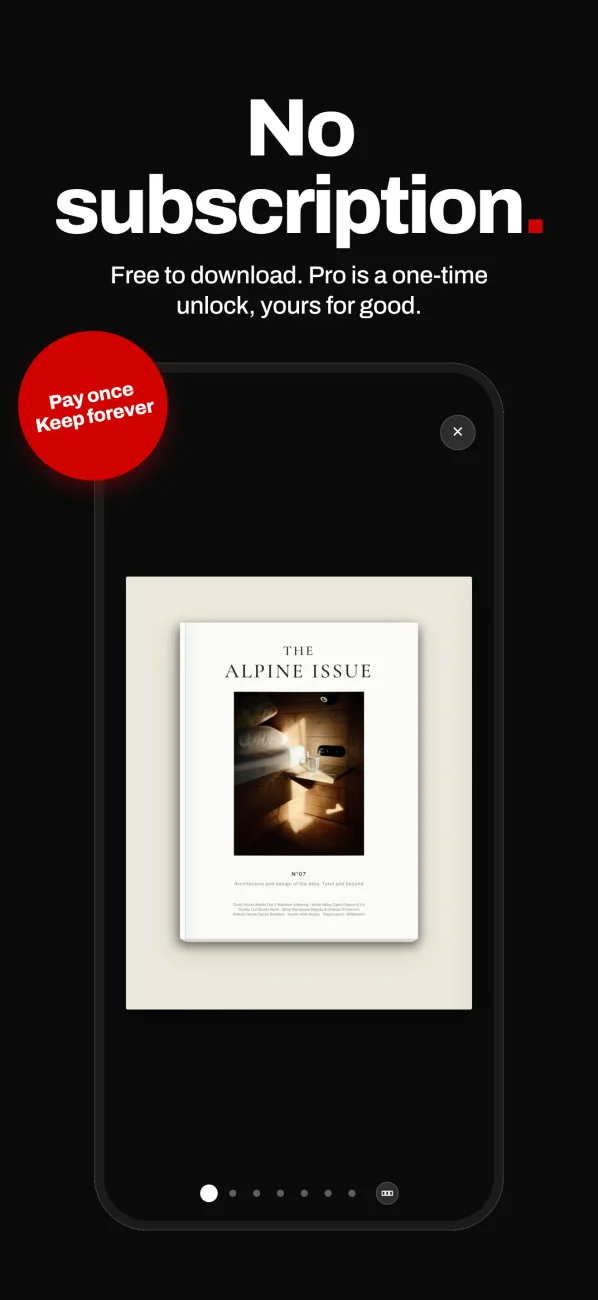
Building and previewing everything is free. Unlock Pro once to export layouts that use Pro designs — a single payment, no subscription, ever. What you buy stays yours.
Built by a photographer after 18 years in the industry, for the hour when the post still isn't ready.
by photographers, for photo lovers
Novidades
Versão 1.1.1 · 25/11/2026
Profile grid fixes: grid templates now suggest Post 3:4, so nothing goes missing at the seams. The grid preview opens again when the carousel also contains text or other photos. Preview buttons fit on small screens, the help text is now in German too, and a new preview image on the start page.
Privacidade do app
O que Silvan Rapp declara na App Store sobre como este app lida com os dados.
-
Dados não coletados
O desenvolvedor não coleta nenhum dado deste app.
As práticas de privacidade podem variar, por exemplo, com base nos recursos que você usa ou na sua idade.
Informações
- Vendedor
- Silvan Rapp
- Categoria
- Foto e vídeo
- Versão
- 1.1.1
- Atualizado
- 25/11/2026
- Lançamento
- 26/10/2026
- Tamanho
- 10,3 MB
- Requer
- iOS 15.6 ou posterior
- Classificação etária
- 4+
- Preço
- Grátis
- Compras no app
- Sim
- Idiomas
- Inglês
- Copyright
- © 2026 Silvan Rapp
Você também pode gostar
-
 Colagem de Fotos - SeamlyMontagem de Fotos, Carrossel
-
 STP Swipeable panorama & gridFoto e vídeo
-
 Panoslice Panorama CarrosselCriativo Scroll, Remover Fundo
-
 PanoraSplit for InstagramFoto e vídeo
-
 PSTR: Carrossel de fotosLayouts para colagem Insta
-
 Scroll Colagem para InstagramPanorama Post, Layout de Fotos
-
 Labbet: Photo & Video EditingFoto e vídeo
-
 Crsel - Editar e Efeitos FotosColagem Grid Social Montagem
-
 Fuji X Weekly — Film RecipesFoto e vídeo
-
 Unfold: editor de vídeo/fotoInsta foto e template de vídeo