
PrimePlayer
Multi-Format · Stream · Cast
Projetado para iPhone, iPad
Grátis · Compras no app
- Classificação etária4+
- CategoriaFoto e vídeo
- Desenvolvedor云强 林
- IdiomasInglêse mais 31
- Tamanho86,2 MB
Leva à página oficial na App Store
O Download.org não hospeda nenhum arquivo de PrimePlayer. O botão abre a página do app na App Store, onde 云强 林 o publica. Página verificada pela última vez em 17/11/2026.
Capturas de tela


Sobre
O desenvolvedor não forneceu este texto no seu idioma.
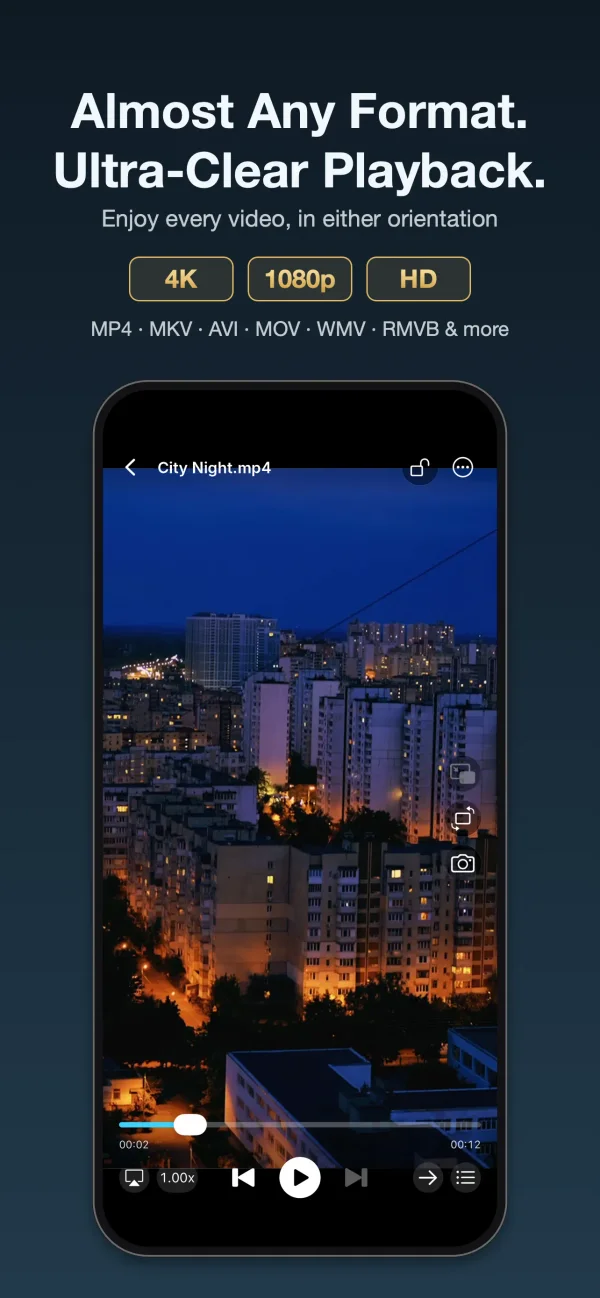
Watch, organize, cast, and transfer videos on iPhone and iPad. PrimePlayer supports over 60 video and disc formats, covering all common video formats.
Your local videos stay on your device. Local playback never passes through developer-operated servers, protecting your privacy. No registration, ads, personal data collection, or cross-app tracking. Available in 32 languages.
FORMATS AND SUBTITLES
• MP4, MKV, AVI, MOV, WMV, RM/RMVB, FLV, WebM, MPEG, TS, and more.
• AV1, H.264, H.265/HEVC, and VP9 codecs.
• Main-video playback from ISO images and BDMV, VIDEO_TS, and DVDMEDIA folders.
• Multiple audio tracks, external SRT, ASS/SSA, VTT, and SUB/IDX subtitles, and subtitle timing adjustment.
PLAYBACK CONTROLS
• 4K, 1080p, and other resolutions, with hardware decoding when available.
• 0.5x–4x playback and a customizable touch-and-hold speed.
• Portrait and landscape playback; swipe to seek or adjust brightness and volume.
• Double-tap to play or pause; pinch to zoom, pan, and reset.
• Picture in Picture for compatible videos and saved playback progress.
• Play once, repeat one, play in order, or repeat the list.
• Separate intro/outro skip durations, control locking, and screenshots.
ONLINE AND OFFLINE VIDEO
• Play video links, including HLS/M3U8, RTMP, and RTSP.
• Save supported on-demand videos for offline viewing.
• Set automatic downloads, manage cellular playback, and watch live streams online.
IPTV SUBSCRIPTIONS
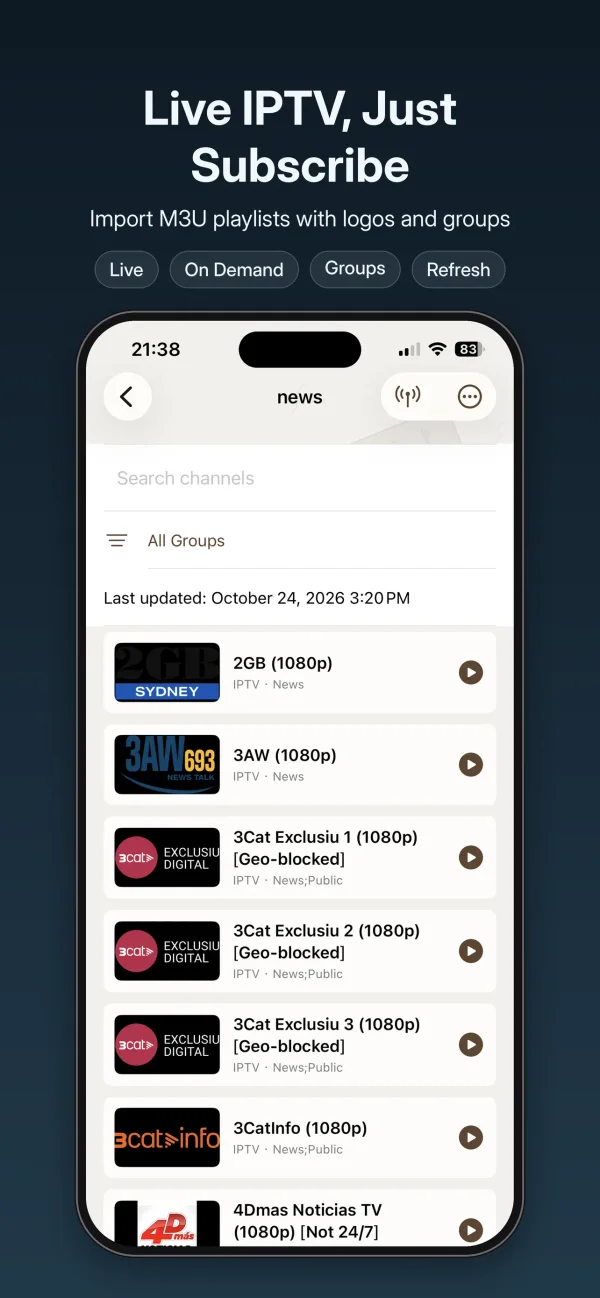
• Import M3U subscriptions as channel lists in Playlists.
• Browse channel names, logos, and groups; filter channels and refresh subscriptions.
• Keep IPTV channels in dedicated playlists, separate from your local library.
AIRPLAY AND DLNA
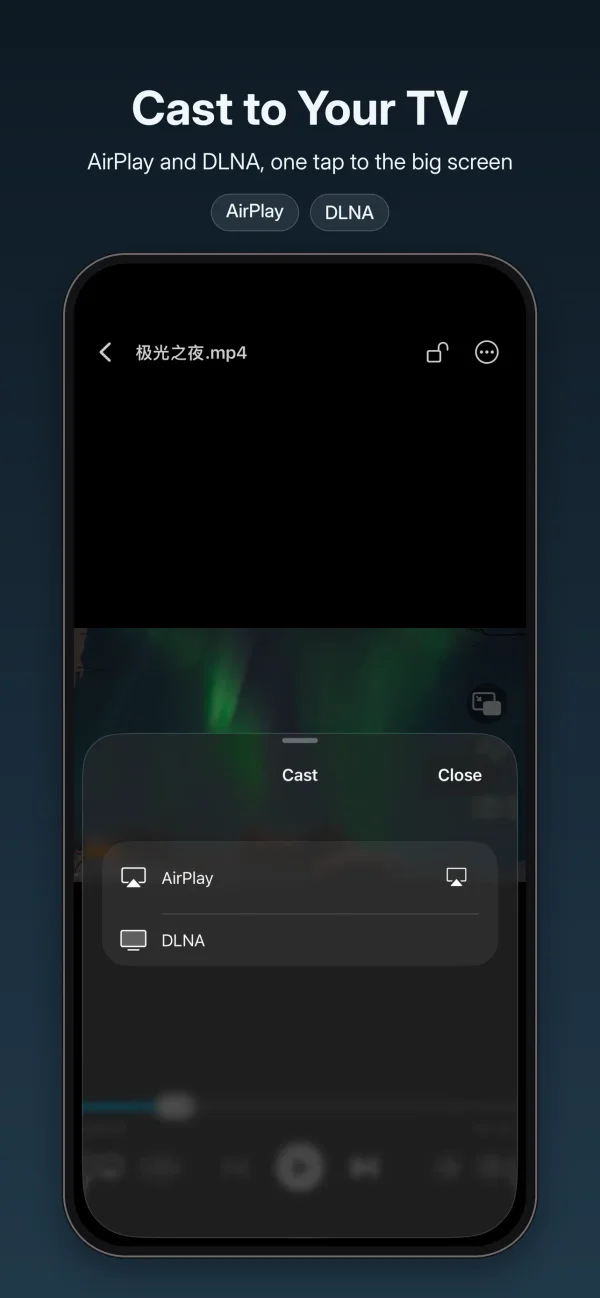
Cast compatible videos with AirPlay or DLNA to devices such as Apple TV, smart TVs, TV boxes, and projectors.
GIF RECORDING AND EDITING
• Hold the screenshot button to record a clip.
• Crop, trim, and adjust resolution, frame rate, quality, speed, and looping.
• Set a target file size, reuse settings, preview, and save to Photos.
• Export MP4 from compatible sources.
LIBRARY AND PLAYLISTS
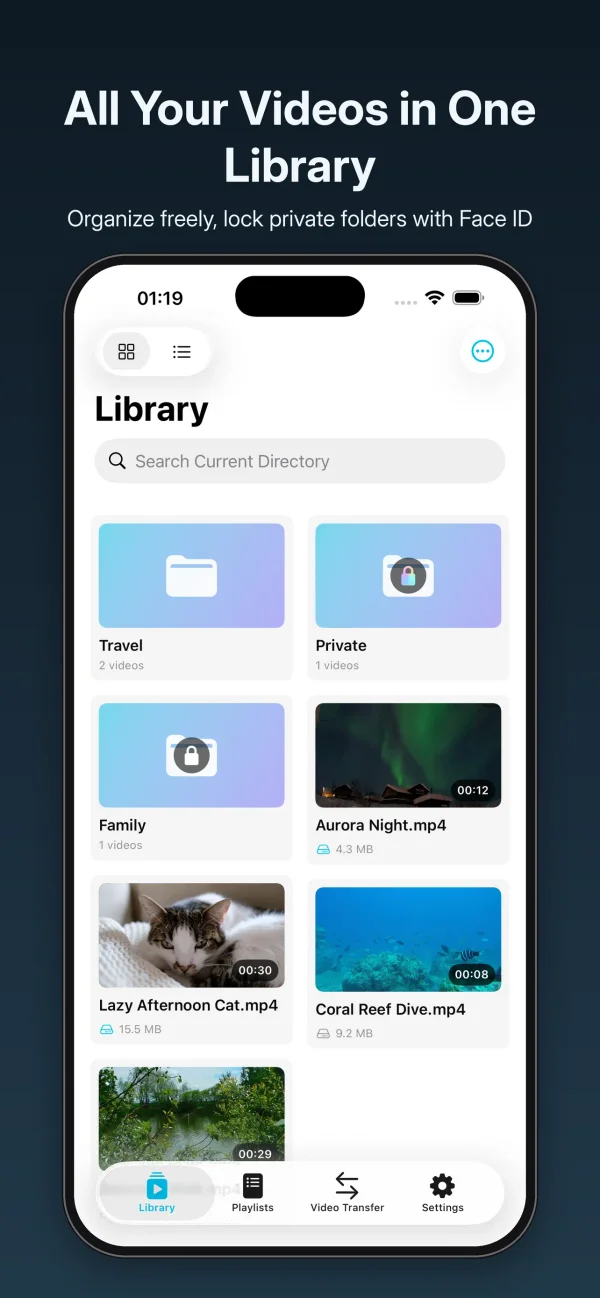
• Folders, subfolders, search, sorting, renaming, and custom covers.
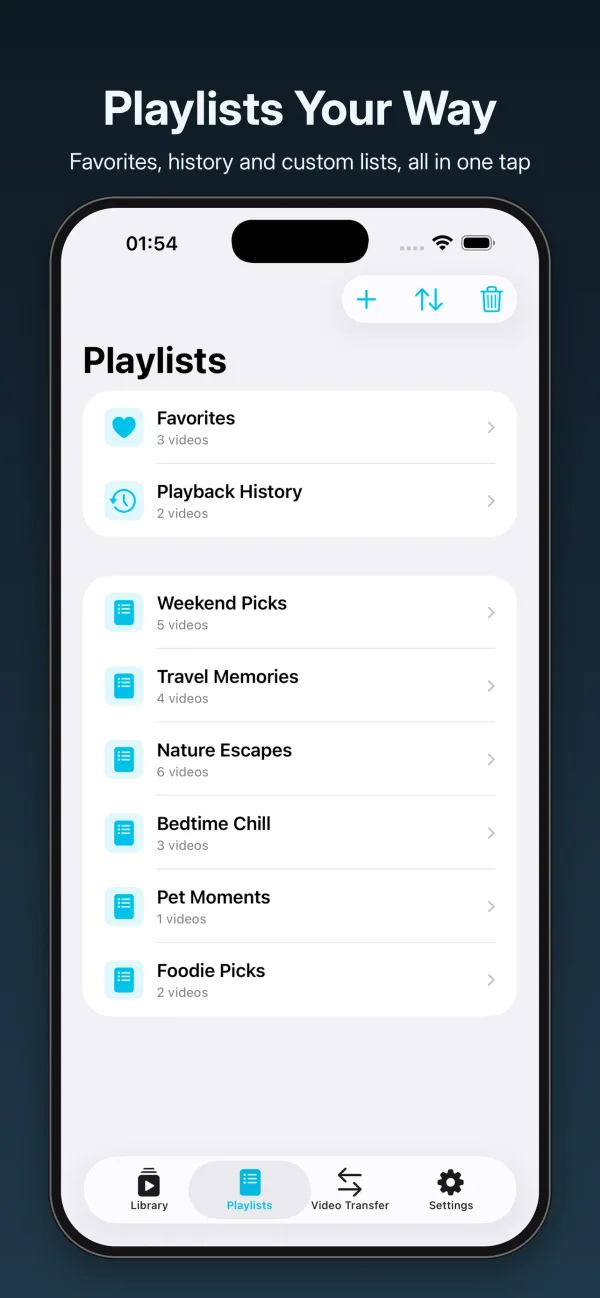
• Playlists, favorites, and playback history.
• Include folder contents in batch selections to favorite, add to playlists, or export.
• Export to Photos, Files, or other devices, and share through the system share sheet.
• Convert videos to a Photos-compatible format when supported.
CONTENT PROTECTION
• Protect folders, playlists, and favorites with a password, Face ID, or Touch ID.
• Automatically protect playlists and favorites containing protected-folder videos.
• Protected-folder videos stay out of history and the Home Screen resume shortcut.
IMPORT AND TRANSFER
• Import from Photos, Files, or other apps through the share sheet.
• Import and export videos through a browser on the same Wi-Fi network.
• Transfer files both ways between other devices and Files, with optional temporary-account protection.
LIBRARY MIGRATION
Move all or selected videos, folder structures, and folder protection settings to a nearby PrimePlayer device. After verifying your identity, data transfers directly over an encrypted connection, without shared Wi-Fi or iCloud storage.
THEMES, SIRI, AND SEARCH
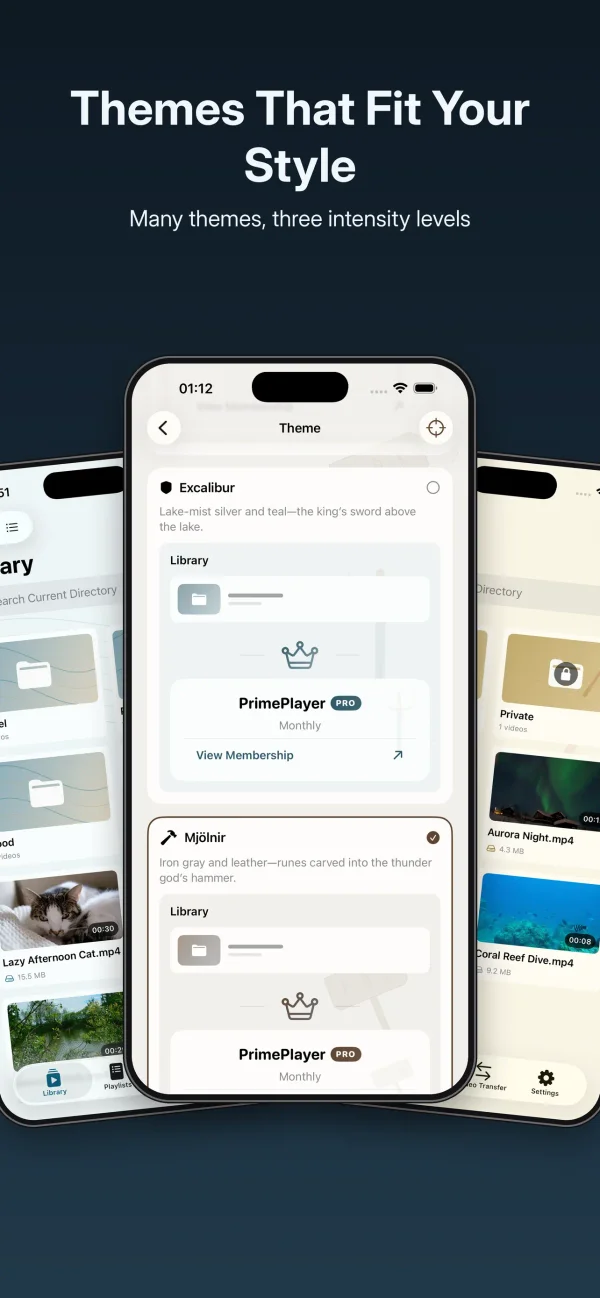
• Themes, animated previews, three effect levels, and membership card styles.
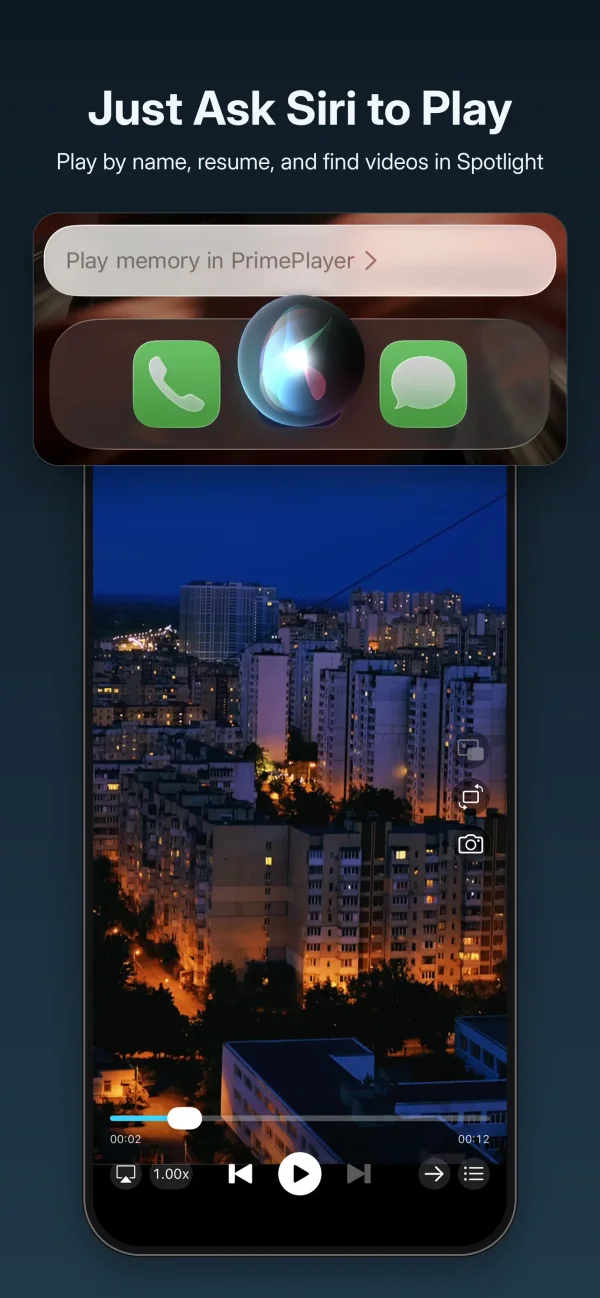
• Siri and Shortcuts to resume, play by name, or open folders and playlists.
• Spotlight search for library content.
Monthly, annual, and lifetime options are available. Monthly and annual subscriptions renew automatically; manage or cancel them in Apple Account settings. Lifetime access is a one-time purchase.
PrimePlayer provides no channels or video content. Add only sources you are authorized to access. Online availability depends on the provider and network.
Privacy Policy:
https://michaelsilvester.github.io/journal/primeplayer-privacy-policy/?lang=en
Terms of Use:
https://michaelsilvester.github.io/journal/primeplayer-terms-of-use/?lang=en
Novidades
Versão 2.4.2 · 11/11/2026
• Optimized for iPhone Duo
• Bug fixes
Privacidade do app
O que 云强 林 declara na App Store sobre como este app lida com os dados.
-
Dados não coletados
O desenvolvedor não coleta nenhum dado deste app.
As práticas de privacidade podem variar, por exemplo, com base nos recursos que você usa ou na sua idade.
Informações
- Vendedor
- 云强 林
- Categoria
- Foto e vídeo
- Versão
- 2.4.2
- Atualizado
- 11/11/2026
- Lançamento
- 22/09/2026
- Tamanho
- 86,2 MB
- Requer
- iOS 18.0 ou posterior
- Classificação etária
- 4+
- Preço
- Grátis
- Compras no app
- Sim
- Idiomas
- Inglês, Árabe, Bengali, Checo, Dinamarquês, Holandês, Finlandês, Francês, Alemão, Grego, Hebraico, Hindi e mais 20
- Copyright
- © 2026 Michael Silvester
Você também pode gostar
-
 Flick - Video PlayerFoto e vídeo
-
 Veyron Prime PlayerFoto e vídeo
-
 Lymo AI-Video Maker with MusicFoto e vídeo
-
 VideoVault: Vídeo-Áudio EditorExtrair Áudio,Baixar Vídeo,Bg
-
 Cinetra HD : Video PlayerFoto e vídeo
-
 VoltCast Screen Mirror Cast TVFoto e vídeo
-
 Cinema P3 PlayerFoto e vídeo
-
 IINV视频播放器Foto e vídeo
-
 映匣Foto e vídeo
-
 GesturePlay - Video PlayerFoto e vídeo