
PrimePlayer
Multi-Format · Stream · Cast
Được thiết kế cho iPhone, iPad
Miễn phí · Mua hàng trong ứng dụng
- Độ tuổi4+
- Danh mụcẢnh & Video
- Nhà phát triển云强 林
- Ngôn ngữTiếng Anh+ 31 ngôn ngữ khác
- Kích thước86,2 MB
Liên kết đến trang App Store chính thức
Download.org không lưu trữ tệp nào của PrimePlayer. Nút này mở trang ứng dụng trên App Store, nơi 云强 林 phát hành ứng dụng. Trang được kiểm tra lần cuối: 17/11/2026.
Ảnh chụp màn hình


Giới thiệu
Nhà phát triển chưa cung cấp nội dung này bằng ngôn ngữ của bạn.
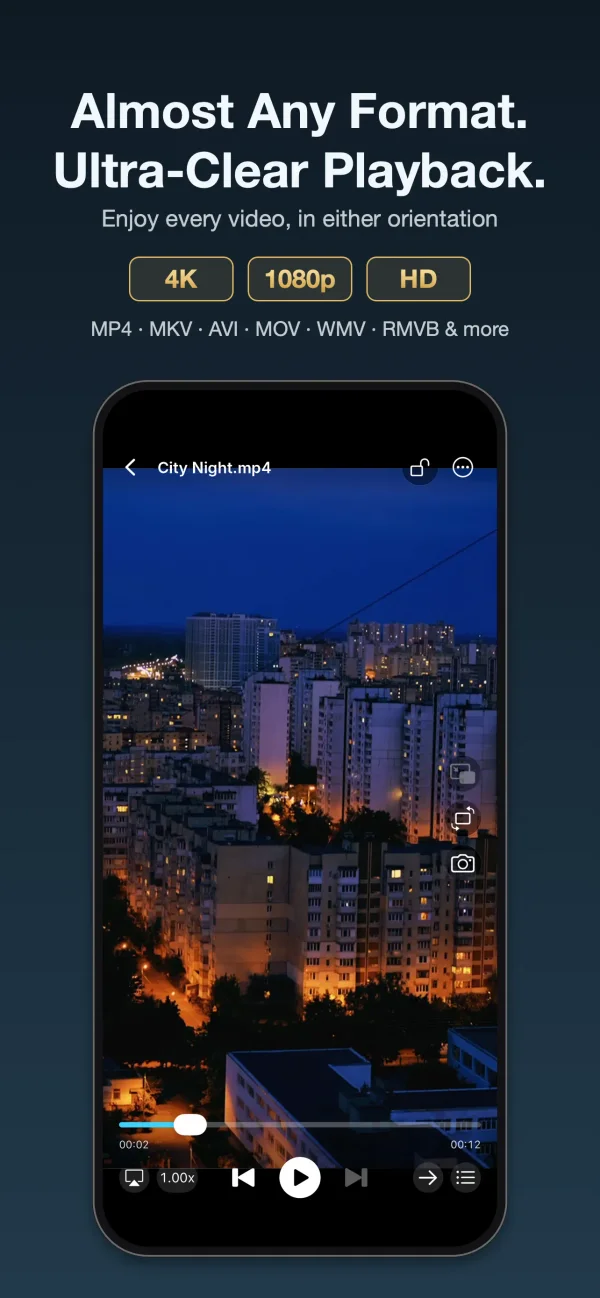
Watch, organize, cast, and transfer videos on iPhone and iPad. PrimePlayer supports over 60 video and disc formats, covering all common video formats.
Your local videos stay on your device. Local playback never passes through developer-operated servers, protecting your privacy. No registration, ads, personal data collection, or cross-app tracking. Available in 32 languages.
FORMATS AND SUBTITLES
• MP4, MKV, AVI, MOV, WMV, RM/RMVB, FLV, WebM, MPEG, TS, and more.
• AV1, H.264, H.265/HEVC, and VP9 codecs.
• Main-video playback from ISO images and BDMV, VIDEO_TS, and DVDMEDIA folders.
• Multiple audio tracks, external SRT, ASS/SSA, VTT, and SUB/IDX subtitles, and subtitle timing adjustment.
PLAYBACK CONTROLS
• 4K, 1080p, and other resolutions, with hardware decoding when available.
• 0.5x–4x playback and a customizable touch-and-hold speed.
• Portrait and landscape playback; swipe to seek or adjust brightness and volume.
• Double-tap to play or pause; pinch to zoom, pan, and reset.
• Picture in Picture for compatible videos and saved playback progress.
• Play once, repeat one, play in order, or repeat the list.
• Separate intro/outro skip durations, control locking, and screenshots.
ONLINE AND OFFLINE VIDEO
• Play video links, including HLS/M3U8, RTMP, and RTSP.
• Save supported on-demand videos for offline viewing.
• Set automatic downloads, manage cellular playback, and watch live streams online.
IPTV SUBSCRIPTIONS
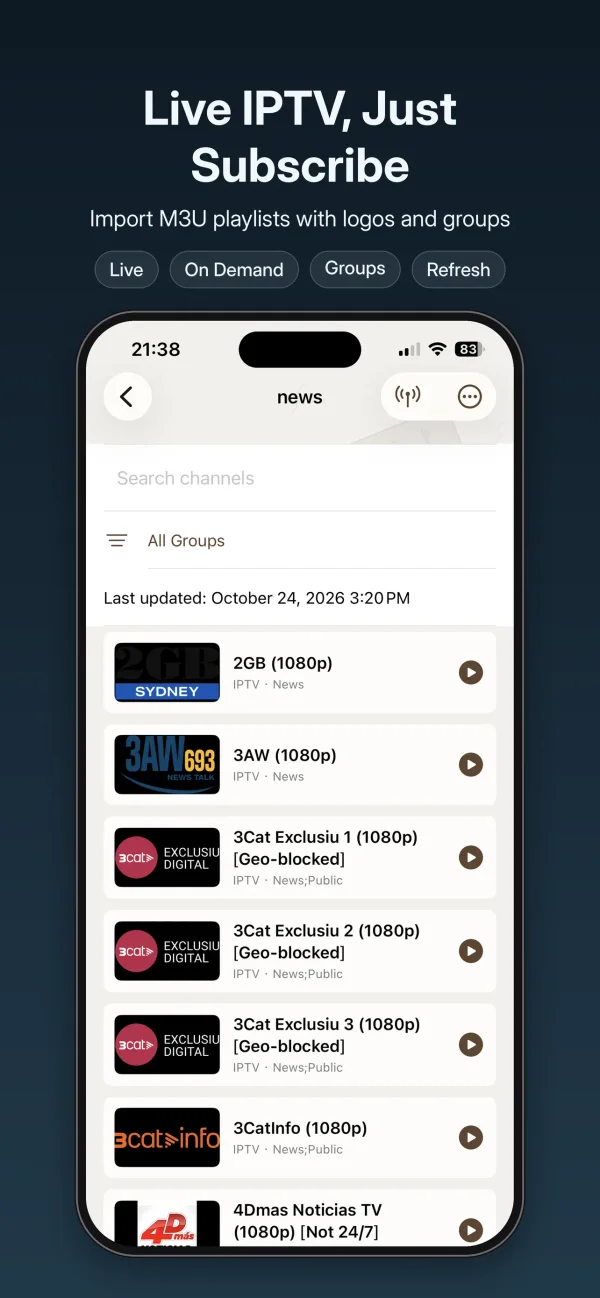
• Import M3U subscriptions as channel lists in Playlists.
• Browse channel names, logos, and groups; filter channels and refresh subscriptions.
• Keep IPTV channels in dedicated playlists, separate from your local library.
AIRPLAY AND DLNA
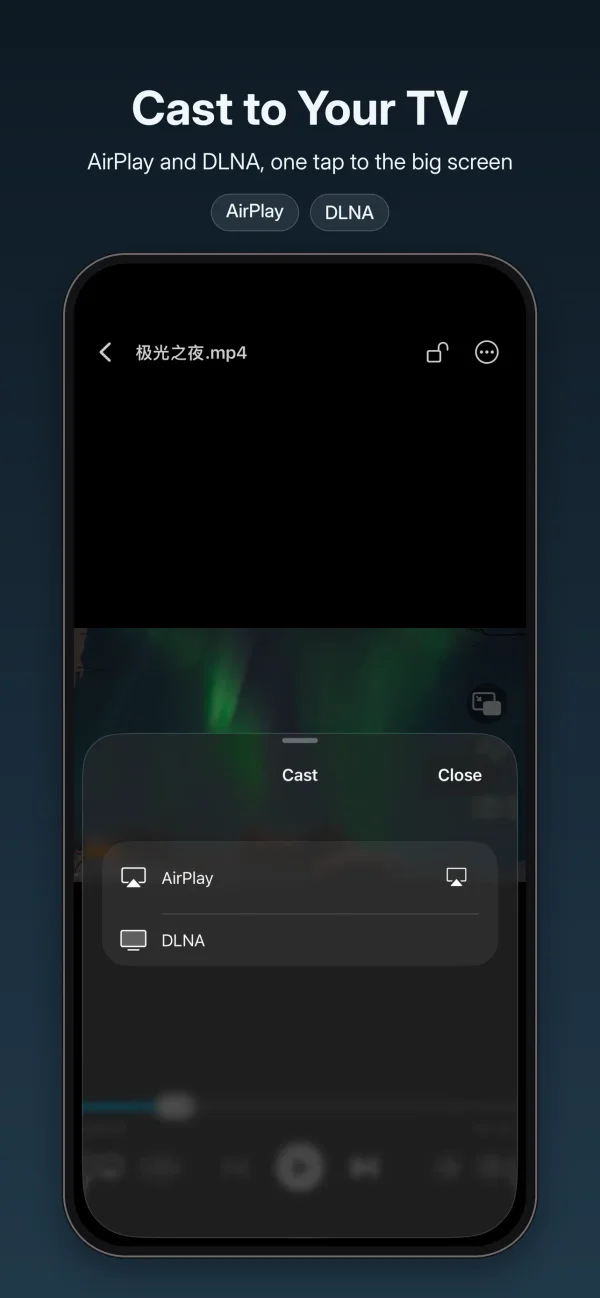
Cast compatible videos with AirPlay or DLNA to devices such as Apple TV, smart TVs, TV boxes, and projectors.
GIF RECORDING AND EDITING
• Hold the screenshot button to record a clip.
• Crop, trim, and adjust resolution, frame rate, quality, speed, and looping.
• Set a target file size, reuse settings, preview, and save to Photos.
• Export MP4 from compatible sources.
LIBRARY AND PLAYLISTS
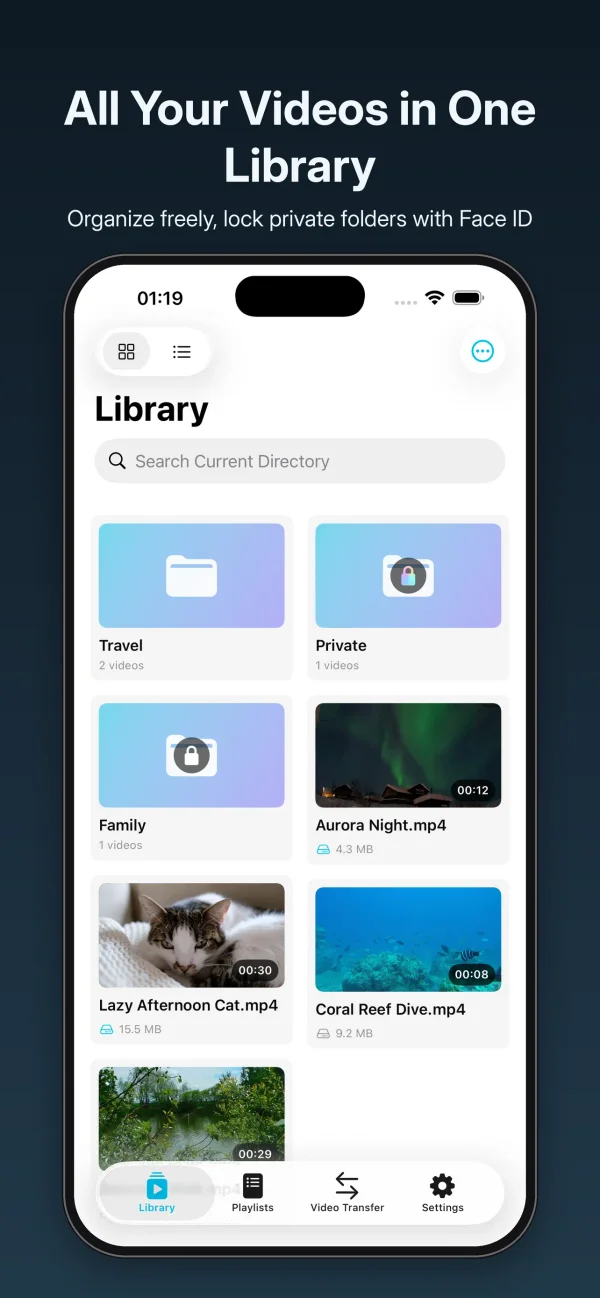
• Folders, subfolders, search, sorting, renaming, and custom covers.
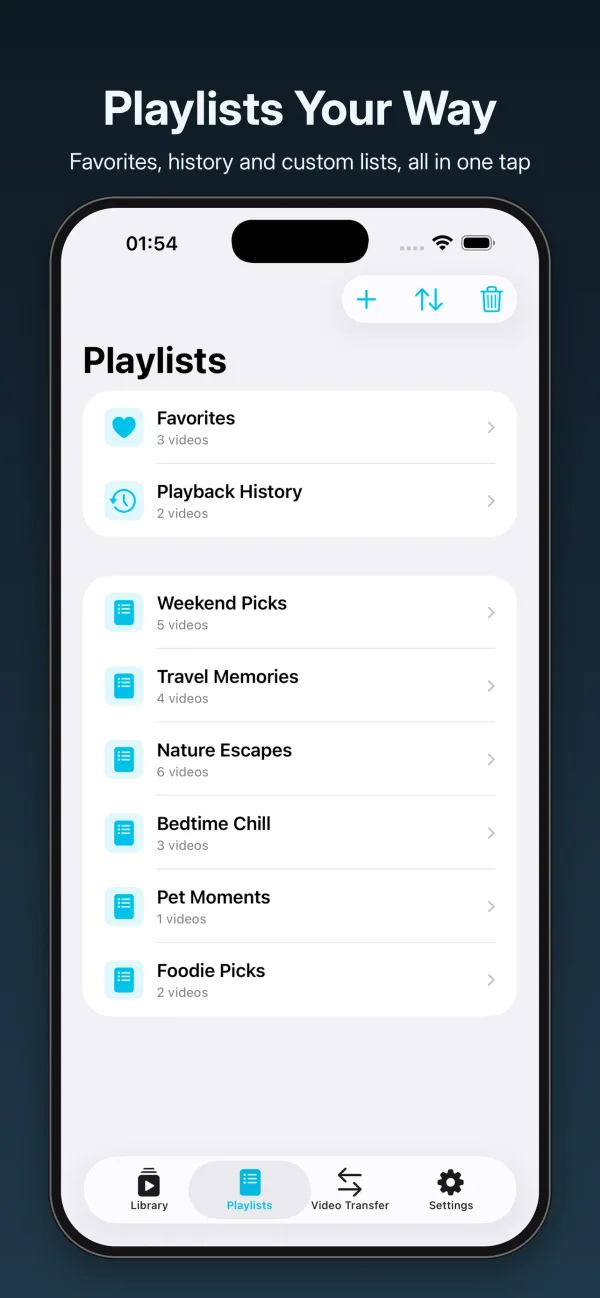
• Playlists, favorites, and playback history.
• Include folder contents in batch selections to favorite, add to playlists, or export.
• Export to Photos, Files, or other devices, and share through the system share sheet.
• Convert videos to a Photos-compatible format when supported.
CONTENT PROTECTION
• Protect folders, playlists, and favorites with a password, Face ID, or Touch ID.
• Automatically protect playlists and favorites containing protected-folder videos.
• Protected-folder videos stay out of history and the Home Screen resume shortcut.
IMPORT AND TRANSFER
• Import from Photos, Files, or other apps through the share sheet.
• Import and export videos through a browser on the same Wi-Fi network.
• Transfer files both ways between other devices and Files, with optional temporary-account protection.
LIBRARY MIGRATION
Move all or selected videos, folder structures, and folder protection settings to a nearby PrimePlayer device. After verifying your identity, data transfers directly over an encrypted connection, without shared Wi-Fi or iCloud storage.
THEMES, SIRI, AND SEARCH
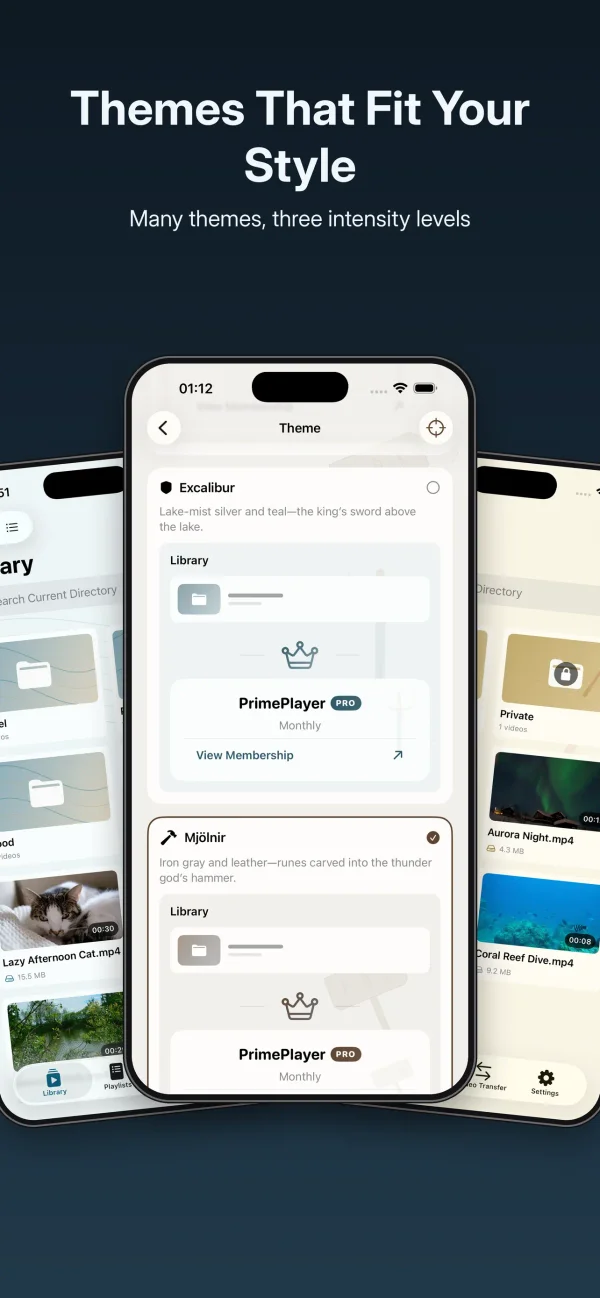
• Themes, animated previews, three effect levels, and membership card styles.
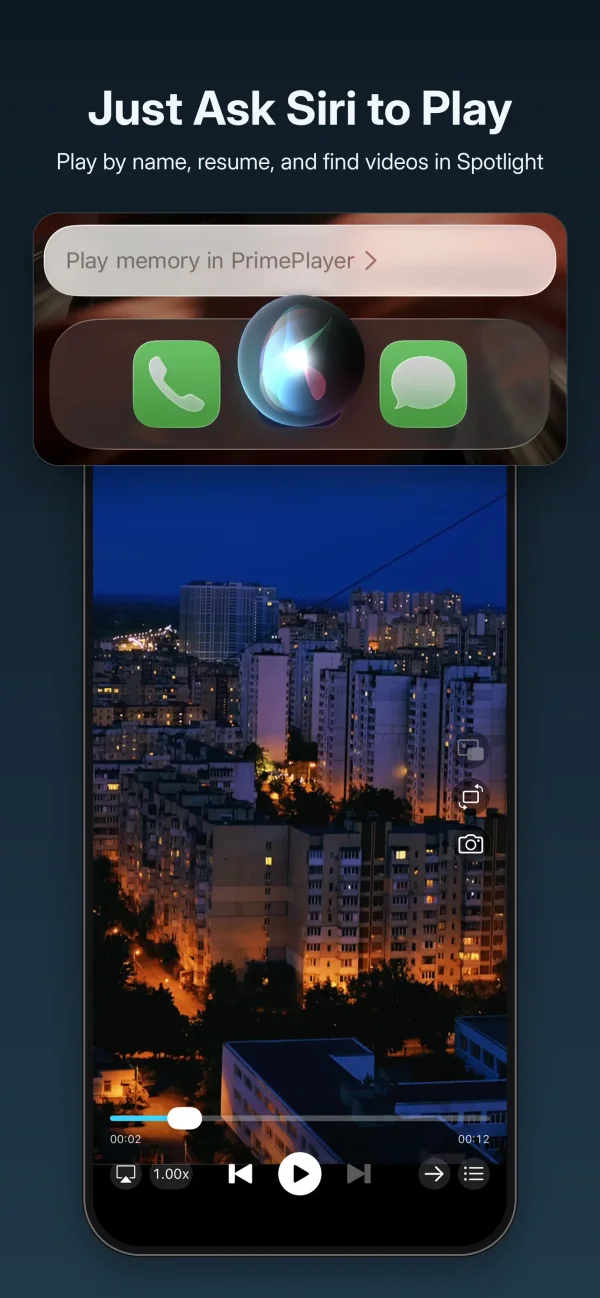
• Siri and Shortcuts to resume, play by name, or open folders and playlists.
• Spotlight search for library content.
Monthly, annual, and lifetime options are available. Monthly and annual subscriptions renew automatically; manage or cancel them in Apple Account settings. Lifetime access is a one-time purchase.
PrimePlayer provides no channels or video content. Add only sources you are authorized to access. Online availability depends on the provider and network.
Privacy Policy:
https://michaelsilvester.github.io/journal/primeplayer-privacy-policy/?lang=en
Terms of Use:
https://michaelsilvester.github.io/journal/primeplayer-terms-of-use/?lang=en
Có gì mới
Phiên bản 2.4.2 · 11/11/2026
• Optimized for iPhone Duo
• Bug fixes
Quyền riêng tư của ứng dụng
Những gì 云强 林 khai báo trên App Store về cách ứng dụng này xử lý dữ liệu.
-
Dữ liệu không được thu thập
Nhà phát triển không thu thập bất kỳ dữ liệu nào từ ứng dụng này.
Phương thức đảm bảo quyền riêng tư có thể khác nhau, chẳng hạn như tuỳ theo các tính năng bạn sử dụng hoặc độ tuổi của bạn.
Thông tin
- Người bán
- 云强 林
- Danh mục
- Ảnh & Video
- Phiên bản
- 2.4.2
- Cập nhật
- 11/11/2026
- Phát hành
- 22/09/2026
- Kích thước
- 86,2 MB
- Yêu cầu
- iOS 18.0 trở lên
- Độ tuổi
- 4+
- Giá
- Miễn phí
- Mua hàng trong ứng dụng
- Có
- Ngôn ngữ
- Tiếng Anh, Tiếng Ả Rập, Bengali, Tiếng Séc, Tiếng Đan Mạch, Tiếng Hà Lan, Tiếng Phần Lan, Tiếng Pháp, Tiếng Đức, Tiếng Hy Lạp, Tiếng Do Thái, Hindi + 20 ngôn ngữ khác
- Bản quyền
- © 2026 Michael Silvester
Có thể bạn cũng thích
-
 Flick - Video PlayerẢnh & Video
-
 Veyron Prime PlayerẢnh & Video
-
 Lymo AI-Video Maker with MusicẢnh & Video
-
 VideoVault: Video-Audio EditorLưu Video, Trích Âm, Chạy Nền
-
 Cinetra HD : Video PlayerẢnh & Video
-
 VoltCast Screen Mirror Cast TVẢnh & Video
-
 Cinema P3 PlayerẢnh & Video
-
 IINV视频播放器Ảnh & Video
-
 映匣Ảnh & Video
-
 GesturePlay - Video PlayerẢnh & Video