
- Classificação etária4+
- CategoriaUtilidades
- Desenvolvedor开棋 姜
- IdiomasInglêse mais 7
- Tamanho6,0 MB
Leva à página oficial na App Store
O Download.org não hospeda nenhum arquivo de QingTrace Countdown. O botão abre a página do app na App Store, onde 开棋 姜 o publica. Página verificada pela última vez em 29/11/2026.
Capturas de tela
Sobre
O desenvolvedor não forneceu este texto no seu idioma.
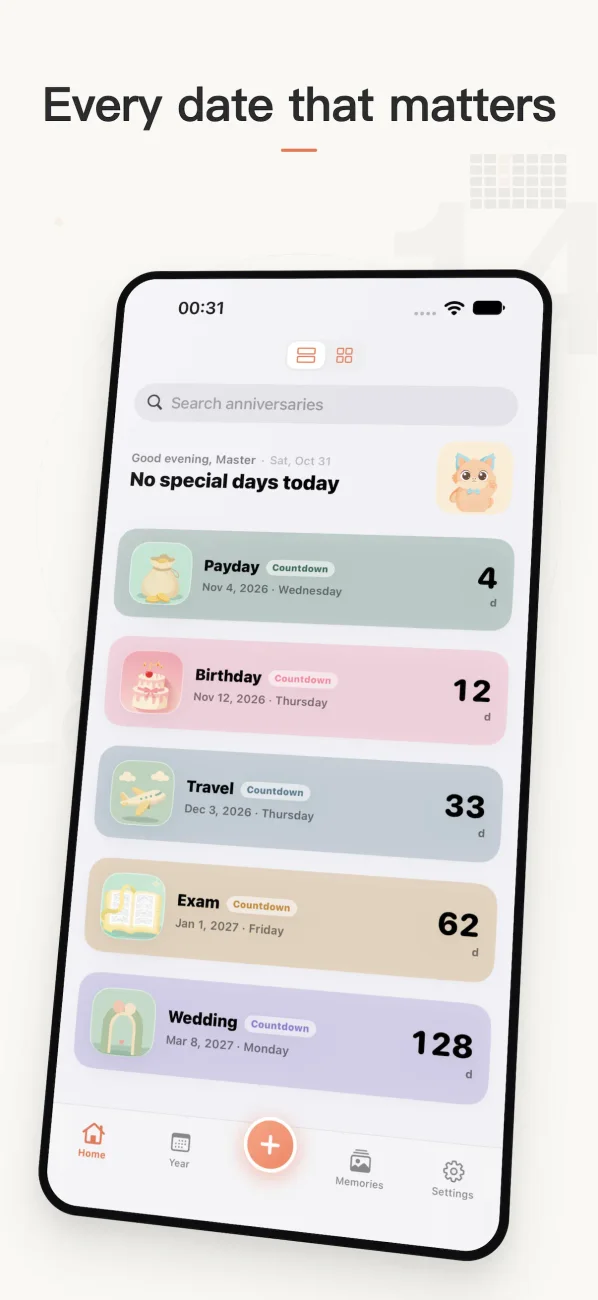
Countdown is a small tool that records time completely: days ahead count down, days that arrived count up, and days that passed stay in your memories.
WHO IT'S FOR
· People who track weddings, birthdays, exams, retirement and paydays
· People who glance at the Home Screen or Lock Screen for "how many days left"
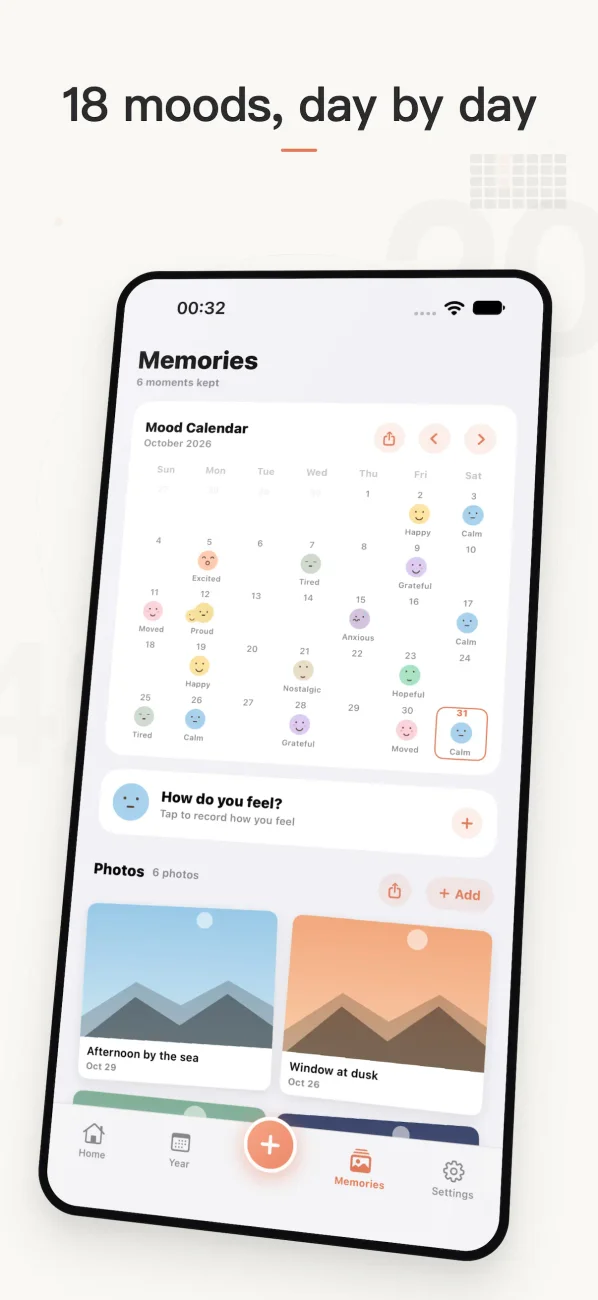
· People who look back at old photos and want to note how the day felt
· NOT for: someone who only needs a single number and never looks back
THREE THINGS YOU'LL DO WITH IT
· Count down to a wedding or anniversary → enter the date once; Home Screen and Lock Screen show the days left, then flip to "Day N together" after the day arrives
· Lunar birthdays every year → choose Lunar repeat and it updates by the lunar calendar, so the date never drifts
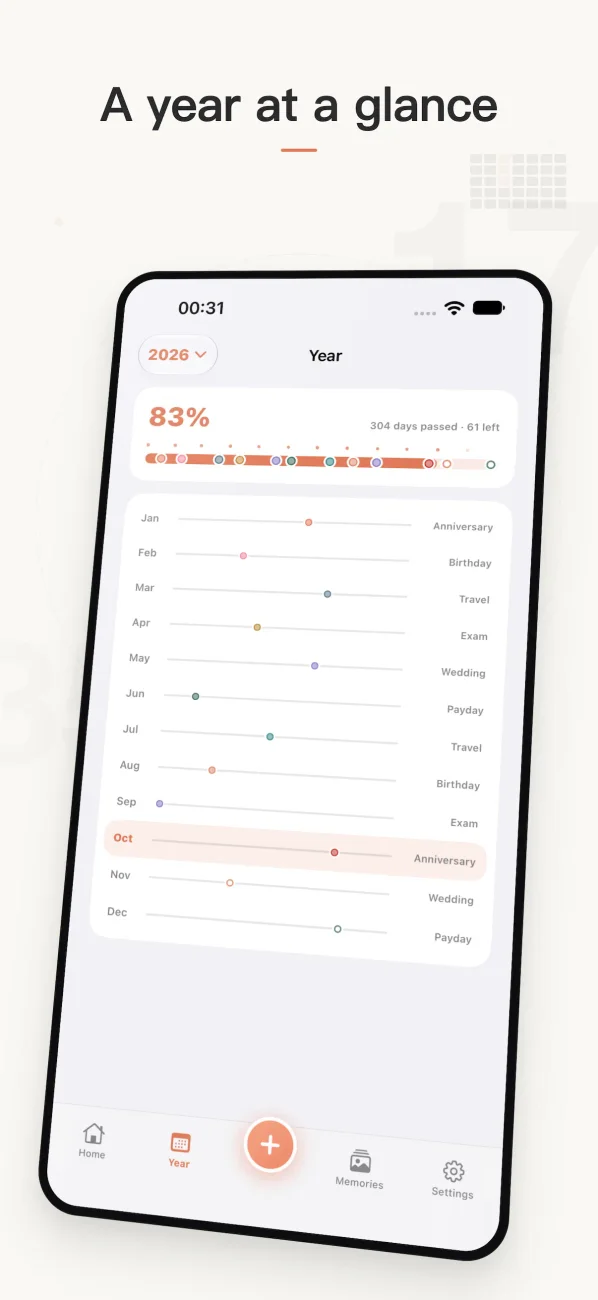
· Look back on the year → the Year view lists every date that arrived, month by month, so you can see how far you've come
WHAT'S NEW IN 2.0
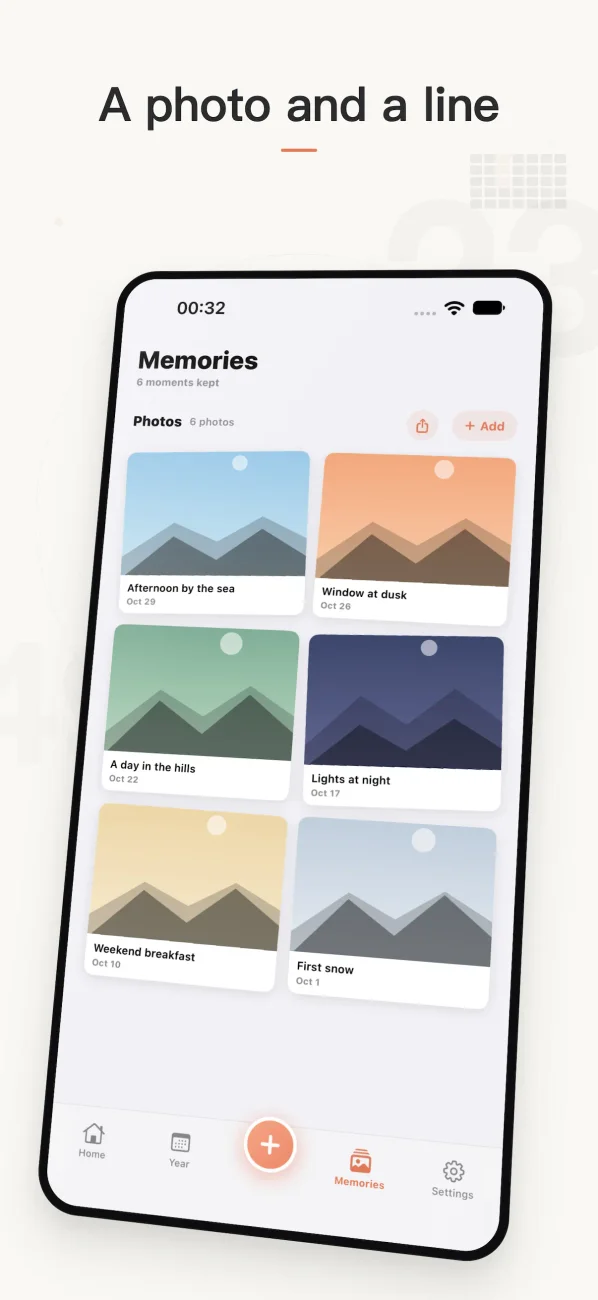
· Four tabs: Home for every date, Year for the whole year, Memories for photos and moods, Settings for your data
· Photo journal: a photo wall with a one-line note, up to 500 photos. Only the photo you pick is read — no access to your whole library
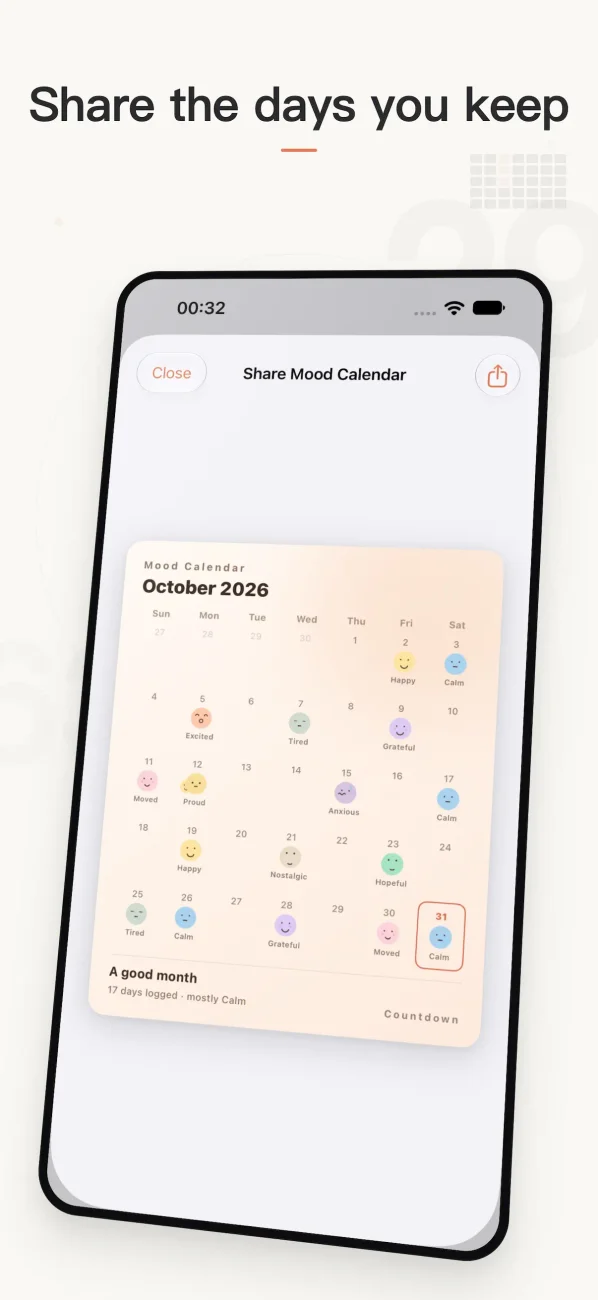
· Mood calendar: 18 moods, several entries per day, and a one-line summary at the end of the month
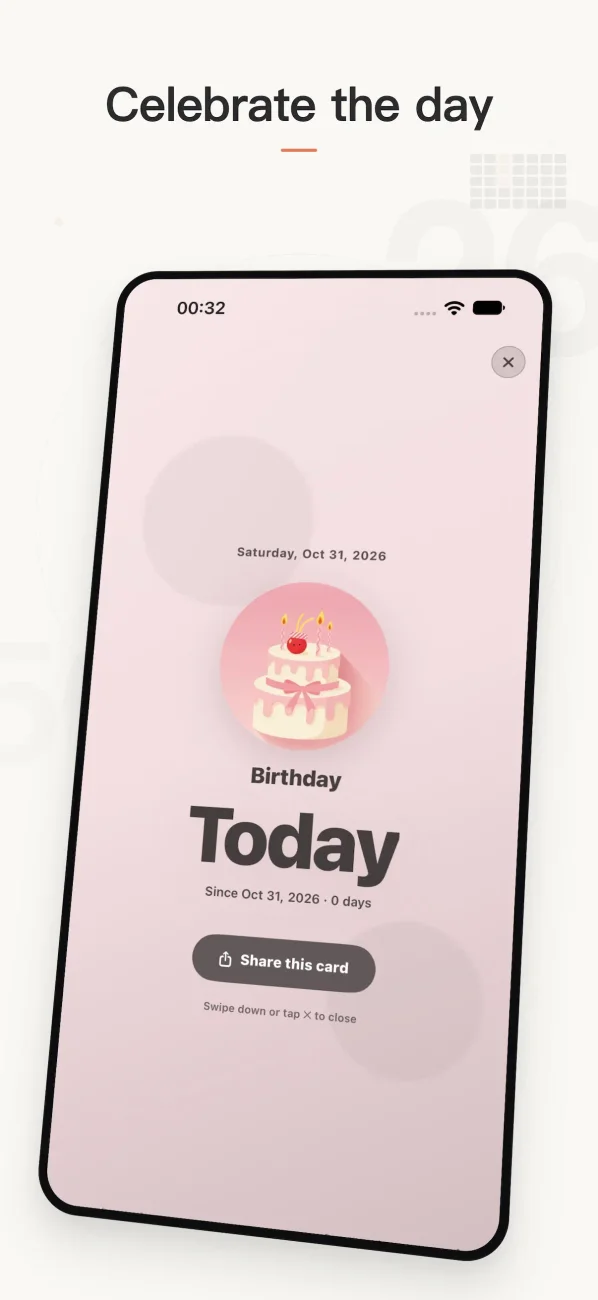
· Day-of celebration: open the app on the day and get a full-screen celebration with confetti — and a card you can share
· Share cards: event cards, the mood month card and a photo collage can all be saved as images
· Backup: export everything into one file; restore by merging (only what's missing) or replacing
WHAT MAKES IT DIFFERENT
· More than a countdown: it flips to count-up automatically, and adds a year view and memories
· More than one date: tags, filters and archiving keep dozens of events tidy
· Your data stays in your own iCloud: syncs across your iPhones; we don't relay it and can't read it
· 7 widgets: 5 for the Home Screen, 2 for the Lock Screen — zoom into one date or see them all
ABOUT US
Completely free. No ads, no in-app purchases, no subscriptions, no account needed.
FAQ
Q: Will I lose data when I change phones?
A: No. With the same Apple ID, everything syncs through iCloud automatically.
Q: Can I count working days only?
A: Yes. Each event has a Working-Days mode that counts Monday to Friday, useful for retirement or project deadlines.
Q: Can lunar birthdays repeat every year?
A: Yes. Choose "Lunar repeat" when creating the event; it updates by the lunar calendar each year.
Q: Are my moods and photos uploaded anywhere?
A: No. They are written to your own private iCloud space. We run no server that stores them and cannot read them.
Q: Is there anything to pay for?
A: No. Every feature is free — no ads, no in-app purchases, no subscriptions.
Q: Will a long list of events look messy?
A: No. Use tags and filters; past events move to "Past" automatically, and anything you don't need can be archived.
Novidades
Versão 2.0.1 · 25/11/2026
2.0.1 is a polish release focused on what you actually see on cards and widgets.
TAP THE SUBTITLE TO SWITCH
Tap the line under an event card to change what it shows. Count-up events switch between Default / Years & months / Started on; countdown events switch between Default / Target date / Time left. Events with notes add a Notes option. Each event remembers its own choice, so it still shows what you picked last time.
CALENDAR WIDGET, EASIER TO READ
Titles and day counts no longer crowd each other in the left list — four- and five-digit counts now show in full. The date grid no longer hugs the bottom edge, and today's marker is clearer.
CLEANER DAY COUNTS
The big number is always the day count, now without thousands separators. Years and months move to the subtitle, so you see the day at a glance and the bigger picture right below.
As always: completely free. No ads, no in-app purchases, no subscriptions. Your data lives only in your iCloud.
Privacidade do app
O que 开棋 姜 declara na App Store sobre como este app lida com os dados.
-
Dados não coletados
O desenvolvedor não coleta nenhum dado deste app.
As práticas de privacidade podem variar, por exemplo, com base nos recursos que você usa ou na sua idade.
Informações
- Vendedor
- 开棋 姜
- Categoria
- Utilidades
- Versão
- 2.0.1
- Atualizado
- 25/11/2026
- Lançamento
- 21/07/2026
- Tamanho
- 6,0 MB
- Requer
- iOS 17.6 ou posterior
- Classificação etária
- 4+
- Preço
- Grátis
- Idiomas
- Inglês, Francês, Alemão, Japonês, Coreano, Chinês simplificado, Espanhol, Chinês tradicional
- Copyright
- © @2026 Shangxi