
Remote Video Controller
Record Movie on Internet
Projetado para iPhone, iPad
R$ 6,90 · Compras no app
- Classificação etária4+
- CategoriaFoto e vídeo
- Desenvolvedorkobunachou ozawa
- IdiomasInglêse mais 8
- Tamanho1,7 MB
Leva à página oficial na App Store
O Download.org não hospeda nenhum arquivo de Remote Video Controller. O botão abre a página do app na App Store, onde kobunachou ozawa o publica. Página verificada pela última vez em 20/11/2026.
Capturas de tela

Sobre
O desenvolvedor não forneceu este texto no seu idioma.
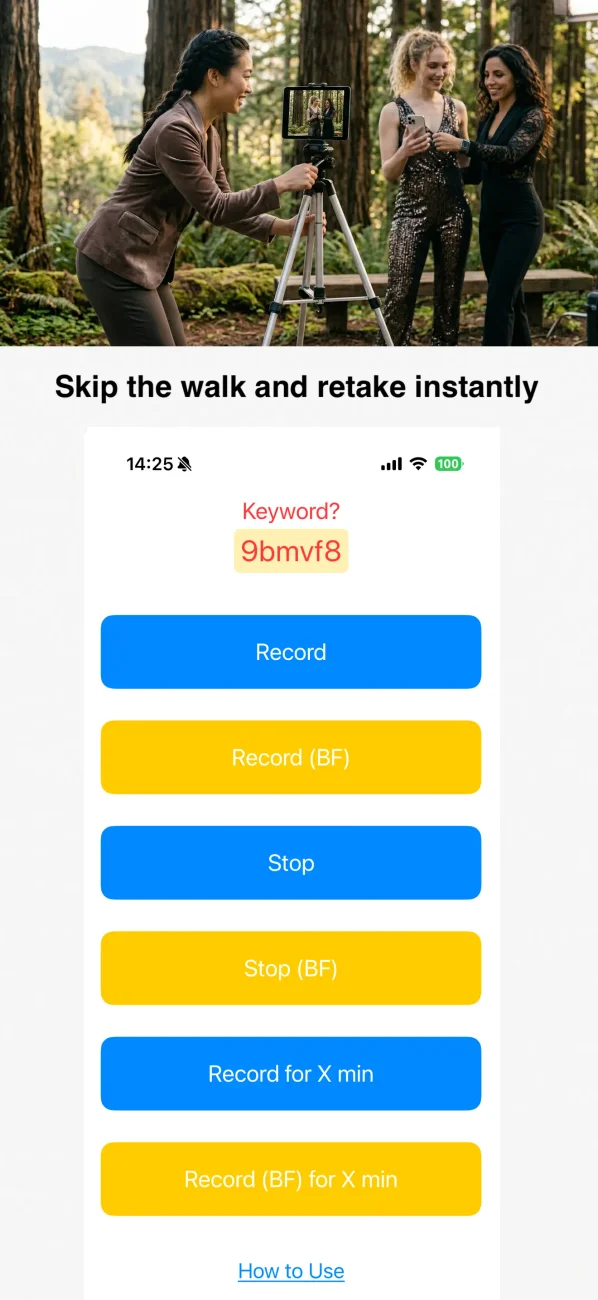
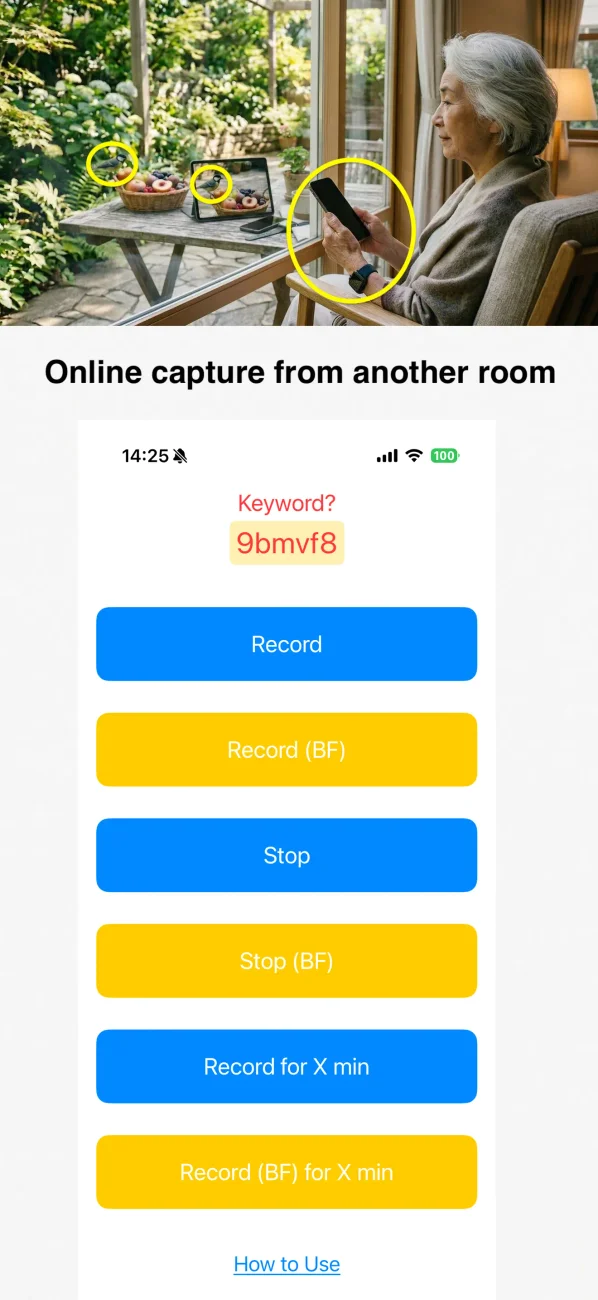
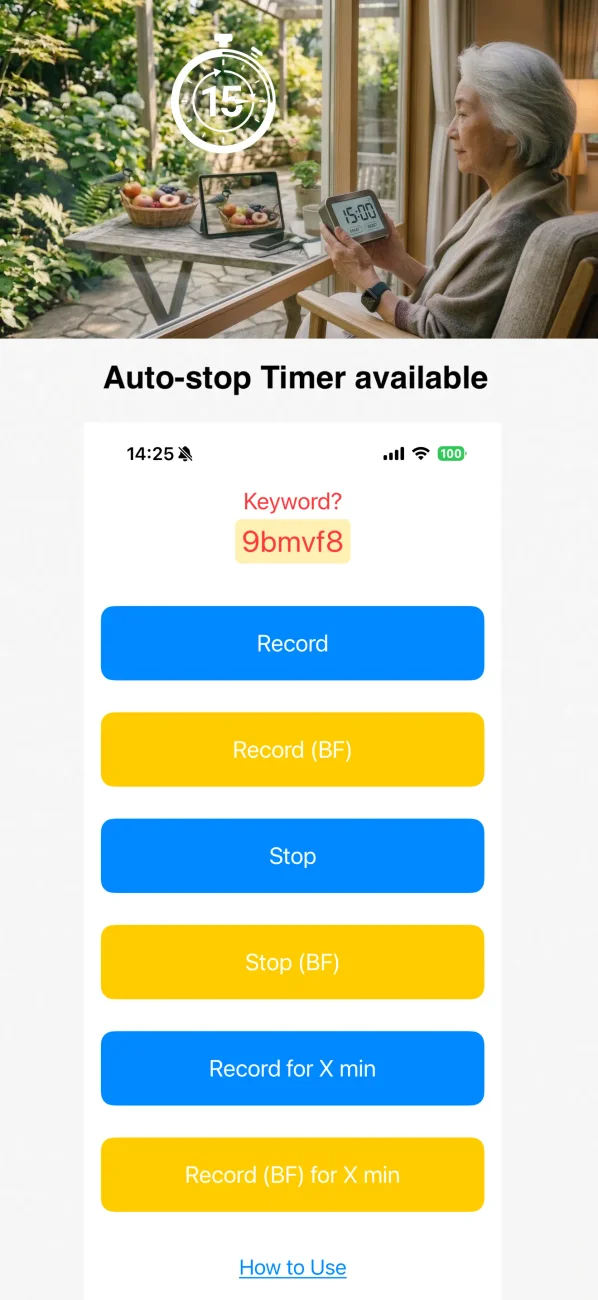
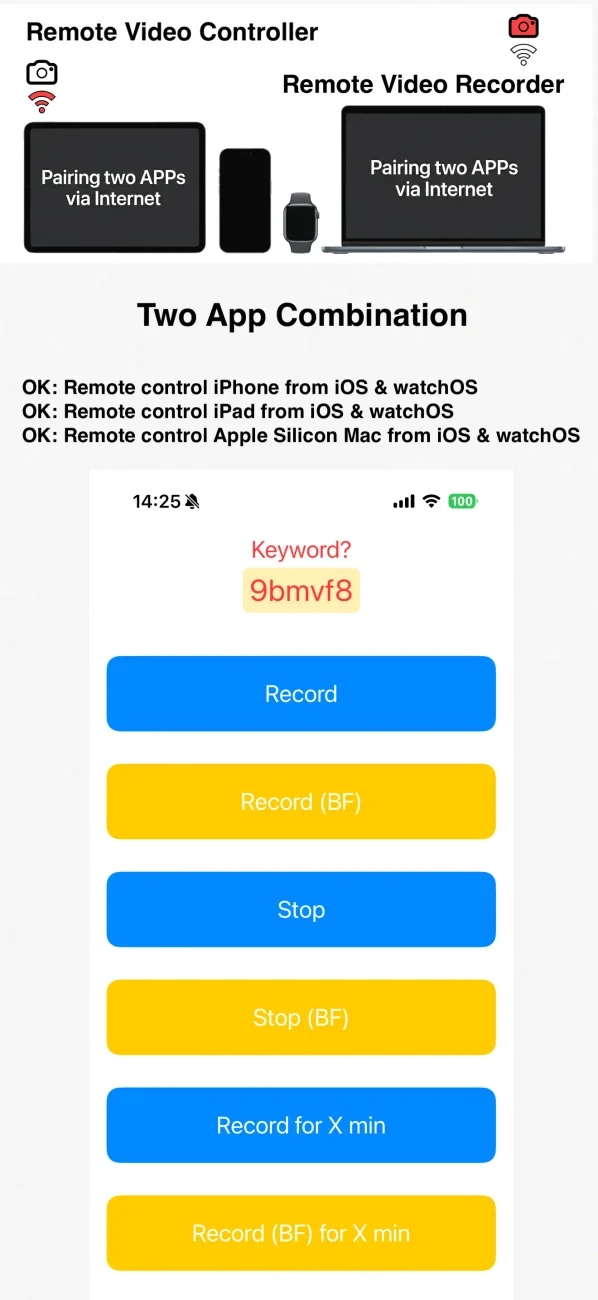
"Remote Video Controller" is an app that allows you to remotely control video recording via the internet.
~ Features ~
- Device Interconnectivity Beyond Bluetooth Limits
No tedious pairing required. Connections that are impossible with standard Bluetooth—such as controlling an iPad from your Apple Watch—are easily achieved via the internet.
- Control Anyone’s Device, Regardless of Apple ID
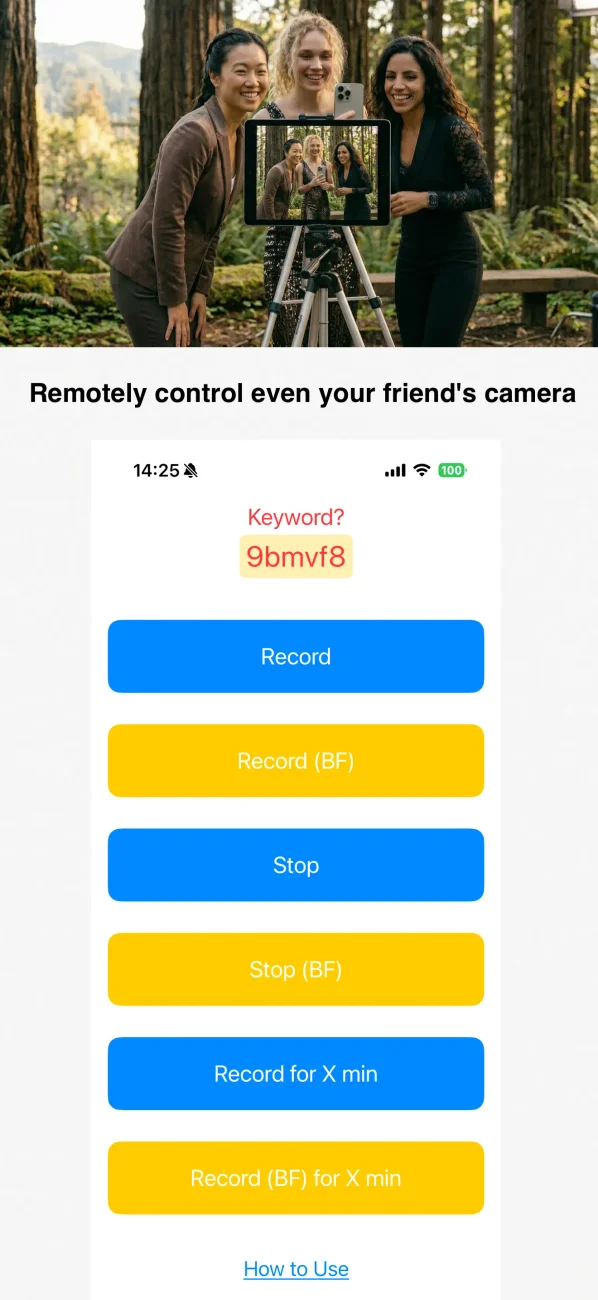
There is no need for iCloud syncing or using the same Apple ID. You can even control a friend’s device with a different Apple ID simply by sharing a keyword.
- Turn Any Device into Your Player!
By installing the free receiver app ("Remote Video Recorder"), you can remotely control not only iPad but even another iPhone from your iPhone.
~ Setup Guide (Connecting the Two Apps) ~
1. "Remote Video Controller" will automatically generate a 6-digit keyword upon startup.
2. Enter that 6-digit keyword into "Remote Video Recorder".
3. Tap the red circle button at the top to record and confirm that the video is saved to the Photos app.
4. Use the angle button to the right to rotate the recording and save it at your preferred orientation.
5. Ensure you are connected to the internet, then tap the antenna button in the top right.
6. Return to "Remote Video Controller" and confirm that you can start recording remotely.
7. Once finished, tap the antenna button again to end the remote session.
*Steps 2-5 and 7 are performed within the separate app, "Remote Video Recorder".
Remote Video Controller
Subscription:
1 month auto-renewable subscription
*A paid subscription is required to access all features.
Privacy Policy:
https://shin-app.tech/en/privacy-policy
Terms of Use:
https://www.apple.com/legal/internet-services/itunes/dev/stdeula/
Novidades
Versão 3.3 · 10/07/2026
-bugs fixed
Privacidade do app
O que kobunachou ozawa declara na App Store sobre como este app lida com os dados.
-
Dados não coletados
O desenvolvedor não coleta nenhum dado deste app.
As práticas de privacidade podem variar, por exemplo, com base nos recursos que você usa ou na sua idade.
Informações
- Vendedor
- kobunachou ozawa
- Categoria
- Foto e vídeo
- Versão
- 3.3
- Atualizado
- 10/07/2026
- Lançamento
- 21/05/2018
- Tamanho
- 1,7 MB
- Requer
- iOS 26.2 ou posterior
- Classificação etária
- 4+
- Preço
- R$ 6,90
- Compras no app
- Sim
- Idiomas
- Inglês, Francês, Alemão, Italiano, Japonês, Coreano, Chinês simplificado, Espanhol, Chinês tradicional
- Copyright
- © Shin APP Tech
Você também pode gostar
-
 Ultra-Wide Monitor CameraFoto e vídeo
-
 FlashFriendsFoto e vídeo
-
 MyPhotoCameraFoto e vídeo
-
 Framely: Vídeo para fotosExtraia quadros de um vídeo
-
 Remote ShutterCamera connect
-
 Remote Camera: Unlimited RangeRemote shutter
-
 Camera Remote ControlFoto e vídeo
-
 WiFi Camera - Remote iPhonesFoto e vídeo
-
 Zu3D Remote CameraFoto e vídeo
-
 Stream Camera for NDI HXFoto e vídeo