
Remote Video Controller
Record Movie on Internet
Designed for iPhone, iPad
$0.99 · In-app purchases
- Age rating4+
- CategoryPhoto & Video
- Developerkobunachou ozawa
- LanguagesEnglish+ 8 more
- Size1.7 MB
Links to the official App Store page
Download.org hosts no file of Remote Video Controller. The button opens its official App Store page, published by kobunachou ozawa. Listing last checked on Nov 20, 2026.
Screenshots


About
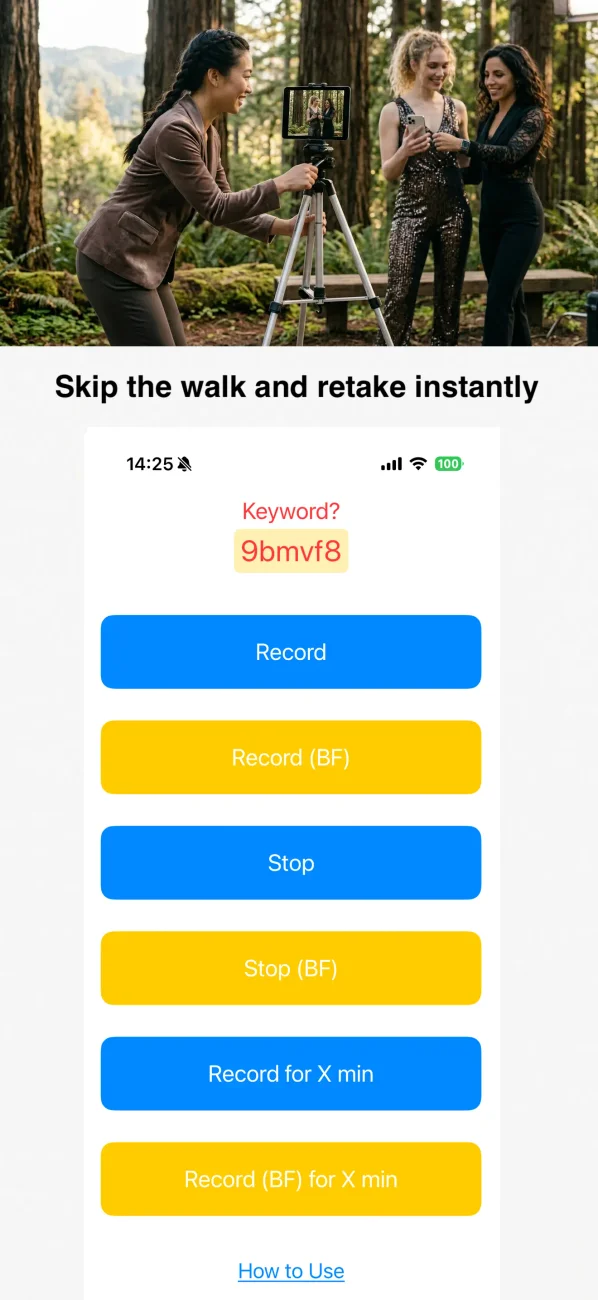
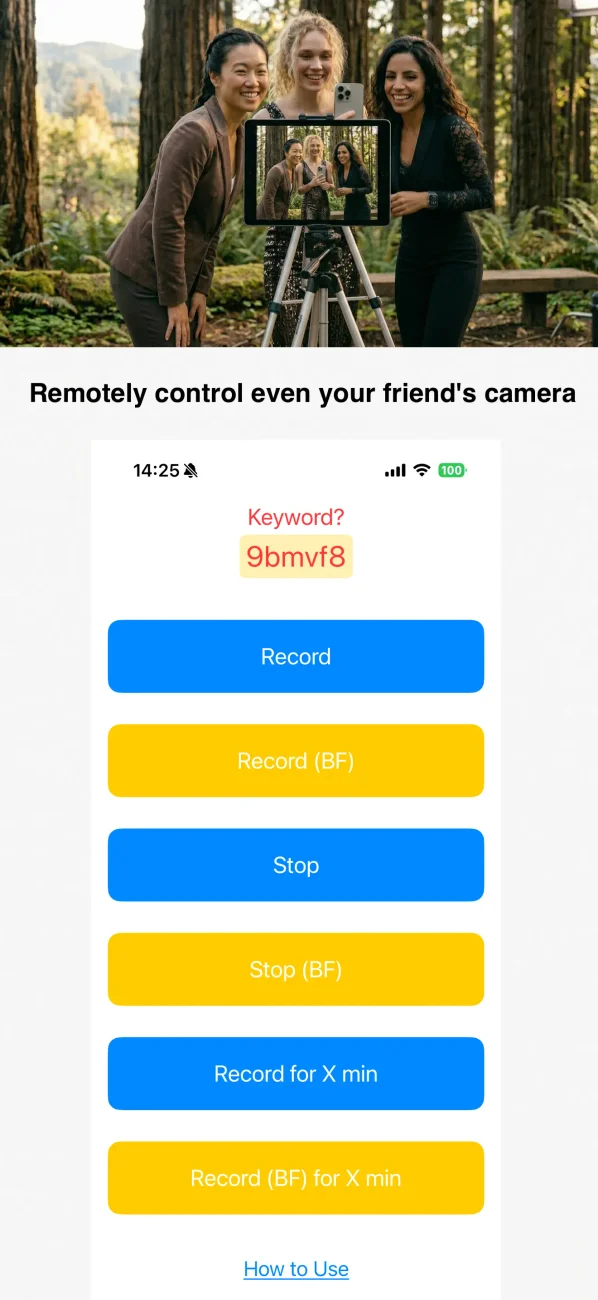
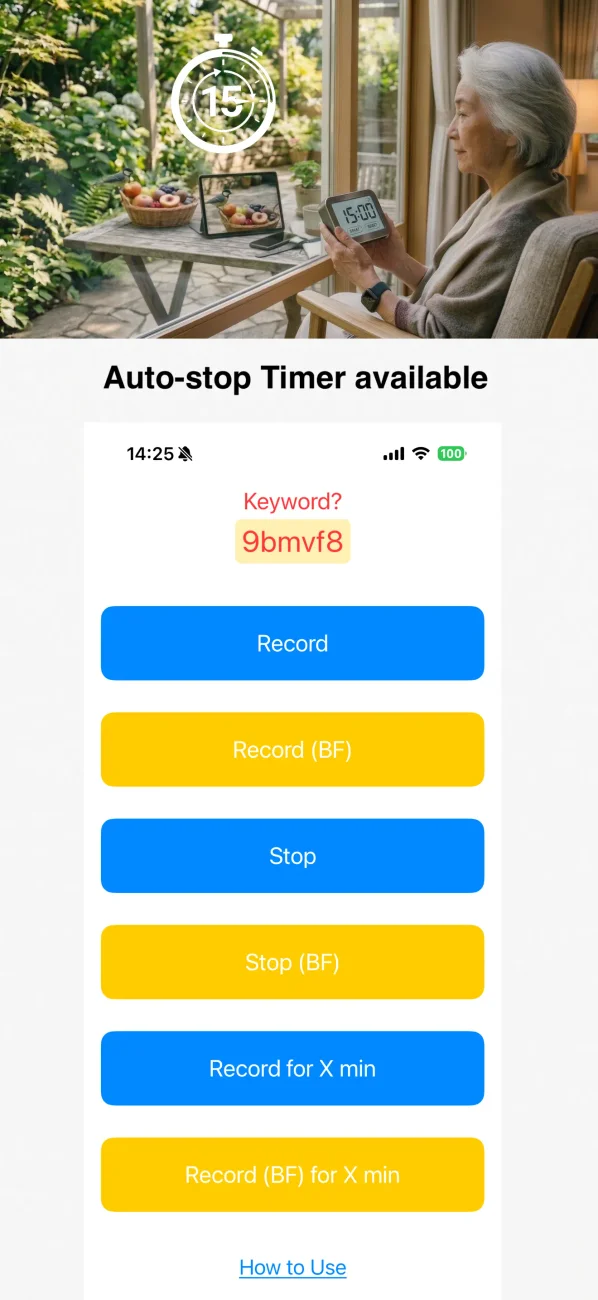
"Remote Video Controller" is an app that allows you to remotely control video recording via the internet.
~ Features ~
- Device Interconnectivity Beyond Bluetooth Limits
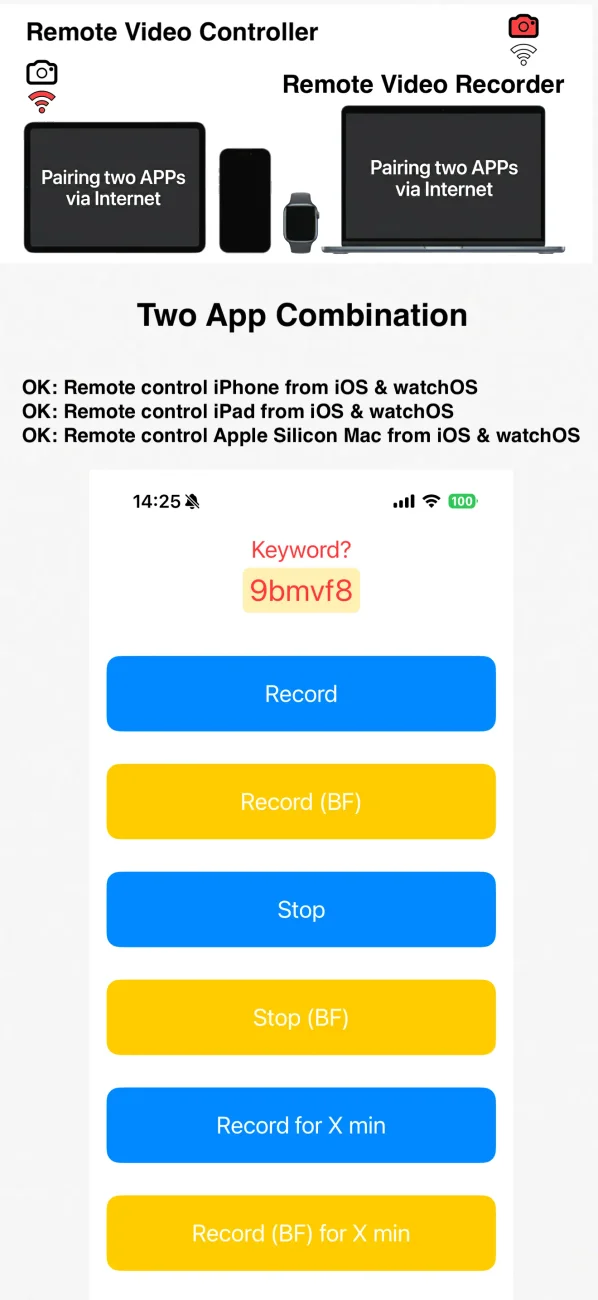
No tedious pairing required. Connections that are impossible with standard Bluetooth—such as controlling an iPad from your Apple Watch—are easily achieved via the internet.
- Control Anyone’s Device, Regardless of Apple ID
There is no need for iCloud syncing or using the same Apple ID. You can even control a friend’s device with a different Apple ID simply by sharing a keyword.
- Turn Any Device into Your Player!
By installing the free receiver app ("Remote Video Recorder"), you can remotely control not only iPad but even another iPhone from your iPhone.
~ Setup Guide (Connecting the Two Apps) ~
1. "Remote Video Controller" will automatically generate a 6-digit keyword upon startup.
2. Enter that 6-digit keyword into "Remote Video Recorder".
3. Tap the red circle button at the top to record and confirm that the video is saved to the Photos app.
4. Use the angle button to the right to rotate the recording and save it at your preferred orientation.
5. Ensure you are connected to the internet, then tap the antenna button in the top right.
6. Return to "Remote Video Controller" and confirm that you can start recording remotely.
7. Once finished, tap the antenna button again to end the remote session.
*Steps 2-5 and 7 are performed within the separate app, "Remote Video Recorder".
Remote Video Controller
Subscription:
1 month auto-renewable subscription
*A paid subscription is required to access all features.
Privacy Policy:
https://shin-app.tech/en/privacy-policy
Terms of Use:
https://www.apple.com/legal/internet-services/itunes/dev/stdeula/
What’s new
Version 3.3 · Jul 10, 2026
-bugs fixed
App privacy
What kobunachou ozawa declares on the App Store about how this app handles data.
-
Data not collected
The developer does not collect any data from this app.
Privacy practices may vary, for example with the features you use or your age.
Information
- Seller
- kobunachou ozawa
- Category
- Photo & Video
- Version
- 3.3
- Updated
- Jul 10, 2026
- Released
- May 21, 2018
- Size
- 1.7 MB
- Requires
- iOS 26.2 or later
- Age rating
- 4+
- Price
- $0.99
- In-app purchases
- Yes
- Languages
- English, French, German, Italian, Japanese, Korean, Simplified Chinese, Spanish, Traditional Chinese
- Copyright
- © Shin APP Tech
You might also like
-
 Ultra-Wide Monitor CameraUltra-Wide Effect Monitor
-
 FlashFriendsFlash it till you make it
-
 MyPhotoCameraPhoto and Video Camera Filters
-
 Framely - Extract FramesSave video frames as photos
-
 Remote ShutterCamera connect
-
 Remote Camera: Unlimited RangeRemote shutter
-
 Camera Remote ControlGroup Photo & Selfie Shutter
-
 WiFi Camera - Remote iPhonesWireless viewfinder & shutter
-
 Zu3D Remote CameraPhoto & Video
-
 Stream Camera for NDI HXStream video in 4K with NDI