
- Classificação etária4+
- CategoriaFoto e vídeo
- DesenvolvedorHIPOINT INC
- IdiomasInglês
- Tamanho234,9 MB
Leva à página oficial na App Store
O Download.org não hospeda nenhum arquivo de SnipBack. O botão abre a página do app na App Store, onde HIPOINT INC o publica. Página verificada pela última vez em 26/11/2026.
Capturas de tela

Sobre
O desenvolvedor não forneceu este texto no seu idioma.
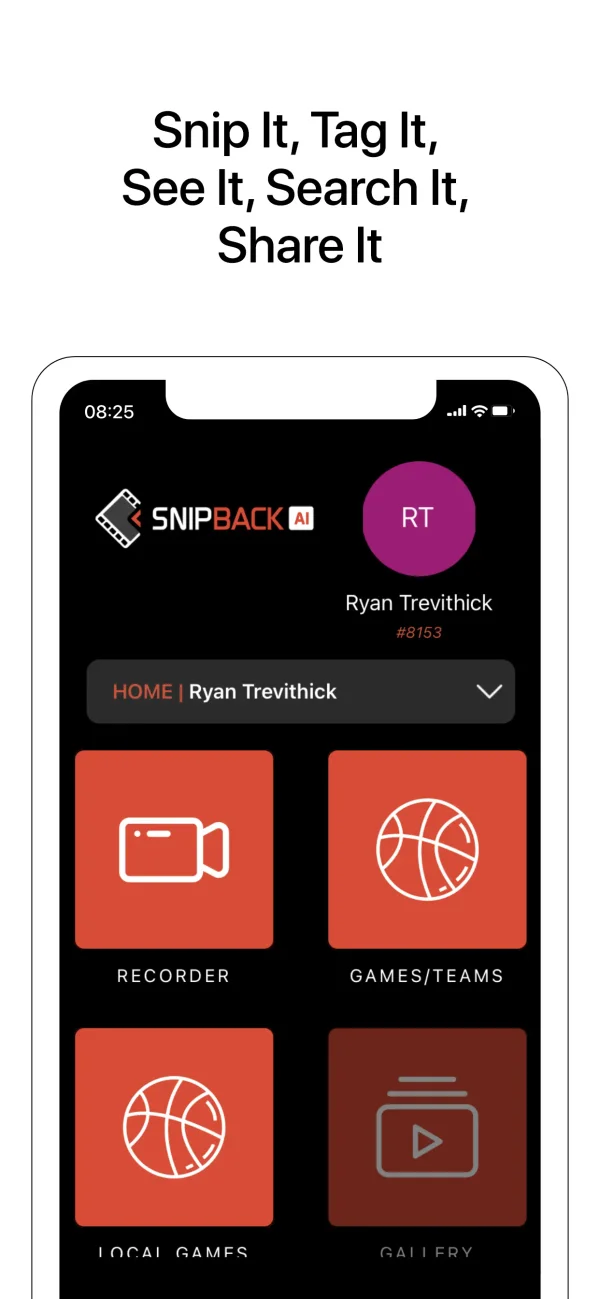
SnipBack is a powerful yet very easy to use multi-camera event recording system, with special AI (artificial intelligence) and CV (computer vision) features for basketball.
Simply setup as many iOS devices from various vantage points for an event as you’d like…our platform will record and upload to the cloud WHILE RECORDING, syncing all views automatically, and making the video available for streaming.
MULTI-VIEW RECORDING
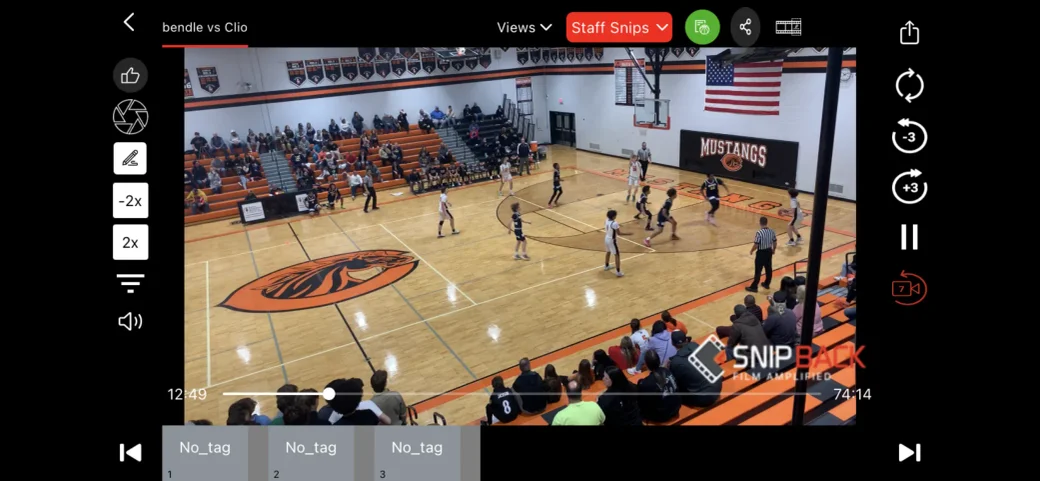
Just set the game/event name, then join as many recording devices as you’d like. SnipBack AI will take care of the rest. When watching recorded footage, you’ll easily be able to switch vantage points as all views are automatically synced.
TEAM SHARING
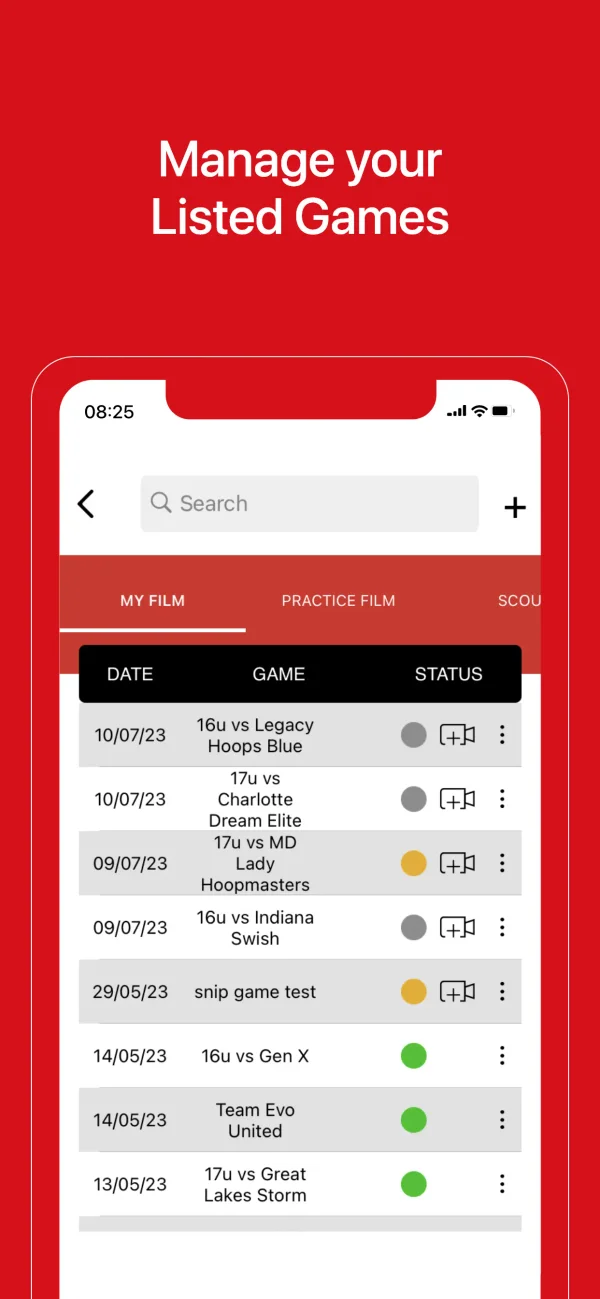
Associate a game/event with a team (or group), and then once uploaded, all team members will automatically have that game ready for streaming in their accounts.
PINNED WHITEBOARDS
Coaches, directors, or event organizers can easily record and pin a whiteboard session to a game/event. Just start a session, then speak, draw, and navigate through the video. Once done just stop the session, and then all team members will automatically see that pinned whiteboard in their accounts. Takes on demand learning to the next level.
REAL-TIME BOOKMARKS
Coaches, directors, and event organizers can easily set digital bookmarks real-time, either from a recording device or from any mobile phones. Simple tap the bookmark button, and then when playing the video easily jump to and review bookmarked footage. If recording via multiple devices, these bookmarks automatically synced across all vantage points.
ADVANCED STREAMING PLATFORM
All recordings are uploaded while recording (not afterwards), and as such footage is available to stream almost immediately (within 60 seconds).
BASKETBALL AI AND CV FEATURES
Utilize AI and CV for basketball, where all basketball footage is processed and made searchable. Users can easily create and view custom SnipReels, which are virtual videos broken down into play blocks. These blocks can be generated automatically by AI/CV or manually by coaches. Examples of some AI/CV blocks would be made shots, missed shots, made 3-pointers, assists, and turnovers just to name a few. Users scan share, link, or export any such block; they can even pin a custom whiteboard to a block.
AUDIENCE PARTICIPATION
Never before has it been so simple and secure for event participants to tap into any setup event cameras to get desired photos and videos for themselves. Once logged into an event with a special event code, they can simply tap their own bookmark button each time something they want footage for occurs (e.g. their kid just made a nice play). After that the desired footage from all vantage points automatically gets downloaded into their gallery….it’s that simple!
The Power of the SnipBack Recorder!
Introducing our exclusive patent pending SnipBack feature, which integrates DVR-like functionality within the record button. Just like with DVR’s, SnipBack allows you to go back in time to see what you’ve missed, and include that past video in your final clip!
Terms of Use :https://www.snipback.com/terms-of-use/
Novidades
Versão 15.4.17 · 26/11/2026
Messages
- Search in a chat: tap the magnifier to find messages by text, author or film title.
- Mark as Urgent: staff and admins can send a message as urgent where the program allows it. Chats with unread urgent messages show URGENT in the list, and urgent messages always notify.
- Film in the chat: share a game's film from the + button, and watch shared film right in the chat or open it in the player.
Kits & cams
- After you switch programs, Kits & cams shows the new program's cameras.
- Offline, Kits & cams shows the controller on your Wi-Fi with the same look as online. Your venues are saved whenever the app is online.
- Sports AI cameras show an AI Calibrate button that opens the camera's calibration page on its controller.
Basketball charting
- The report's shot chart shows every charted shot.
- Turnover types stay on screen until you pick one, skip, undo or chart the next play.
- Four more turnover types: double dribble, 10 seconds, over and back, and lane violation.
- New opponent setting: name each player, track only shots and fouls by player, or chart the opponent as one team.
- Deflections ask only for your own deflector.
Fixes
- Creating or editing a game on a slow venue Wi-Fi no longer fails with "Network error".
Privacidade do app
O que HIPOINT INC declara na App Store sobre como este app lida com os dados.
-
Dados não coletados
O desenvolvedor não coleta nenhum dado deste app.
As práticas de privacidade podem variar, por exemplo, com base nos recursos que você usa ou na sua idade.
Informações
- Vendedor
- HiPOINT Technology Services, Inc
- Categoria
- Foto e vídeo
- Versão
- 15.4.17
- Atualizado
- 26/11/2026
- Lançamento
- 13/02/2017
- Tamanho
- 234,9 MB
- Requer
- iOS 15.6 ou posterior
- Classificação etária
- 4+
- Preço
- Grátis
- Compras no app
- Sim
- Idiomas
- Inglês
- Copyright
- © HiPOINT Technology Services Inc.
Você também pode gostar
-
 Video Buffer Pre-Recorder 4KFoto e vídeo
-
 QwikCut AccessFoto e vídeo
-
 Video Pre-RecorderFoto e vídeo
-
 ScoreCam - Embedded ScoreboardFoto e vídeo
-
 myMVP - Highlight RecorderFoto e vídeo
-
 XbotGoFoto e vídeo
-
 ReplayNow: Record the last 30sFoto e vídeo
-
 Broadcaster from BoxCastFoto e vídeo
-
 Action ClipFoto e vídeo
-
 QRControlFoto e vídeo