
Surface Explorer
Parametric & implicit surfaces
Projetado para iPhone, iPad, Mac
Grátis
- Classificação etária4+
- CategoriaEducação
- DesenvolvedorGAETANO MOSCHETTI
- IdiomasInglês
- Tamanho90,9 MB
Leva à página oficial na App Store
O Download.org não hospeda nenhum arquivo de Surface Explorer. O botão abre a página do app na App Store, onde GAETANO MOSCHETTI o publica. Página verificada pela última vez em 23/11/2026.
Capturas de tela

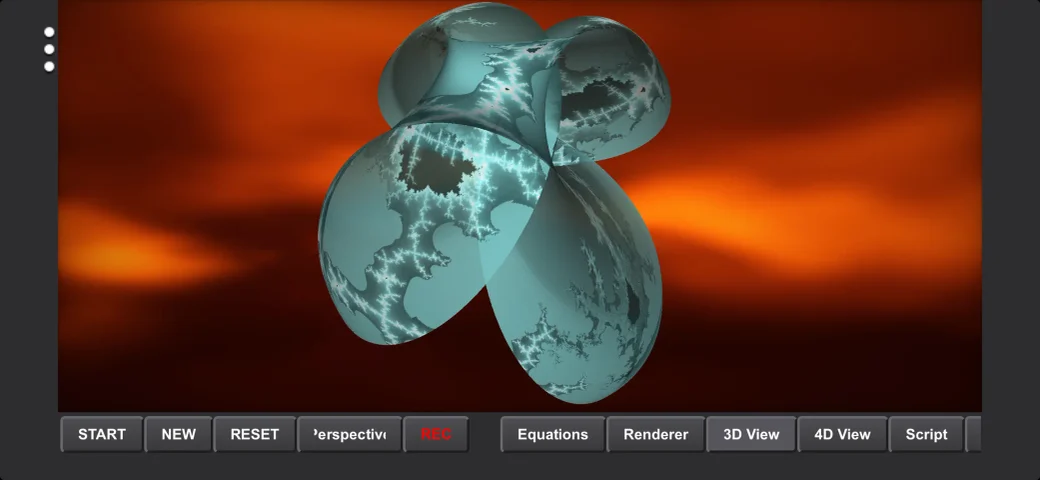

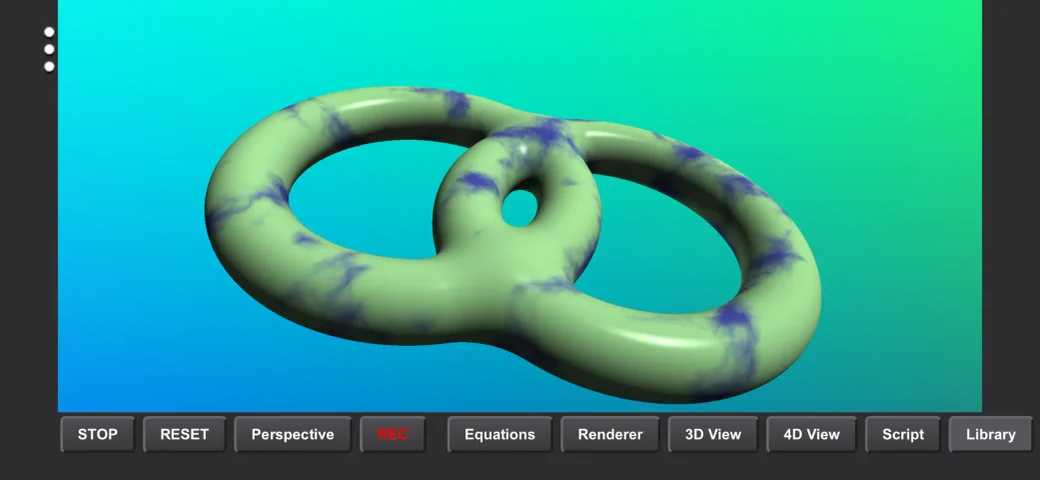
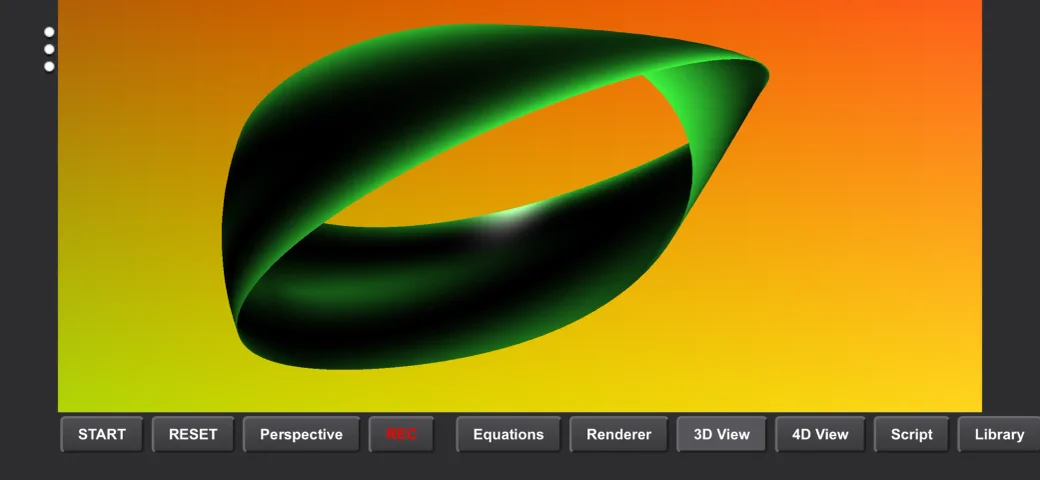

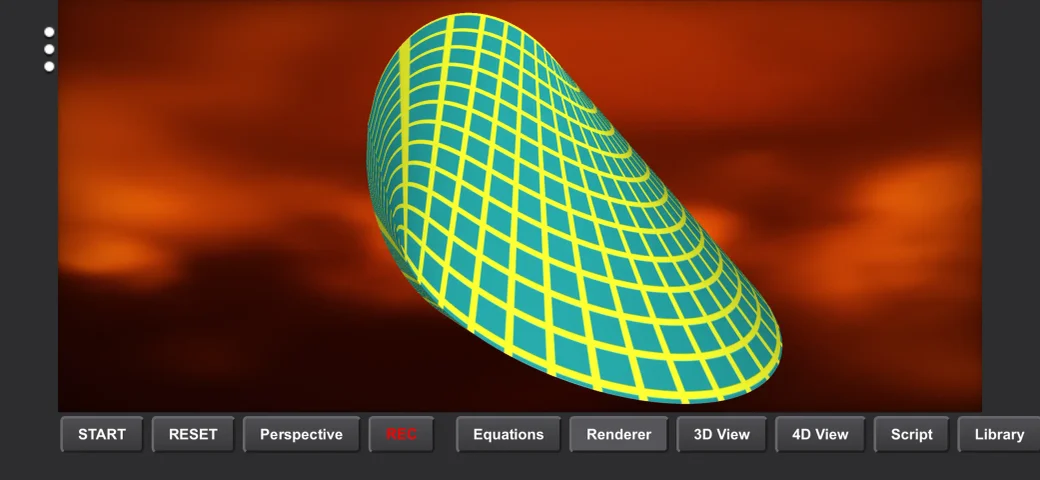
Sobre
O desenvolvedor não forneceu este texto no seu idioma.
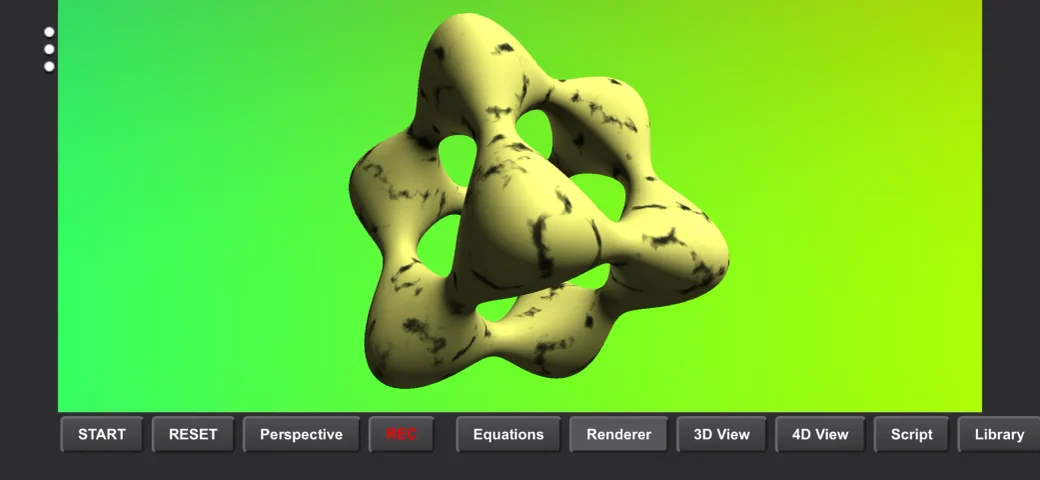
Surface Explorer is a high-performance visualizer for intricate mathematical surfaces — 2D manifolds embedded in three- or four-dimensional space, and 3D slices of four-dimensional hypersurfaces — bringing abstract geometry to life with real-time GPU rendering.
KEY FEATURES
• Cross Section — slice four-dimensional hypersurfaces and watch their 3D sections change shape as you rotate them in 4D or slide the cutting plane along the fourth axis, even along a 4D camera path.
• Ray Marching Engine — real-time rendering of implicit surfaces and signed-distance fields, with procedural displacement, transparency, adjustable shells, and a precise mode for high-degree equations.
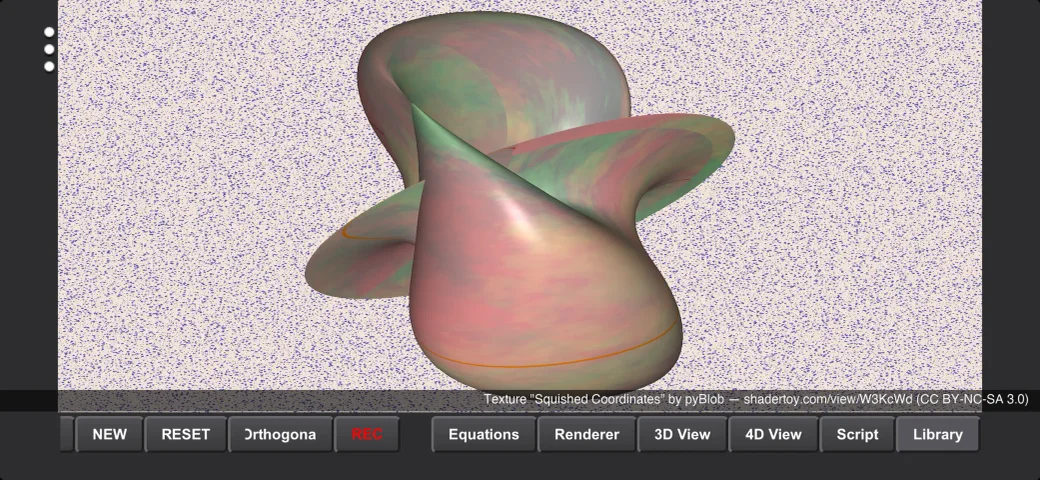
• Multi-Mesh Surfaces — build figures from several independent grids, set with a single field or a script, each with its own color, transparency, texture, image and domain.
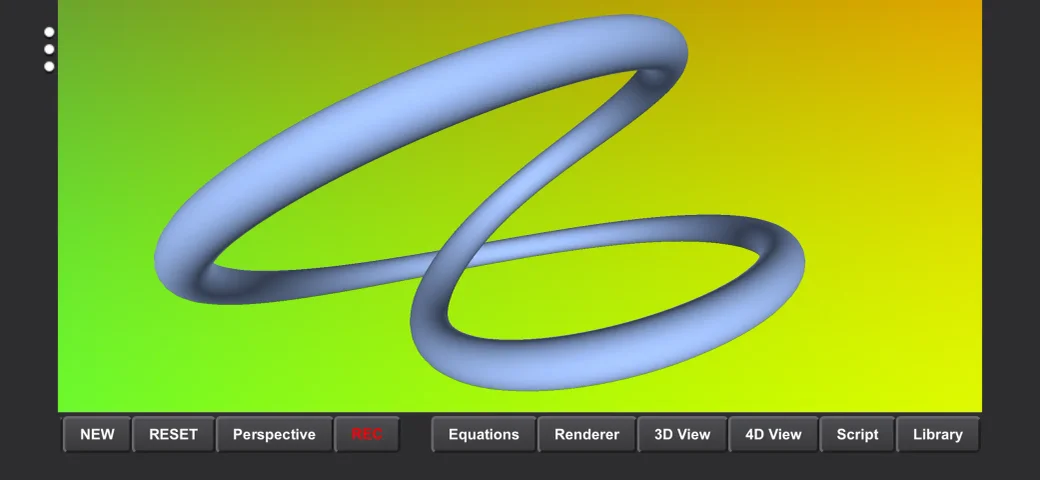
• Solid Curve — write a curve in 3D or 4D and see the tube drawn around it, with adjustable thickness; several tubes from a script.
• Surface Borders — add a tube along the edges of a parametric surface, with its own color, texture and thickness.
• Geodesic Flow — explore intrinsic geometry on curved manifolds (S³, H²×R, SL(2,R) and more), integrating geodesics from initial conditions.
• 4D Spatial Exploration — dedicated controls for hyperspatial rotation (Omega, Phi, Psi), projection, and 3D and 4D camera paths.
• 4D Lighting Models — Directional, Observer, and Slice lighting designed for hyperspace.
• Dynamic GLSL Scripting — write custom shaders for procedural textures and surface logic in the built-in editor.
• Backgrounds — images and procedural effects, fixed on screen or wrapped around the scene as a sphere, cylinder or cube.
• Audio-Visual Synthesis — synchronize geometric parameters with a mathematical sound synthesizer.
• Image and Video Capture — save a PNG of the scene at the size you choose, far beyond your screen, or at a print size and dpi, with a draggable frame to set the framing; record your explorations as video directly in the app and save them to your device.
A library of ready-made presets ships with the app, from classic parametric surfaces to black-hole ergospheres, curved-space tori and slices of the 3-torus, together with a searchable built-in manual.
Built with Qt and Metal for smooth, native performance on iPhone and iPad.
Novidades
Versão 1.5 · 17/11/2026
NEW
• Image — save a PNG of the scene at the size you choose, far beyond your screen, or at a print size and dpi. Drag the frame on the view to choose the framing, double-tap it to centre it again; wireframe lines are scaled to the picture.
• Video — the new Downscaling option keeps fine textures sharp in videos smaller than the view.
• Sounds — tap the playing sound in the Library to remove it from the scene, tap again to play it from the start.
• RESET asks what to reset only when there is a choice to make.
FIXES
• Images and videos — thin lines, wireframes and soft edges look as they do on screen at any size.
• Textures — very large images and 16-bit PNGs now open; procedural textures keep their proportions on the background and in the 2D view; Shadertoy-style scripts can use the constants A–F and S.
• Saving and empty scenes — the app says when there is nothing to save or the scene is empty, and asks to save only the texture you are replacing.
• Camera and motions — RESET → View brings back the camera the record opened with; Roll Left/Right works while a camera path is stopped; each tap on a rotation button makes exactly one step.
• Constant E follows its slider in Meshes, limits and geodesic fields (lowercase e is still Euler's number).
• Display — a mesh in wireframe stays opaque and gets its texture back; the Light slider keeps its value after Wireframe; a Shape opened after a Sphere, Cylinder or Cube background no longer shows its textures hugely magnified; the stereographic projection no longer draws streaks across the view.
Privacidade do app
O que GAETANO MOSCHETTI declara na App Store sobre como este app lida com os dados.
-
Dados não coletados
O desenvolvedor não coleta nenhum dado deste app.
As práticas de privacidade podem variar, por exemplo, com base nos recursos que você usa ou na sua idade.
Informações
- Vendedor
- GAETANO MOSCHETTI
- Categoria
- Educação
- Versão
- 1.5
- Atualizado
- 17/11/2026
- Lançamento
- 21/07/2026
- Tamanho
- 90,9 MB
- Requer
- iOS 18.0 ou posterior
- Classificação etária
- 4+
- Preço
- Grátis
- Idiomas
- Inglês
- Copyright
- © 2026 Gaetano Moschetti
Você também pode gostar
-
 Character Table ViewerEducação
-
 Alimentary Canals- EduTech EraEducação
-
 FrankenSimEducação
-
 LiveMathÁlgebra simbólica e gráficos
-
 Whispers of the FractalsEducação
-
 xFractalExplore Mandelbrot e Julia
-
 Chemistry: Periodic AtlasEducação
-
 PlayMagnetEducação
-
 Game of Life 6D (John Conway)Educação
-
 Newtonic: Physics SimulatorEducação