Surface Explorer
Parametric & implicit surfaces
Được thiết kế cho iPhone, iPad, Mac
Miễn phí
- Độ tuổi4+
- Danh mụcGiáo Dục
- Nhà phát triểnGAETANO MOSCHETTI
- Ngôn ngữTiếng Anh
- Kích thước90,9 MB
Liên kết đến trang App Store chính thức
Download.org không lưu trữ tệp nào của Surface Explorer. Nút này mở trang ứng dụng trên App Store, nơi GAETANO MOSCHETTI phát hành ứng dụng. Trang được kiểm tra lần cuối: 23/11/2026.
Ảnh chụp màn hình



Giới thiệu
Nhà phát triển chưa cung cấp nội dung này bằng ngôn ngữ của bạn.
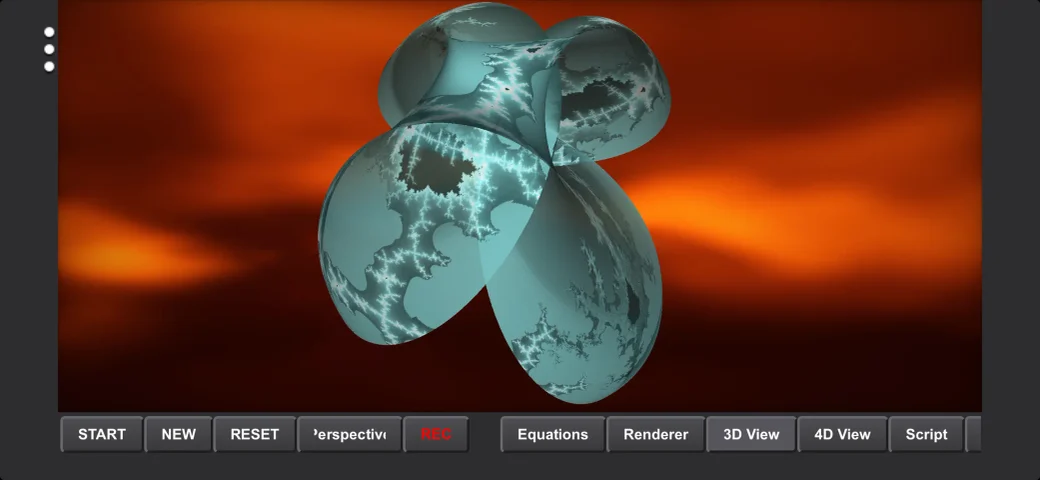
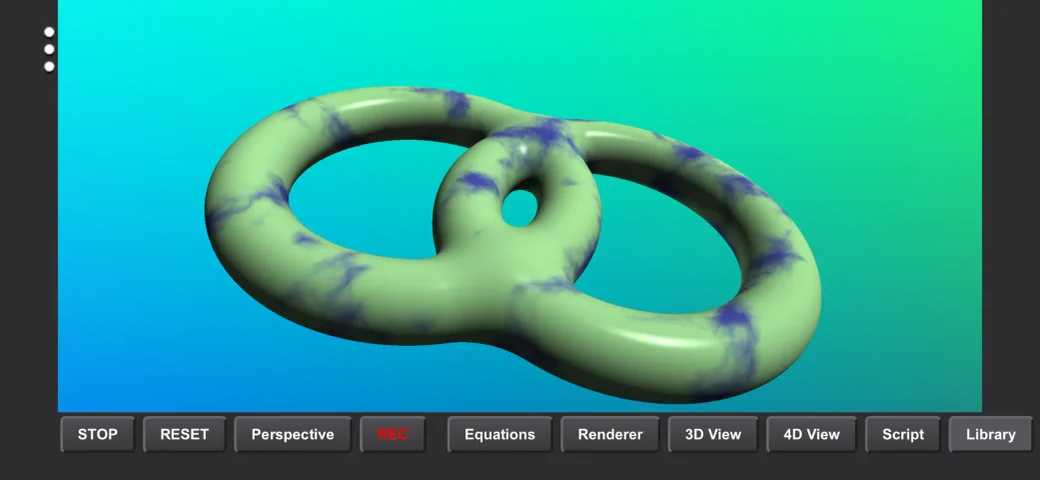
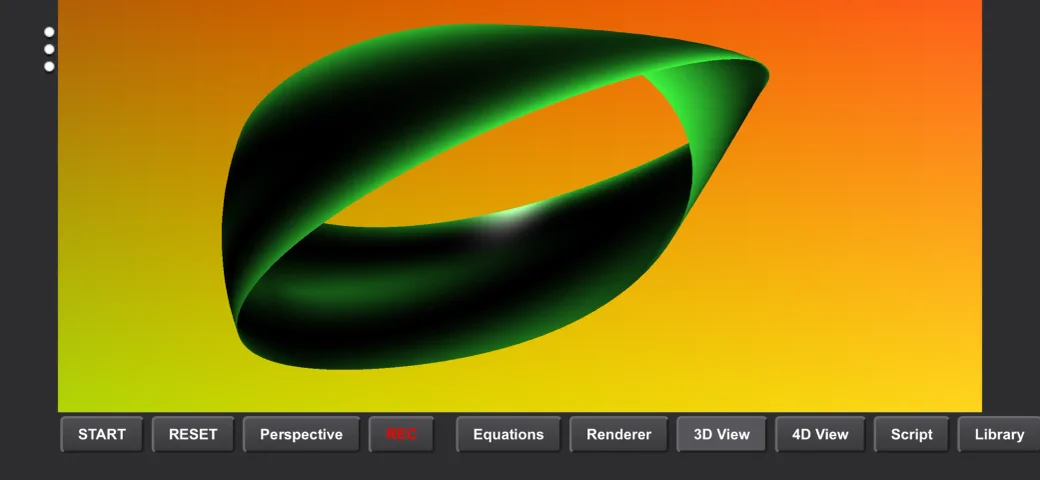
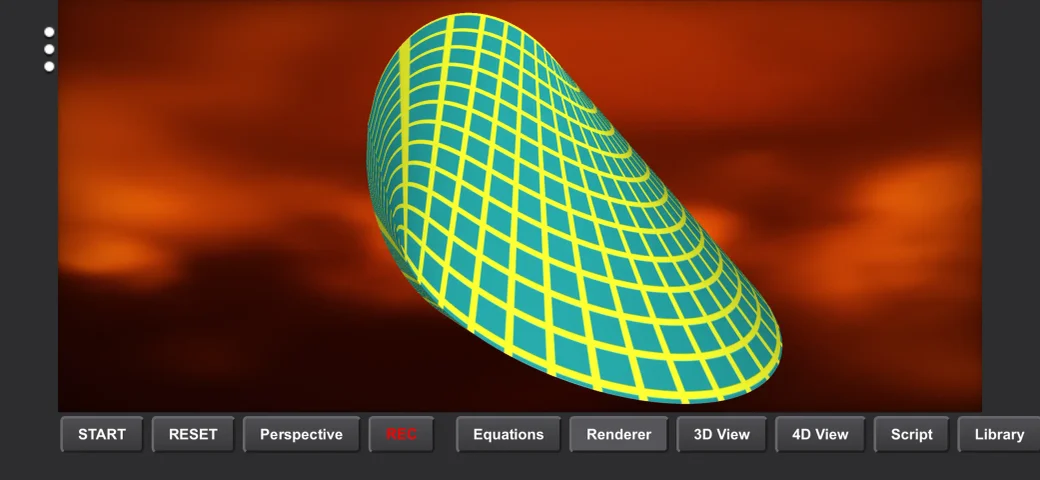
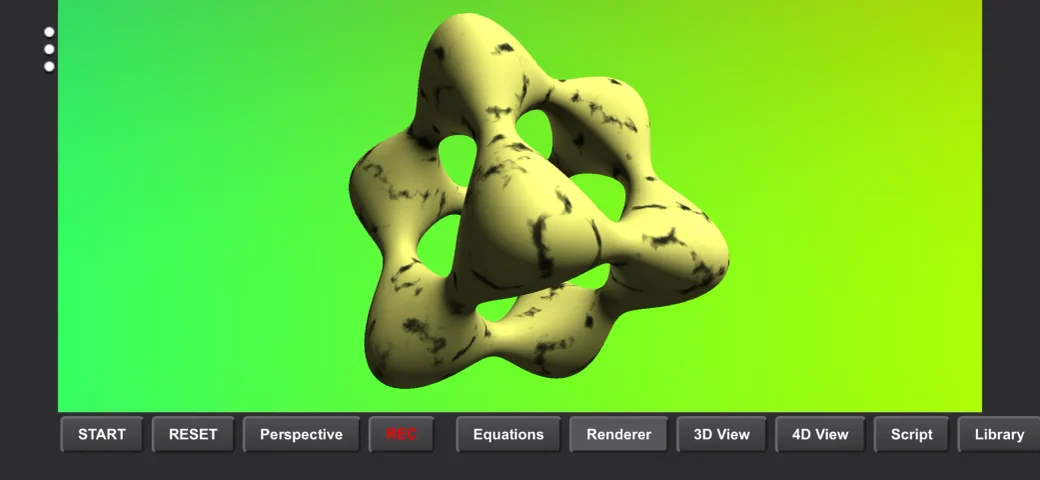
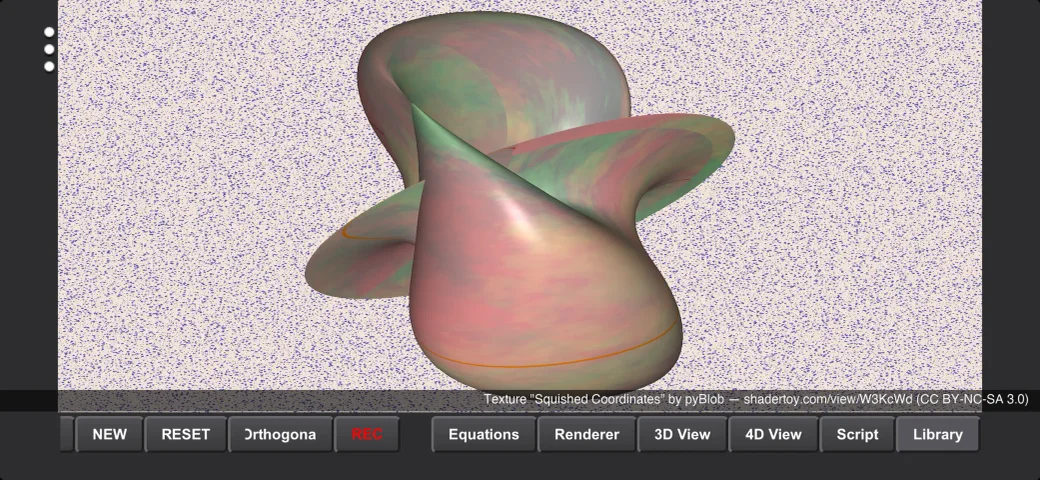
Surface Explorer is a high-performance visualizer for intricate mathematical surfaces — 2D manifolds embedded in three- or four-dimensional space, and 3D slices of four-dimensional hypersurfaces — bringing abstract geometry to life with real-time GPU rendering.
KEY FEATURES
• Cross Section — slice four-dimensional hypersurfaces and watch their 3D sections change shape as you rotate them in 4D or slide the cutting plane along the fourth axis, even along a 4D camera path.
• Ray Marching Engine — real-time rendering of implicit surfaces and signed-distance fields, with procedural displacement, transparency, adjustable shells, and a precise mode for high-degree equations.
• Multi-Mesh Surfaces — build figures from several independent grids, set with a single field or a script, each with its own color, transparency, texture, image and domain.
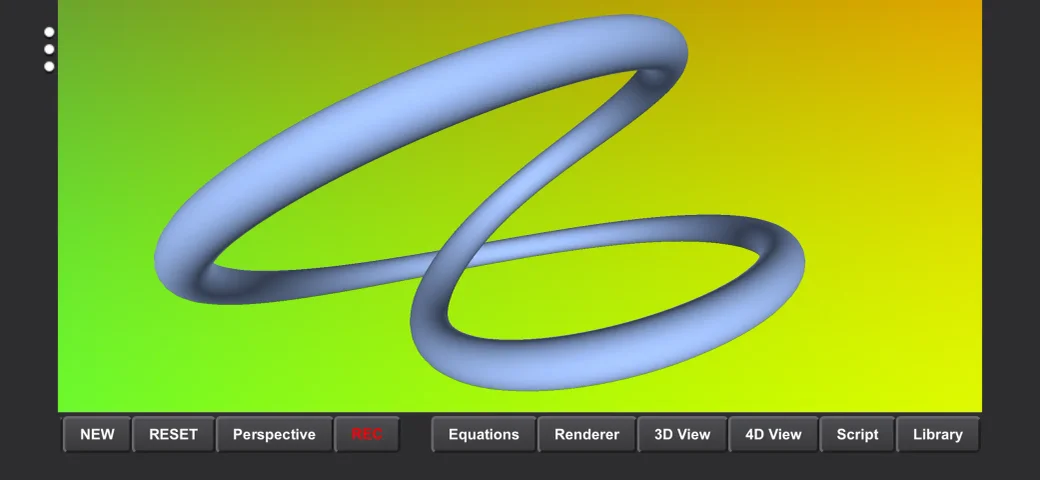
• Solid Curve — write a curve in 3D or 4D and see the tube drawn around it, with adjustable thickness; several tubes from a script.
• Surface Borders — add a tube along the edges of a parametric surface, with its own color, texture and thickness.
• Geodesic Flow — explore intrinsic geometry on curved manifolds (S³, H²×R, SL(2,R) and more), integrating geodesics from initial conditions.
• 4D Spatial Exploration — dedicated controls for hyperspatial rotation (Omega, Phi, Psi), projection, and 3D and 4D camera paths.
• 4D Lighting Models — Directional, Observer, and Slice lighting designed for hyperspace.
• Dynamic GLSL Scripting — write custom shaders for procedural textures and surface logic in the built-in editor.
• Backgrounds — images and procedural effects, fixed on screen or wrapped around the scene as a sphere, cylinder or cube.
• Audio-Visual Synthesis — synchronize geometric parameters with a mathematical sound synthesizer.
• Image and Video Capture — save a PNG of the scene at the size you choose, far beyond your screen, or at a print size and dpi, with a draggable frame to set the framing; record your explorations as video directly in the app and save them to your device.
A library of ready-made presets ships with the app, from classic parametric surfaces to black-hole ergospheres, curved-space tori and slices of the 3-torus, together with a searchable built-in manual.
Built with Qt and Metal for smooth, native performance on iPhone and iPad.
Có gì mới
Phiên bản 1.5 · 17/11/2026
NEW
• Image — save a PNG of the scene at the size you choose, far beyond your screen, or at a print size and dpi. Drag the frame on the view to choose the framing, double-tap it to centre it again; wireframe lines are scaled to the picture.
• Video — the new Downscaling option keeps fine textures sharp in videos smaller than the view.
• Sounds — tap the playing sound in the Library to remove it from the scene, tap again to play it from the start.
• RESET asks what to reset only when there is a choice to make.
FIXES
• Images and videos — thin lines, wireframes and soft edges look as they do on screen at any size.
• Textures — very large images and 16-bit PNGs now open; procedural textures keep their proportions on the background and in the 2D view; Shadertoy-style scripts can use the constants A–F and S.
• Saving and empty scenes — the app says when there is nothing to save or the scene is empty, and asks to save only the texture you are replacing.
• Camera and motions — RESET → View brings back the camera the record opened with; Roll Left/Right works while a camera path is stopped; each tap on a rotation button makes exactly one step.
• Constant E follows its slider in Meshes, limits and geodesic fields (lowercase e is still Euler's number).
• Display — a mesh in wireframe stays opaque and gets its texture back; the Light slider keeps its value after Wireframe; a Shape opened after a Sphere, Cylinder or Cube background no longer shows its textures hugely magnified; the stereographic projection no longer draws streaks across the view.
Quyền riêng tư của ứng dụng
Những gì GAETANO MOSCHETTI khai báo trên App Store về cách ứng dụng này xử lý dữ liệu.
-
Dữ liệu không được thu thập
Nhà phát triển không thu thập bất kỳ dữ liệu nào từ ứng dụng này.
Phương thức đảm bảo quyền riêng tư có thể khác nhau, chẳng hạn như tuỳ theo các tính năng bạn sử dụng hoặc độ tuổi của bạn.
Thông tin
- Người bán
- GAETANO MOSCHETTI
- Danh mục
- Giáo Dục
- Phiên bản
- 1.5
- Cập nhật
- 17/11/2026
- Phát hành
- 21/07/2026
- Kích thước
- 90,9 MB
- Yêu cầu
- iOS 18.0 trở lên
- Độ tuổi
- 4+
- Giá
- Miễn phí
- Ngôn ngữ
- Tiếng Anh
- Bản quyền
- © 2026 Gaetano Moschetti