- Classificação etária4+
- CategoriaEsportes
- DesenvolvedorRyo Kawamata
- IdiomasJaponêse mais 8
- Tamanho23,9 MB
Swing Journal: Golf Swing pode não estar disponível na App Store no momento
Não foi possível acessar a página da loja na nossa última verificação. O link continua levando à página oficial na App Store.
Capturas de tela
Sobre
O desenvolvedor não forneceu este texto no seu idioma.
Record your golf swing, let the app auto-trim it, and compare two swings side by side or overlaid. Swing Journal is free with no ads.
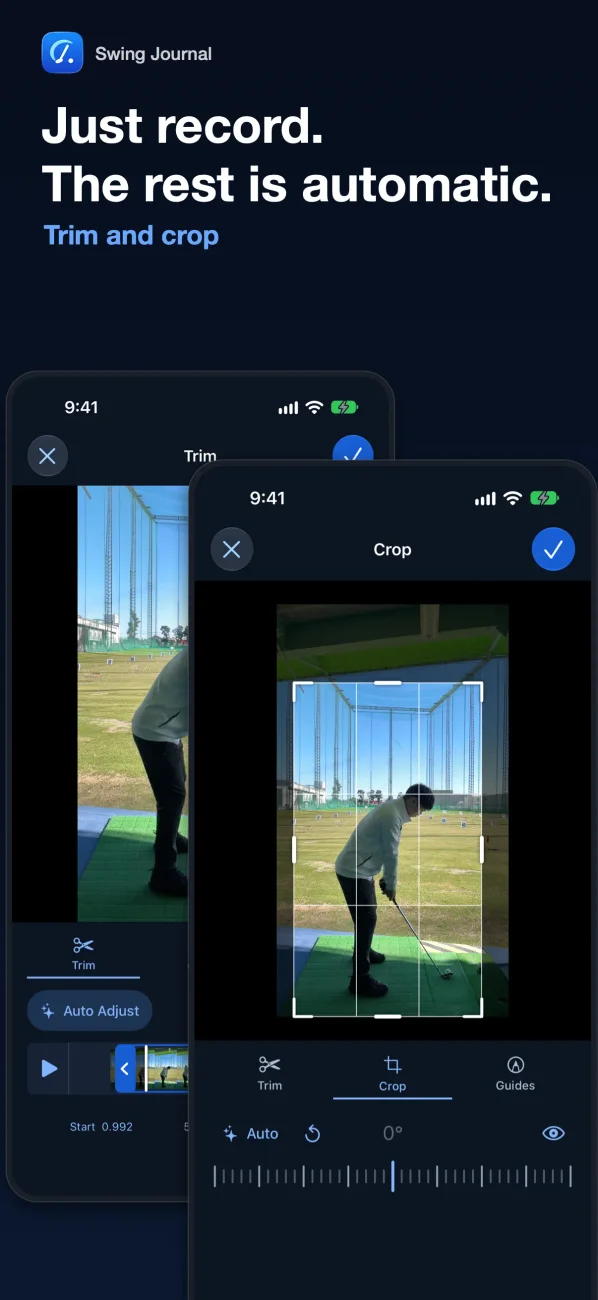
AUTO-TRIM AFTER YOU RECORD
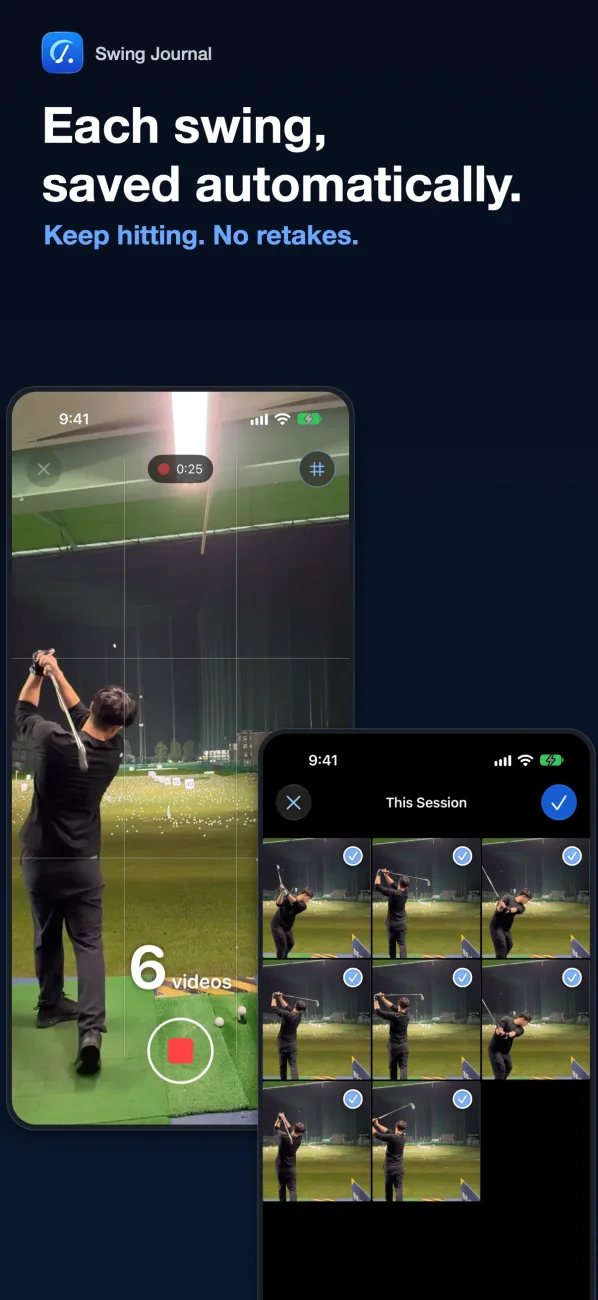
Swing Journal finds your swing, trims the extra footage before and after, and adjusts the framing so you're easy to see. You can also set auto-trim to run automatically right after recording. If you film several swings in one clip, pick from the detected swings and save them individually. Fine-tune the trim range while watching, or revert to the full original anytime. Auto-trim supports original clips up to three minutes long.
COMPARE TWO SWINGS, SYNCED AT THE TOP
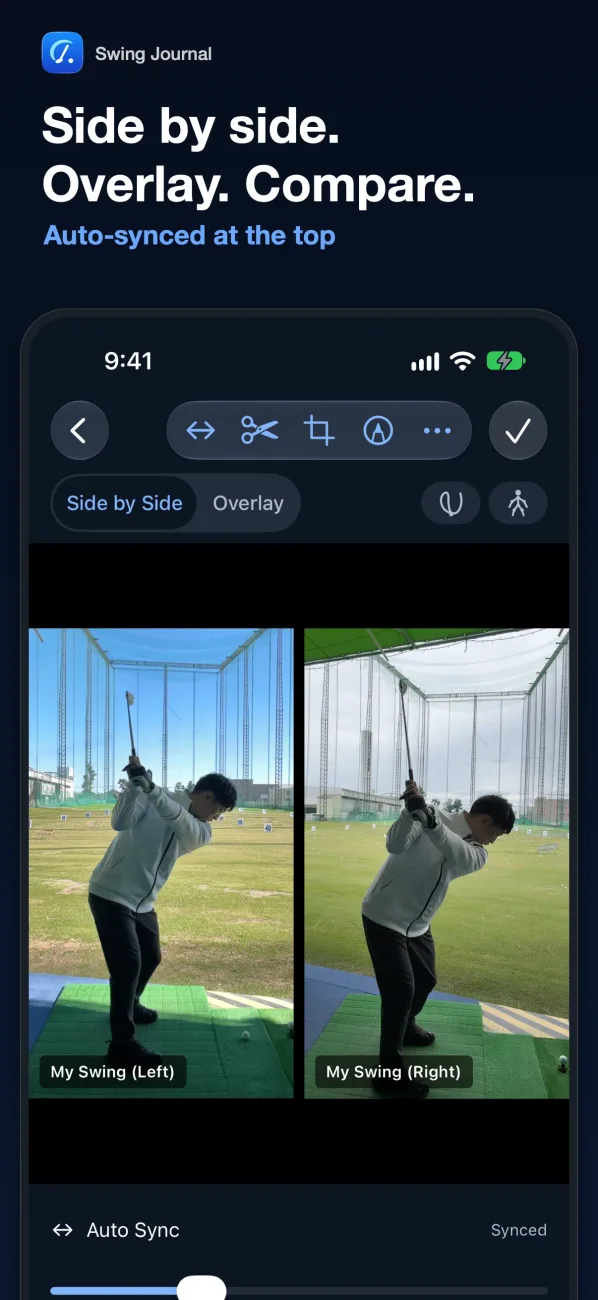
Compare two of your own videos, or pair one of yours with a reference video you add. Switch between side-by-side and overlay views. The app finds the top of each swing to sync playback automatically, and you can fine-tune the timing manually.
EXCLUDE PRACTICE SWINGS (OPTIONAL)
Enable Exclude Practice Swings alongside Shot Detection (Beta). After Auto recording or when splitting a video, swings identified as practice are left out of the initial selection, though you can still select any clip you want to keep. Results are labelled as Shot or Practice swing. In Auto, the app can begin checking completed swings before you finish recording.
HAND PATH
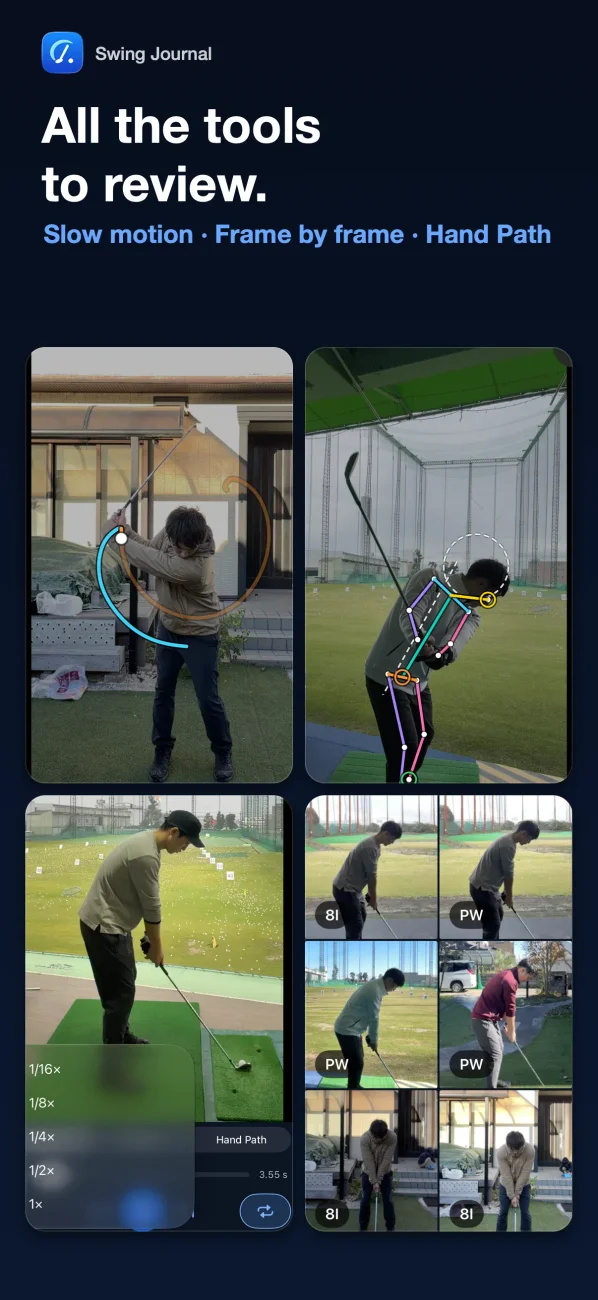
See the path of your hands through the swing as a line drawn over the video. In Compare, you can view both hand paths at once.
SLOW MOTION AND FRAME BY FRAME
Adjust playback speed for slow motion and step forward or backward one frame at a time to study any moment in your swing.
SKELETON AND GUIDE LINES
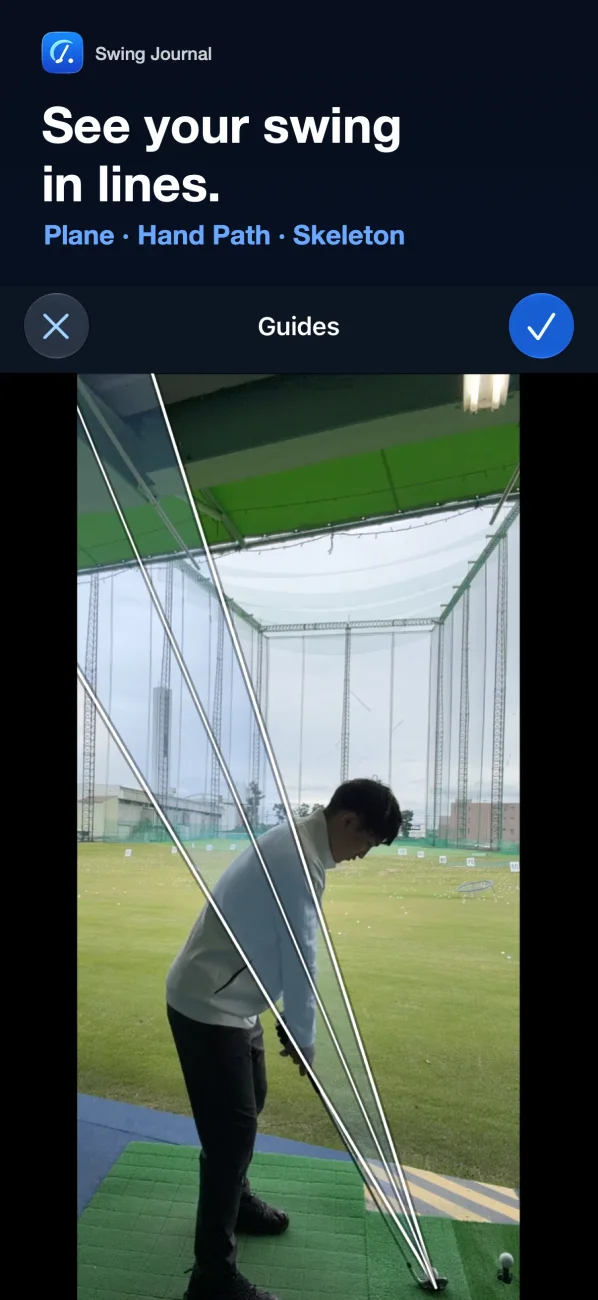
Overlay a 2D skeleton and draw guide lines on your video to check posture and movement.
RECORD, PICK, REVIEW
Record in Swings or Reference, or add videos from Photos. Browse clips grouped by date, tag each video with a club and notes, and keep a note for each practice day.
Your videos and edits stay on your device and are not collected off-device.
Automatic detection, skeleton, hand path, and shot detection results depend on recording conditions. The hand path is a smoothed estimate of hand position meant as a visual guide, not a measurement of club path or speed. If detection is unavailable, you can adjust the trim range and playback timing manually.
Novidades
Versão 1.8.0 · 28/11/2026
• Add address guides with one tap. Mark your head, hands and body position at setup in face-on and down-the-line videos.
• Improved automatic sync lines up impact more accurately when comparing two swings.
Privacidade do app
O que Ryo Kawamata declara na App Store sobre como este app lida com os dados.
-
Dados não coletados
O desenvolvedor não coleta nenhum dado deste app.
As práticas de privacidade podem variar, por exemplo, com base nos recursos que você usa ou na sua idade.
Informações
- Vendedor
- Ryo Kawamata
- Categoria
- Esportes
- Versão
- 1.8.0
- Atualizado
- 28/11/2026
- Lançamento
- 05/11/2026
- Tamanho
- 23,9 MB
- Requer
- iOS 26.0 ou posterior
- Classificação etária
- 4+
- Idiomas
- Japonês, Holandês, Sueco, Espanhol, Alemão, Francês, Chinês simplificado, Inglês, Coreano
- Copyright
- © 2026 Ryo Kawamata