- Độ tuổi4+
- Danh mụcThể Thao
- Nhà phát triểnRyo Kawamata
- Ngôn ngữTiếng Nhật+ 8 ngôn ngữ khác
- Kích thước16,2 MB
Swing Journal: Golf Swing hiện có thể không có trên App Store
Ở lần kiểm tra gần nhất, chúng tôi không truy cập được trang trên cửa hàng. Liên kết vẫn dẫn đến trang App Store chính thức.
Ảnh chụp màn hình
Giới thiệu
Nhà phát triển chưa cung cấp nội dung này bằng ngôn ngữ của bạn.
Record your golf swing, let the app trim it, and compare two swings side by side.
AUTO-TRIM AFTER YOU RECORD
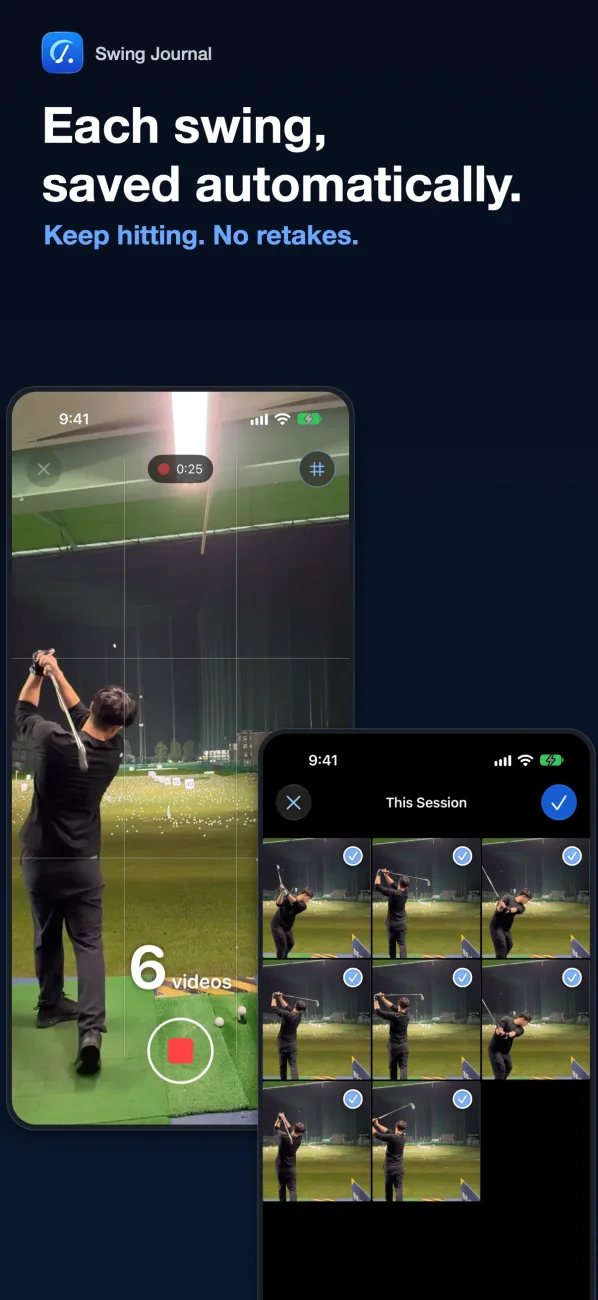
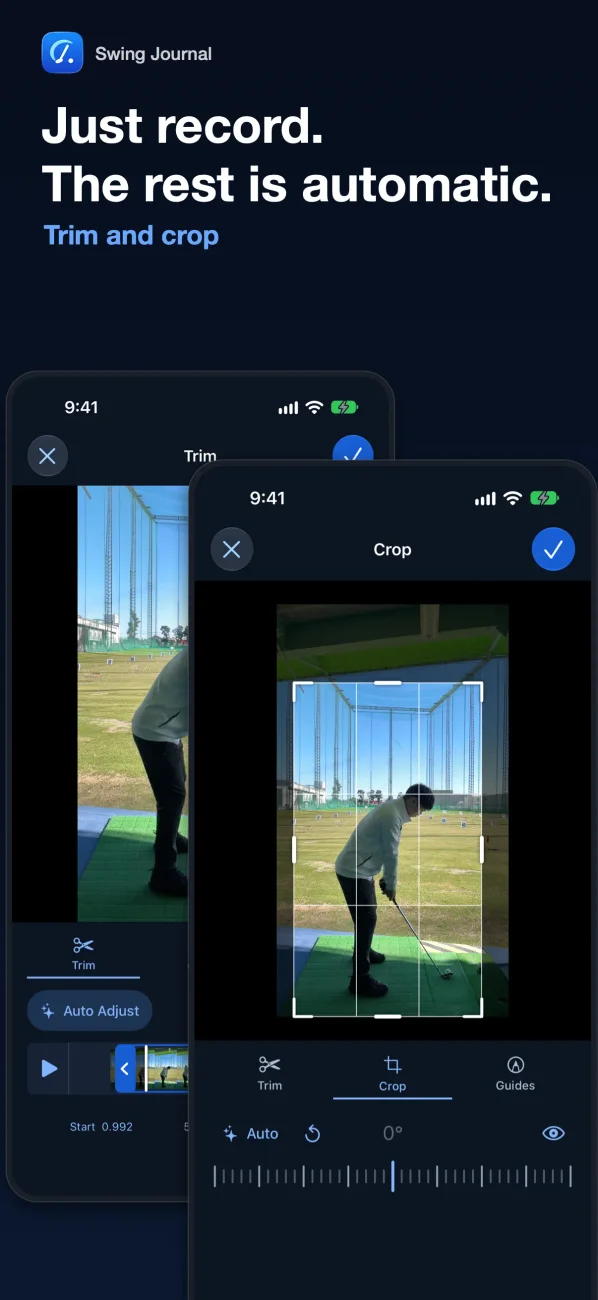
Swing Journal finds the swing, cuts the footage before and after it, and adjusts the framing so you're easy to see. You can also turn on auto-trim after recording. If you filmed several swings in one clip, pick from the detected swings and save them one by one. Adjust the detected range while you watch, or go back to the full original whenever you like. Auto-trim works with originals up to three minutes long.
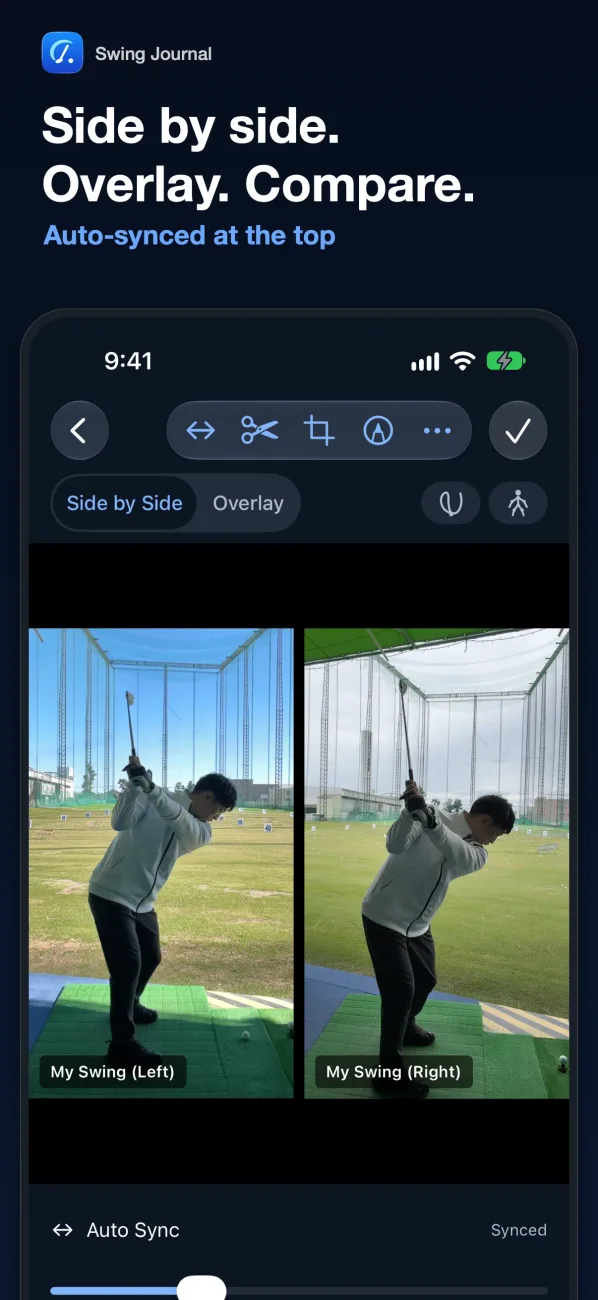
COMPARE TWO SWINGS, SYNCED AT THE TOP
Compare two of your own videos, or one of yours with a reference video you add. Switch between side-by-side and overlay views. The app finds the top of the swing and lines up playback for you, and you can adjust the timing by hand.
HAND PATH
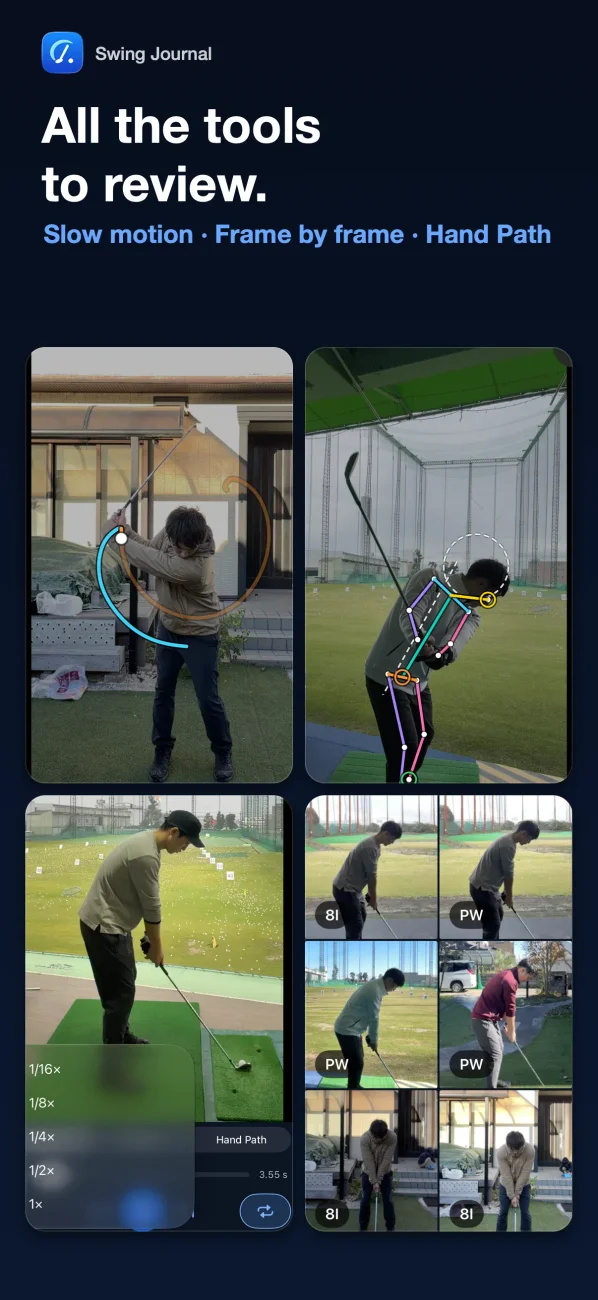
See the path of your hands through the swing as a line over the video. In Compare, you can view both paths together.
SLOW MOTION AND FRAME BY FRAME
Change the playback speed and step forward or back one frame at a time to study any moment.
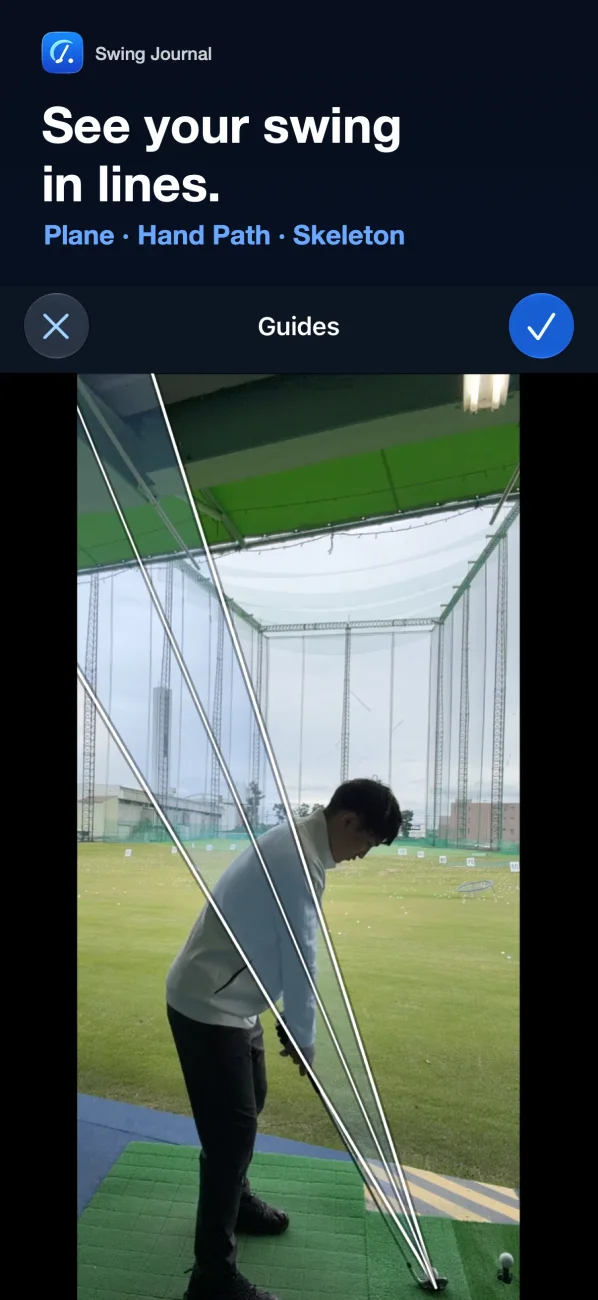
SKELETON AND GUIDE LINES
Show a 2D skeleton and draw guide lines over your video to check posture and movement.
RECORD, PICK, REVIEW
Record from Swings or Reference, or add videos from Photos. Pick from a list grouped by date, add a club and notes to each video, and keep a note for each practice day.
Videos and edits are stored on your device.
Automatic detection, skeleton and hand path results depend on recording conditions. The hand path is an estimate of hand position, smoothed into a line as a guide. It is not a measurement of club path or speed. If detection is unavailable, you can adjust the range and playback timing yourself.
Có gì mới
Phiên bản 1.7.0 · 24/11/2026
- Share with AI: From the “…” menu in a saved swing, share a short video, an image with numbered and timestamped frames, and an analysis prompt. You choose where to share and can edit the prompt in Settings.
- Shot Detection (Beta): Enable it in Settings to check for a hit after recording. Swing Journal uses ball movement and, with microphone permission, impact sounds. The app does not save microphone audio.
- Auto Crop Framing: Use the preview and slider to adjust the crop, from a tighter frame to extra room for the club.
- Ball Flight: Improved tracking in down-the-line videos filmed up close. If the ball isn’t detected, tap the Ball Flight icon to analyze the video again.
- Drawing guides now snap to horizontal and vertical lines and perfect circles. Settings are organized by task and include a link to the user guide.
Quyền riêng tư của ứng dụng
Những gì Ryo Kawamata khai báo trên App Store về cách ứng dụng này xử lý dữ liệu.
-
Dữ liệu không được thu thập
Nhà phát triển không thu thập bất kỳ dữ liệu nào từ ứng dụng này.
Phương thức đảm bảo quyền riêng tư có thể khác nhau, chẳng hạn như tuỳ theo các tính năng bạn sử dụng hoặc độ tuổi của bạn.
Thông tin
- Người bán
- Ryo Kawamata
- Danh mục
- Thể Thao
- Phiên bản
- 1.7.0
- Cập nhật
- 24/11/2026
- Phát hành
- 05/11/2026
- Kích thước
- 16,2 MB
- Yêu cầu
- iOS 26.0 trở lên
- Độ tuổi
- 4+
- Ngôn ngữ
- Tiếng Nhật, Tiếng Hà Lan, Tiếng Thụy Điển, Tiếng Tây Ban Nha, Tiếng Đức, Tiếng Pháp, Tiếng Trung Giản thể, Tiếng Anh, Tiếng Hàn
- Bản quyền
- © 2026 Ryo Kawamata