Time Clock Helper
An easy punch card calculator.
Projetado para iPhone, iPad
R$ 6,90
- Classificação etária4+
- CategoriaProdutividade
- DesenvolvedorDucky Planet LLC
- IdiomasInglês
- Tamanho1,5 MB
Leva à página oficial na App Store
O Download.org não hospeda nenhum arquivo de Time Clock Helper. O botão abre a página do app na App Store, onde Ducky Planet LLC o publica. Página verificada pela última vez em 15/11/2026.
Capturas de tela

Sobre
O desenvolvedor não forneceu este texto no seu idioma.
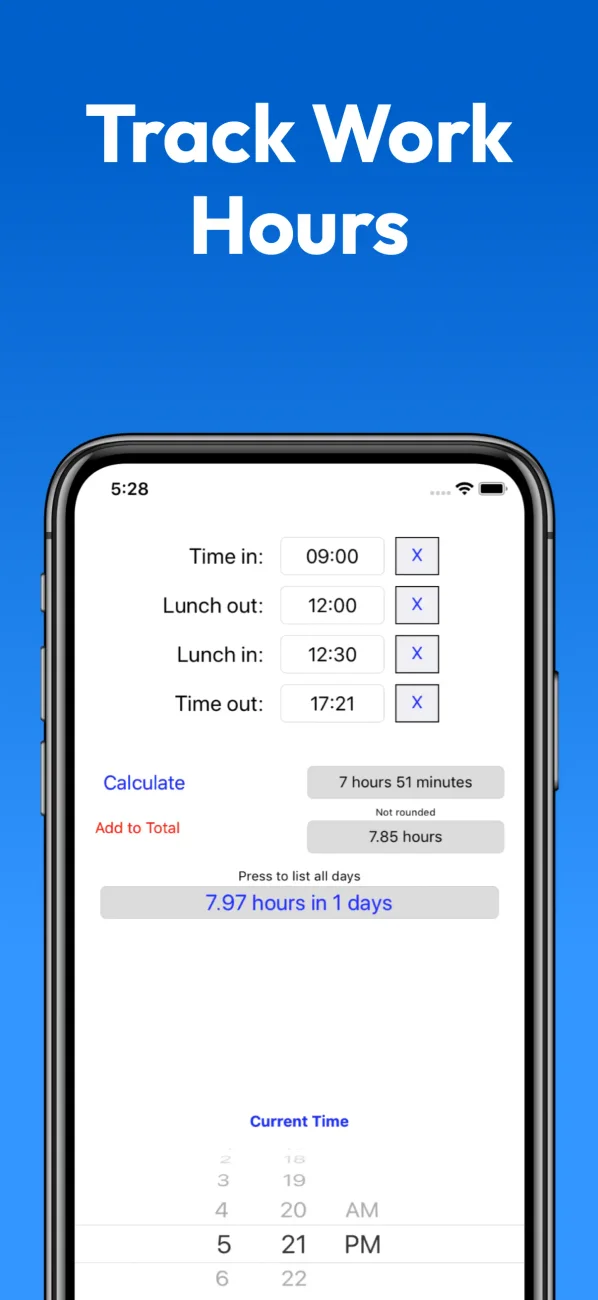
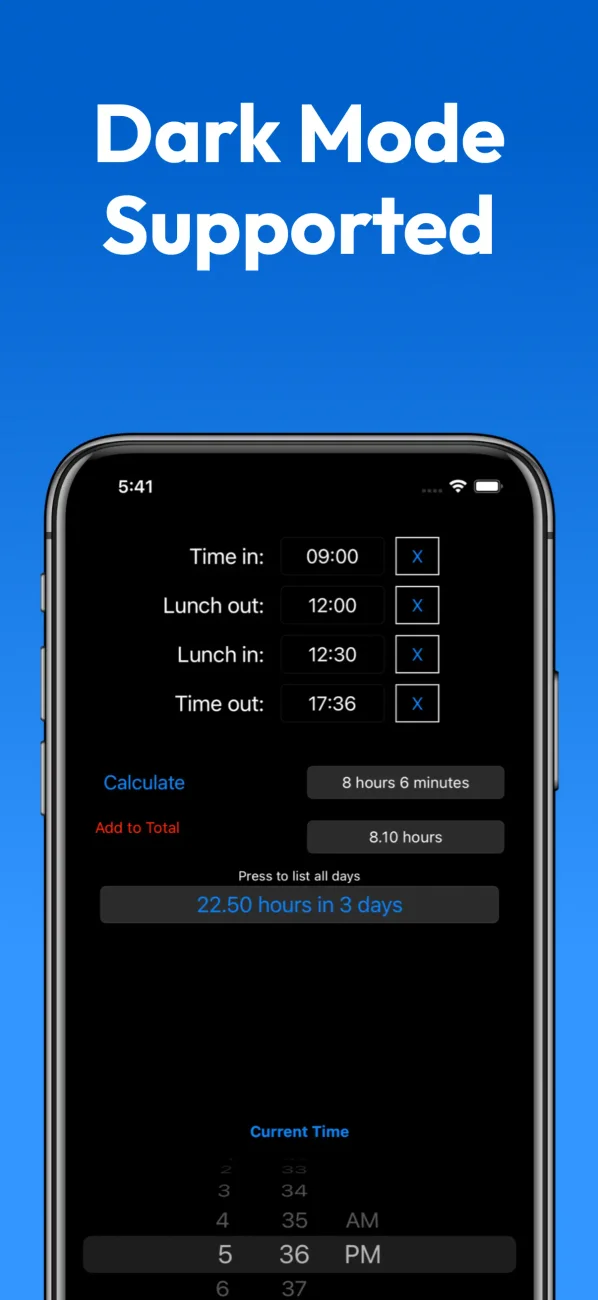
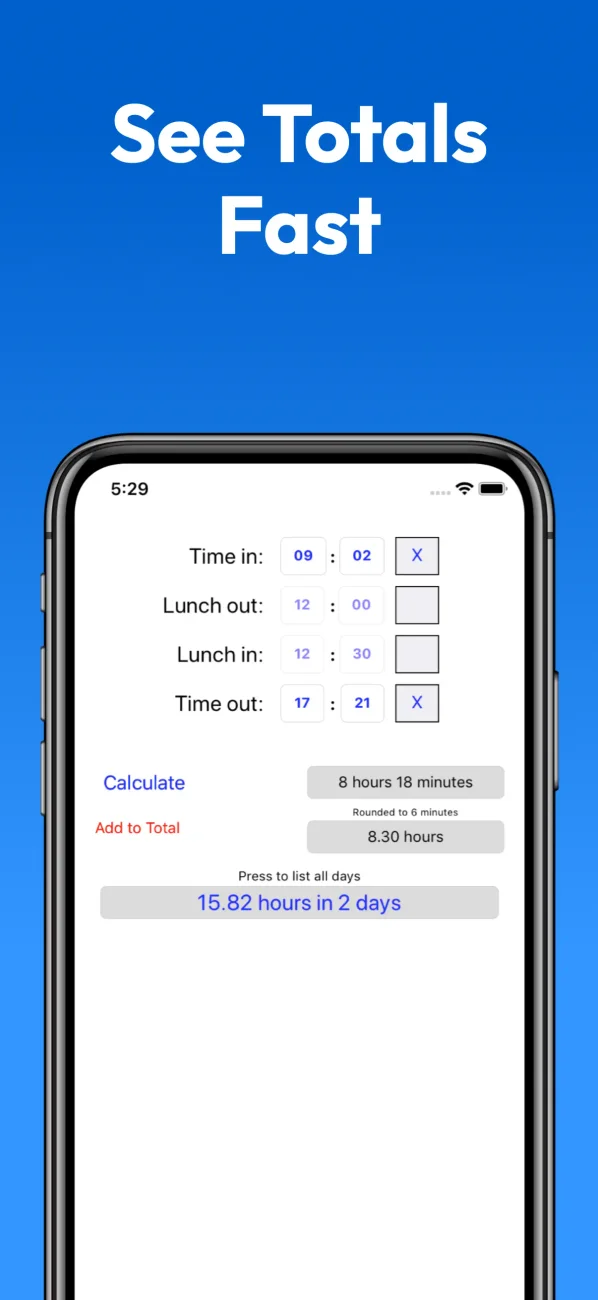
Use this app to quickly calculate how many hours you worked in a day using a standard time card.
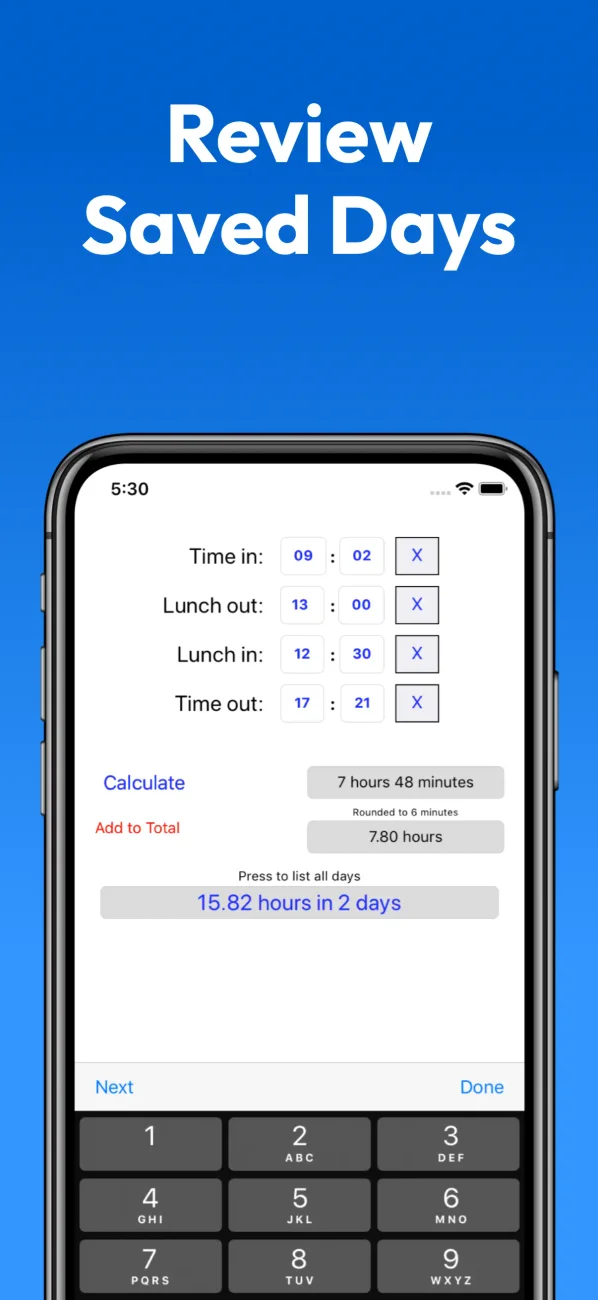
There are two ways to input values. The first view allows you to pick a time using a scroll wheel and then press the location you want that time to go into. If you swipe left or right you can change to a manual entry mode. In this mode, you simply press the number you want to change and then use the keyboard to enter a new time. You can press next to go to the next field, or done to finish.
If you don't need certain punches, such as a lunch, use the checkboxes next to the times you don't want.
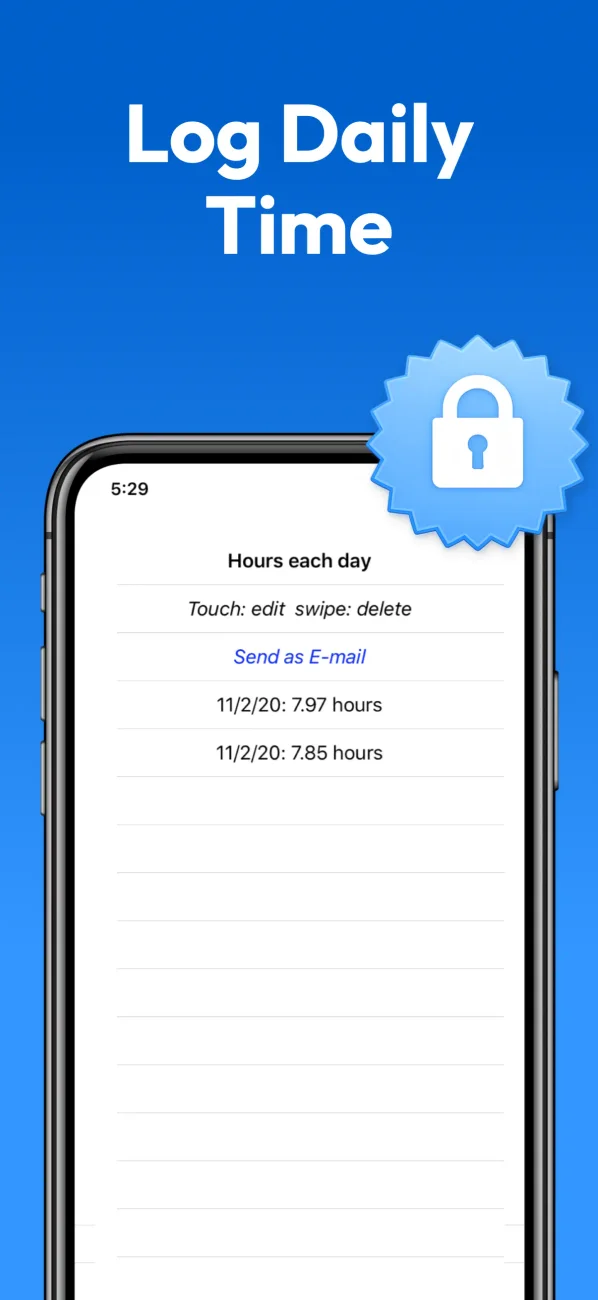
It now allows you to record the total hours for more than one day. You can also view all the recorded days - up to 400 at the current time.
Recording a time couldn't get easier. Simply press the add to total button and it's done. To view the days press on the label showing the current total hours and a new view will open. The add to total button will turn red whenever a change has been made to one of your punches.
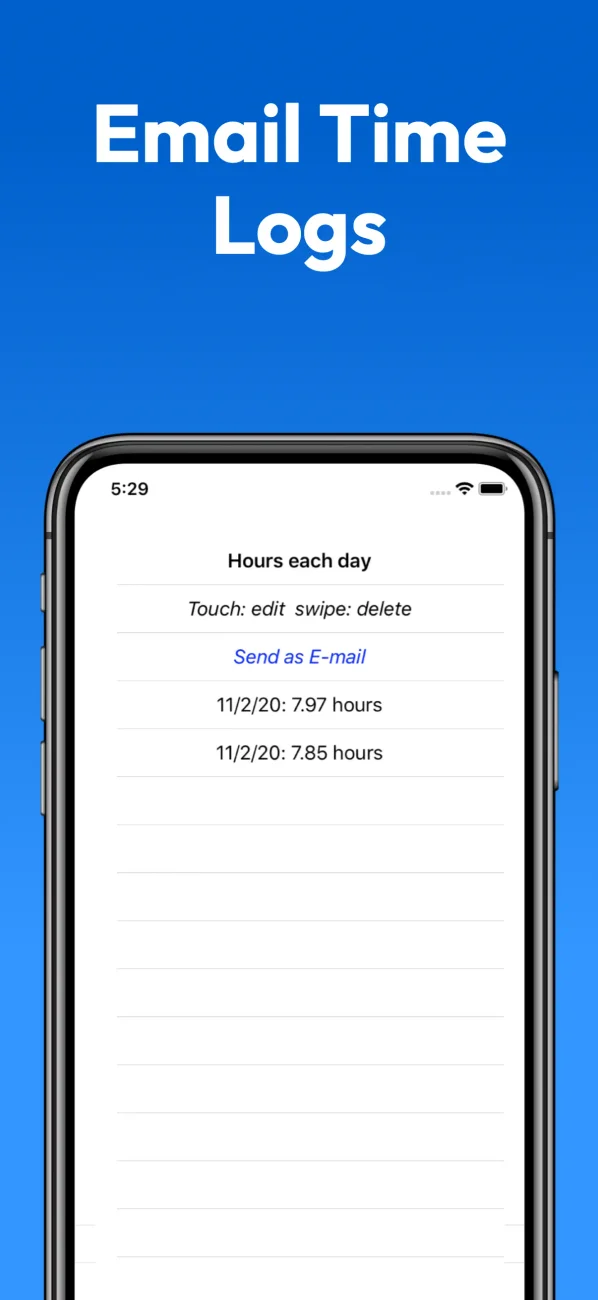
In the days box you can scroll up and down to view all the days recorded. You can also delete days by pressing on them and answering the prompt. If you want to clear them all press the clear all button on the bottom. If you would like to e-mail the times to someone press the e-mail button. Press done when you are finished to return to the entry screen.
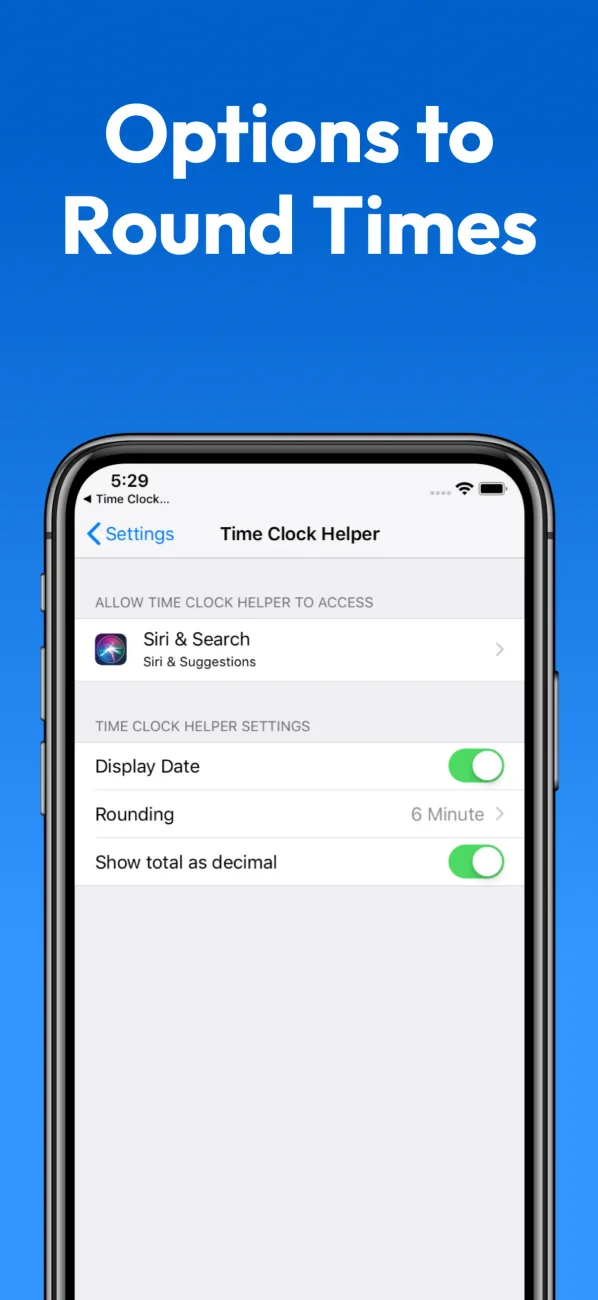
This app also allows the option to select different rounding options. Many work places round to the nearest 6 minutes, or 15 minute increment and this app now allows that in it's calculations. To change options, simply press the setting button and change the settings, or go into the device settings and change it for the app.
You may also show the date the time was added to the total by going into setting and changing the show date option. You can also change it back to show just the day numbers.
You can also show the total time recorded in a decimal format or in an hours and minutes format by going into setting and setting the show as decimal option.
The app is pretty straight forward and simple. If you have any problems, or additions you would like to see send me an e-mail and I will attempt to fix them in the next version.
Please take the time to review the app if you find it useful.
Novidades
Versão 6.0 · 05/11/2026
Updated to ensure compatibility with newest iOS version.
Privacidade do app
O que Ducky Planet LLC declara na App Store sobre como este app lida com os dados.
-
Dados não coletados
O desenvolvedor não coleta nenhum dado deste app.
As práticas de privacidade podem variar, por exemplo, com base nos recursos que você usa ou na sua idade.
Informações
- Vendedor
- Ducky Planet LLC
- Categoria
- Produtividade
- Versão
- 6.0
- Atualizado
- 05/11/2026
- Lançamento
- 13/04/2012
- Tamanho
- 1,5 MB
- Requer
- iOS 17.0 ou posterior
- Classificação etária
- 4+
- Preço
- R$ 6,90
- Idiomas
- Inglês
- Copyright
- © 2026 Ducky Planet LLC
Você também pode gostar
-
 Haulin Ass ELDProdutividade
-
 Tank Volume CalculatorsProdutividade
-
 PBX.io Mobile VoiceProdutividade
-
 Task Organizer todo list dailyProdutividade
-
 quicklookYour multitasking companion
-
 Project Manager Track ActivityProdutividade
-
 WorkLog: Registro de PontoFolha de ponto e pagamento
-
 TimeTracking - Track Work TimeProdutividade
-
 Event Flow ManagerProdutividade
-
 Flex-TimeProdutividade