Time Clock Helper
An easy punch card calculator.
Được thiết kế cho iPhone, iPad
29.000đ
- Độ tuổi4+
- Danh mụcHiệu Suất
- Nhà phát triểnDucky Planet LLC
- Ngôn ngữTiếng Anh
- Kích thước1,5 MB
Liên kết đến trang App Store chính thức
Download.org không lưu trữ tệp nào của Time Clock Helper. Nút này mở trang ứng dụng trên App Store, nơi Ducky Planet LLC phát hành ứng dụng. Trang được kiểm tra lần cuối: 15/11/2026.
Ảnh chụp màn hình

Giới thiệu
Nhà phát triển chưa cung cấp nội dung này bằng ngôn ngữ của bạn.
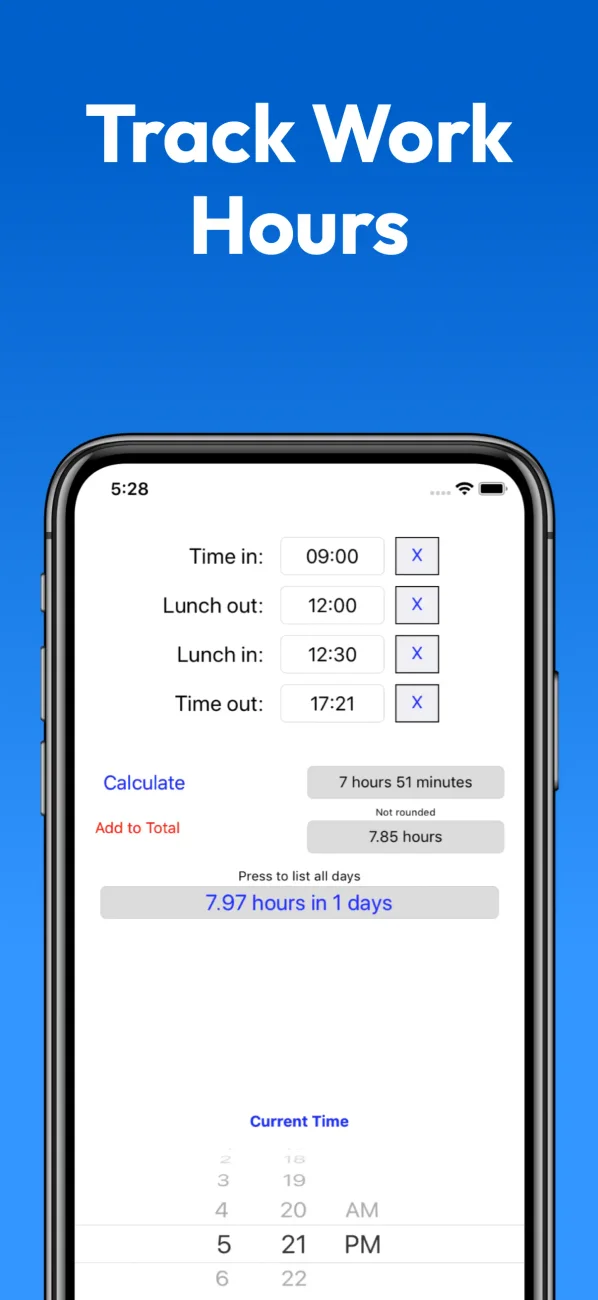
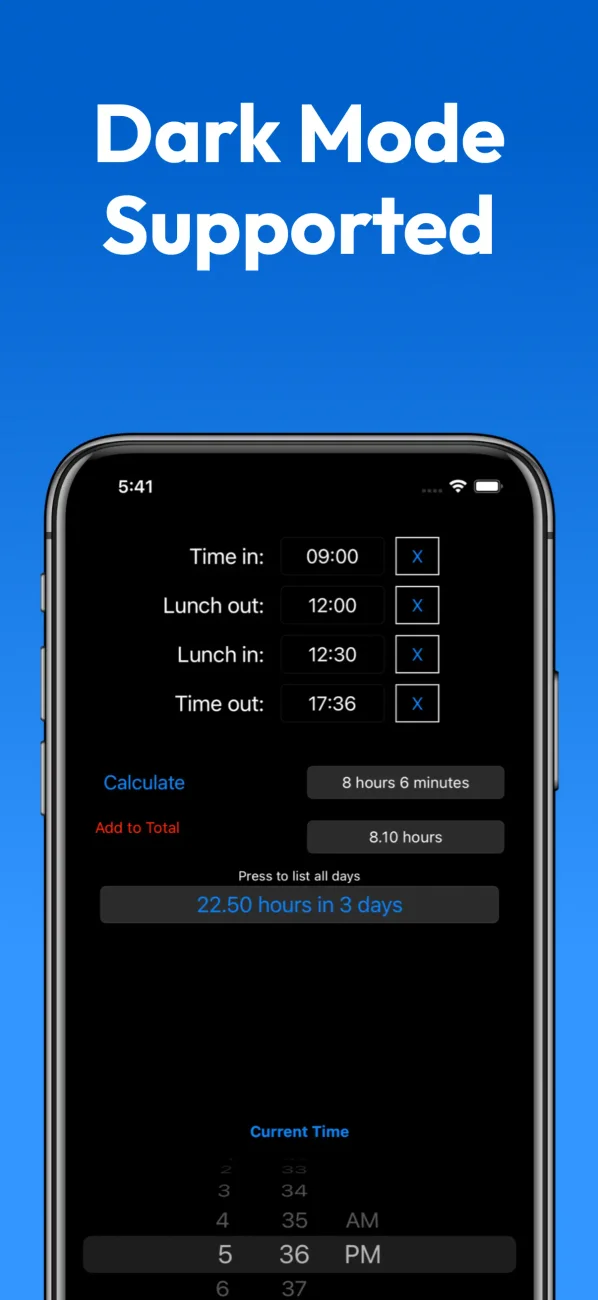
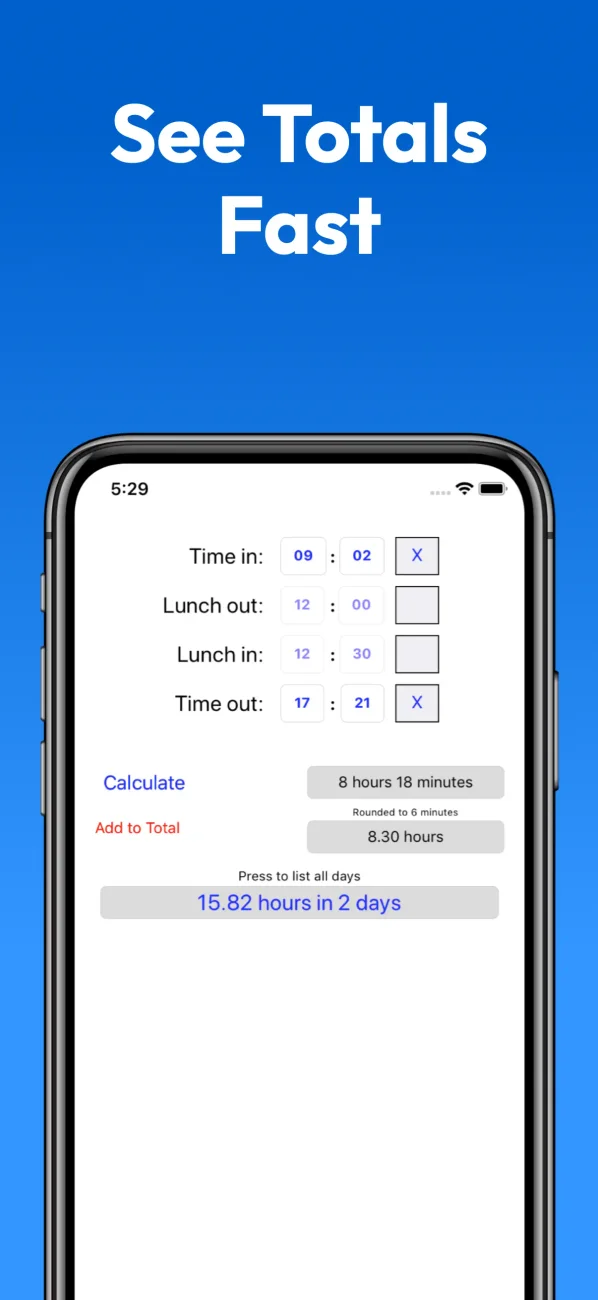
Use this app to quickly calculate how many hours you worked in a day using a standard time card.
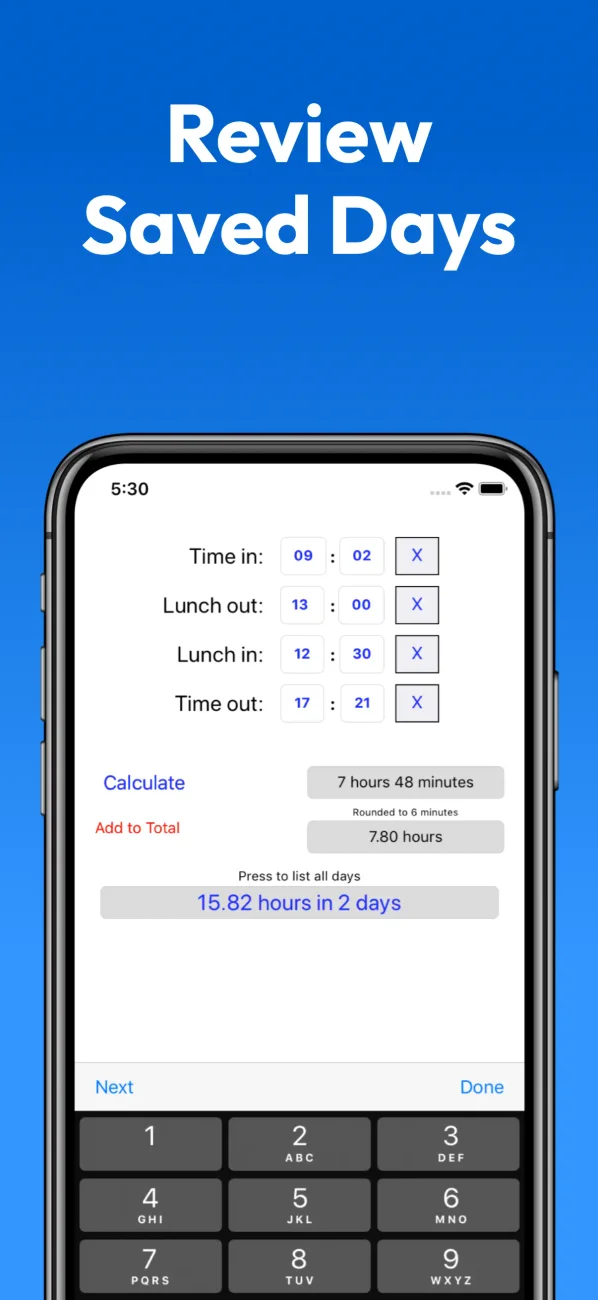
There are two ways to input values. The first view allows you to pick a time using a scroll wheel and then press the location you want that time to go into. If you swipe left or right you can change to a manual entry mode. In this mode, you simply press the number you want to change and then use the keyboard to enter a new time. You can press next to go to the next field, or done to finish.
If you don't need certain punches, such as a lunch, use the checkboxes next to the times you don't want.
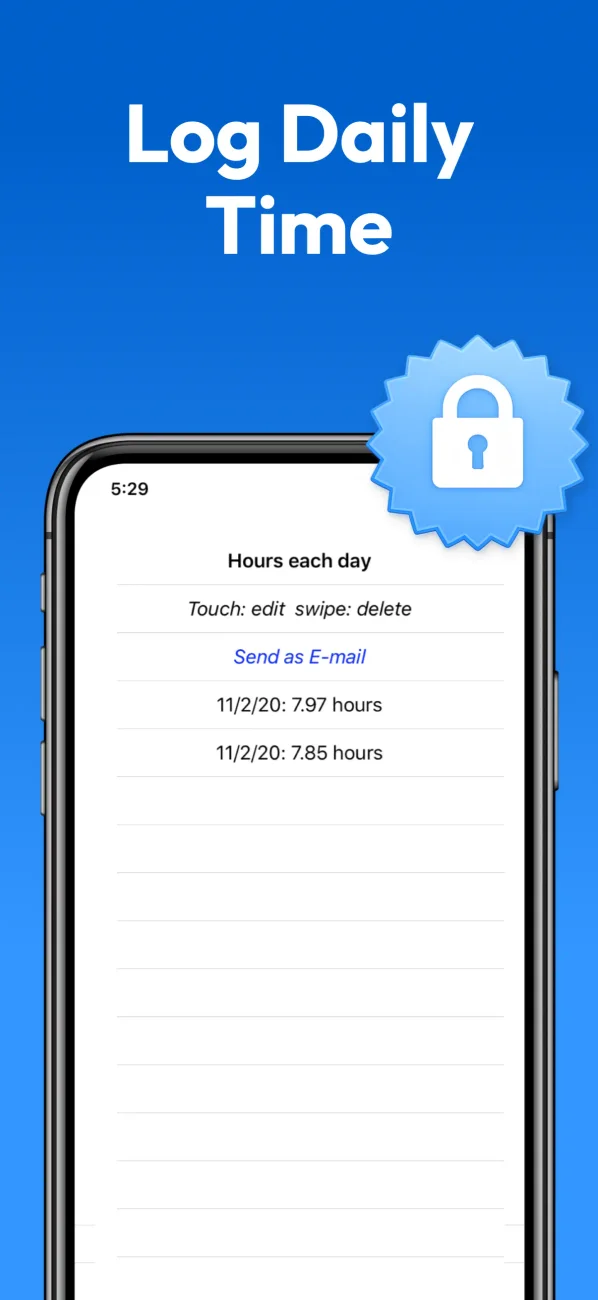
It now allows you to record the total hours for more than one day. You can also view all the recorded days - up to 400 at the current time.
Recording a time couldn't get easier. Simply press the add to total button and it's done. To view the days press on the label showing the current total hours and a new view will open. The add to total button will turn red whenever a change has been made to one of your punches.
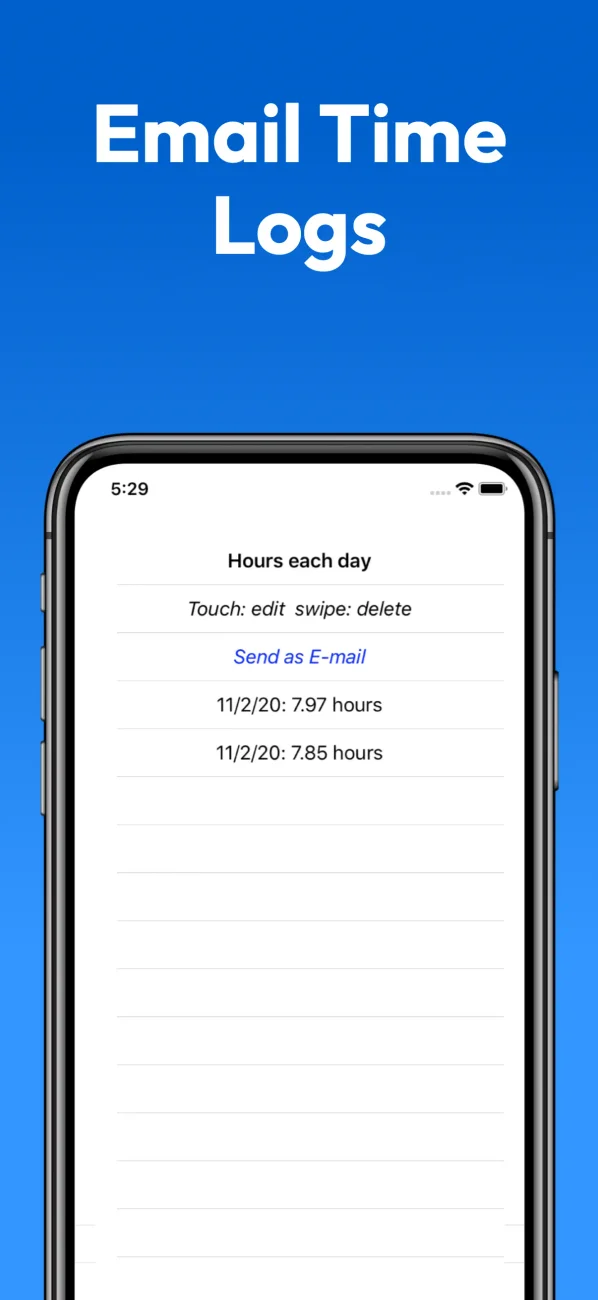
In the days box you can scroll up and down to view all the days recorded. You can also delete days by pressing on them and answering the prompt. If you want to clear them all press the clear all button on the bottom. If you would like to e-mail the times to someone press the e-mail button. Press done when you are finished to return to the entry screen.
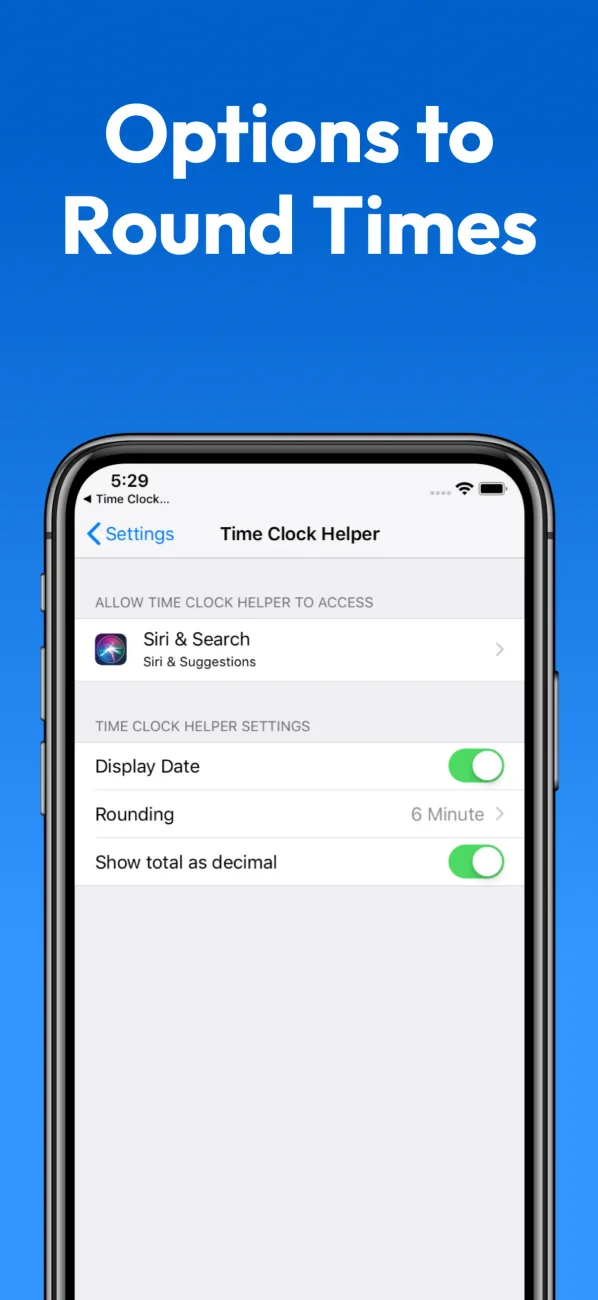
This app also allows the option to select different rounding options. Many work places round to the nearest 6 minutes, or 15 minute increment and this app now allows that in it's calculations. To change options, simply press the setting button and change the settings, or go into the device settings and change it for the app.
You may also show the date the time was added to the total by going into setting and changing the show date option. You can also change it back to show just the day numbers.
You can also show the total time recorded in a decimal format or in an hours and minutes format by going into setting and setting the show as decimal option.
The app is pretty straight forward and simple. If you have any problems, or additions you would like to see send me an e-mail and I will attempt to fix them in the next version.
Please take the time to review the app if you find it useful.
Có gì mới
Phiên bản 6.0 · 05/11/2026
Updated to ensure compatibility with newest iOS version.
Quyền riêng tư của ứng dụng
Những gì Ducky Planet LLC khai báo trên App Store về cách ứng dụng này xử lý dữ liệu.
-
Dữ liệu không được thu thập
Nhà phát triển không thu thập bất kỳ dữ liệu nào từ ứng dụng này.
Phương thức đảm bảo quyền riêng tư có thể khác nhau, chẳng hạn như tuỳ theo các tính năng bạn sử dụng hoặc độ tuổi của bạn.
Thông tin
- Người bán
- Ducky Planet LLC
- Danh mục
- Hiệu Suất
- Phiên bản
- 6.0
- Cập nhật
- 05/11/2026
- Phát hành
- 13/04/2012
- Kích thước
- 1,5 MB
- Yêu cầu
- iOS 17.0 trở lên
- Độ tuổi
- 4+
- Giá
- 29.000đ
- Ngôn ngữ
- Tiếng Anh
- Bản quyền
- © 2026 Ducky Planet LLC
Có thể bạn cũng thích
-
 Haulin Ass ELDHiệu Suất
-
 Tank Volume CalculatorsHiệu Suất
-
 PBX.io Mobile VoiceHiệu Suất
-
 Task Organizer todo list dailyHiệu Suất
-
 quicklook multitaskingHiệu Suất
-
 Project Manager Track ActivityHiệu Suất
-
 WorkLog: Chấm công tính lươngGhi ca làm, tự tính thu nhập
-
 TimeTracking - Track Work TimeHiệu Suất
-
 Event Flow ManagerHiệu Suất
-
 Flex-TimeHiệu Suất