
TuckBack: Reminders & Notes
Voice capture & to-do list
Projetado para iPhone, iPad
Grátis · Compras no app
- Classificação etária17+
- CategoriaProdutividade
- DesenvolvedorPranshu Rastogi
- IdiomasInglês
- Tamanho145,5 MB
Leva à página oficial na App Store
O Download.org não hospeda nenhum arquivo de TuckBack: Reminders & Notes. O botão abre a página do app na App Store, onde Pranshu Rastogi o publica. Página verificada pela última vez em 28/11/2026.
Capturas de tela

Sobre
O desenvolvedor não forneceu este texto no seu idioma.
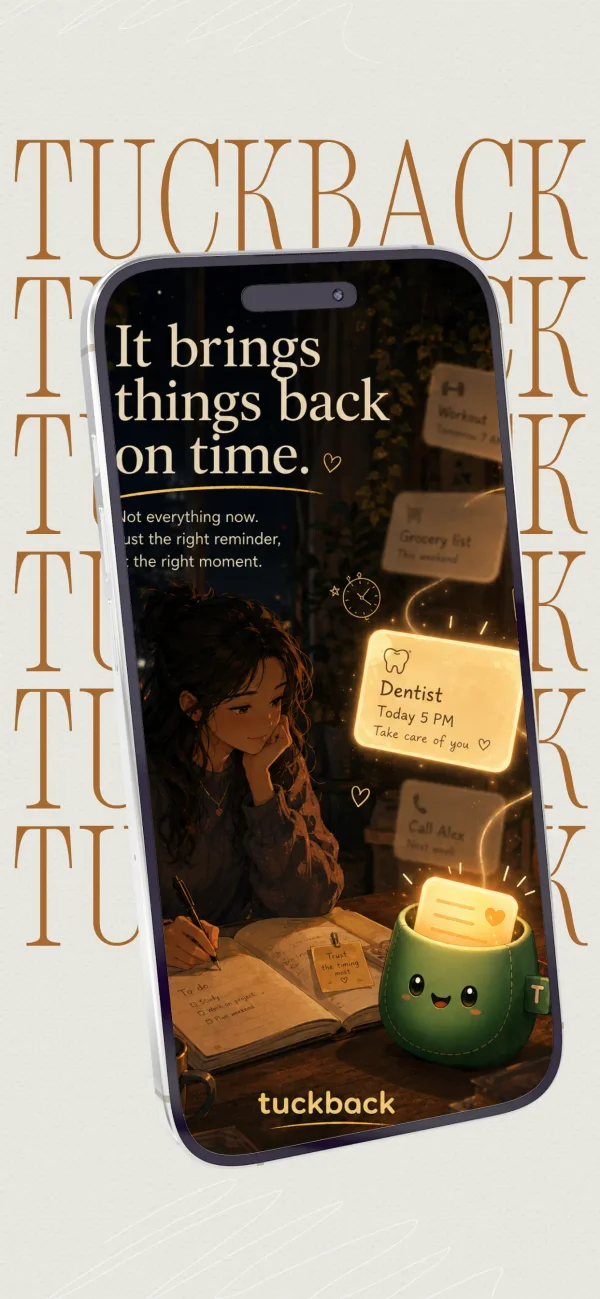
Put it down. Get it back when it matters.
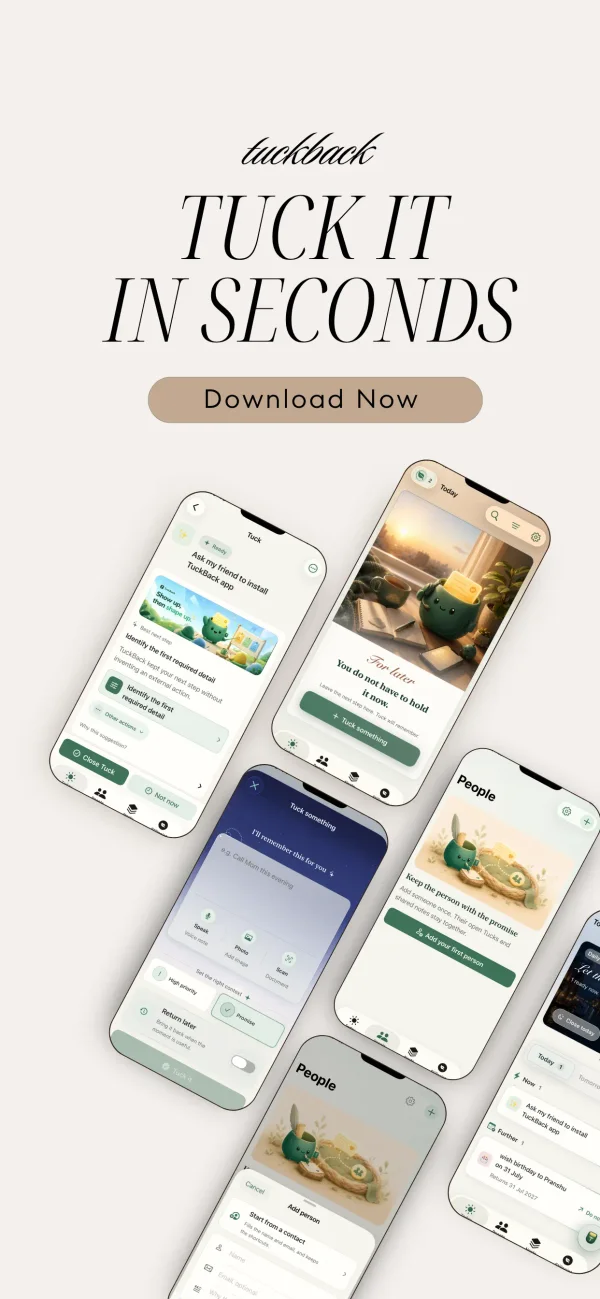
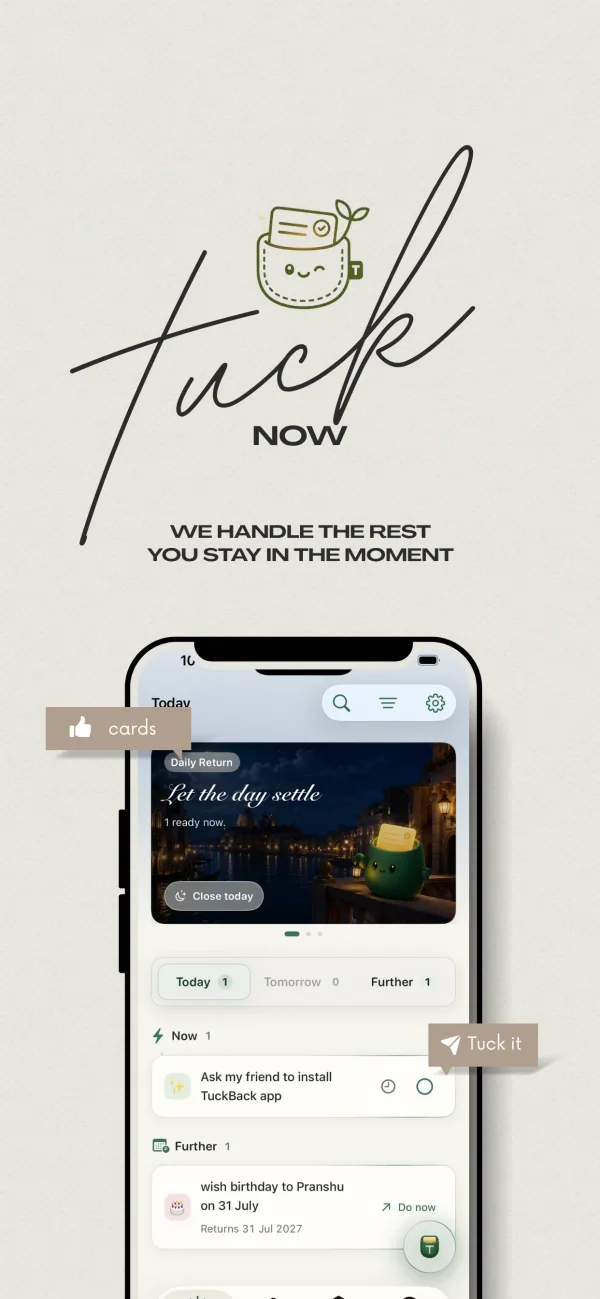
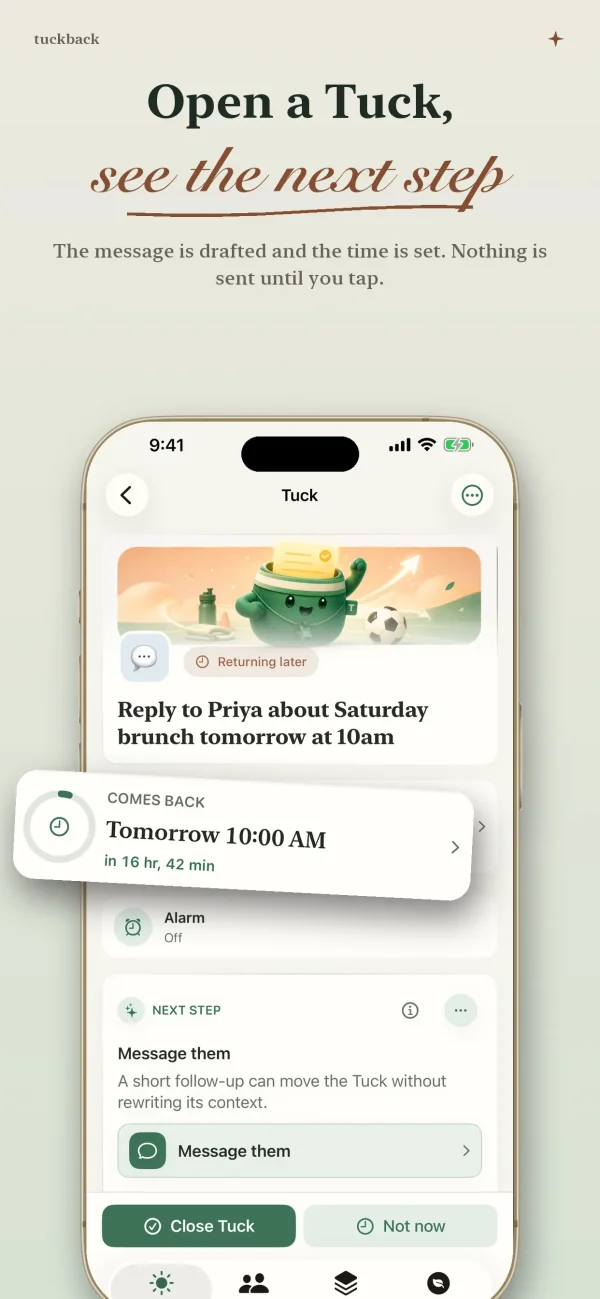
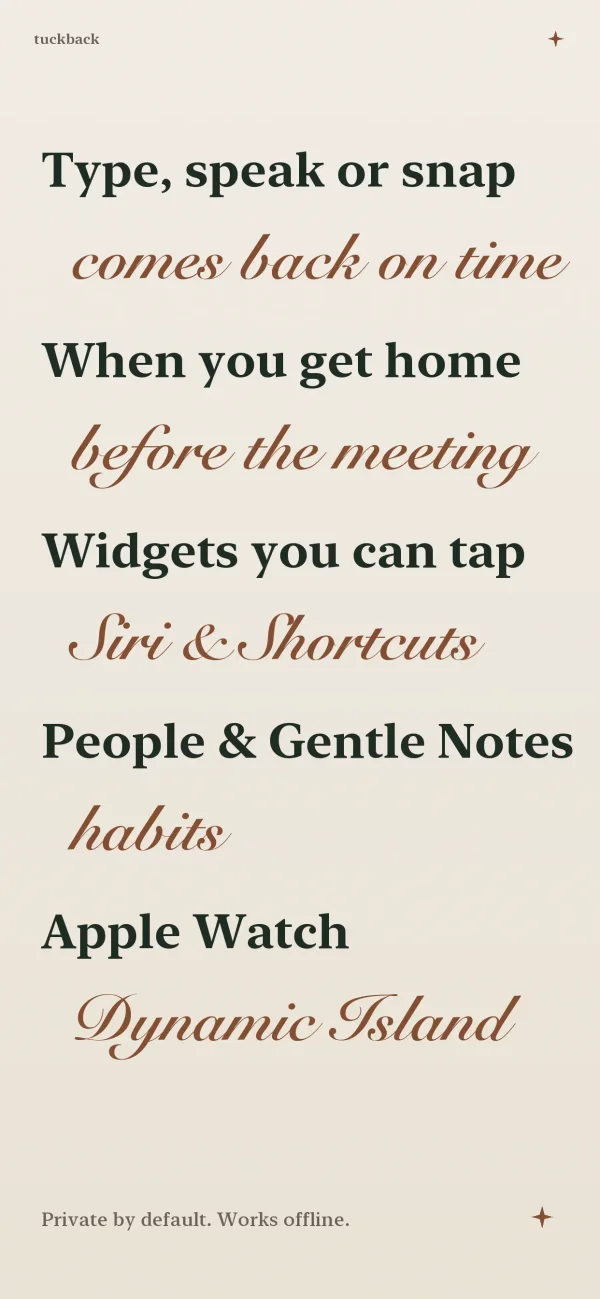
TuckBack is a pocket for the things you can't do right now. Tuck in a thought, a voice note, a photo or a WhatsApp message, and it comes back at the moment you can act on it: tomorrow at 7, when you get home, ten minutes before your call with Sam. The reason is still attached, and one small next step is ready.
TUCK IT FROM ANYWHERE
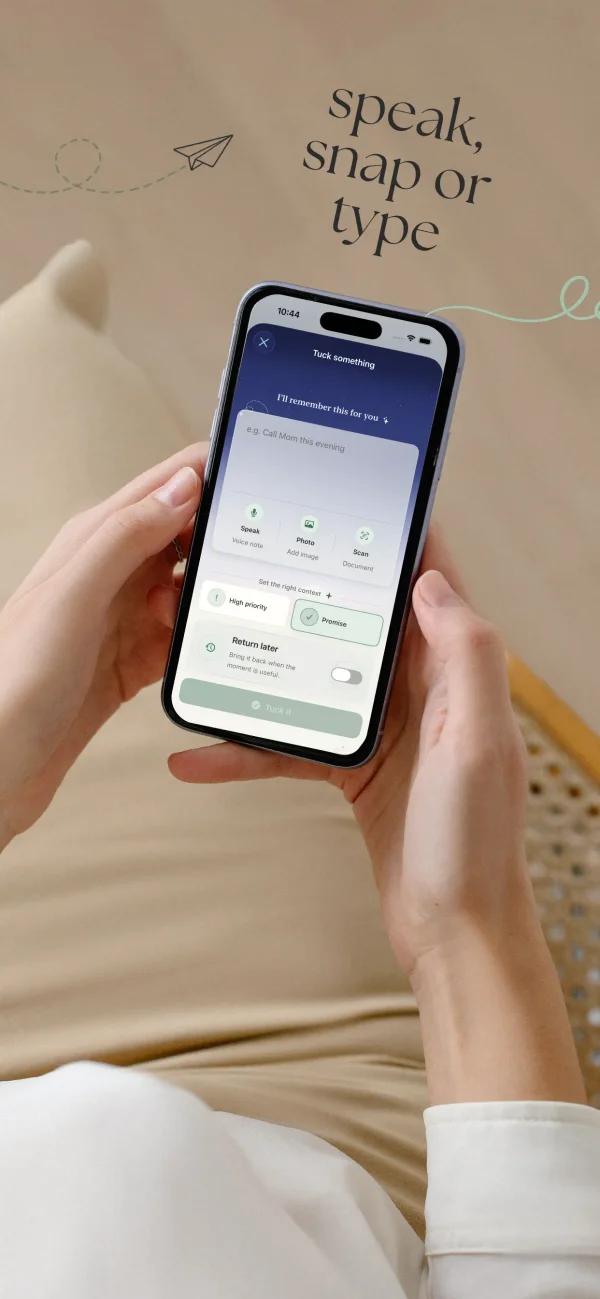
• Type it, say it, snap it or scan it. Messy is fine.
• "Call Ravi tomorrow evening" sets the time for you, in English, Hinglish, Hindi, Spanish and German.
• Forward a message to TuckBack on WhatsApp and it becomes a Tuck. Three a month are free; Premium adds more, plus voice notes and photos.
• New: share links, screenshots, photos or a PDF from any app. The words are read on your iPhone to suggest the next step.
• Say "Tuck something in TuckBack" to Siri, or tuck it from your Apple Watch.
• One thought hiding three jobs? TuckBack offers to split it.
GET IT BACK AT THE RIGHT MOMENT
• At a time, at a place ("when I get home"), or around a meeting, even if the meeting moves.
• New: several times a day. Water, medicine or stretching come back at set times, or every few hours while you're awake, as one Tuck.
• New: repeat it your way. Weekdays, every two weeks, the 15th of each month, until a date or for ten times. Skip one or pause without starting over.
• A Daily Return email of what's coming back, and a calm Weekly Review of what you closed, if you'd like them.
• Ask Siri "What's back today?" and hear your day hands-free.
• The Dynamic Island holds what you're doing now, with Done and Later one tap away.
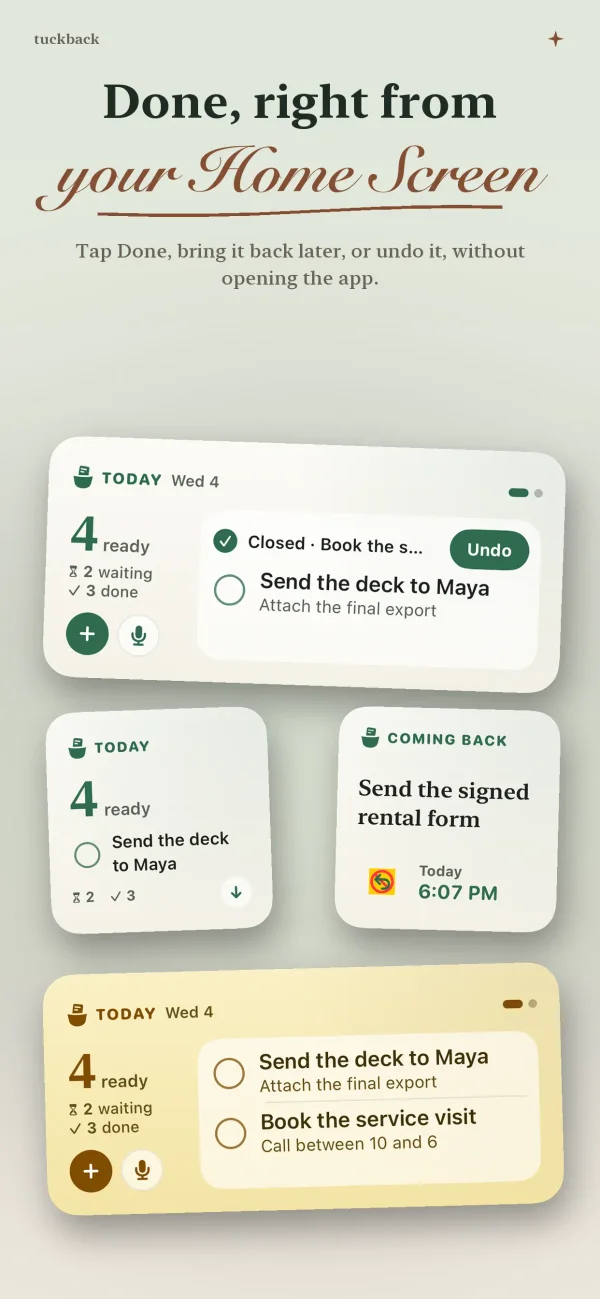
• Widgets you can tap: close a Tuck or bring it back later from your Home Screen.
CLOSE IT
• Done, waiting on someone, later, or let it go on purpose. Every ending counts.
• Nothing turns red and nothing shouts. Running late gets one calm choice: a new time, or let it go.
LISTS, HABITS AND PEOPLE
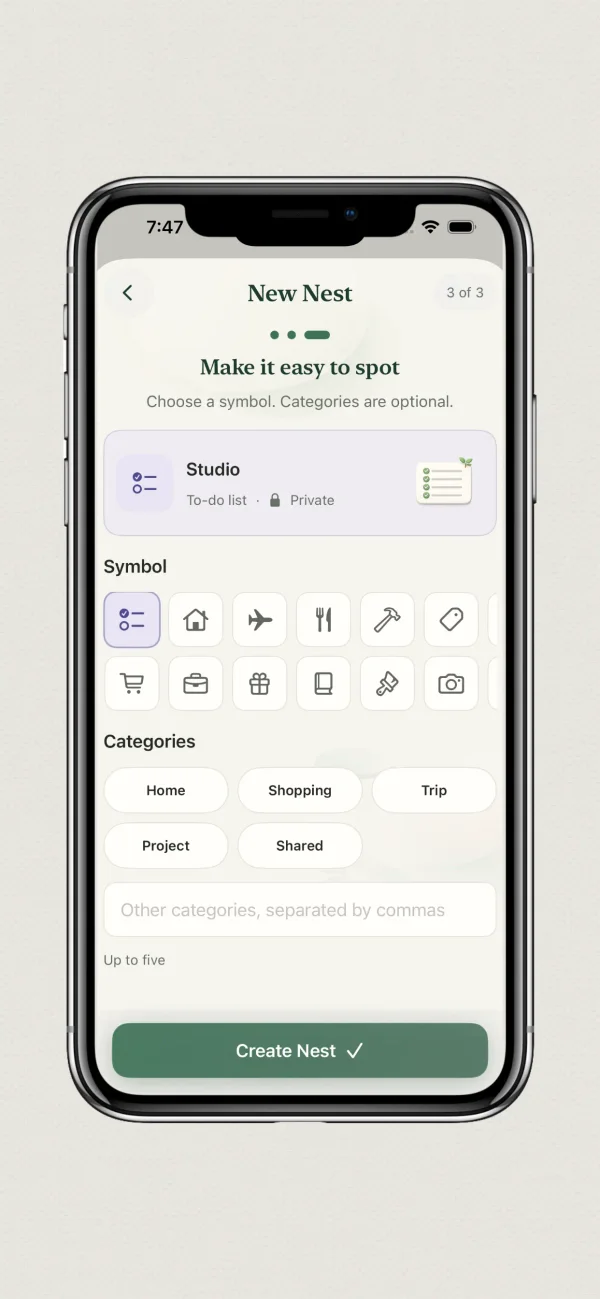
• Nests: to-do lists, private habits and shared lists, started in one tap. Shared lists tell everyone what changed.
• Keep promises next to the people they're for, and send a short Gentle Note.
• Invite friends: share your code, friends get a week of Premium, and you can earn up to a year.
SMALL MOMENTS OF CALM
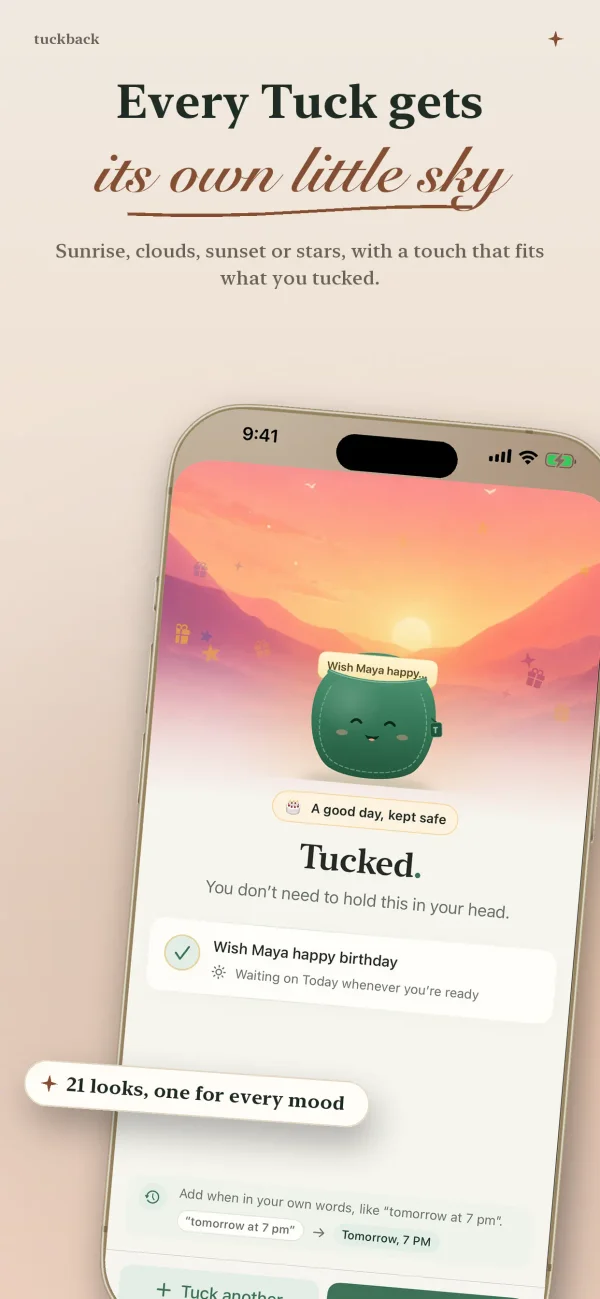
• Every Tuck lands under its own sky, following the real light where you live.
• Stillpoint gives you a quiet minute, a look back at what moved, and one Tuck to carry forward.
PRIVATE BY DEFAULT
• Works without an account or a connection. WhatsApp and email need a free account.
• No ads. No tracking.
• It never sends, pays, books or decides anything for you. It drafts; you tap.
• It never reads your notifications, your clipboard or your other apps.
• Shared files and daily routines stay on your iPhone.
• Apple Intelligence suggestions run on your iPhone. Your own OpenAI, Gemini or Claude key is optional, and nothing is sent until you agree.
TuckBack is here to help you finish what matters, not to keep you busy.
TuckBack Premium is optional. Capture, Returns, closing a Tuck, local search and the archive stay free. Subscriptions renew automatically unless canceled at least 24 hours before the end of the current period, and can be managed in your Apple Account settings.
Terms of Use: https://www.tuckback.com/terms
Privacy Policy: https://www.tuckback.com/privacy
Novidades
Versão 1.5.0 · 28/11/2026
Several times a day.
• Routines: water, medicine, stretching. Pick set times or every few hours while you're awake, then answer each one with Done, Skip or In 10 min from the notification. Done also works from a widget, your Apple Watch or Siri.
• Share straight into TuckBack: links, up to five photos or screenshots, or a PDF or Office file, from any app's share sheet. Photos lose their location data, and the words are read on your iPhone.
• Repeat it your way: weekdays, every few weeks or months, a day of the month, an end date or a count. Skip the next one, pause and resume, right from the Tuck.
• Shared Nests now tell everyone when someone joins, adds or checks something off.
• Plenty of small fixes.
Privacidade do app
O que Pranshu Rastogi declara na App Store sobre como este app lida com os dados.
-
Dados vinculados a você
Podem ser coletados e vinculados à sua identidade.
- Compras
- Informações de contato
- Contatos
- Conteúdo do usuário
- Identificadores
- Dados de uso
- Outros dados
As práticas de privacidade podem variar, por exemplo, com base nos recursos que você usa ou na sua idade.
Informações
- Vendedor
- Pranshu Rastogi
- Categoria
- Produtividade
- Versão
- 1.5.0
- Atualizado
- 28/11/2026
- Lançamento
- 24/10/2026
- Tamanho
- 145,5 MB
- Requer
- iOS 18.0 ou posterior
- Classificação etária
- 17+
- Preço
- Grátis
- Compras no app
- Sim
- Idiomas
- Inglês
- Copyright
- © 2026 Blockfide
Você também pode gostar
-
 Krato: Notes & TasksProdutividade
-
 Cana.BuildProdutividade
-
 Aether: To-Do List RPGProdutividade
-
 TapFold: Save & Read LaterProdutividade
-
 Muse Voice NotesProdutividade
-
 Daily Agenda: Deep WorkProdutividade
-
 LittlProdutividade
-
 Messo: To-Do, Notes, TasksProdutividade
-
 Task Organizer todo list dailyProdutividade
-
 TabMailProdutividade