SBB Preview
Schweizerische Bundesbahnen SBBReklam içerir
- PEGI 3Yaş sınırı
- Haritalar ve NavigasyonKategori
- 12.11.2026Güncellendi
- ÜcretsizFiyat
ch.sbb.mobile.android.preview için resmi Google Play sayfasına bağlanır. Son kontrol: 27.11.2026.

Ekran görüntüleri

Bu uygulama hakkında
Google tarafından otomatik çeviri. Orijinal dil: İngilizce (Amerika Birleşik Devletleri).
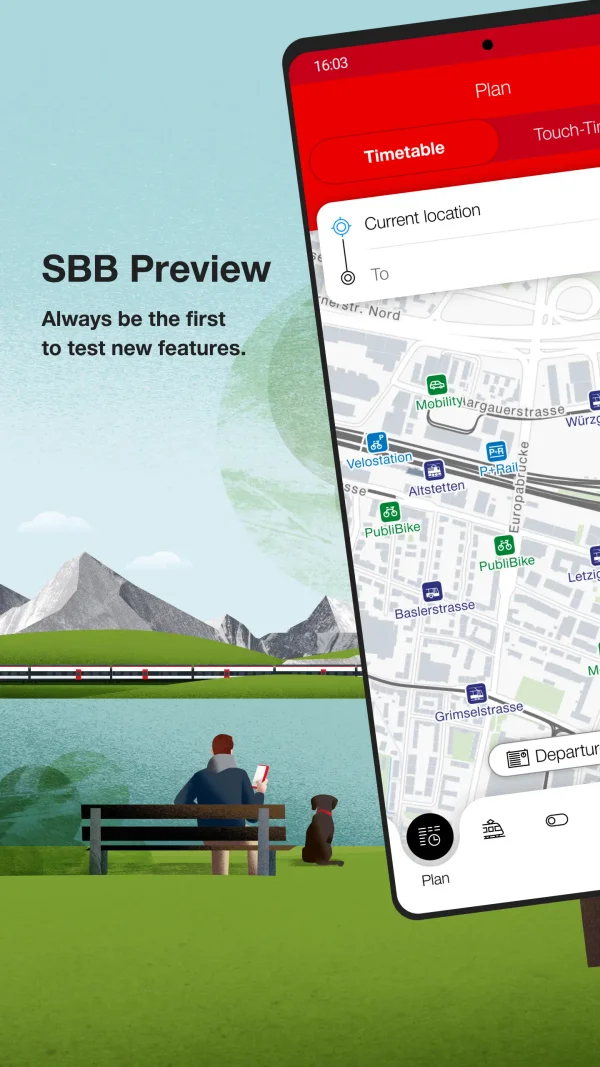
SBB Preview - her zaman en son özellikleri test eden ilk kişilerden biri olun.
Önemli: SBB Preview, SBB Mobile uygulamasının önizleme sürümüdür. Gelecekte SBB Mobile uygulamasına dahil etmek istediğimiz yeni ve yenilikçi işlevleri ve özellikleri test etmek için SBB Preview kullanıyoruz.
İsviçre'nin herhangi bir yerindeki yolculuklar için zaman çizelgesi sorgulama ve bilet satın alma işlemleri için temel işlevler, SBB Önizleme'de SBB Mobile'dakiyle aynıdır. Ayırt etmeyi kolaylaştırmak için Önizleme uygulamasını gri renkte tuttuk.
Uygulamanın kalbi, aşağıdaki menü noktalarına ve içeriklere sahip yeni gezinme çubuğudur:
Planlayın:
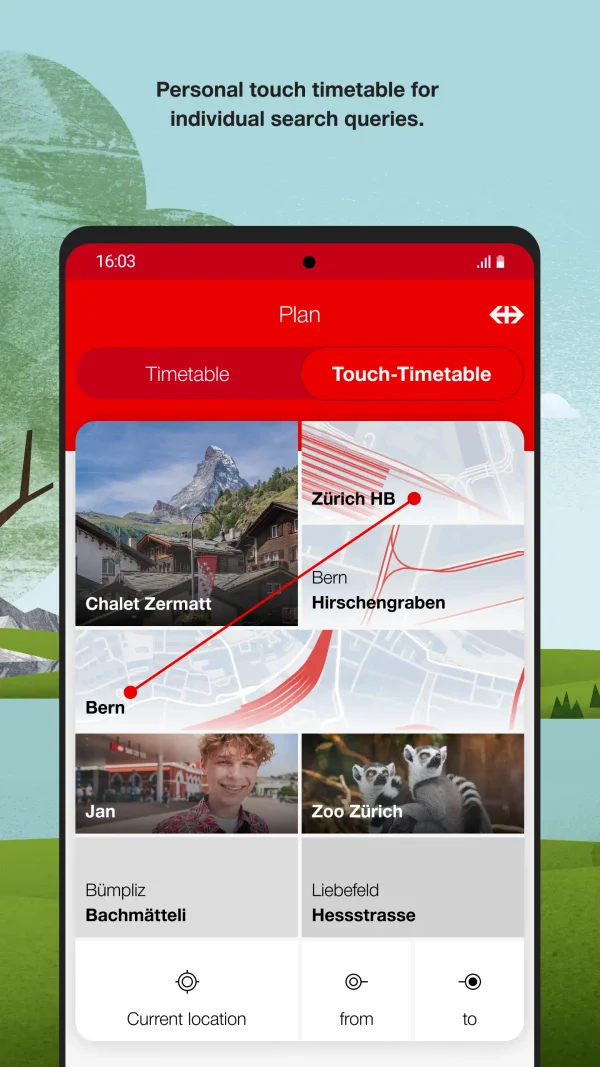
• Dokunmatik zaman çizelgesi aracılığıyla basit bir zaman çizelgesi talebiyle yolculuğunuzu planlayın veya harita üzerinde yerleştirerek mevcut konumunuzu başlangıç veya varış noktası olarak kullanın.
• Tüm İsviçre için biletinizi sadece iki tıklamayla satın alın. SwissPass'inizdeki seyahat kartlarınız uygulanır.
• Süper tasarruf biletleri veya Tasarruflu Günlük Biletler ile özellikle uygun fiyata seyahat edin.
Geziler:
• Bilet satın alırken yolculuğunuz 'Seyahatler' sekmesine kaydedilecektir.
• Bilet almasanız bile seyahatinizi zaman çizelgesine manuel olarak kaydedebilirsiniz.
• Uygulama, seyahatiniz boyunca size kapıdan kapıya eşlik eder ve anlık bildirim yoluyla gecikmeler, aksama ve değişim süreleri hakkında bilgi alırsınız.
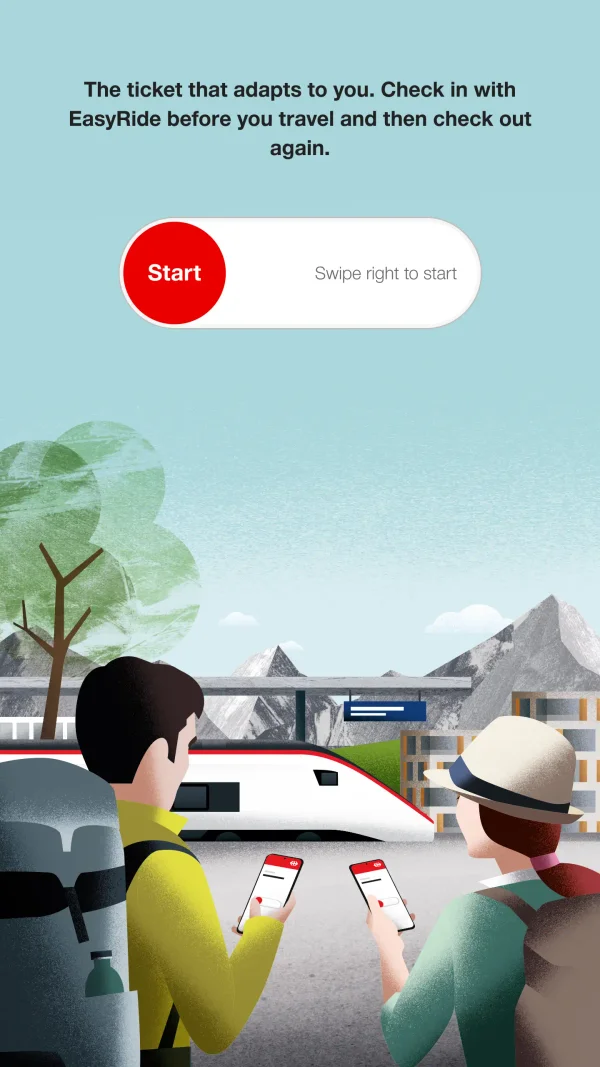
EasyRide:
• Tüm GA Travelcard ağında check-in yapın, binin ve yola çıkın.
• EasyRide, seyahat ettiğiniz rotalara göre yolculuğunuz için doğru bileti hesaplar ve ardından ilgili tutarı sizden tahsil eder.
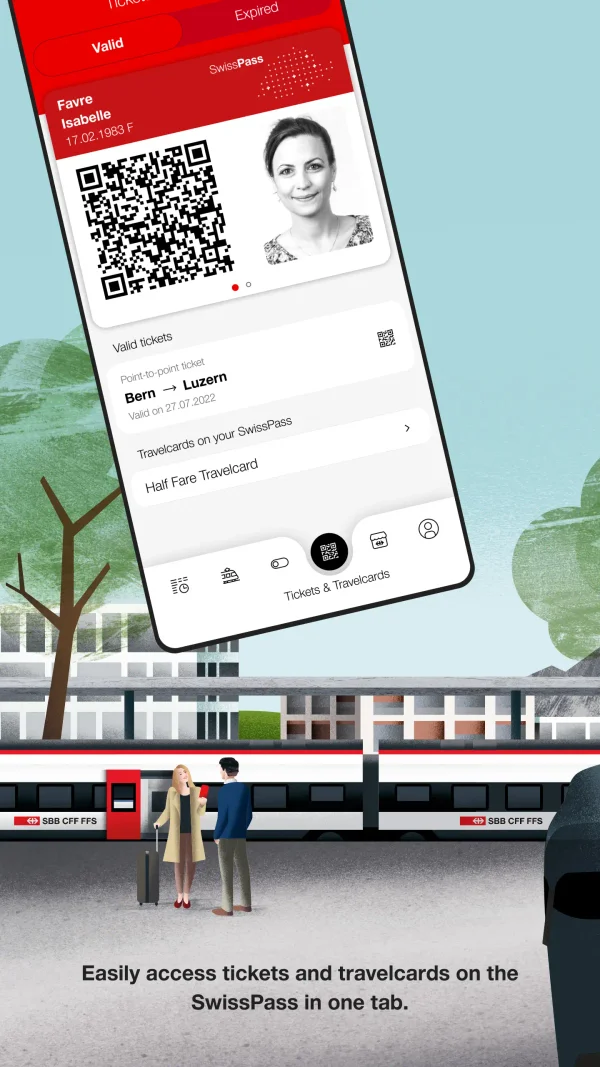
Biletler ve seyahat kartları:
• SwissPass Mobile ile toplu taşıma seyahat kartlarınızı dijital olarak gösterin.
• Ayrıca SwissPass'te geçerli ve süresi dolmuş biletleriniz ve seyahat kartlarınız hakkında bir genel bakış sunar.
Profil:
• Kişisel ayarlarınıza ve müşteri desteğimize kolay erişim.
Bize ulaşın.
Herhangi bir sorunuz varsa, bizimle iletişime geçmekten çekinmeyin:
https://www.sbb.ch/en/timetable/mobile-apps/sbb-mobile/contact.html
Veri güvenliği ve yetkilendirmeler.
SBB Önizleme neden izinlere ihtiyaç duyar?
Yer:
Geçerli bir konumdan başlayan bağlantılar için, SBB Önizleme'nin en yakın durağı bulabilmesi için GPS işlevi etkinleştirilmelidir. Bu, zaman çizelgesinde en yakın durağın görüntülenmesini istiyorsanız da geçerlidir.
Takvim ve e-posta:
Bağlantıları kendi takviminize kaydedebilir ve e-posta ile gönderebilirsiniz (arkadaşlarınıza, harici bir takvim). SBB Önizleme, istediğiniz bağlantıyı takvime aktarabilmek için okuma ve yazma izinleri gerektirir.
Kameraya erişim:
Kişiselleştirilmiş dokunmatik zaman çizelgesi için doğrudan SBB Önizleme'de fotoğraf çekmek için uygulamanın kameraya erişmesi gerekir. Sizden izin istenecektir.
İnternet erişimi:
SBB Preview, zaman çizelgesi bilgileri ve bilet satın alma seçenekleri için internet erişimine ihtiyaç duyar.
Bellek:
Durak listesi, bağlantılar (geçmiş) ve bilet satın alma gibi çevrimdışı işlevleri desteklemek için SBB Preview'ın cihazınızın belleğine erişmesi gerekir (uygulamaya özel ayarları kaydedin).
Orijinal metni göster
Important: SBB Preview is the preview version of the SBB Mobile app. We are using SBB Preview to test new and innovative functions and features which we want to include in the SBB Mobile app in future.
The basic functions for timetable enquiries – and for ticket purchases – for journeys anywhere in Switzerland are the same in SBB Preview as in SBB Mobile. We’ve kept the Preview app in grey to make it easier to distinguish.
The heart of the app is the new navigation bar with the following menu points and contents:
Plan:
• Plan your journey with a simple timetable request via the touch timetable or use your current position as the origin or destination, locating it on the map.
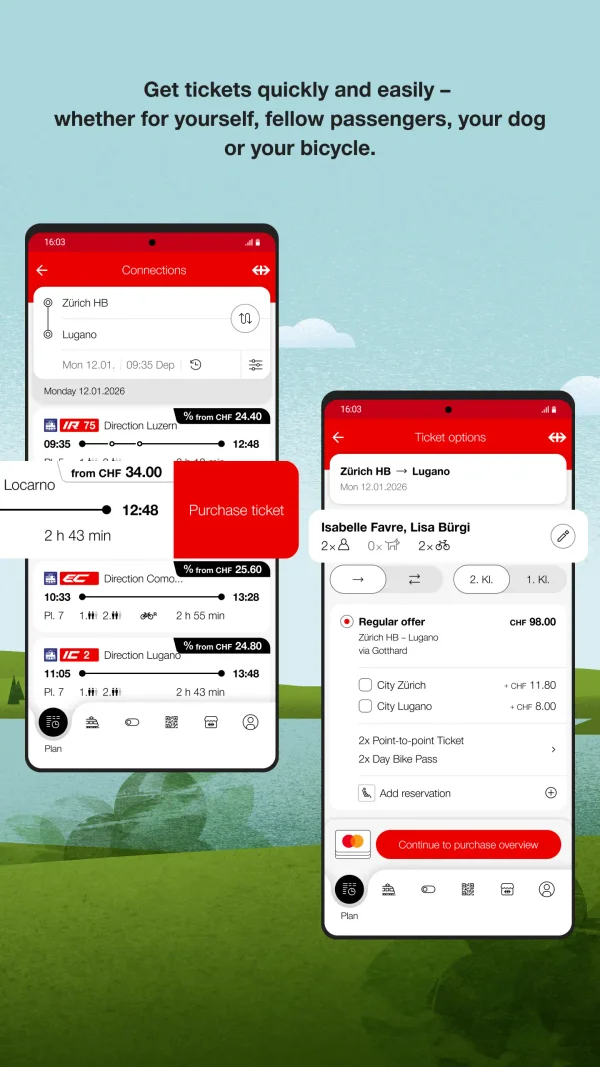
• Buy your ticket for the whole of Switzerland in just two clicks. Your travelcards on your SwissPass are applied.
• Travel particularly affordably with supersaver tickets or Saver Day Passes.
Trips:
• When purchasing tickets, your journey will be saved in the ‘Journeys’ tab.
• Even if you don’t buy a ticket, you can save your journey manually in the timetable.
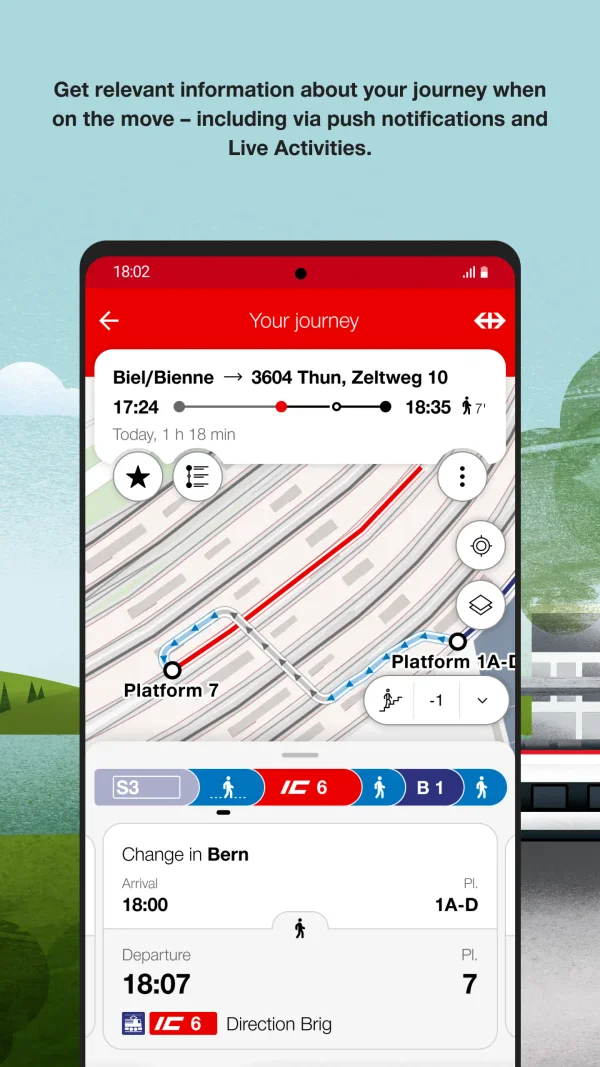
• The app accompanies you from door to door as you travel and you will receive information about delays, disruption and interchange times via push notification.
EasyRide:
• Check in, get on and set off – across the entire GA Travelcard network.
• EasyRide calculates the right ticket for your journey on the basis of the routes you travelled on and charges you the relevant amount subsequently.
Tickets and travelcards:
• Show your public transport travelcards digitally with SwissPass Mobile.
• It also gives you an overview of your valid and expired tickets and travelcards on the SwissPass.
Profile:
• Straightforward access to your personal settings and our customer support.
Contact us.
If you have any questions, don’t hesitate to contact us:
https://www.sbb.ch/en/timetable/mobile-apps/sbb-mobile/contact.html
Data security and authorisations.
Why does SBB Preview need permissions?
Location:
For connections starting from a current location, the GPS function has to be activated so that SBB Preview can find the nearest stop. This also applies if you want to have the nearest stop displayed in the timetable.
Calendar and e-mail:
You can save connections in your own calendar and send them by e-mail (to friends, an external calendar). SBB Preview requires read and write permissions to be able to import your desired connection into the calendar.
Access to the camera:
To take photos straight in SBB Preview for the personalised touch timetable, the app needs access to the camera. You will be asked for permission.
Internet access:
SBB Preview needs internet access for timetable informations and ticket purchase options.
Memory:
To support offline functions such as the list of stops, connections (history) and ticket purchase, SBB Preview needs access to your device’s memory (save app-specific settings).
Veri güvenliği
Bu uygulamanın topladığı ve paylaştığı veriler hakkında Schweizerische Bundesbahnen SBB tarafından Google Play üzerinde yapılan beyan.
- Üçüncü taraflarla veri paylaşımı yokGeliştiricilerin, veri paylaşımını nasıl beyan ettikleri hakkında daha fazla bilgi edinin
- Bu uygulamanın toplayabileceği veri türleriKonum, Kişisel bilgiler ve 6 veri türü daha
- Veriler, aktarım sırasında şifreleniyor
- Verilerin silinmesini talep edebilirsiniz
Yenilikler
Sürüm 12.61.0.201.master · 12.11.2026
· Redemption of percentage and fixed-amount coupons for international travel.
· Graphical seat reservation for the Montreux–Bernese Oberland Railway.
· General bug fixes.
Geliştirici iletişim bilgileri
- Web sitesisbb.ch
- E-postasbbmobile.android@sbb.ch
- Gizlilik politikasısbb.ch
- AdresHilfikerstrasse 1 3014 Bern Switzerland
Bilgiler
- Sunan
- Google Commerce Ltd
- Kategori
- Haritalar ve Navigasyon
- Sürüm
- 12.61.0.201.master
- Güncellendi
- 12.11.2026
- Yayın tarihi
- 07.12.2015
- Gereksinim
- Android 8.0 veya sonrası
- Yaş sınırı
- PEGI 3
- Fiyat
- Ücretsiz
- Paket adı
- ch.sbb.mobile.android.preview