Bastion SSH - SSH/SFTP Client
SSH/SFTP, multi-session client
iPhone, iPad, iPod touch için tasarlandı
Ücretsiz
- Yaş sınırı4+
- KategoriYardımcılar
- GeliştiriciYuan-Yi Chang
- Dillerİngilizce
- Boyut41,7 MB
Resmi App Store sayfasına bağlanır
Download.org, Bastion SSH - SSH/SFTP Client için hiçbir dosya barındırmaz. Düğme, uygulamanın App Store üzerindeki sayfasını açar; uygulamayı orada Yuan-Yi Chang yayınlar. Sayfanın son kontrolü: 14.11.2026.
Ekran görüntüleri
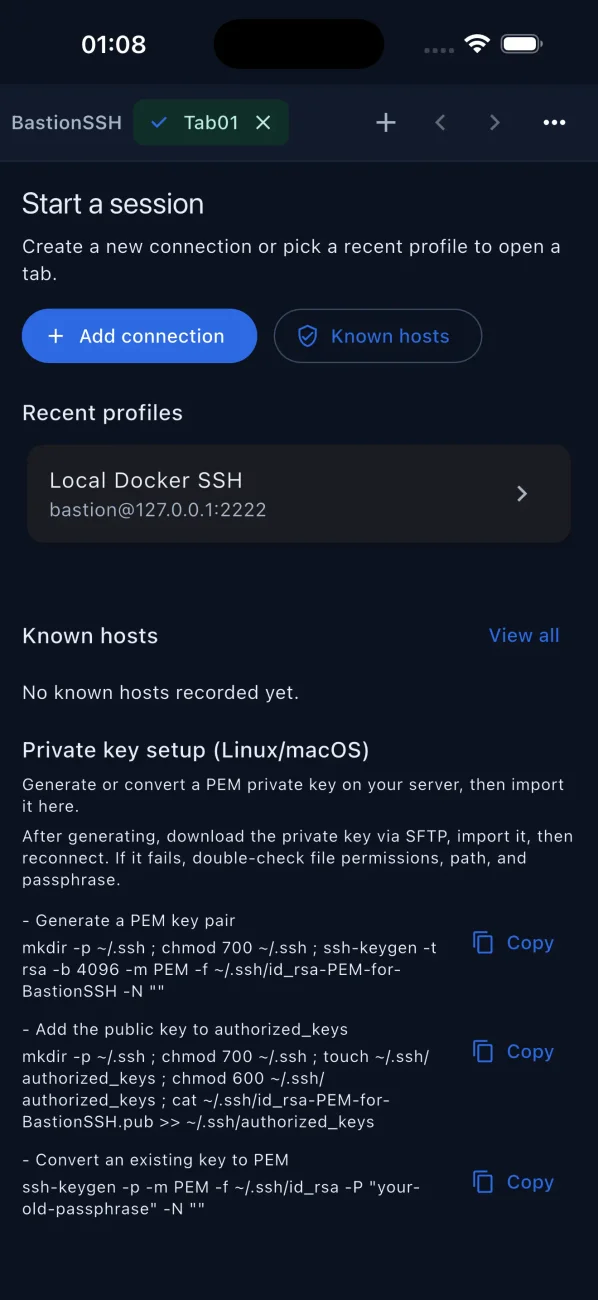
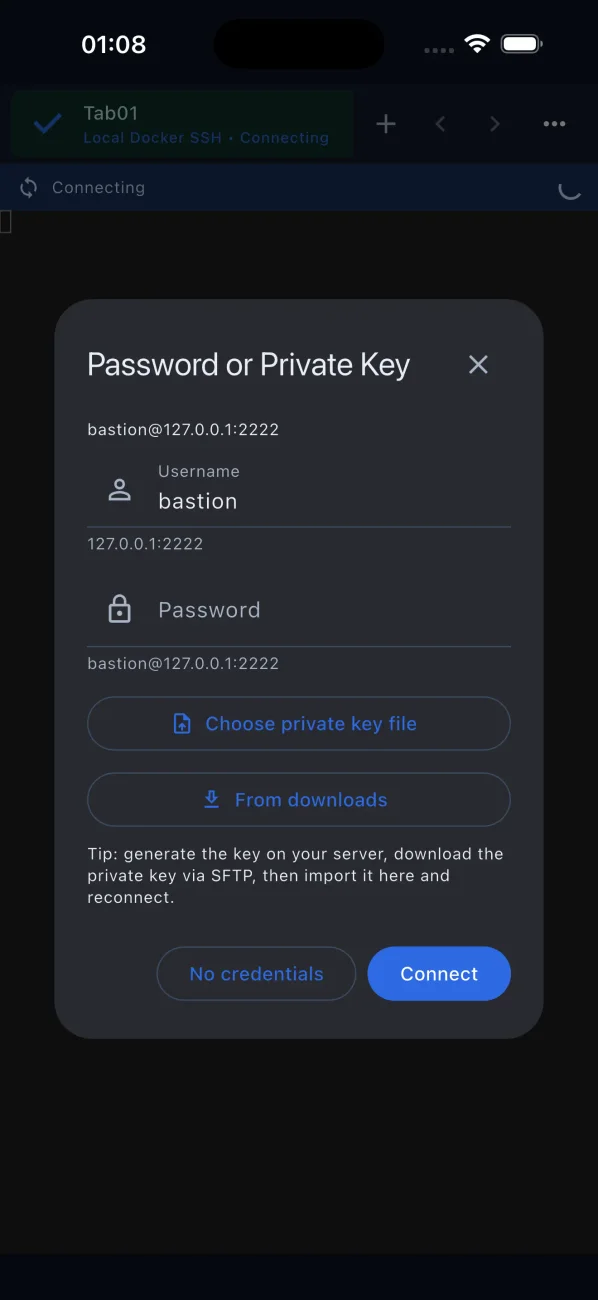
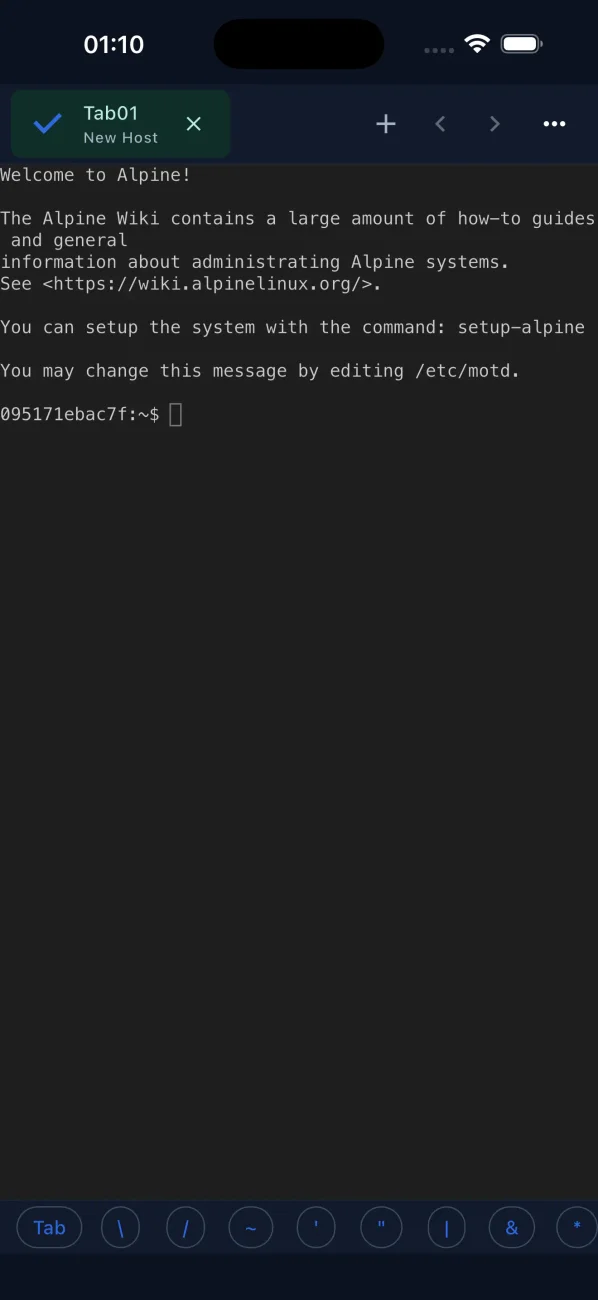
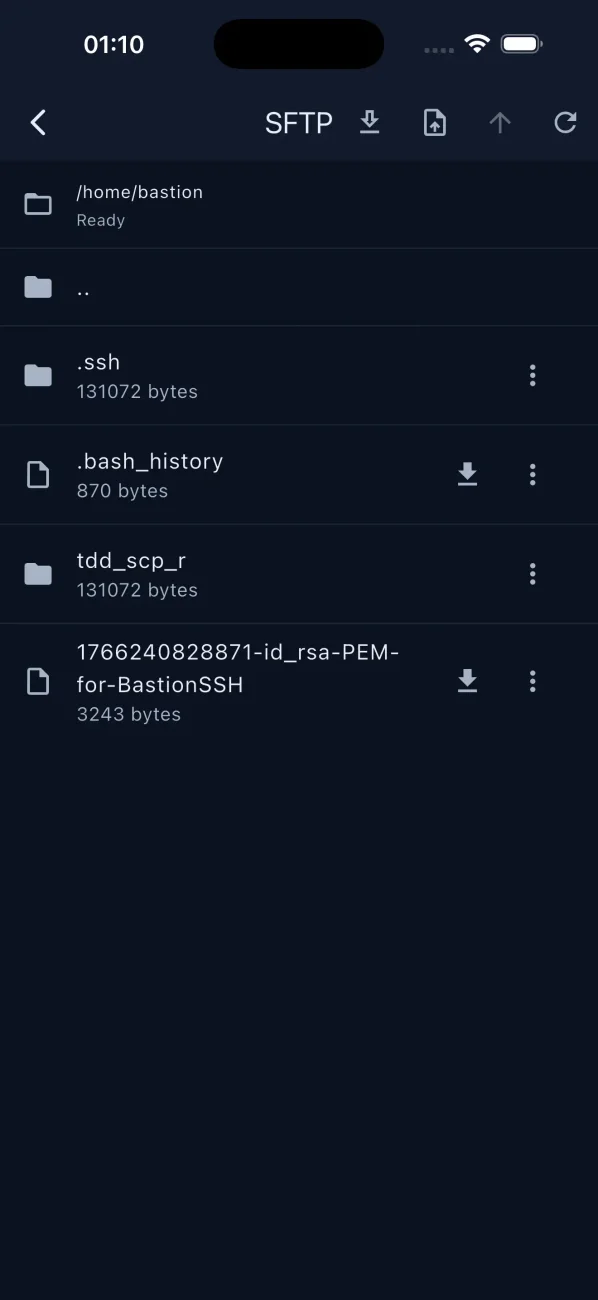
Hakkında
Geliştirici bu metni dilinizde sunmamış.
Bastion SSH is an SSH and SFTP client built for the way real infrastructure is laid out: not one server you can dial directly, but a bastion, then a machine behind it, then the box you actually wanted.
Chains, not just connections:
- Reach a host through any number of jump hosts, the way `ssh -J` does
- Every hop is a real SSH session, so every machine in the chain is authenticated and its host key checked — not just the first one
- Routes are named by where they go: "office-A → mac-mini". Past the first hop addresses stop being unique — a reverse tunnel puts every machine on its jump's localhost — so the path is what tells two otherwise identical routes apart
- Add a new jump host inline while you set one up, at any depth
- When a chain fails it names the hop, the stage it got to, and the jump it came through, so you can tell a dead tunnel from a machine that is switched off
Know what will happen before you connect:
- Open a route and see it hop by hop, with what each step will use: a stored key, a stored password, or a prompt
- It answers the question up front — "1 of 3 hops will ask for credentials"
- Install a public key onto any hop from the same screen
Keys that stay on the device:
- Generate a key on your phone: the private half goes straight into the system key store and never exists as a file, and only the public key ever leaves
- Import the key you already own: OpenSSH format (what ssh-keygen writes by default) or PEM, encrypted or not, with no conversion step
- "This device" lists every key with its type, fingerprint, which hosts use it, and whether it was generated here or imported
- Use one key across several hosts, and delete a key only after being told how many hosts depend on it
Host keys you can verify:
- Fingerprints are the OpenSSH SHA256 form, exactly what `ssh-keygen -lf` prints, so you can compare them with the server instead of taking them on trust
- A changed host key asks you, every time
- Records are kept per route, so two machines that both answer on their bastion's localhost are never confused
Multi-session terminal:
- Session tabs that live independently — switch, close or retry one without disturbing the rest
- xterm-compatible terminal with selection, copy and paste, and resize
- Quick keys for the commands and control sequences you keep reaching for
- Per-host keep-alive, and reconnection that backs off instead of hammering the server
Files:
- Browse, download, upload, rename and delete over SFTP
- Downloads keep running when you leave the screen, with progress and cancel
- Save through the system file picker, or keep them in the app
Credentials, on your terms:
- A hop's password can be kept in the device key store, per host, and using it needs the device's own check — your face, a fingerprint, or your passcode
- One check covers a few minutes of use, then it locks itself again — a found phone is not an open door
- Each stored password says which protection it has
- A stored password the server rejects is dropped and you are asked again, instead of failing the same way on every attempt
- Review and revoke everything that is stored from one screen
Yours, and only on your device:
- Hosts, keys and known-host records stay on the device. No account, no sync, nothing to sign up for
- Private keys live only in the system key store, never as plaintext files
- Privacy policy and terms are available from within the app
Great for:
- Anyone whose servers sit behind a bastion or a reverse tunnel
- Sysadmins and developers checking on machines away from a desk
- Keeping several sessions open at once — logs in one tab, work in another
- Setting up key authentication from a phone, without moving a private key around
Open the route. See the hops. Connect.
Yenilikler
Sürüm 1.3.5 · 07.11.2026
- Improved layouts for iPhone Duo and iPad
Uygulama gizliliği
Bu uygulamanın verileri nasıl işlediği hakkında Yuan-Yi Chang tarafından App Store üzerinde yapılan beyan.
-
Sizi izlemek için kullanılan veriler
Başka şirketlere ait uygulamalarda ve web sitelerinde sizi izlemek için kullanılabilir.
- Kullanım verileri
-
Sizinle ilişkilendirilen veriler
Toplanabilir ve kimliğinizle ilişkilendirilebilir.
- Tanımlayıcılar
-
Sizinle ilişkilendirilmeyen veriler
Toplanabilir ancak kimliğinizle ilişkilendirilmez.
- Kullanım verileri
Gizlilik uygulamaları, örneğin kullandığınız özelliklere veya yaşınıza göre değişiklik gösterebilir.
Bilgiler
- Satıcı
- Yuan-Yi Chang
- Kategori
- Yardımcılar
- Sürüm
- 1.3.5
- Güncellendi
- 07.11.2026
- Yayın tarihi
- 31.12.2025
- Boyut
- 41,7 MB
- Gereksinim
- iOS 15.0 veya sonrası
- Yaş sınırı
- 4+
- Fiyat
- Ücretsiz
- Diller
- İngilizce
- Telif hakkı
- © 2026 AINFO.APP