
Batch Photo Editor: Batchly
Bulk Resize Compress Watermark
iPhone, iPad için tasarlandı
Ücretsiz · Uygulama içi satın alma
- Yaş sınırı4+
- KategoriFotoğraf ve Video
- GeliştiriciAvinash Kumar
- Dillerİngilizce+ 12 dil daha
- Boyut33,2 MB
Resmi App Store sayfasına bağlanır
Download.org, Batch Photo Editor: Batchly için hiçbir dosya barındırmaz. Düğme, uygulamanın App Store üzerindeki sayfasını açar; uygulamayı orada Avinash Kumar yayınlar. Sayfanın son kontrolü: 23.11.2026.
Ekran görüntüleri

Hakkında
Geliştirici bu metni dilinizde sunmamış.
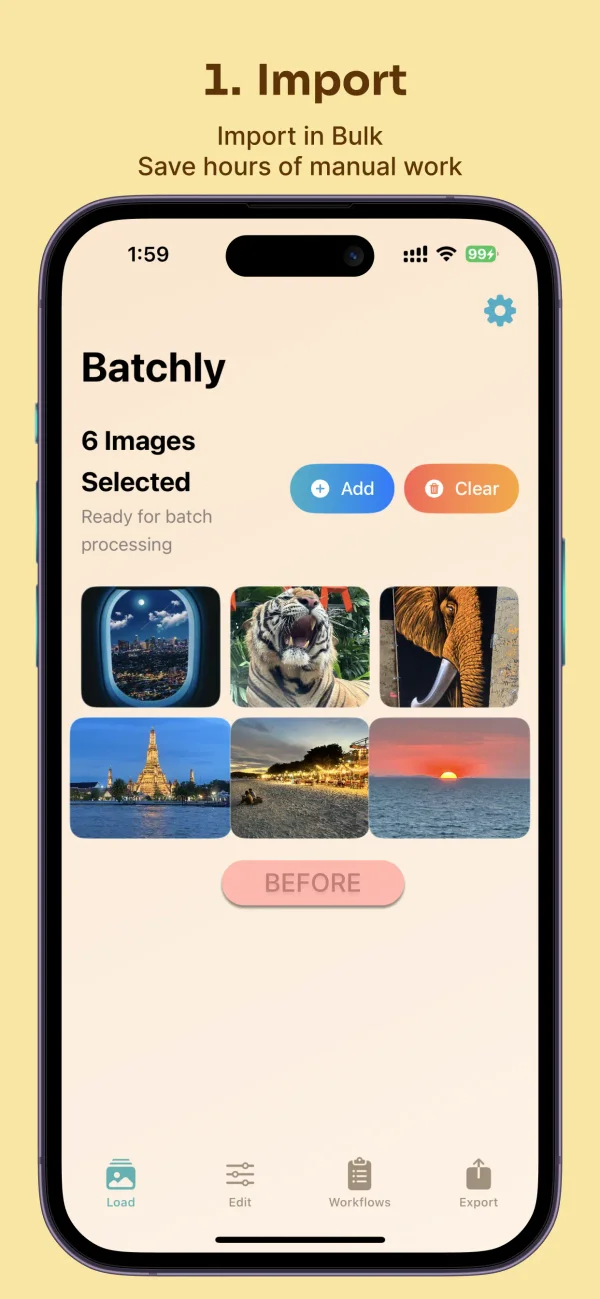
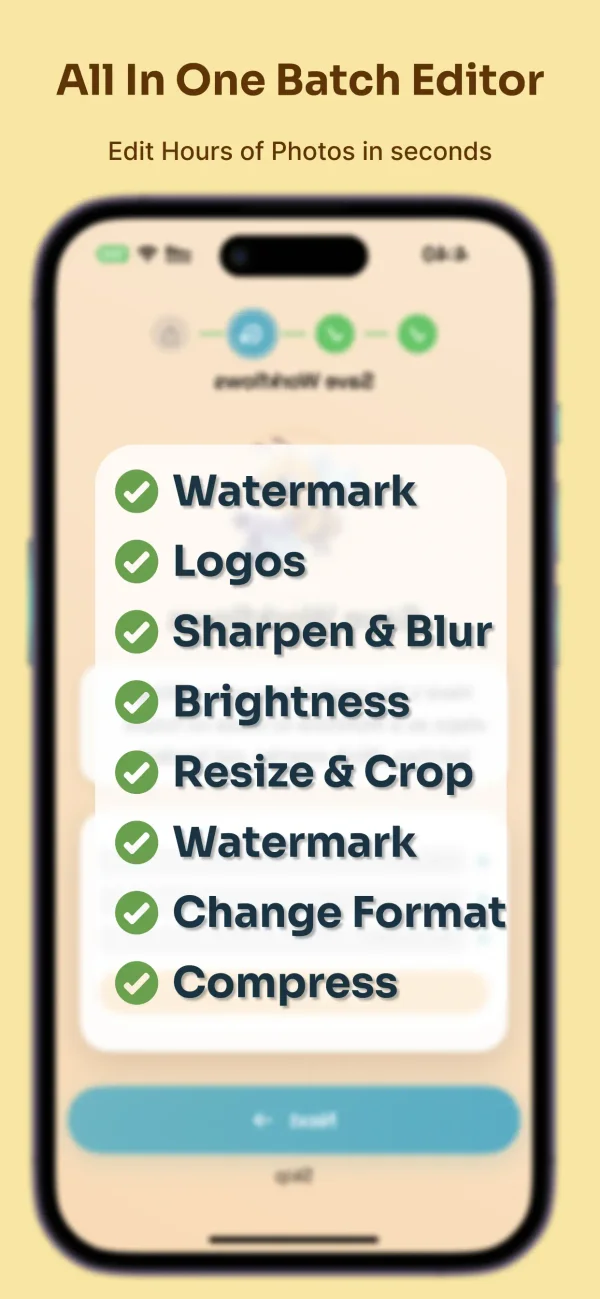
Stop editing photos one by one. Batchly helps you bulk resize, watermark, compress, rotate, and convert hundreds of images in seconds.
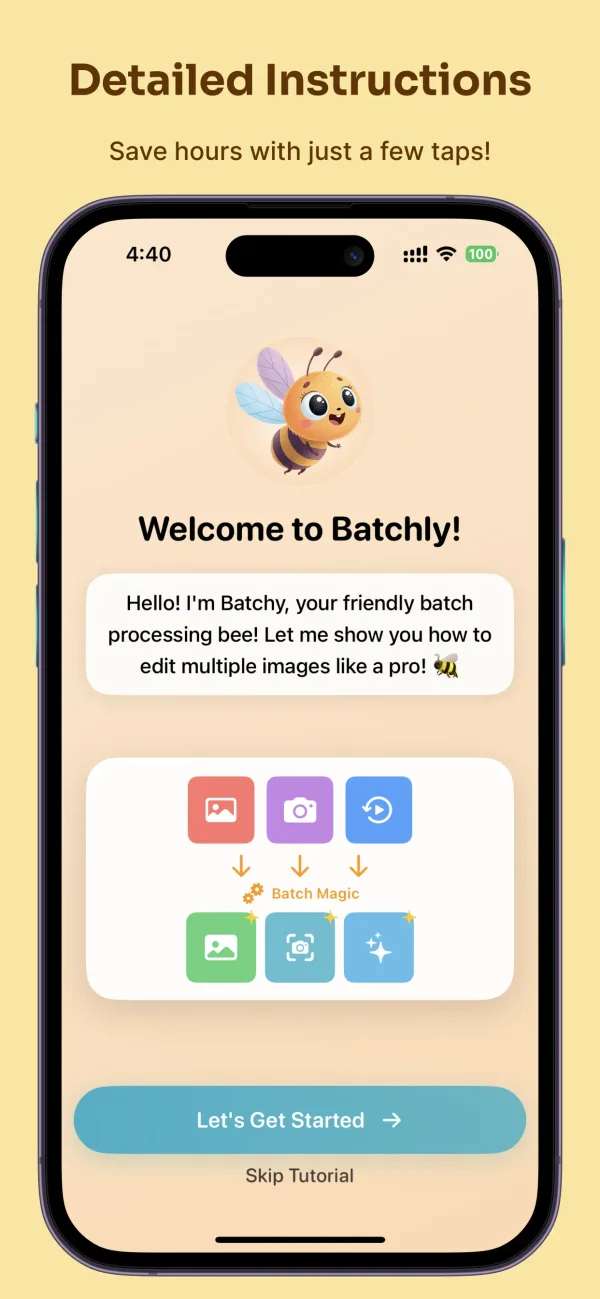
Batchly is the friendly, powerful bulk photo tool for iPhone and iPad. Whether you need to prepare product photos for Etsy, watermark your photography, or shrink images for the web, Batchly handles the heavy lifting so you don't have to.
What you can do
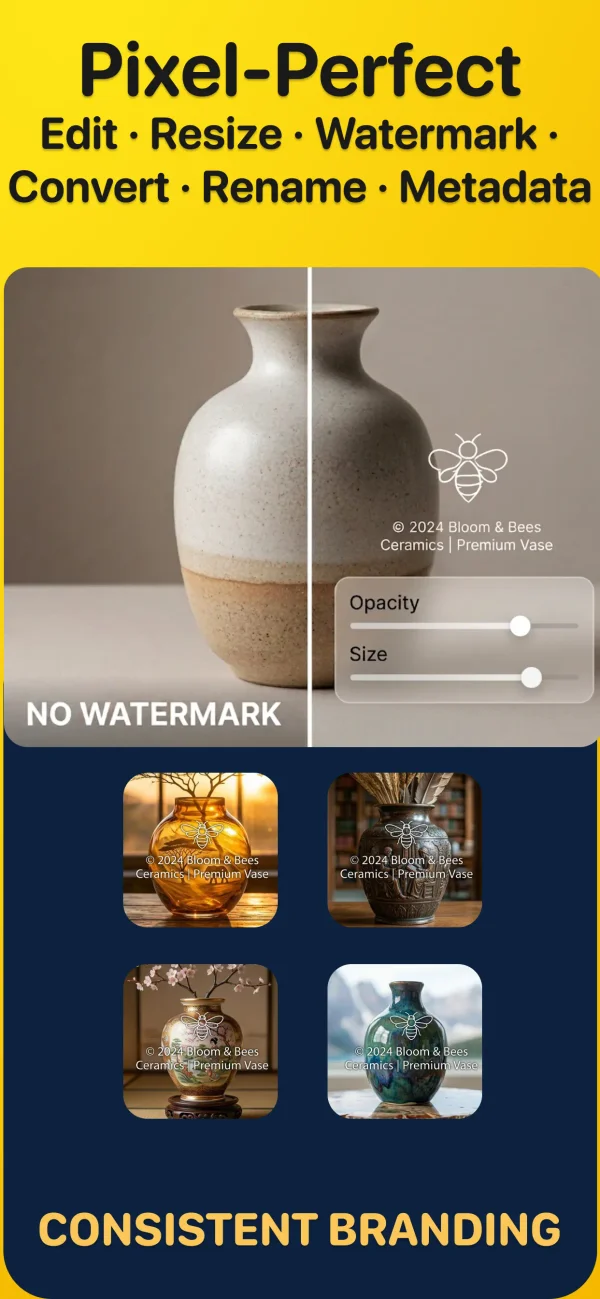
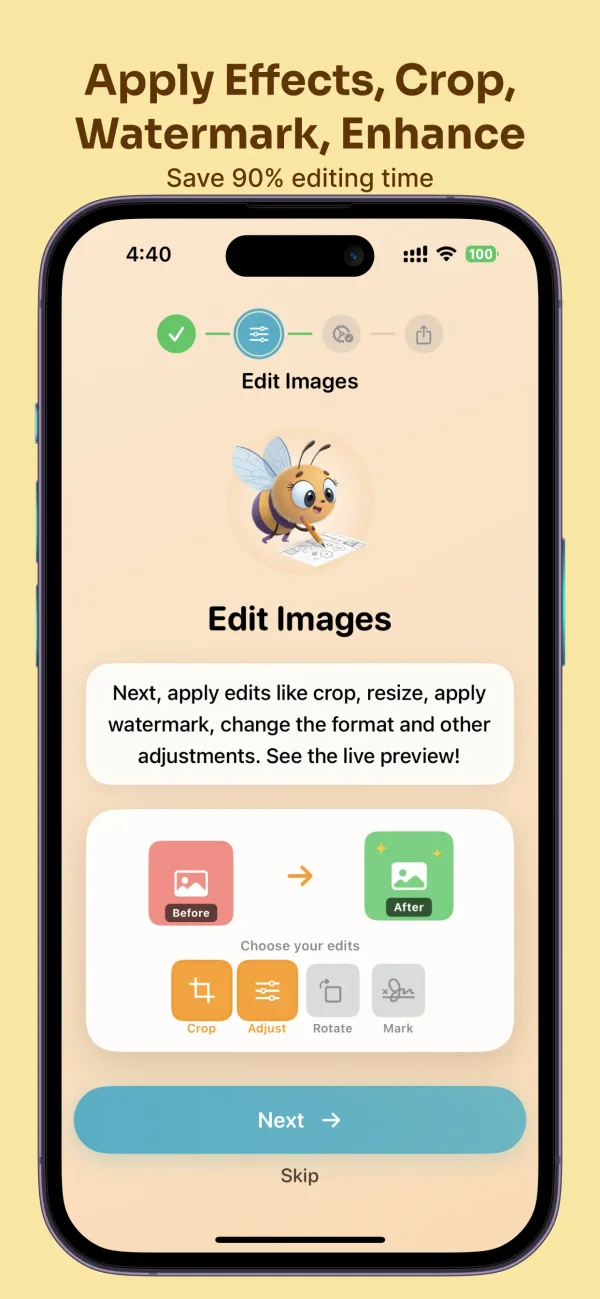
• Bulk Resize: Scale images by pixel, percentage, or standard presets (Instagram, Etsy, eBay).
• Watermark & Protect: Stamp logos, signatures, or copyright text with pixel-perfect precision.
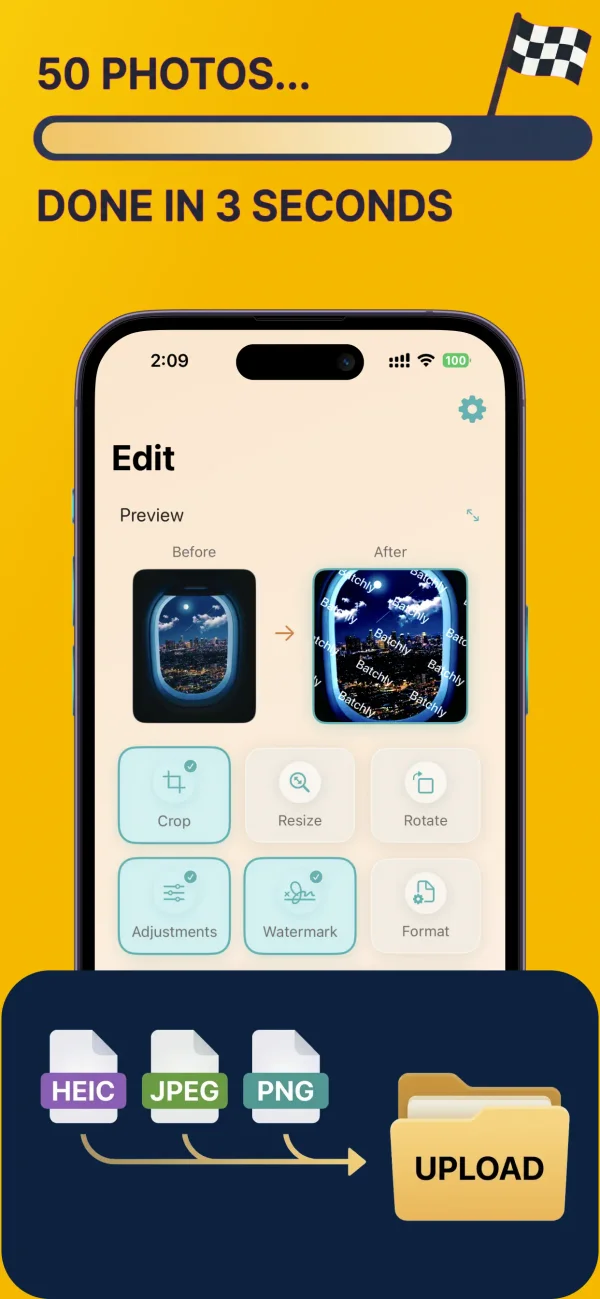
• Compress & Convert: Reduce file sizes and convert between HEIC, JPEG, PNG, and TIFF.
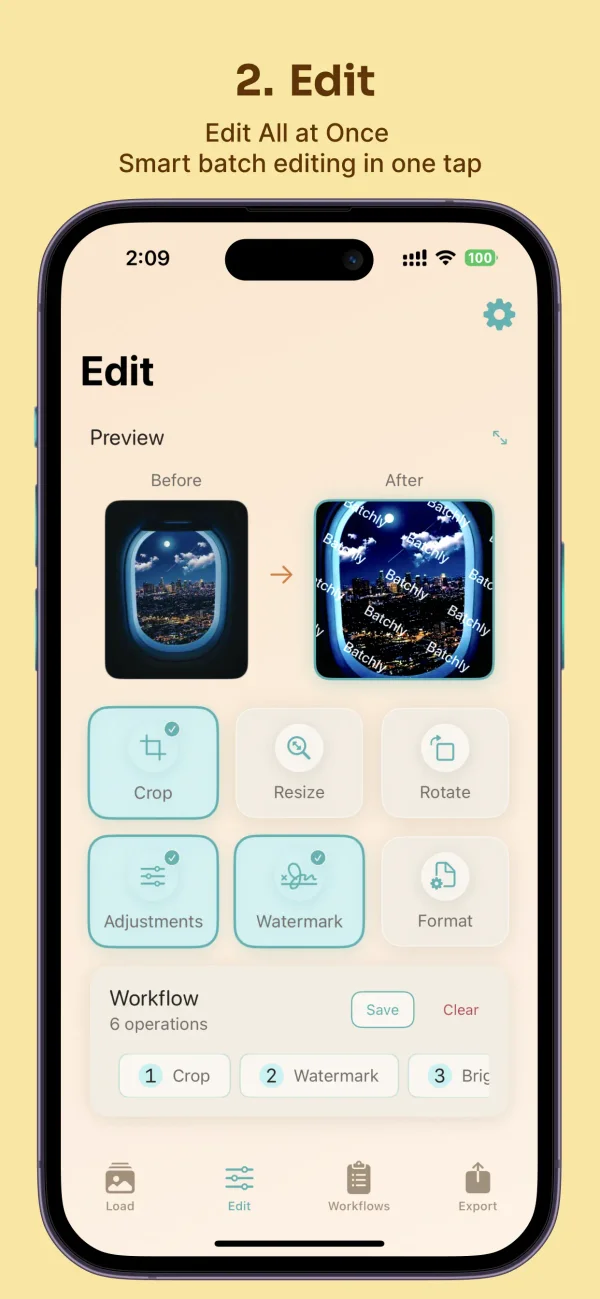
• Smart Crop: Auto-crop to 1:1, 4:3, 16:9, or custom aspect ratios.
• Rotate & Flip: Straighten a whole shoot at once, or mirror images horizontally and vertically.
• Mass Adjustments: Apply brightness, contrast, saturation, and exposure edits to your entire camera roll.
Chain them together
Operations stack in the order you choose. Crop to square, resize to 1080px, drop your logo in the corner, convert to JPEG, and compress — one pass, one tap, across every photo you selected.
WHY CHOOSE BATCHLY?
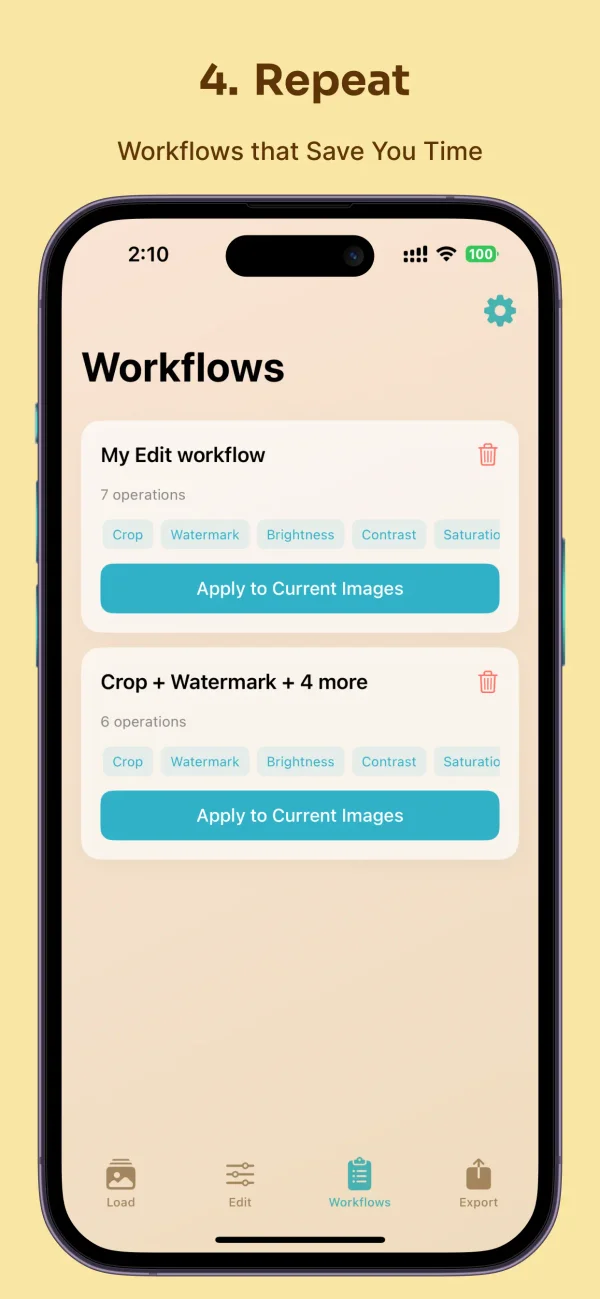
• Save Your Workflow: Create reusable recipes for repeated tasks (e.g., "Resize for Instagram + Logo").
• 100% Private: All processing happens offline on your device. Your photos never leave your phone.
• No Limits: Edit dozens or hundreds of photos at once.
• Keeps Originals Safe: Your source photos stay untouched — Batchly writes new files.
• Keeps Your Metadata: EXIF, camera info, date, location, copyright, and IPTC details carry over to every exported photo, so credits and organization stay intact.
• Edit Any Step: Tap a step in your workflow to tweak it without rebuilding the whole recipe.
• Modern Design: A clean, playful interface that makes chores feel fun.
Perfect for:
• Sellers on Poshmark, Depop, Etsy, eBay, and Shopify prepping listing photos to spec
• Social media managers resizing one shoot for every platform at once
• Photographers watermarking proofs before sending them to clients
• Real estate and property listings that need consistent dimensions
• Anyone freeing up storage by compressing a camera roll
• Anyone who values their time!
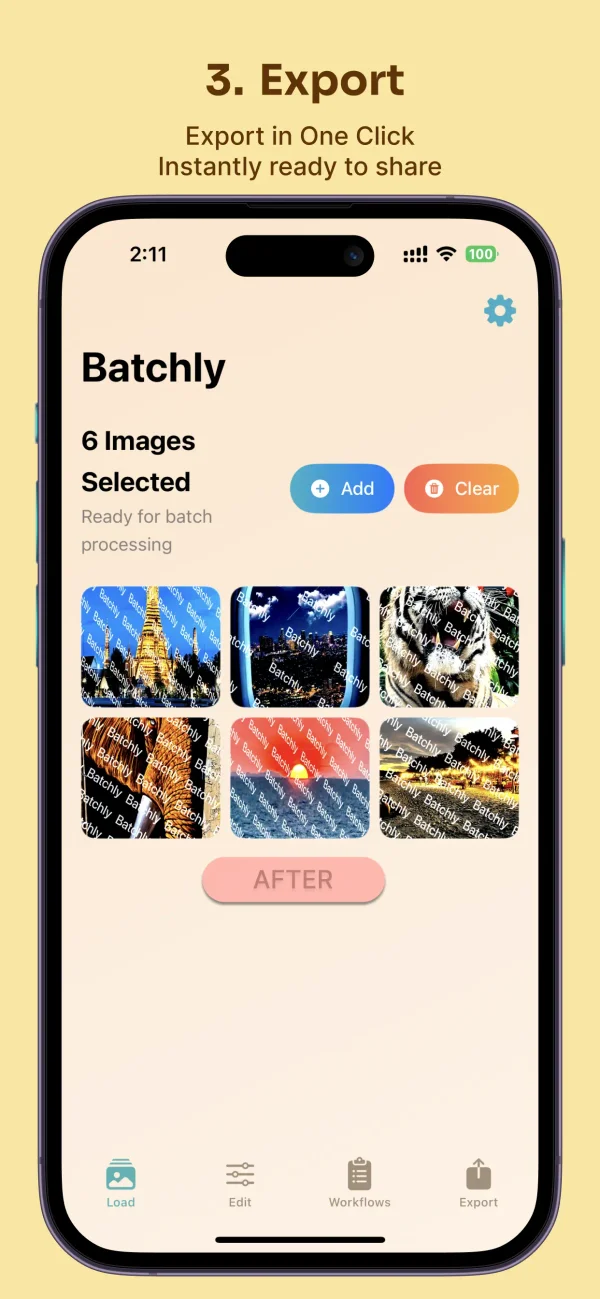
No account, no uploads, no sign-up. Process up to 7 photos at a time for free — upgrade to Pro when you need unlimited batches and saved workflows.
EULA: https://www.apple.com/legal/internet-services/itunes/dev/stdeula/
Privacy Policy: https://harmonycrafted.com/apps/batchly/privacy.html
Terms of Use: https://www.apple.com/legal/internet-services/itunes/dev/stdeula/
Get consistent results, faster workflows, and professional watermarks—try Batchly today.
Yenilikler
Sürüm 1.25 · 30.10.2026
New: pick a shape when you resize by pixels. Turn on "Use longer side and shorter side" and choose Original, 3:2, 4:3, 16:9, 5:4, or 1:1. Original keeps each photo's own shape, so a 3:2 camera no longer gets squeezed into 4:3. Just enter the long side and Batchly works out the rest.
Workflow steps and summaries now show the shape you picked, like "3000 × 2000 px, 3:2
Duo Support.
Workflows saved before this update resize exactly as they did before.
Uygulama gizliliği
Bu uygulamanın verileri nasıl işlediği hakkında Avinash Kumar tarafından App Store üzerinde yapılan beyan.
-
Sizinle ilişkilendirilmeyen veriler
Toplanabilir ancak kimliğinizle ilişkilendirilmez.
- Kullanım verileri
- Tanılama
Gizlilik uygulamaları, örneğin kullandığınız özelliklere veya yaşınıza göre değişiklik gösterebilir.
Bilgiler
- Satıcı
- Avinash Kumar
- Kategori
- Fotoğraf ve Video
- Sürüm
- 1.25
- Güncellendi
- 30.10.2026
- Yayın tarihi
- 23.09.2025
- Boyut
- 33,2 MB
- Gereksinim
- iOS 17.6 veya sonrası
- Yaş sınırı
- 4+
- Fiyat
- Ücretsiz
- Uygulama içi satın alma
- Evet
- Diller
- İngilizce, Arapça, Hollandaca, Fransızca, Almanca, İtalyanca, Japonca, Korece, Portekizce, Rusça, Basitleştirilmiş Çince, İspanyolca + 1 dil daha
- Telif hakkı
- © Harmony Astro Apps 2026
Bunları da beğenebilirsiniz
-
 Watermark BatchFotoğraf ve Video
-
 eZy Edit: Batch Photo EditorFotoğraf ve Video
-
 Çoklu Fotoğraf KırpmaKırp ve boyutlandır
-
 Renamely: Batch RenameFotoğraf ve Video
-
 PhotoFlow: Batch Image ResizerFotoğraf ve Video
-
 Bulk Gallery CropperFotoğraf ve Video
-
 BatchCraft - Edit, Bulk ExportFotoğraf ve Video
-
 MultiEdit: Batch Photo EditorFotoğraf ve Video
-
 Filigran: Fotoğraf ve VideoToplu filigran ekleme, hızlıca
-
 Watermark: Photo, Video & FileFotoğraf ve Video