
Batch Photo Editor: Batchly
Bulk Resize Compress Watermark
Được thiết kế cho iPhone, iPad
Miễn phí · Mua hàng trong ứng dụng
- Độ tuổi4+
- Danh mụcẢnh & Video
- Nhà phát triểnAvinash Kumar
- Ngôn ngữTiếng Anh+ 12 ngôn ngữ khác
- Kích thước33,2 MB
Liên kết đến trang App Store chính thức
Download.org không lưu trữ tệp nào của Batch Photo Editor: Batchly. Nút này mở trang ứng dụng trên App Store, nơi Avinash Kumar phát hành ứng dụng. Trang được kiểm tra lần cuối: 23/11/2026.
Ảnh chụp màn hình

Giới thiệu
Nhà phát triển chưa cung cấp nội dung này bằng ngôn ngữ của bạn.
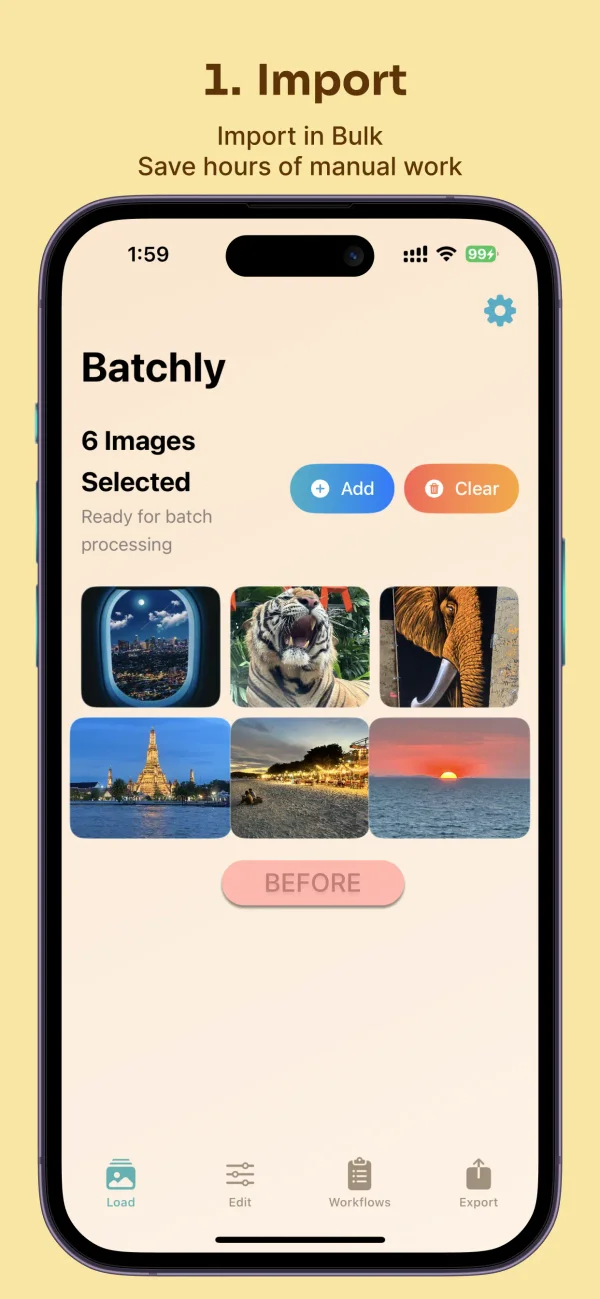
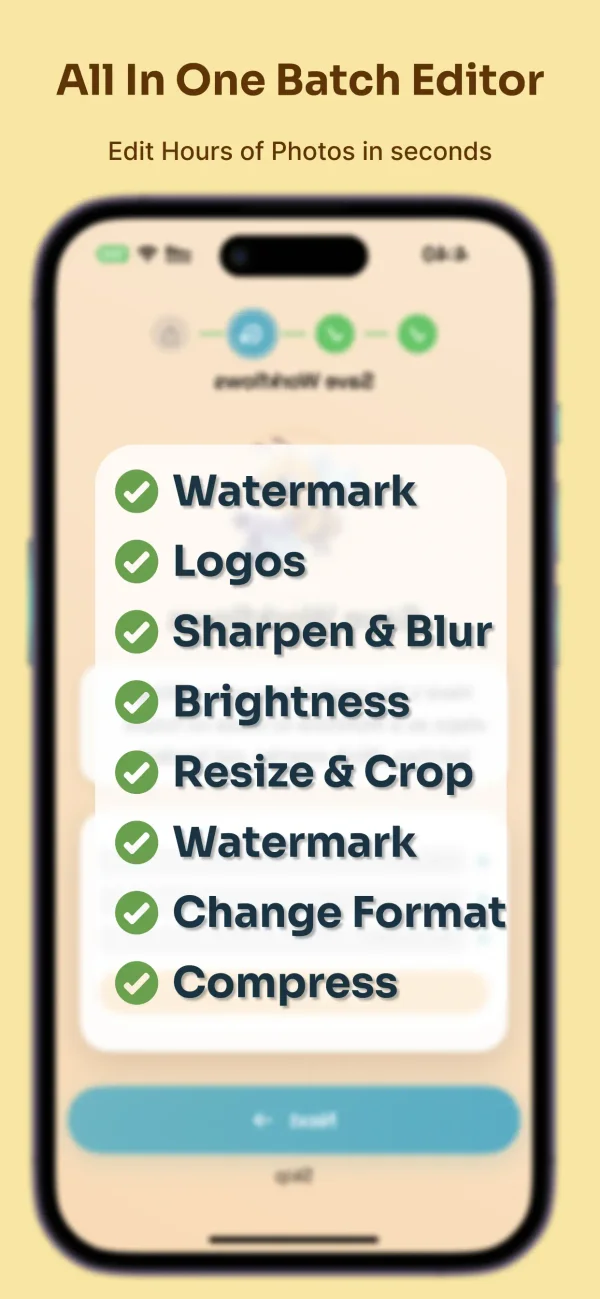
Stop editing photos one by one. Batchly helps you bulk resize, watermark, compress, rotate, and convert hundreds of images in seconds.
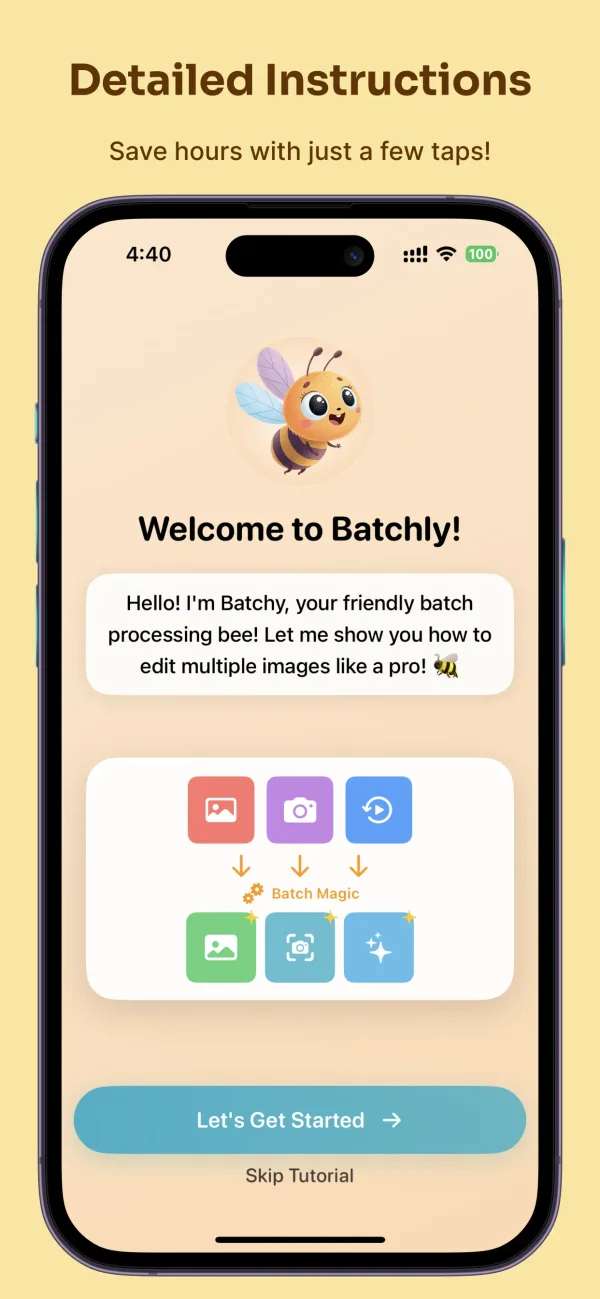
Batchly is the friendly, powerful bulk photo tool for iPhone and iPad. Whether you need to prepare product photos for Etsy, watermark your photography, or shrink images for the web, Batchly handles the heavy lifting so you don't have to.
What you can do
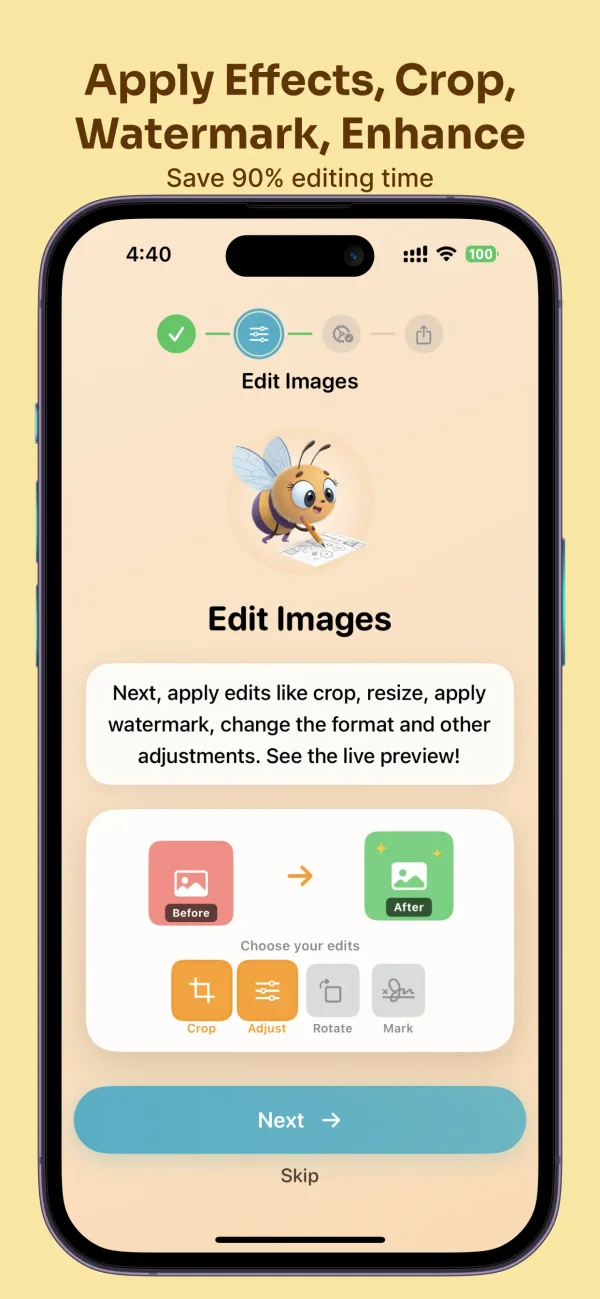
• Bulk Resize: Scale images by pixel, percentage, or standard presets (Instagram, Etsy, eBay).
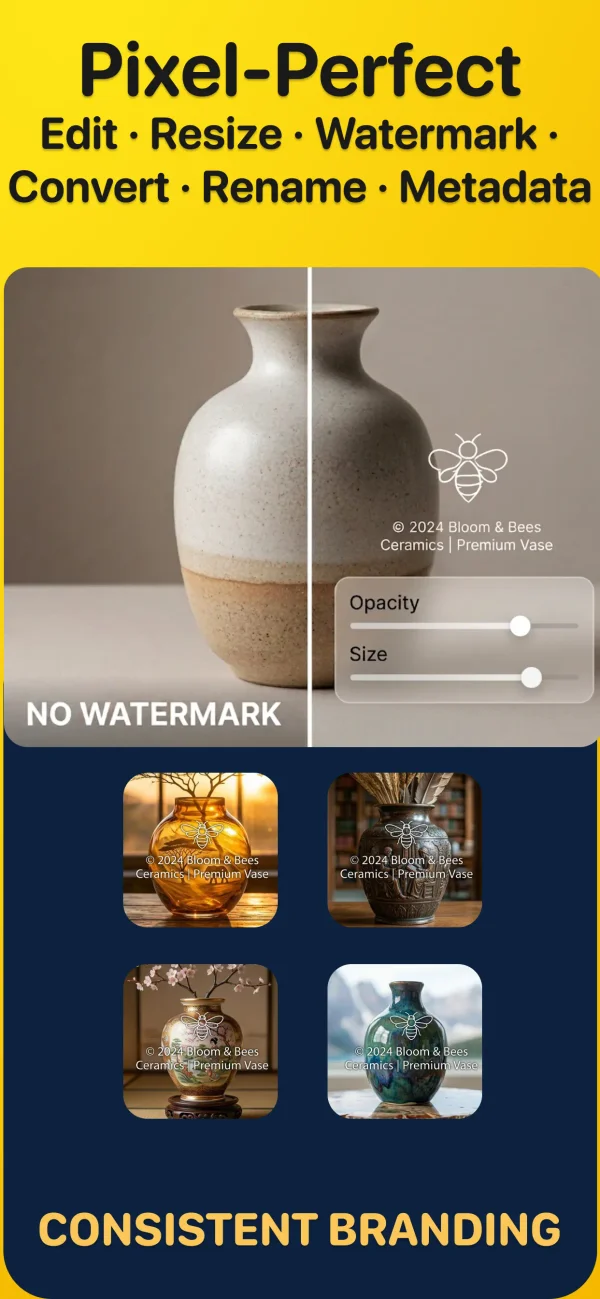
• Watermark & Protect: Stamp logos, signatures, or copyright text with pixel-perfect precision.
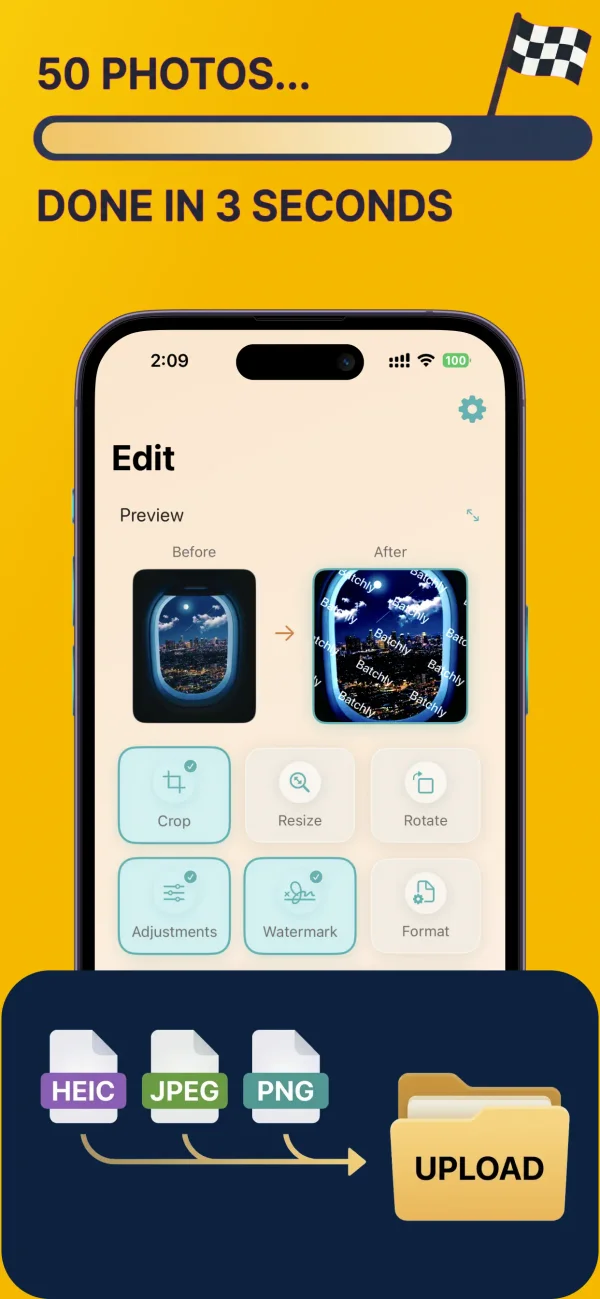
• Compress & Convert: Reduce file sizes and convert between HEIC, JPEG, PNG, and TIFF.
• Smart Crop: Auto-crop to 1:1, 4:3, 16:9, or custom aspect ratios.
• Rotate & Flip: Straighten a whole shoot at once, or mirror images horizontally and vertically.
• Mass Adjustments: Apply brightness, contrast, saturation, and exposure edits to your entire camera roll.
Chain them together
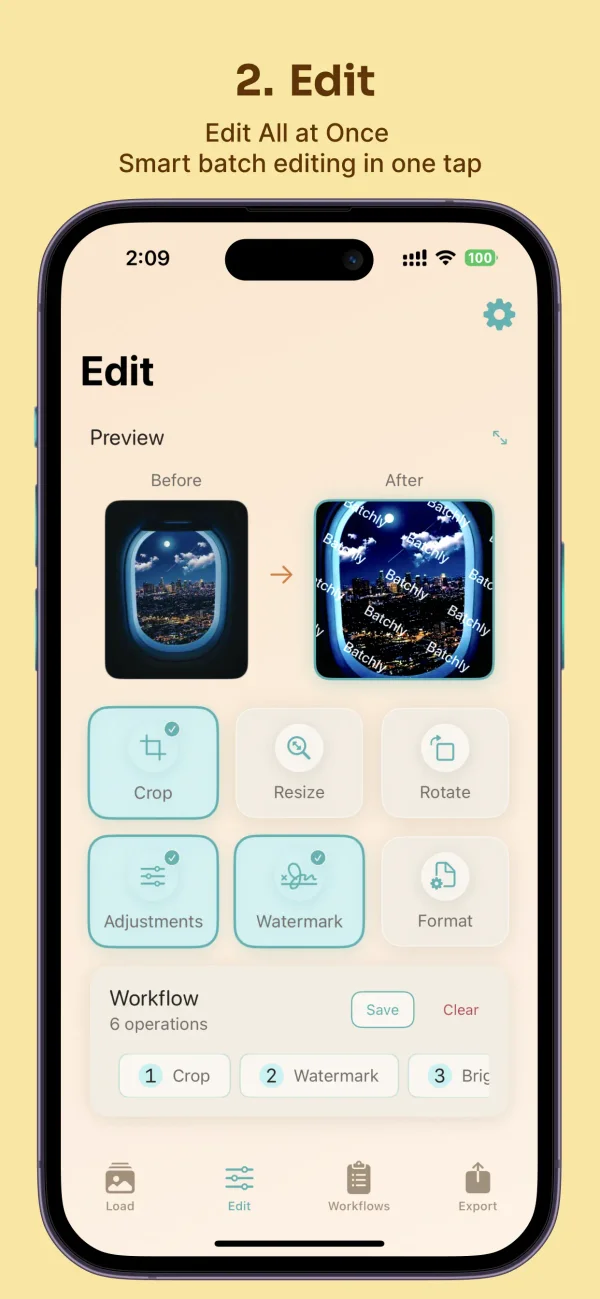
Operations stack in the order you choose. Crop to square, resize to 1080px, drop your logo in the corner, convert to JPEG, and compress — one pass, one tap, across every photo you selected.
WHY CHOOSE BATCHLY?
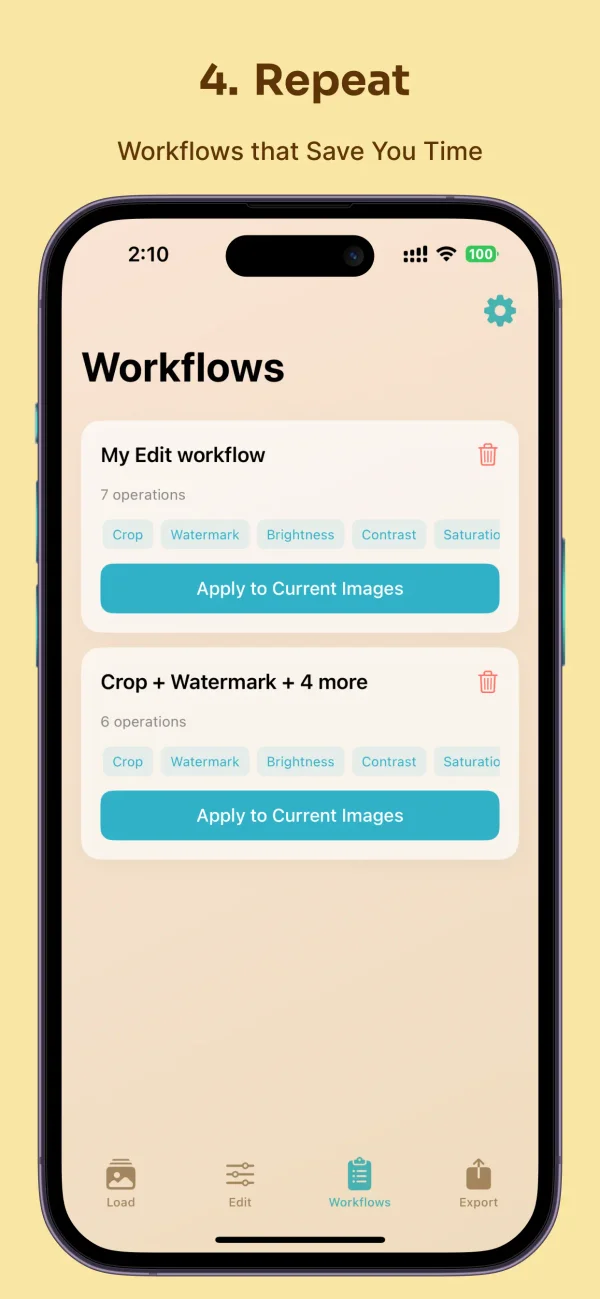
• Save Your Workflow: Create reusable recipes for repeated tasks (e.g., "Resize for Instagram + Logo").
• 100% Private: All processing happens offline on your device. Your photos never leave your phone.
• No Limits: Edit dozens or hundreds of photos at once.
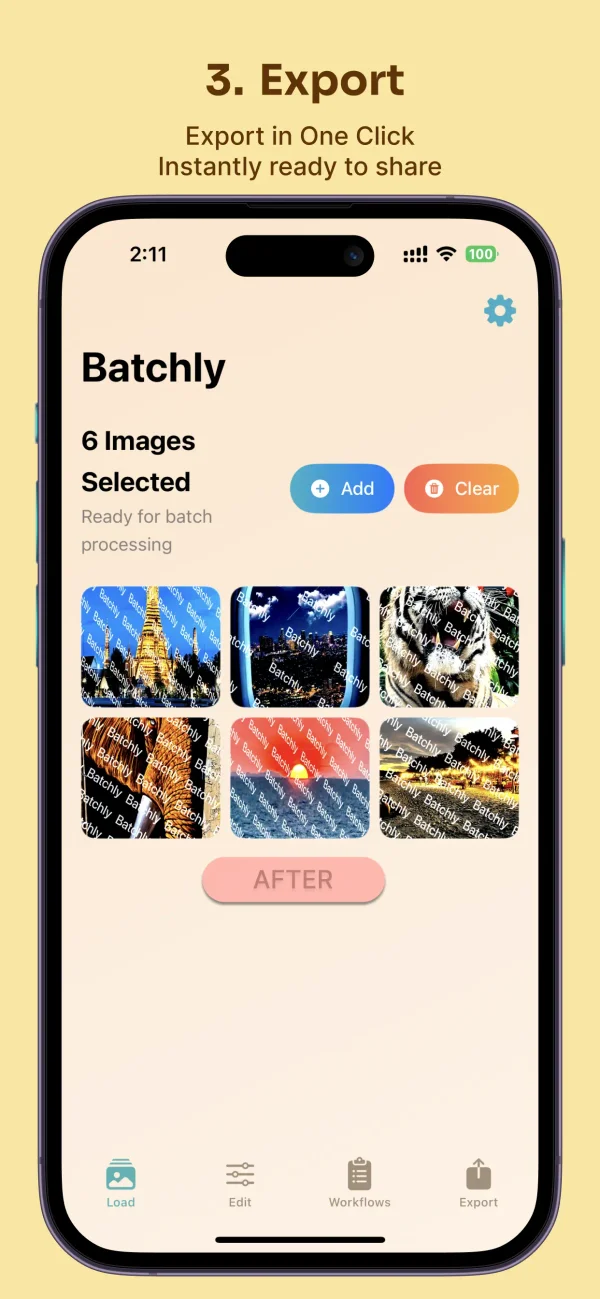
• Keeps Originals Safe: Your source photos stay untouched — Batchly writes new files.
• Keeps Your Metadata: EXIF, camera info, date, location, copyright, and IPTC details carry over to every exported photo, so credits and organization stay intact.
• Edit Any Step: Tap a step in your workflow to tweak it without rebuilding the whole recipe.
• Modern Design: A clean, playful interface that makes chores feel fun.
Perfect for:
• Sellers on Poshmark, Depop, Etsy, eBay, and Shopify prepping listing photos to spec
• Social media managers resizing one shoot for every platform at once
• Photographers watermarking proofs before sending them to clients
• Real estate and property listings that need consistent dimensions
• Anyone freeing up storage by compressing a camera roll
• Anyone who values their time!
No account, no uploads, no sign-up. Process up to 7 photos at a time for free — upgrade to Pro when you need unlimited batches and saved workflows.
EULA: https://www.apple.com/legal/internet-services/itunes/dev/stdeula/
Privacy Policy: https://harmonycrafted.com/apps/batchly/privacy.html
Terms of Use: https://www.apple.com/legal/internet-services/itunes/dev/stdeula/
Get consistent results, faster workflows, and professional watermarks—try Batchly today.
Có gì mới
Phiên bản 1.25 · 30/10/2026
New: pick a shape when you resize by pixels. Turn on "Use longer side and shorter side" and choose Original, 3:2, 4:3, 16:9, 5:4, or 1:1. Original keeps each photo's own shape, so a 3:2 camera no longer gets squeezed into 4:3. Just enter the long side and Batchly works out the rest.
Workflow steps and summaries now show the shape you picked, like "3000 × 2000 px, 3:2
Duo Support.
Workflows saved before this update resize exactly as they did before.
Quyền riêng tư của ứng dụng
Những gì Avinash Kumar khai báo trên App Store về cách ứng dụng này xử lý dữ liệu.
-
Dữ liệu không liên kết với bạn
Có thể được thu thập nhưng không liên kết với danh tính của bạn.
- Dữ liệu sử dụng
- Chẩn đoán
Phương thức đảm bảo quyền riêng tư có thể khác nhau, chẳng hạn như tuỳ theo các tính năng bạn sử dụng hoặc độ tuổi của bạn.
Thông tin
- Người bán
- Avinash Kumar
- Danh mục
- Ảnh & Video
- Phiên bản
- 1.25
- Cập nhật
- 30/10/2026
- Phát hành
- 23/09/2025
- Kích thước
- 33,2 MB
- Yêu cầu
- iOS 17.6 trở lên
- Độ tuổi
- 4+
- Giá
- Miễn phí
- Mua hàng trong ứng dụng
- Có
- Ngôn ngữ
- Tiếng Anh, Tiếng Ả Rập, Tiếng Hà Lan, Tiếng Pháp, Tiếng Đức, Tiếng Ý, Tiếng Nhật, Tiếng Hàn, Tiếng Bồ Đào Nha, Tiếng Nga, Tiếng Trung Giản thể, Tiếng Tây Ban Nha + 1 ngôn ngữ khác
- Bản quyền
- © Harmony Astro Apps 2026
Có thể bạn cũng thích
-
 Watermark BatchẢnh & Video
-
 eZy Edit: Batch Photo EditorẢnh & Video
-
 Multiple Photo CropẢnh & Video
-
 Renamely: Batch RenameẢnh & Video
-
 PhotoFlow: Batch Image ResizerẢnh & Video
-
 Bulk Gallery CropperẢnh & Video
-
 BatchCraft - Edit, Bulk ExportẢnh & Video
-
 MultiEdit: Sửa ảnh hàng loạtChỉnh sửa ảnh hàng loạt với AI
-
 Watermark Stamp: Ảnh & VideoĐóng hình mờ hàng loạt, nhanh
-
 Watermark: Photo, Video & FileẢnh & Video