Charcoal Studio
Sketch, shade, smudge, Drawing
iPhone, iPad için tasarlandı
Ücretsiz · Uygulama içi satın alma
- Yaş sınırı4+
- KategoriGrafik ve Tasarım
- GeliştiriciDigital Hole Pvt. Ltd.
- Dillerİngilizce
- Boyut14,0 MB
Resmi App Store sayfasına bağlanır
Download.org, Charcoal Studio için hiçbir dosya barındırmaz. Düğme, uygulamanın App Store üzerindeki sayfasını açar; uygulamayı orada Digital Hole Pvt. Ltd. yayınlar. Sayfanın son kontrolü: 17.11.2026.
Ekran görüntüleri
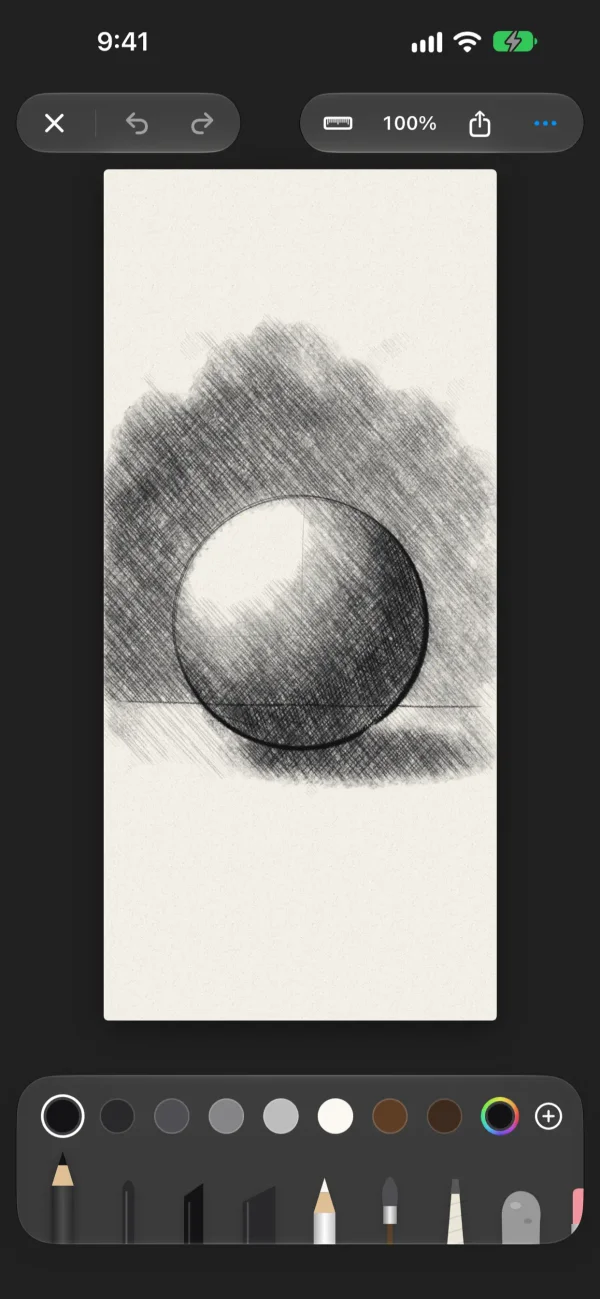


Hakkında
Geliştirici bu metni dilinizde sunmamış.
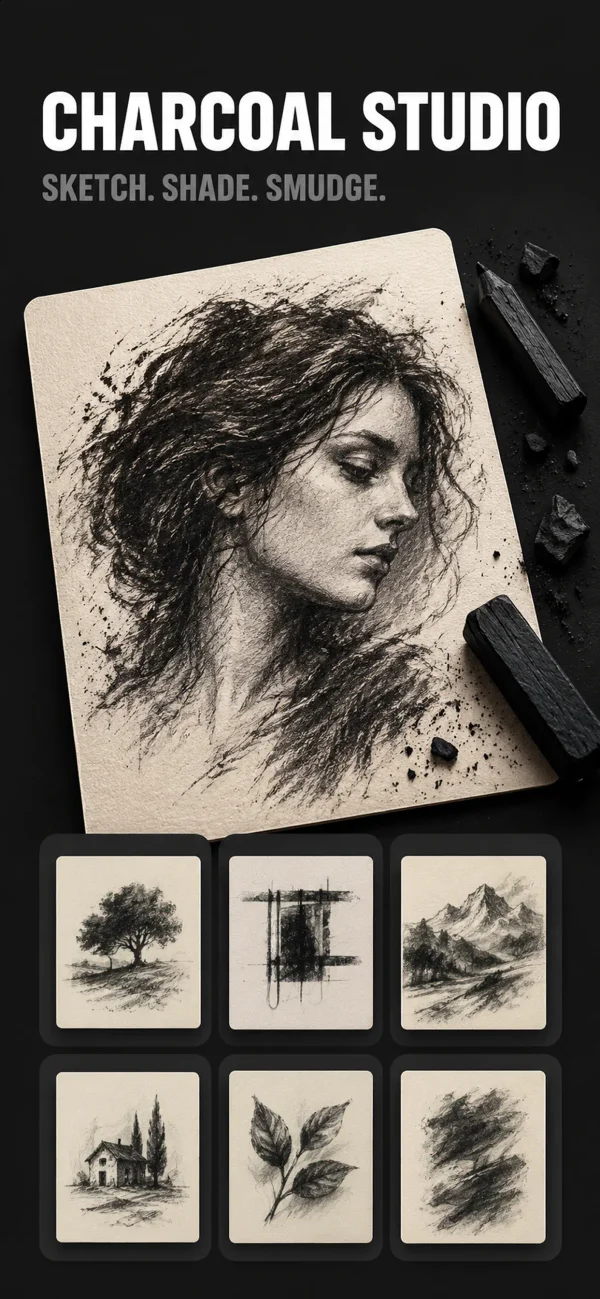
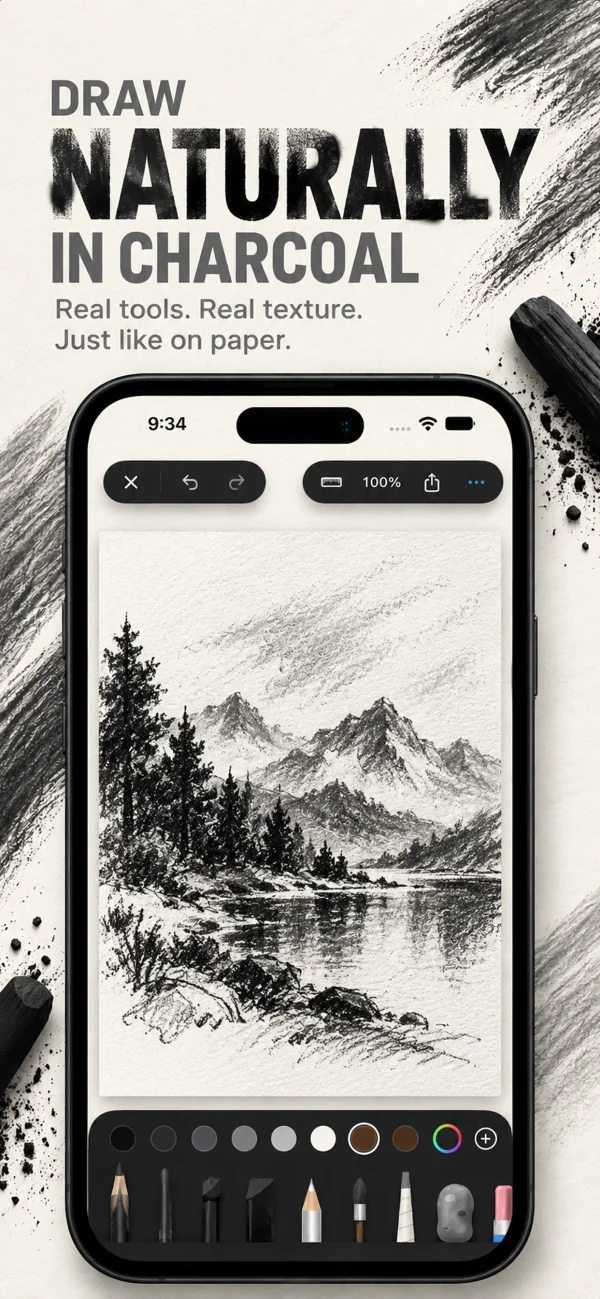
Charcoal Studio brings the feel of a real charcoal sketchbook to iPhone and iPad. Pick up a stick, lay down rich, grainy tone, then blend it into smooth gradients or lift it back out, the way you would on paper.
A FULL CHARCOAL KIT
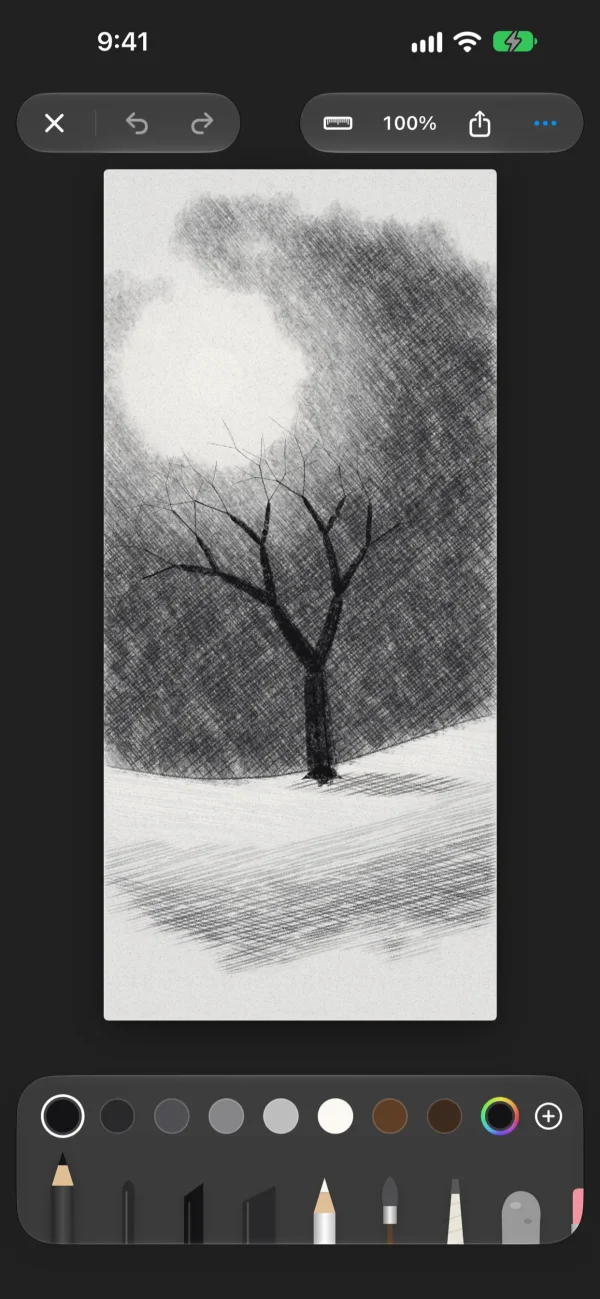
• Charcoal Pencil: fine lines and crisp detail
• Vine Charcoal: soft, light marks for loose sketching
• Compressed Charcoal: dense, velvety blacks
• Charcoal Block: broad strokes for shading large areas
• White Charcoal: highlights on toned and dark paper
• Charcoal Powder: soft washes of tone
• Lasso: select, move and resize your strokes
BLEND AND LIFT LIKE THE REAL THING
• Blending Stump: push charcoal into the paper’s grain, soften hard edges and build smooth tonal transitions. It moves only charcoal, never the paper, so your darks stay rich.
• Kneaded Eraser: dab or drag to lift charcoal gently and add highlights. It follows the tooth of the paper, so lightened areas keep their natural texture.
• Eraser: clean removal whenever you need it.
MADE FOR APPLE PENCIL
• Pressure and tilt shape every mark
• Strokes are smoothed so blending and erasing follow your hand without jagged corners
• Double-tap or squeeze Apple Pencil to switch tools or show tool settings
• Draw with your finger too, or turn finger drawing off for Pencil-only work
PAPER WITH TOOTH
• Five papers: white, cream, toned gray, slate and black
• A real paper grain shows through every stroke
• Choose your canvas: portrait, landscape, square, or any custom size from 256 to 4096 pixels
AN EXPERIENCE THAT FEELS ANALOG
• Hear the scratch of charcoal when you hatch, while ordinary lines stay quiet
• Pinch to zoom and pan around your page
• Ruler for straight edges
• Charcoal-tone palette, plus your own saved colours
• Size, opacity and strength controls for every tool
YOUR SKETCHBOOK
• Every sketch saves automatically
• Unlimited sketches in your gallery
• Undo and redo as many steps as you need
• Export at full resolution and share anywhere
Everything stays on your device: no account and no sign-up. Focus on your drawing. Leave the dust on the paper.
Privacy policy: https://digitalhole.github.io/LilArtist.html
Standard Apple Terms of Use (EULA): https://www.apple.com/legal/internet-services/itunes/dev/stdeula/
Yenilikler
Sürüm 1.1 · 19.10.2026
• iOS 27 Ready
• Performance improvement
• Improved User Experience
Uygulama gizliliği
Bu uygulamanın verileri nasıl işlediği hakkında Digital Hole Pvt. Ltd. tarafından App Store üzerinde yapılan beyan.
-
Veri toplanmıyor
Geliştirici bu uygulamadan hiçbir veri toplamıyor.
Gizlilik uygulamaları, örneğin kullandığınız özelliklere veya yaşınıza göre değişiklik gösterebilir.
Bilgiler
- Satıcı
- Digital Hole Pvt. Ltd.
- Kategori
- Grafik ve Tasarım
- Sürüm
- 1.1
- Güncellendi
- 19.10.2026
- Yayın tarihi
- 15.10.2026
- Boyut
- 14,0 MB
- Gereksinim
- iOS 18.0 veya sonrası
- Yaş sınırı
- 4+
- Fiyat
- Ücretsiz
- Uygulama içi satın alma
- Evet
- Diller
- İngilizce
- Telif hakkı
- © Digital Hole Pvt. Ltd.
Bunları da beğenebilirsiniz
-
 qCurvingGrafik ve Tasarım
-
 Photo Collage StudioGrafik ve Tasarım
-
 Artino: Photo Zine MakerGrafik ve Tasarım
-
 Palette SpinRenkli duvar kâğıtları oluştur
-
 LiveToFrame:GIF, Video & FrameGrafik ve Tasarım
-
 PhotoFramify: Photo BorderGrafik ve Tasarım
-
 Sketch 3DGrafik ve Tasarım
-
 Deco: Wallpaper & StickersGrafik ve Tasarım
-
 PiiikaGrafik ve Tasarım
-
 Local 3D Model ConverterGrafik ve Tasarım