Charcoal Studio
Sketch, shade, smudge, Drawing
Được thiết kế cho iPhone, iPad
Miễn phí · Mua hàng trong ứng dụng
- Độ tuổi4+
- Danh mụcĐồ Họa & Thiết Kế
- Nhà phát triểnDigital Hole Pvt. Ltd.
- Ngôn ngữTiếng Anh
- Kích thước14,0 MB
Liên kết đến trang App Store chính thức
Download.org không lưu trữ tệp nào của Charcoal Studio. Nút này mở trang ứng dụng trên App Store, nơi Digital Hole Pvt. Ltd. phát hành ứng dụng. Trang được kiểm tra lần cuối: 17/11/2026.
Ảnh chụp màn hình
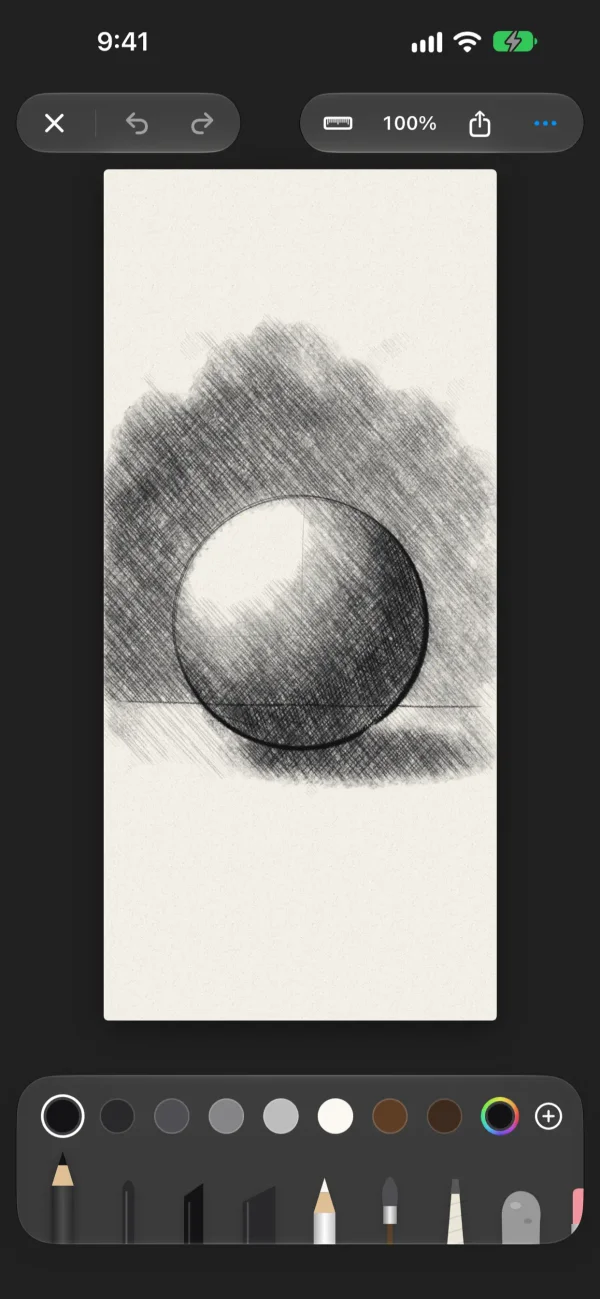


Giới thiệu
Nhà phát triển chưa cung cấp nội dung này bằng ngôn ngữ của bạn.
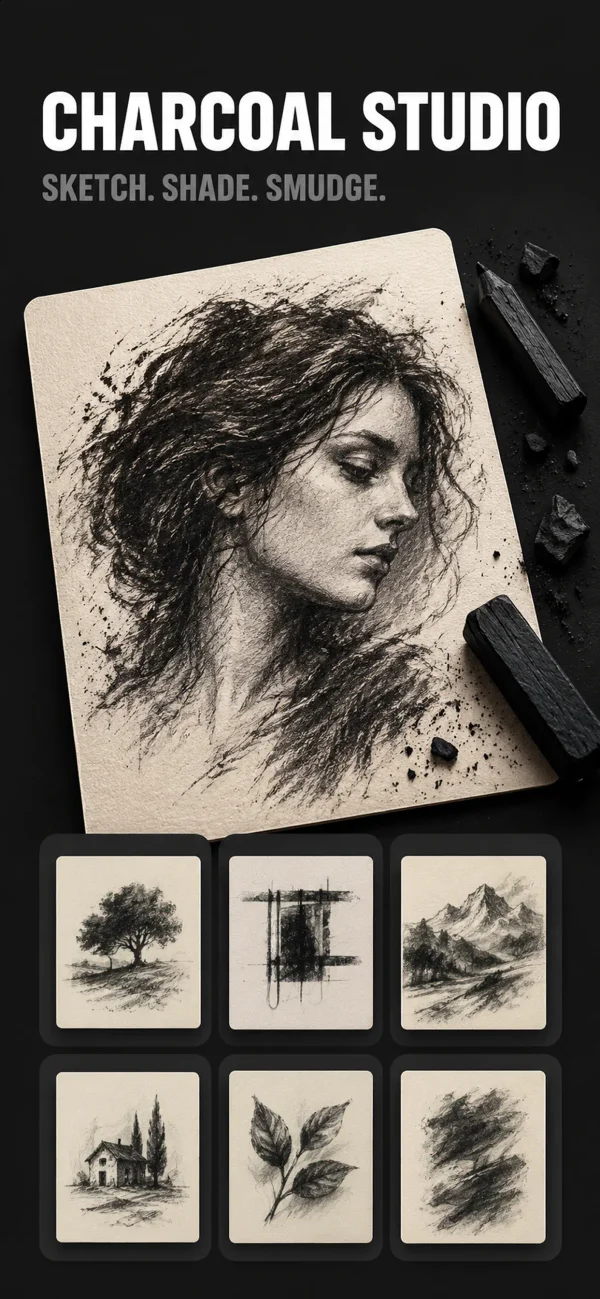
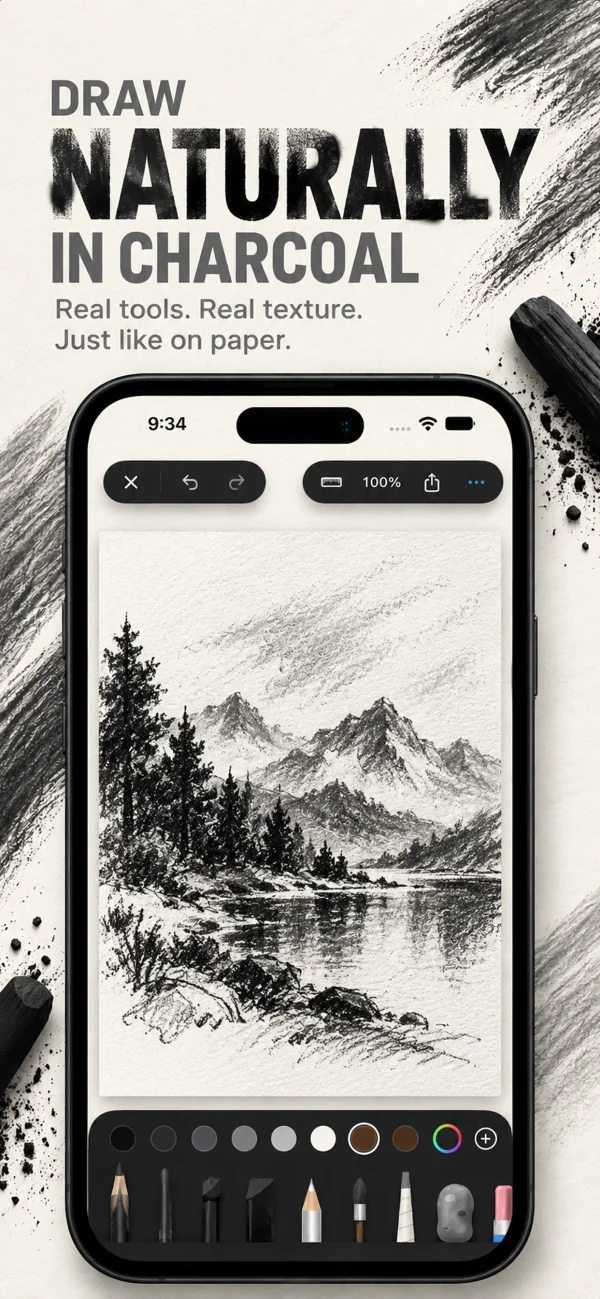
Charcoal Studio brings the feel of a real charcoal sketchbook to iPhone and iPad. Pick up a stick, lay down rich, grainy tone, then blend it into smooth gradients or lift it back out, the way you would on paper.
A FULL CHARCOAL KIT
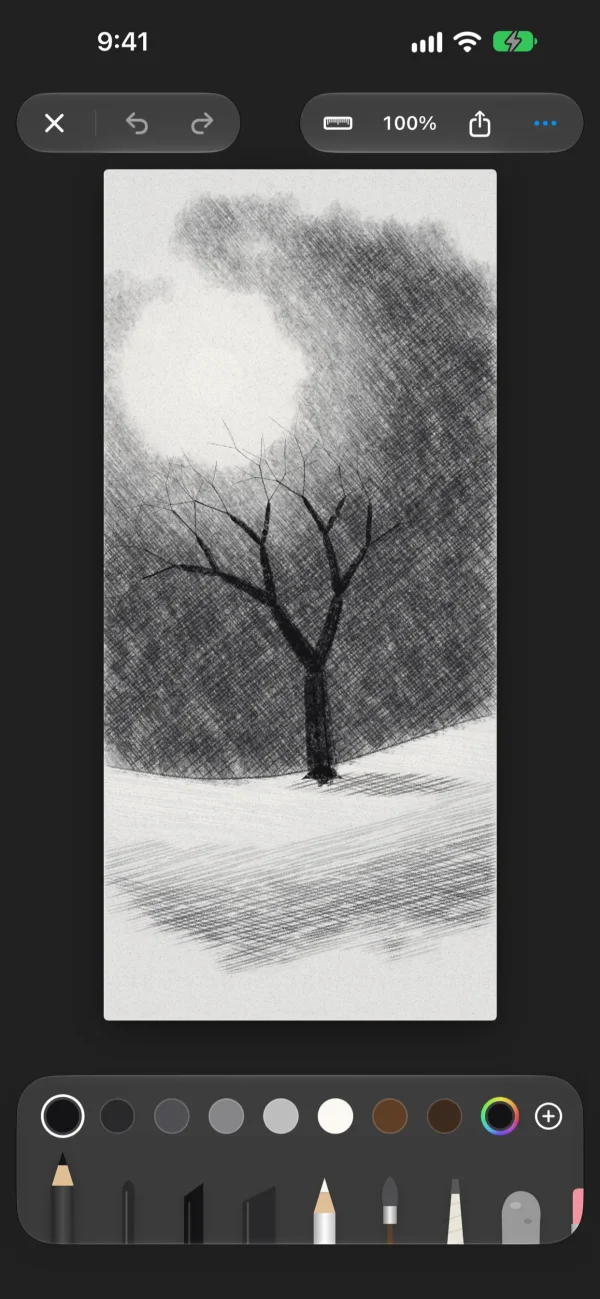
• Charcoal Pencil: fine lines and crisp detail
• Vine Charcoal: soft, light marks for loose sketching
• Compressed Charcoal: dense, velvety blacks
• Charcoal Block: broad strokes for shading large areas
• White Charcoal: highlights on toned and dark paper
• Charcoal Powder: soft washes of tone
• Lasso: select, move and resize your strokes
BLEND AND LIFT LIKE THE REAL THING
• Blending Stump: push charcoal into the paper’s grain, soften hard edges and build smooth tonal transitions. It moves only charcoal, never the paper, so your darks stay rich.
• Kneaded Eraser: dab or drag to lift charcoal gently and add highlights. It follows the tooth of the paper, so lightened areas keep their natural texture.
• Eraser: clean removal whenever you need it.
MADE FOR APPLE PENCIL
• Pressure and tilt shape every mark
• Strokes are smoothed so blending and erasing follow your hand without jagged corners
• Double-tap or squeeze Apple Pencil to switch tools or show tool settings
• Draw with your finger too, or turn finger drawing off for Pencil-only work
PAPER WITH TOOTH
• Five papers: white, cream, toned gray, slate and black
• A real paper grain shows through every stroke
• Choose your canvas: portrait, landscape, square, or any custom size from 256 to 4096 pixels
AN EXPERIENCE THAT FEELS ANALOG
• Hear the scratch of charcoal when you hatch, while ordinary lines stay quiet
• Pinch to zoom and pan around your page
• Ruler for straight edges
• Charcoal-tone palette, plus your own saved colours
• Size, opacity and strength controls for every tool
YOUR SKETCHBOOK
• Every sketch saves automatically
• Unlimited sketches in your gallery
• Undo and redo as many steps as you need
• Export at full resolution and share anywhere
Everything stays on your device: no account and no sign-up. Focus on your drawing. Leave the dust on the paper.
Privacy policy: https://digitalhole.github.io/LilArtist.html
Standard Apple Terms of Use (EULA): https://www.apple.com/legal/internet-services/itunes/dev/stdeula/
Có gì mới
Phiên bản 1.1 · 19/10/2026
• iOS 27 Ready
• Performance improvement
• Improved User Experience
Quyền riêng tư của ứng dụng
Những gì Digital Hole Pvt. Ltd. khai báo trên App Store về cách ứng dụng này xử lý dữ liệu.
-
Dữ liệu không được thu thập
Nhà phát triển không thu thập bất kỳ dữ liệu nào từ ứng dụng này.
Phương thức đảm bảo quyền riêng tư có thể khác nhau, chẳng hạn như tuỳ theo các tính năng bạn sử dụng hoặc độ tuổi của bạn.
Thông tin
- Người bán
- Digital Hole Pvt. Ltd.
- Danh mục
- Đồ Họa & Thiết Kế
- Phiên bản
- 1.1
- Cập nhật
- 19/10/2026
- Phát hành
- 15/10/2026
- Kích thước
- 14,0 MB
- Yêu cầu
- iOS 18.0 trở lên
- Độ tuổi
- 4+
- Giá
- Miễn phí
- Mua hàng trong ứng dụng
- Có
- Ngôn ngữ
- Tiếng Anh
- Bản quyền
- © Digital Hole Pvt. Ltd.
Có thể bạn cũng thích
-
 qCurvingĐồ Họa & Thiết Kế
-
 Photo Collage StudioĐồ Họa & Thiết Kế
-
 Artino: Photo Zine MakerĐồ Họa & Thiết Kế
-
 Palette SpinTạo hình nền từ màu sắc
-
 LiveToFrame:GIF, Video & FrameĐồ Họa & Thiết Kế
-
 PhotoFramify: Photo BorderĐồ Họa & Thiết Kế
-
 Sketch 3DĐồ Họa & Thiết Kế
-
 Deco: Wallpaper & StickersĐồ Họa & Thiết Kế
-
 PiiikaĐồ Họa & Thiết Kế
-
 Local 3D Model ConverterĐổi hàng loạt STL OBJ GLB USD