- Yaş sınırı4+
- KategoriYardımcılar
- Dillerİngilizce
- Boyut8,3 MB
Resmi App Store sayfasına bağlanır
Download.org, clock4all için hiçbir dosya barındırmaz. Düğme, uygulamanın App Store üzerindeki sayfasını açar; uygulamayı orada yayınlar. Sayfanın son kontrolü: 20.11.2026.
Ekran görüntüleri


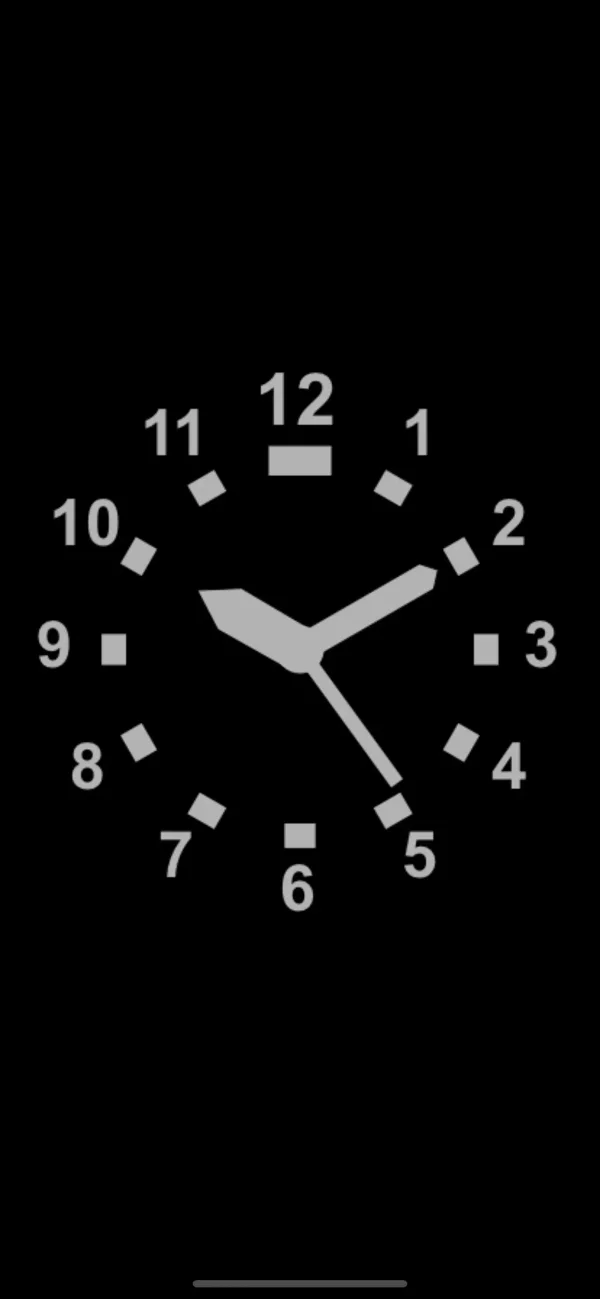
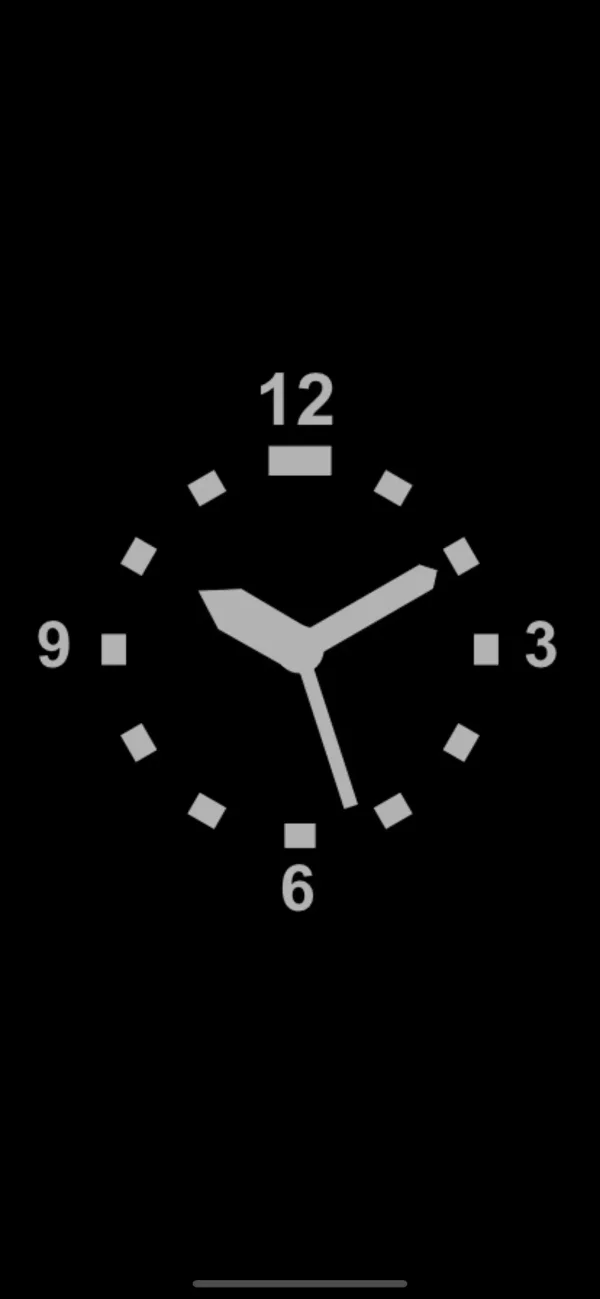
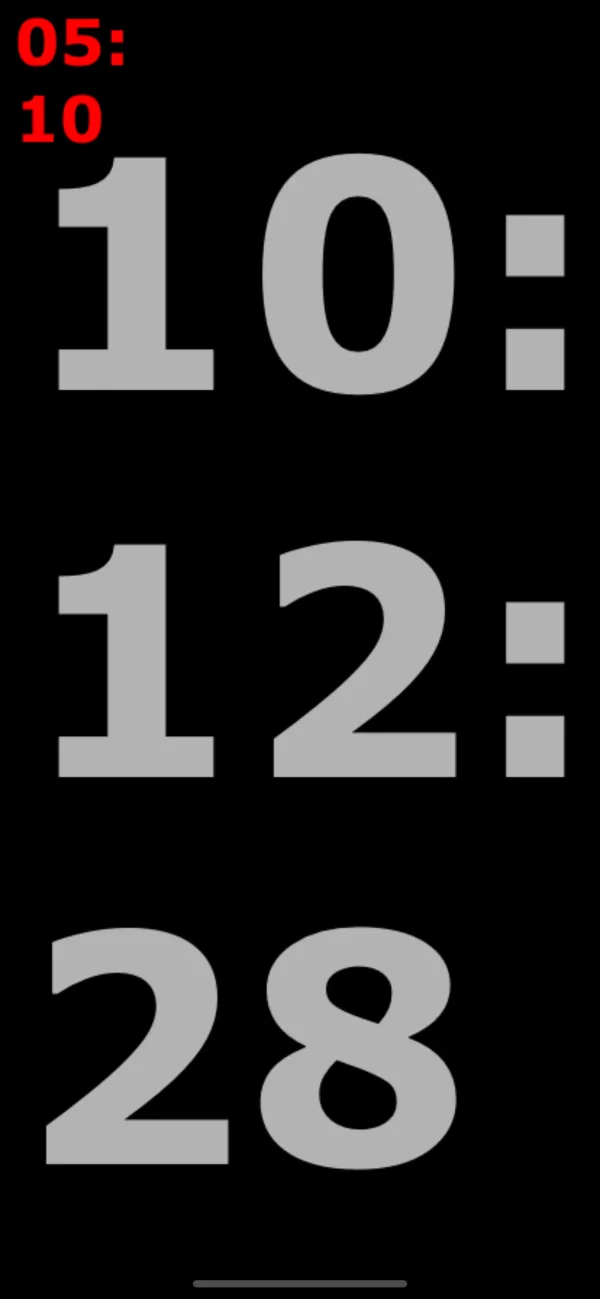
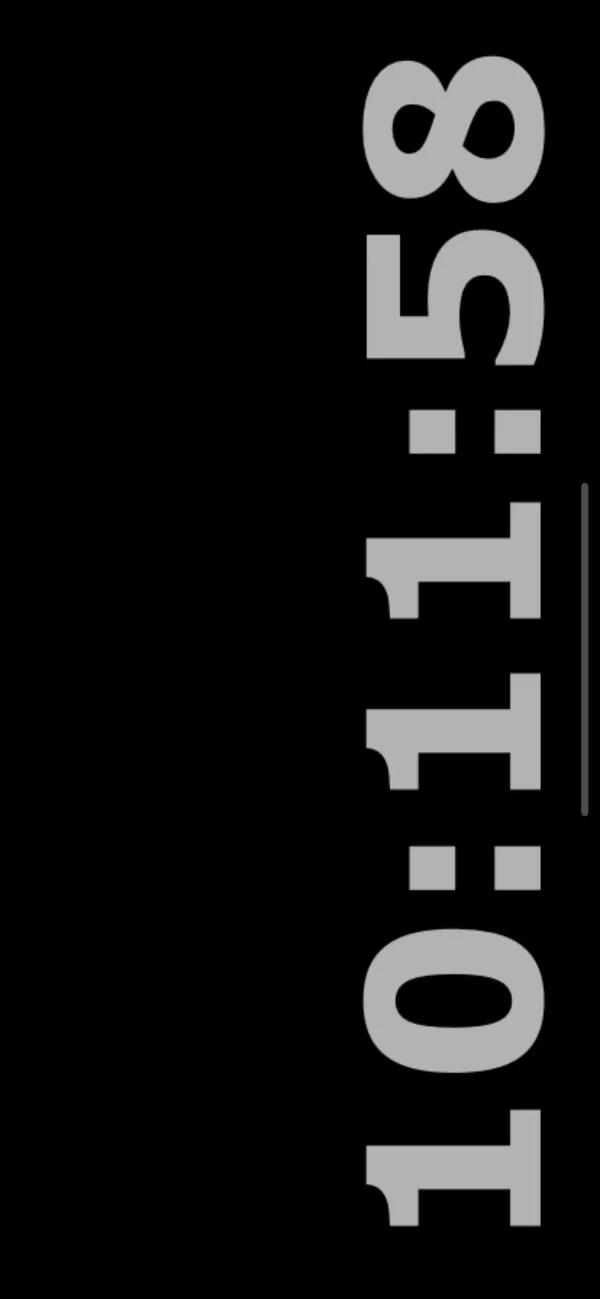
Hakkında
Geliştirici bu metni dilinizde sunmamış.
This is a clock for all:
- for users aiming visual pleasing clock faces
- for visual impaired users reading the time with better contrasts
- for blind users hearing the speech synthesizer time message in their language
- for children learning to read the clock
- for children and adults having fun to select a clock’s face with random colors
- for all users preferring apps easy to use and designed for all
Thus it is a powerful clock in the sense of:
„Technology is most powerful when it empowers everyone“
(cited from www.apple.com/accessibility).
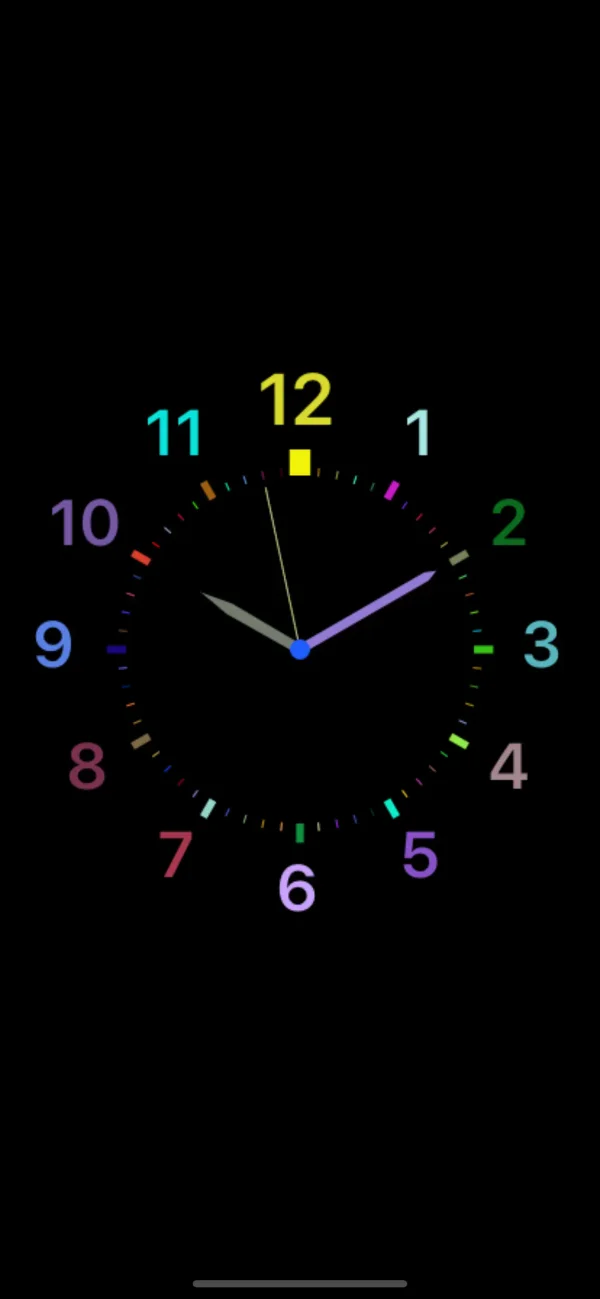
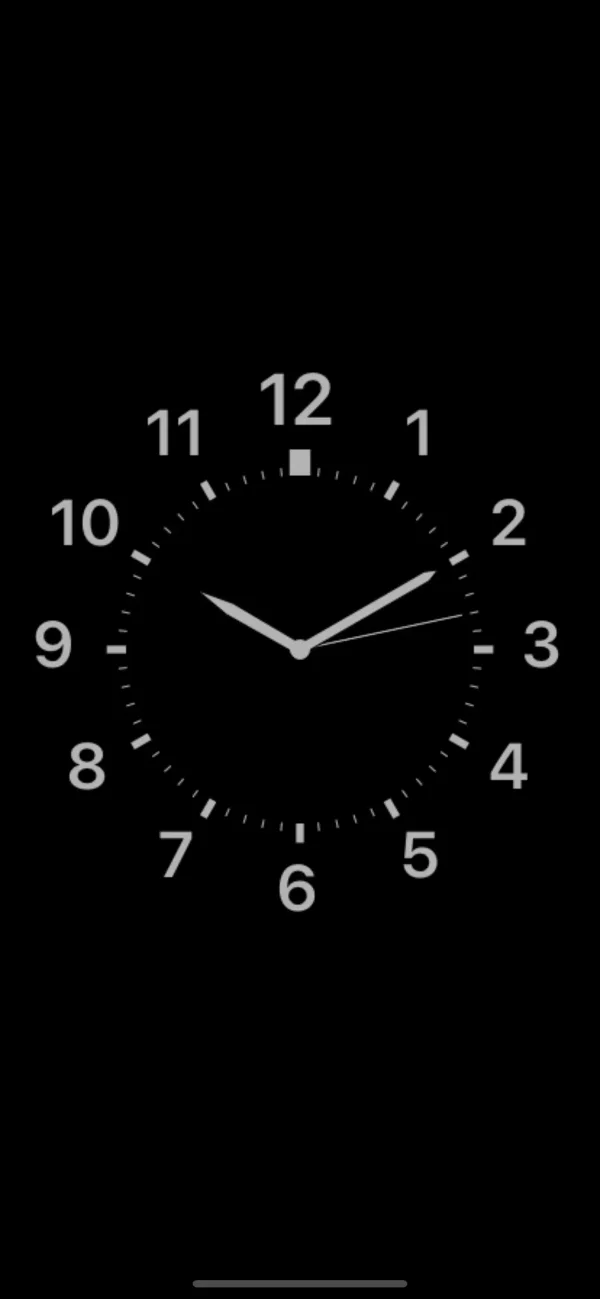
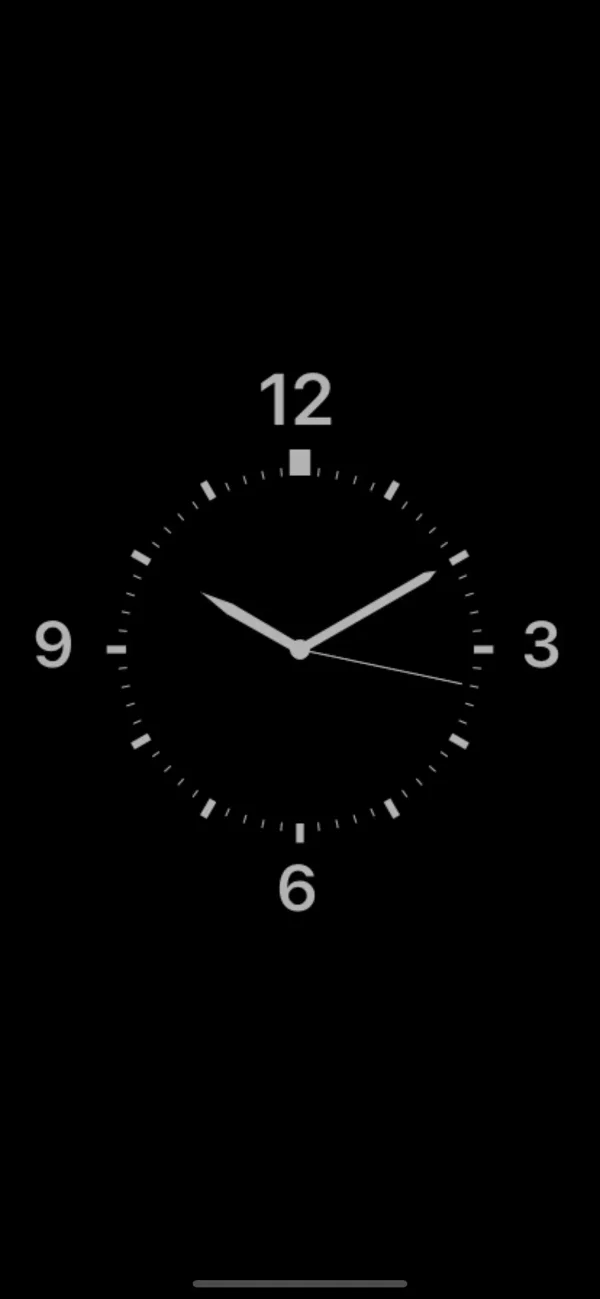
The clock4all app provides 10 different clock faces.
And one extra large digital time display.
Alarm time can be set.
The clock indicates low battery levels with a color index.
Your questions may be:
1. Must I fumble with menus, settings and modes?
No. This clock app is designed for simple and robust use.
You will not have to make settings in menus.
There are no menus, no buttons, no sliders.
Because blind, partly sighed or elderly users can hardly deal with them.
2. How does it work then, to interact with this app?
There are only three interactions:
- You touch the display and a voice will speak out the time in your language.
- You swipe over the display and the clock face will change its design.
- You shake the device and a prompt appear to set the alarm time.
3. How do the app know about the language I prefer?
The app simply uses the selected language of your iPad or iPhone.
4. Can I hear the voice speaking out the time in different languages?
Just go to your general iPad/iPhone settings of „Language & Region“ and change the language and its region.
5. Which languages/nations are supported by this app?
USA/England, Spain, French, Italy, Germany, Netherlands, Ireland, Czech Republic, Hungary, China. Japan, Korea.
6. My language is not supported yet. Do you plan to update for it?
Yes, of course, it is a clock4all.
Get in contact with the author: juergen.held@hfg-gmuend.de
Explain how to spell the time in your language for to update the app.
7. Does the clock4all app supports different display sizes?
Yes all displays are supported. The clock’s faces will be presented at best readable sizes.
8. Can I use the clock4all in portrait and landscape orientation?
Yes, the clock will rotate if you rotate your iPad or iPhone device.
9. How will the clock tell about low battery levels?
Less 10% battery capacity will trigger the clocks face to have blue colored markers.
Less 5% battery and the markers became red colored.
If you tap then to hear the time message, the voice will append:
"Battery level is less x%".
Yenilikler
Sürüm 1.4.2 · 20.12.2025
Declaration of synthesizer variable.
Uygulama gizliliği
Bu uygulamanın verileri nasıl işlediği hakkında tarafından App Store üzerinde yapılan beyan.
-
Veri toplanmıyor
Geliştirici bu uygulamadan hiçbir veri toplamıyor.
Gizlilik uygulamaları, örneğin kullandığınız özelliklere veya yaşınıza göre değişiklik gösterebilir.
Bilgiler
- Satıcı
- Juergen Held
- Kategori
- Yardımcılar
- Sürüm
- 1.4.2
- Güncellendi
- 20.12.2025
- Yayın tarihi
- 29.03.2020
- Boyut
- 8,3 MB
- Gereksinim
- iOS 12.0 veya sonrası
- Yaş sınırı
- 4+
- Fiyat
- ₺49,99
- Diller
- İngilizce
- Telif hakkı
- © Jürgen Held
Bunları da beğenebilirsiniz
-
 TunShareYardımcılar
-
 FotoSafe-SorglosYardımcılar
-
 SpeedIQ – Speed Test & WiFiYardımcılar
-
 Nasu: Private TranscriptionYardımcılar
-
 Sound Stitch: Audio MergerYardımcılar
-
 NetWizard: Scan & AnalyzeYardımcılar
-
 Password Manager - PanoptesYardımcılar
-
 Timer - Dial & StopwatchYardımcılar
-
 FBullet-Fun & HandheldBarrageYardımcılar
-
 Whisperly AIYardımcılar