
- Độ tuổi4+
- Danh mụcTiện Ích
- Ngôn ngữTiếng Anh
- Kích thước8,3 MB
Liên kết đến trang App Store chính thức
Download.org không lưu trữ tệp nào của clock4all. Nút này mở trang ứng dụng trên App Store, nơi phát hành ứng dụng. Trang được kiểm tra lần cuối: 20/11/2026.
Ảnh chụp màn hình


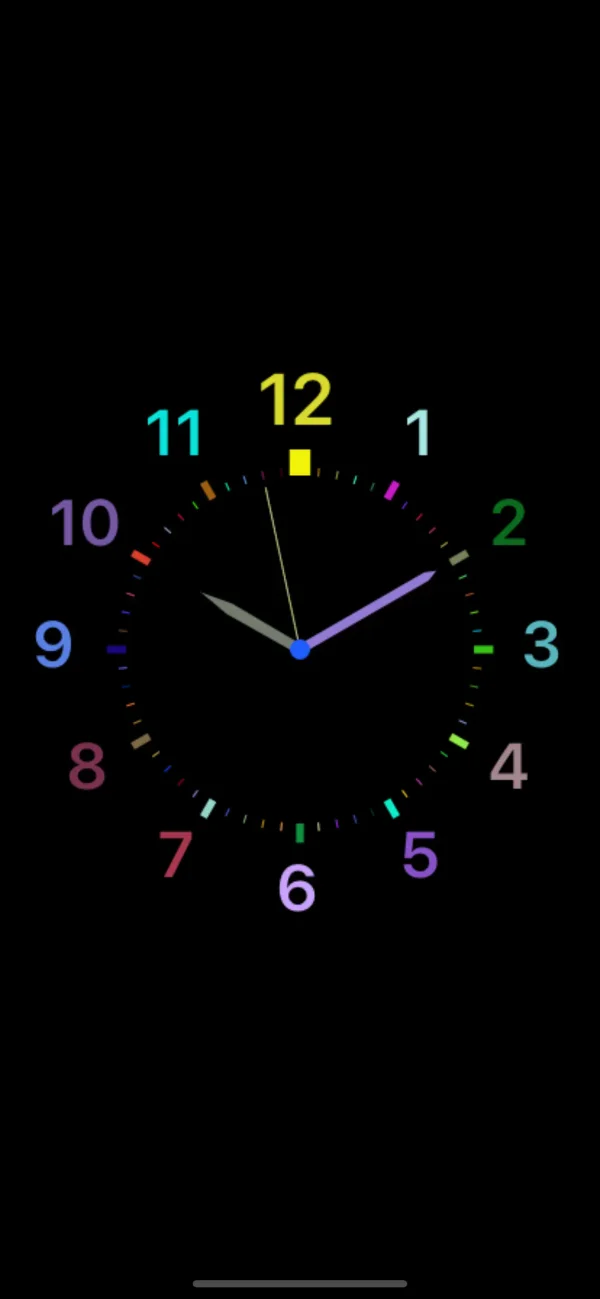
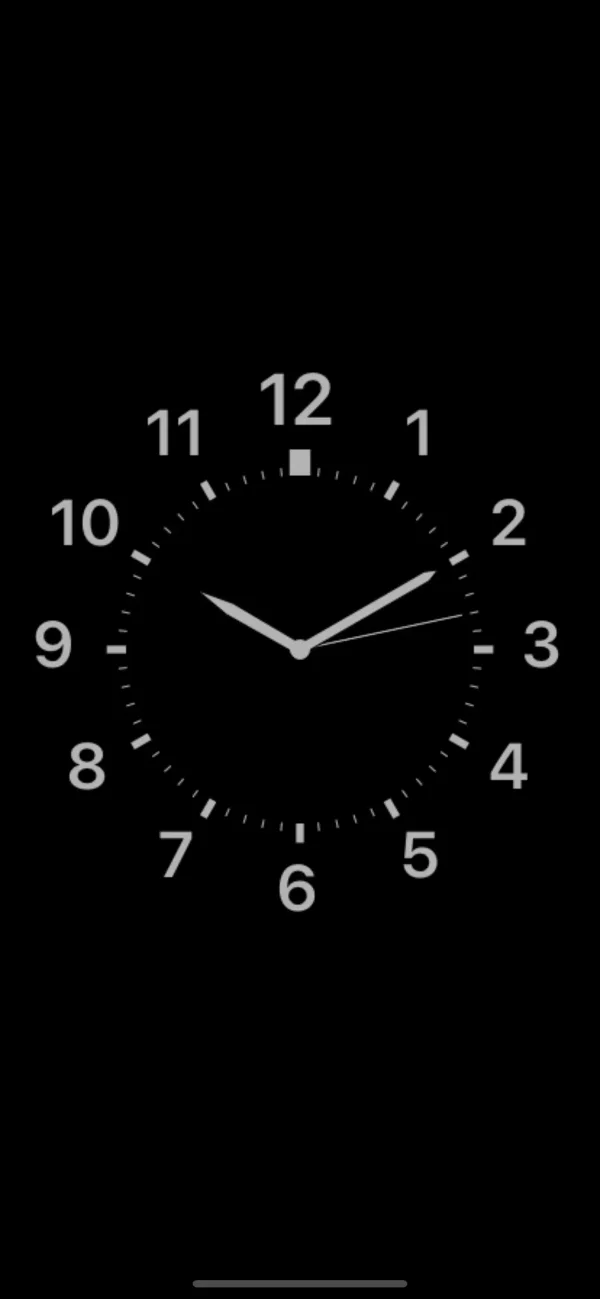
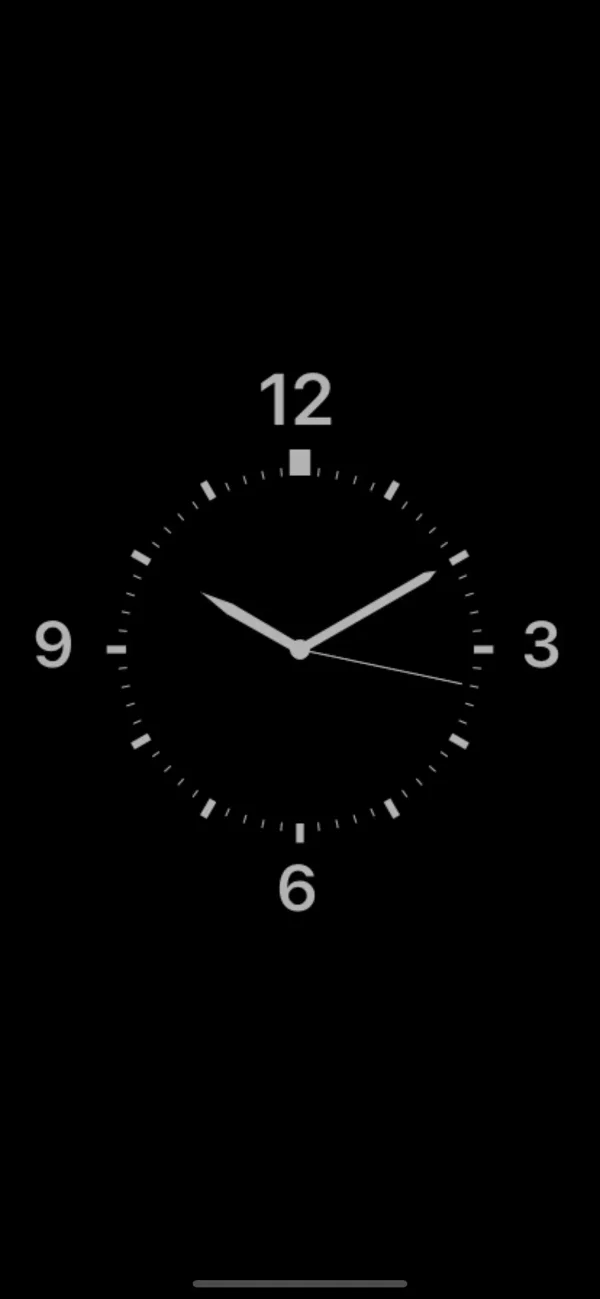
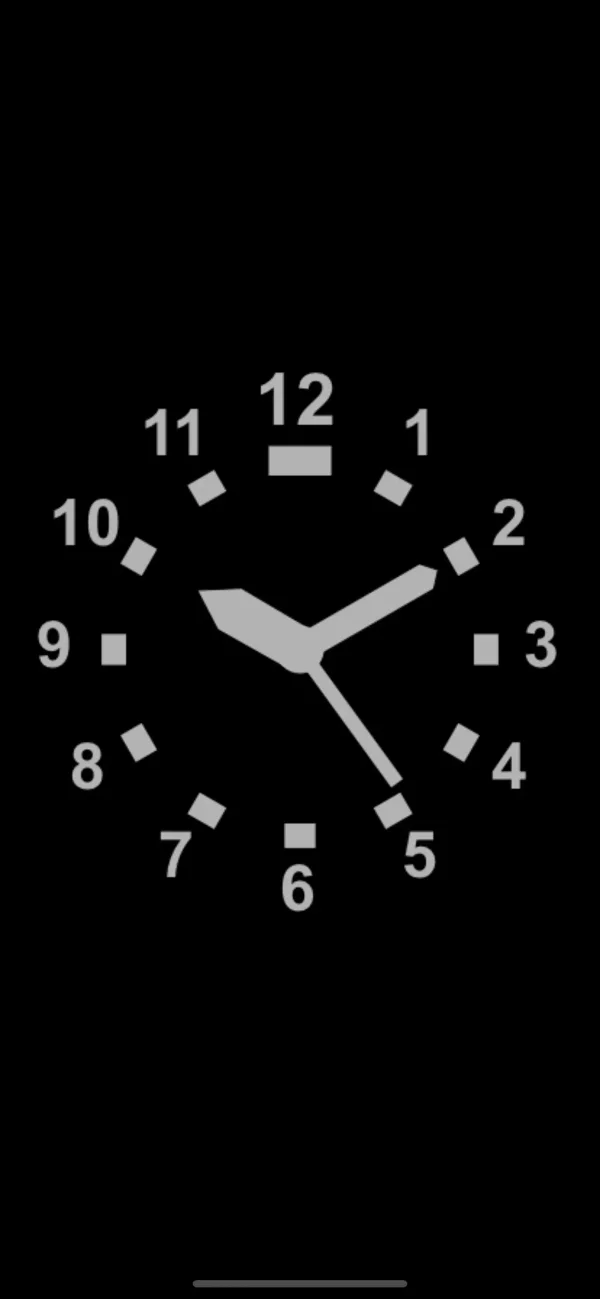
Giới thiệu
Nhà phát triển chưa cung cấp nội dung này bằng ngôn ngữ của bạn.
This is a clock for all:
- for users aiming visual pleasing clock faces
- for visual impaired users reading the time with better contrasts
- for blind users hearing the speech synthesizer time message in their language
- for children learning to read the clock
- for children and adults having fun to select a clock’s face with random colors
- for all users preferring apps easy to use and designed for all
Thus it is a powerful clock in the sense of:
„Technology is most powerful when it empowers everyone“
(cited from www.apple.com/accessibility).
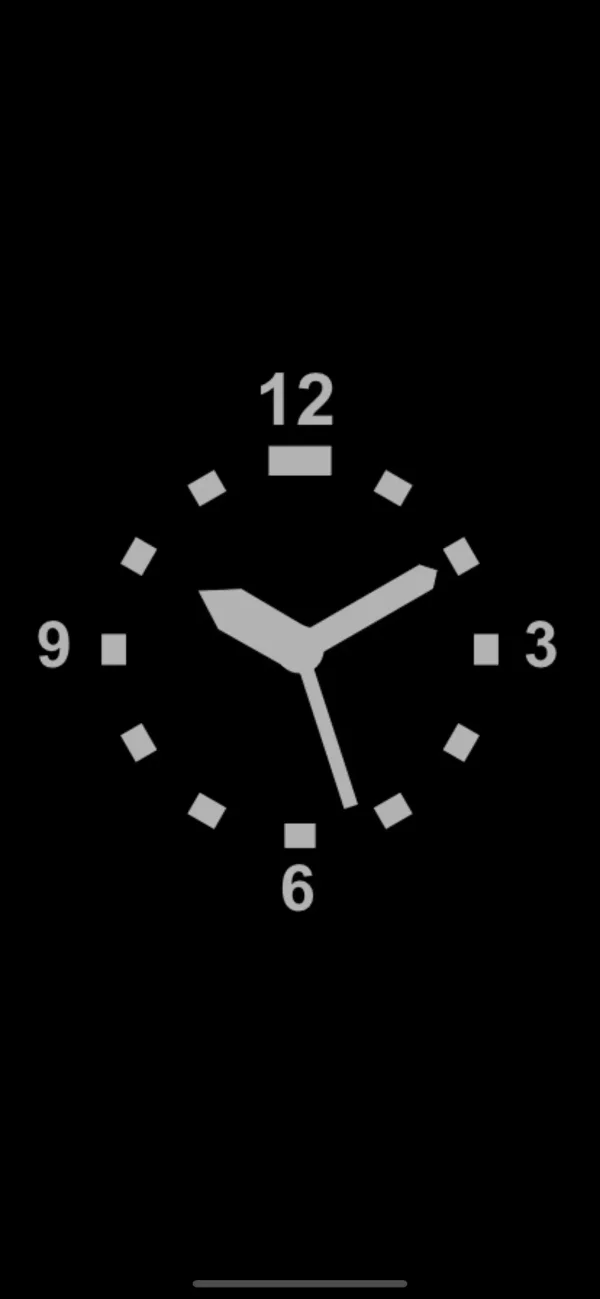
The clock4all app provides 10 different clock faces.
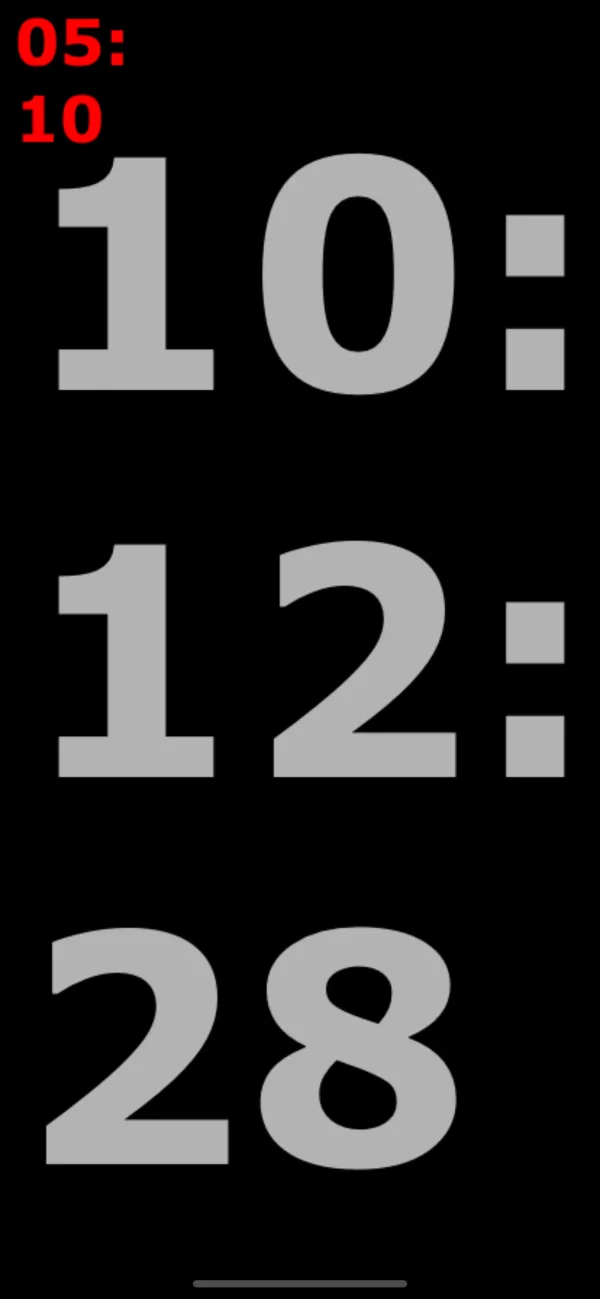
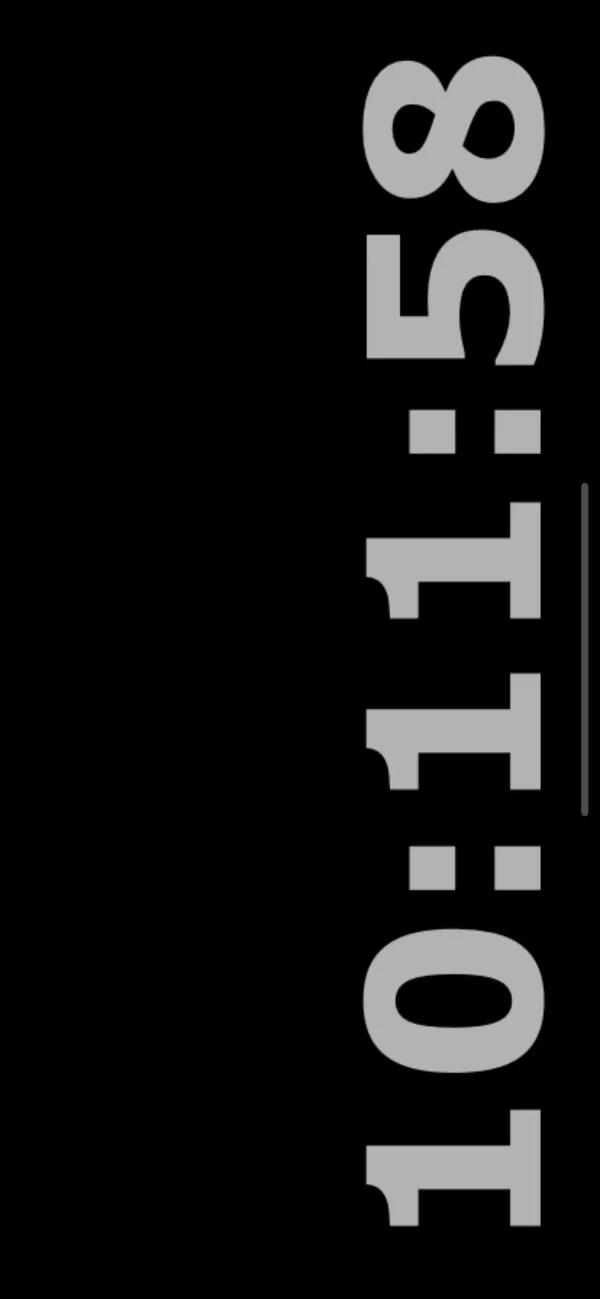
And one extra large digital time display.
Alarm time can be set.
The clock indicates low battery levels with a color index.
Your questions may be:
1. Must I fumble with menus, settings and modes?
No. This clock app is designed for simple and robust use.
You will not have to make settings in menus.
There are no menus, no buttons, no sliders.
Because blind, partly sighed or elderly users can hardly deal with them.
2. How does it work then, to interact with this app?
There are only three interactions:
- You touch the display and a voice will speak out the time in your language.
- You swipe over the display and the clock face will change its design.
- You shake the device and a prompt appear to set the alarm time.
3. How do the app know about the language I prefer?
The app simply uses the selected language of your iPad or iPhone.
4. Can I hear the voice speaking out the time in different languages?
Just go to your general iPad/iPhone settings of „Language & Region“ and change the language and its region.
5. Which languages/nations are supported by this app?
USA/England, Spain, French, Italy, Germany, Netherlands, Ireland, Czech Republic, Hungary, China. Japan, Korea.
6. My language is not supported yet. Do you plan to update for it?
Yes, of course, it is a clock4all.
Get in contact with the author: juergen.held@hfg-gmuend.de
Explain how to spell the time in your language for to update the app.
7. Does the clock4all app supports different display sizes?
Yes all displays are supported. The clock’s faces will be presented at best readable sizes.
8. Can I use the clock4all in portrait and landscape orientation?
Yes, the clock will rotate if you rotate your iPad or iPhone device.
9. How will the clock tell about low battery levels?
Less 10% battery capacity will trigger the clocks face to have blue colored markers.
Less 5% battery and the markers became red colored.
If you tap then to hear the time message, the voice will append:
"Battery level is less x%".
Có gì mới
Phiên bản 1.4.2 · 20/12/2025
Declaration of synthesizer variable.
Quyền riêng tư của ứng dụng
Những gì khai báo trên App Store về cách ứng dụng này xử lý dữ liệu.
-
Dữ liệu không được thu thập
Nhà phát triển không thu thập bất kỳ dữ liệu nào từ ứng dụng này.
Phương thức đảm bảo quyền riêng tư có thể khác nhau, chẳng hạn như tuỳ theo các tính năng bạn sử dụng hoặc độ tuổi của bạn.
Thông tin
- Người bán
- Juergen Held
- Danh mục
- Tiện Ích
- Phiên bản
- 1.4.2
- Cập nhật
- 20/12/2025
- Phát hành
- 29/03/2020
- Kích thước
- 8,3 MB
- Yêu cầu
- iOS 12.0 trở lên
- Độ tuổi
- 4+
- Giá
- 29.000đ
- Ngôn ngữ
- Tiếng Anh
- Bản quyền
- © Jürgen Held
Có thể bạn cũng thích
-
 TunShareTiện Ích
-
 FotoSafe-SorglosTiện Ích
-
 SpeedIQ – Speed Test & WiFiTiện Ích
-
 Nasu: Private TranscriptionTiện Ích
-
 Sound Stitch: Audio MergerTiện Ích
-
 NetWizard: Scan & AnalyzeTiện Ích
-
 Password Manager - PanoptesTiện Ích
-
 Timer - Dial & StopwatchTiện Ích
-
 FBullet-Fun & HandheldBarrageTiện Ích
-
 Whisperly AITiện Ích