Codable
Web developer tools for mobile
iPhone, iPad için tasarlandı
Ücretsiz · Uygulama içi satın alma
- Yaş sınırı17+
- KategoriYardımcılar
- GeliştiriciJeremy Collins
- Dillerİngilizce
- Boyut9,8 MB
Resmi App Store sayfasına bağlanır
Download.org, Codable için hiçbir dosya barındırmaz. Düğme, uygulamanın App Store üzerindeki sayfasını açar; uygulamayı orada Jeremy Collins yayınlar. Sayfanın son kontrolü: 14.11.2026.
Ekran görüntüleri


Hakkında
Geliştirici bu metni dilinizde sunmamış.
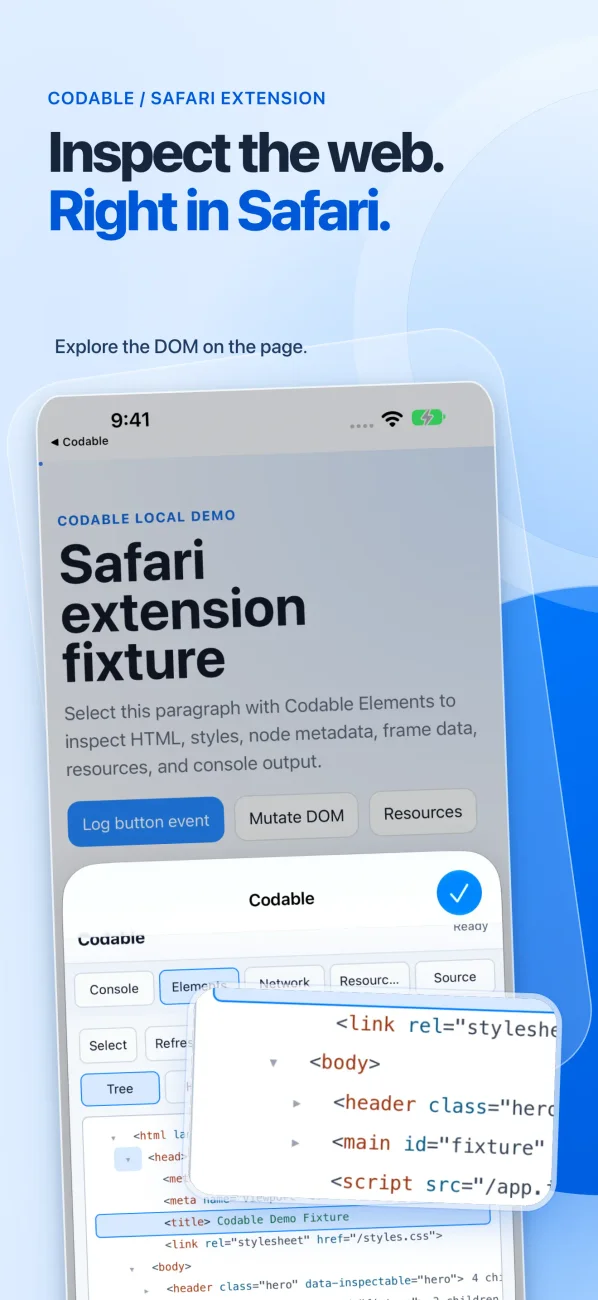
Inspect elements in Safari on iPhone and iPad. View HTML and CSS, read JavaScript console errors, review captured network requests, and explore page source and website assets in the Safari page you’re already using.
Built for frontend developers debugging the mobile web.
Safari inspection
• Elements: select a node on the page, browse the DOM, inspect styles, and try local CSS edits.
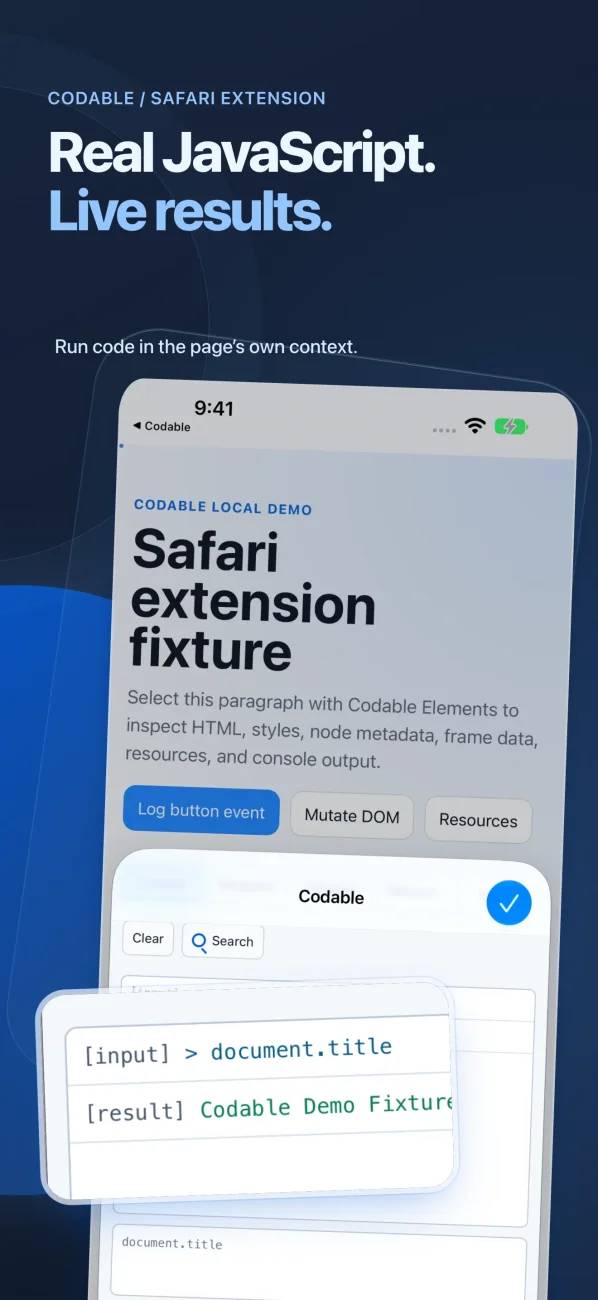
• Console: evaluate JavaScript and read captured logs, errors, and available stack information.
• Network: inspect requests observed after capture starts, including available status, timing, and response details.
• Source: read the source available to the extension and distinguish it from the live DOM.
• Resources: explore scripts, stylesheets, images, and available page storage.
Start capture before reproducing a problem. Safari permissions, browser boundaries, and capture timing can limit the evidence available. Codable does not provide every capability of desktop Web Inspector.
Tools in the companion app
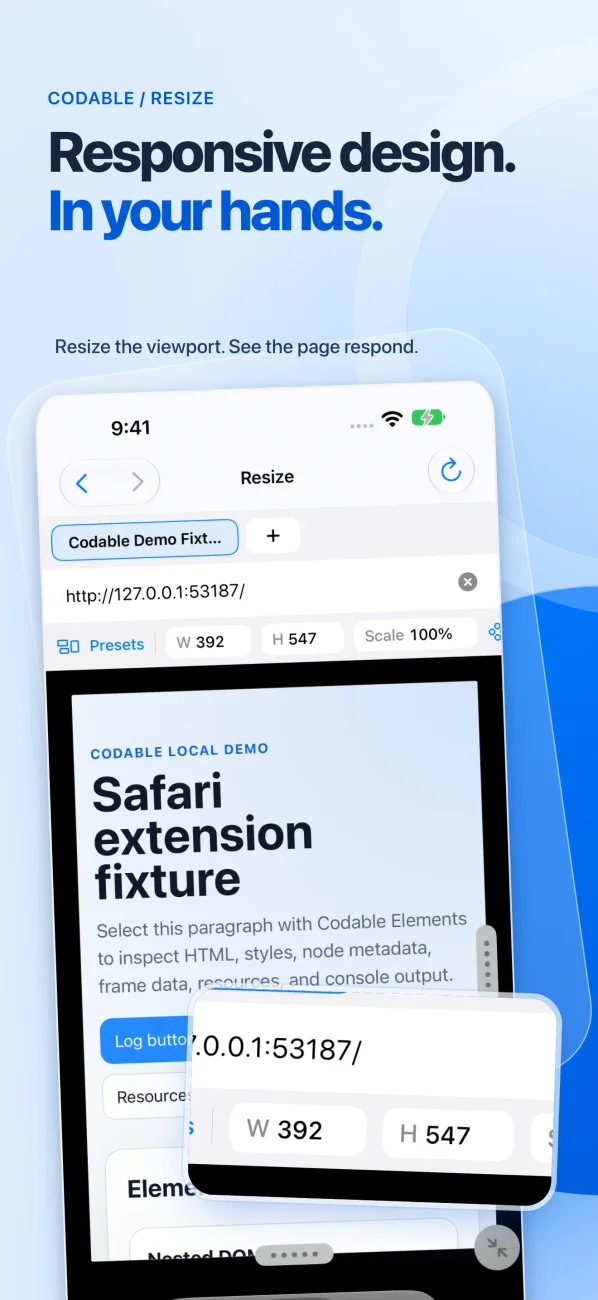
• Resize: test responsive layouts with custom viewport dimensions, device presets, scale controls, and resize handles.
• Scratchpad: write and run JavaScript with syntax coloring, code keyboard shortcuts, and document support. Optional Apple Intelligence assistance is available on supported devices.
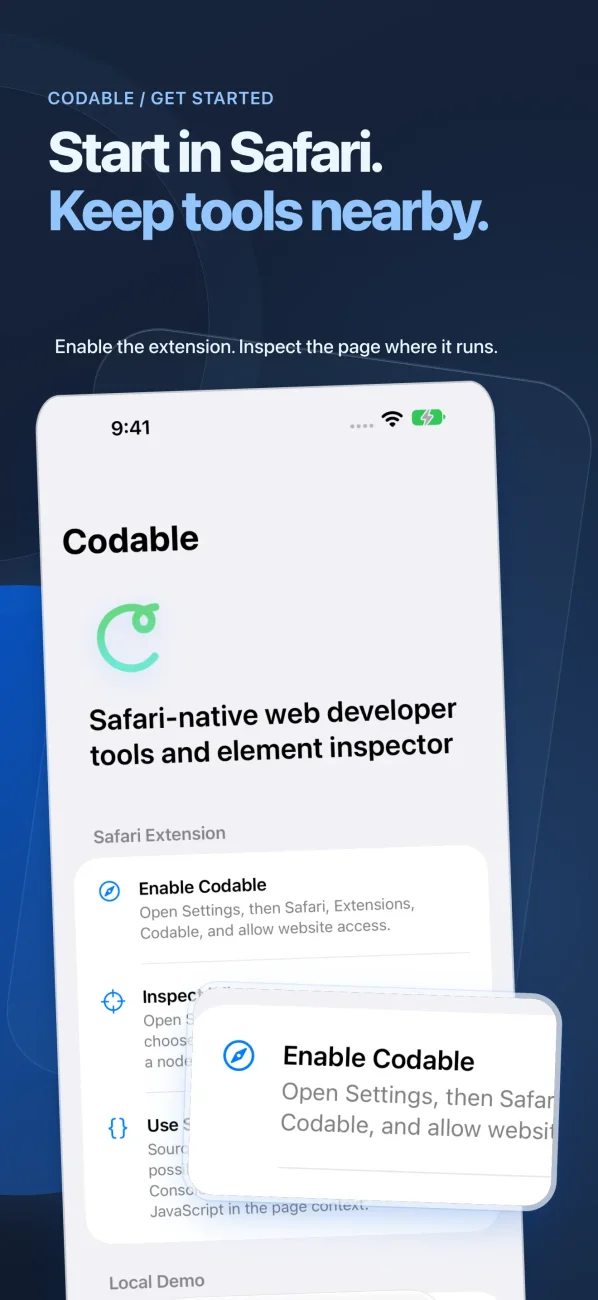
• Extension setup: enable Codable in Safari and practice with the bundled demo website.
The Safari extension works in your current Safari page. Resize uses a separate browser session.
Optional support
Codable is free to use. The Tip Jar offers optional, repeatable one-time purchases through Apple. Tips unlock no features and are not subscriptions.
Yenilikler
Sürüm 2.5.0 · 03.11.2026
• Debug report: copy a reviewed, redacted summary of the current page to share with a coding assistant. You edit and approve the text before anything is copied.
• Guided setup: enable Codable in Safari, open the demo site, and select your first element, with feedback along the way.
• Try CSS: test a style change on the selected element and undo it exactly.
• More accurate Network: no duplicate or invented requests, Clear stays clear, and request headers and JSON responses are reported as sent and received.
• Source now labels fetched HTML separately from the live page.
• Console counts repeated errors and shows only the current tab’s activity.
• Resources shows script timing and lists CSS background images under Images.
• Resize: Undo tells you whether a change was restored, and background tabs switch user agent when you open them.
iPhone Duo layouts now require iOS 27.2.
Uygulama gizliliği
Bu uygulamanın verileri nasıl işlediği hakkında Jeremy Collins tarafından App Store üzerinde yapılan beyan.
-
Veri toplanmıyor
Geliştirici bu uygulamadan hiçbir veri toplamıyor.
Gizlilik uygulamaları, örneğin kullandığınız özelliklere veya yaşınıza göre değişiklik gösterebilir.
Bilgiler
- Satıcı
- Jeremy Collins
- Kategori
- Yardımcılar
- Sürüm
- 2.5.0
- Güncellendi
- 03.11.2026
- Yayın tarihi
- 15.12.2017
- Boyut
- 9,8 MB
- Gereksinim
- iOS 26.4 veya sonrası
- Yaş sınırı
- 17+
- Fiyat
- Ücretsiz
- Uygulama içi satın alma
- Evet
- Diller
- İngilizce
- Telif hakkı
- © 2026 Jeremy Collins