
Codable
Web developer tools for mobile
Designed for iPhone, iPad
Free · In-app purchases
- Age rating17+
- CategoryUtilities
- DeveloperJeremy Collins
- LanguagesEnglish
- Size9.8 MB
Links to the official App Store page
Download.org hosts no file of Codable. The button opens its official App Store page, published by Jeremy Collins. Listing last checked on Nov 14, 2026.
Screenshots


About
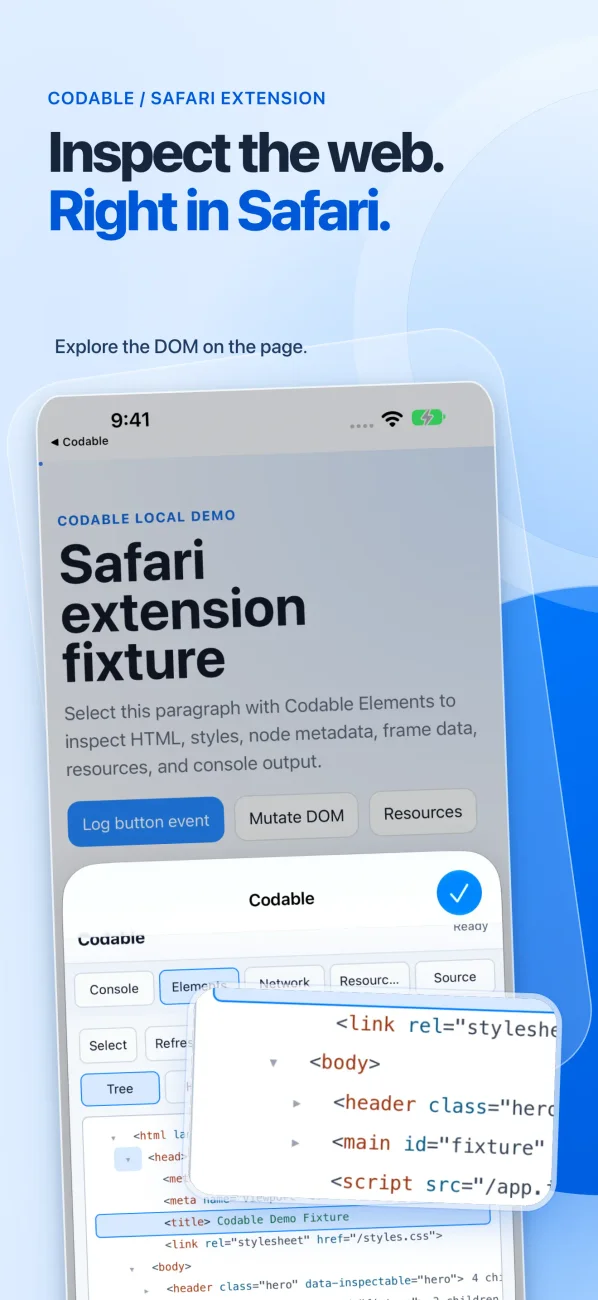
Inspect elements in Safari on iPhone and iPad. View HTML and CSS, read JavaScript console errors, review captured network requests, and explore page source and website assets in the Safari page you’re already using.
Built for frontend developers debugging the mobile web.
Safari inspection
• Elements: select a node on the page, browse the DOM, inspect styles, and try local CSS edits.
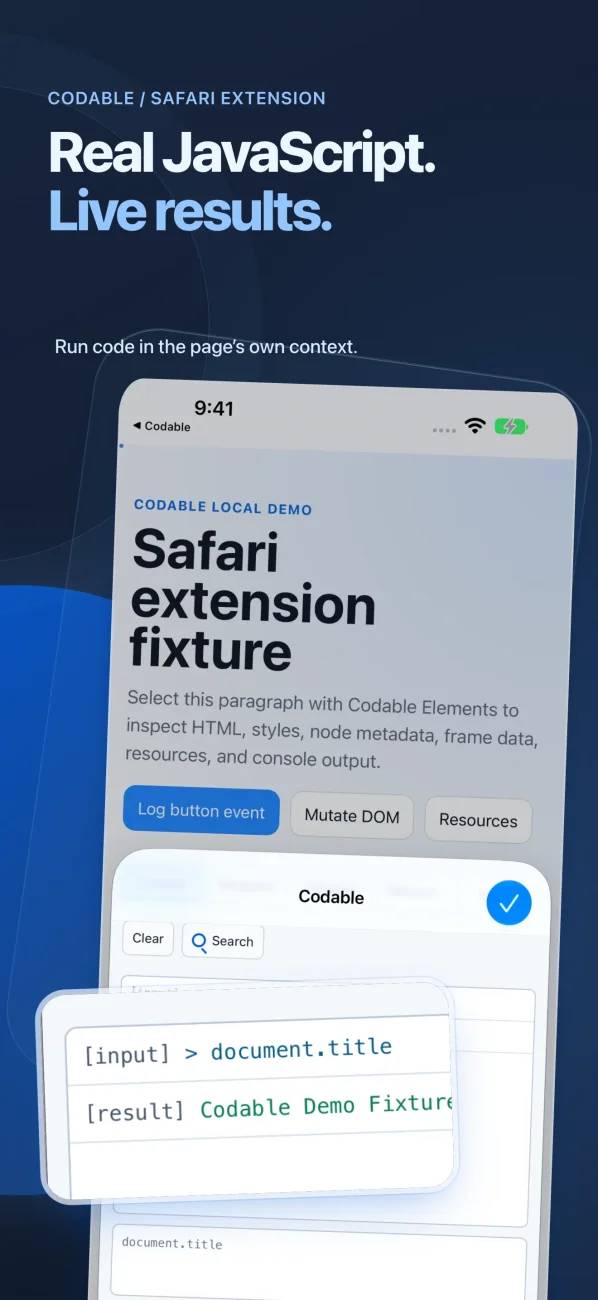
• Console: evaluate JavaScript and read captured logs, errors, and available stack information.
• Network: inspect requests observed after capture starts, including available status, timing, and response details.
• Source: read the source available to the extension and distinguish it from the live DOM.
• Resources: explore scripts, stylesheets, images, and available page storage.
Start capture before reproducing a problem. Safari permissions, browser boundaries, and capture timing can limit the evidence available. Codable does not provide every capability of desktop Web Inspector.
Tools in the companion app
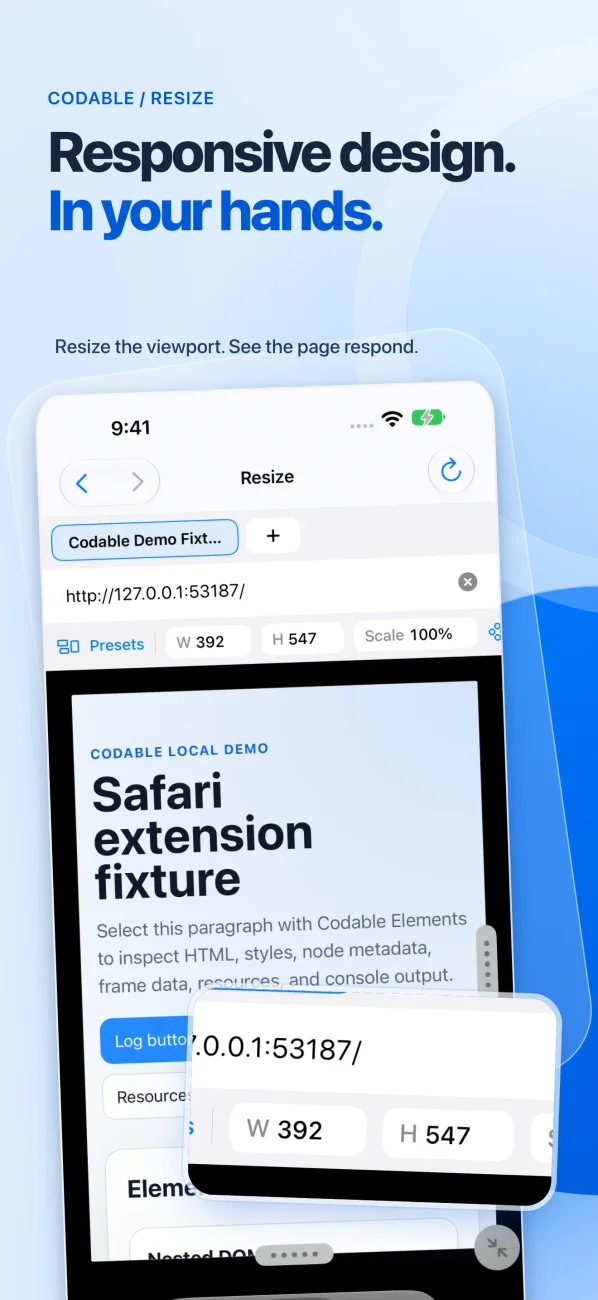
• Resize: test responsive layouts with custom viewport dimensions, device presets, scale controls, and resize handles.
• Scratchpad: write and run JavaScript with syntax coloring, code keyboard shortcuts, and document support. Optional Apple Intelligence assistance is available on supported devices.
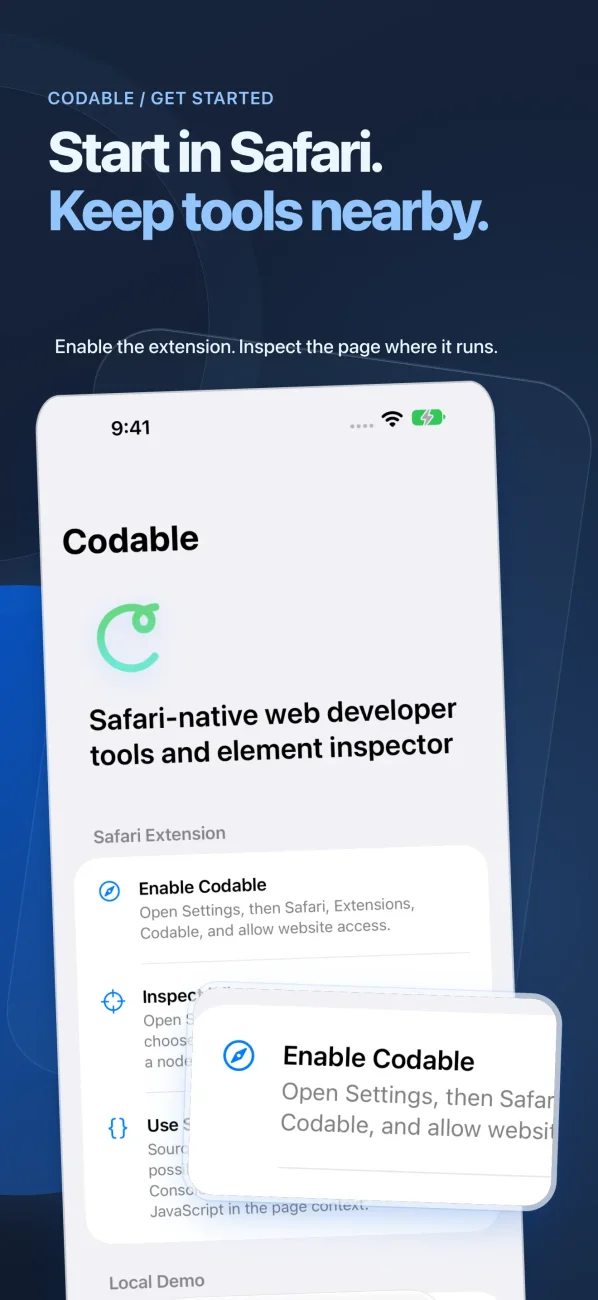
• Extension setup: enable Codable in Safari and practice with the bundled demo website.
The Safari extension works in your current Safari page. Resize uses a separate browser session.
Optional support
Codable is free to use. The Tip Jar offers optional, repeatable one-time purchases through Apple. Tips unlock no features and are not subscriptions.
What’s new
Version 2.5.0 · Nov 3, 2026
• Debug report: copy a reviewed, redacted summary of the current page to share with a coding assistant. You edit and approve the text before anything is copied.
• Guided setup: enable Codable in Safari, open the demo site, and select your first element, with feedback along the way.
• Try CSS: test a style change on the selected element and undo it exactly.
• More accurate Network: no duplicate or invented requests, Clear stays clear, and request headers and JSON responses are reported as sent and received.
• Source now labels fetched HTML separately from the live page.
• Console counts repeated errors and shows only the current tab’s activity.
• Resources shows script timing and lists CSS background images under Images.
• Resize: Undo tells you whether a change was restored, and background tabs switch user agent when you open them.
iPhone Duo layouts now require iOS 27.2.
App privacy
What Jeremy Collins declares on the App Store about how this app handles data.
-
Data not collected
The developer does not collect any data from this app.
Privacy practices may vary, for example with the features you use or your age.
Information
- Seller
- Jeremy Collins
- Category
- Utilities
- Version
- 2.5.0
- Updated
- Nov 3, 2026
- Released
- Dec 15, 2017
- Size
- 9.8 MB
- Requires
- iOS 26.4 or later
- Age rating
- 17+
- Price
- Free
- In-app purchases
- Yes
- Languages
- English
- Copyright
- © 2026 Jeremy Collins
You might also like
-
 Uniboard: Unicode KeyboardSymbols, emoji & code points
-
 My Network Scanner (MyNeS)See every device on Wi-Fi
-
 TipSightTip Calculator & Bill Splitter
-
 HomelabGlanceYour homelab, at a glance
-
 Nota6Nota6
-
 JS.NotebookUtilities
-
 Enso ShiftAutomatic Work Schedule
-
 WhenResetAI usage & reset monitor
-
 Palm: Tiny JavascriptBring Javascript to anywhere
-
 SyncUp-ClientA Syncthing Client