
ControlPad
Trackpad, Keyboard & More
iPhone, iPad için tasarlandı
Ücretsiz
- Yaş sınırı4+
- KategoriYardımcılar
- GeliştiriciAlan Bryden
- Dillerİngilizce
- Boyut3,7 MB
Resmi App Store sayfasına bağlanır
Download.org, ControlPad için hiçbir dosya barındırmaz. Düğme, uygulamanın App Store üzerindeki sayfasını açar; uygulamayı orada Alan Bryden yayınlar. Sayfanın son kontrolü: 14.11.2026.
Ekran görüntüleri

Hakkında
Geliştirici bu metni dilinizde sunmamış.
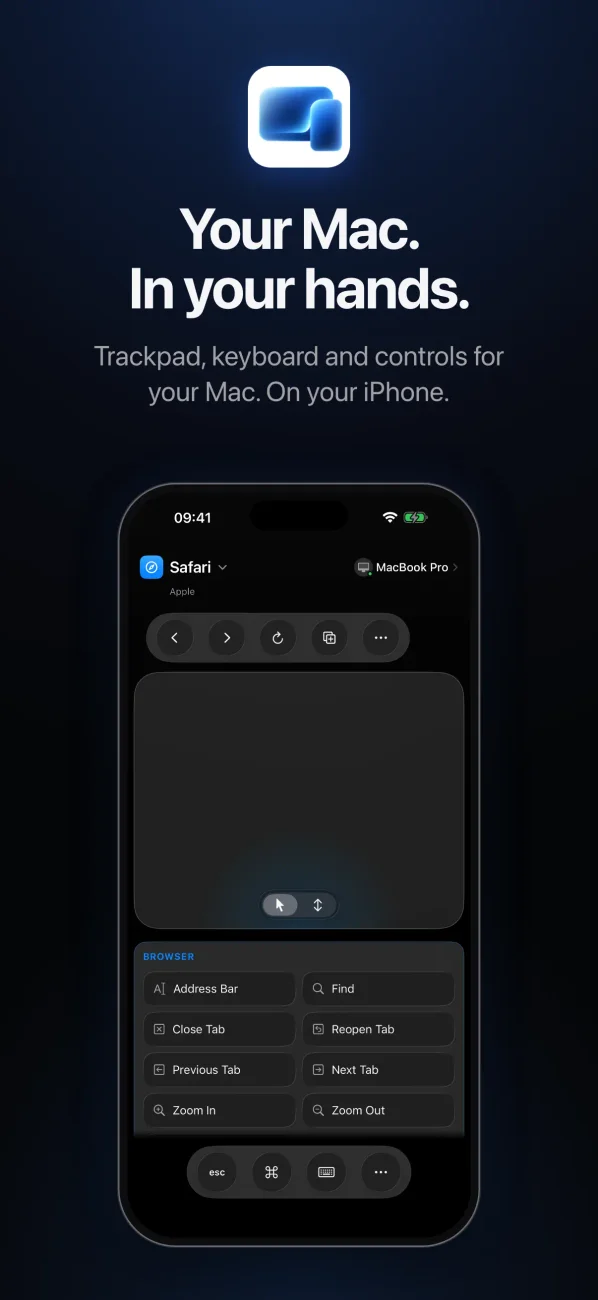
Turn your iPhone or iPad into a trackpad, keyboard and control surface for your Mac, one that automatically adapts to the app you're using.
Control your Mac from the couch, across the room or right beside your desk. ControlPad connects directly to your Mac over your local network, with a trackpad tuned to feel like a MacBook's and controls that change as you switch apps.
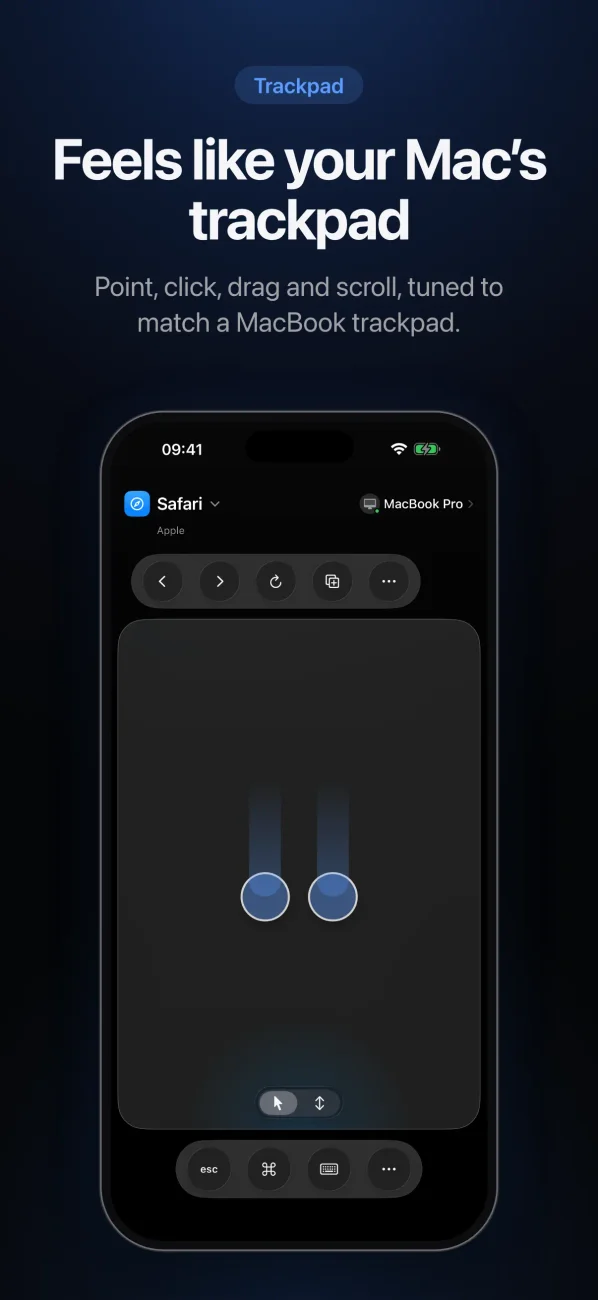
A TRACKPAD THAT FEELS LIKE YOUR MAC'S
• Tap to click, two fingers to scroll, press and drag to move windows
• Two-finger tap to right-click
• Four-finger swipes for Mission Control, App Exposé and switching Spaces
• Pointer speed tuned to match a MacBook trackpad, and adjustable to suit you
TYPE WITH YOUR OWN KEYBOARD
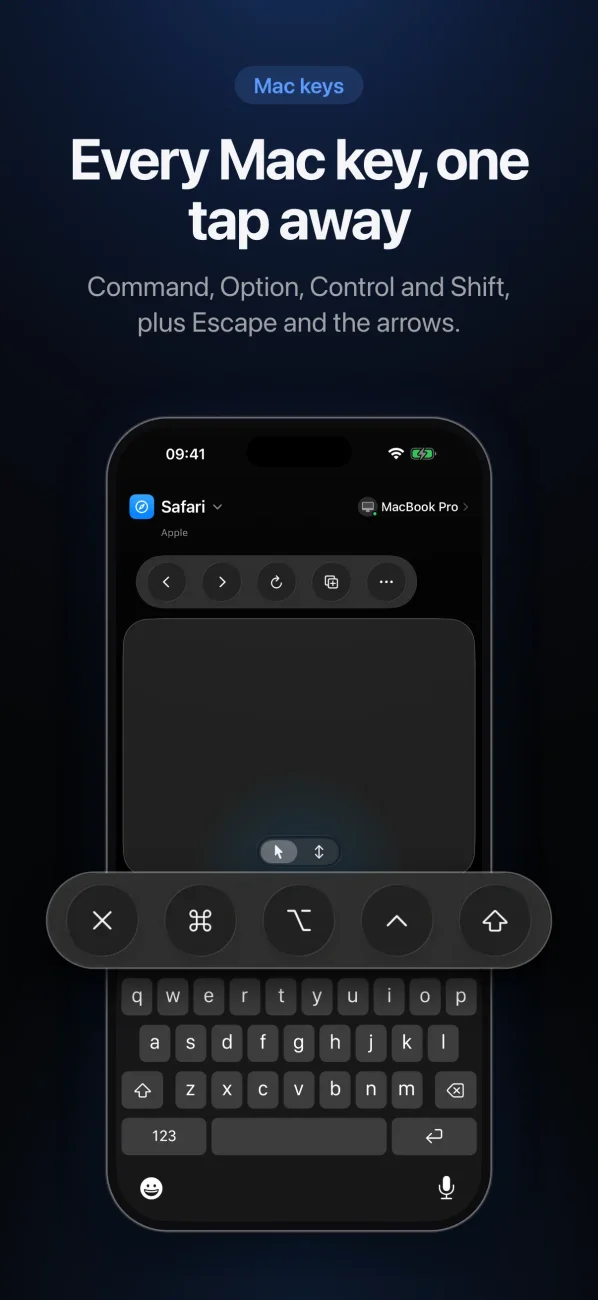
• Type on your Mac with the iPhone or iPad keyboard you already know, including autocorrect, dictation and emoji
• Command, Option, Control and Shift, the arrow keys and Escape, always one tap away
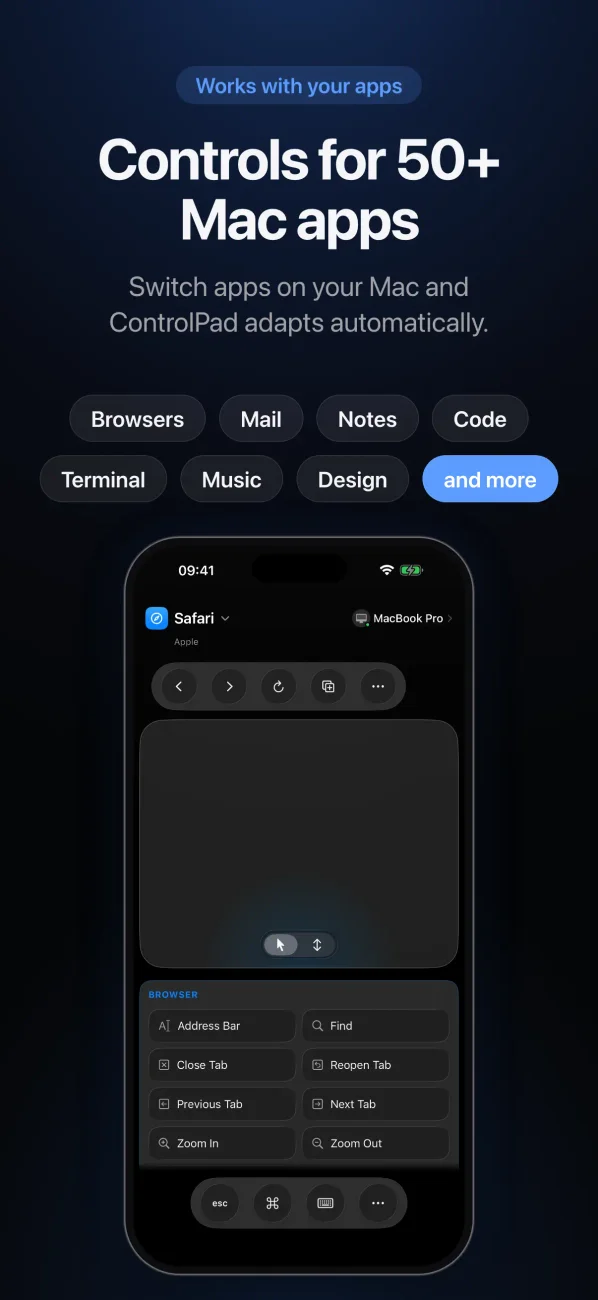
CONTROLS THAT FOLLOW WHAT YOU'RE DOING
Switch apps on your Mac and ControlPad adapts automatically: tabs and navigation in Safari, replies in Mail, formatting in Notes, builds in Xcode, playback for music and video. More than 50 Mac apps have their own controls, and every other app still gets the essentials, like Undo, Copy, Paste and Find.
THREE LAYOUTS
• Input: the whole screen is your trackpad
• Balanced: a trackpad and your app's controls, side by side
• Controls: every command at a glance, beside your own keyboard and mouse
Switch any time, on iPhone and iPad.
MORE
• Switch between the apps running on your Mac
• Pair as many iPhones and iPads as you like; one controls your Mac at a time
• Haptic feedback for clicks, drags, gestures and controls
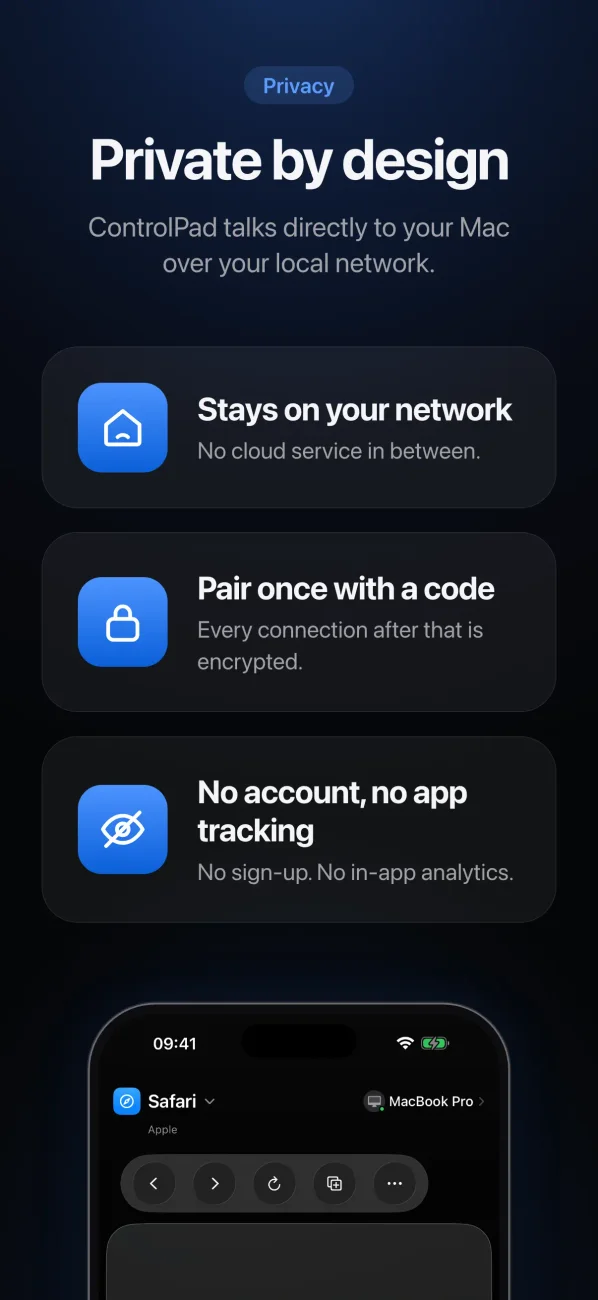
PRIVATE BY DESIGN
• Your devices talk directly to each other over your local network, with no cloud service in between
• Pair once with a code shown on your Mac; the code is never sent over the network, and every connection is secure.
• No account, no sign-up and no in-app analytics
GETTING STARTED
ControlPad works with ControlPad for Mac, a companion app you download from controlpad.tech. Open it on your Mac, allow Accessibility access when macOS asks (it's what lets ControlPad move the pointer and type for you), then open ControlPad on your iPhone or iPad on the same local network. Your Mac appears by itself; enter the code it shows and you're connected.
Requires iOS or iPadOS 26 or later, and a Mac with macOS 26.6 or later on the same local network.
Yenilikler
Sürüm 1.1 · 24.10.2026
Made for iPhone Duo
ControlPad now fits however you hold iPhone Duo:
• Closed: your Mac keys and the app's commands move into the column under the battery, so the trackpad gets the rest of the screen.
• Laptop: fold it into a mini MacBook, with the app's commands on the raised half and the trackpad and Mac keys on the flat half. The keyboard appears right where a MacBook's is.
• Book: the trackpad gets one half to itself, with the app's commands and Mac keys on the other.
• Fully open: a bigger trackpad, with room for every control.
Appearance
Choose Light, Dark or Automatic in Settings. Dark is now the default.
Improvements
• The layout switcher is now easier to tap on iPhone Duo.
• With a hardware keyboard connected, the trackpad stays in place when the keyboard is turned on.
Uygulama gizliliği
Bu uygulamanın verileri nasıl işlediği hakkında Alan Bryden tarafından App Store üzerinde yapılan beyan.
-
Veri toplanmıyor
Geliştirici bu uygulamadan hiçbir veri toplamıyor.
Gizlilik uygulamaları, örneğin kullandığınız özelliklere veya yaşınıza göre değişiklik gösterebilir.
Bilgiler
- Satıcı
- Alan Bryden
- Kategori
- Yardımcılar
- Sürüm
- 1.1
- Güncellendi
- 24.10.2026
- Yayın tarihi
- 30.09.2026
- Boyut
- 3,7 MB
- Gereksinim
- iOS 26.0 veya sonrası
- Yaş sınırı
- 4+
- Fiyat
- Ücretsiz
- Diller
- İngilizce
- Telif hakkı
- © Alan Bryden
Bunları da beğenebilirsiniz
-
 CivilSuiteBeton, donatı ve çatlaklar
-
 Camera Roll Cleaner: YesterollYardımcılar
-
 TransUtter: Translate & ListenYardımcılar
-
 Nigh: Geri Sayım & Gün SayacıKaç gün kaldı? Widget, sayaç
-
 RPad: Uzaktan Trackpad & FareSunum Kumandası & Lazer
-
 Elapsis: Paralel ZamanGeçen ve kalan zamanı izle.
-
 Jaguar DashcamYardımcılar
-
 Lens - Tersine Görsel AramaFotoğraftaki Her Şeyi Tanıyın
-
 BG SyncEV InstallerYardımcılar
-
 Jaguar iGuideYardımcılar