
- Độ tuổi4+
- Danh mụcTiện Ích
- Nhà phát triểnAlan Bryden
- Ngôn ngữTiếng Anh
- Kích thước3,7 MB
Liên kết đến trang App Store chính thức
Download.org không lưu trữ tệp nào của ControlPad. Nút này mở trang ứng dụng trên App Store, nơi Alan Bryden phát hành ứng dụng. Trang được kiểm tra lần cuối: 14/11/2026.
Ảnh chụp màn hình

Giới thiệu
Nhà phát triển chưa cung cấp nội dung này bằng ngôn ngữ của bạn.
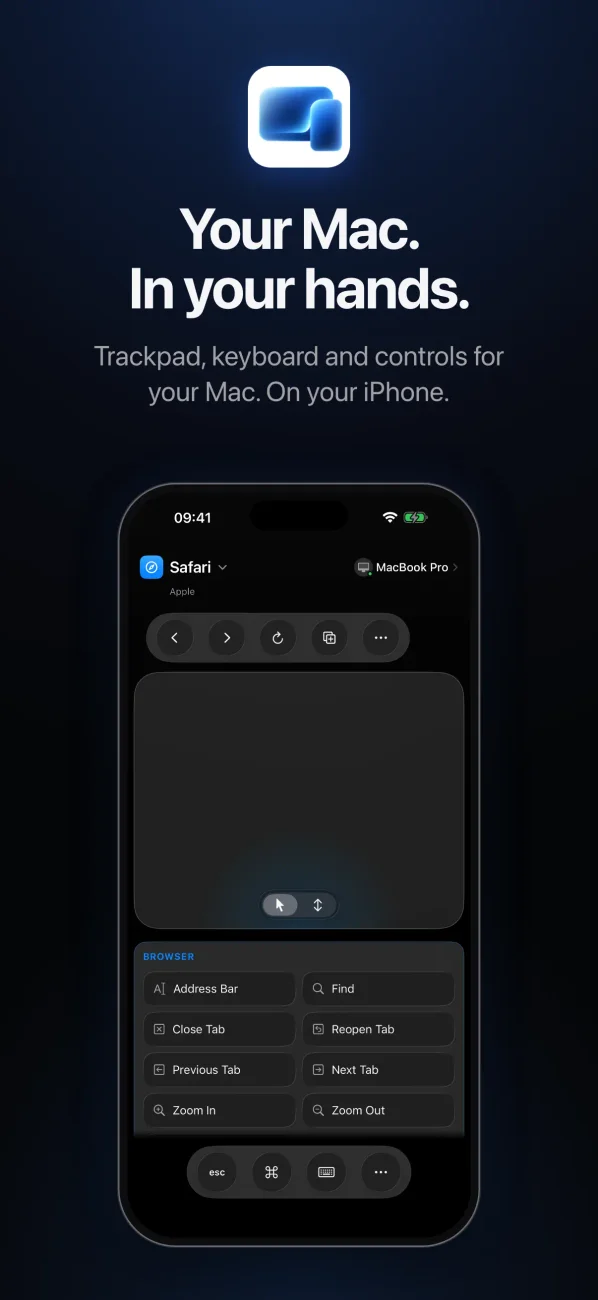
Turn your iPhone or iPad into a trackpad, keyboard and control surface for your Mac, one that automatically adapts to the app you're using.
Control your Mac from the couch, across the room or right beside your desk. ControlPad connects directly to your Mac over your local network, with a trackpad tuned to feel like a MacBook's and controls that change as you switch apps.
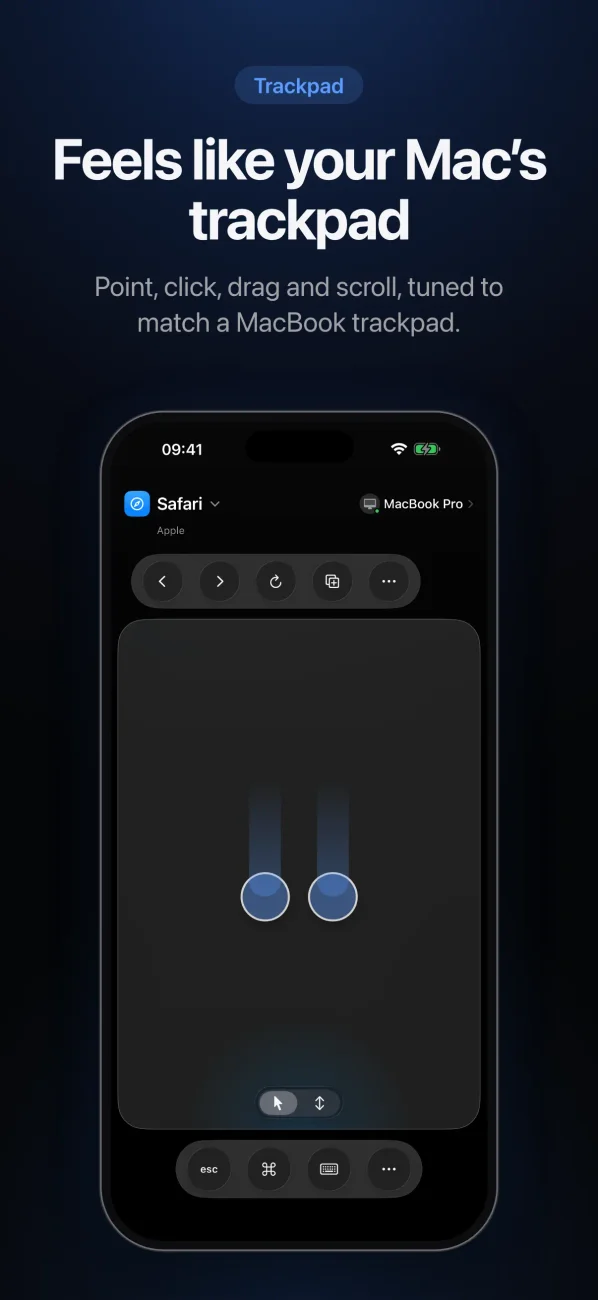
A TRACKPAD THAT FEELS LIKE YOUR MAC'S
• Tap to click, two fingers to scroll, press and drag to move windows
• Two-finger tap to right-click
• Four-finger swipes for Mission Control, App Exposé and switching Spaces
• Pointer speed tuned to match a MacBook trackpad, and adjustable to suit you
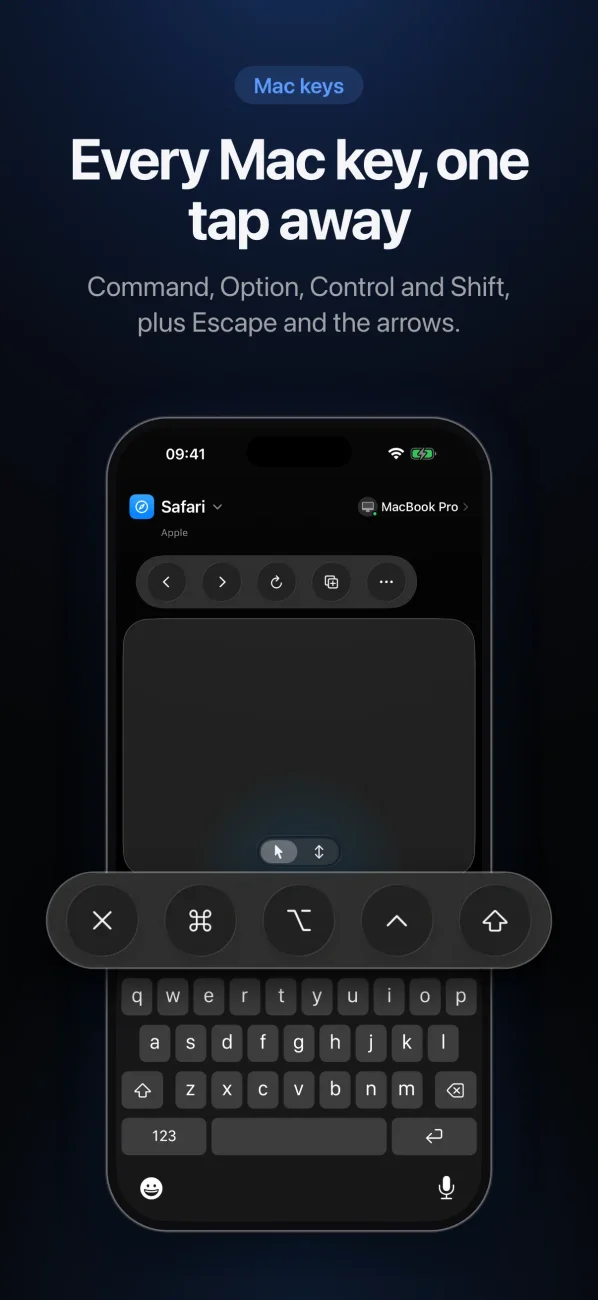
TYPE WITH YOUR OWN KEYBOARD
• Type on your Mac with the iPhone or iPad keyboard you already know, including autocorrect, dictation and emoji
• Command, Option, Control and Shift, the arrow keys and Escape, always one tap away
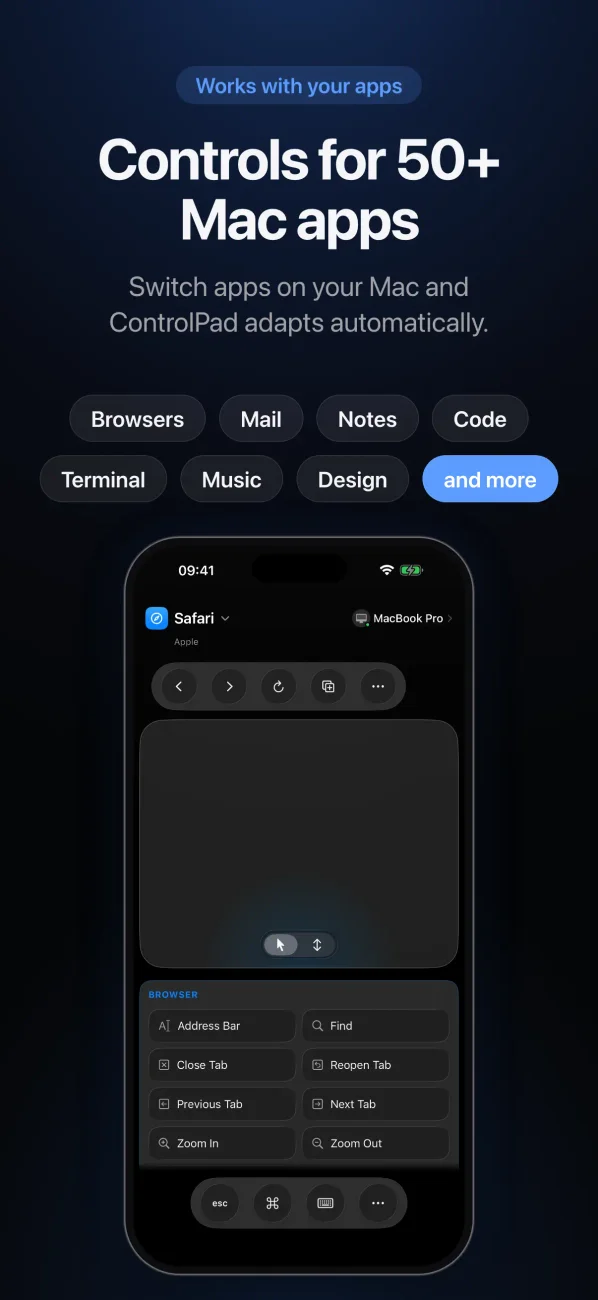
CONTROLS THAT FOLLOW WHAT YOU'RE DOING
Switch apps on your Mac and ControlPad adapts automatically: tabs and navigation in Safari, replies in Mail, formatting in Notes, builds in Xcode, playback for music and video. More than 50 Mac apps have their own controls, and every other app still gets the essentials, like Undo, Copy, Paste and Find.
THREE LAYOUTS
• Input: the whole screen is your trackpad
• Balanced: a trackpad and your app's controls, side by side
• Controls: every command at a glance, beside your own keyboard and mouse
Switch any time, on iPhone and iPad.
MORE
• Switch between the apps running on your Mac
• Pair as many iPhones and iPads as you like; one controls your Mac at a time
• Haptic feedback for clicks, drags, gestures and controls
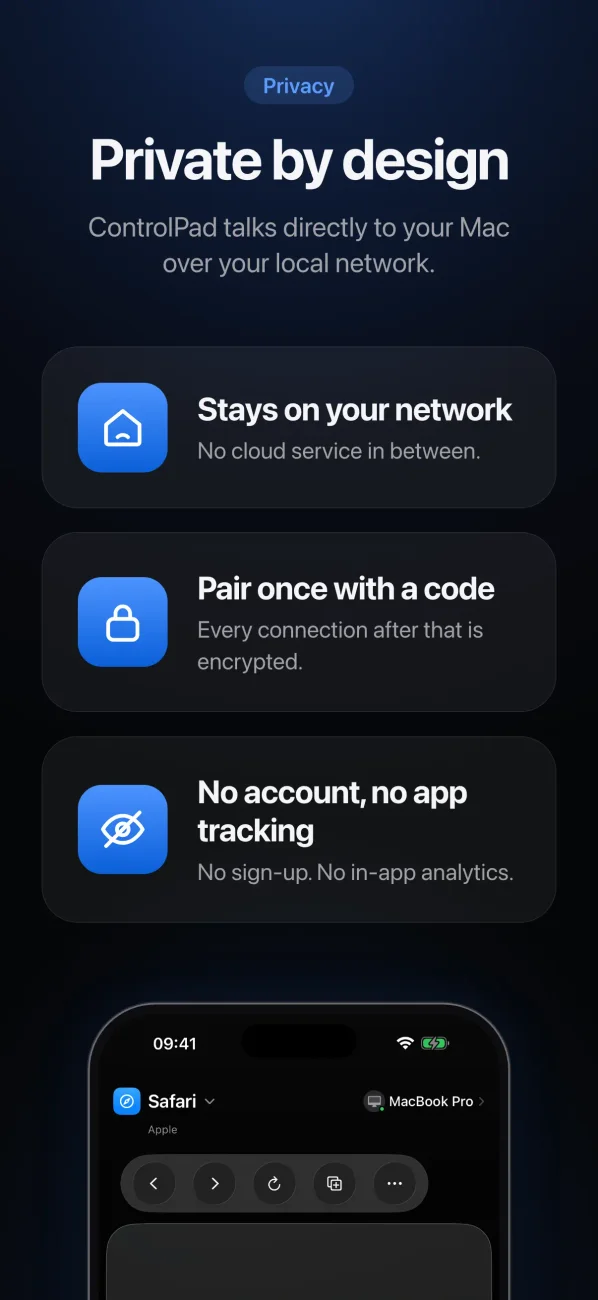
PRIVATE BY DESIGN
• Your devices talk directly to each other over your local network, with no cloud service in between
• Pair once with a code shown on your Mac; the code is never sent over the network, and every connection is secure.
• No account, no sign-up and no in-app analytics
GETTING STARTED
ControlPad works with ControlPad for Mac, a companion app you download from controlpad.tech. Open it on your Mac, allow Accessibility access when macOS asks (it's what lets ControlPad move the pointer and type for you), then open ControlPad on your iPhone or iPad on the same local network. Your Mac appears by itself; enter the code it shows and you're connected.
Requires iOS or iPadOS 26 or later, and a Mac with macOS 26.6 or later on the same local network.
Có gì mới
Phiên bản 1.1 · 24/10/2026
Made for iPhone Duo
ControlPad now fits however you hold iPhone Duo:
• Closed: your Mac keys and the app's commands move into the column under the battery, so the trackpad gets the rest of the screen.
• Laptop: fold it into a mini MacBook, with the app's commands on the raised half and the trackpad and Mac keys on the flat half. The keyboard appears right where a MacBook's is.
• Book: the trackpad gets one half to itself, with the app's commands and Mac keys on the other.
• Fully open: a bigger trackpad, with room for every control.
Appearance
Choose Light, Dark or Automatic in Settings. Dark is now the default.
Improvements
• The layout switcher is now easier to tap on iPhone Duo.
• With a hardware keyboard connected, the trackpad stays in place when the keyboard is turned on.
Quyền riêng tư của ứng dụng
Những gì Alan Bryden khai báo trên App Store về cách ứng dụng này xử lý dữ liệu.
-
Dữ liệu không được thu thập
Nhà phát triển không thu thập bất kỳ dữ liệu nào từ ứng dụng này.
Phương thức đảm bảo quyền riêng tư có thể khác nhau, chẳng hạn như tuỳ theo các tính năng bạn sử dụng hoặc độ tuổi của bạn.
Thông tin
- Người bán
- Alan Bryden
- Danh mục
- Tiện Ích
- Phiên bản
- 1.1
- Cập nhật
- 24/10/2026
- Phát hành
- 30/09/2026
- Kích thước
- 3,7 MB
- Yêu cầu
- iOS 26.0 trở lên
- Độ tuổi
- 4+
- Giá
- Miễn phí
- Ngôn ngữ
- Tiếng Anh
- Bản quyền
- © Alan Bryden
Có thể bạn cũng thích
-
 CivilSuiteTiện Ích
-
 Camera Roll Cleaner: YesterollTiện Ích
-
 TransUtter: Translate & ListenTiện Ích
-
 Nigh: Đếm ngược ngày & WidgetĐếm ngày thi, Tết, kỷ niệm
-
 RPad: Remote Trackpad & MouseTiện Ích
-
 Elapsis: Thời gian song songTheo dõi thời gian từ & đến.
-
 Jaguar DashcamTiện Ích
-
 Lens Tìm Kiếm Hình Ảnh NgượcXác Định mọi thứ trong Ảnh
-
 BG SyncEV InstallerTiện Ích
-
 Jaguar iGuideTiện Ích