
- Yaş sınırı4+
- KategoriYardımcılar
- Dillerİngilizce+ 1 dil daha
- Boyut293,0 MB
Resmi App Store sayfasına bağlanır
Download.org, COPIC Collection için hiçbir dosya barındırmaz. Düğme, uygulamanın App Store üzerindeki sayfasını açar; uygulamayı orada yayınlar. Sayfanın son kontrolü: 15.11.2026.
Ekran görüntüleri


Hakkında
Geliştirici bu metni dilinizde sunmamış.
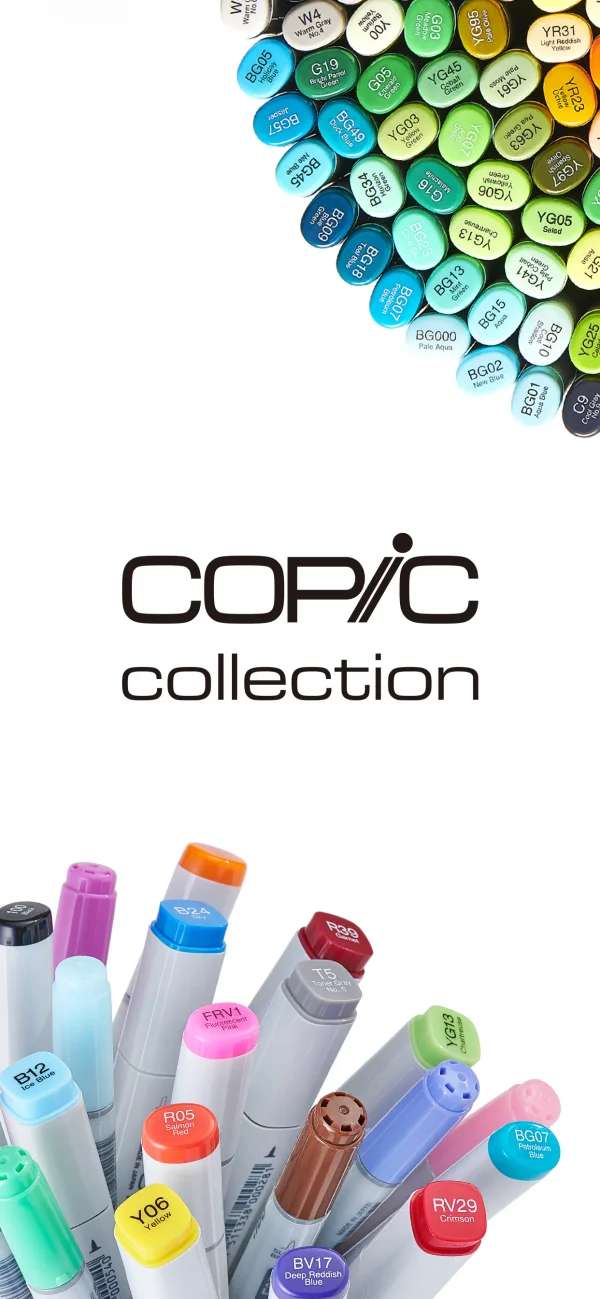
Copic Collection is a free smartphone app that lets you efficiently manage and search Copic markers that you currently own or are planning to purchase. It also lets you search for complimentary colors, and display color drawing samples. The app has been well received by many Copic users.
How to use Copic Collection
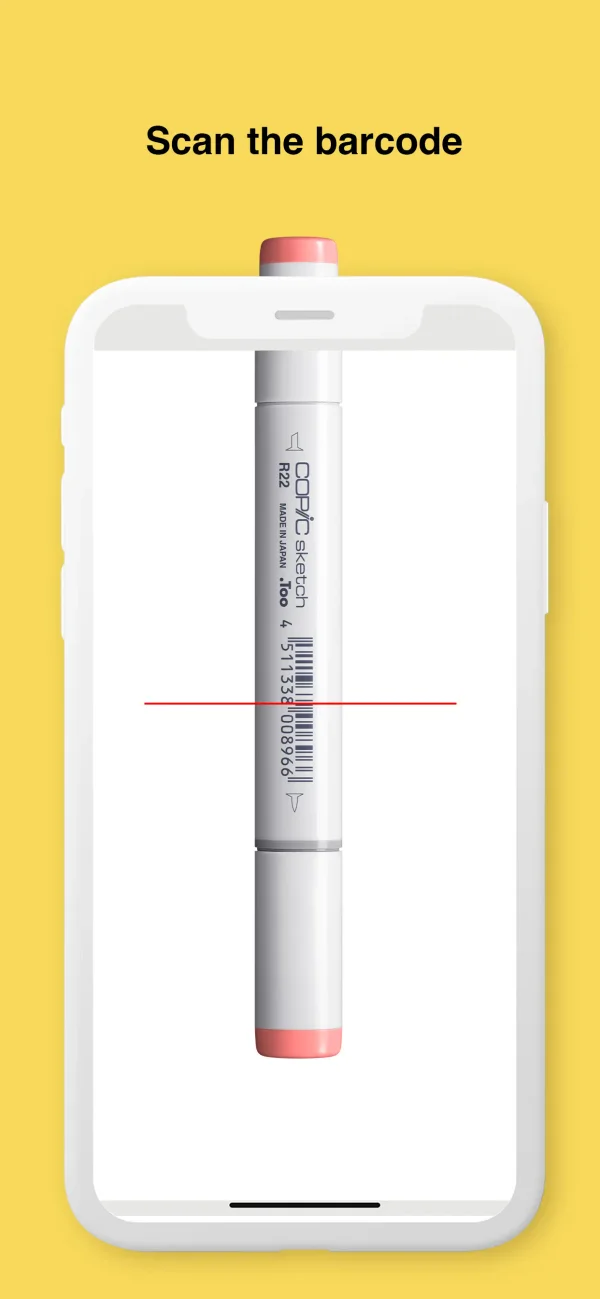
'- Easily register products using barcodes:
You can now scan barcodes to register your Copic products.
For sets, you can register all Copic products included in the set by scanning the barcode on the package.
You can easily view your Copic products registered on the app from a color bar list, making it easier to find the next color you may be looking for.
Register Multiliner products
Copic products other than Copic markers (Multiliner Pen/Multiliner SP Pen/Copic Drawing Pen/Gasen-Fude Brush Pen) can also now be registered in your list.
Multiliner Pen products can be registered by color and line width.
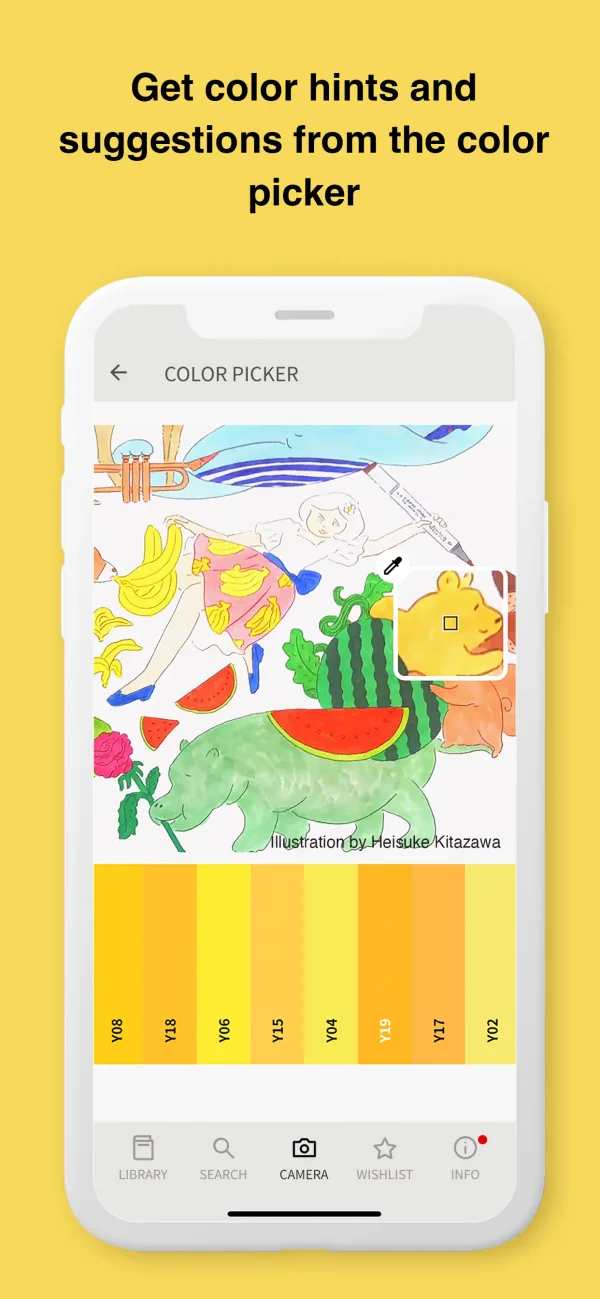
View suggestions with the color picker feature
Do you ever find yourself wondering what color should be used to color particular areas?
Copic Collection can help you with that. The app allows you to load photos, illustrations and other images from "Camera" within the app, and will display a list of recommended Copic colors that best fits a specified area of an image.
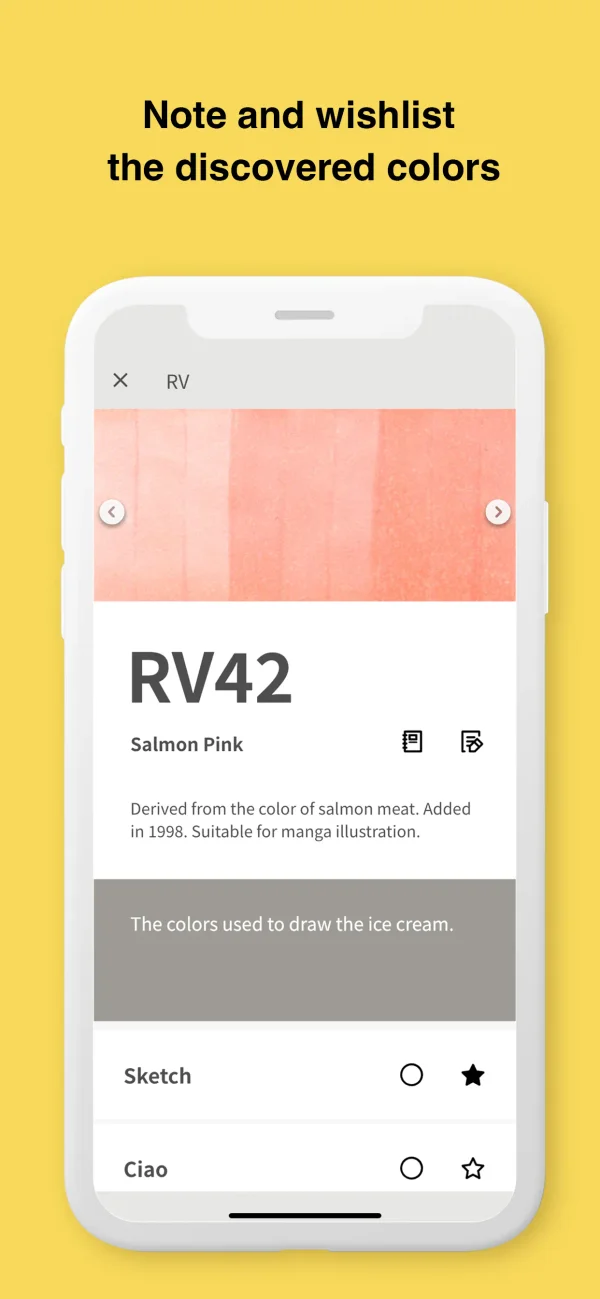
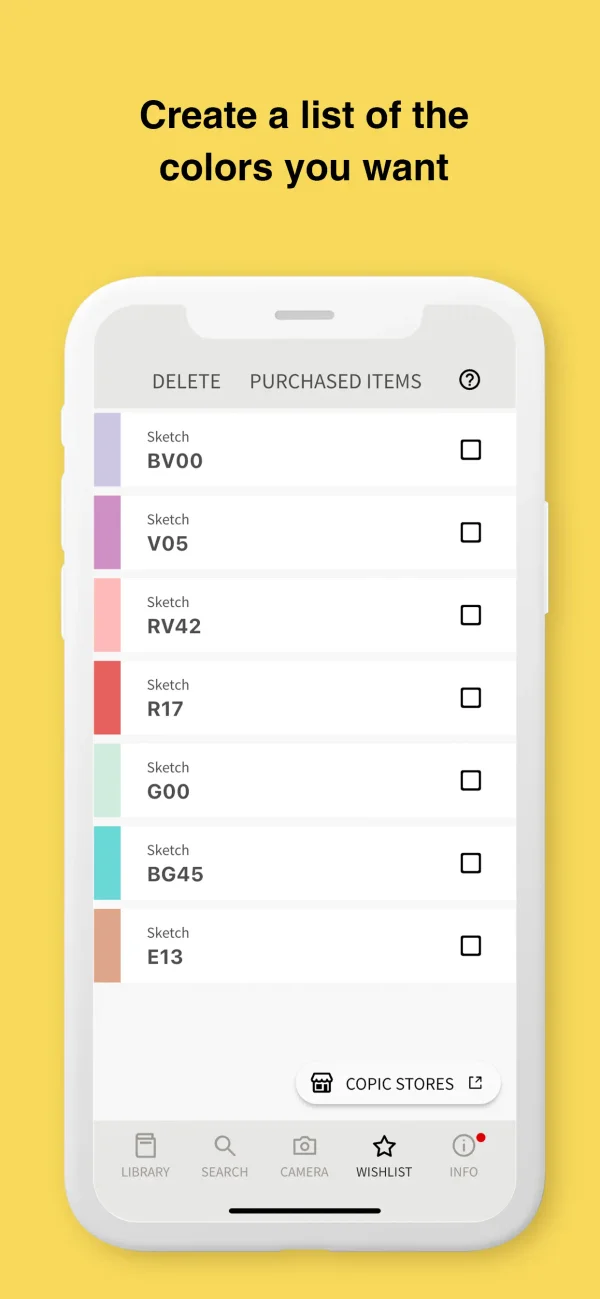
If you select a color from the list and tap the star icon, the chosen color will be displayed in the "WISH LIST." You can use this feature as a memo for your next purchase.
- Your own MY COLOR MEMO
On the detail screen for each color, you can tap the MEMO icon to make notes about the corresponding color.
For example, you can leave notes for a particular color such as "Used to color my favorite manga character" and "Color was used by a popular artist in a video."
- Tag the colors you used in a piece
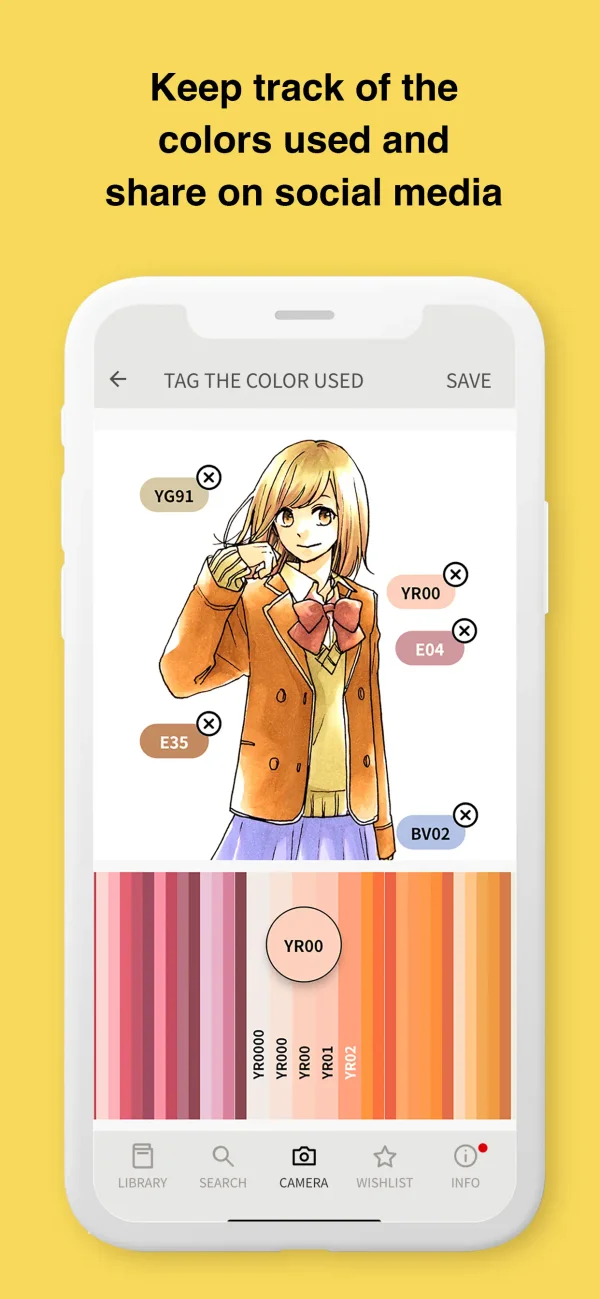
You can load images of artwork created with Copic markers from "Camera" within the app and add "Color Tags" that indicate the colors that were used. You can then save the image with the added color tags.
You can save the image as reference for your own use, or share the image with Color Tags on social media, etc.
Yenilikler
Sürüm 3.1.6 · 26.10.2026
This release includes internal improvements and fixes.
Uygulama gizliliği
Bu uygulamanın verileri nasıl işlediği hakkında tarafından App Store üzerinde yapılan beyan.
-
Sizinle ilişkilendirilmeyen veriler
Toplanabilir ancak kimliğinizle ilişkilendirilmez.
- Kullanıcı içeriği
- Tanımlayıcılar
- Kullanım verileri
Gizlilik uygulamaları, örneğin kullandığınız özelliklere veya yaşınıza göre değişiklik gösterebilir.
Bilgiler
- Satıcı
- Too Corporation
- Kategori
- Yardımcılar
- Sürüm
- 3.1.6
- Güncellendi
- 26.10.2026
- Yayın tarihi
- 23.04.2013
- Boyut
- 293,0 MB
- Gereksinim
- iOS 14.0 veya sonrası
- Yaş sınırı
- 4+
- Fiyat
- Ücretsiz
- Diller
- İngilizce, Japonca
- Telif hakkı
- © Too corporation
Bunları da beğenebilirsiniz
-
 Magic Color 168Yardımcılar
-
 Paleto - renk karıştırmaRenk Karıştırma & Algılama
-
 Aedaga ColorYardımcılar
-
 Color picker and helperYardımcılar
-
 Pixel Picker: Color InspectorYardımcılar
-
 Color Picker - Pixel ColorYardımcılar
-
 HandModelYardımcılar
-
 AnyFont install fonts & finderYardımcılar
-
 Shortcut RemoteYardımcılar
-
 Model ColorsYardımcılar