
- Độ tuổi4+
- Danh mụcTiện Ích
- Ngôn ngữTiếng Anh+ 1 ngôn ngữ khác
- Kích thước293,0 MB
Liên kết đến trang App Store chính thức
Download.org không lưu trữ tệp nào của COPIC Collection. Nút này mở trang ứng dụng trên App Store, nơi phát hành ứng dụng. Trang được kiểm tra lần cuối: 15/11/2026.
Ảnh chụp màn hình


Giới thiệu
Nhà phát triển chưa cung cấp nội dung này bằng ngôn ngữ của bạn.
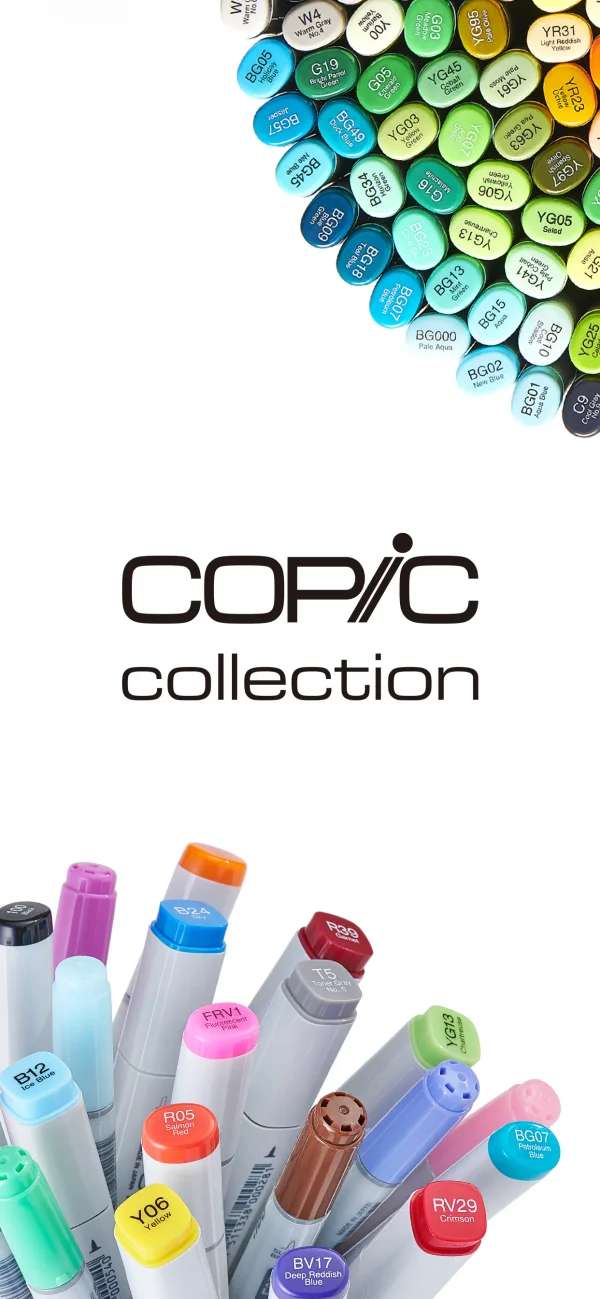
Copic Collection is a free smartphone app that lets you efficiently manage and search Copic markers that you currently own or are planning to purchase. It also lets you search for complimentary colors, and display color drawing samples. The app has been well received by many Copic users.
How to use Copic Collection
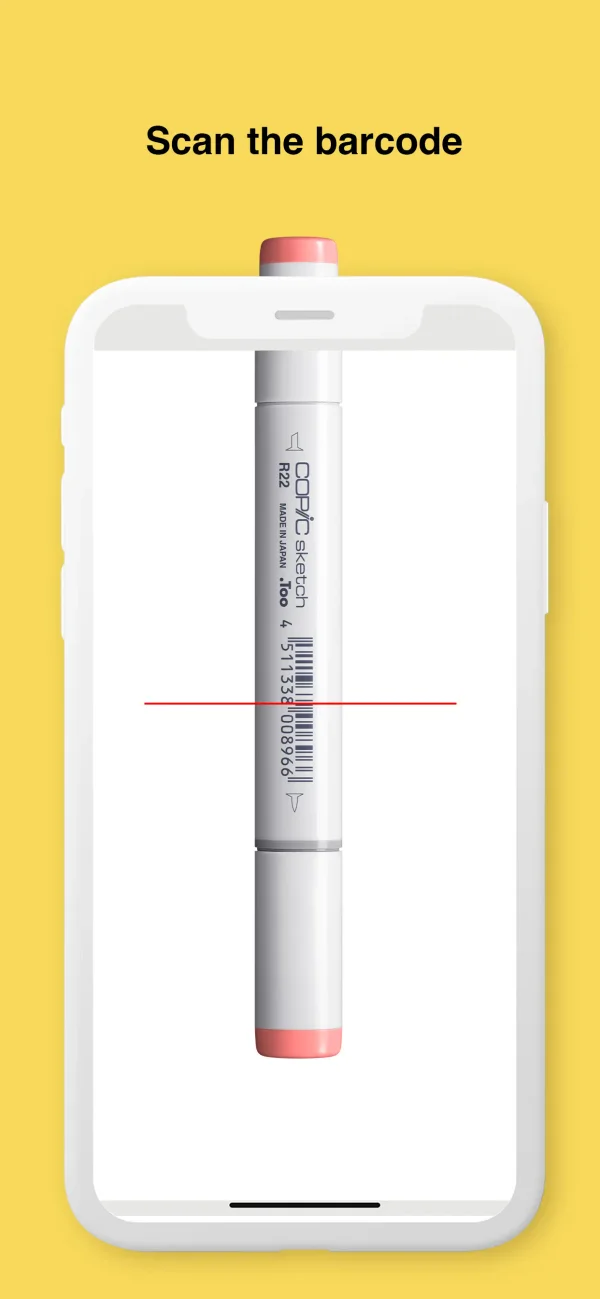
'- Easily register products using barcodes:
You can now scan barcodes to register your Copic products.
For sets, you can register all Copic products included in the set by scanning the barcode on the package.
You can easily view your Copic products registered on the app from a color bar list, making it easier to find the next color you may be looking for.
Register Multiliner products
Copic products other than Copic markers (Multiliner Pen/Multiliner SP Pen/Copic Drawing Pen/Gasen-Fude Brush Pen) can also now be registered in your list.
Multiliner Pen products can be registered by color and line width.
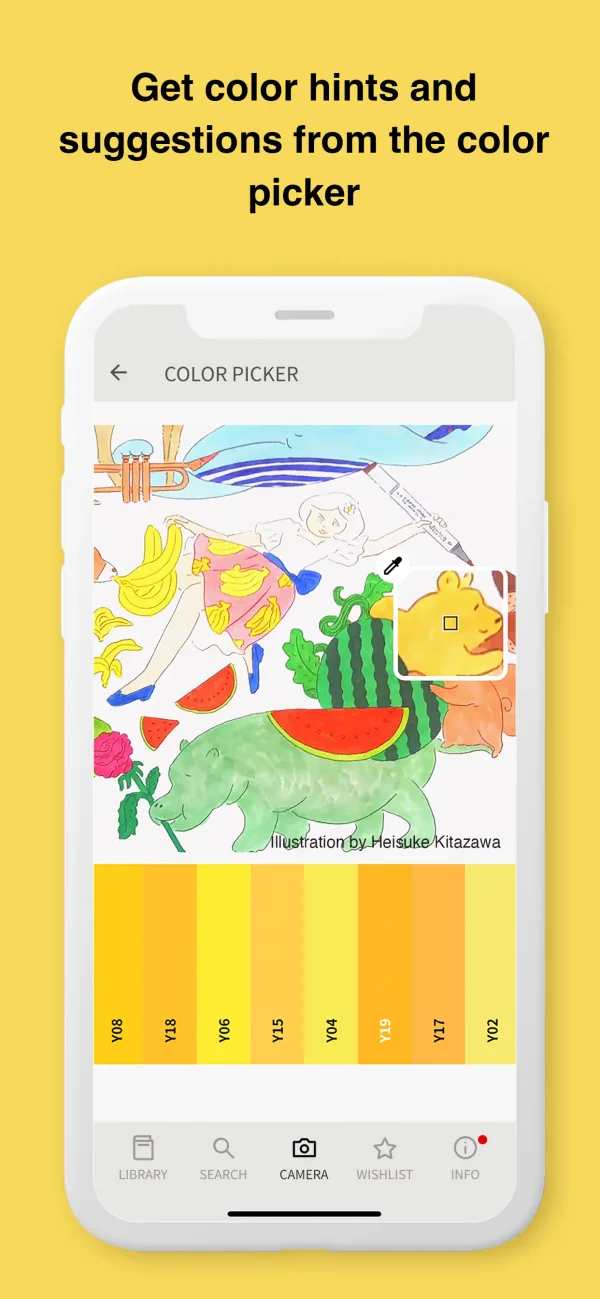
View suggestions with the color picker feature
Do you ever find yourself wondering what color should be used to color particular areas?
Copic Collection can help you with that. The app allows you to load photos, illustrations and other images from "Camera" within the app, and will display a list of recommended Copic colors that best fits a specified area of an image.
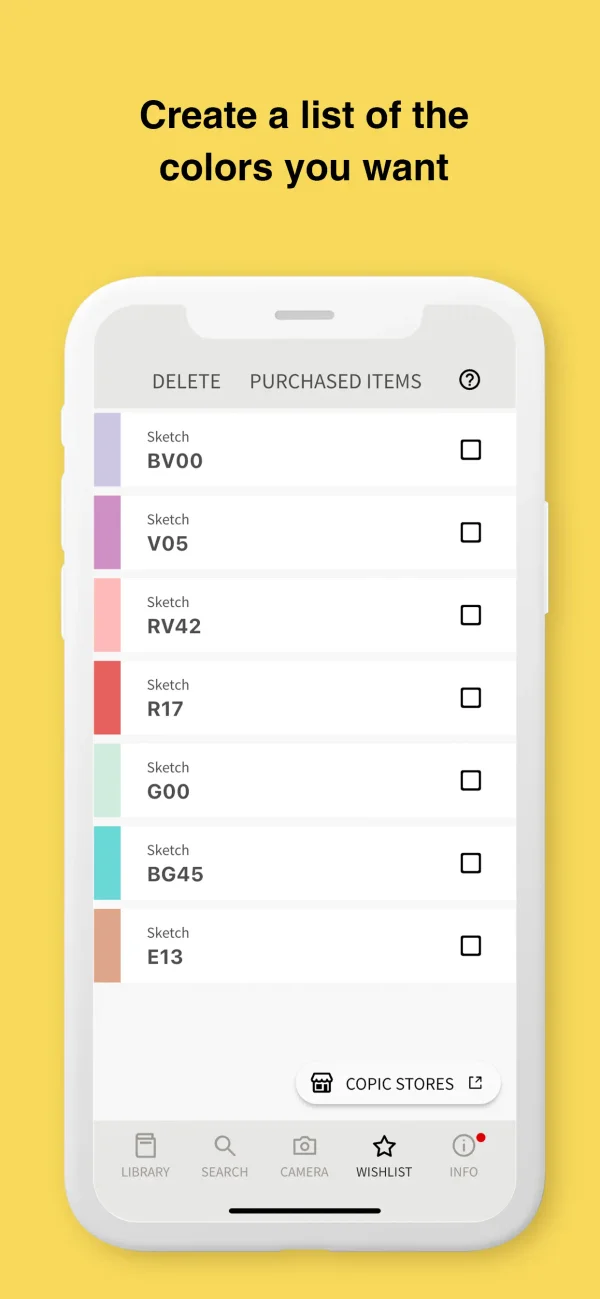
If you select a color from the list and tap the star icon, the chosen color will be displayed in the "WISH LIST." You can use this feature as a memo for your next purchase.
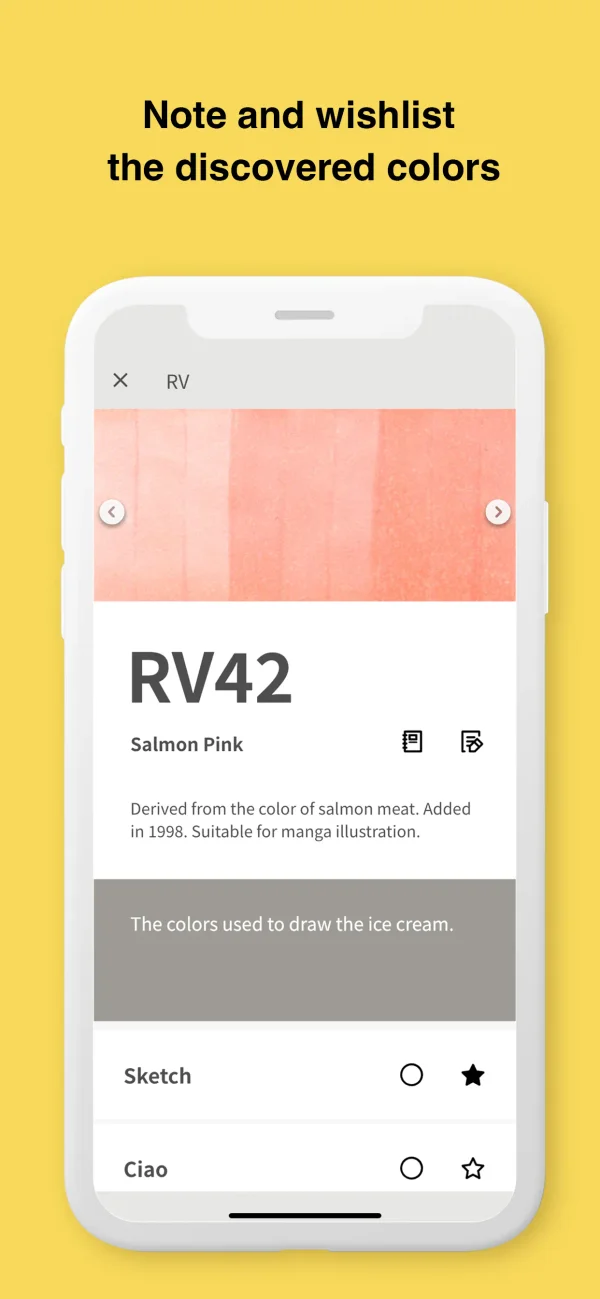
- Your own MY COLOR MEMO
On the detail screen for each color, you can tap the MEMO icon to make notes about the corresponding color.
For example, you can leave notes for a particular color such as "Used to color my favorite manga character" and "Color was used by a popular artist in a video."
- Tag the colors you used in a piece
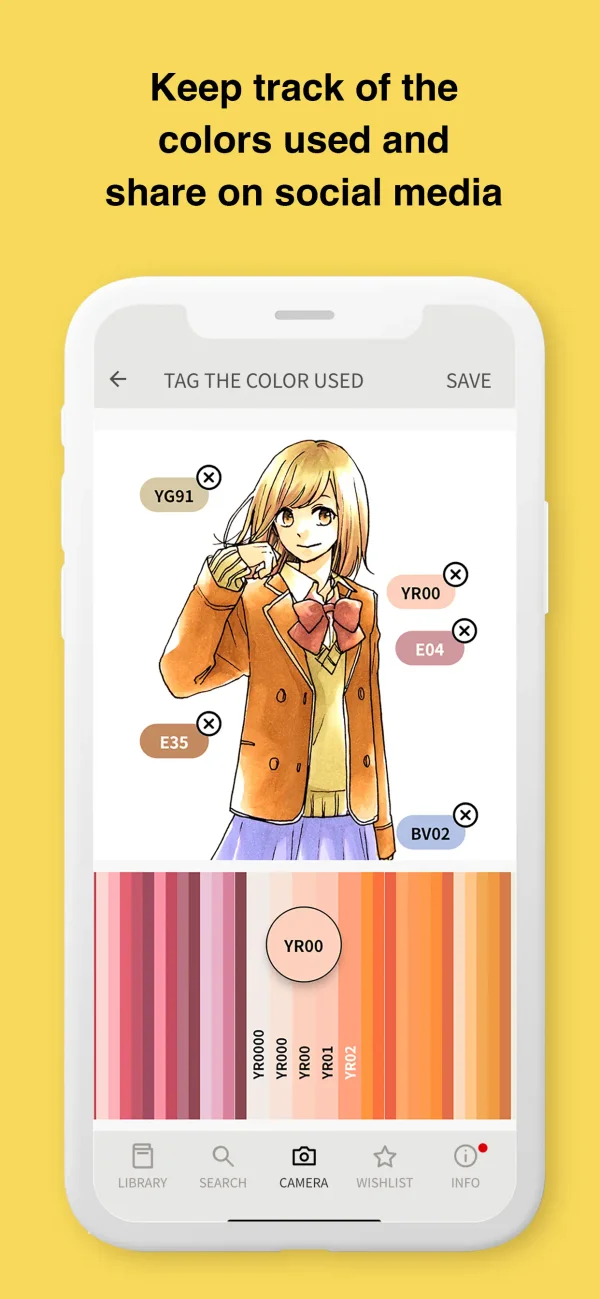
You can load images of artwork created with Copic markers from "Camera" within the app and add "Color Tags" that indicate the colors that were used. You can then save the image with the added color tags.
You can save the image as reference for your own use, or share the image with Color Tags on social media, etc.
Có gì mới
Phiên bản 3.1.6 · 26/10/2026
This release includes internal improvements and fixes.
Quyền riêng tư của ứng dụng
Những gì khai báo trên App Store về cách ứng dụng này xử lý dữ liệu.
-
Dữ liệu không liên kết với bạn
Có thể được thu thập nhưng không liên kết với danh tính của bạn.
- Nội dung của người dùng
- Mã định danh
- Dữ liệu sử dụng
Phương thức đảm bảo quyền riêng tư có thể khác nhau, chẳng hạn như tuỳ theo các tính năng bạn sử dụng hoặc độ tuổi của bạn.
Thông tin
- Người bán
- Too Corporation
- Danh mục
- Tiện Ích
- Phiên bản
- 3.1.6
- Cập nhật
- 26/10/2026
- Phát hành
- 23/04/2013
- Kích thước
- 293,0 MB
- Yêu cầu
- iOS 14.0 trở lên
- Độ tuổi
- 4+
- Giá
- Miễn phí
- Ngôn ngữ
- Tiếng Anh, Tiếng Nhật
- Bản quyền
- © Too corporation
Có thể bạn cũng thích
-
 Magic Color 168Tiện Ích
-
 Paleto - pha trộn màu sắcTrộn màu, phát hiện, thư viện
-
 Aedaga ColorTiện Ích
-
 Color picker and helperTiện Ích
-
 Pixel Picker: Color InspectorTiện Ích
-
 Color Picker - Pixel ColorLấy mã màu từ ảnh, pha màu sơn
-
 HandModelTiện Ích
-
 AnyFont install fonts & finderTiện Ích
-
 Shortcut RemoteTiện Ích
-
 Model ColorsTiện Ích