
CueRemote
Professional remote for QLab
iPhone, iPad için tasarlandı
Ücretsiz
- Yaş sınırı4+
- KategoriYardımcılar
- GeliştiriciUNQUINTO
- Dillerİngilizce+ 1 dil daha
- Boyut1,5 MB
Resmi App Store sayfasına bağlanır
Download.org, CueRemote için hiçbir dosya barındırmaz. Düğme, uygulamanın App Store üzerindeki sayfasını açar; uygulamayı orada UNQUINTO yayınlar. Sayfanın son kontrolü: 18.11.2026.
Ekran görüntüleri
Hakkında
Geliştirici bu metni dilinizde sunmamış.
CueRemote is a remote control for operating QLab 5 from an iPhone or iPad over your venue’s local network.
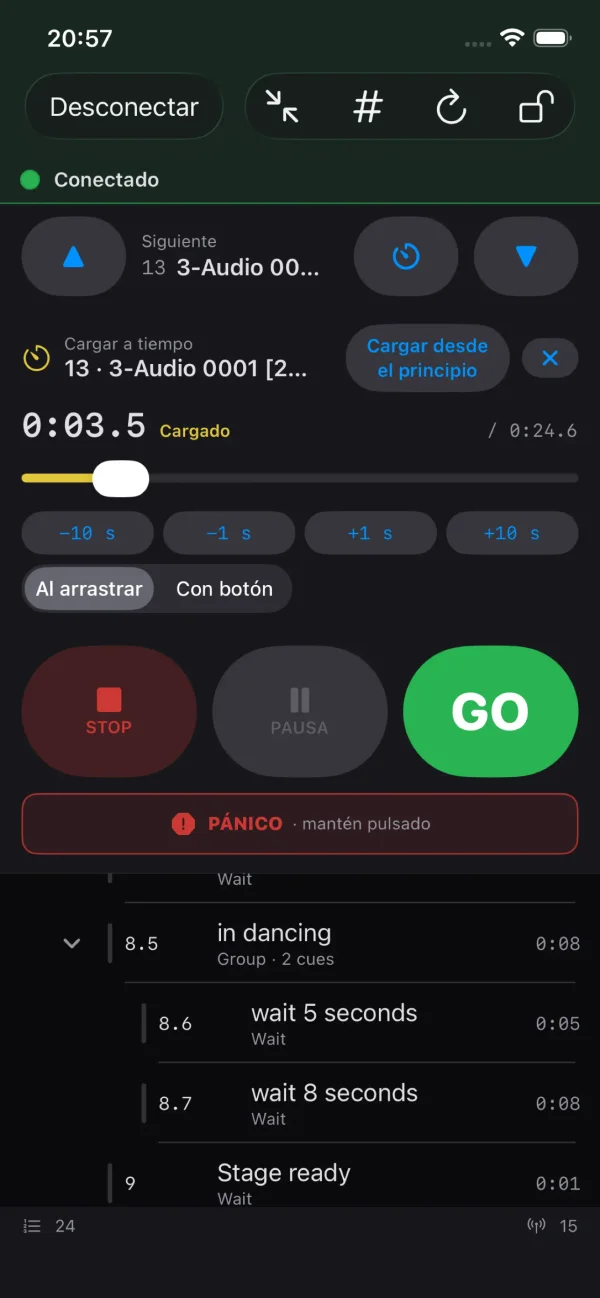
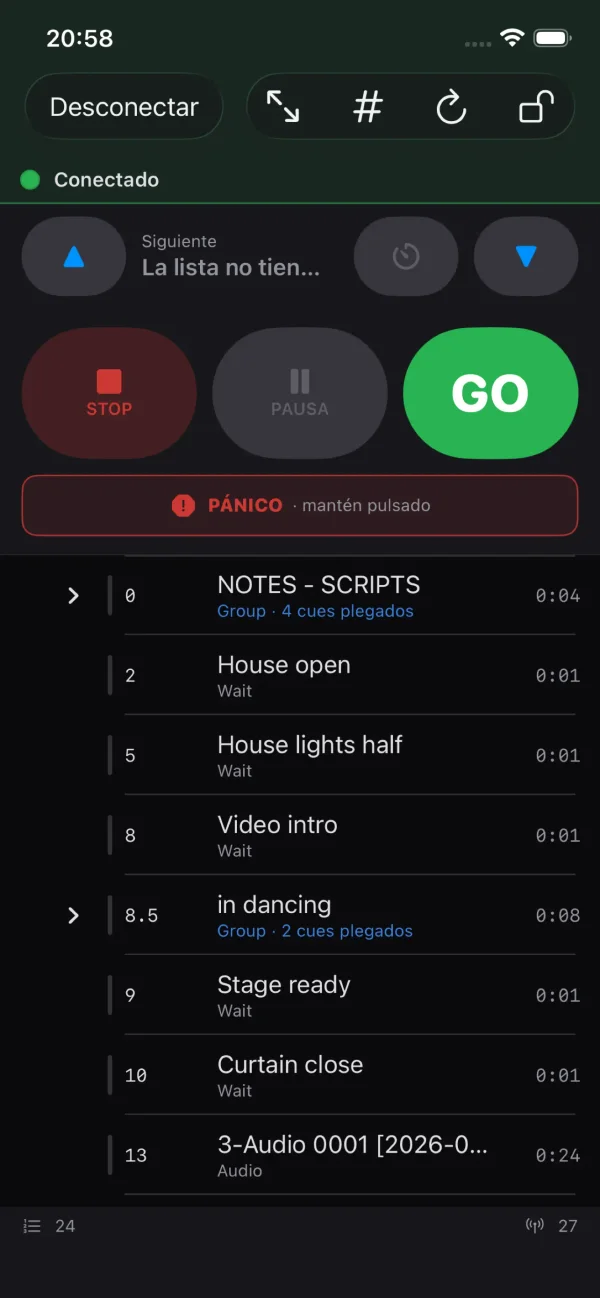
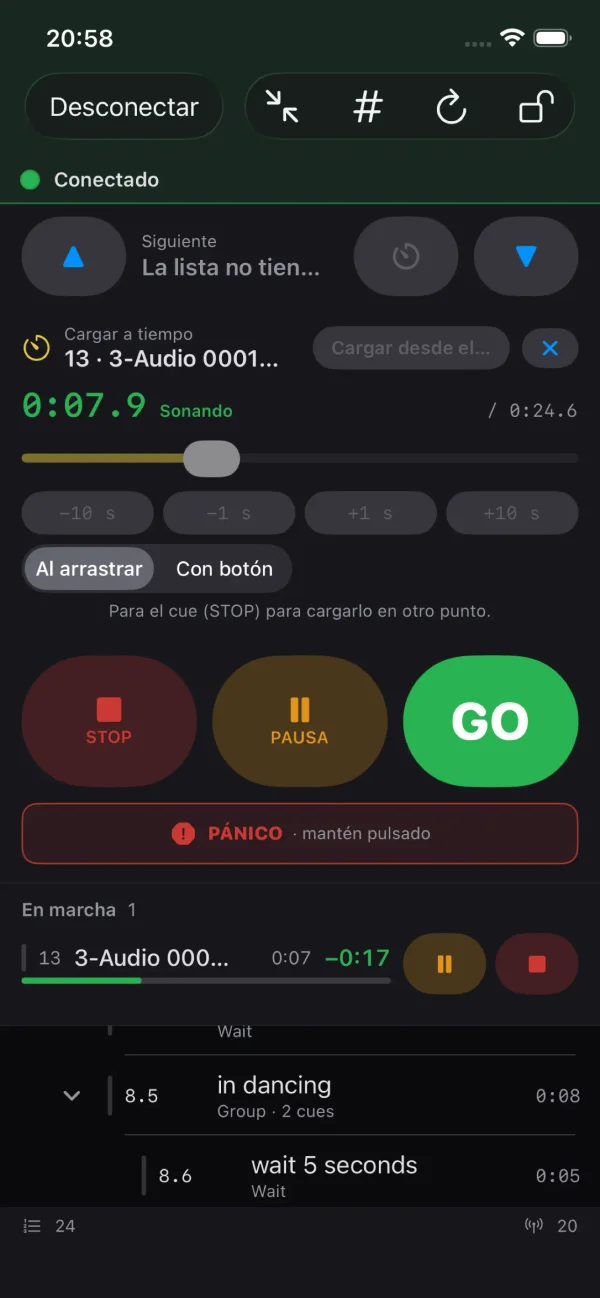
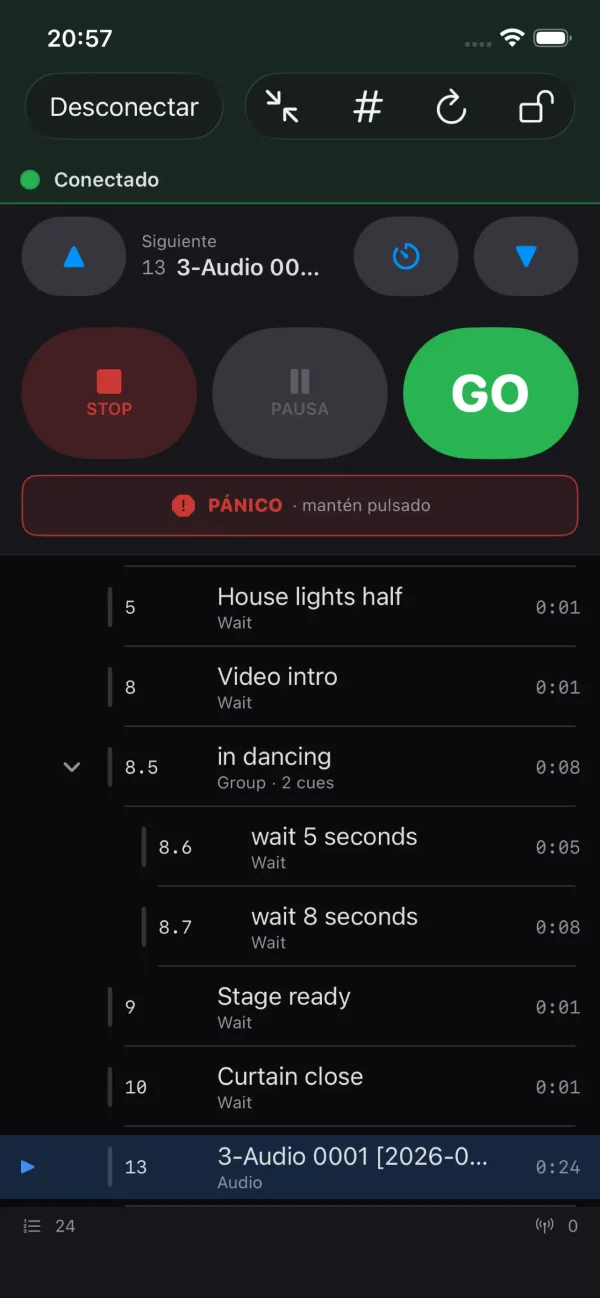
See the live workspace, cue lists, playhead, and running or paused cues. Control GO, STOP, pause, resume, and playhead navigation with an interface designed for rehearsals and live shows.
LIVE CUE CONTROL
• GO, STOP, pause, resume, and stop each running cue individually.
• Load to Time: load a cue at a chosen point before GO, using the slider or buttons.
• Go to Cue: enter a cue number to fire it or move the playhead to it.
• Yellow progress bars show running, paused, and loaded cue progress, including pre-wait.
• Selecting another cue resets the previous cue and updates Load to Time.
• Open or close a Group in CueRemote and it updates in QLab.
• Select cues and move the playhead from the list.
• Switch cue lists from your device; GO fires the list shown in CueRemote.
• Carts: tap a cue to fire it.
• Lock controls to prevent accidental changes during a show.
• Get a warning when QLab and CueRemote show different cue lists.
CONNECTION
• Discover QLab automatically with Bonjour or connect manually by IP address.
• OSC over TCP with automatic reconnection.
• Connection status stays visible. Stale workspace data is identified and unsafe commands are disabled.
PRIVACY
CueRemote requires no account, has no ads, and uses no analytics or tracking. Connection data stays on your device. The QLab passcode is stored in the device’s Keychain and is not synced to iCloud.
REQUIREMENTS
• A Mac running QLab 5.
• iOS or iPadOS 17.6 or later.
• Your iPhone or iPad and Mac must be able to communicate over the local network.
• Enable OSC access in QLab and grant View and Control permissions. CueRemote never requests Edit permission.
QLab runs the show and plays its media. CueRemote displays workspace state and sends OSC control commands; it does not create, edit, or delete cues. QLab is a trademark of Figure 53, LLC. CueRemote is not affiliated with or endorsed by Figure 53.
Yenilikler
Sürüm 1.2.1 · 30.09.2026
Improved touch cue selection and playhead updates, including better compatibility with QLab 4.7. Also improved switching between cue lists and workspaces, plus connection stability.
Uygulama gizliliği
Bu uygulamanın verileri nasıl işlediği hakkında UNQUINTO tarafından App Store üzerinde yapılan beyan.
-
Veri toplanmıyor
Geliştirici bu uygulamadan hiçbir veri toplamıyor.
Gizlilik uygulamaları, örneğin kullandığınız özelliklere veya yaşınıza göre değişiklik gösterebilir.
Bilgiler
- Satıcı
- UNQUINTO ESTUDIO EDITORIAL Y SONORO SOCIEDAD LIMITADA
- Kategori
- Yardımcılar
- Sürüm
- 1.2.1
- Güncellendi
- 30.09.2026
- Yayın tarihi
- 22.09.2026
- Boyut
- 1,5 MB
- Gereksinim
- iOS 17.6 veya sonrası
- Yaş sınırı
- 4+
- Fiyat
- Ücretsiz
- Diller
- İngilizce, İspanyolca
- Telif hakkı
- © 2026 UNQUINTO ESTUDIO EDITORIAL Y SONORO, S.L.