
DaysPop
Countdown Widget & Day Counter
iPhone, iPad için tasarlandı
Ücretsiz · Uygulama içi satın alma
- Yaş sınırı4+
- KategoriYardımcılar
- GeliştiriciGlen Workman
- Dillerİngilizce
- Boyut2,1 MB
Resmi App Store sayfasına bağlanır
Download.org, DaysPop için hiçbir dosya barındırmaz. Düğme, uygulamanın App Store üzerindeki sayfasını açar; uygulamayı orada Glen Workman yayınlar. Sayfanın son kontrolü: 14.11.2026.
Ekran görüntüleri

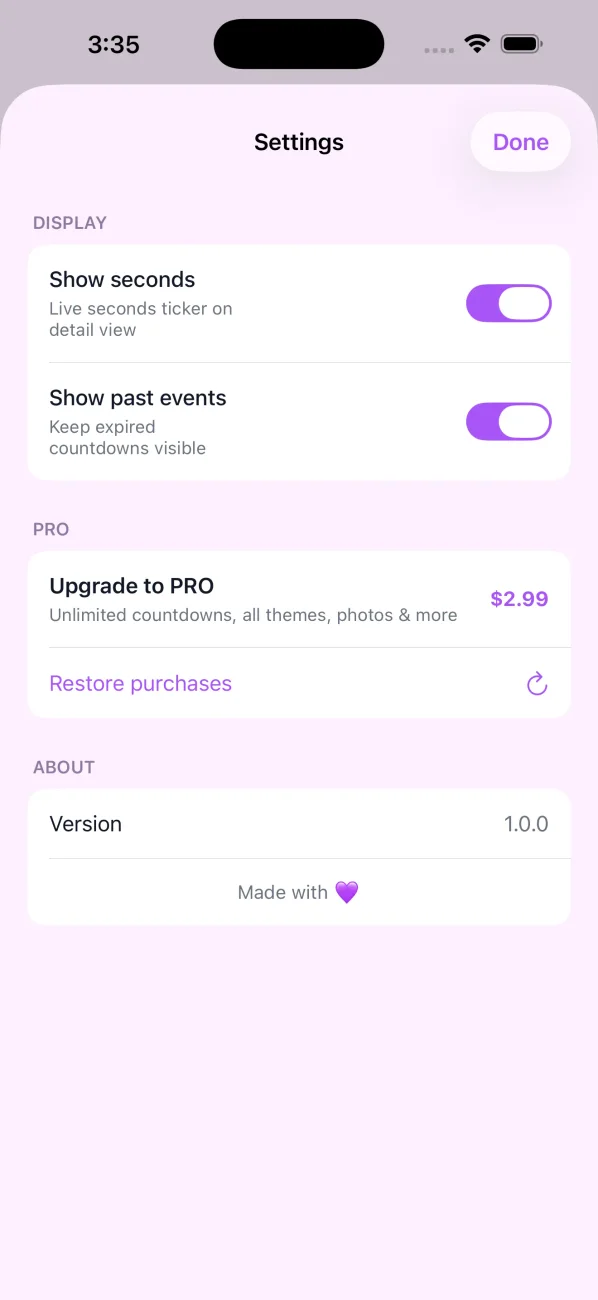
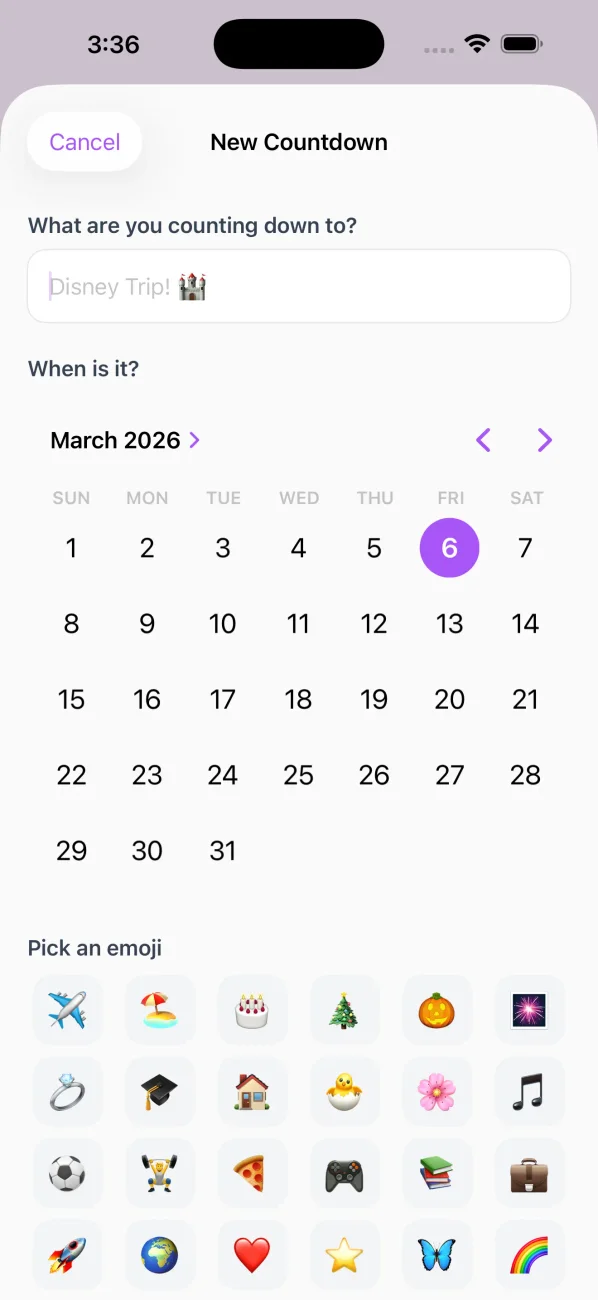
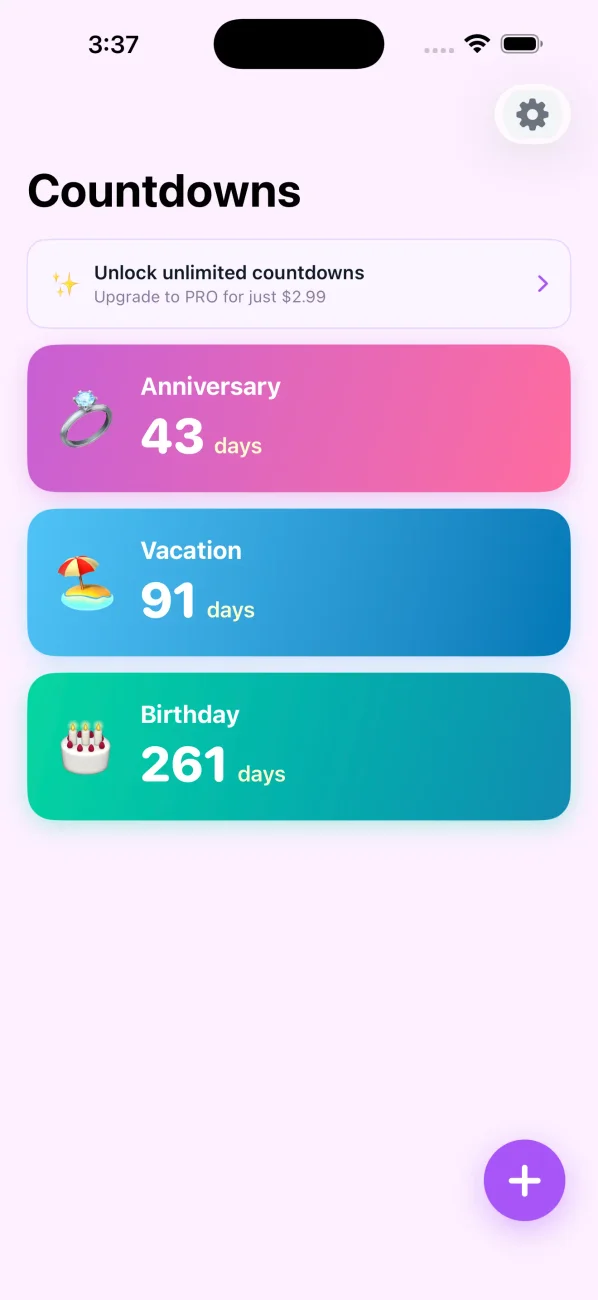
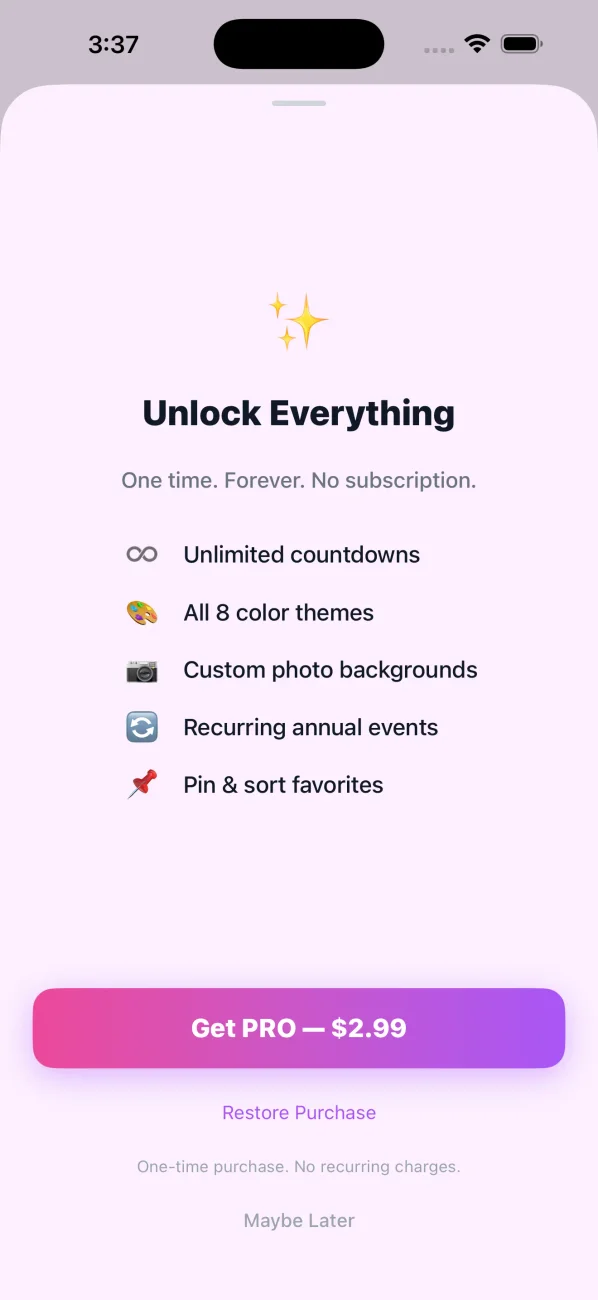
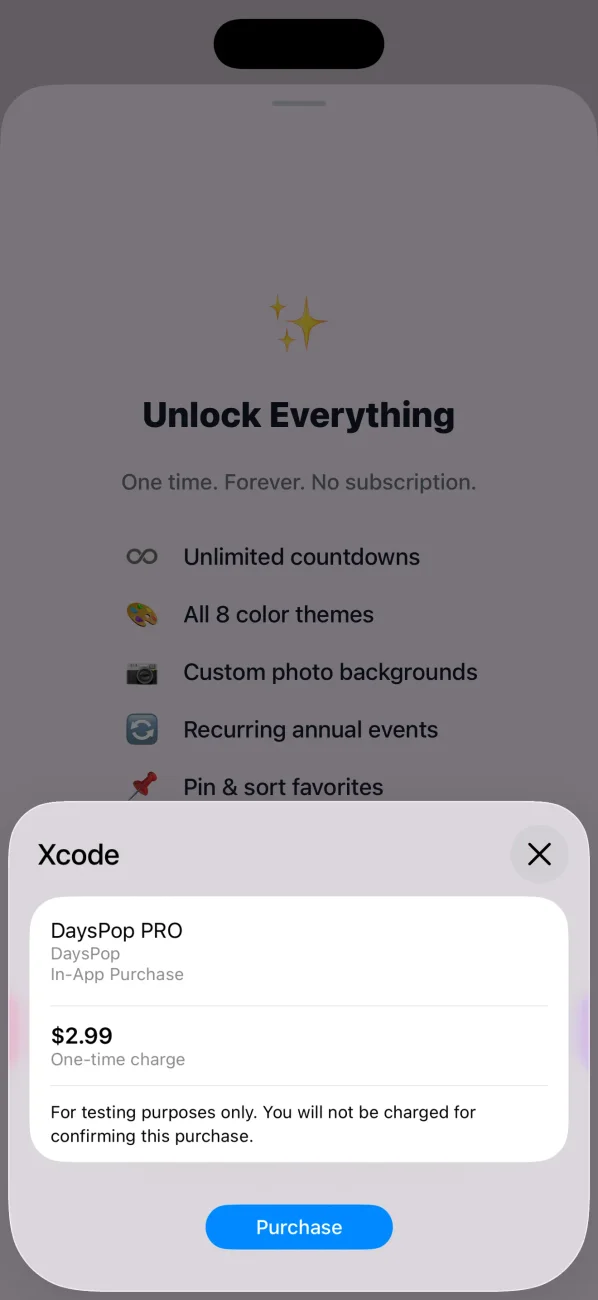

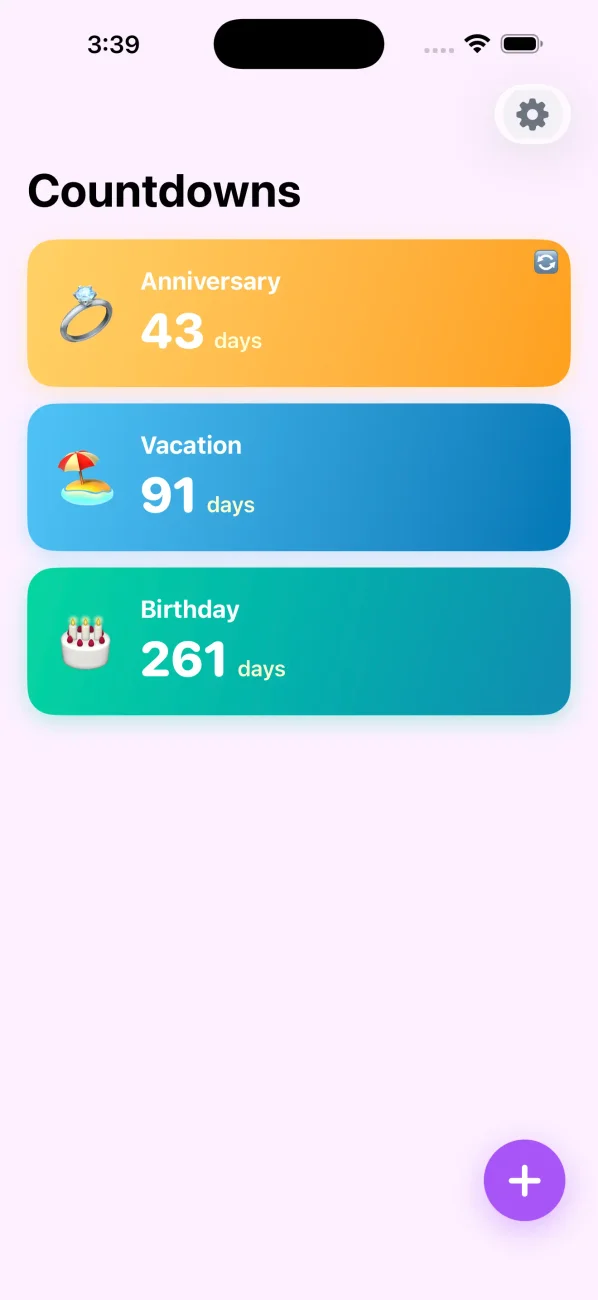
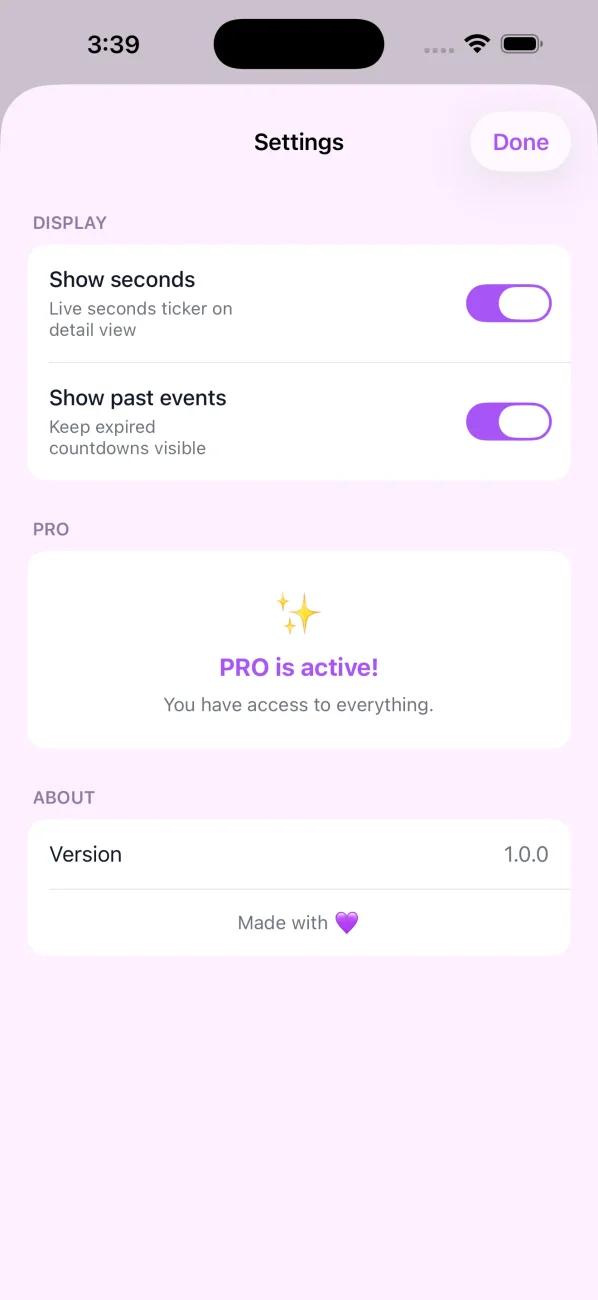
Hakkında
Geliştirici bu metni dilinizde sunmamış.
DaysPop keeps the dates you care about close: birthdays, trips, weddings, graduations and everyday milestones. Create a countdown from scratch or start with a template, then make it yours with an emoji and a readable color theme.
EVERYDAY COUNTDOWNS
• Clear calendar-day counts, including today and tomorrow
• Edit names and dates whenever plans change
• Search countdowns and organize them by category
• Optional hours, minutes and seconds on the detail screen
• Reminders on the day, or 1, 3 or 7 days before, at 9:00 AM
WIDGETS
• Home Screen widgets in small, medium and large sizes
• Lock Screen widgets for a quick glance
• Show the next countdown or choose a specific event
• Themes and photos carry through to your widgets
PRIVATE BACKUPS AND SHARING
• Export a backup to Files and choose iCloud Drive or a folder on your device
• Preview backups before importing selected countdowns
• Use the same backup format in the DaysPop web app
• Share a countdown link that friends can preview before adding
• Optionally choose Calendar events to copy into countdowns
Backup files are manual: export again after making changes. DaysPop does not automatically sync your countdowns. Shared links do not include photos, reminders or purchases. Calendar access is requested only when you choose to import; DaysPop does not change your calendar.
FREE FEATURES
• Up to 3 countdowns
• 4 color themes and 30 emoji icons
• Templates, search and categories
• Home Screen and Lock Screen widgets
• Reminders, backup files and countdown sharing
• No ads or account required
DAYSPOP PRO — ONE-TIME APPLE PURCHASE
• Unlimited countdowns
• All 8 color themes
• Custom photo backgrounds
• Daily, weekly, monthly and annual repeats
No subscription. Restore your Apple purchase with the same Apple ID. The DaysPop web app has a separate Pro purchase; backup files do not transfer either purchase.
Yenilikler
Sürüm 1.4.0 · 28.10.2026
More ways to keep your important dates organized:
• Start with countdown templates, then search and filter by category.
• Repeat Pro events daily, weekly, monthly or yearly.
• Export private backup files to Files, including iCloud Drive, and preview selected countdowns before restoring. Backups also work in the DaysPop web app.
• Preview shared countdown links before adding them.
• Choose Calendar events to copy into countdowns, with permission requested only when you choose to import.
Also fixed calendar-day counts around today, tomorrow and daylight saving changes; editing and Home Screen refreshes; widget timelines; theme readability; and reminder handling.
Backup files are manual, with no automatic cloud syncing. Apple and web Pro purchases remain separate.
Uygulama gizliliği
Bu uygulamanın verileri nasıl işlediği hakkında Glen Workman tarafından App Store üzerinde yapılan beyan.
-
Veri toplanmıyor
Geliştirici bu uygulamadan hiçbir veri toplamıyor.
Gizlilik uygulamaları, örneğin kullandığınız özelliklere veya yaşınıza göre değişiklik gösterebilir.
Bilgiler
- Satıcı
- Glen Workman
- Kategori
- Yardımcılar
- Sürüm
- 1.4.0
- Güncellendi
- 28.10.2026
- Yayın tarihi
- 16.03.2026
- Boyut
- 2,1 MB
- Gereksinim
- iOS 17.0 veya sonrası
- Yaş sınırı
- 4+
- Fiyat
- Ücretsiz
- Uygulama içi satın alma
- Evet
- Diller
- İngilizce
- Telif hakkı
- © 2026 Glen Workman
Bunları da beğenebilirsiniz
-
 Countdown Widget - SpanYardımcılar
-
 Aquarium Planner ARYardımcılar
-
 Countdown: Days Until - AttesaYardımcılar
-
 Countdown · Event TimerYardımcılar
-
 Roosta: Alarm Clock ChallengesYardımcılar
-
 The Quantum BrowserYardımcılar
-
 Cute Countdown: Doğum GünüGün Sayacı ve Etkinlik
-
 Earwig Live Audio TranslationReal-Time Captions & Subtitles
-
 Geri Sayım Planlayıcı WidgetMinimalism in every countdown
-
 Sticky Timers and CountdownsYardımcılar