
DaysPop
Countdown Widget & Day Counter
Được thiết kế cho iPhone, iPad
Miễn phí · Mua hàng trong ứng dụng
- Độ tuổi4+
- Danh mụcTiện Ích
- Nhà phát triểnGlen Workman
- Ngôn ngữTiếng Anh
- Kích thước2,1 MB
Liên kết đến trang App Store chính thức
Download.org không lưu trữ tệp nào của DaysPop. Nút này mở trang ứng dụng trên App Store, nơi Glen Workman phát hành ứng dụng. Trang được kiểm tra lần cuối: 14/11/2026.
Ảnh chụp màn hình


Giới thiệu
Nhà phát triển chưa cung cấp nội dung này bằng ngôn ngữ của bạn.
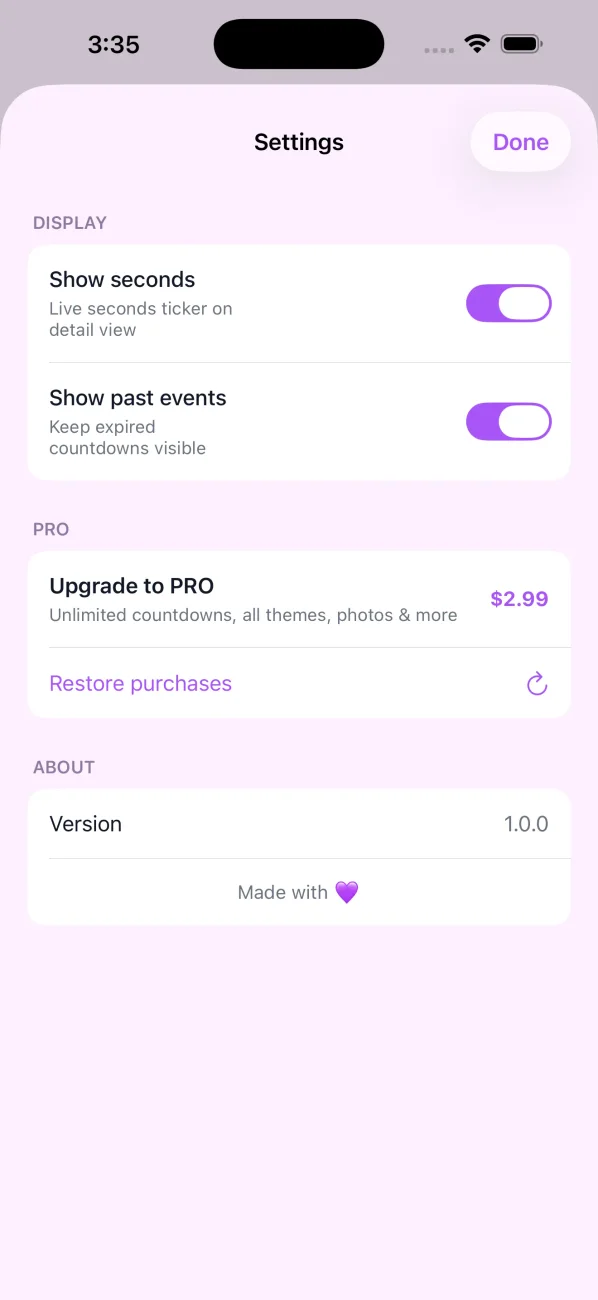
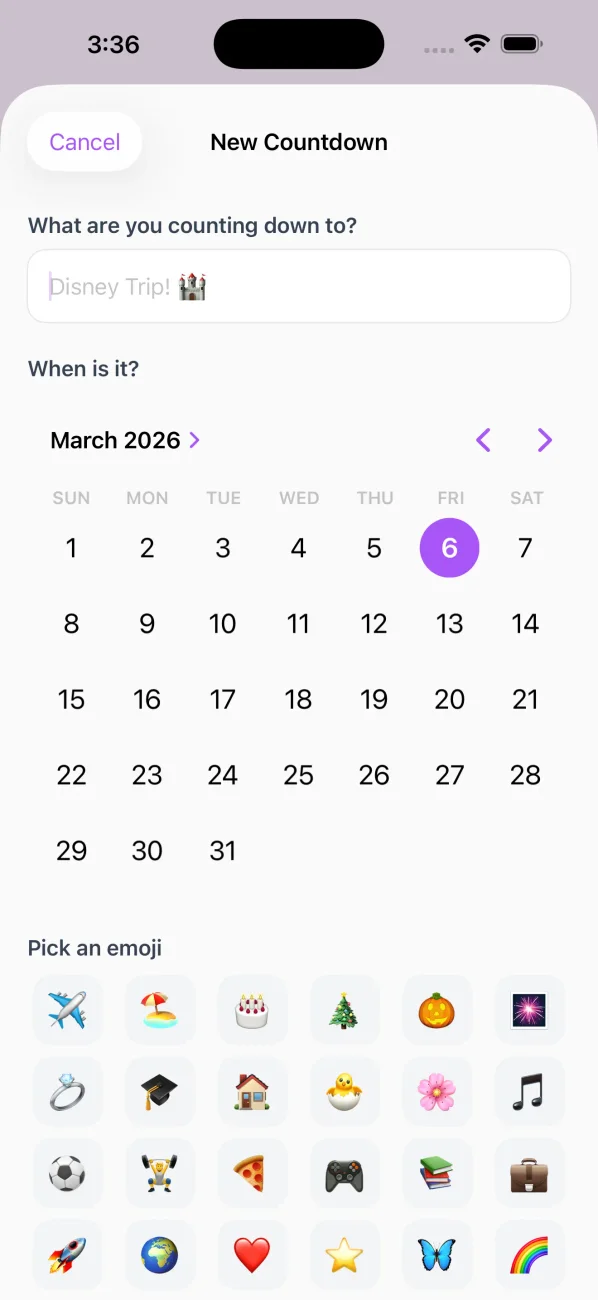
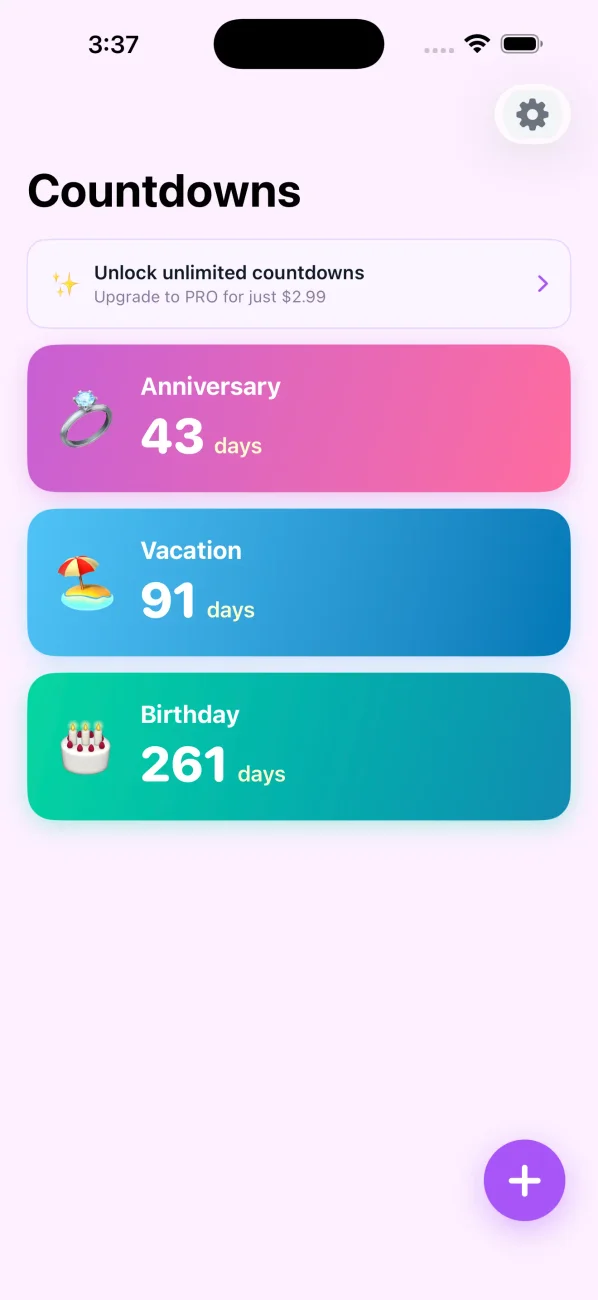
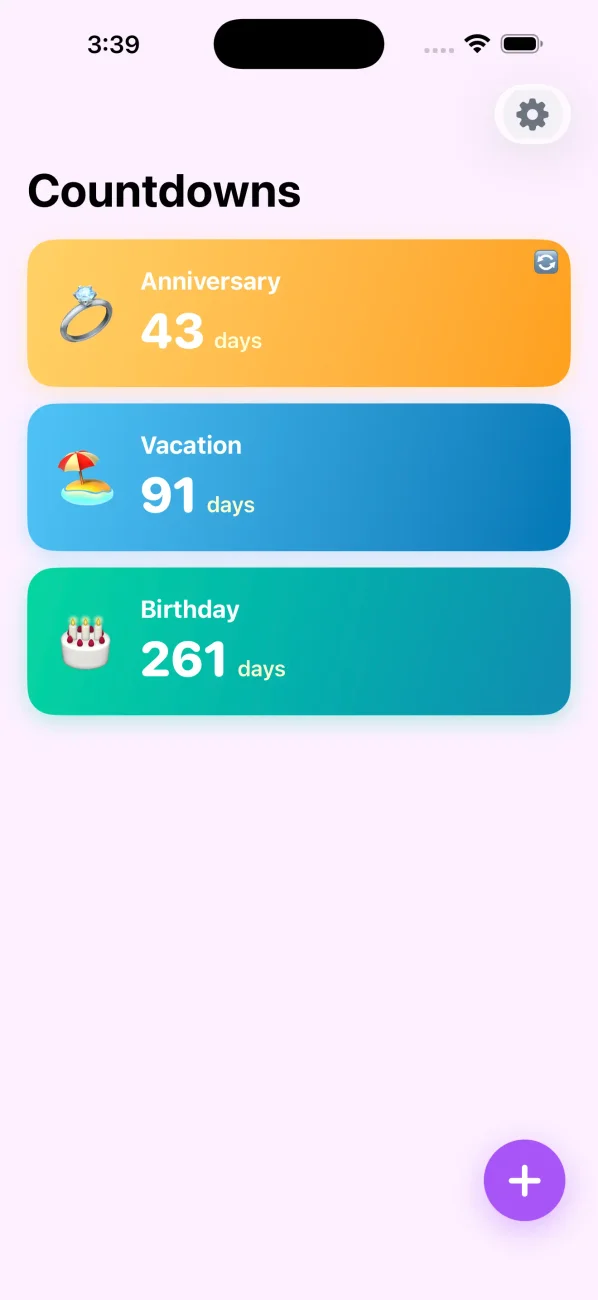
DaysPop keeps the dates you care about close: birthdays, trips, weddings, graduations and everyday milestones. Create a countdown from scratch or start with a template, then make it yours with an emoji and a readable color theme.
EVERYDAY COUNTDOWNS
• Clear calendar-day counts, including today and tomorrow
• Edit names and dates whenever plans change
• Search countdowns and organize them by category
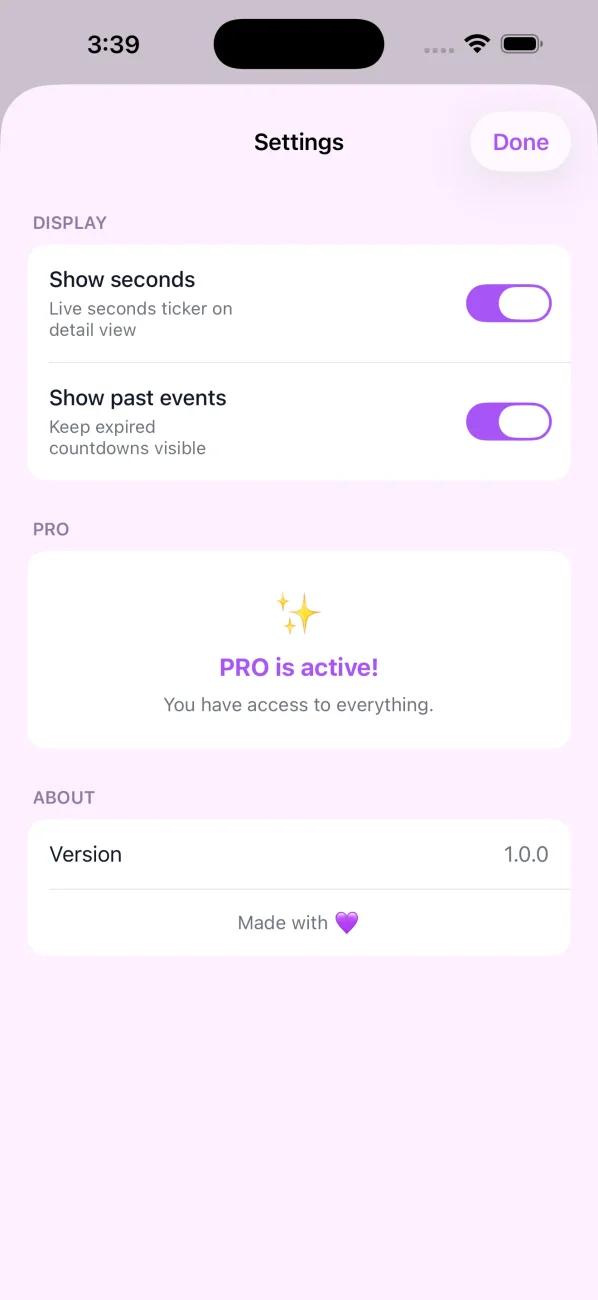
• Optional hours, minutes and seconds on the detail screen
• Reminders on the day, or 1, 3 or 7 days before, at 9:00 AM
WIDGETS
• Home Screen widgets in small, medium and large sizes
• Lock Screen widgets for a quick glance
• Show the next countdown or choose a specific event
• Themes and photos carry through to your widgets
PRIVATE BACKUPS AND SHARING
• Export a backup to Files and choose iCloud Drive or a folder on your device
• Preview backups before importing selected countdowns
• Use the same backup format in the DaysPop web app
• Share a countdown link that friends can preview before adding
• Optionally choose Calendar events to copy into countdowns
Backup files are manual: export again after making changes. DaysPop does not automatically sync your countdowns. Shared links do not include photos, reminders or purchases. Calendar access is requested only when you choose to import; DaysPop does not change your calendar.
FREE FEATURES
• Up to 3 countdowns
• 4 color themes and 30 emoji icons
• Templates, search and categories
• Home Screen and Lock Screen widgets
• Reminders, backup files and countdown sharing
• No ads or account required
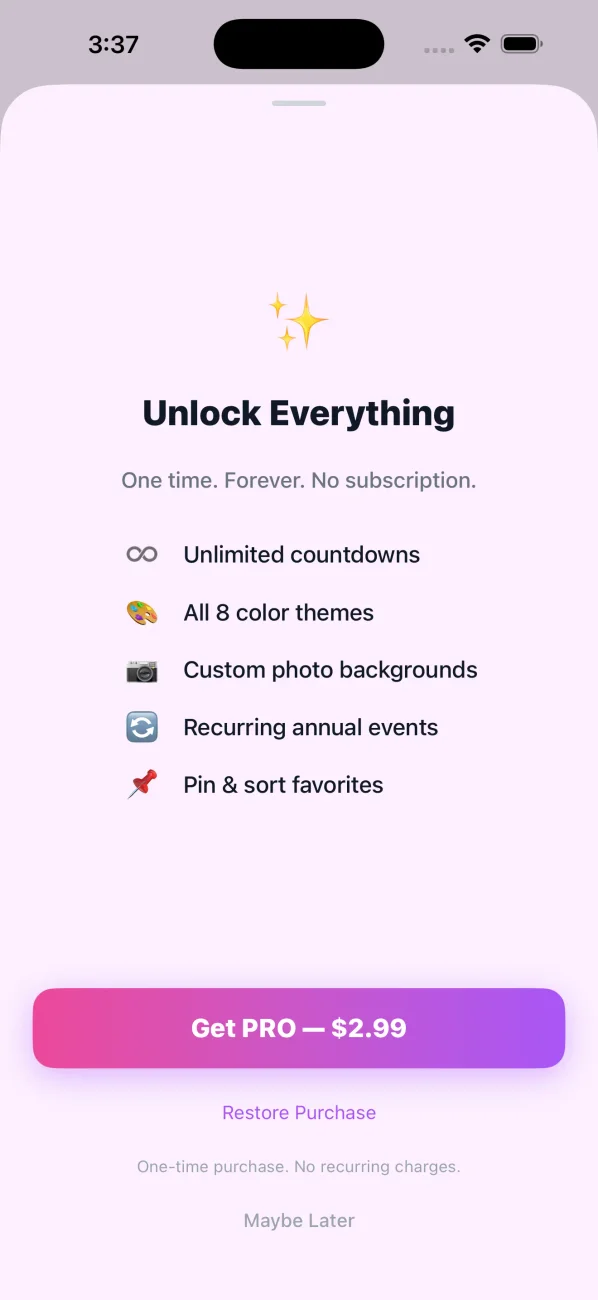
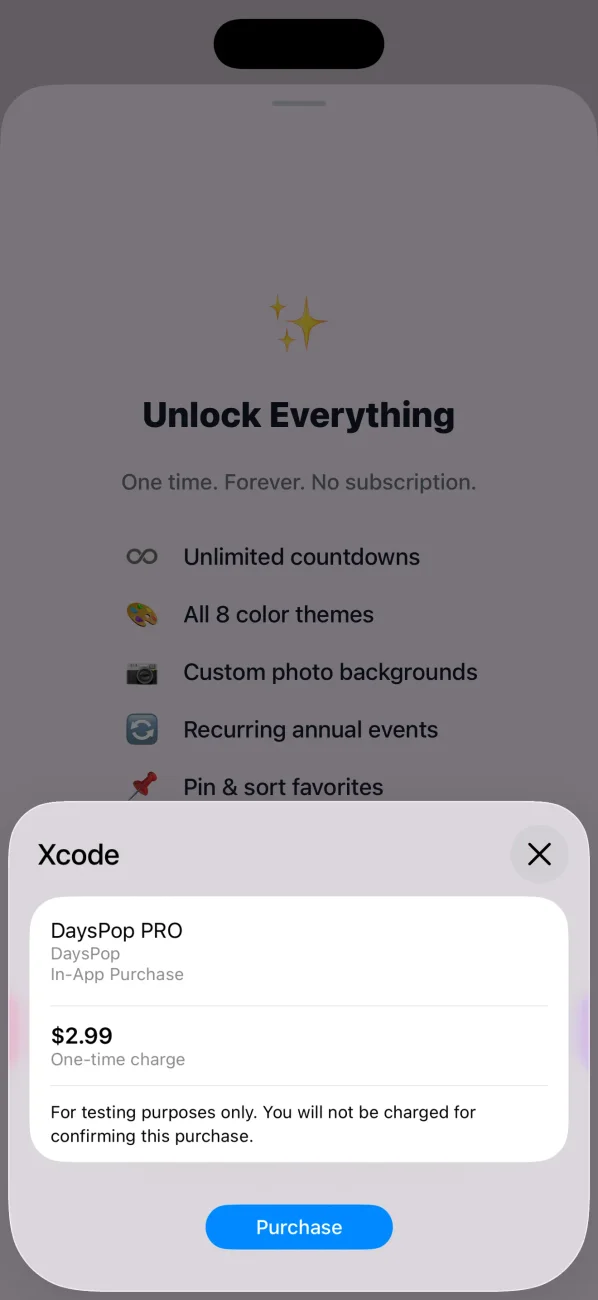
DAYSPOP PRO — ONE-TIME APPLE PURCHASE
• Unlimited countdowns
• All 8 color themes
• Custom photo backgrounds
• Daily, weekly, monthly and annual repeats
No subscription. Restore your Apple purchase with the same Apple ID. The DaysPop web app has a separate Pro purchase; backup files do not transfer either purchase.
Có gì mới
Phiên bản 1.4.0 · 28/10/2026
More ways to keep your important dates organized:
• Start with countdown templates, then search and filter by category.
• Repeat Pro events daily, weekly, monthly or yearly.
• Export private backup files to Files, including iCloud Drive, and preview selected countdowns before restoring. Backups also work in the DaysPop web app.
• Preview shared countdown links before adding them.
• Choose Calendar events to copy into countdowns, with permission requested only when you choose to import.
Also fixed calendar-day counts around today, tomorrow and daylight saving changes; editing and Home Screen refreshes; widget timelines; theme readability; and reminder handling.
Backup files are manual, with no automatic cloud syncing. Apple and web Pro purchases remain separate.
Quyền riêng tư của ứng dụng
Những gì Glen Workman khai báo trên App Store về cách ứng dụng này xử lý dữ liệu.
-
Dữ liệu không được thu thập
Nhà phát triển không thu thập bất kỳ dữ liệu nào từ ứng dụng này.
Phương thức đảm bảo quyền riêng tư có thể khác nhau, chẳng hạn như tuỳ theo các tính năng bạn sử dụng hoặc độ tuổi của bạn.
Thông tin
- Người bán
- Glen Workman
- Danh mục
- Tiện Ích
- Phiên bản
- 1.4.0
- Cập nhật
- 28/10/2026
- Phát hành
- 16/03/2026
- Kích thước
- 2,1 MB
- Yêu cầu
- iOS 17.0 trở lên
- Độ tuổi
- 4+
- Giá
- Miễn phí
- Mua hàng trong ứng dụng
- Có
- Ngôn ngữ
- Tiếng Anh
- Bản quyền
- © 2026 Glen Workman
Có thể bạn cũng thích
-
 Countdown Widget - SpanTiện Ích
-
 Aquarium Planner ARTiện Ích
-
 Countdown: Days Until - AttesaTiện Ích
-
 Countdown · Event TimerTiện Ích
-
 Roosta: Alarm Clock ChallengesTiện Ích
-
 The Quantum BrowserTiện Ích
-
 Cute Countdown: Ngày ThiĐám Cưới & Sinh Nhật
-
 Earwig Live Audio TranslationReal-Time Captions & Subtitles
-
 Countdown: Widget TickerMinimalism in every countdown
-
 Sticky Timers and CountdownsTiện Ích