
e-Scanner: Scan PDF & OCR
No Ads, No Login, No Watermark
iPhone, iPad, iPod touch için tasarlandı
Ücretsiz · Uygulama içi satın alma
- Yaş sınırı4+
- KategoriÜretkenlik
- GeliştiriciCHI CONG NGUYEN
- Dillerİngilizce+ 4 dil daha
- Boyut62,0 MB
Resmi App Store sayfasına bağlanır
Download.org, e-Scanner: Scan PDF & OCR için hiçbir dosya barındırmaz. Düğme, uygulamanın App Store üzerindeki sayfasını açar; uygulamayı orada CHI CONG NGUYEN yayınlar. Sayfanın son kontrolü: 23.11.2026.
Ekran görüntüleri
Hakkında
Geliştirici bu metni dilinizde sunmamış.
No ads. No watermarks. No sign-in. No scan limit.
EASY - SMART SCAN
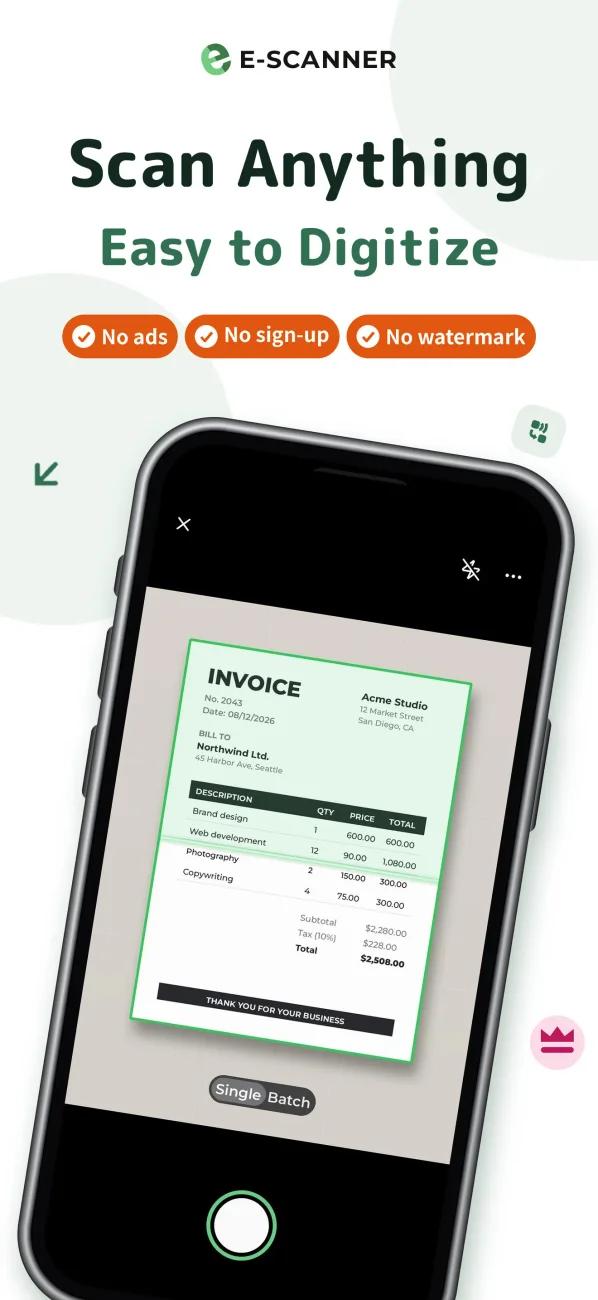
- Auto-capture: hold your phone over a page; the app finds the edges and takes the shot. Prefer to tap the shutter yourself? Switch to manual capture anytime.
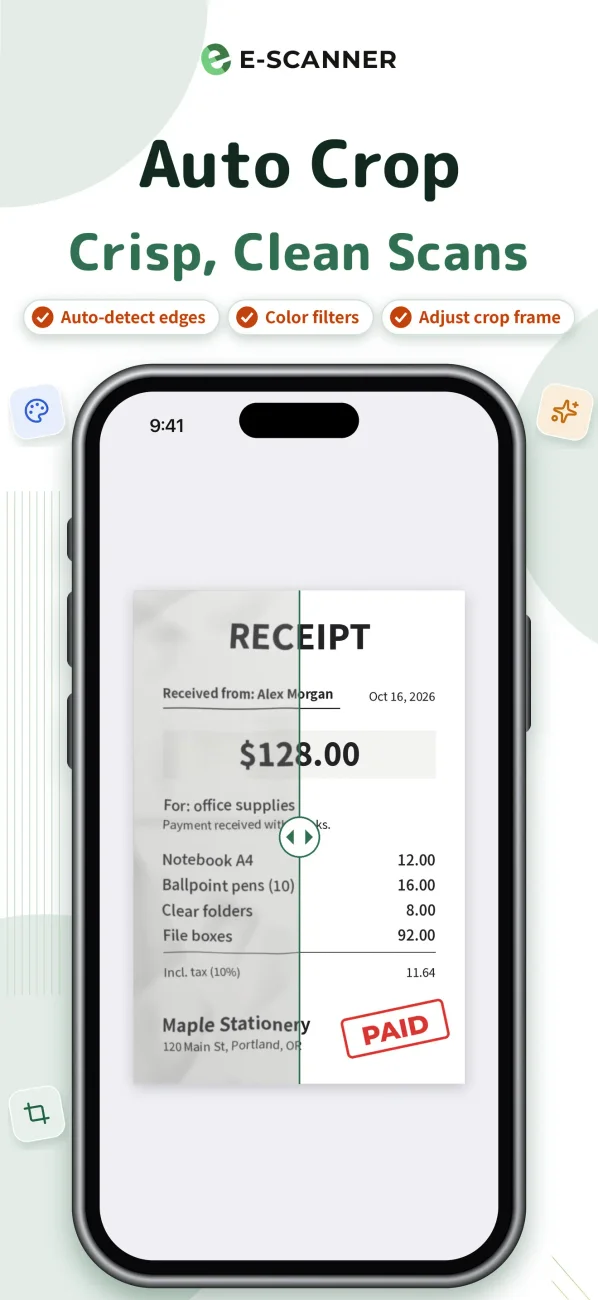
- Auto-align: perspective is corrected and the page is cropped for you, then your default filter is applied (Magic Color unless you choose another in Settings).
- Precise cropping: drag a corner or a whole edge, with a magnifier.
- Magic Clean: fingers holding the page at the edge are removed automatically after scanning or importing photos.
- Six filters: Original, Magic Color, Black & White, Grayscale, Sharpen and Denoise, for one page or every page at once.
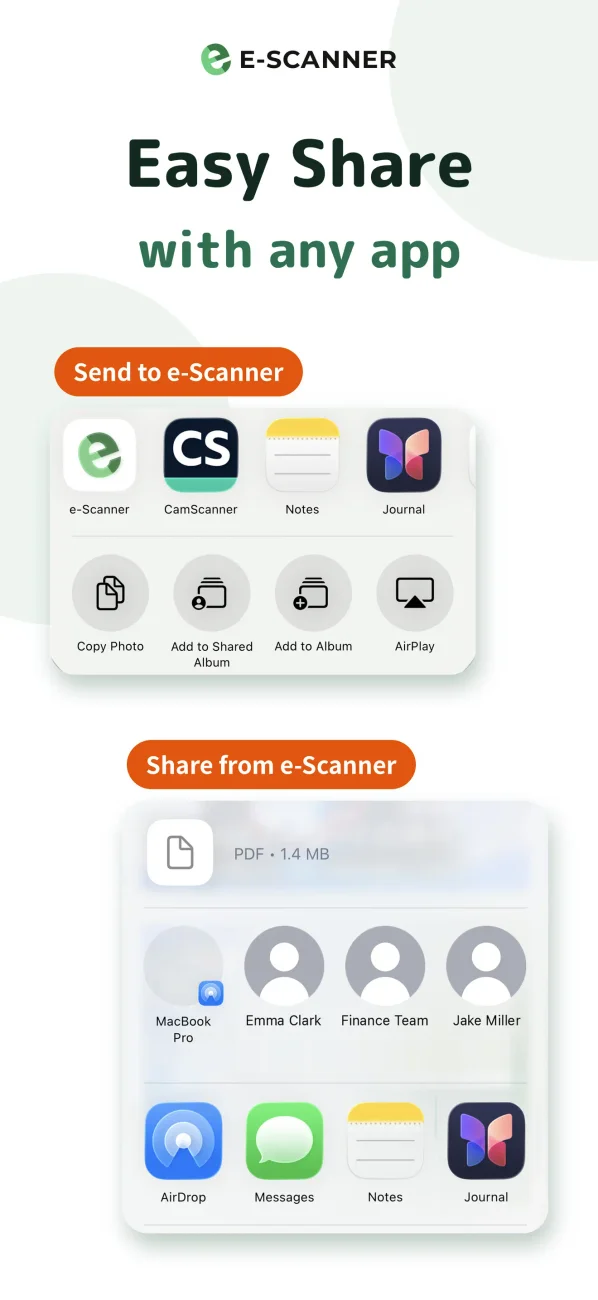
- Rotate pages, import from Photos or Files, send photos, PDFs or Word files from other apps into e-Scanner, and share through the iOS share sheet: Mail, messaging apps or Save to Files.
EFFICIENT - ADVANCED OCR
- On-device text recognition with Apple Vision, in English, Vietnamese, Japanese and Chinese.
- Extract text on your device from the camera or any document in your library, free and offline.
- PDF to Word keeps tables and math formulas as editable content.
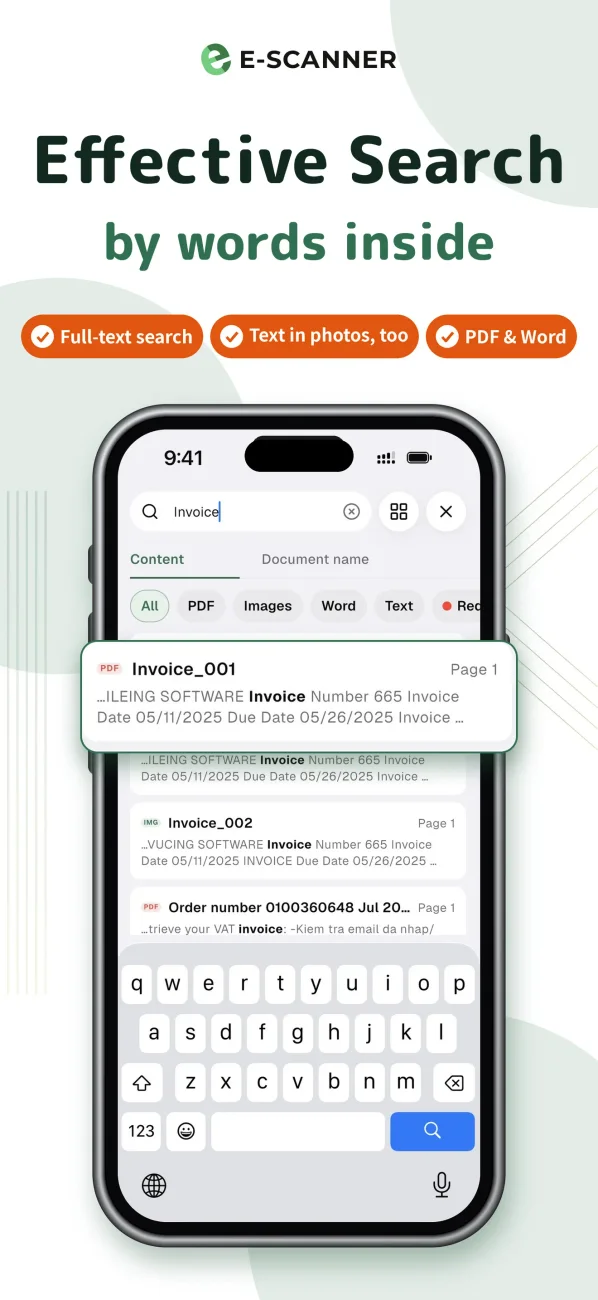
- Content search: find words inside your documents, Word files included, not just in file names. Search runs on your device.
EFFICIENT - PDF TOOLKIT
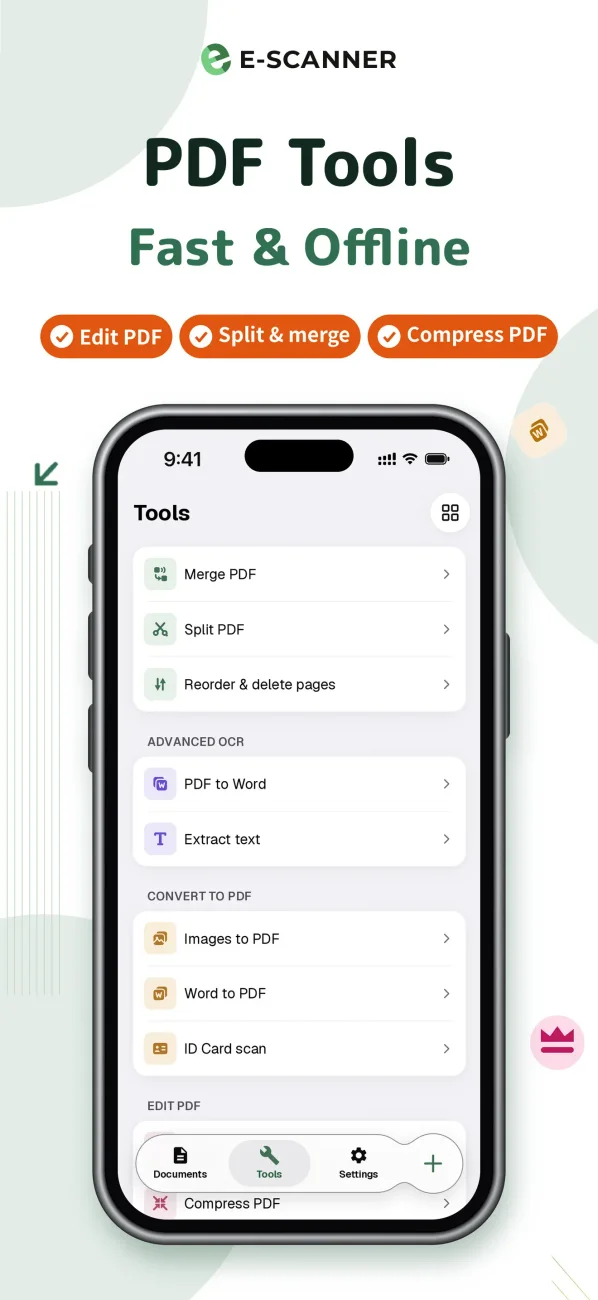
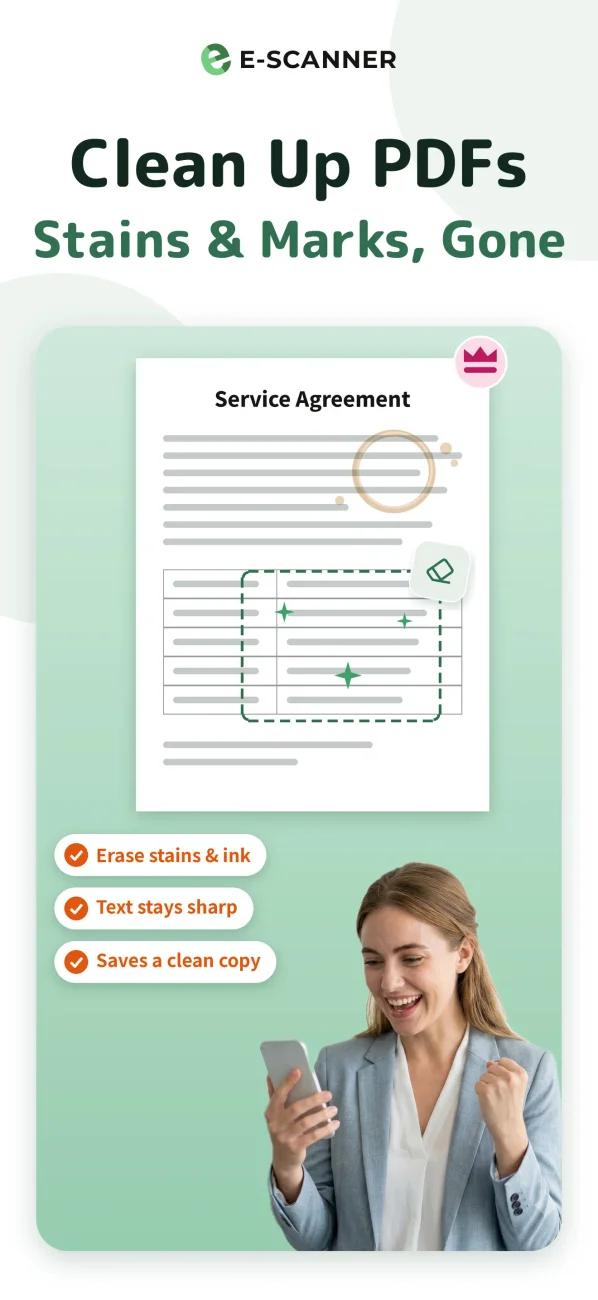
- 17 tools: merge, split, reorder & delete pages, rotate, compress, watermark, lock, unlock, Clean Up, images to PDF, convert to JPG, ID photo, Word to PDF, PDF to Word, PDF to Excel, extract text and ID card (front and back on one A4 page).
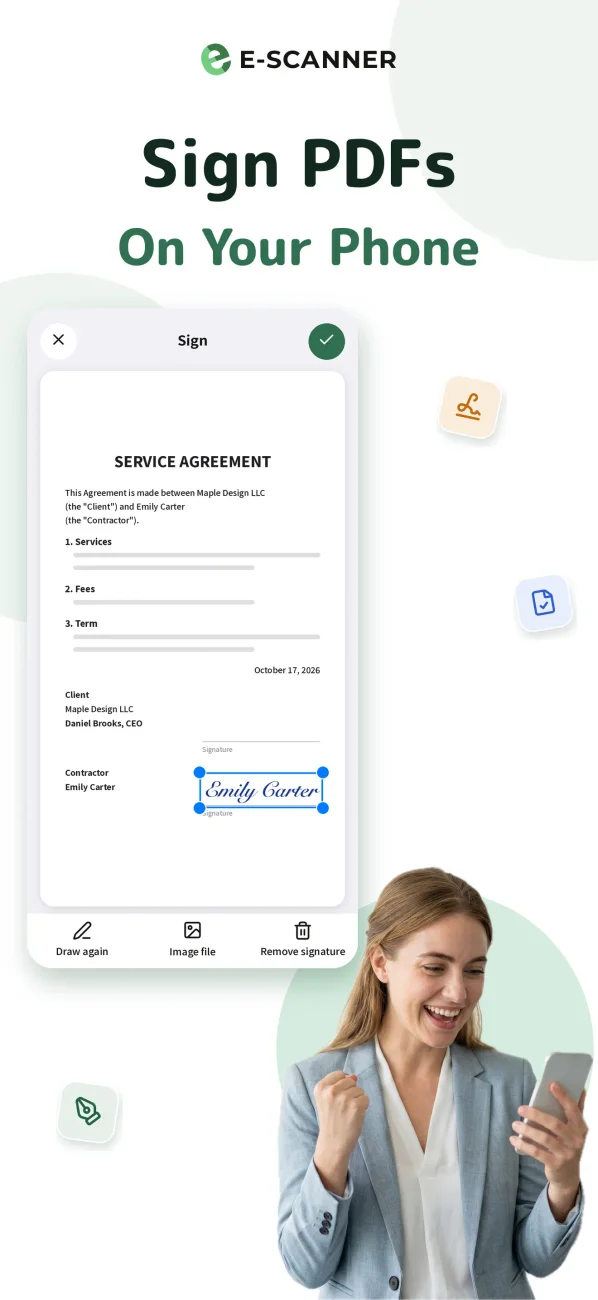
- Sign: draw your signature or pick it from a photo, then place it on any page of a PDF.
- Blur: hide account numbers, addresses or faces on a page and save the result as a new document.
- Open Word files inside the app, and print wirelessly.
ESSENTIAL - OFFLINE AND PRIVATE
- Works offline: scanning, editing, search and export need no internet.
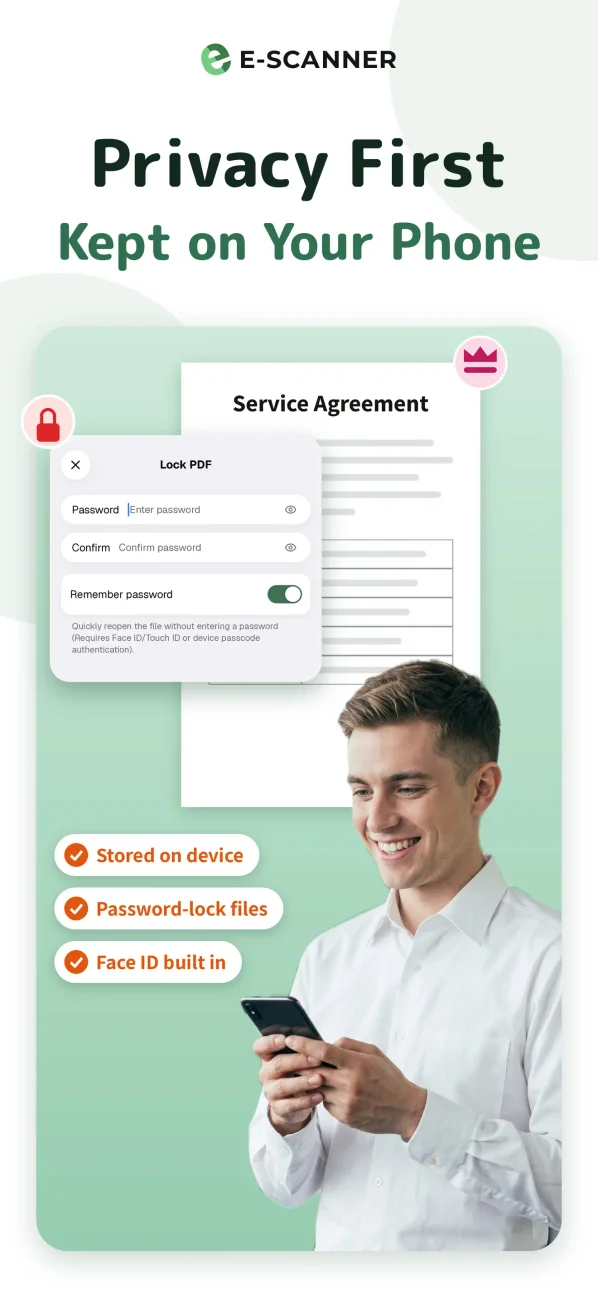
- Stays on your device: scans and PDFs are kept in the app's private storage, use iOS data protection and are excluded from iCloud and device backups.
- App lock: lock the app with Face ID, Touch ID or a PIN.
CLEAR ABOUT THE CLOUD
Server processing is off by default. Only three tools use it: PDF to Word, PDF to Excel and Word to PDF. They stay off until you turn on Advanced OCR in Settings and accept the data notice. Everything else runs on your device.
PREMIUM
The free version is complete: no ads, no watermarks, unlimited scanning and most tools. Premium adds:
- Advanced OCR: 150 pages a month (up to 30 a day) instead of 10 a month
- PDF to Excel: save the spreadsheet; free users can preview the result
- Magic Clean: save pages with fingers removed from the edges
- Merge PDF: unlimited files instead of 3 at a time
- Images to PDF: unlimited images instead of 5 per PDF
- Word to PDF: unlimited instead of 20 a day
- Blur: unlimited instead of 5 free uses
- Clean Up: unlimited instead of 5 free uses
- Content search: free users see which documents and pages match; Premium opens a result at the matching page, shows snippets, and searches inside scanned documents
- Lock and unlock PDFs with a password
SUBSCRIPTION INFORMATION
e-Scanner Premium is an auto-renewing subscription, monthly or yearly. The price in your currency is shown in the app before you buy.
Payment is charged to your Apple Account at confirmation of purchase. The subscription renews automatically unless it is canceled at least 24 hours before the end of the current period, and the renewal is charged within 24 hours before that. You can manage or cancel it in your Apple Account settings after purchase.
Terms of Use: https://escanner.pbsolutions.io/en/terms/
Privacy Policy: https://escanner.pbsolutions.io/en/privacy/
Yenilikler
Sürüm 1.2.0 · 16.11.2026
• Introducing Magic Clean: Automatically removes fingers at the page edge on the review screen after scanning or importing photos.
• New Tool: Added the ability to convert PDF to Excel.
• Smarter Cropping: Imported photos are now cropped automatically, and you can easily adjust borders for saved pages.
• Onboarding Guide: Added an interactive guide for first-time users.
• Optimizations: Improved page edge detection and the Magic Color algorithm.
• Minor bug fixes and stability improvements.
Uygulama gizliliği
Bu uygulamanın verileri nasıl işlediği hakkında CHI CONG NGUYEN tarafından App Store üzerinde yapılan beyan.
-
Sizinle ilişkilendirilmeyen veriler
Toplanabilir ancak kimliğinizle ilişkilendirilmez.
- Satın alımlar
- Konum
- Tanımlayıcılar
- Kullanım verileri
- Tanılama
Gizlilik uygulamaları, örneğin kullandığınız özelliklere veya yaşınıza göre değişiklik gösterebilir.
Bilgiler
- Satıcı
- CHI CONG NGUYEN
- Kategori
- Üretkenlik
- Sürüm
- 1.2.0
- Güncellendi
- 16.11.2026
- Yayın tarihi
- 27.08.2026
- Boyut
- 62,0 MB
- Gereksinim
- iOS 15.0 veya sonrası
- Yaş sınırı
- 4+
- Fiyat
- Ücretsiz
- Uygulama içi satın alma
- Evet
- Diller
- İngilizce, Endonezce, Japonca, Basitleştirilmiş Çince, Vietnamese
- Telif hakkı
- © 2026 PB Solutions Co., Ltd
Bunları da beğenebilirsiniz
-
 ProtonX ScanÜretkenlik
-
 NoDi: Lofi Pomodoro TimerÜretkenlik
-
 Vận Ký - Lịch Việt, Nhắc NgàyÜretkenlik
-
 Slotmark: Reminder & To DoÜretkenlik
-
 Sit Still: Focus & App BlockerÜretkenlik
-
 JobGuard AIÜretkenlik
-
 Life AI: Gününü PlanlaGörevler, bütçe ve alışkanlık
-
 Nox - Personal Data VaultÜretkenlik
-
 Rank 'Em!Üretkenlik
-
 Nemos: Link Kaydet, Diktafonİkinci Beyin ve Sonra Oku