
e-Scanner: Scan PDF & OCR
No Ads, No Login, No Watermark
Designed for iPhone, iPad, iPod touch
Free · In-app purchases
- Age rating4+
- CategoryProductivity
- DeveloperCHI CONG NGUYEN
- LanguagesEnglish+ 4 more
- Size62.0 MB
Links to the official App Store page
Download.org hosts no file of e-Scanner: Scan PDF & OCR. The button opens its official App Store page, published by CHI CONG NGUYEN. Listing last checked on Nov 23, 2026.
Screenshots
About
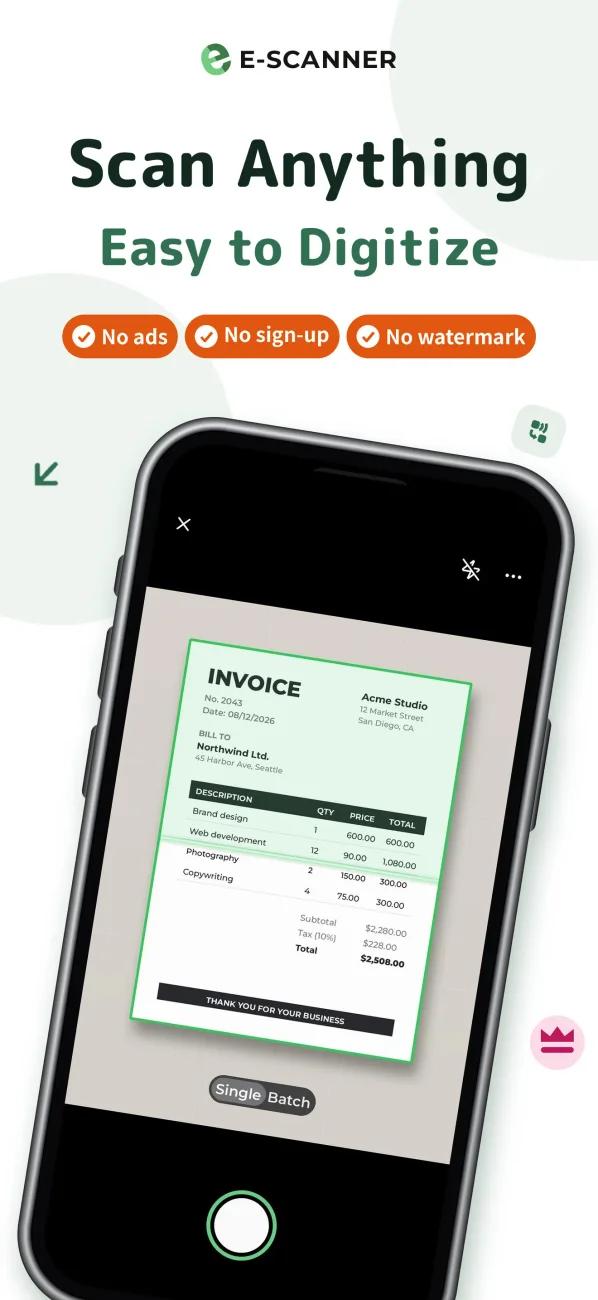
No ads. No watermarks. No sign-in. No scan limit.
EASY - SMART SCAN
- Auto-capture: hold your phone over a page; the app finds the edges and takes the shot. Prefer to tap the shutter yourself? Switch to manual capture anytime.
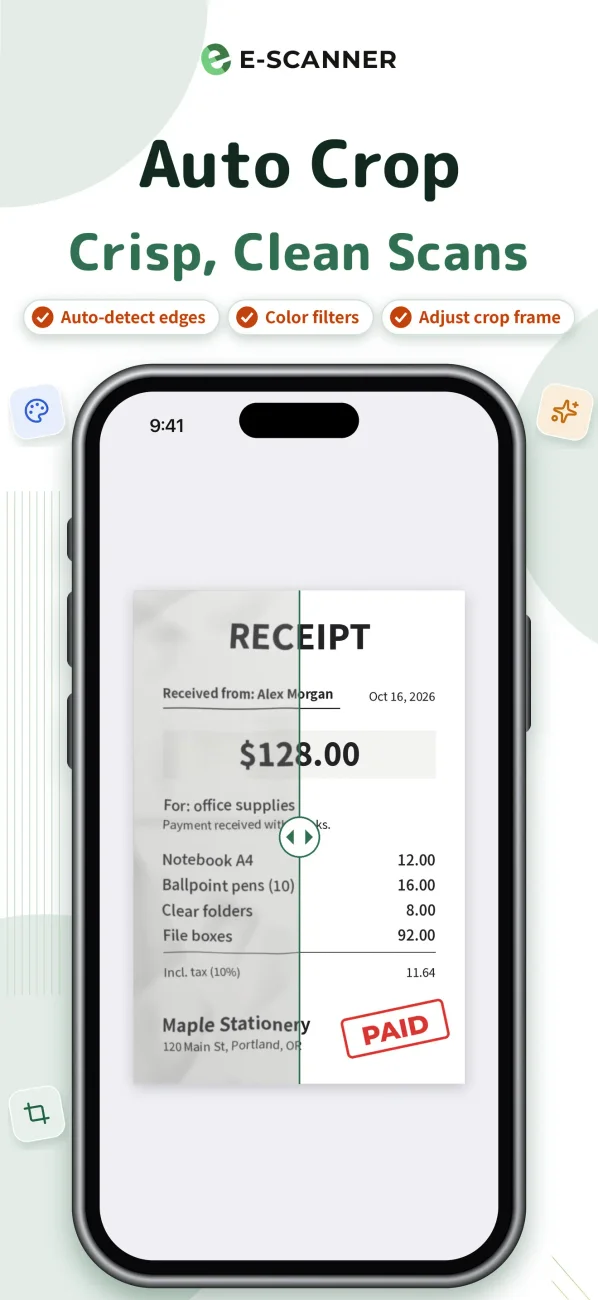
- Auto-align: perspective is corrected and the page is cropped for you, then your default filter is applied (Magic Color unless you choose another in Settings).
- Precise cropping: drag a corner or a whole edge, with a magnifier.
- Magic Clean: fingers holding the page at the edge are removed automatically after scanning or importing photos.
- Six filters: Original, Magic Color, Black & White, Grayscale, Sharpen and Denoise, for one page or every page at once.
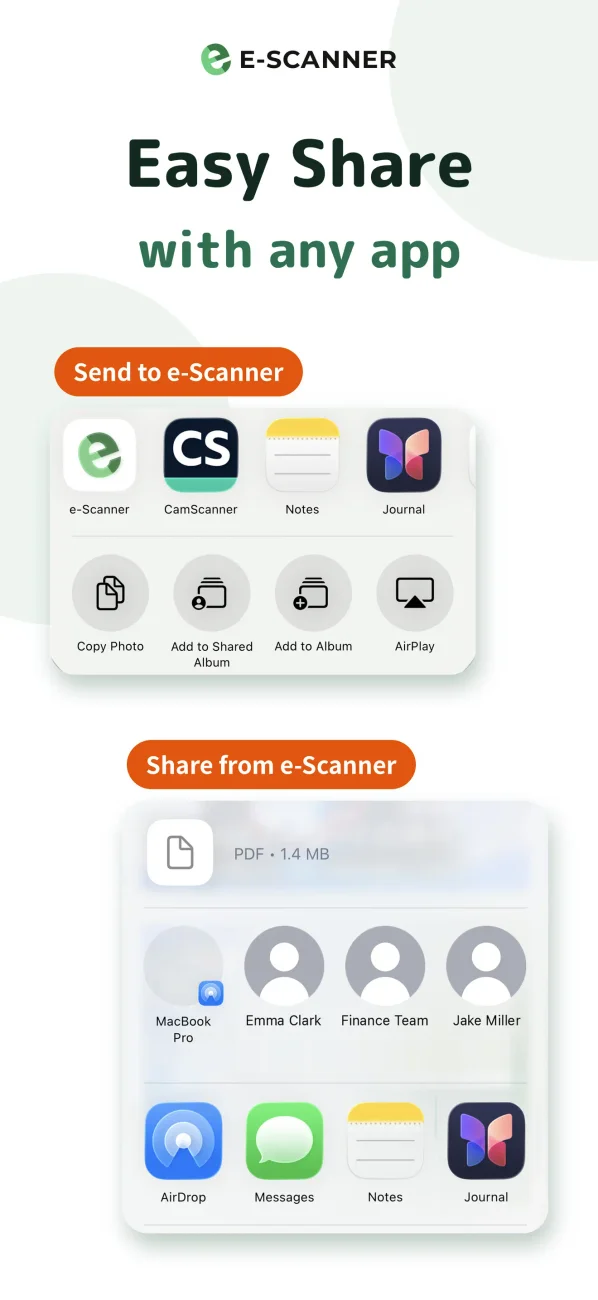
- Rotate pages, import from Photos or Files, send photos, PDFs or Word files from other apps into e-Scanner, and share through the iOS share sheet: Mail, messaging apps or Save to Files.
EFFICIENT - ADVANCED OCR
- On-device text recognition with Apple Vision, in English, Vietnamese, Japanese and Chinese.
- Extract text on your device from the camera or any document in your library, free and offline.
- PDF to Word keeps tables and math formulas as editable content.
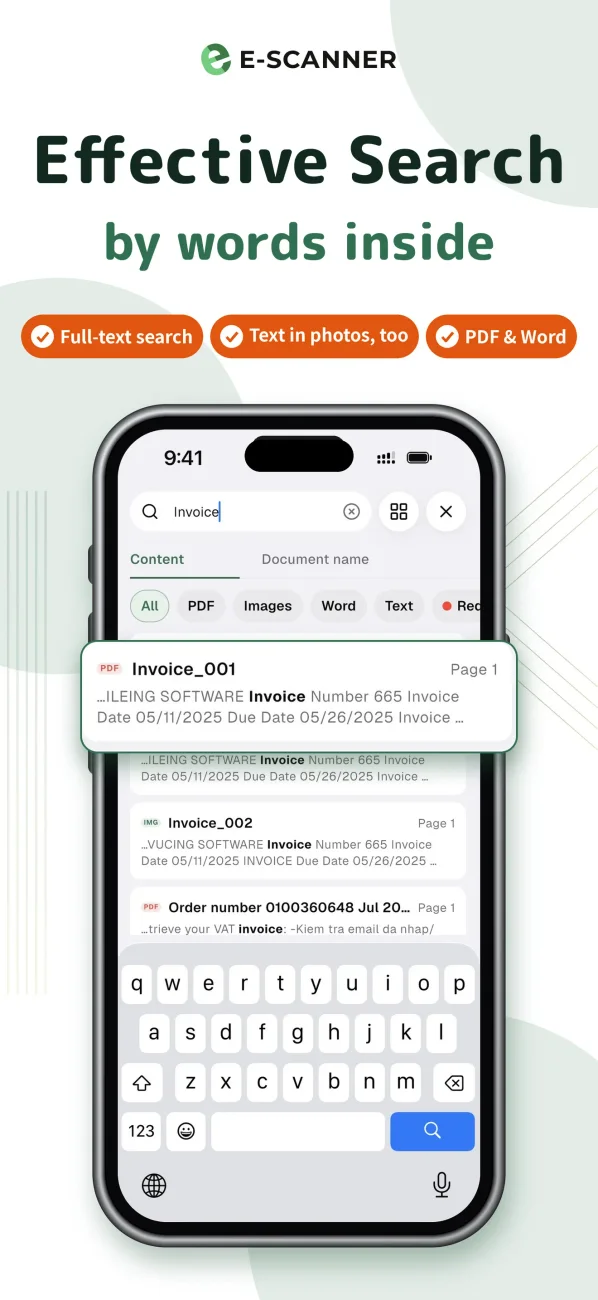
- Content search: find words inside your documents, Word files included, not just in file names. Search runs on your device.
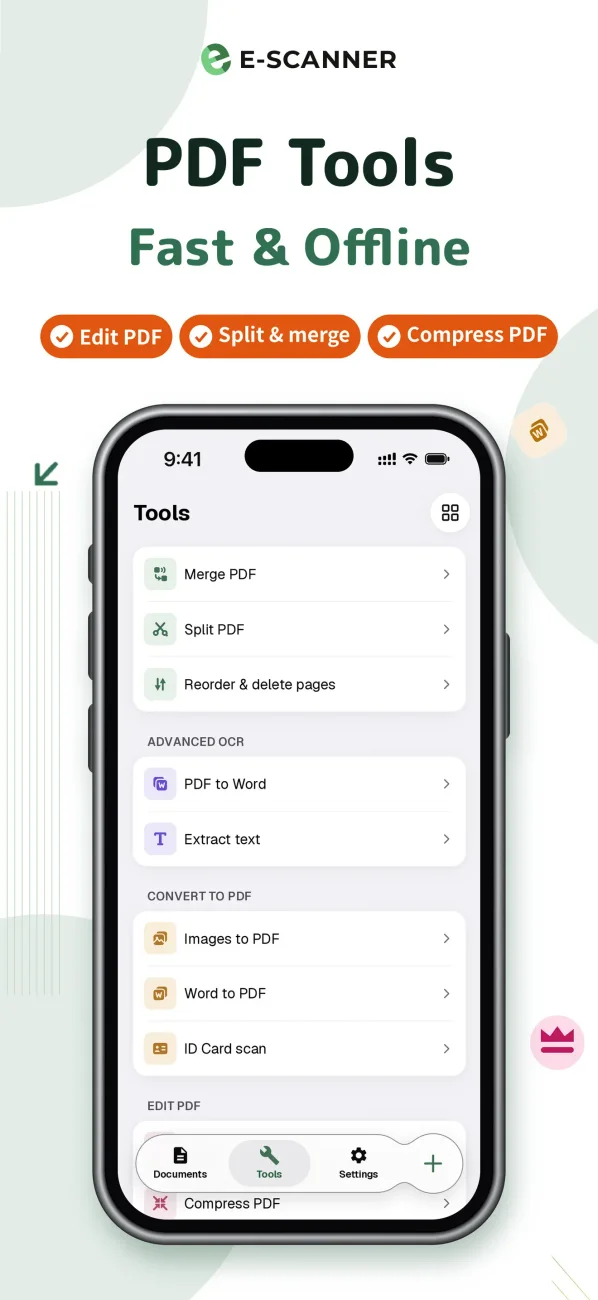
EFFICIENT - PDF TOOLKIT
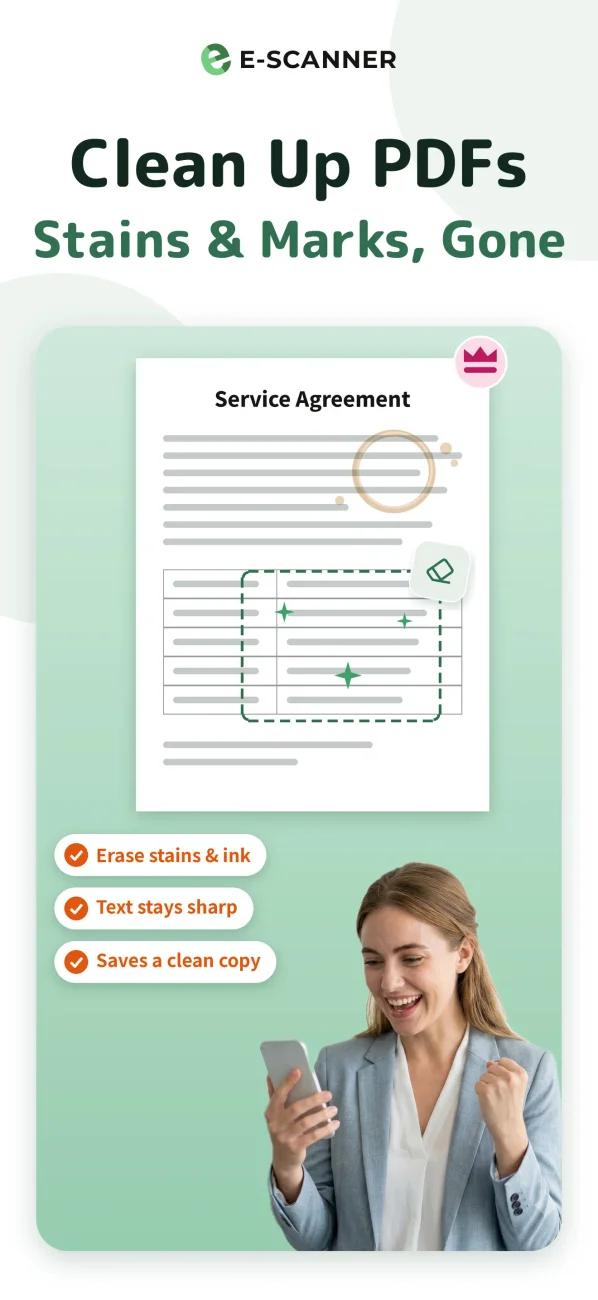
- 17 tools: merge, split, reorder & delete pages, rotate, compress, watermark, lock, unlock, Clean Up, images to PDF, convert to JPG, ID photo, Word to PDF, PDF to Word, PDF to Excel, extract text and ID card (front and back on one A4 page).
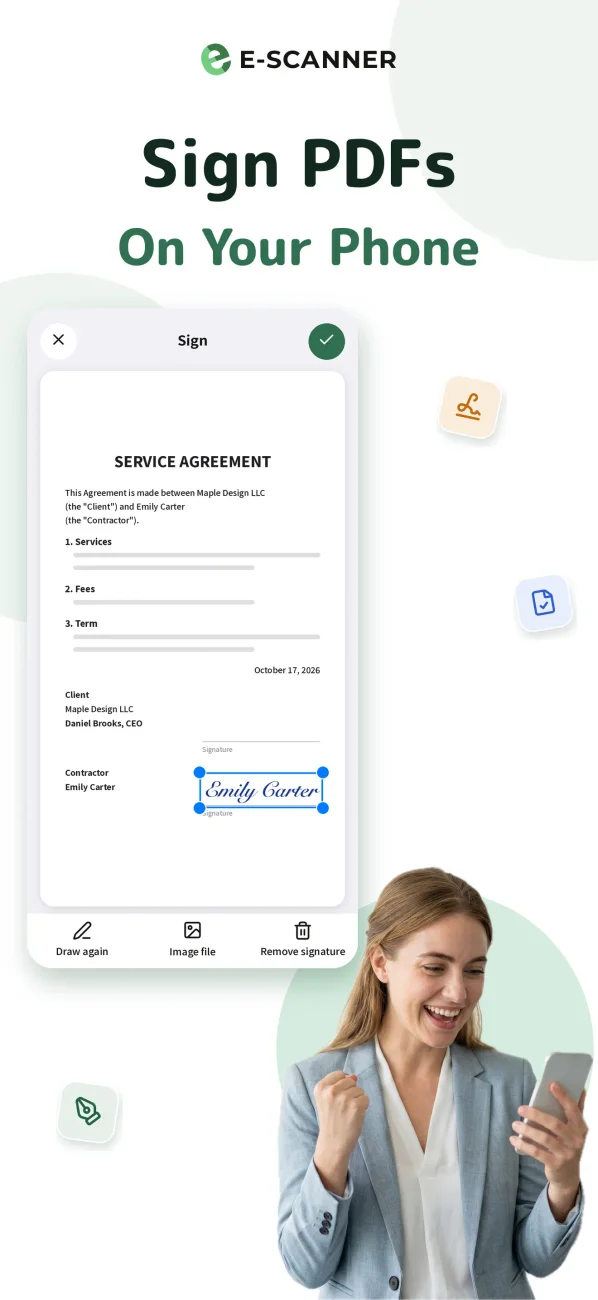
- Sign: draw your signature or pick it from a photo, then place it on any page of a PDF.
- Blur: hide account numbers, addresses or faces on a page and save the result as a new document.
- Open Word files inside the app, and print wirelessly.
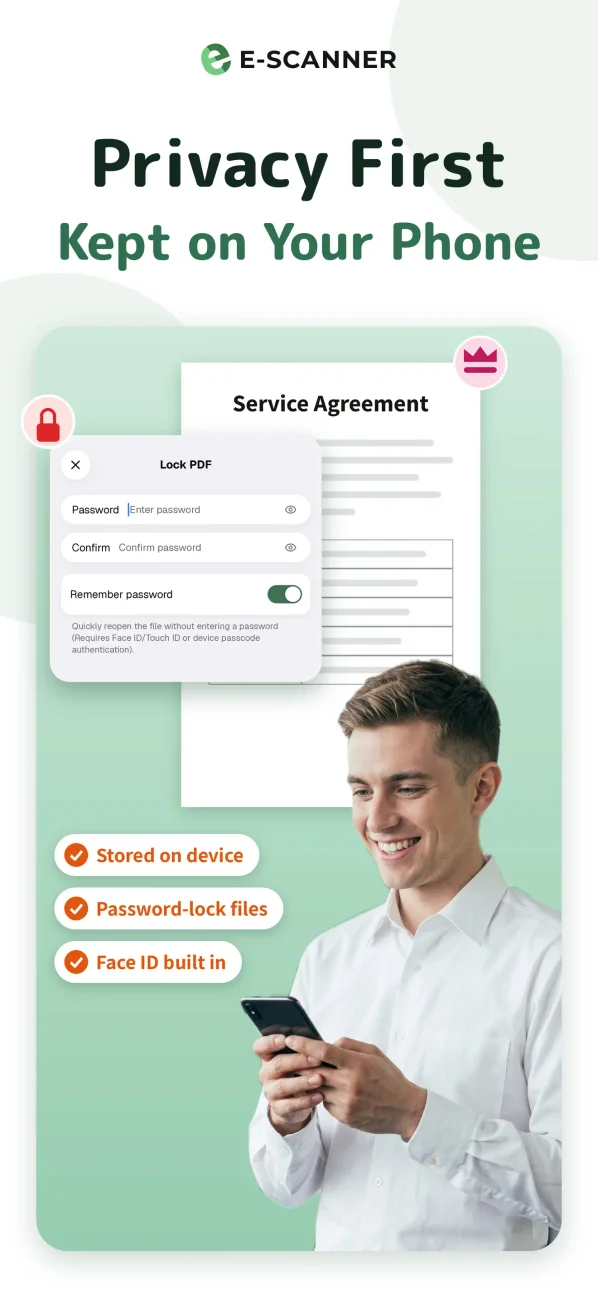
ESSENTIAL - OFFLINE AND PRIVATE
- Works offline: scanning, editing, search and export need no internet.
- Stays on your device: scans and PDFs are kept in the app's private storage, use iOS data protection and are excluded from iCloud and device backups.
- App lock: lock the app with Face ID, Touch ID or a PIN.
CLEAR ABOUT THE CLOUD
Server processing is off by default. Only three tools use it: PDF to Word, PDF to Excel and Word to PDF. They stay off until you turn on Advanced OCR in Settings and accept the data notice. Everything else runs on your device.
PREMIUM
The free version is complete: no ads, no watermarks, unlimited scanning and most tools. Premium adds:
- Advanced OCR: 150 pages a month (up to 30 a day) instead of 10 a month
- PDF to Excel: save the spreadsheet; free users can preview the result
- Magic Clean: save pages with fingers removed from the edges
- Merge PDF: unlimited files instead of 3 at a time
- Images to PDF: unlimited images instead of 5 per PDF
- Word to PDF: unlimited instead of 20 a day
- Blur: unlimited instead of 5 free uses
- Clean Up: unlimited instead of 5 free uses
- Content search: free users see which documents and pages match; Premium opens a result at the matching page, shows snippets, and searches inside scanned documents
- Lock and unlock PDFs with a password
SUBSCRIPTION INFORMATION
e-Scanner Premium is an auto-renewing subscription, monthly or yearly. The price in your currency is shown in the app before you buy.
Payment is charged to your Apple Account at confirmation of purchase. The subscription renews automatically unless it is canceled at least 24 hours before the end of the current period, and the renewal is charged within 24 hours before that. You can manage or cancel it in your Apple Account settings after purchase.
Terms of Use: https://escanner.pbsolutions.io/en/terms/
Privacy Policy: https://escanner.pbsolutions.io/en/privacy/
What’s new
Version 1.2.0 · Nov 16, 2026
• Introducing Magic Clean: Automatically removes fingers at the page edge on the review screen after scanning or importing photos.
• New Tool: Added the ability to convert PDF to Excel.
• Smarter Cropping: Imported photos are now cropped automatically, and you can easily adjust borders for saved pages.
• Onboarding Guide: Added an interactive guide for first-time users.
• Optimizations: Improved page edge detection and the Magic Color algorithm.
• Minor bug fixes and stability improvements.
App privacy
What CHI CONG NGUYEN declares on the App Store about how this app handles data.
-
Data not linked to you
May be collected but is not linked to your identity.
- Purchases
- Location
- Identifiers
- Usage data
- Diagnostics
Privacy practices may vary, for example with the features you use or your age.
Information
- Seller
- CHI CONG NGUYEN
- Category
- Productivity
- Version
- 1.2.0
- Updated
- Nov 16, 2026
- Released
- Aug 27, 2026
- Size
- 62.0 MB
- Requires
- iOS 15.0 or later
- Age rating
- 4+
- Price
- Free
- In-app purchases
- Yes
- Languages
- English, Indonesian, Japanese, Simplified Chinese, Vietnamese
- Copyright
- © 2026 PB Solutions Co., Ltd
You might also like
-
 ProtonX ScanProductivity
-
 NoDi: Lofi Pomodoro TimerStudy Timer, Focus & ADHD
-
 Vận Ký - Lịch Việt, Nhắc NgàyProductivity
-
 Slotmark: Reminder & To DoTasks manager & calendar
-
 Sit Still: Focus & App BlockerCozy pomodoro timer for study
-
 JobGuard AISpot fake job posts instantly
-
 Life AI: Organise Your LifeTasks, Budget & Daily Habits
-
 Nox - Personal Data VaultEncrypted. Private. On-device.
-
 Rank 'Em!Your lists, ranked.
-
 Nemos: Second Brain & MemosLink Saver, Screenshots, Notes