
HTML Viewer & Editor - HKit
Review Source Code & CSS Files
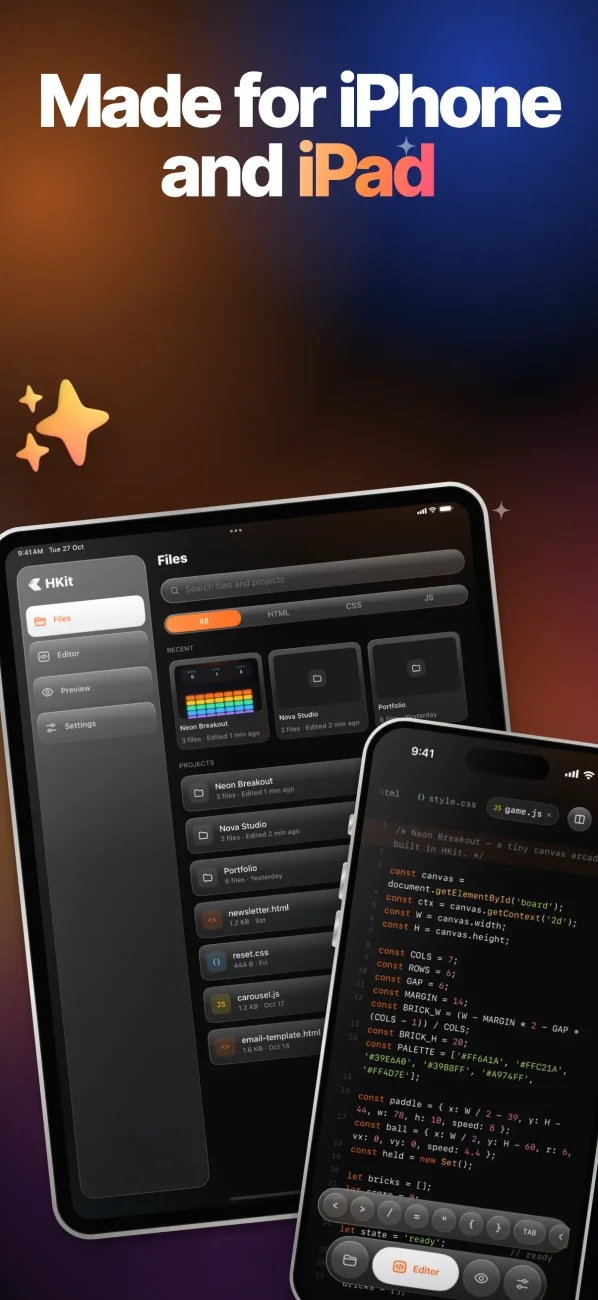
iPhone, iPad için tasarlandı
Ücretsiz · Uygulama içi satın alma
- Yaş sınırı4+
- KategoriGeliştirici Araçları
- GeliştiriciHarsukhbhai Kaneriya
- Dillerİngilizce
- Boyut12,7 MB
Resmi App Store sayfasına bağlanır
Download.org, HTML Viewer & Editor - HKit için hiçbir dosya barındırmaz. Düğme, uygulamanın App Store üzerindeki sayfasını açar; uygulamayı orada Harsukhbhai Kaneriya yayınlar. Sayfanın son kontrolü: 23.11.2026.
Ekran görüntüleri
Hakkında
Geliştirici bu metni dilinizde sunmamış.
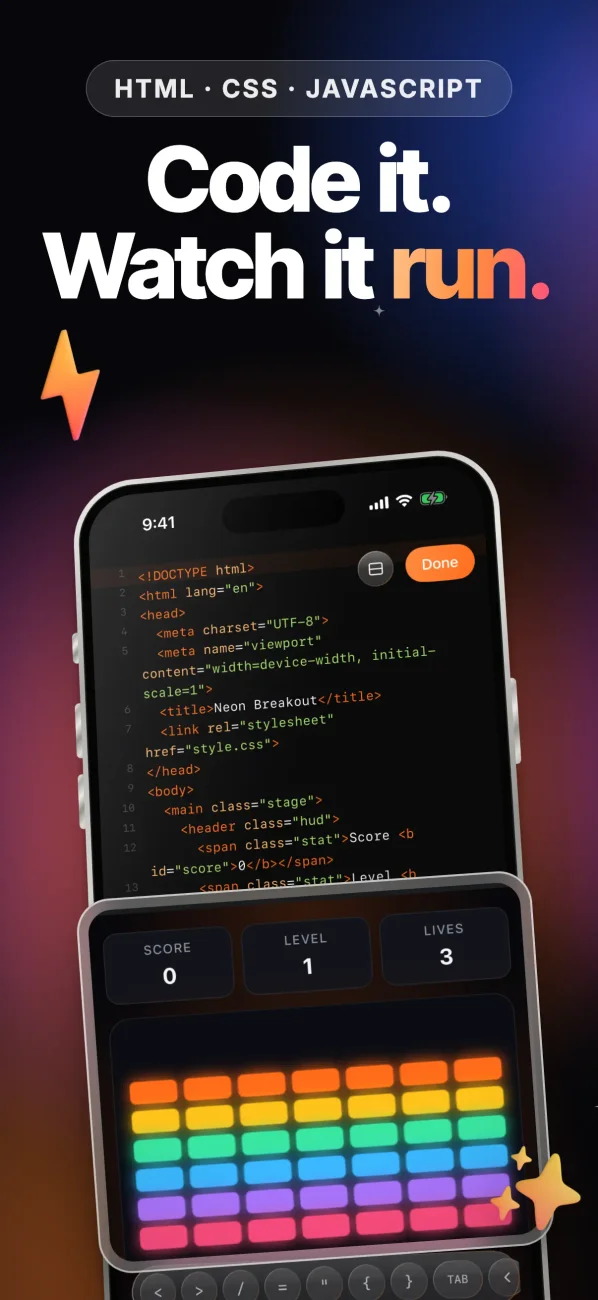
Write, run and inspect web code anywhere with HKit, the HTML viewer and editor for iPhone and iPad. Type HTML, CSS and JavaScript and watch your page update as you type!
Whether you're a web developer, a student learning to code, or just someone who needs to open an .html file, HKit makes editing and previewing web pages fast, simple, and fun.
Key Features:
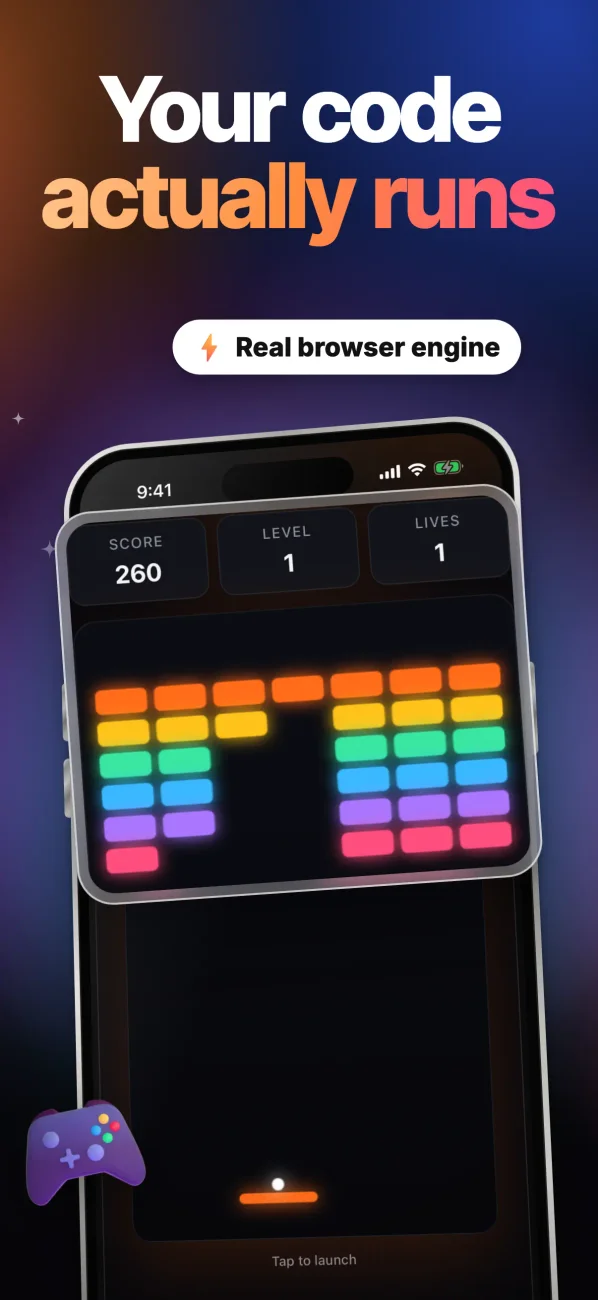
→ Live Preview: Your page re-renders as you type, with JavaScript running for real. Switch between phone, tablet and desktop widths to check a responsive layout in one tap.
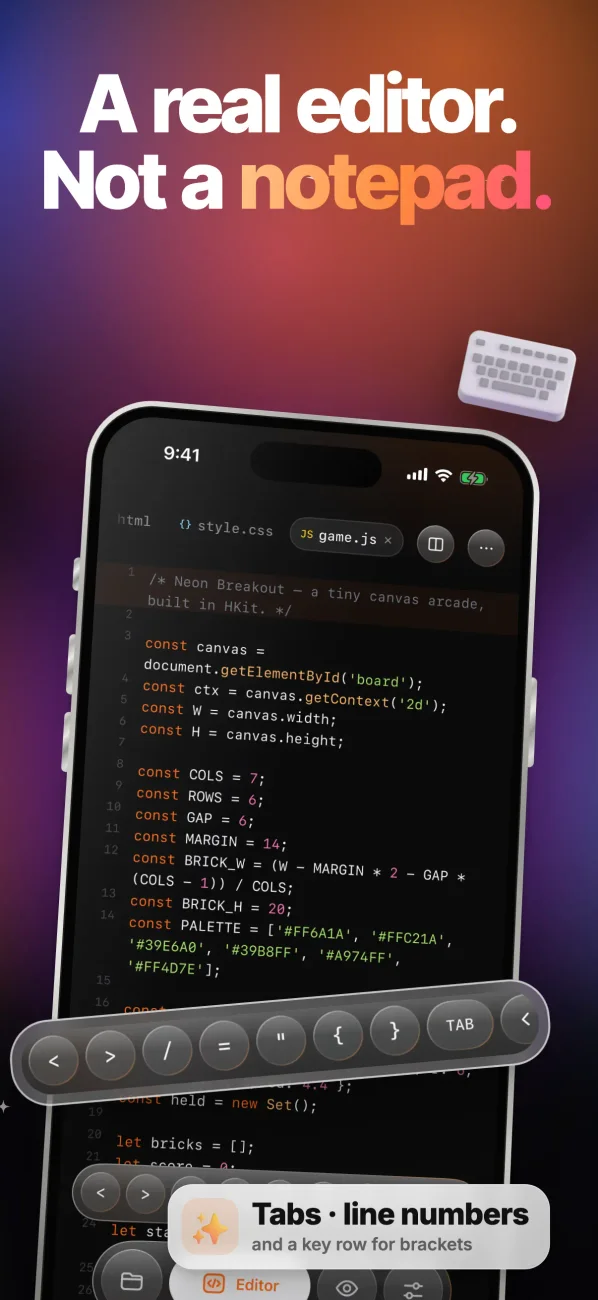
→ A Real Code Editor: Syntax highlighting for HTML, CSS, JavaScript and JSON, with file tabs, line numbers, auto-indent, auto-closing tags, word wrap, and undo and redo.
→ Key Row for Code: The brackets, slashes and quotes your keyboard buries sit one tap away above it, along with Tab, cursor keys, undo and redo.
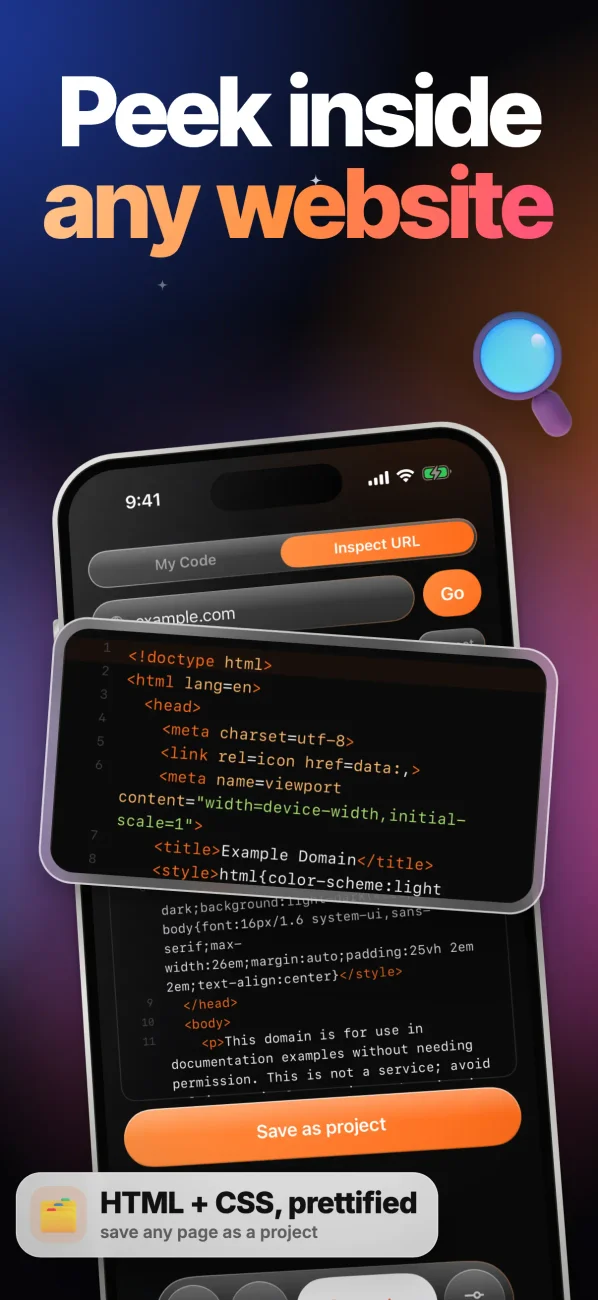
→ Inspect Any Website: Enter the address of any public web page to view its source code, neatly formatted and colour-coded file by file, then save it as a project to study or remix.
→ Find & Replace: Search a file with optional regular expressions, see the match count, and replace one or all.
→ Split Screen: Put code and preview side by side, drag the divider to any size, and flip between horizontal and vertical.
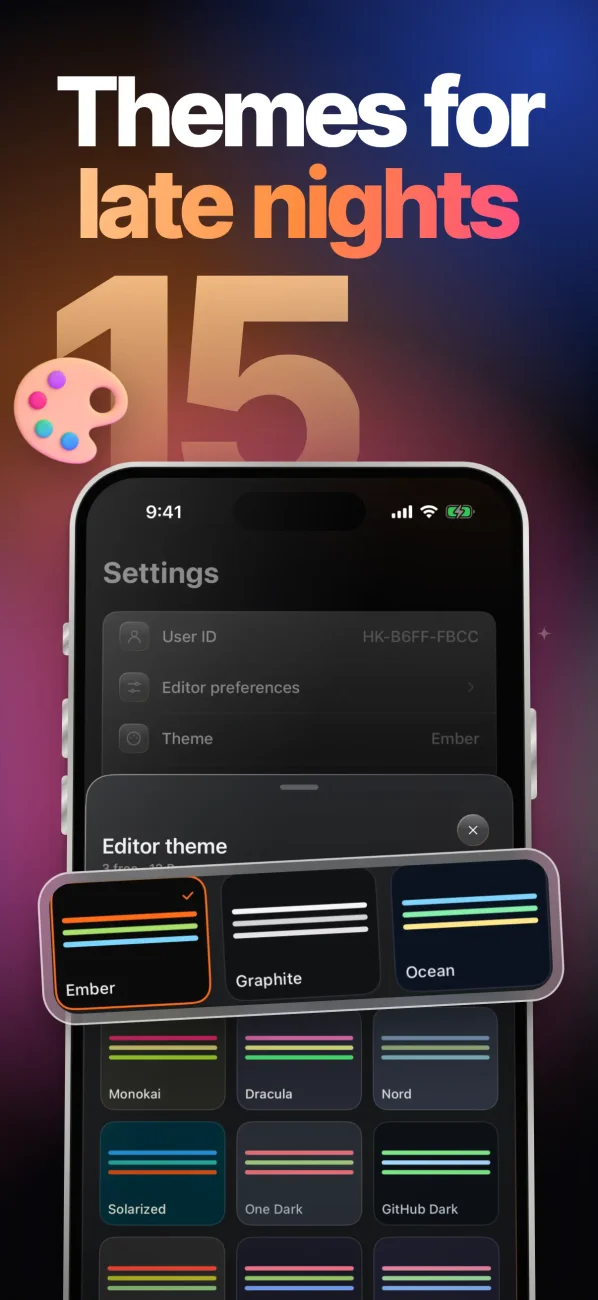
→ Themes for Late Nights: 15 syntax colour themes, from warm to cool, with an adjustable font size from 10 to 20 pt.
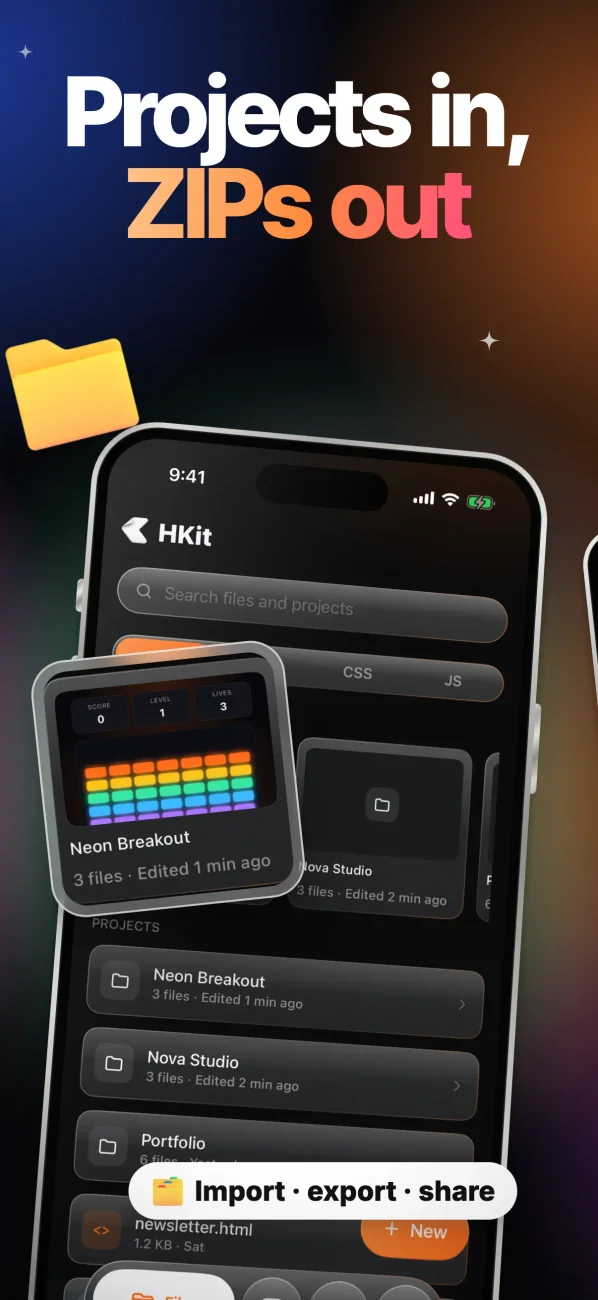
→ Projects In, ZIPs Out: Import files from the Files app, paste a URL or code, or open a whole ZIP. Organise everything into projects and share any project back out as a .zip.
→ Try It Free: Start with 3 projects, 3 themes, live preview, find & replace, Inspect URL and 4 code snippets, with three demo projects ready to open.
Download HKit now and start building web pages right from your pocket!
About Premium Subscription:
The free version offers limited access. A PRO subscription is required to unlock unlimited projects, all 15 themes, split screen, code formatting and minifying, the minimap, the JavaScript console, the element inspector for websites, iCloud Drive import, and all 7 snippets.
Privacy Policy: https://sites.google.com/view/hkit-app/privacy-policy
Terms of Use: https://sites.google.com/view/hkit-app/terms-conditions
Support: https://sites.google.com/view/hkit-app/support
Yenilikler
Sürüm 1.1 · 19.11.2026
- Bug fixes & Improvements
Uygulama gizliliği
Bu uygulamanın verileri nasıl işlediği hakkında Harsukhbhai Kaneriya tarafından App Store üzerinde yapılan beyan.
-
Veri toplanmıyor
Geliştirici bu uygulamadan hiçbir veri toplamıyor.
Gizlilik uygulamaları, örneğin kullandığınız özelliklere veya yaşınıza göre değişiklik gösterebilir.
Bilgiler
- Satıcı
- Harsukhbhai Kaneriya
- Kategori
- Geliştirici Araçları
- Sürüm
- 1.1
- Güncellendi
- 19.11.2026
- Yayın tarihi
- 05.11.2026
- Boyut
- 12,7 MB
- Gereksinim
- iOS 17.0 veya sonrası
- Yaş sınırı
- 4+
- Fiyat
- Ücretsiz
- Uygulama içi satın alma
- Evet
- Diller
- İngilizce
- Telif hakkı
- © Harsukhbhai Kaneriya
Bunları da beğenebilirsiniz
-
 Python Editor - Learn & CodeGeliştirici Araçları
-
 Next PayoutGeliştirici Araçları
-
 DOM Lens: Web InspectorGeliştirici Araçları
-
 HTML Editor - Build WebsitesGeliştirici Araçları
-
 HTML Editor + ViewerGeliştirici Araçları
-
 Localhost Web Sunucu & HTMLWiFi ile dosya aktarımı
-
 HTML & Markdown ViewerGeliştirici Araçları
-
 HTML Opener: Web Code RunnerGeliştirici Araçları
-
 HTML Viewer & Editor: AI CodeWeb Kod Editörü & AI Düzeltme
-
 Image ∞ Base64Geliştirici Araçları