- Yaş sınırı4+
- KategoriNavigasyon
- GeliştiriciairWORK aviation media UG
- Dillerİngilizce
- Boyut83,9 MB
Resmi App Store sayfasına bağlanır
Download.org, iEFIS Pro için hiçbir dosya barındırmaz. Düğme, uygulamanın App Store üzerindeki sayfasını açar; uygulamayı orada airWORK aviation media UG yayınlar. Sayfanın son kontrolü: 15.11.2026.
Ekran görüntüleri


Hakkında
Geliştirici bu metni dilinizde sunmamış.
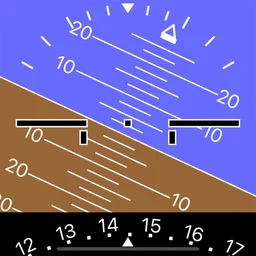
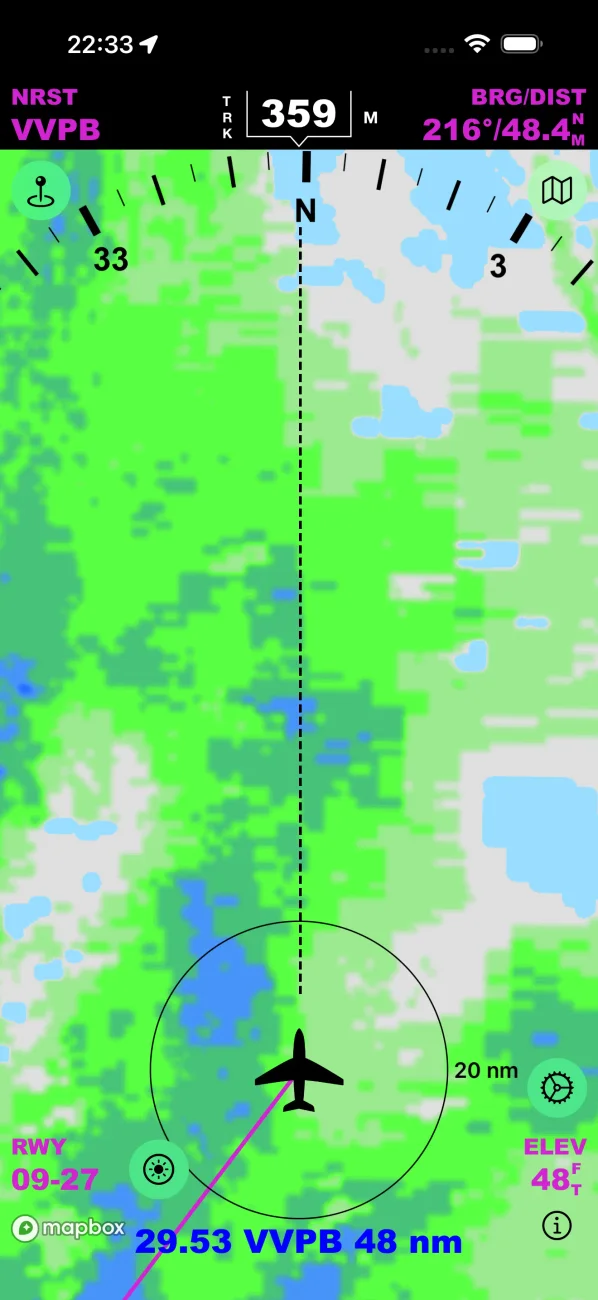
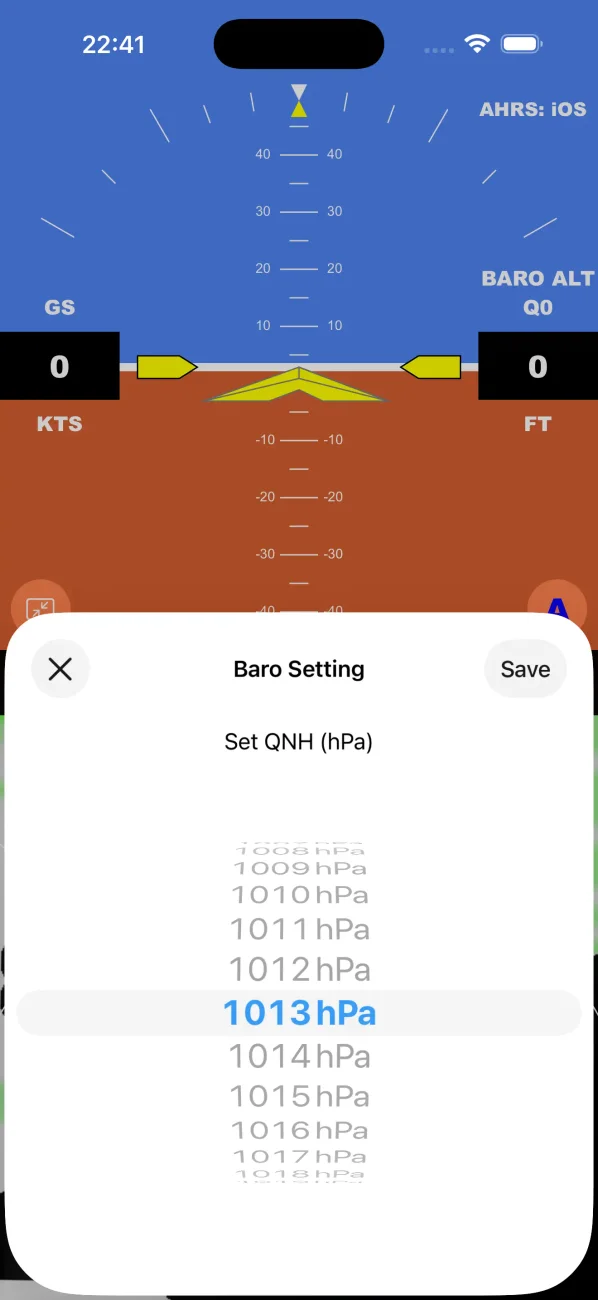
i-EFIS simulates a modern glass cockpit for general aviation and provides the following features:
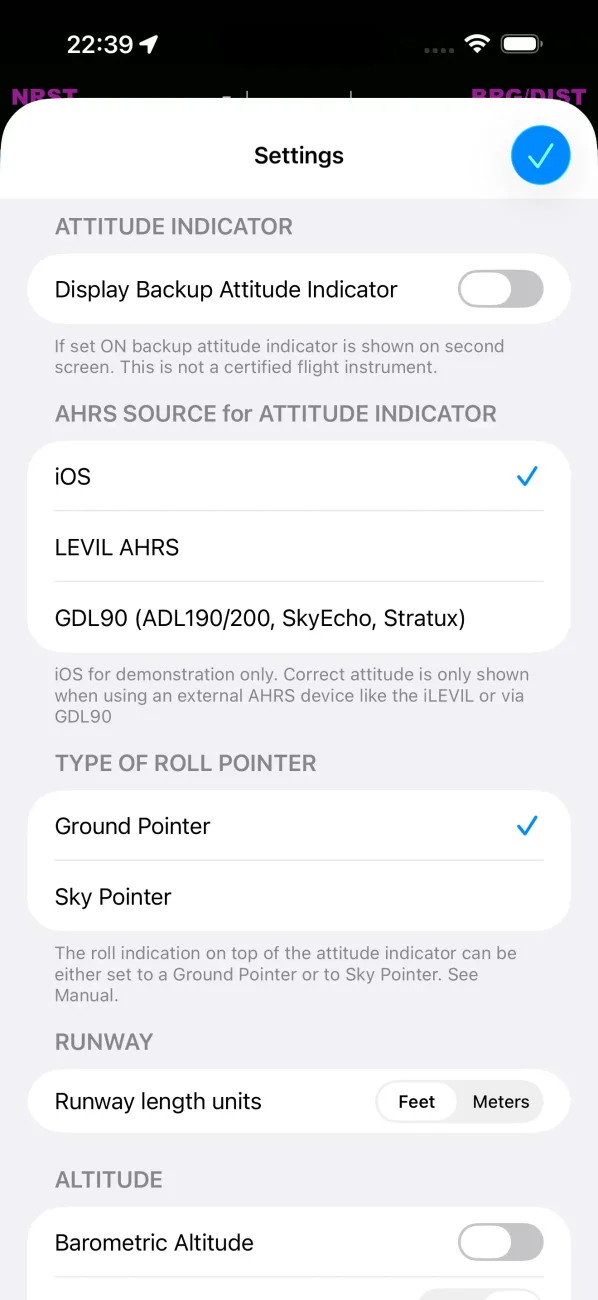
1. Display iOS iPhone and iPad sensor data: The attitude indicator is driven by the 3D MEMS chip, speed and altitude come from the internal or external GPS (only iOS devices with cellular connection have the integrated GPS!)
2. Or connect the iPhone to a iLEVIL „SW“, „AW“ or „Sport“ device (available at the LEVIL company or in many pilot shops) by WIFI device to get precise attitude and GPS data.
3. A 80 or 360 degree course rose (change with tap on airplane symbol)
4. Magnetic and True GPS track (display in white with with track line)
5. Magnetic or True Heading, heading data is provided by internal compass and is not always reliable.
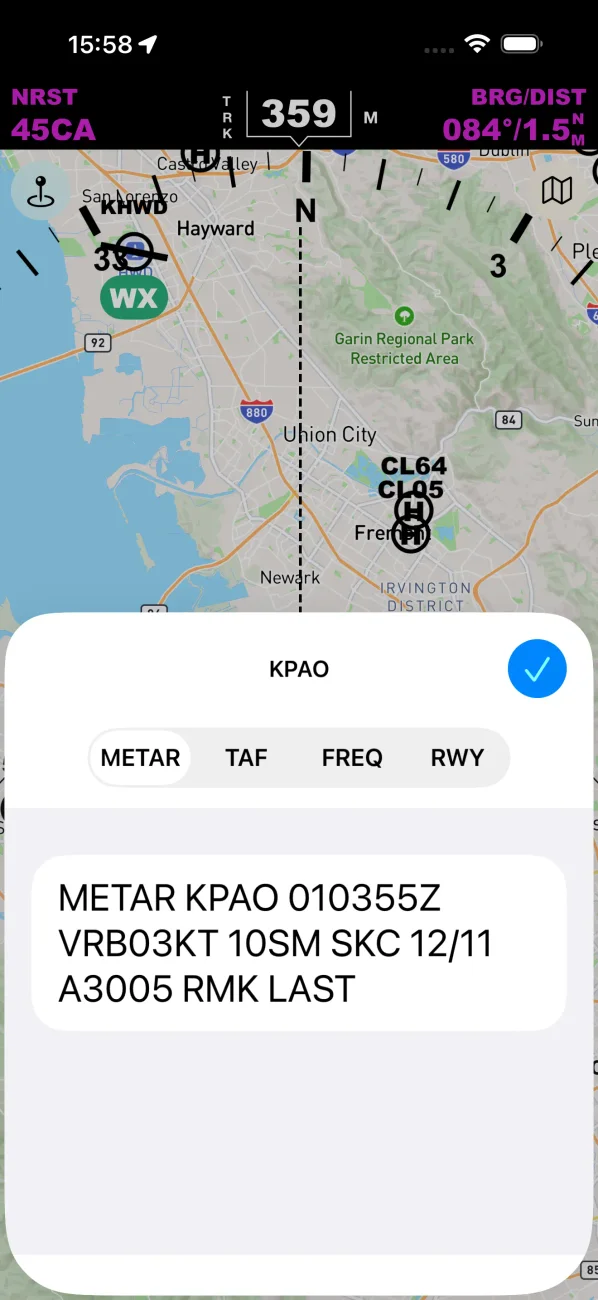
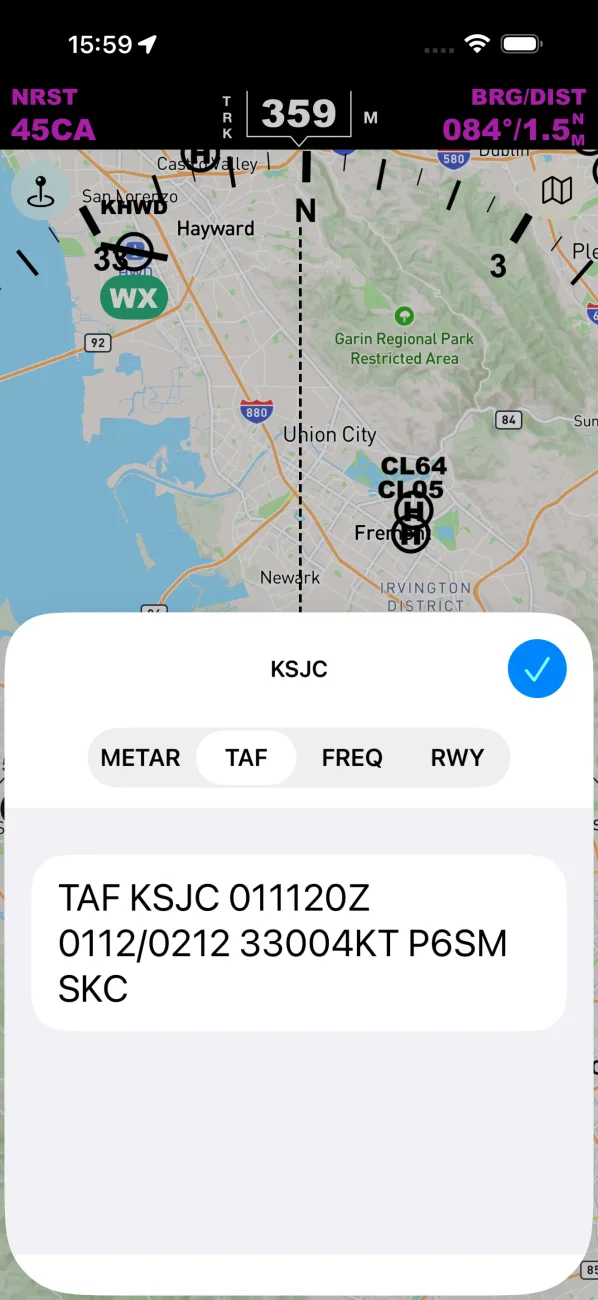
6. iEFIS Pro version (simple upgrade via inapp purchase!) displays a worldwide airport database and always shows the bearing to the nearest airport from your position with distance, elevation and runway orientation of the main runway of that airport.
How to use i-EFIS
1. Tap the speed window to toggle speed units: km/h - mph - knots. Speed displayed is a GPS ground speed
2. Tap on the altitude window to switch from feet MSL to Meters MSL
3. Tap the course window to select the course mode: Magnetic Heading - True Heading - Magnetic Track - True Track. All GPS track modes are displayed in white, heading modes are yellow
4. Tap the airplane symbol to display either the full 360 degree course rose or a 80 degree segment
Pro version features
1. Tap on Runway orientation info to see runway length
2. Tap course window and slide up to hide attitude indicator and to switch to full screen mode
3. To calibrate magnetic heading tap course window to show "HDG" (Magnetic Heading), and slide finger left or right to set correct heading. Use airplane's compass as reference
4. To select a different airport than the nearest one simply tap on the airport symbol and the app will display the data for this airport
5. To go back to the nearest airport simply tap the empty space between the airports
Airport database in Pro version:
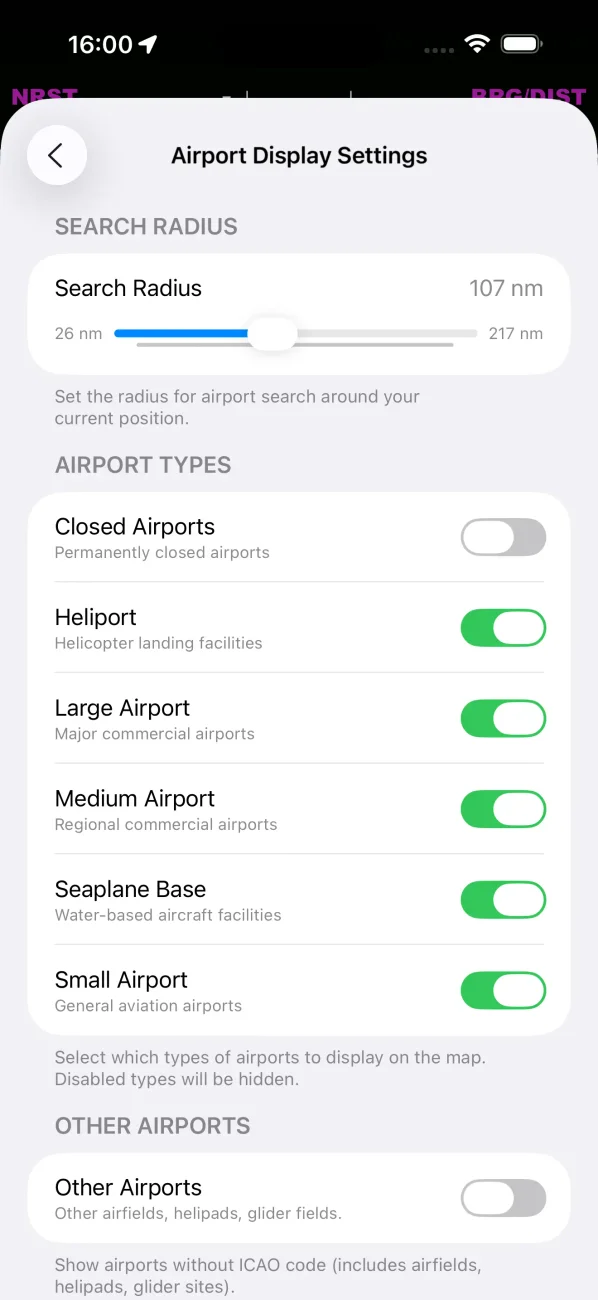
1. Switch Airport database on or off in settings.
2. Use the two finger pinch gesture to zoom airport map in/out
More cool Features coming!
Terms of Use: https://www.apple.com/legal/internet-services/itunes/dev/stdeula/
Yenilikler
Sürüm 6.6 · 05.10.2026
- More reliable Wi-Fi GDL90 connections with ADL receivers.
- Improved GPS validation and corrected altitude and attitude readings.
Uygulama gizliliği
Bu uygulamanın verileri nasıl işlediği hakkında airWORK aviation media UG tarafından App Store üzerinde yapılan beyan.
-
Sizinle ilişkilendirilmeyen veriler
Toplanabilir ancak kimliğinizle ilişkilendirilmez.
- Kullanım verileri
- Tanılama
Gizlilik uygulamaları, örneğin kullandığınız özelliklere veya yaşınıza göre değişiklik gösterebilir.
Bilgiler
- Satıcı
- airWORK aviation media UG (haftungsbeschraenkt)
- Kategori
- Navigasyon
- Sürüm
- 6.6
- Güncellendi
- 05.10.2026
- Yayın tarihi
- 07.04.2017
- Boyut
- 83,9 MB
- Gereksinim
- iOS 16.6 veya sonrası
- Yaş sınırı
- 4+
- Fiyat
- Ücretsiz
- Uygulama içi satın alma
- Evet
- Diller
- İngilizce
- Telif hakkı
- © airWORK aviation media UG