- Độ tuổi4+
- Danh mụcDẫn Đường
- Nhà phát triểnairWORK aviation media UG
- Ngôn ngữTiếng Anh
- Kích thước83,9 MB
Liên kết đến trang App Store chính thức
Download.org không lưu trữ tệp nào của iEFIS Pro. Nút này mở trang ứng dụng trên App Store, nơi airWORK aviation media UG phát hành ứng dụng. Trang được kiểm tra lần cuối: 15/11/2026.
Ảnh chụp màn hình


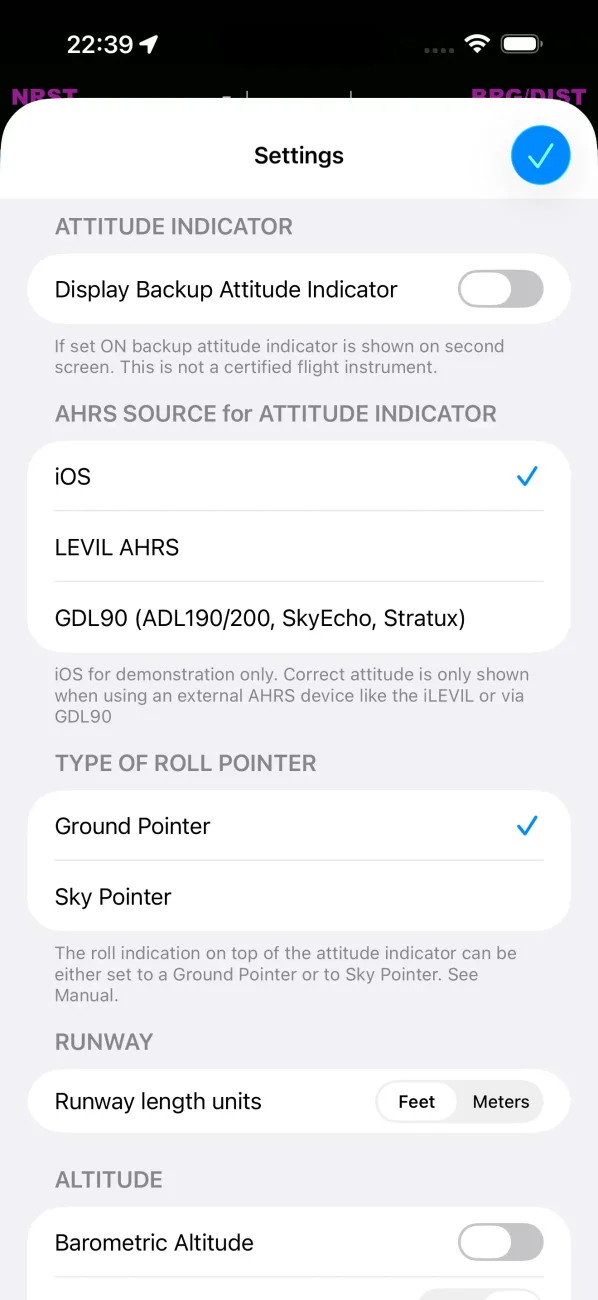
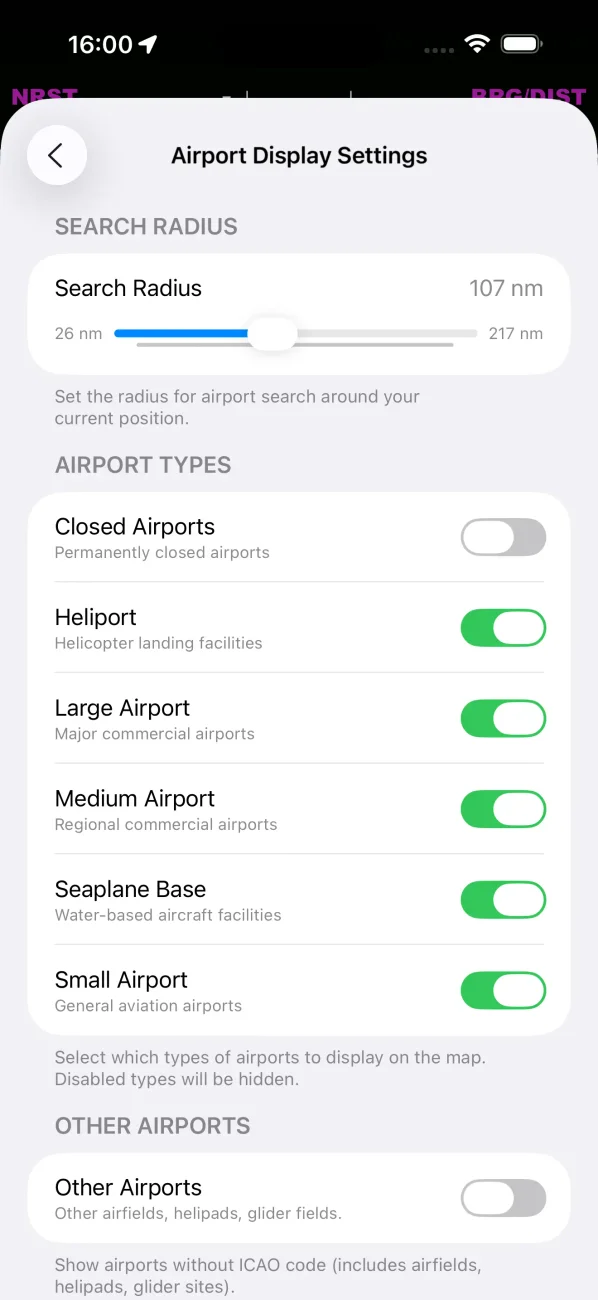
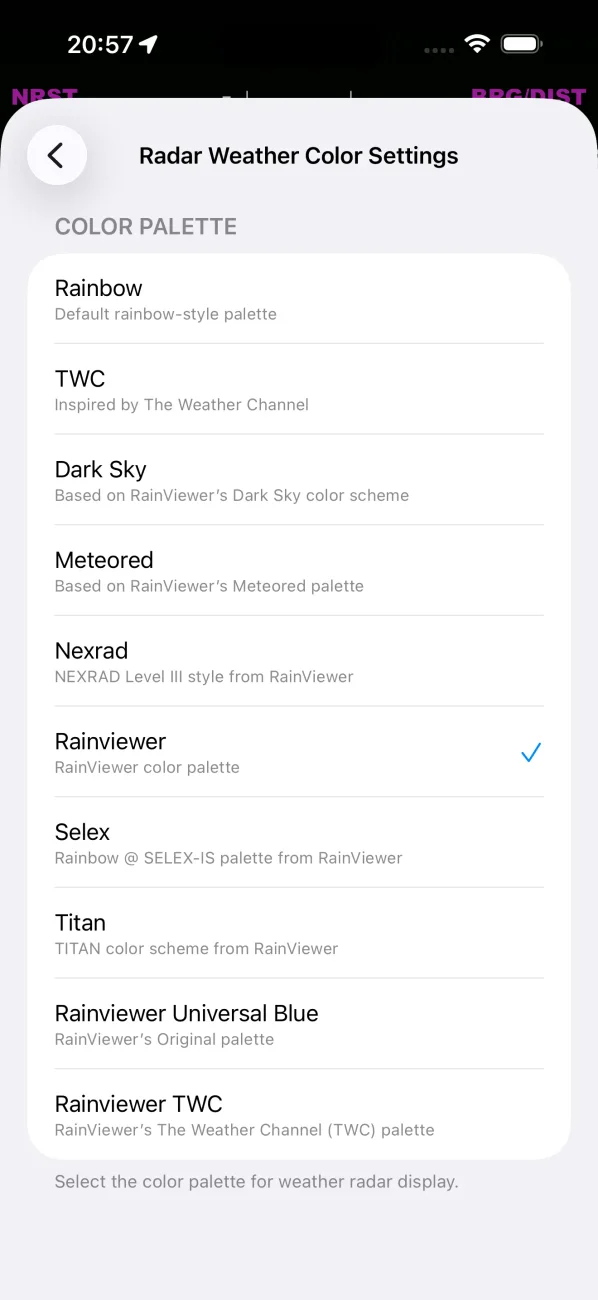
Giới thiệu
Nhà phát triển chưa cung cấp nội dung này bằng ngôn ngữ của bạn.
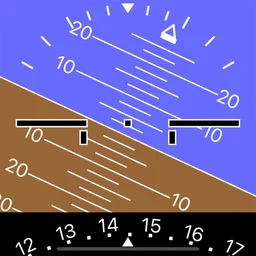
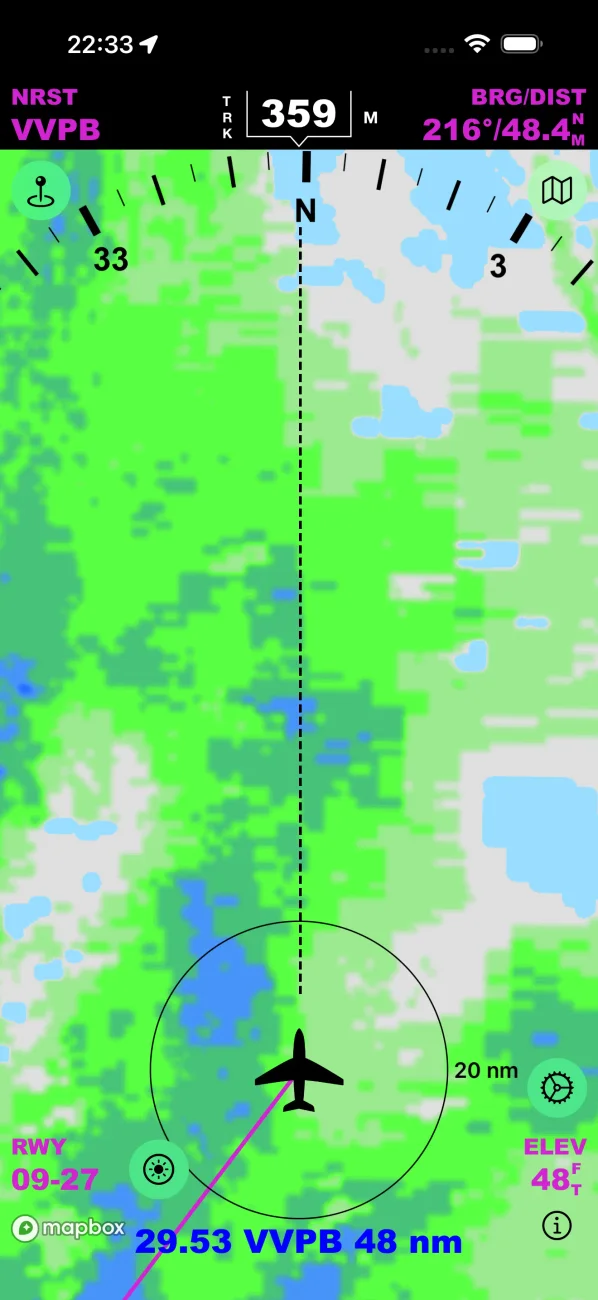
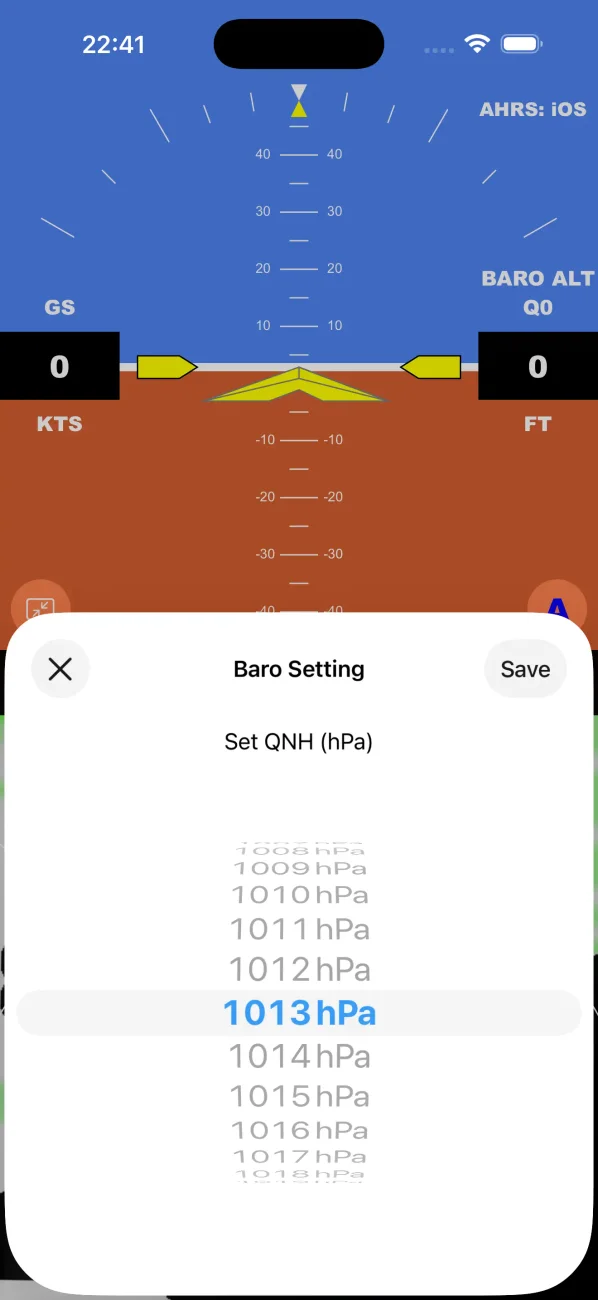
i-EFIS simulates a modern glass cockpit for general aviation and provides the following features:
1. Display iOS iPhone and iPad sensor data: The attitude indicator is driven by the 3D MEMS chip, speed and altitude come from the internal or external GPS (only iOS devices with cellular connection have the integrated GPS!)
2. Or connect the iPhone to a iLEVIL „SW“, „AW“ or „Sport“ device (available at the LEVIL company or in many pilot shops) by WIFI device to get precise attitude and GPS data.
3. A 80 or 360 degree course rose (change with tap on airplane symbol)
4. Magnetic and True GPS track (display in white with with track line)
5. Magnetic or True Heading, heading data is provided by internal compass and is not always reliable.
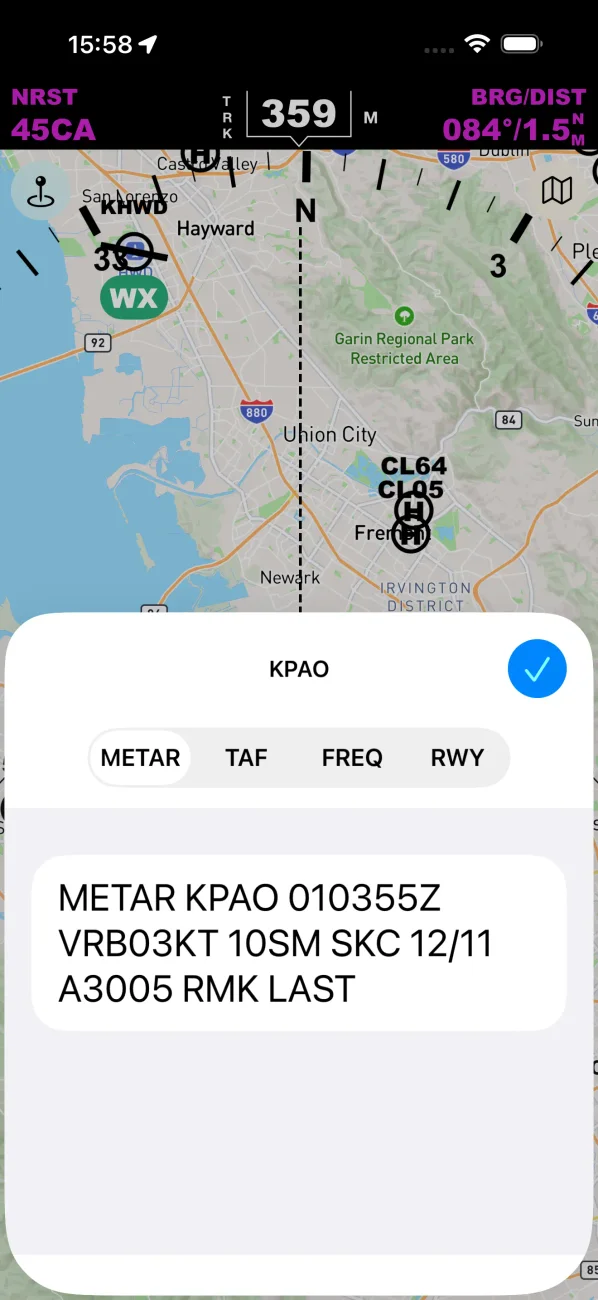
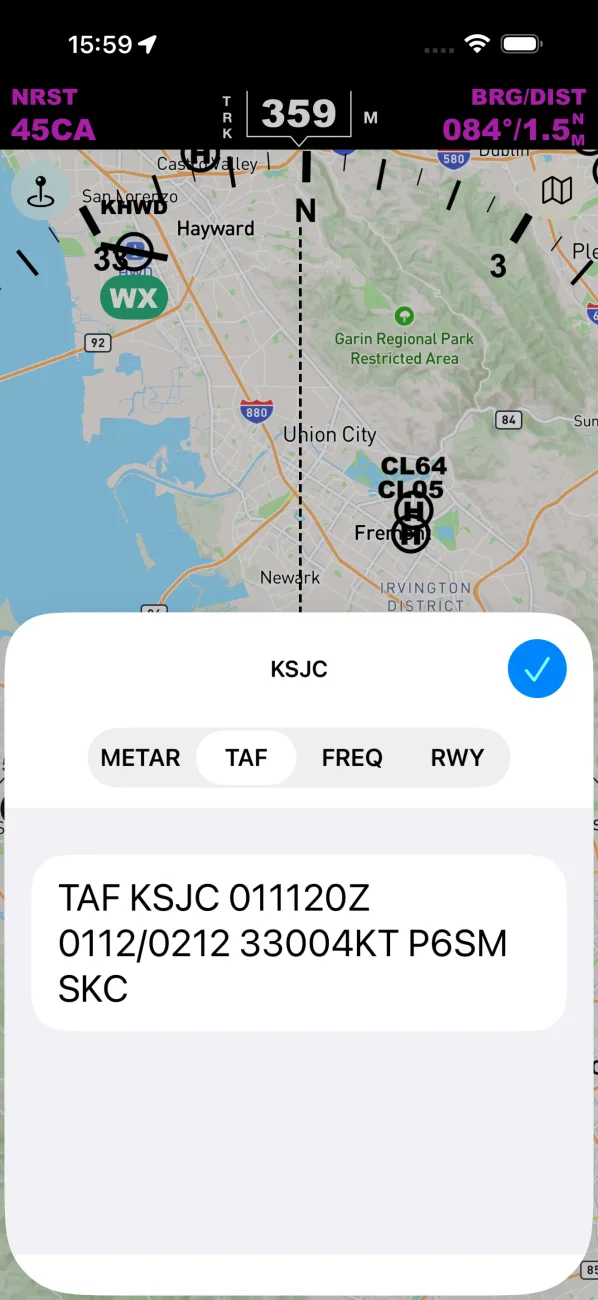
6. iEFIS Pro version (simple upgrade via inapp purchase!) displays a worldwide airport database and always shows the bearing to the nearest airport from your position with distance, elevation and runway orientation of the main runway of that airport.
How to use i-EFIS
1. Tap the speed window to toggle speed units: km/h - mph - knots. Speed displayed is a GPS ground speed
2. Tap on the altitude window to switch from feet MSL to Meters MSL
3. Tap the course window to select the course mode: Magnetic Heading - True Heading - Magnetic Track - True Track. All GPS track modes are displayed in white, heading modes are yellow
4. Tap the airplane symbol to display either the full 360 degree course rose or a 80 degree segment
Pro version features
1. Tap on Runway orientation info to see runway length
2. Tap course window and slide up to hide attitude indicator and to switch to full screen mode
3. To calibrate magnetic heading tap course window to show "HDG" (Magnetic Heading), and slide finger left or right to set correct heading. Use airplane's compass as reference
4. To select a different airport than the nearest one simply tap on the airport symbol and the app will display the data for this airport
5. To go back to the nearest airport simply tap the empty space between the airports
Airport database in Pro version:
1. Switch Airport database on or off in settings.
2. Use the two finger pinch gesture to zoom airport map in/out
More cool Features coming!
Terms of Use: https://www.apple.com/legal/internet-services/itunes/dev/stdeula/
Có gì mới
Phiên bản 6.6 · 05/10/2026
- More reliable Wi-Fi GDL90 connections with ADL receivers.
- Improved GPS validation and corrected altitude and attitude readings.
Quyền riêng tư của ứng dụng
Những gì airWORK aviation media UG khai báo trên App Store về cách ứng dụng này xử lý dữ liệu.
-
Dữ liệu không liên kết với bạn
Có thể được thu thập nhưng không liên kết với danh tính của bạn.
- Dữ liệu sử dụng
- Chẩn đoán
Phương thức đảm bảo quyền riêng tư có thể khác nhau, chẳng hạn như tuỳ theo các tính năng bạn sử dụng hoặc độ tuổi của bạn.
Thông tin
- Người bán
- airWORK aviation media UG (haftungsbeschraenkt)
- Danh mục
- Dẫn Đường
- Phiên bản
- 6.6
- Cập nhật
- 05/10/2026
- Phát hành
- 07/04/2017
- Kích thước
- 83,9 MB
- Yêu cầu
- iOS 16.6 trở lên
- Độ tuổi
- 4+
- Giá
- Miễn phí
- Mua hàng trong ứng dụng
- Có
- Ngôn ngữ
- Tiếng Anh
- Bản quyền
- © airWORK aviation media UG