
Infinite Painter
Painting, drawing, & sketching
iPhone, iPad için tasarlandı
Ücretsiz · Uygulama içi satın alma
- Yaş sınırı9+
- KategoriGrafik ve Tasarım
- GeliştiriciSean Brakefield
- Dillerİngilizce+ 13 dil daha
- Boyut108,2 MB
Resmi App Store sayfasına bağlanır
Download.org, Infinite Painter için hiçbir dosya barındırmaz. Düğme, uygulamanın App Store üzerindeki sayfasını açar; uygulamayı orada Sean Brakefield yayınlar. Sayfanın son kontrolü: 26.11.2026.
Ekran görüntüleri
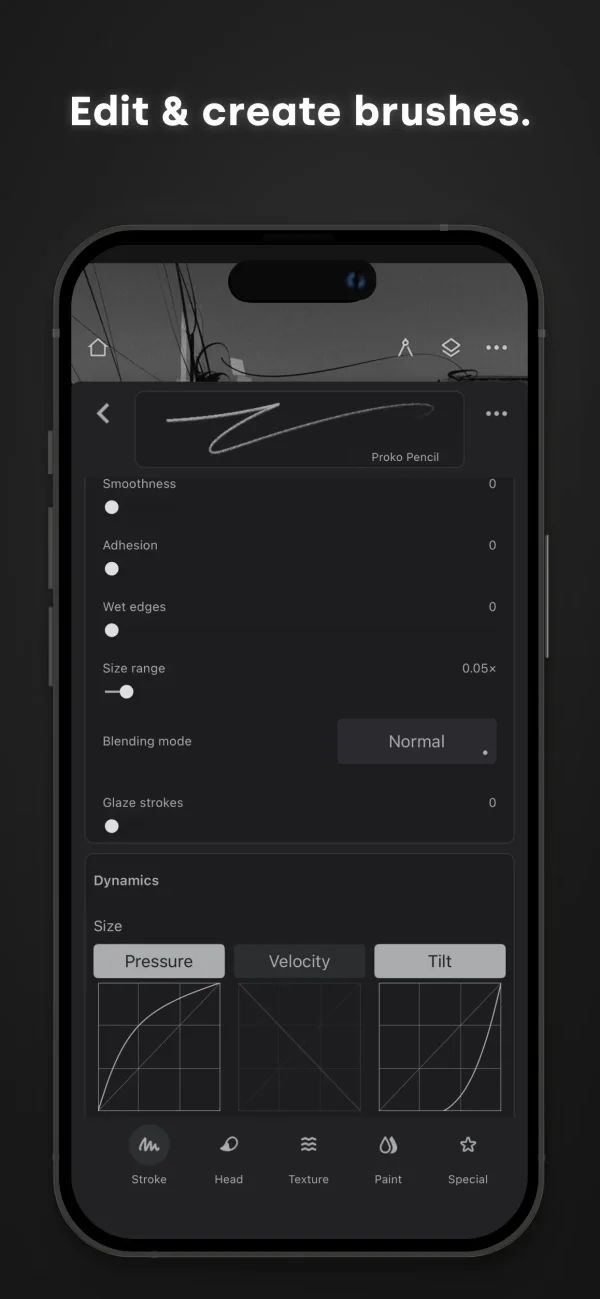

Hakkında
Geliştirici bu metni dilinizde sunmamış.
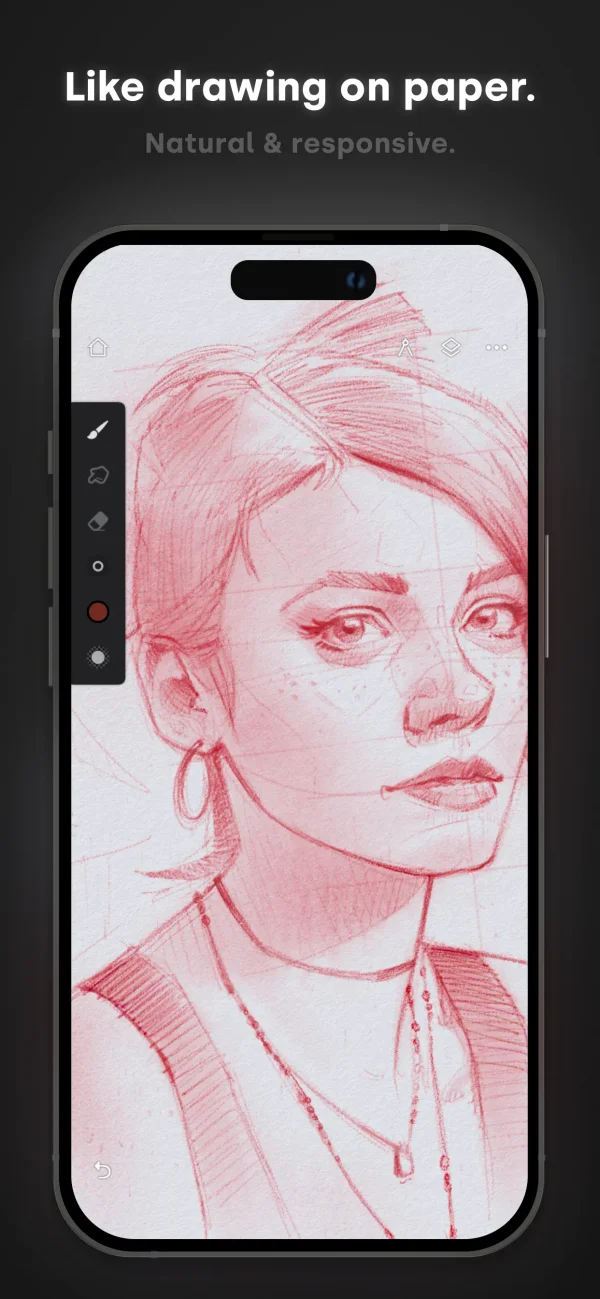
Experience one of the best-designed painting, sketching, and drawing apps created for iPad and iPhone. Used by millions, this award-winning app brings a rich, powerful feature set to artists of all levels, whether art is your hobby, passion or career.
HIGHLIGHTS
- Best-in-class pencils
- Minimal and intuitive interface
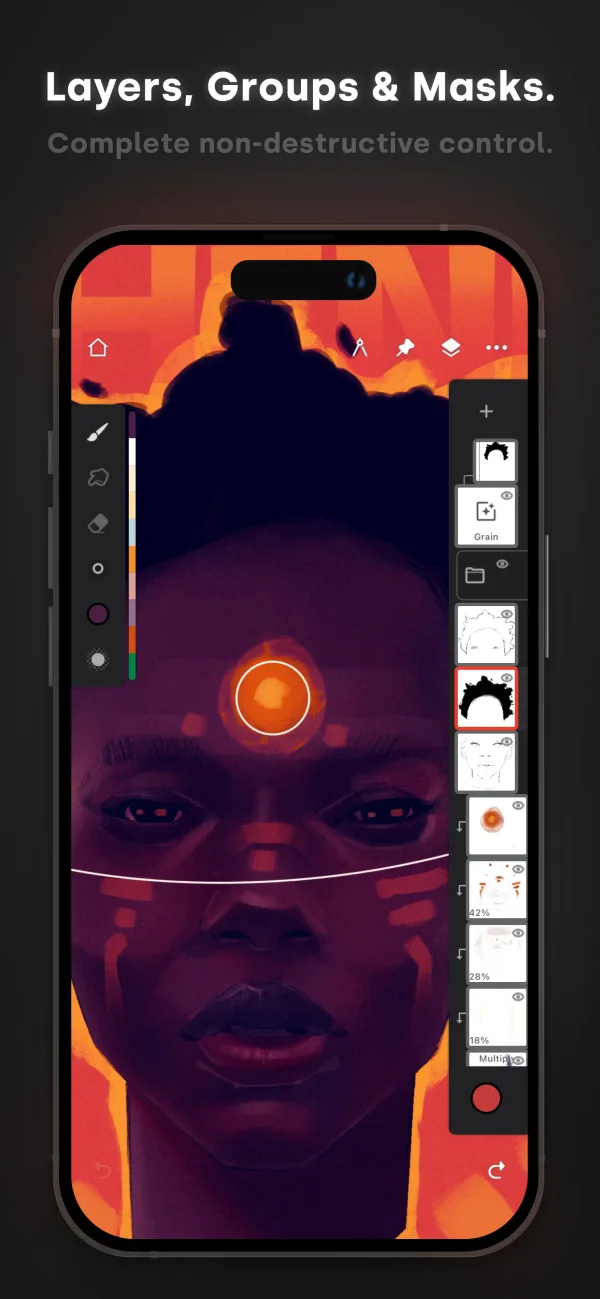
- Easily group layers
- Share Time-lapse recordings with your social networks
- Convert any stroke into an editable shape
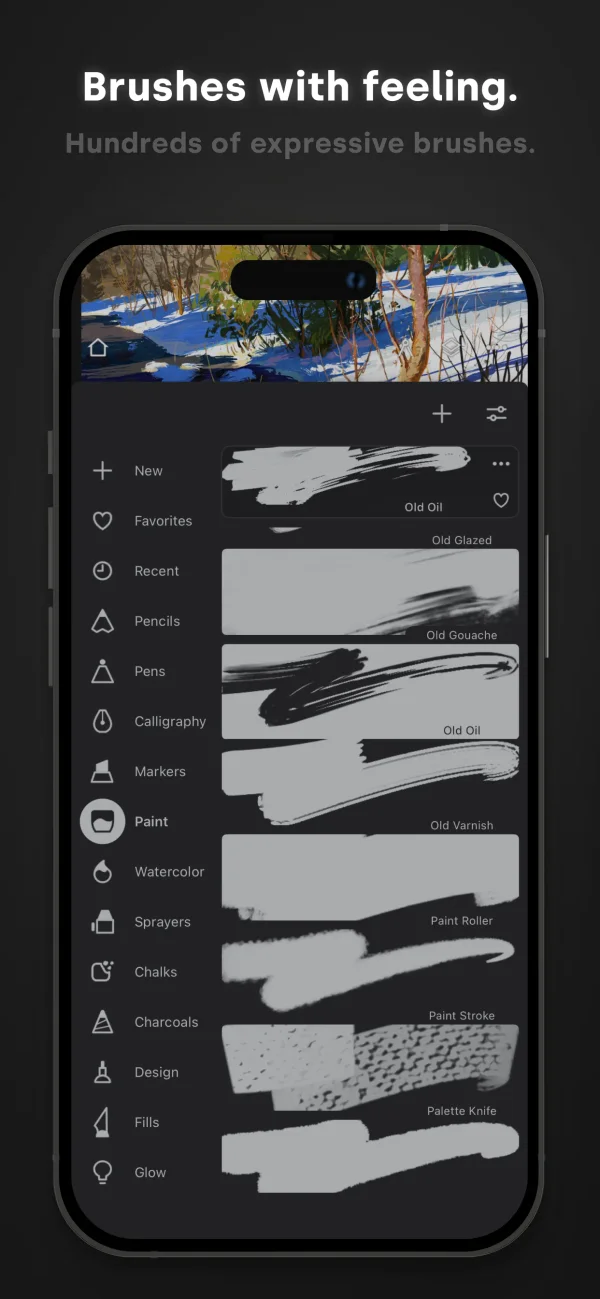
REIMAGINING BRUSHES
- Hundreds of built-in brushes: Airbrushes, Calligraphy, Chalk, Charcoal, Glow, Lasso Fills, Pencils, Markers, Oil Paint, Paint Splatter, Spray Paint, Screentones, and Watercolor
- Realistic brush to canvas interaction
- Over 100 customizable settings for every brush
- Organize and share your favorite brushes and brush sets
- Designed for the Apple Pencil with full pressure and tilt support
- Apply real-time color adjustments and live filters to any brush
- Sample lower layers when blending
- Import and export custom brushes and sets
GETTING THE MOST OUT OF YOUR SPACE
- More canvas, less clutter with a clean, customizable interface
- Assign finger functions separate from the Apple Pencil
- Expand and collapse layers with a flick
- Dock brushes and brush settings for quick, easy editing
- Quick access eyedropper
- Rotate and flip canvas
- Group layers with a pinch
MAKING ART LESS WORK
- Pin tools and actions to the main interface
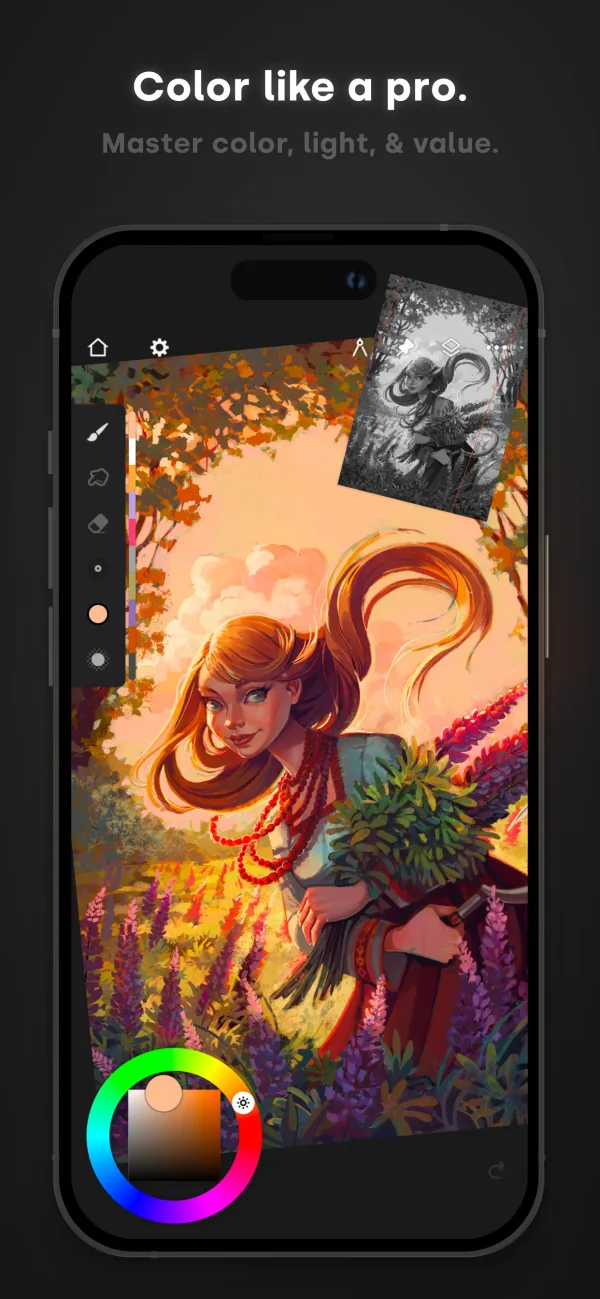
- Pull the color wheel right on the canvas with two fingers
- Add multiple reference images
- Lighting-fast saving and loading
- Step back in time with Project History
DIVERSIFYING TOOLS
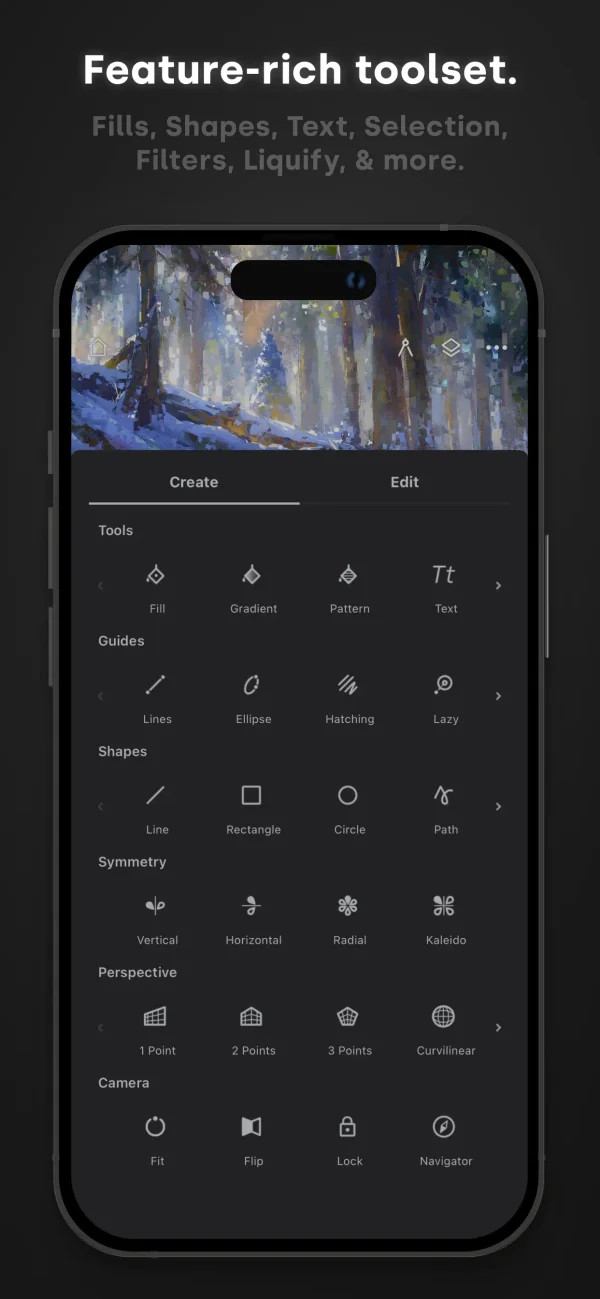
- Simple or complex symmetry with Radial or Kaleidoscope
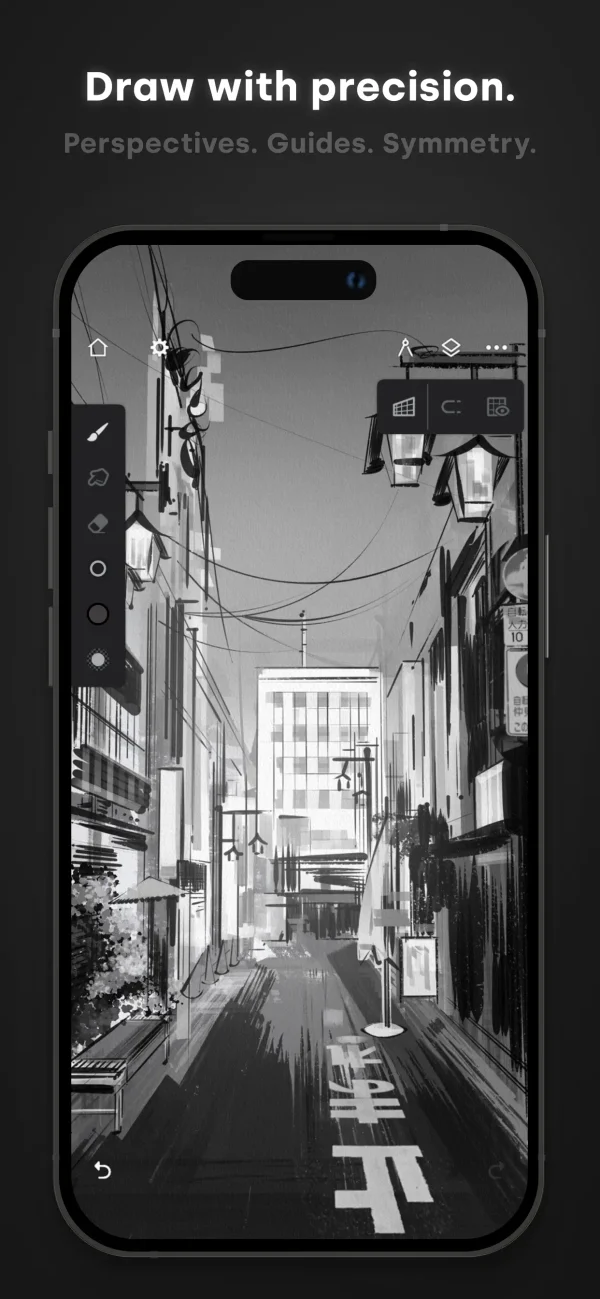
- Draw with precision using Guides or Shapes
- Smart shape detection by pausing when drawing
- Innovative Hatching guide
NEVER LOSING PERSPECTIVE
- Design 3D cityscapes with five different perspective guides or a standard 2D grid
- Drag Rectangle and Circle shapes in perspective
PIXEL-PERFECT EDITING
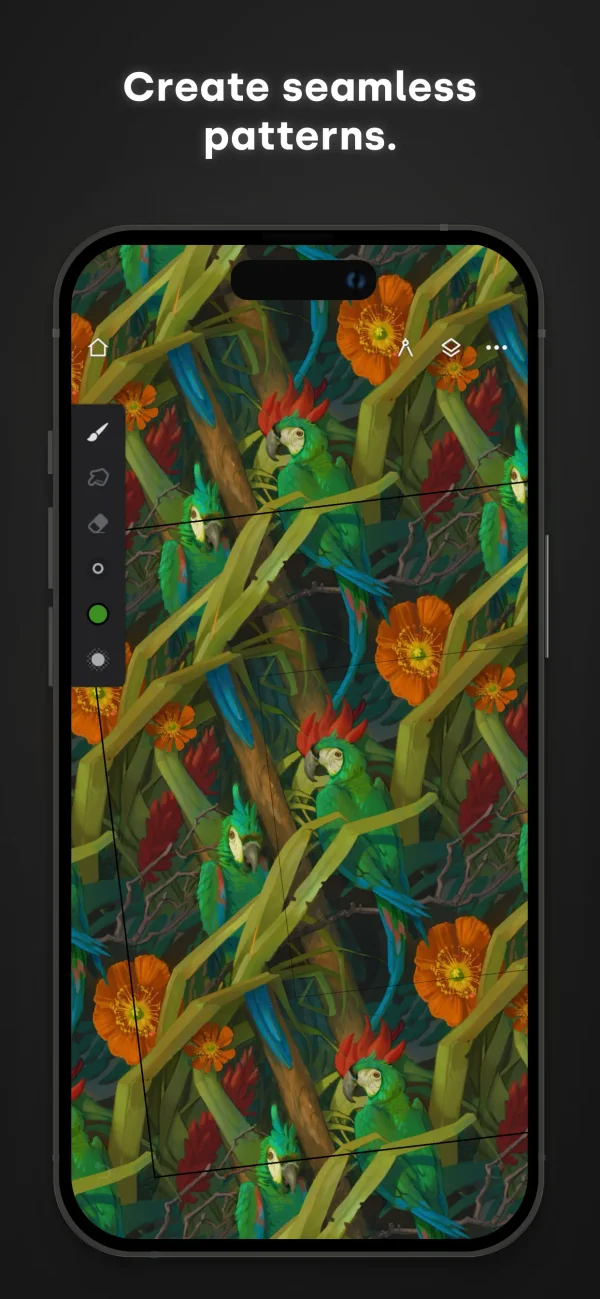
- Seamless pattern projects
- Selection tools: Lasso, Rectangle, Circle, Poly, Path, Wand, Brush, and Color Range
- Industry-leading Transformations
- Transform multiple layers at once
- Gradient and Pattern Fill tools
- Target separate layers or all layers with Fill tools
- Drag with Fill tool or Magic Wand for live tolerance adjustment
- Bring your painting to life with Time-lapse
- Canvas Navigator with flip and grayscale support (for proportions and value checking)
- Clone tool with offset
- Tools for pattern creation
EVERYTHING YOU NEED TO CREATE
- 64-bit color when painting
- Layer support with 30 blend modes
- Masks for layers, adjustments, and groups
- Clipping masks
- Gradient map, Color Curves, and Filter layers
- Industry-leading color correction
- Over 40 live Filters
- Focus and Tilt-shift masking
- Liquify
- Crop and Resize tool
- Pattern and Array tools
- Powerful selection workspace
- Photoshop®-like smart layers for multiple transformations without loss of quality
- Solo & Trace modes
- Print presets & CMYK color modes
ACCELERATE YOUR WORKFLOW
- Import from Photos, Camera, Clipboard, or Image Search
- Search over 1 million free for commercial-use images
- Export images as JPG, PNG, ZIP, layered PSD files, or Painter projects
- Share artwork to Infinite Painter's ever-growing community and see what others are creating, #InfinitePainter
WHAT’S FREE?
- 7 days to try out everything
- 5 layers at the device resolution
- Solid Fill, Lasso selection, Basic Transform and Symmetry
- Seamless pattern projects
- All the built-in brushes and brush editing
- Smart shape detection
WHAT’S PRO?
- HD canvas sizes and tons of layers*
- Adjustments and live Filter layers
- Layer groups
- Layer masks
- Over 40 powerful, professional tools
* Maximum number of layers depends on the canvas size and your device
TAKE INFINITE PAINTER WITH YOU
See what you can do.
Yenilikler
Sürüm 7.2.7 · 22.10.2026
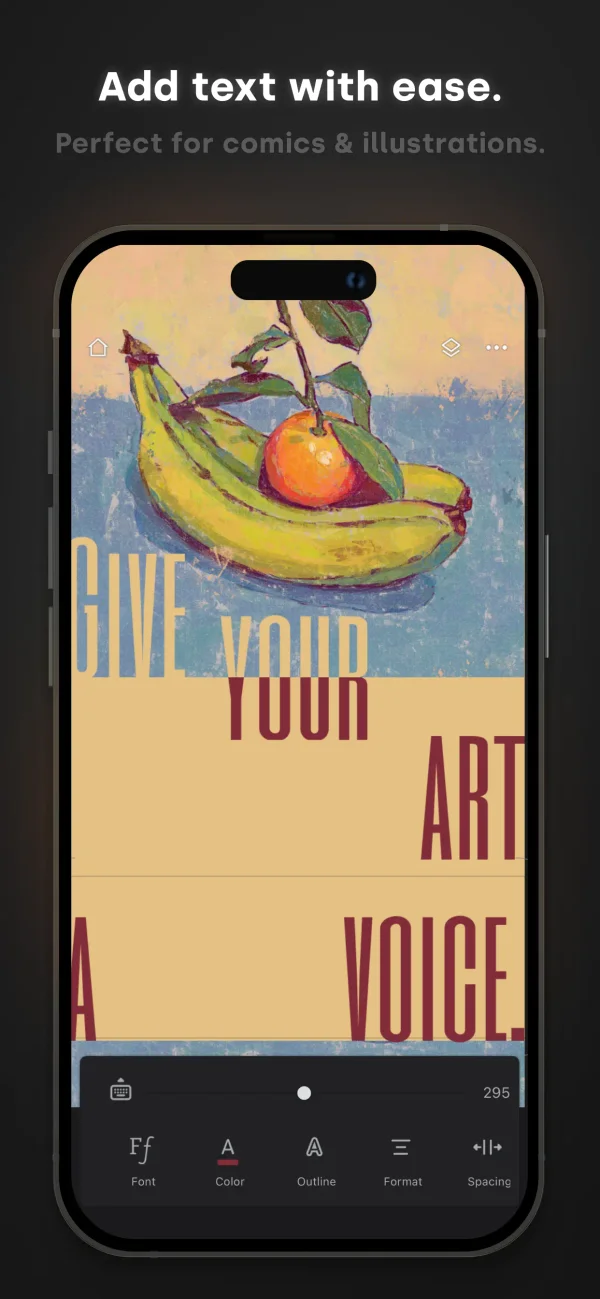
New Text Tool:
- Fully editable Text layers.
- Smart placement with snapping and alignment guides.
- Font flexibility: import custom fonts and adjust Variable settings.
- Precision control: alignment, spacing, and letter casing.
- Pro layout: advanced justification (Scale Justify & Balance Lines).
- Global support for Right-to-Left (RTL) languages and emojis
Other:
- Improved PSD support (support for layer groups and layer masks)
- Refined components for Liquid Glass
- Fixed issues with using Flip, Text or Panels from docked toolbar
Uygulama gizliliği
Bu uygulamanın verileri nasıl işlediği hakkında Sean Brakefield tarafından App Store üzerinde yapılan beyan.
-
Sizinle ilişkilendirilmeyen veriler
Toplanabilir ancak kimliğinizle ilişkilendirilmez.
- Kullanım verileri
- Tanılama
Gizlilik uygulamaları, örneğin kullandığınız özelliklere veya yaşınıza göre değişiklik gösterebilir.
Bilgiler
- Satıcı
- Sean Brakefield
- Kategori
- Grafik ve Tasarım
- Sürüm
- 7.2.7
- Güncellendi
- 22.10.2026
- Yayın tarihi
- 26.08.2016
- Boyut
- 108,2 MB
- Gereksinim
- iOS 16.0 veya sonrası
- Yaş sınırı
- 9+
- Fiyat
- Ücretsiz
- Uygulama içi satın alma
- Evet
- Diller
- İngilizce, Hollandaca, Fransızca, Almanca, Endonezce, İtalyanca, Japonca, Korece, Lehçe, Portekizce, Rusça, Basitleştirilmiş Çince + 2 dil daha
- Telif hakkı
- © 2012 Infinite Studio LLC
Bunları da beğenebilirsiniz
-
 Artstudio Pro: Draw, PaintGrafik ve Tasarım
-
 HiPaint- Sketch & PaintGrafik ve Tasarım
-
 MediBang Paint – Drawing & ArtGrafik ve Tasarım
-
 Tayasui SketchesGrafik ve Tasarım
-
 Sketch Pro: Çizim boyama appPainting & drawing pad app
-
 MediBang Paint for iPhoneGrafik ve Tasarım
-
 iArtbookResim, eskiz ve dijital sanat
-
 Art Set 4Grafik ve Tasarım
-
 Clip Studio PaintGrafik ve Tasarım
-
 ConceptsGrafik ve Tasarım