
Infinite Painter
Painting, drawing, & sketching
Được thiết kế cho iPhone, iPad
Miễn phí · Mua hàng trong ứng dụng
- Độ tuổi9+
- Danh mụcĐồ Họa & Thiết Kế
- Nhà phát triểnSean Brakefield
- Ngôn ngữTiếng Anh+ 13 ngôn ngữ khác
- Kích thước108,2 MB
Liên kết đến trang App Store chính thức
Download.org không lưu trữ tệp nào của Infinite Painter. Nút này mở trang ứng dụng trên App Store, nơi Sean Brakefield phát hành ứng dụng. Trang được kiểm tra lần cuối: 26/11/2026.
Ảnh chụp màn hình
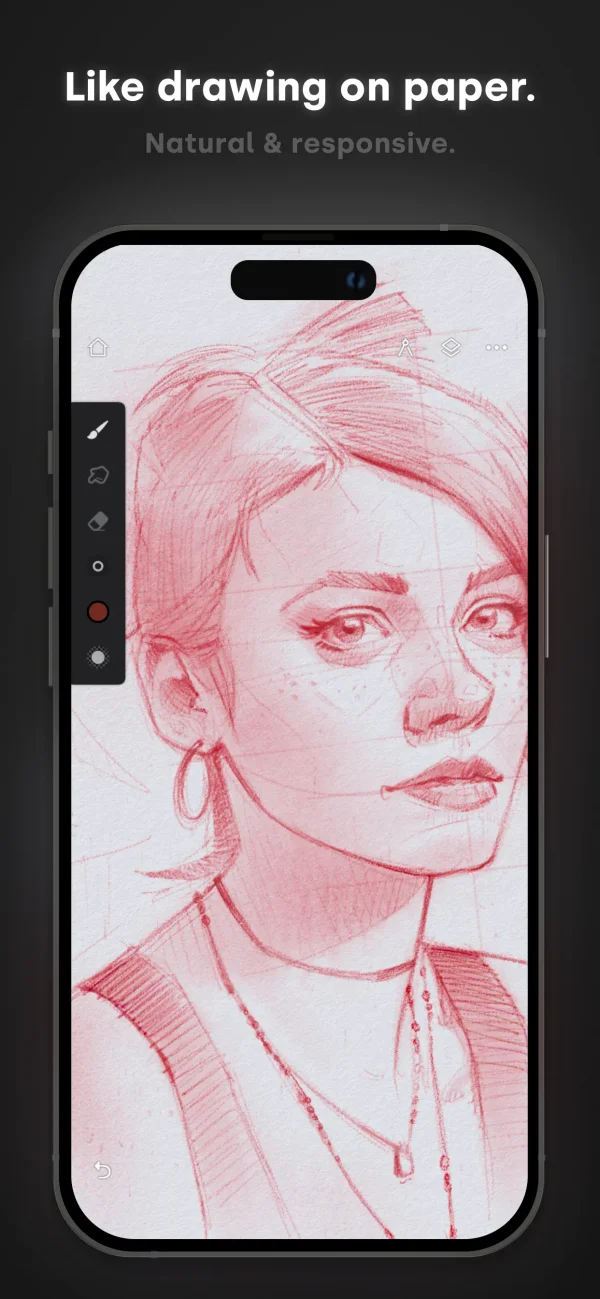
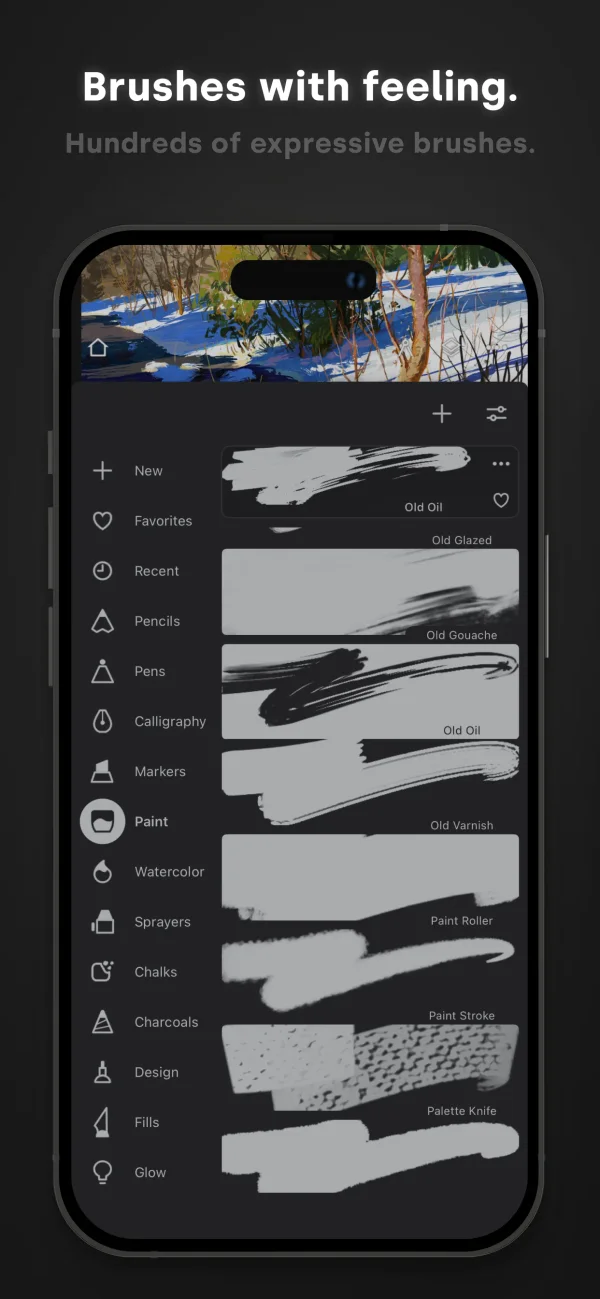
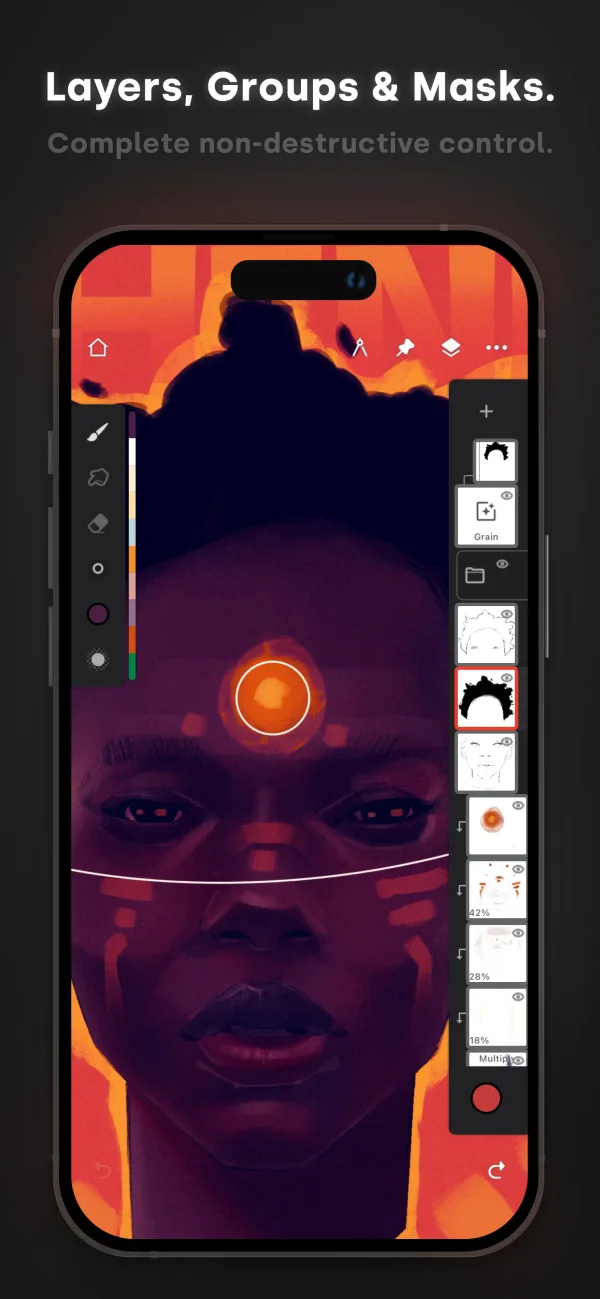
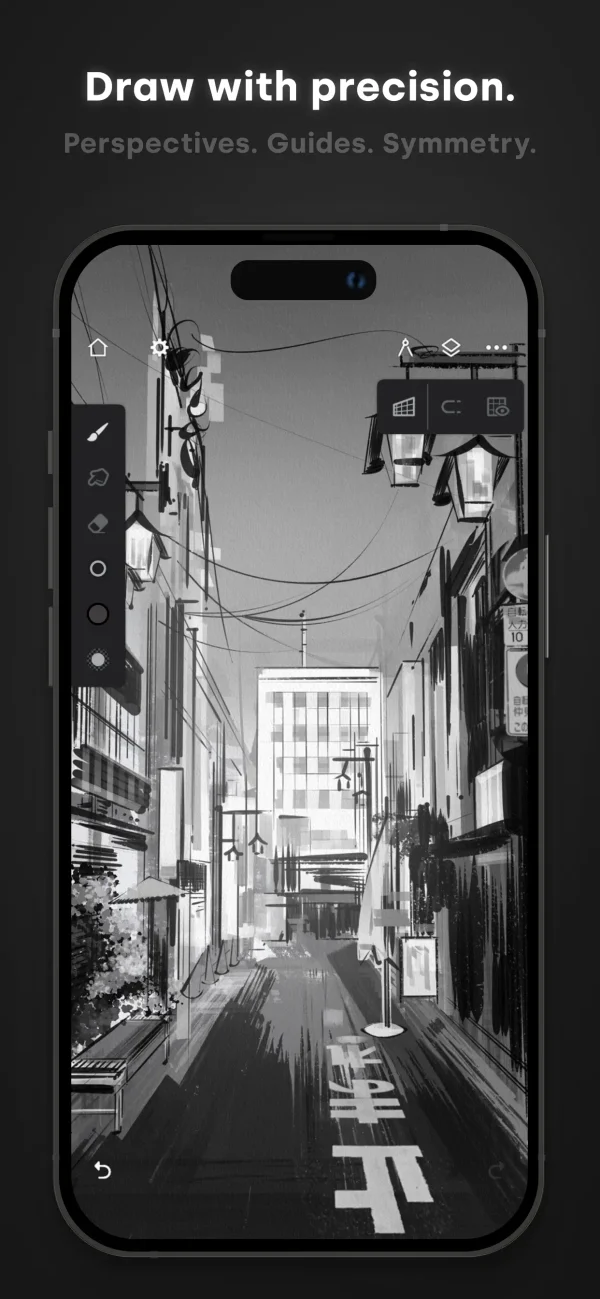

Giới thiệu
Nhà phát triển chưa cung cấp nội dung này bằng ngôn ngữ của bạn.
Experience one of the best-designed painting, sketching, and drawing apps created for iPad and iPhone. Used by millions, this award-winning app brings a rich, powerful feature set to artists of all levels, whether art is your hobby, passion or career.
HIGHLIGHTS
- Best-in-class pencils
- Minimal and intuitive interface
- Easily group layers
- Share Time-lapse recordings with your social networks
- Convert any stroke into an editable shape
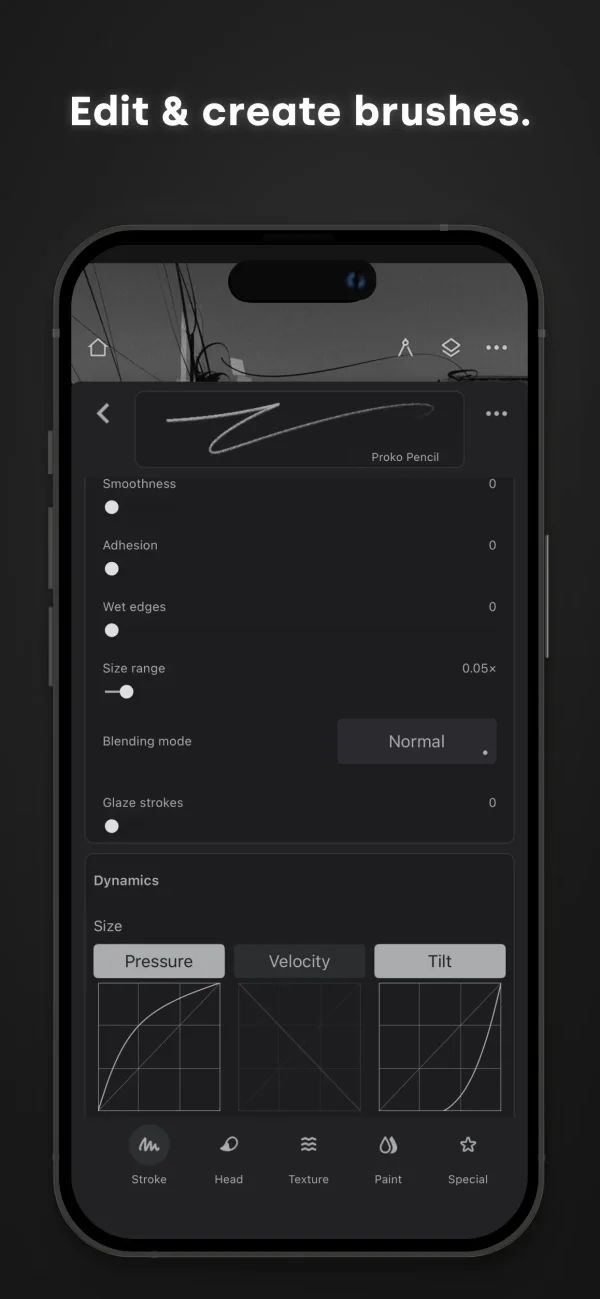
REIMAGINING BRUSHES
- Hundreds of built-in brushes: Airbrushes, Calligraphy, Chalk, Charcoal, Glow, Lasso Fills, Pencils, Markers, Oil Paint, Paint Splatter, Spray Paint, Screentones, and Watercolor
- Realistic brush to canvas interaction
- Over 100 customizable settings for every brush
- Organize and share your favorite brushes and brush sets
- Designed for the Apple Pencil with full pressure and tilt support
- Apply real-time color adjustments and live filters to any brush
- Sample lower layers when blending
- Import and export custom brushes and sets
GETTING THE MOST OUT OF YOUR SPACE
- More canvas, less clutter with a clean, customizable interface
- Assign finger functions separate from the Apple Pencil
- Expand and collapse layers with a flick
- Dock brushes and brush settings for quick, easy editing
- Quick access eyedropper
- Rotate and flip canvas
- Group layers with a pinch
MAKING ART LESS WORK
- Pin tools and actions to the main interface
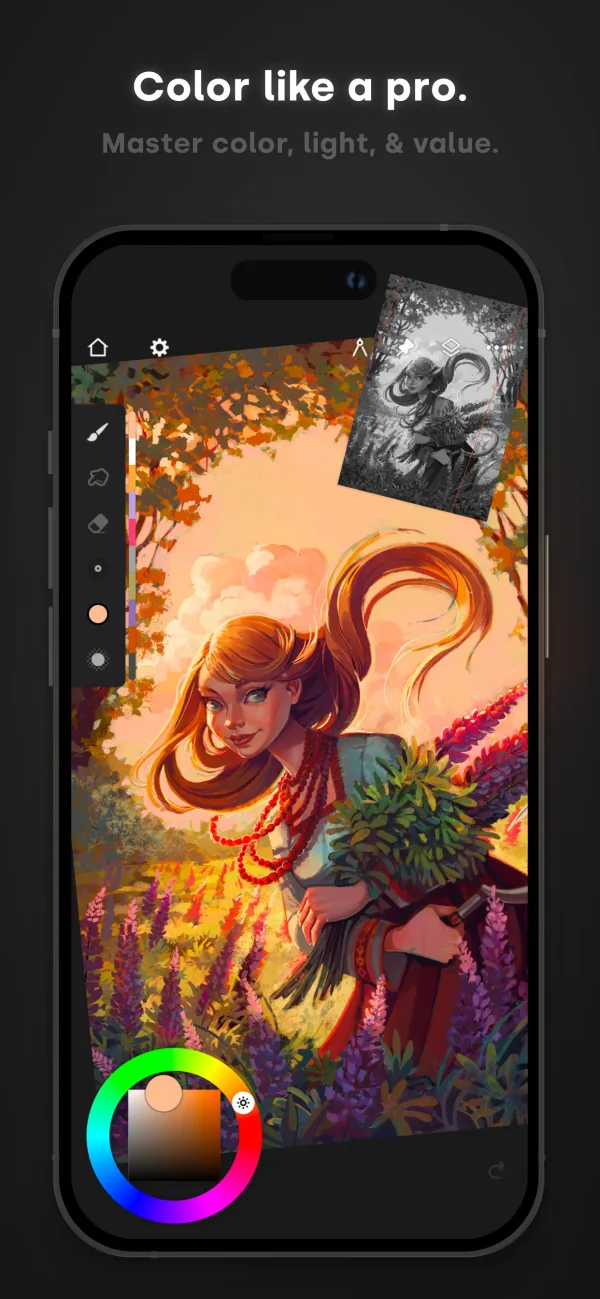
- Pull the color wheel right on the canvas with two fingers
- Add multiple reference images
- Lighting-fast saving and loading
- Step back in time with Project History
DIVERSIFYING TOOLS
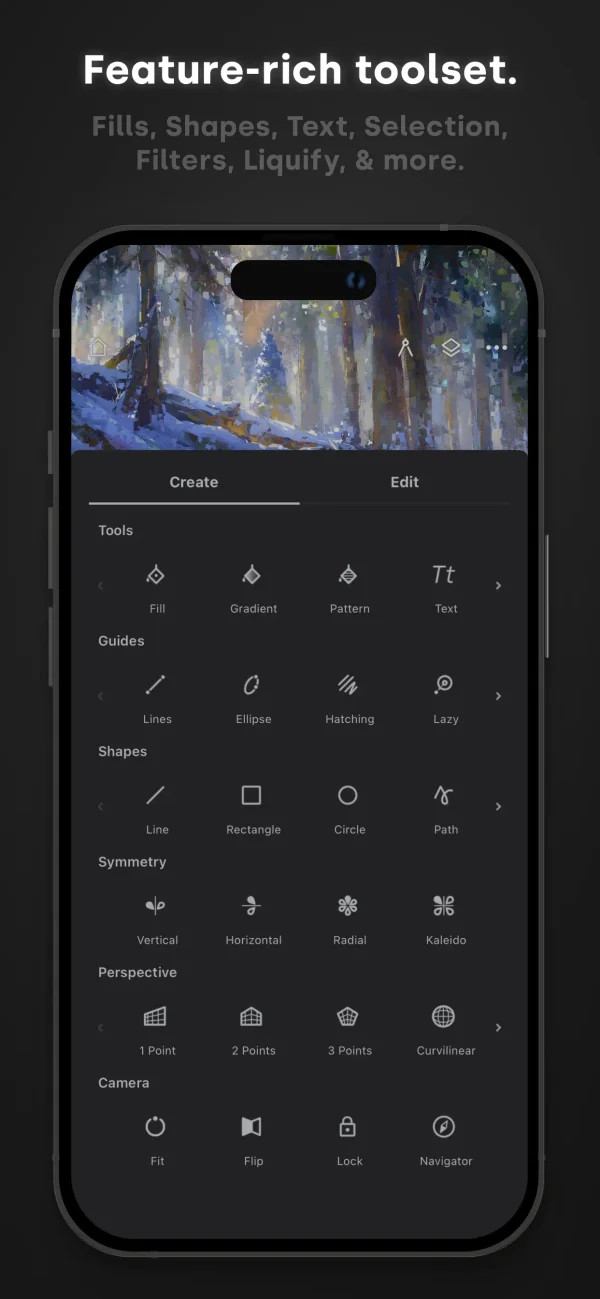
- Simple or complex symmetry with Radial or Kaleidoscope
- Draw with precision using Guides or Shapes
- Smart shape detection by pausing when drawing
- Innovative Hatching guide
NEVER LOSING PERSPECTIVE
- Design 3D cityscapes with five different perspective guides or a standard 2D grid
- Drag Rectangle and Circle shapes in perspective
PIXEL-PERFECT EDITING
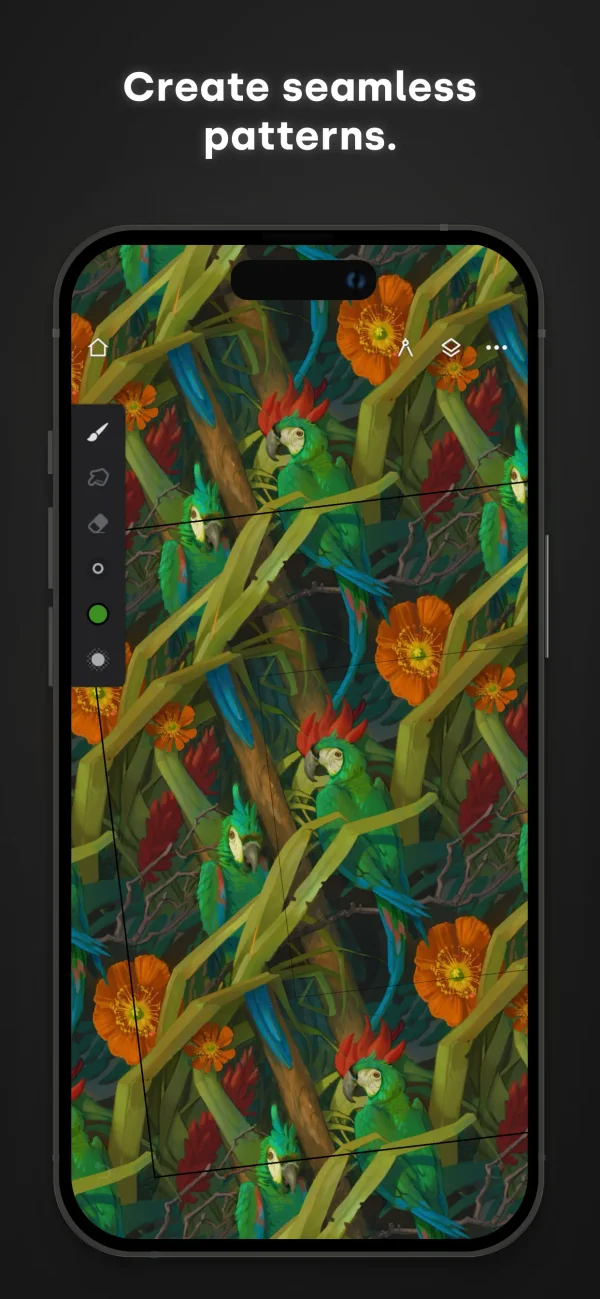
- Seamless pattern projects
- Selection tools: Lasso, Rectangle, Circle, Poly, Path, Wand, Brush, and Color Range
- Industry-leading Transformations
- Transform multiple layers at once
- Gradient and Pattern Fill tools
- Target separate layers or all layers with Fill tools
- Drag with Fill tool or Magic Wand for live tolerance adjustment
- Bring your painting to life with Time-lapse
- Canvas Navigator with flip and grayscale support (for proportions and value checking)
- Clone tool with offset
- Tools for pattern creation
EVERYTHING YOU NEED TO CREATE
- 64-bit color when painting
- Layer support with 30 blend modes
- Masks for layers, adjustments, and groups
- Clipping masks
- Gradient map, Color Curves, and Filter layers
- Industry-leading color correction
- Over 40 live Filters
- Focus and Tilt-shift masking
- Liquify
- Crop and Resize tool
- Pattern and Array tools
- Powerful selection workspace
- Photoshop®-like smart layers for multiple transformations without loss of quality
- Solo & Trace modes
- Print presets & CMYK color modes
ACCELERATE YOUR WORKFLOW
- Import from Photos, Camera, Clipboard, or Image Search
- Search over 1 million free for commercial-use images
- Export images as JPG, PNG, ZIP, layered PSD files, or Painter projects
- Share artwork to Infinite Painter's ever-growing community and see what others are creating, #InfinitePainter
WHAT’S FREE?
- 7 days to try out everything
- 5 layers at the device resolution
- Solid Fill, Lasso selection, Basic Transform and Symmetry
- Seamless pattern projects
- All the built-in brushes and brush editing
- Smart shape detection
WHAT’S PRO?
- HD canvas sizes and tons of layers*
- Adjustments and live Filter layers
- Layer groups
- Layer masks
- Over 40 powerful, professional tools
* Maximum number of layers depends on the canvas size and your device
TAKE INFINITE PAINTER WITH YOU
See what you can do.
Có gì mới
Phiên bản 7.2.7 · 22/10/2026
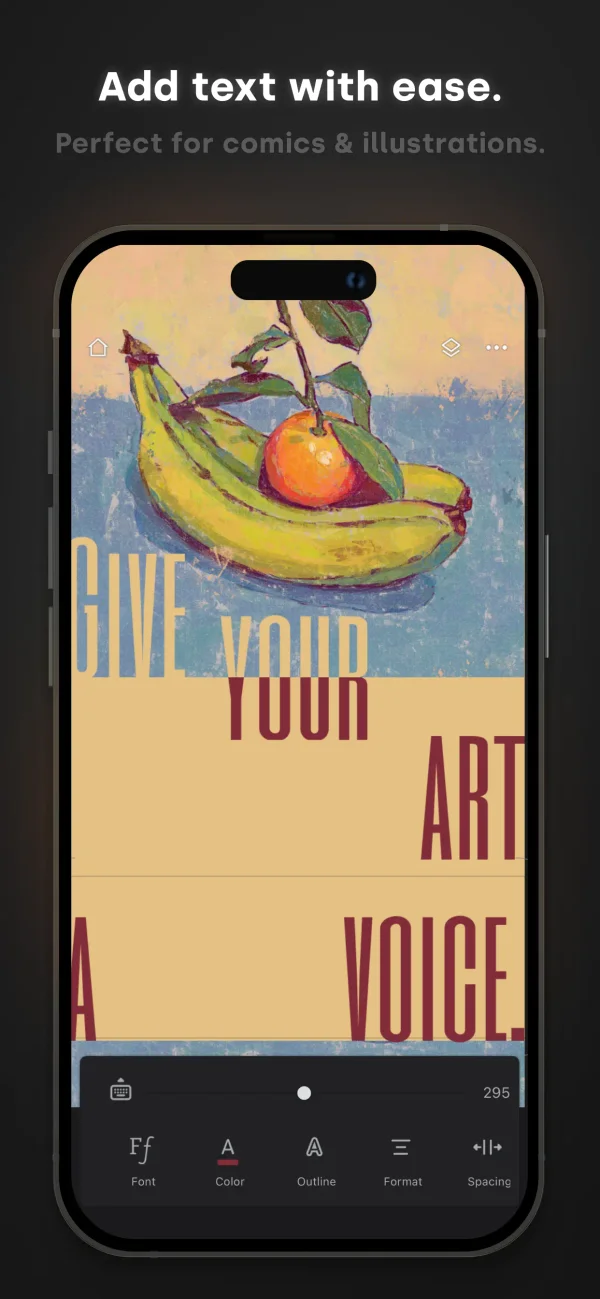
New Text Tool:
- Fully editable Text layers.
- Smart placement with snapping and alignment guides.
- Font flexibility: import custom fonts and adjust Variable settings.
- Precision control: alignment, spacing, and letter casing.
- Pro layout: advanced justification (Scale Justify & Balance Lines).
- Global support for Right-to-Left (RTL) languages and emojis
Other:
- Improved PSD support (support for layer groups and layer masks)
- Refined components for Liquid Glass
- Fixed issues with using Flip, Text or Panels from docked toolbar
Quyền riêng tư của ứng dụng
Những gì Sean Brakefield khai báo trên App Store về cách ứng dụng này xử lý dữ liệu.
-
Dữ liệu không liên kết với bạn
Có thể được thu thập nhưng không liên kết với danh tính của bạn.
- Dữ liệu sử dụng
- Chẩn đoán
Phương thức đảm bảo quyền riêng tư có thể khác nhau, chẳng hạn như tuỳ theo các tính năng bạn sử dụng hoặc độ tuổi của bạn.
Thông tin
- Người bán
- Sean Brakefield
- Danh mục
- Đồ Họa & Thiết Kế
- Phiên bản
- 7.2.7
- Cập nhật
- 22/10/2026
- Phát hành
- 26/08/2016
- Kích thước
- 108,2 MB
- Yêu cầu
- iOS 16.0 trở lên
- Độ tuổi
- 9+
- Giá
- Miễn phí
- Mua hàng trong ứng dụng
- Có
- Ngôn ngữ
- Tiếng Anh, Tiếng Hà Lan, Tiếng Pháp, Tiếng Đức, Tiếng Indonesia, Tiếng Ý, Tiếng Nhật, Tiếng Hàn, Tiếng Ba Lan, Tiếng Bồ Đào Nha, Tiếng Nga, Tiếng Trung Giản thể + 2 ngôn ngữ khác
- Bản quyền
- © 2012 Infinite Studio LLC
Có thể bạn cũng thích
-
 Artstudio Pro: Draw, PaintĐồ Họa & Thiết Kế
-
 HiPaint- Sketch & PaintĐồ Họa & Thiết Kế
-
 MediBang Paint – Drawing & ArtĐồ Họa & Thiết Kế
-
 Tayasui SketchesĐồ Họa & Thiết Kế
-
 Sketch Pro: Draw & Paint ArtỨng dụng vẽ tô màu kỹ thuật số
-
 MediBang Paint for iPhoneĐồ Họa & Thiết Kế
-
 iArtbookTô màu, phác thảo & manga
-
 Art Set 4Đồ Họa & Thiết Kế
-
 Clip Studio PaintĐồ Họa & Thiết Kế
-
 ConceptsĐồ Họa & Thiết Kế