LayerMapper MApp
Projection Mapping Software
iPhone, iPad için tasarlandı
Ücretsiz · Uygulama içi satın alma
- Yaş sınırı4+
- KategoriGrafik ve Tasarım
- GeliştiriciDenis Grzechnik
- Dillerİngilizce+ 14 dil daha
- Boyut45,5 MB
Resmi App Store sayfasına bağlanır
Download.org, LayerMapper MApp için hiçbir dosya barındırmaz. Düğme, uygulamanın App Store üzerindeki sayfasını açar; uygulamayı orada Denis Grzechnik yayınlar. Sayfanın son kontrolü: 16.11.2026.
Ekran görüntüleri
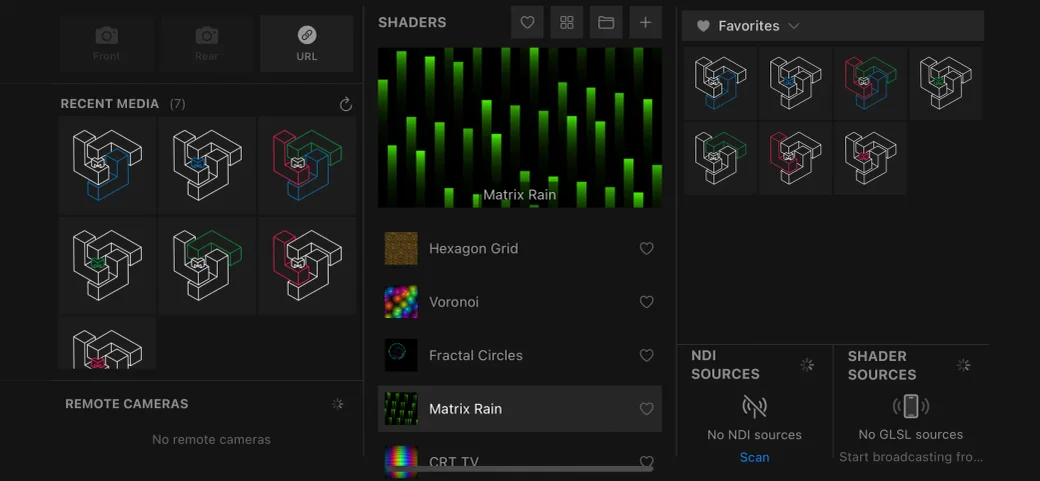
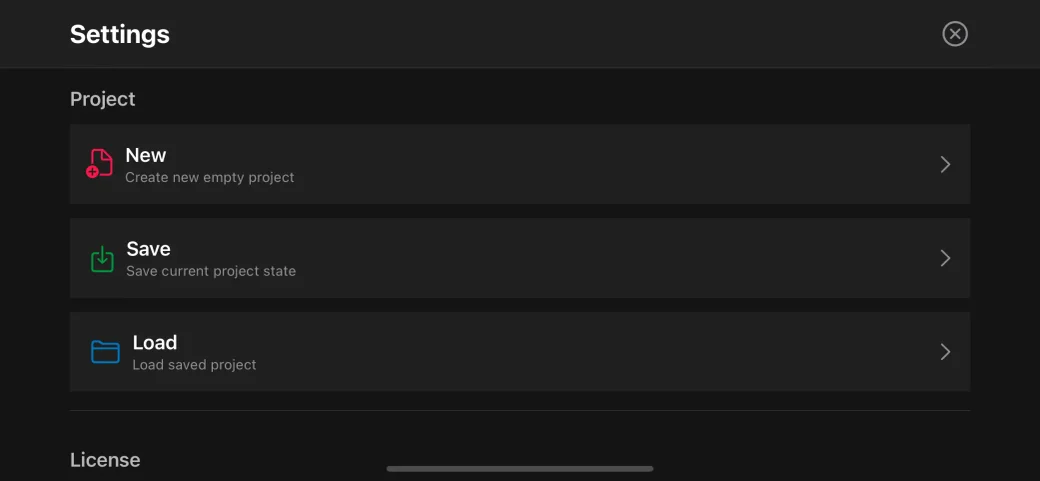
Hakkında
Geliştirici bu metni dilinizde sunmamış.
LayerMapper MApp – Professional Projection Mapping & Real-Time Animation
Turn your iPhone or iPad into a high-end projection mapping controller. The ultimate tool for VJs, live performers, and visual artists who need desktop-class power in a mobile format – from a single projector to a full multi-surface show.
KEY FEATURES:
CLIP GRID & INPUTS
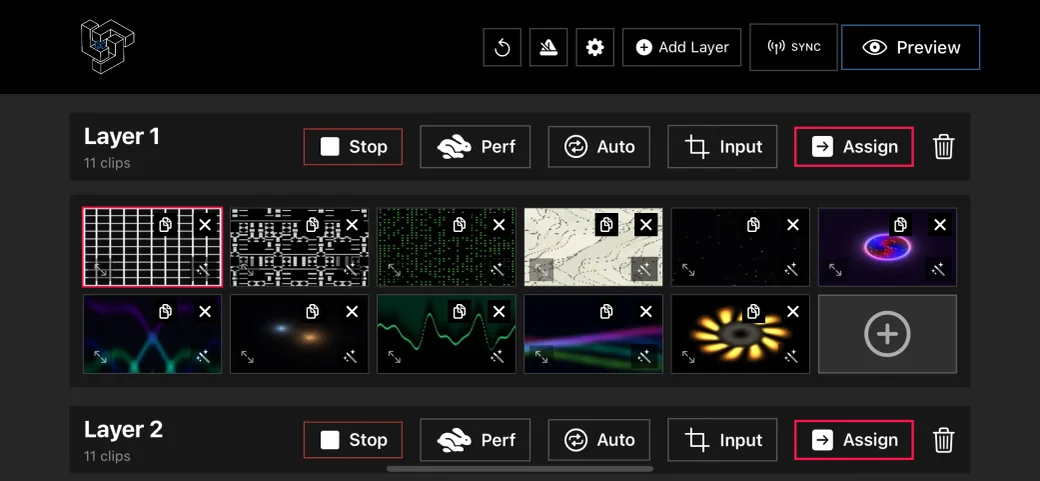
Unlimited clips per layer for total creative freedom.
Photos and videos straight from your Photo Library.
Dual Camera Input: use the front and back cameras at the same time as two live sources.
HDMI Capture via USB grabber (UVC) – bring in any console, camera, or computer.
YouTube Input and Web/URL Input – play videos or load any live web page onto your meshes.
Custom GLSL shaders, NDI Input, and Camera Input.
AI Shader Generator, plus AI Shader Input received from other devices via multicast.
Audio-Reactive: drive shader and clip parameters live from music or the microphone.
Cue Points and a frame-accurate Clip Timeline for repeatable shows.
Fast tap-to-assign workflow with thumbnail previews.
UNLIMITED COMPOSITION
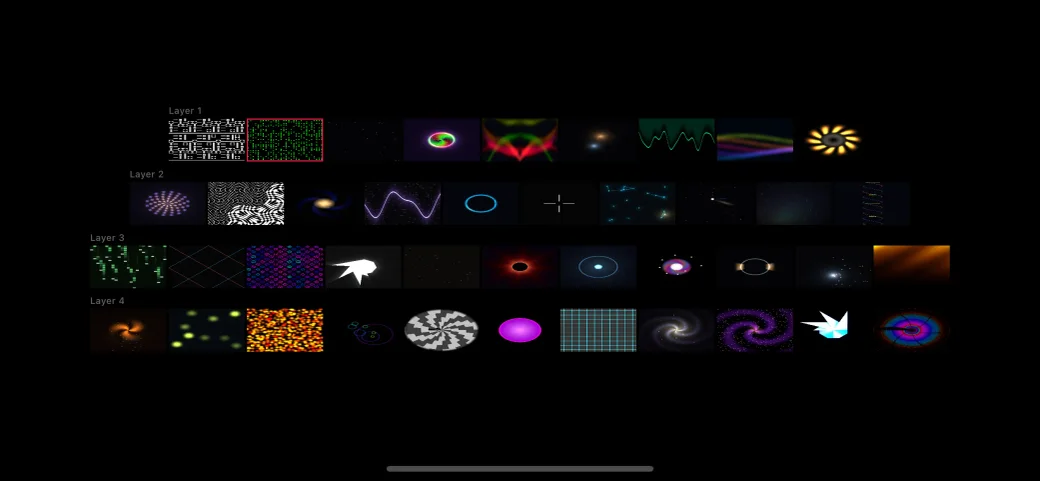
Unlimited layers – build compositions as complex as your vision requires.
Professional Blend Modes: Normal, Add, Multiply, Screen, Overlay, Alpha.
MESHES & GEOMETRY
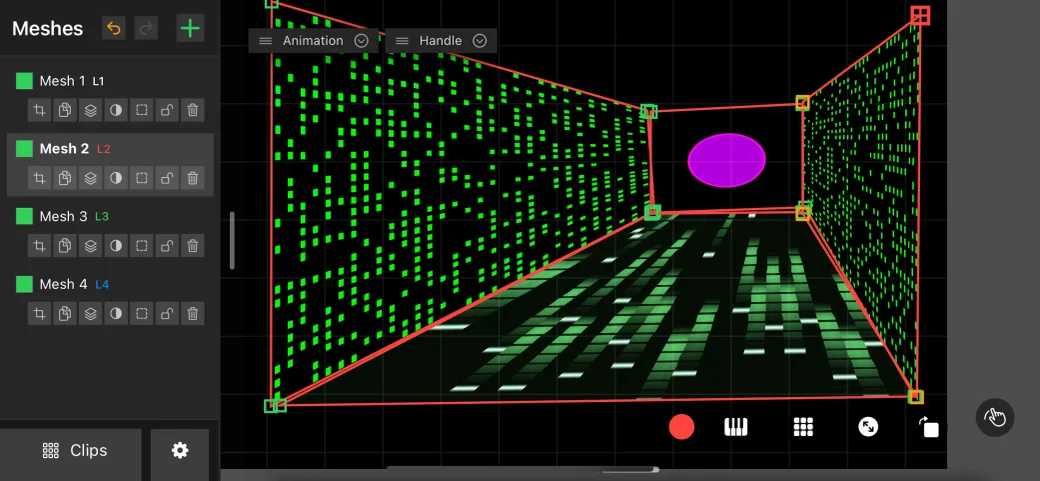
Multiple output meshes for complex, real-world surfaces.
Advanced correction: multi-point keystone, homography, circular meshes, and Bézier curves.
Assign clips or whole layers to meshes; full Z-order and instant visibility control.
PROJECTION LASERS
Create stunning laser-style beam shows using projectors and atmospheric haze.
Record slice motion with live clip textures and save it as reusable presets.
ANIMATION & SYNC
Real-time corner recording (30 FPS), overdub layering, and seamless loops.
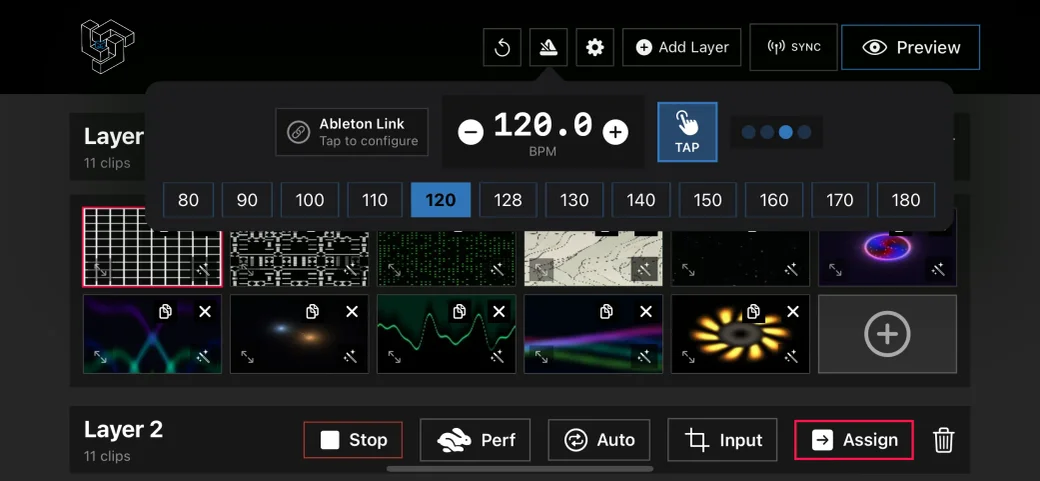
BPM Sync & Ableton Link – stay perfectly in time with music hardware and software across the network.
CONTROL SURFACES
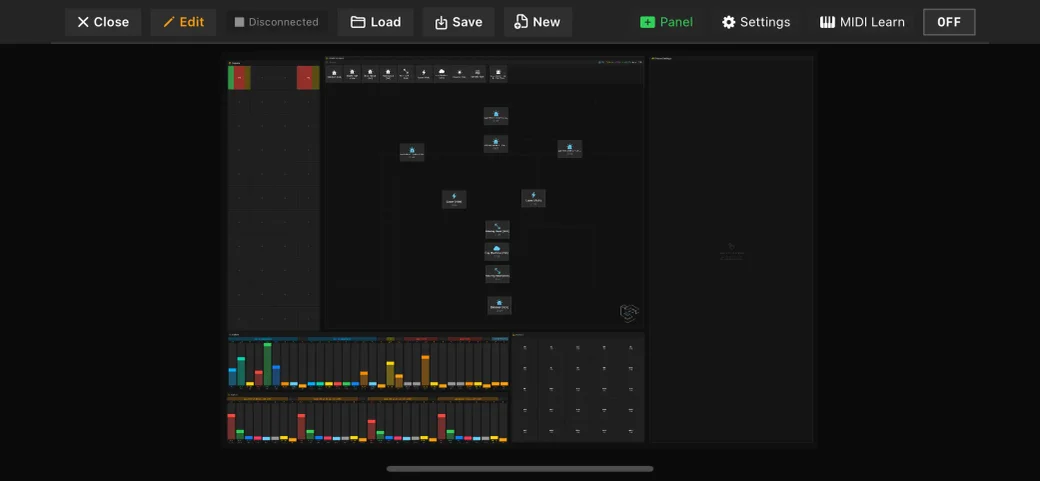
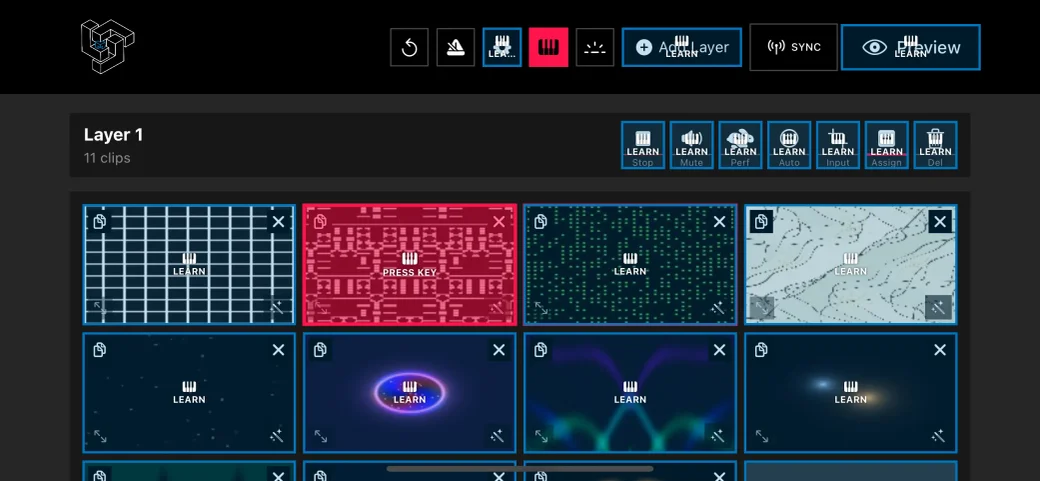
MIDI Learn: map any control to external MIDI controllers – faders, pads, and knobs.
DMX / Art-Net: integrate with professional lighting rigs and trigger DMX live.
STREAMING & NETWORK OUTPUT
Live Streaming: broadcast your Output straight to YouTube, Facebook, or a custom RTMP endpoint.
Direct-LAN to TV: send your Output over the local network to the LayerMapper receiver on Xiaomi TV Box, and similar devices – no cables required.
PRESET SYSTEM
16 instant recall slots (P1-P16) for live switching.
Save entire setups: meshes, layers, media, and automations.
HIGH-PERFORMANCE OUTPUT
60 FPS Metal-accelerated rendering.
Clean HDMI Output: a dedicated video feed with no UI clutter.
External Player companion app for remote playback and control, with AirPlay support.
Performance Mode (maximum frame rate) and Realtime Mode (original FPS).
REQUIREMENTS:
iOS 17.0 or later (Metal-supported devices).
Access: Camera, Microphone, Photo Library, and Local Network (Ableton Link, Direct-LAN, NDI, multicast).
External MIDI and Art-Net/DMX optional. HDMI or AirPlay for external display.
REQUIRES IN-APP PURCHASE • 30-DAY FREE TRIAL
SUBSCRIPTIONS (auto-renewable):
• Monthly: $11.00/month – 30-day free trial for new subscribers.
• Yearly: $44.00/year – 30-day free trial for new subscribers.
• Lifetime: $88.00 one-time – permanent access, no subscription.
TERMS:
• Payment is charged to your Apple ID at confirmation of purchase.
• Free trial converts to paid unless cancelled at least 24 hours before it ends.
• Subscription auto-renews unless turned off at least 24 hours before the period ends; your account is charged within 24 hours before renewal.
• Manage or cancel in your Account Settings. Any unused trial is forfeited on purchase.
PRIVACY: We do not collect, store, or share your personal data. All media stays on your device. Purchases are processed securely by Apple.
SUPPORT: layermapper@gmail.com
Terms of Use (EULA): https://layermapper.com/terms
Privacy Policy: https://layermapper.com/privacy
Yenilikler
Sürüm 4 · 04.10.2026
Version 4 brings a major set of live-performance features to LayerMapper on iOS:
Live Streaming — broadcast your Output straight to YouTube, Facebook, or a custom RTMP endpoint.
Clip Timeline — a new timeline in the Clips view for precise, frame-accurate clip editing.
Cue Points — set cue points on your clips and trigger them instantly during a show.
Cue Panel in Preview — a dedicated, movable Cue panel right in the Preview view for fast, hands-on triggering.
Direct-LAN to TV Box — send your Output over the local network to the LayerMapper receiver on TV Box.
Bug fixes & stability improvements.
Uygulama gizliliği
Bu uygulamanın verileri nasıl işlediği hakkında Denis Grzechnik tarafından App Store üzerinde yapılan beyan.
-
Sizinle ilişkilendirilmeyen veriler
Toplanabilir ancak kimliğinizle ilişkilendirilmez.
- Satın alımlar
Gizlilik uygulamaları, örneğin kullandığınız özelliklere veya yaşınıza göre değişiklik gösterebilir.
Bilgiler
- Satıcı
- Denis Grzechnik
- Kategori
- Grafik ve Tasarım
- Sürüm
- 4
- Güncellendi
- 04.10.2026
- Yayın tarihi
- 09.12.2025
- Boyut
- 45,5 MB
- Gereksinim
- iOS 17.6 veya sonrası
- Yaş sınırı
- 4+
- Fiyat
- Ücretsiz
- Uygulama içi satın alma
- Evet
- Diller
- İngilizce, Arapça, Hollandaca, Fransızca, Almanca, İtalyanca, Japonca, Korece, Lehçe, Portekizce, Rusça, Basitleştirilmiş Çince + 3 dil daha
- Telif hakkı
- © Denis Grzechnik
Bunları da beğenebilirsiniz
-
 Pro Mapper Projection MappingGrafik ve Tasarım
-
 EasyMapper Projection MappingGrafik ve Tasarım
-
 Capture MobileGrafik ve Tasarım
-
 Storyboard Creator AIAI Storyboard Generator
-
 Omniscient - Kamera takibivfx için 3D LiDAR
-
 Metaspace - 3D SketchbookGrafik ve Tasarım
-
 Motion Design with AI — PlaysGrafik ve Tasarım
-
 Linearity Move Animasyon YapmaHareketli Tasarım Duzenleyici
-
 ZBrush - 3D Model MakerGrafik ve Tasarım
-
 Feather: Draw in 3DGrafik ve Tasarım