Live Timekeeper|Visual Timer
Sync Timers Across Devices
iPhone, iPad için tasarlandı
Ücretsiz · Uygulama içi satın alma
- Yaş sınırı4+
- KategoriYardımcılar
- Geliştiricikentaro hirahara
- DillerJaponca+ 8 dil daha
- Boyut12,5 MB
Resmi App Store sayfasına bağlanır
Download.org, Live Timekeeper|Visual Timer için hiçbir dosya barındırmaz. Düğme, uygulamanın App Store üzerindeki sayfasını açar; uygulamayı orada kentaro hirahara yayınlar. Sayfanın son kontrolü: 23.11.2026.
Ekran görüntüleri


Hakkında
Geliştirici bu metni dilinizde sunmamış.
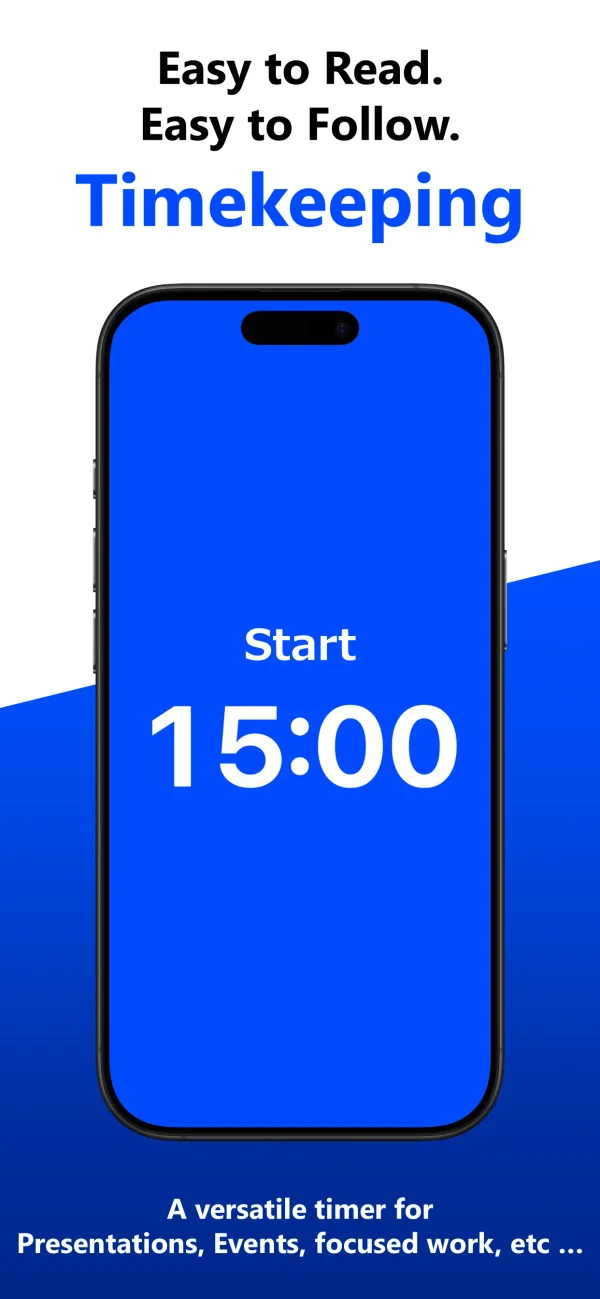
Live Timekeeper is a timekeeping app for seeing, communicating, and sharing time.
For presentations, conferences, events, workouts, study, work, and more. Large digits, full-screen colors, and progress styles make time clear at a glance.
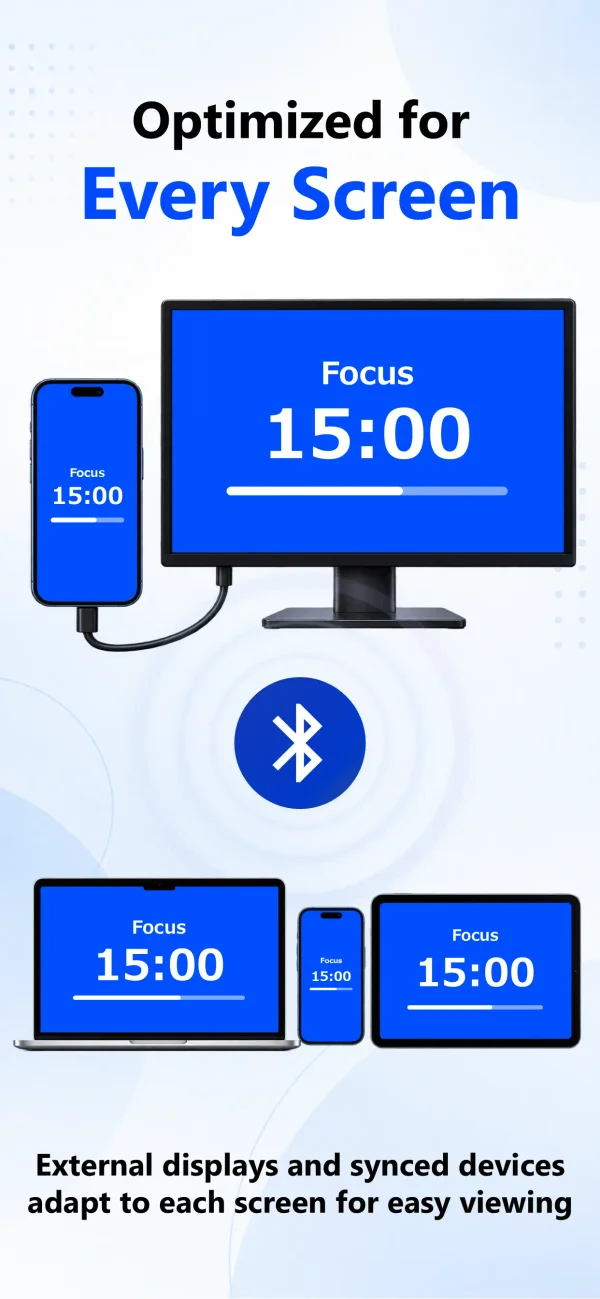
With Bluetooth, share a timer with nearby devices.
Control it from one device and keep the same timeline synchronized across multiple iPhones and iPads.
Mac full-screen viewing and external displays for iPhone and iPad are supported.
Don’t just measure time—show it.
And share it across multiple screens.
Live Timekeeper works just as well on one device as across several.
――――――――――
■ Sync timers across devices with Bluetooth
Connect nearby devices over Bluetooth. One acts as host, and participants follow its phase, progress, and timeline—not just start and stop commands.
It’s useful for presenters and timekeepers, event teams, or several displays showing the same time.
Participants can mirror the host’s display or use their own style. If allowed, they can start, pause, reset, or trigger the chime.
No internet connection is required for Bluetooth timer synchronization.
――――――――――
■ Make time visible
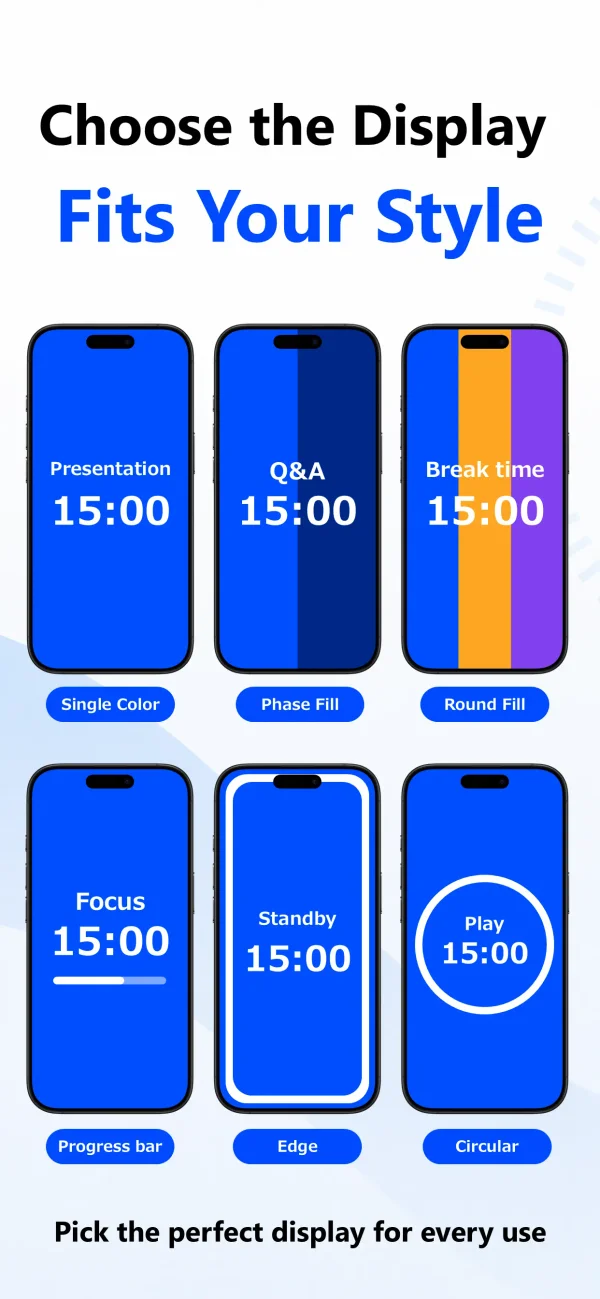
Live Timekeeper goes beyond numbers, using the full screen to visualize progress.
・Simple single-color display
・Background colors that change by phase
・Full-screen progress within the current phase
・Color-coded progress across the entire timer
・Progress around the edges of the screen
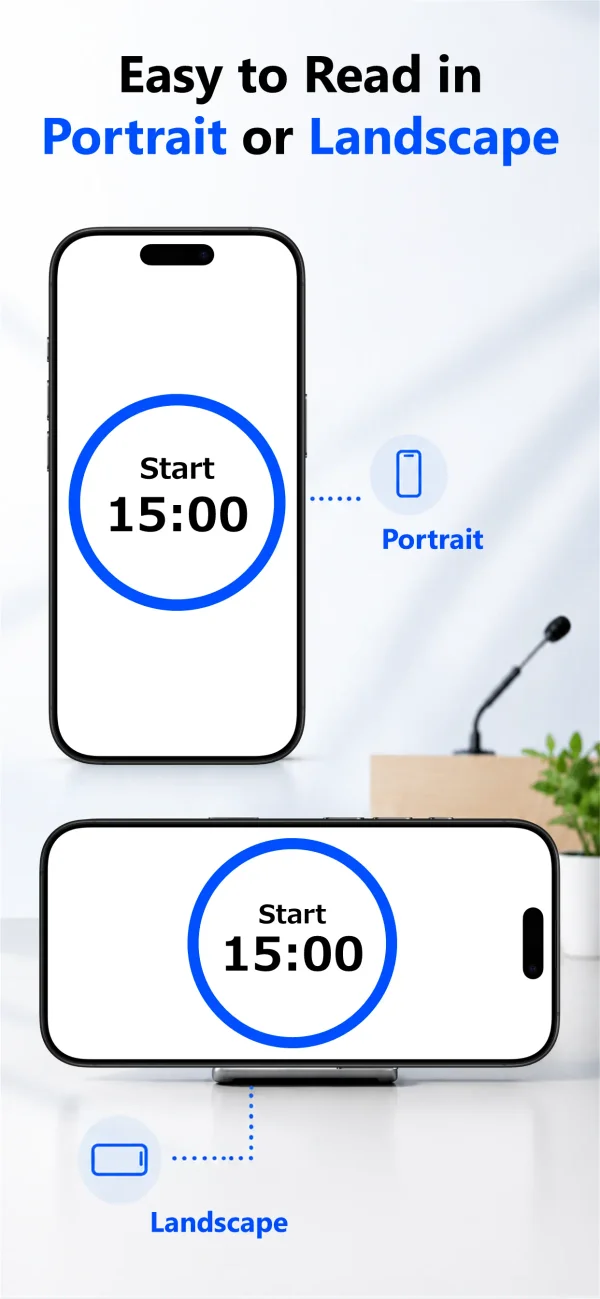
・Circular progress around the timer
Choose the style that fits your needs and see progress at a glance.
――――――――――
■ Mac and external displays
Use the full screen on Mac with no borders.
Connect an iPhone or iPad to a display and the timer automatically fits its screen. Keep the controls on your device while showing the timer full-screen on a monitor or projector.
Ideal for presentations, events, and venue operations.
――――――――――
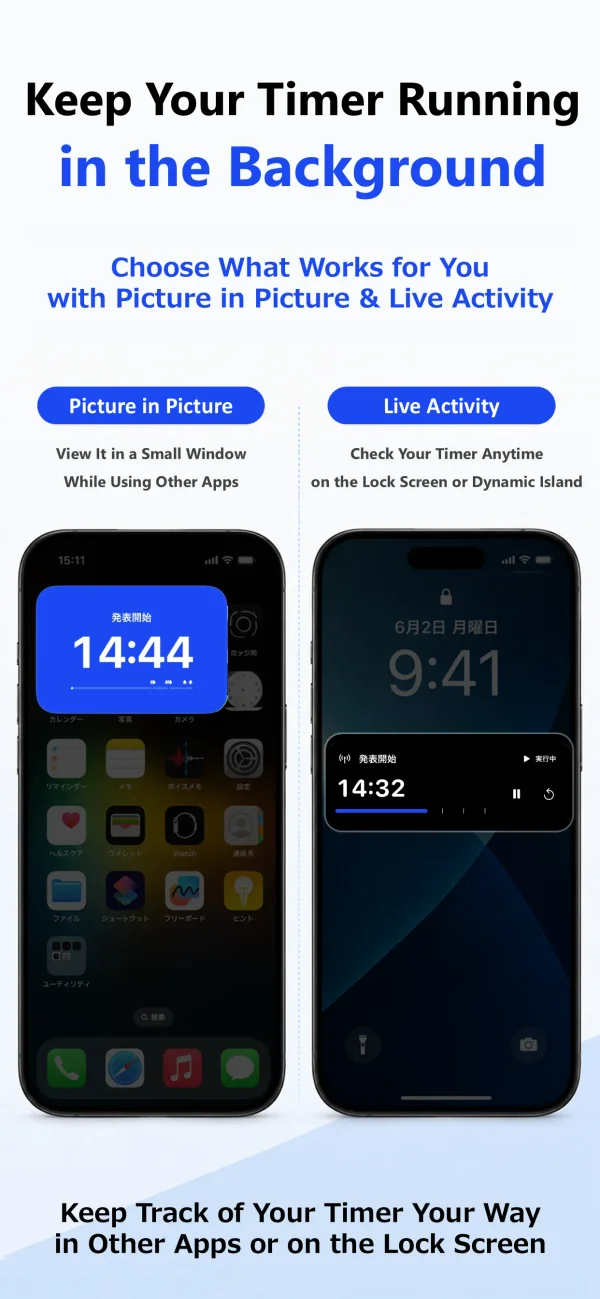
■ Keep the timer visible in other apps and on the Lock Screen
Picture in Picture keeps the timer visible while you use other apps. Live Activities show it on the Lock Screen or Dynamic Island.
From supported views, start, pause, or reset the timer without bringing the app to the foreground.
――――――――――
■ Build timers with multiple phases
Divide a timer into multiple phases, for example:
“Presentation → Q&A”
“Work → Break”
“Setup → Session → Wrap-up”
Each phase can have its own duration, description, background color, and chime.
Countdown and count-up are supported, along with overtime display and repeated or continuous runs.
Save your setup as a preset and reuse it anytime.
Built-in presets are available for presentations, Pomodoro sessions, workouts, cooking, and event operation.
――――――――――
■ Customize the display
Customize background and text colors, timer and description sizes, fonts, and progress styles.
Use Live Timekeeper as a simple timer or a full-screen timekeeper that communicates time through color.
――――――――――
■ Use chimes to signal timing
Use chimes at the start, at phase changes, or at the end. Set them by phase or trigger one manually when timing needs to be communicated with sound.
――――――――――
■ Share presets
Share presets by QR code or the system share menu to reuse them on other devices or send them to someone else.
――――――――――
■ Great for
・Presentations, conference talks, and thesis defenses
・Lectures, seminars, and workshops
・Event and stage operation
・Meetings and discussions
・Workouts and interval training
・Study and focus sessions
・Cooking and timed workflows
・Timer displays across multiple devices
・Timer displays on external monitors and projectors
Live Timekeeper lets you do more than measure time: choose how to show it and share the same timeline across the screens that need it.
――――――――――
Terms of Use (Apple Standard EULA):
https://www.apple.com/legal/internet-services/itunes/dev/stdeula/
Yenilikler
Sürüm 1.2.3 · 11.11.2026
- Made minor fixes and improvements to usability and stability.
Uygulama gizliliği
Bu uygulamanın verileri nasıl işlediği hakkında kentaro hirahara tarafından App Store üzerinde yapılan beyan.
-
Sizi izlemek için kullanılan veriler
Başka şirketlere ait uygulamalarda ve web sitelerinde sizi izlemek için kullanılabilir.
- Konum
- Tanımlayıcılar
- Kullanım verileri
-
Sizinle ilişkilendirilen veriler
Toplanabilir ve kimliğinizle ilişkilendirilebilir.
- Konum
- Tanımlayıcılar
- Kullanım verileri
-
Sizinle ilişkilendirilmeyen veriler
Toplanabilir ancak kimliğinizle ilişkilendirilmez.
- Satın alımlar
- Tanılama
Gizlilik uygulamaları, örneğin kullandığınız özelliklere veya yaşınıza göre değişiklik gösterebilir.
Bilgiler
- Satıcı
- kentaro hirahara
- Kategori
- Yardımcılar
- Sürüm
- 1.2.3
- Güncellendi
- 11.11.2026
- Yayın tarihi
- 21.08.2026
- Boyut
- 12,5 MB
- Gereksinim
- iOS 17.0 veya sonrası
- Yaş sınırı
- 4+
- Fiyat
- Ücretsiz
- Uygulama içi satın alma
- Evet
- Diller
- Japonca, Arapça, İspanyolca, Almanca, Fransızca, Portekizce, Basitleştirilmiş Çince, İngilizce, Korece
- Telif hakkı
- © 2026 Kentaro Hirahara
Bunları da beğenebilirsiniz
-
 CuePilot: Remote Stage TimerYardımcılar
-
 遠隔タイムキーパー - 学会・イベントの進行管理 -Yardımcılar
-
 ShareTimerYardımcılar
-
 TimerLyncOrtak zamanlayıcı, geri sayım
-
 SALON TIMER 美容室の共有タイマーYardımcılar
-
 たいむきーぷYardımcılar
-
 連携アラームYardımcılar
-
 Chatty Clock & CalculatorYardımcılar
-
 Simple OneTap TimerYardımcılar
-
 Facilitator TimerYardımcılar